


✦ Community Gallery
View all →Pop Art Text Generator — Community Gallery
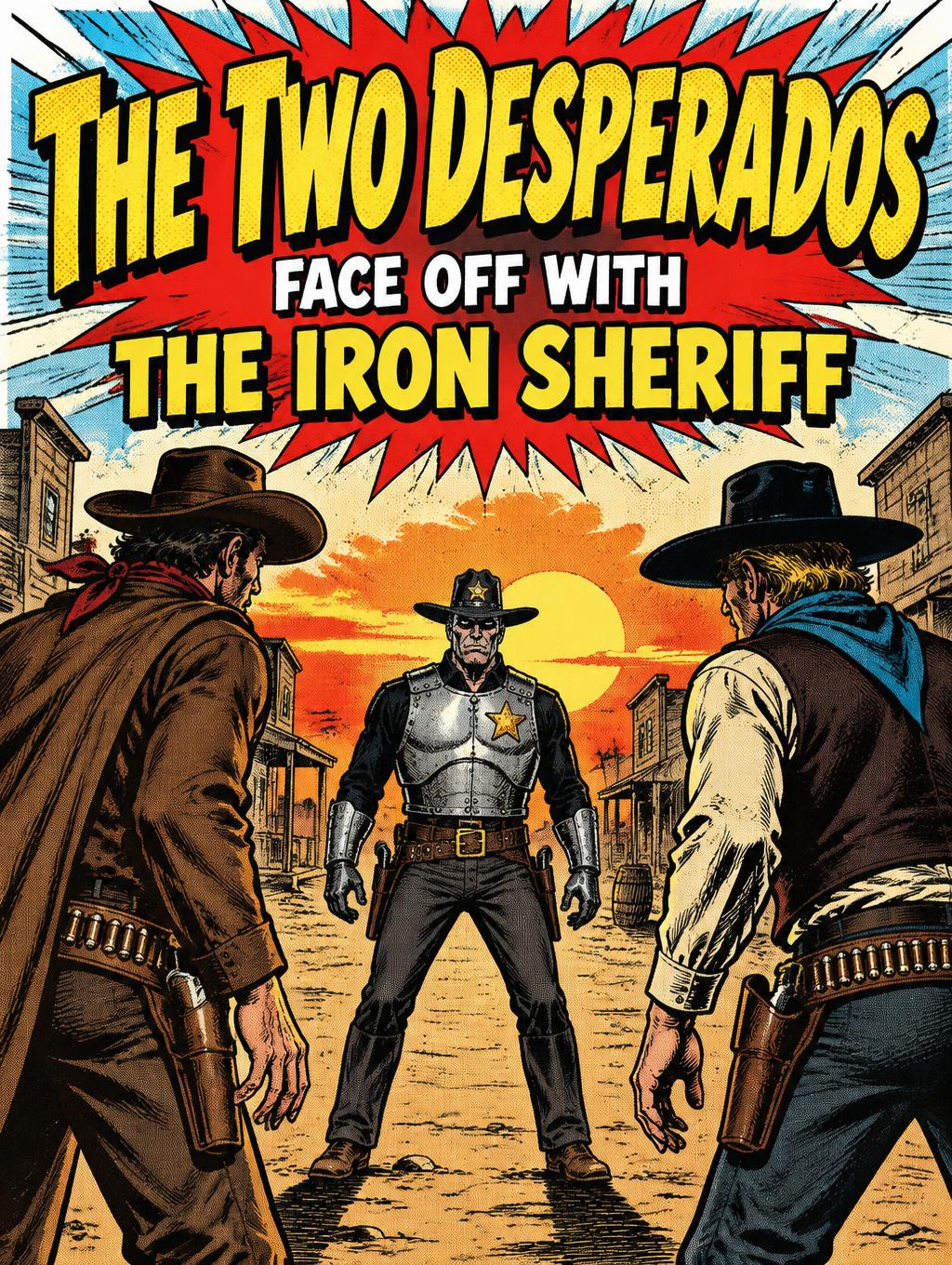
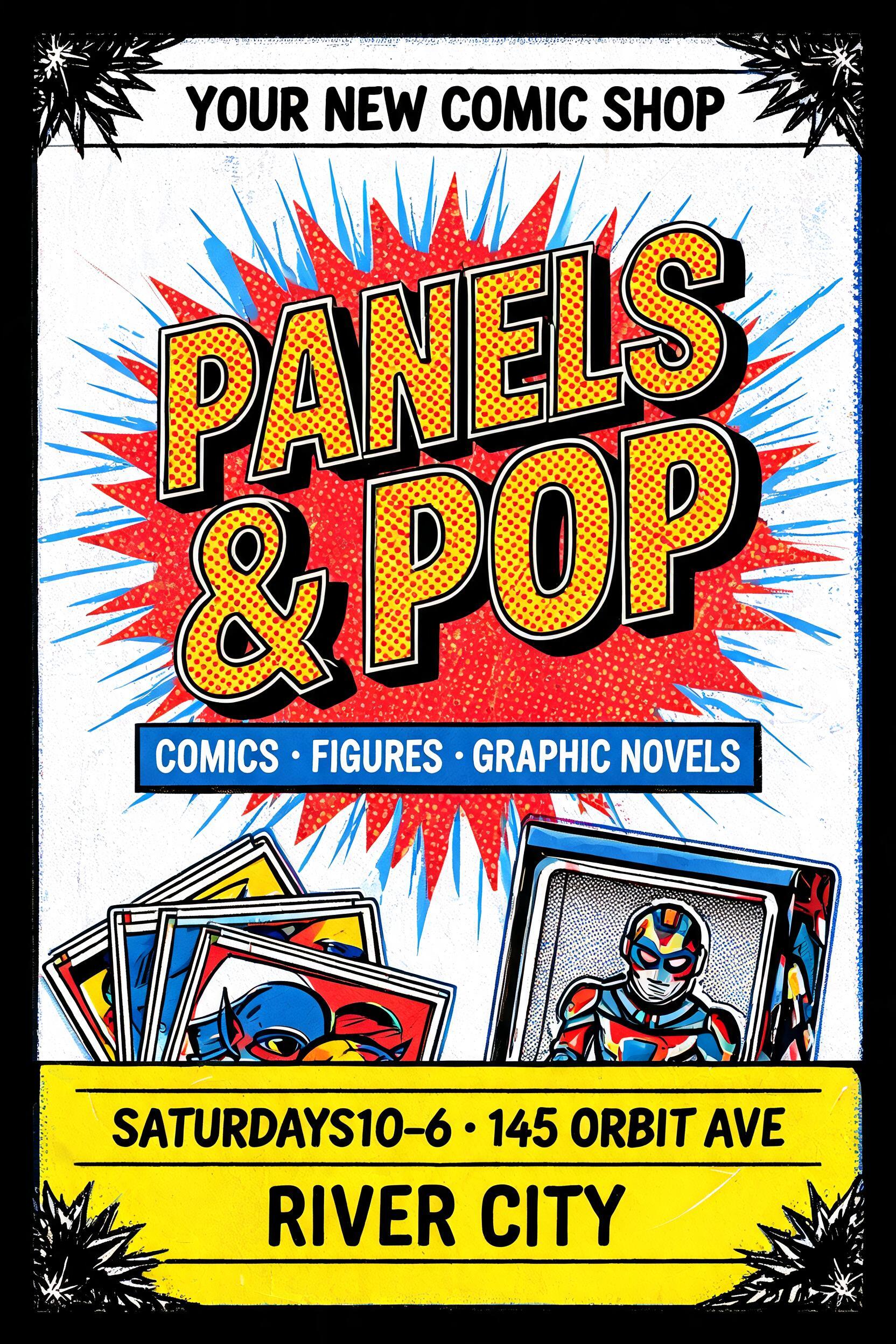
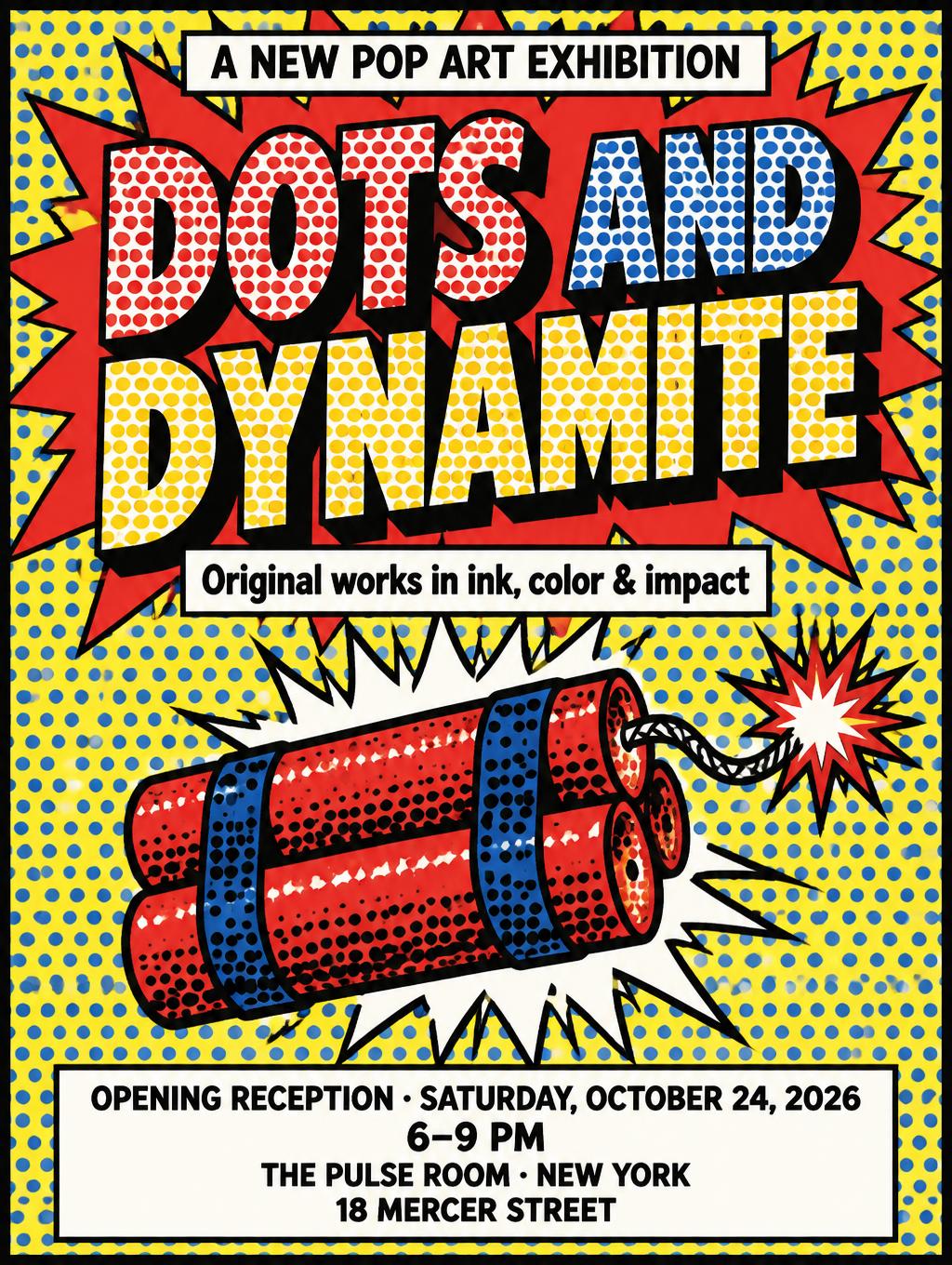
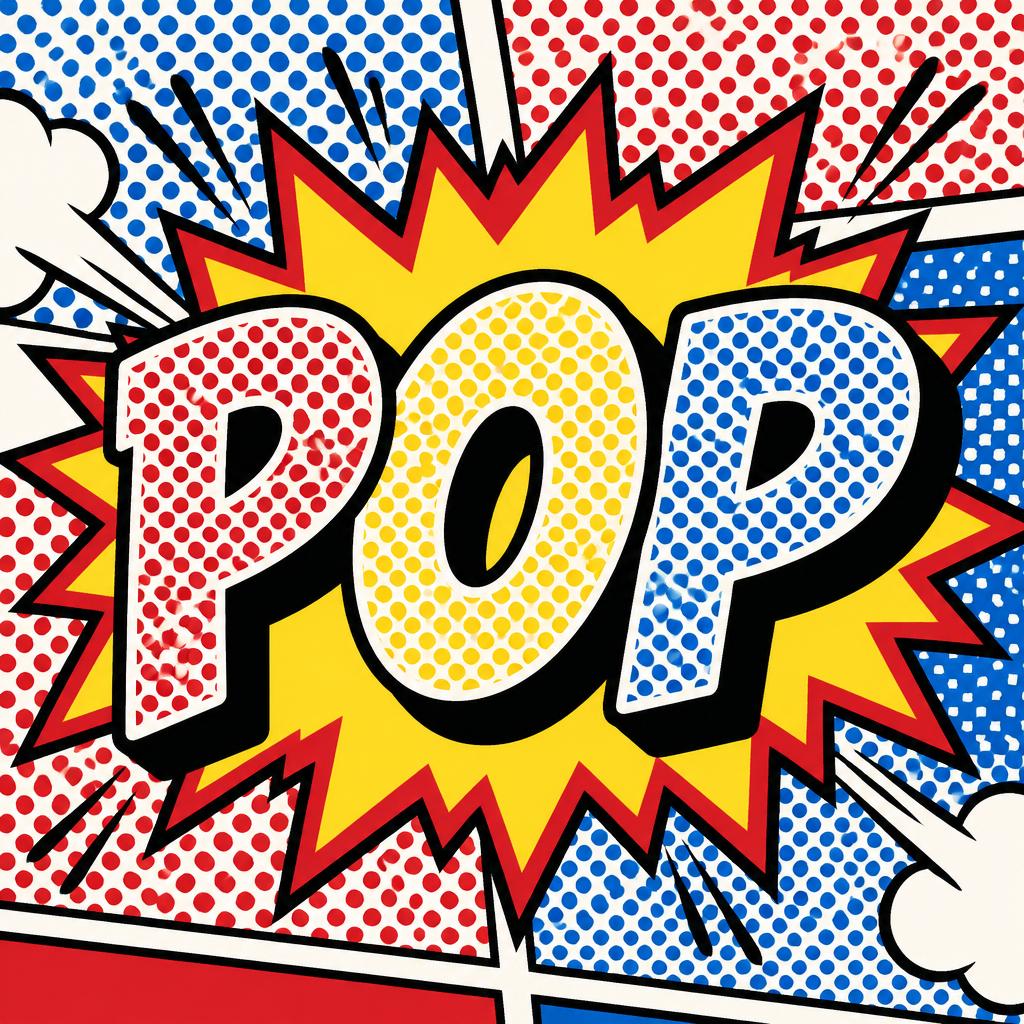
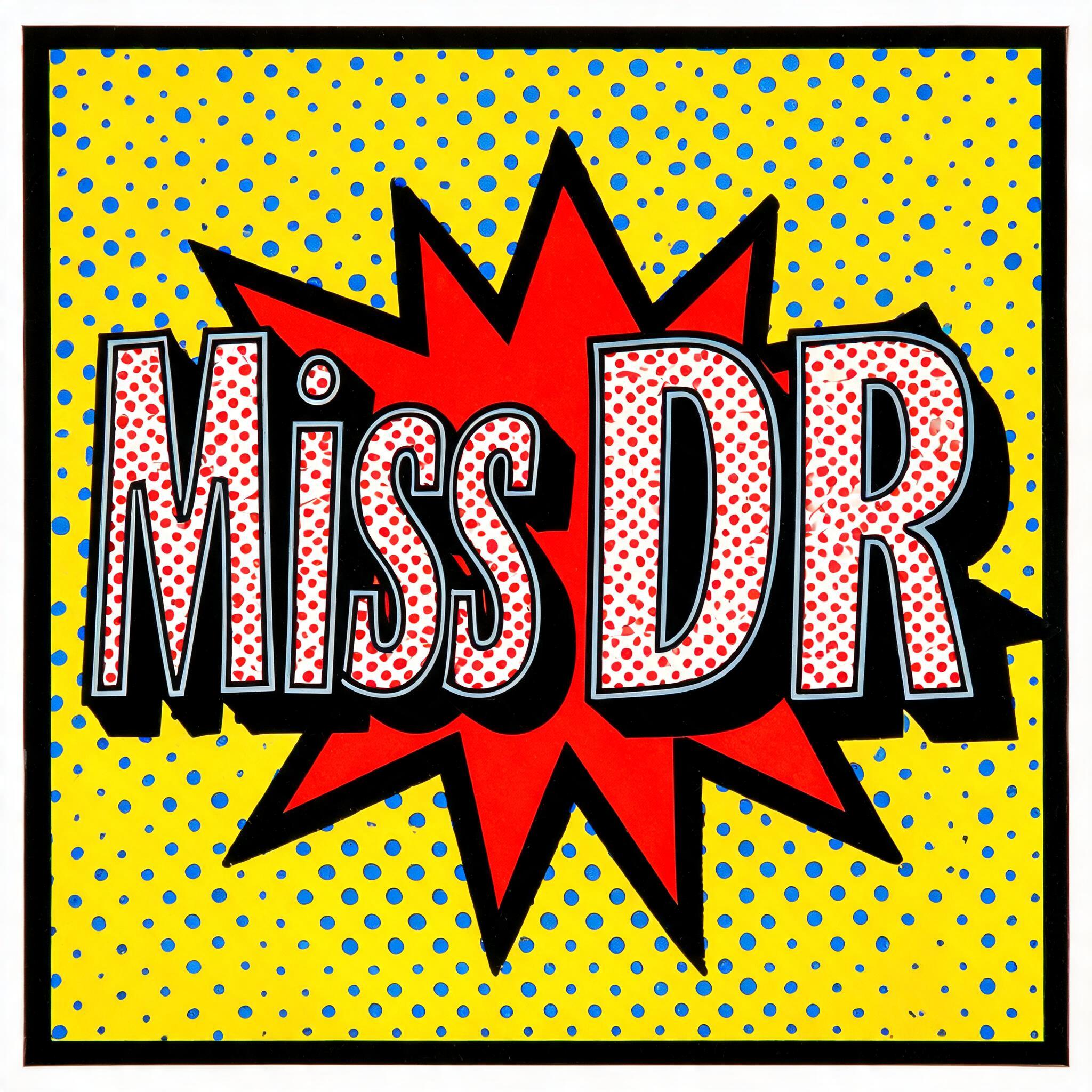
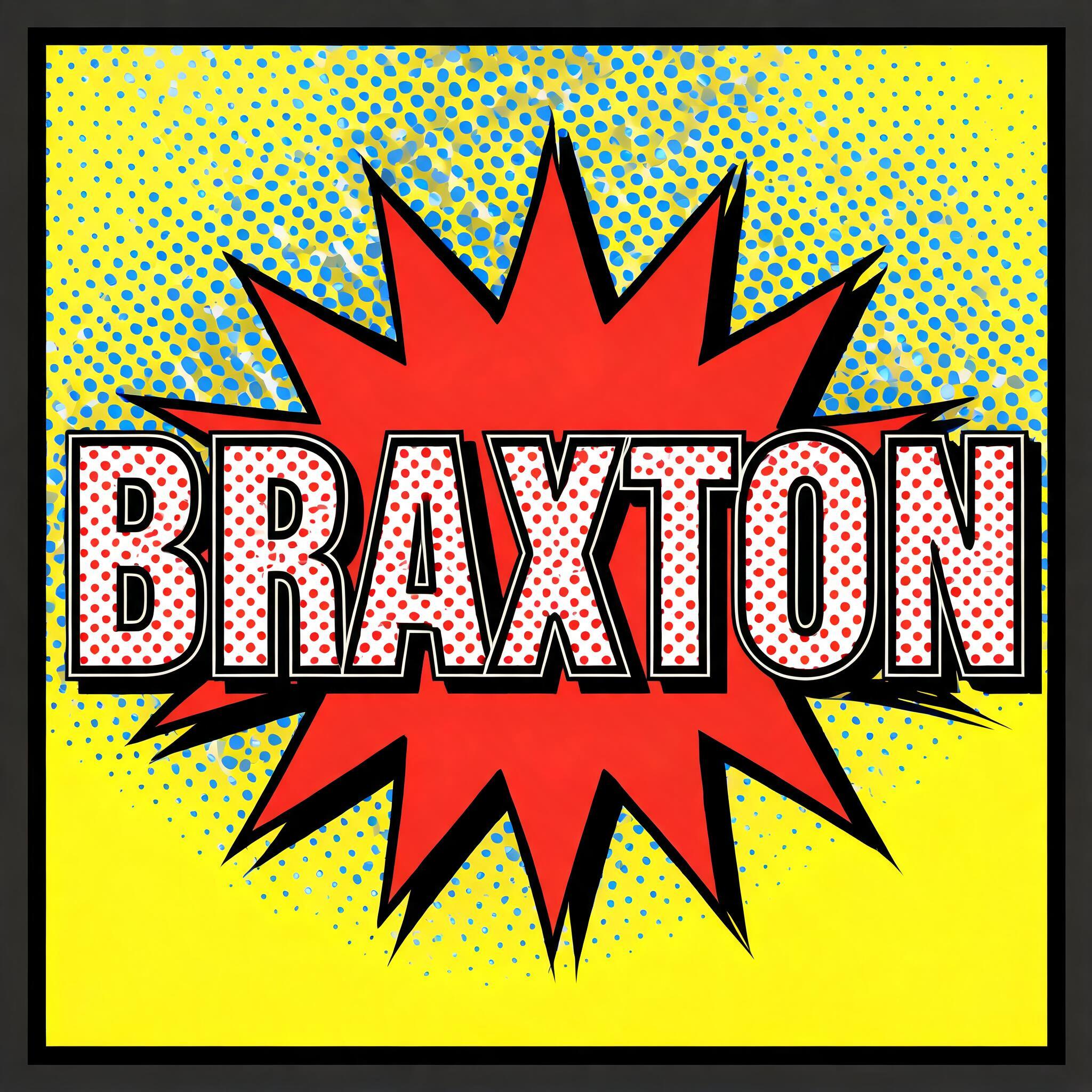
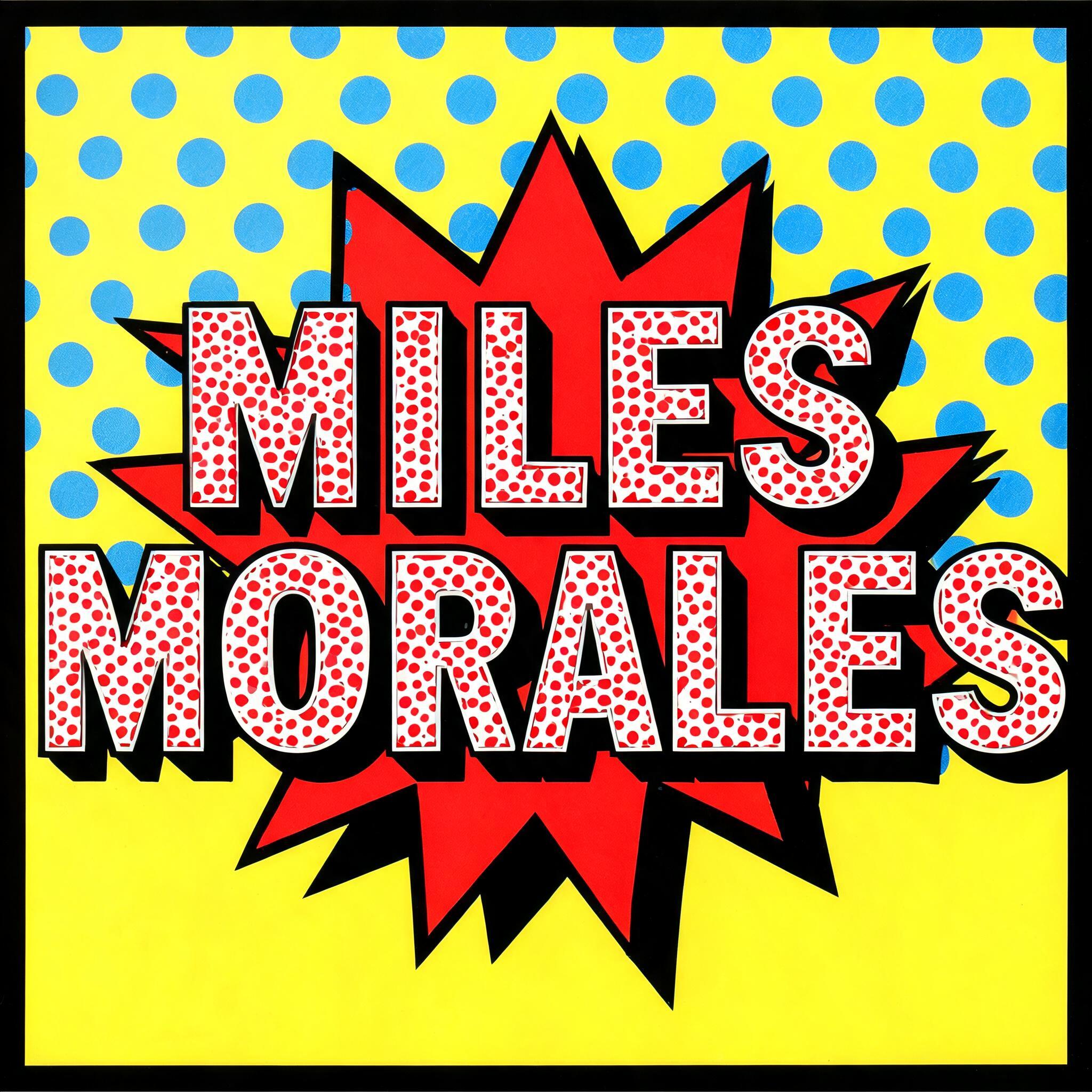
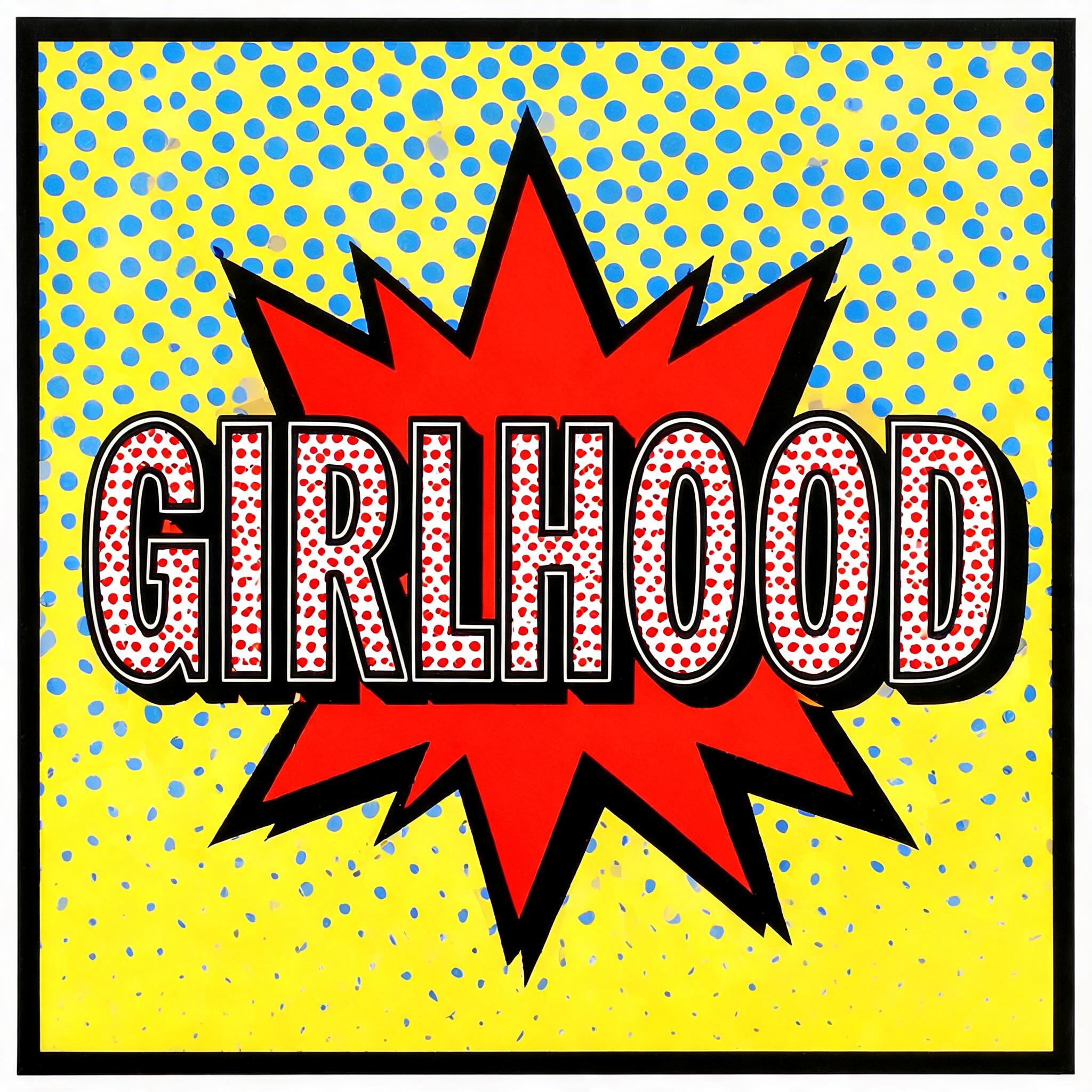
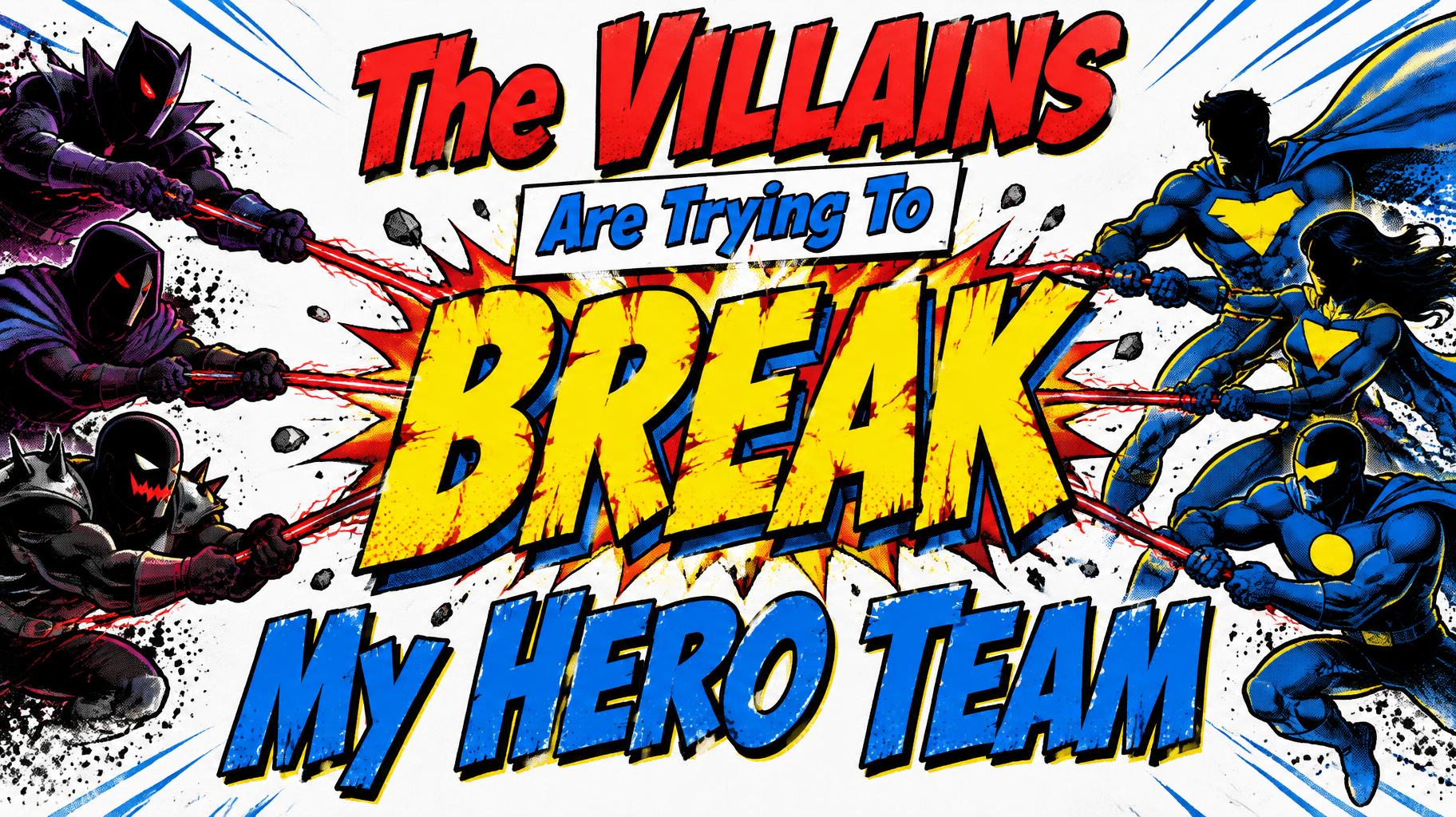
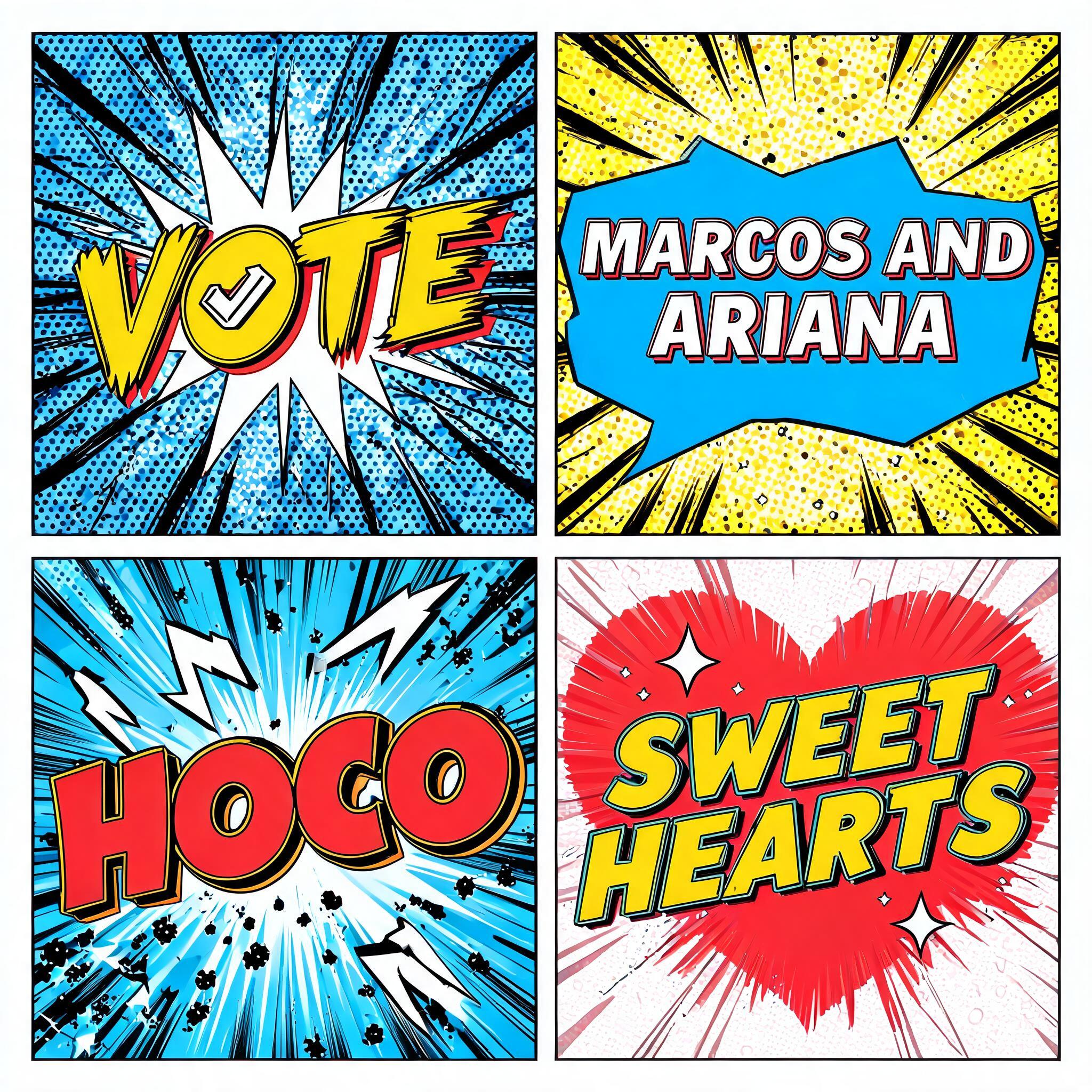
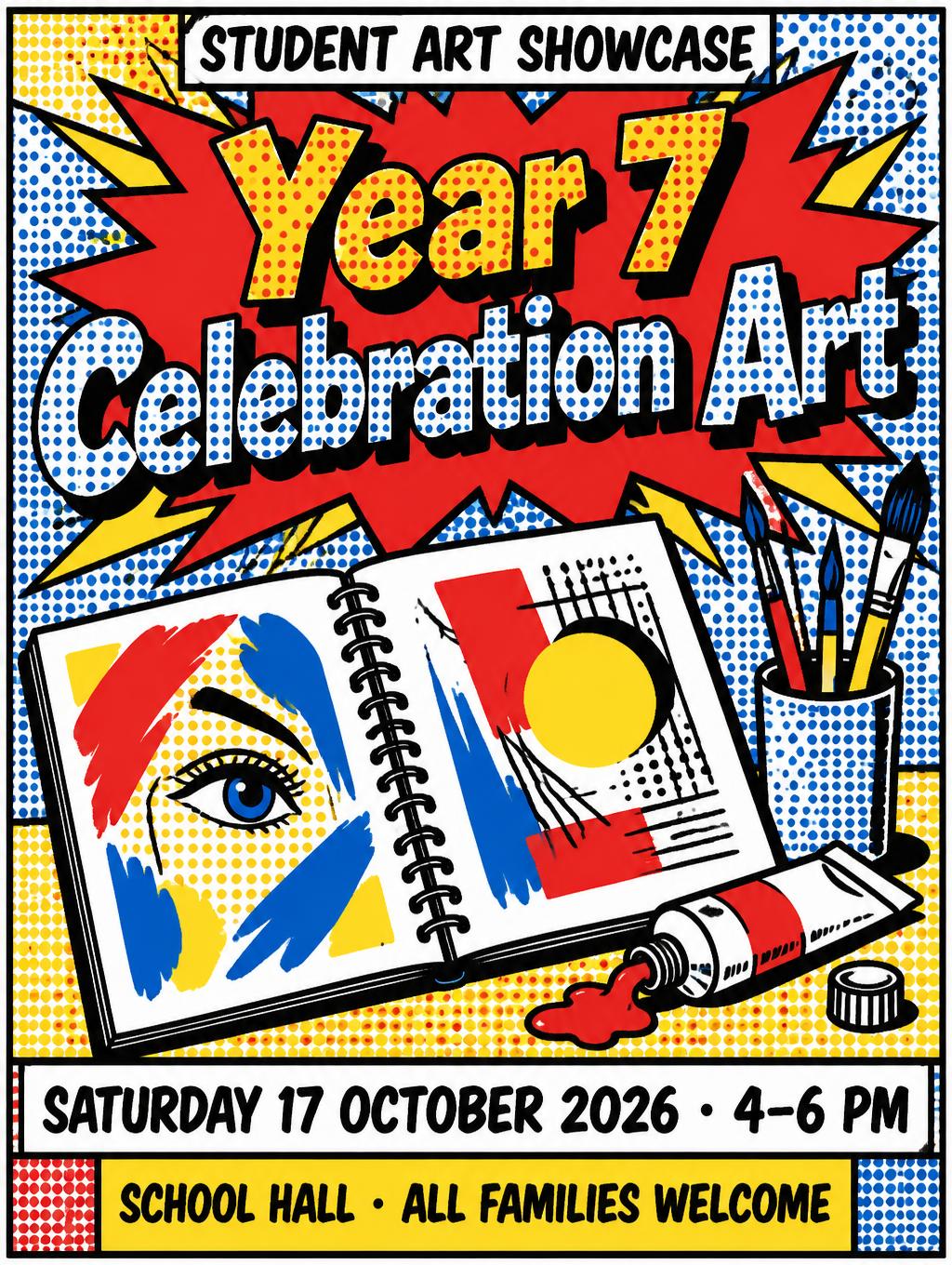
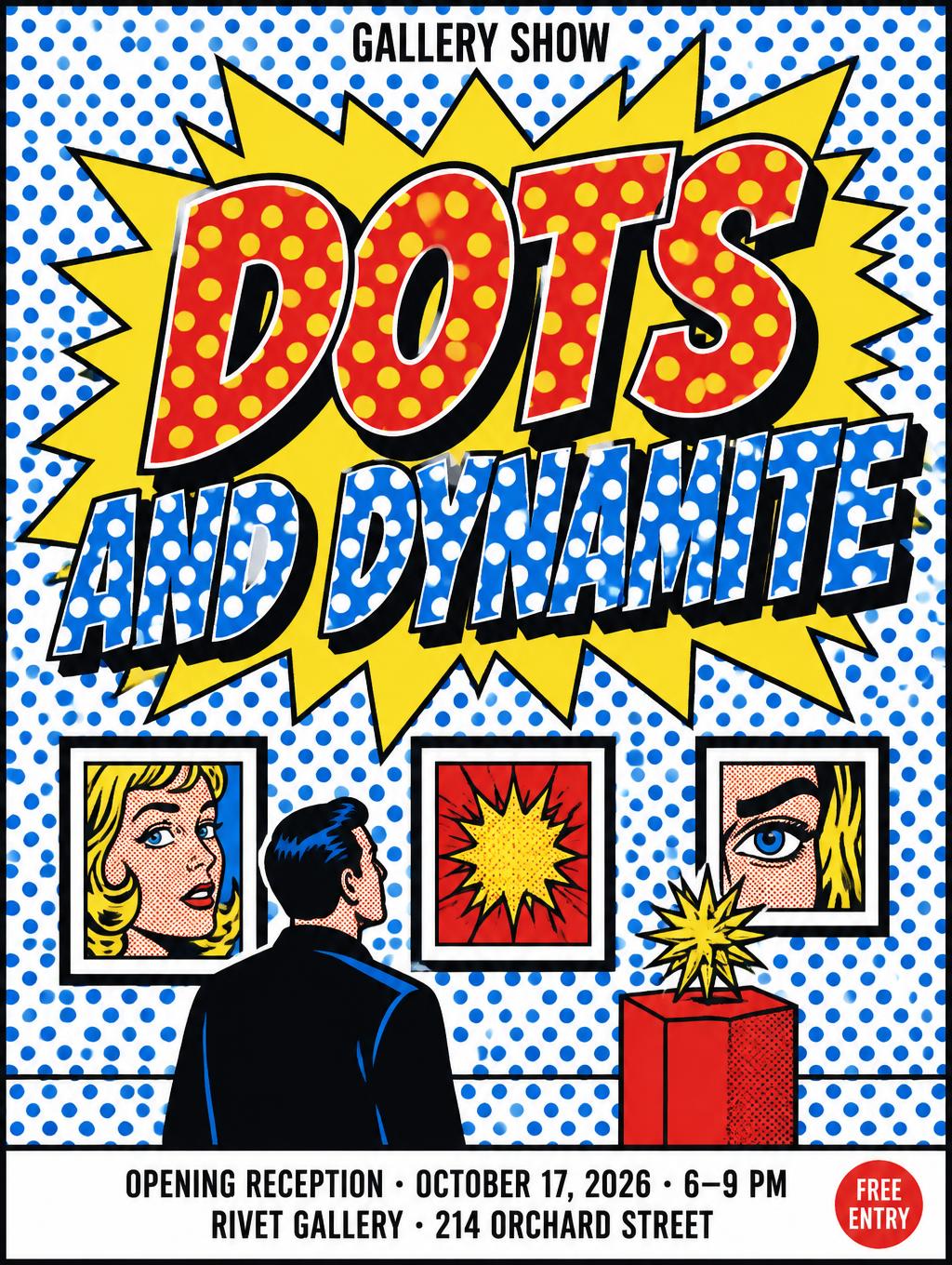
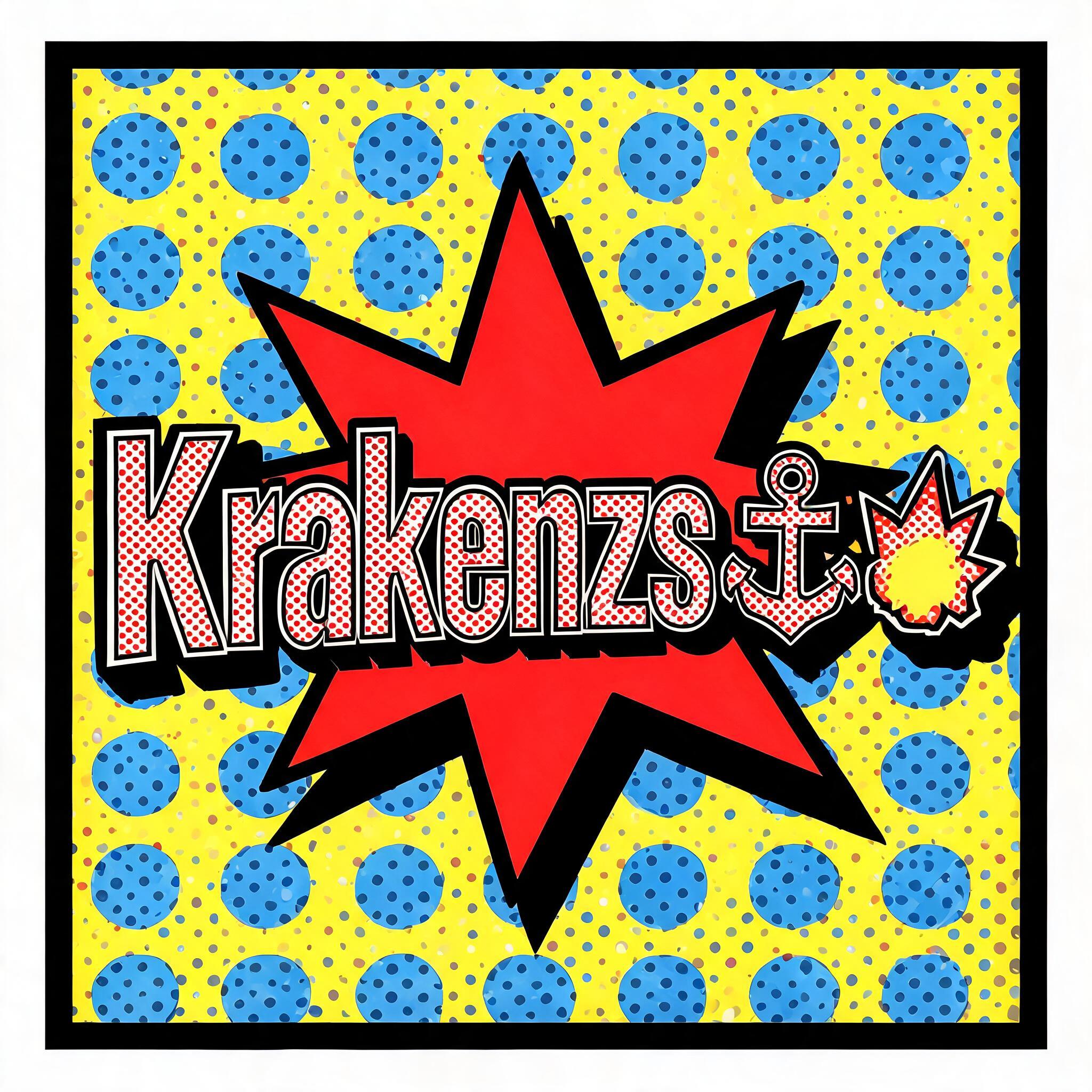
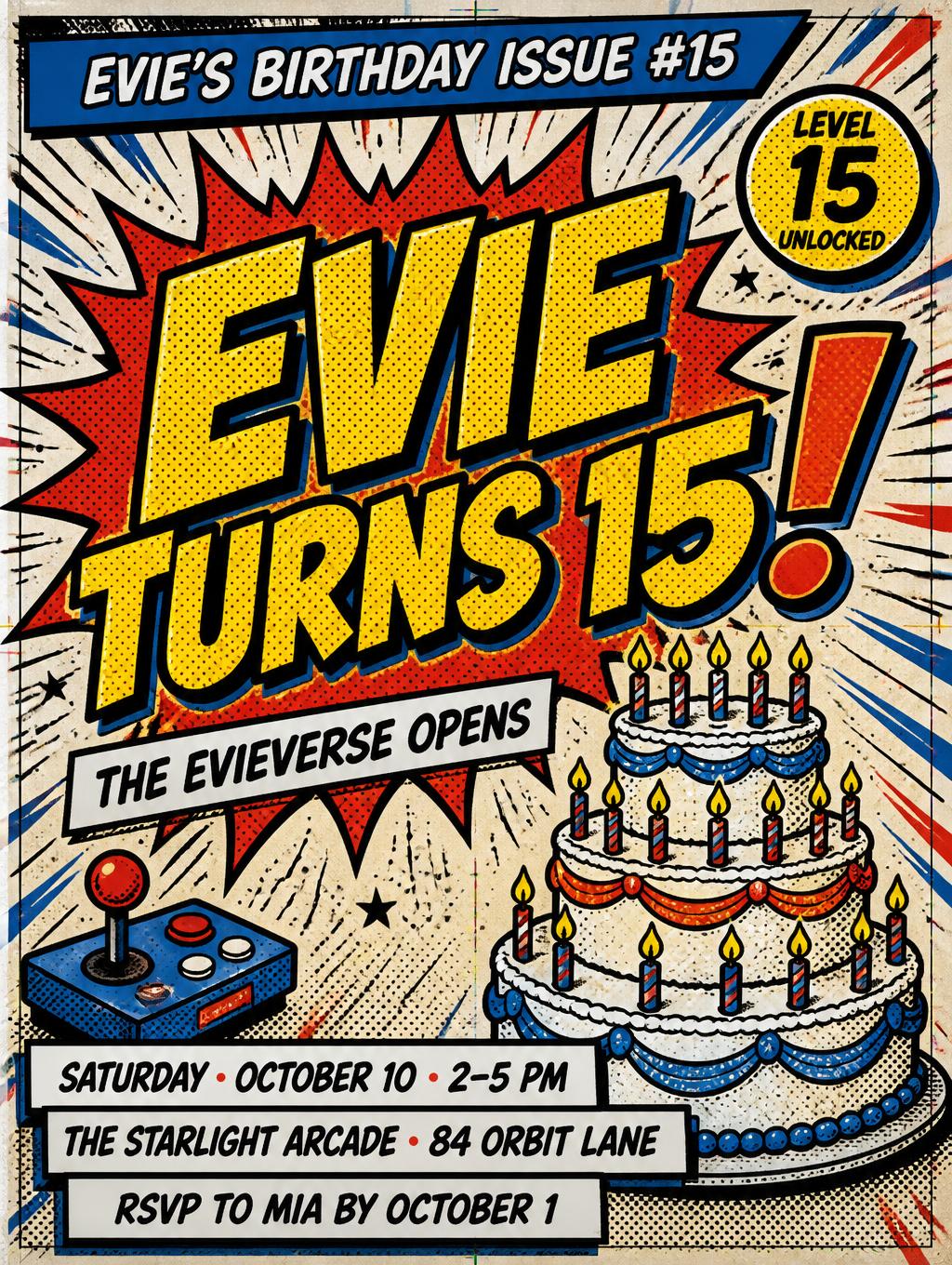
Every image below was generated on FontVibe — no post-editing, no stock photos. This is what pop art text generator - free ai text effect actually looks like.
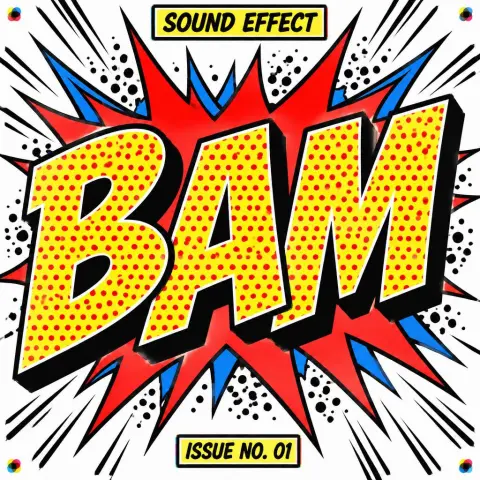
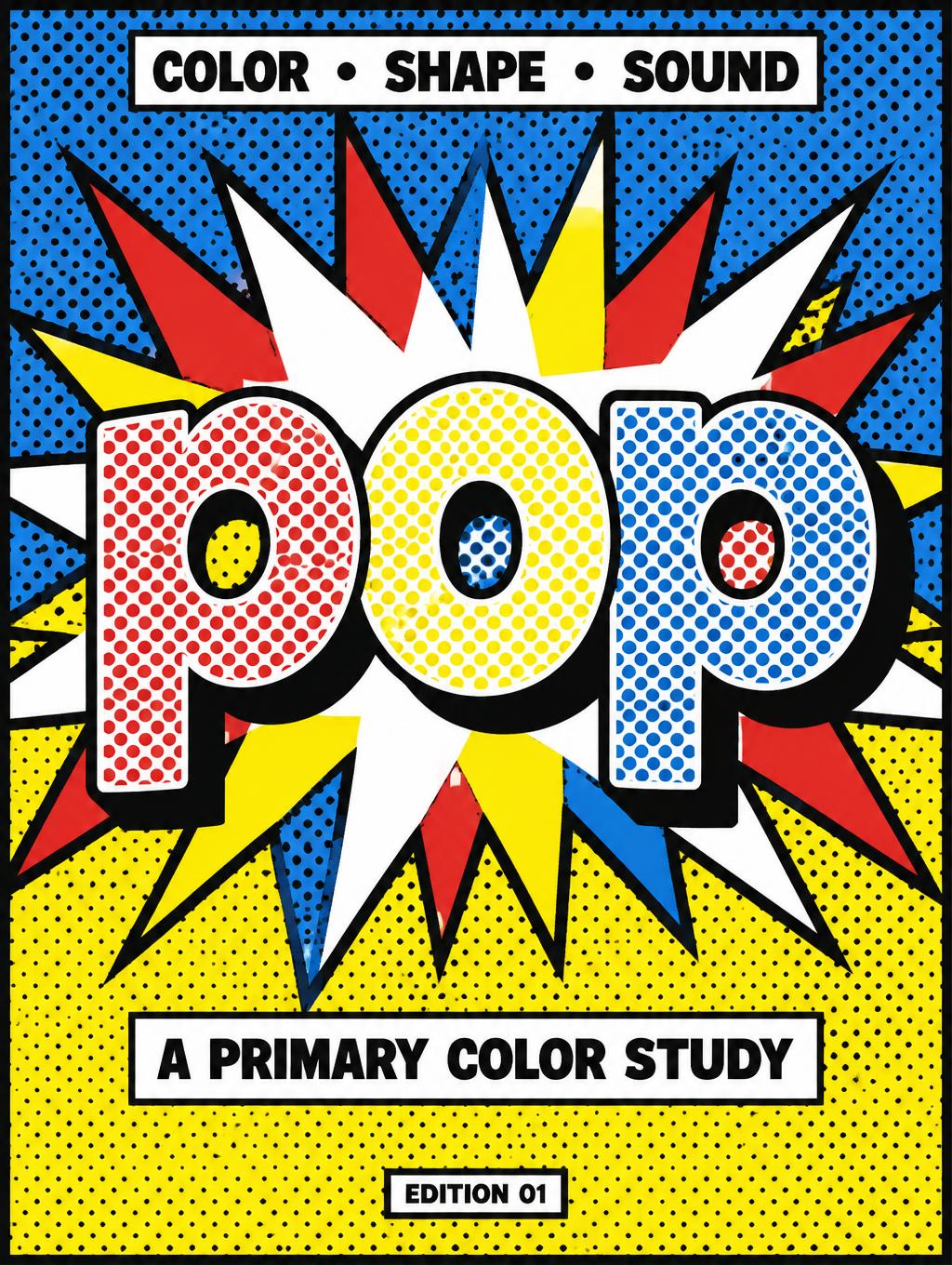
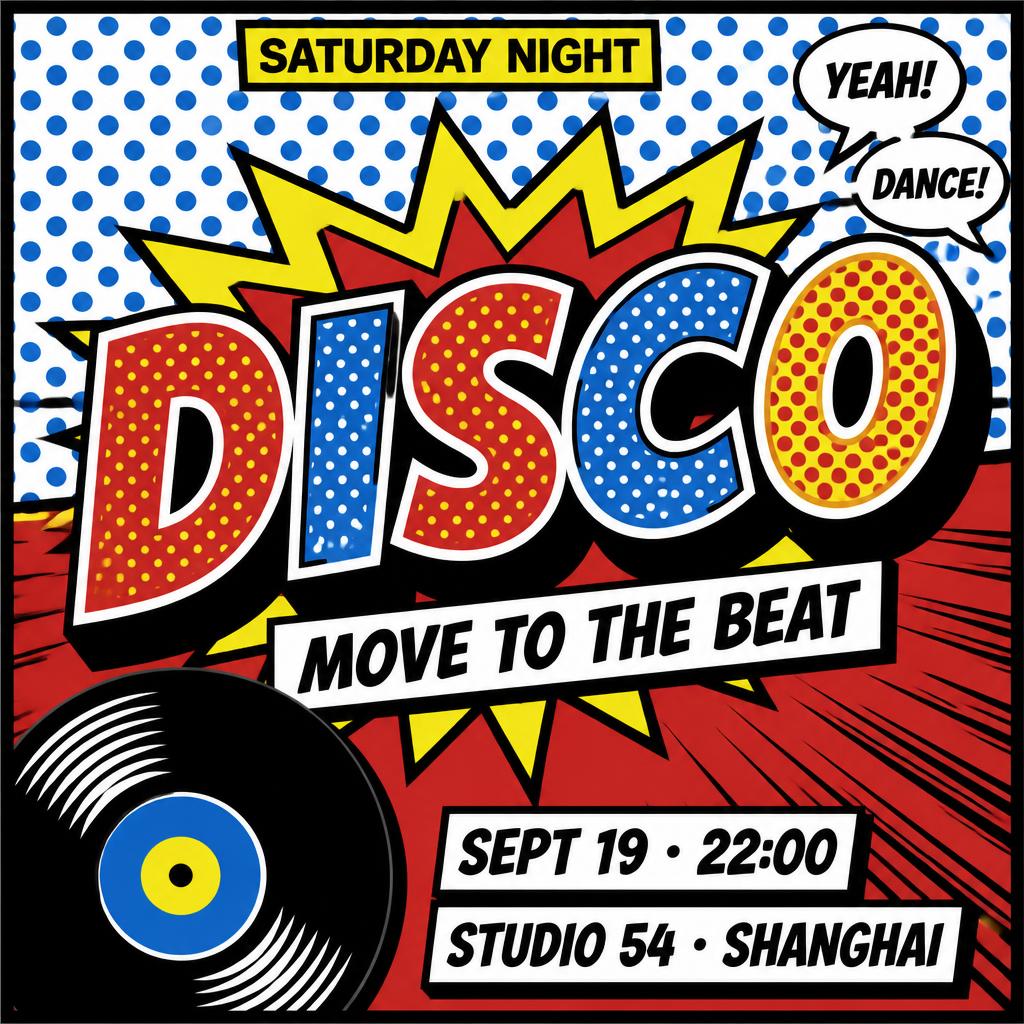
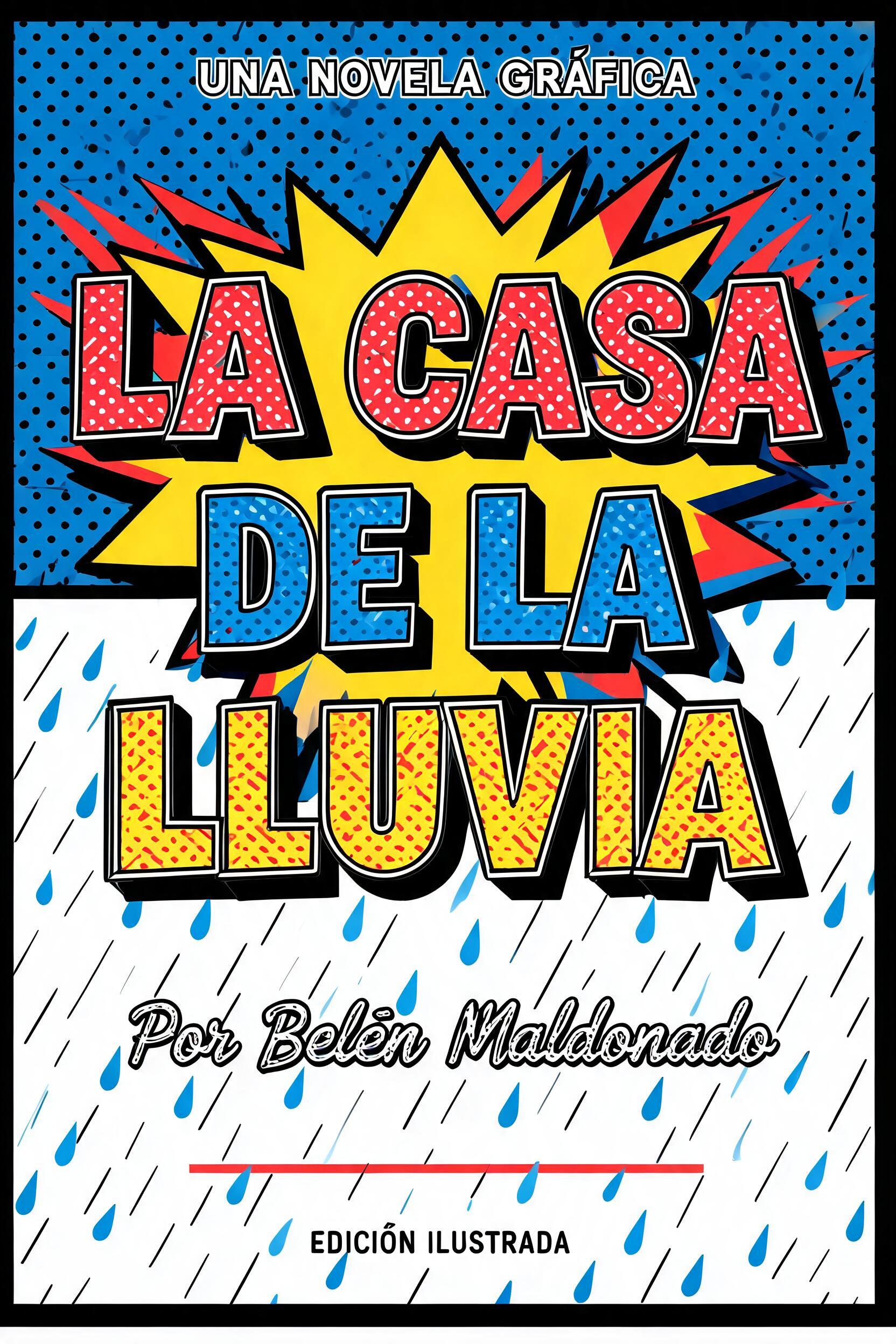
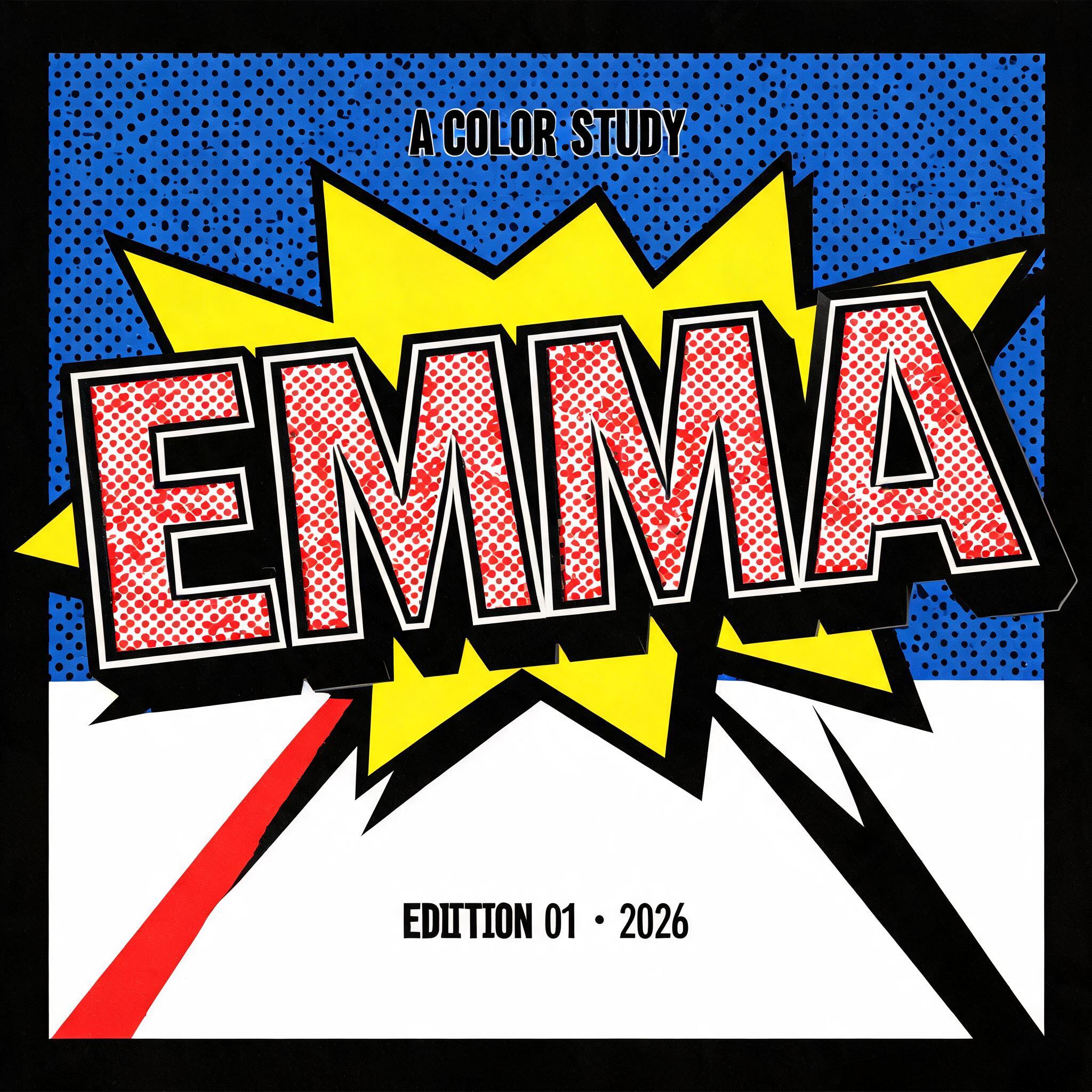
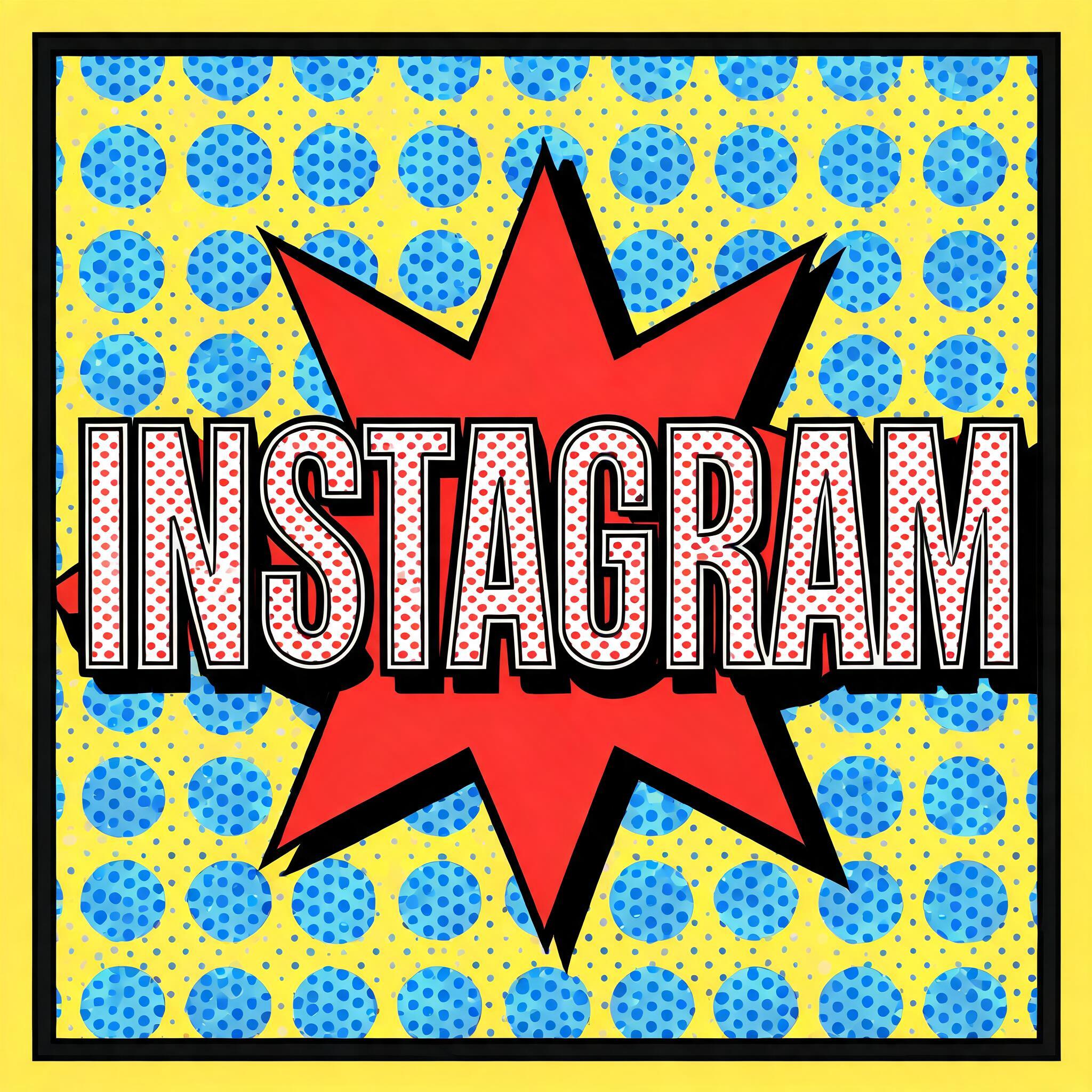
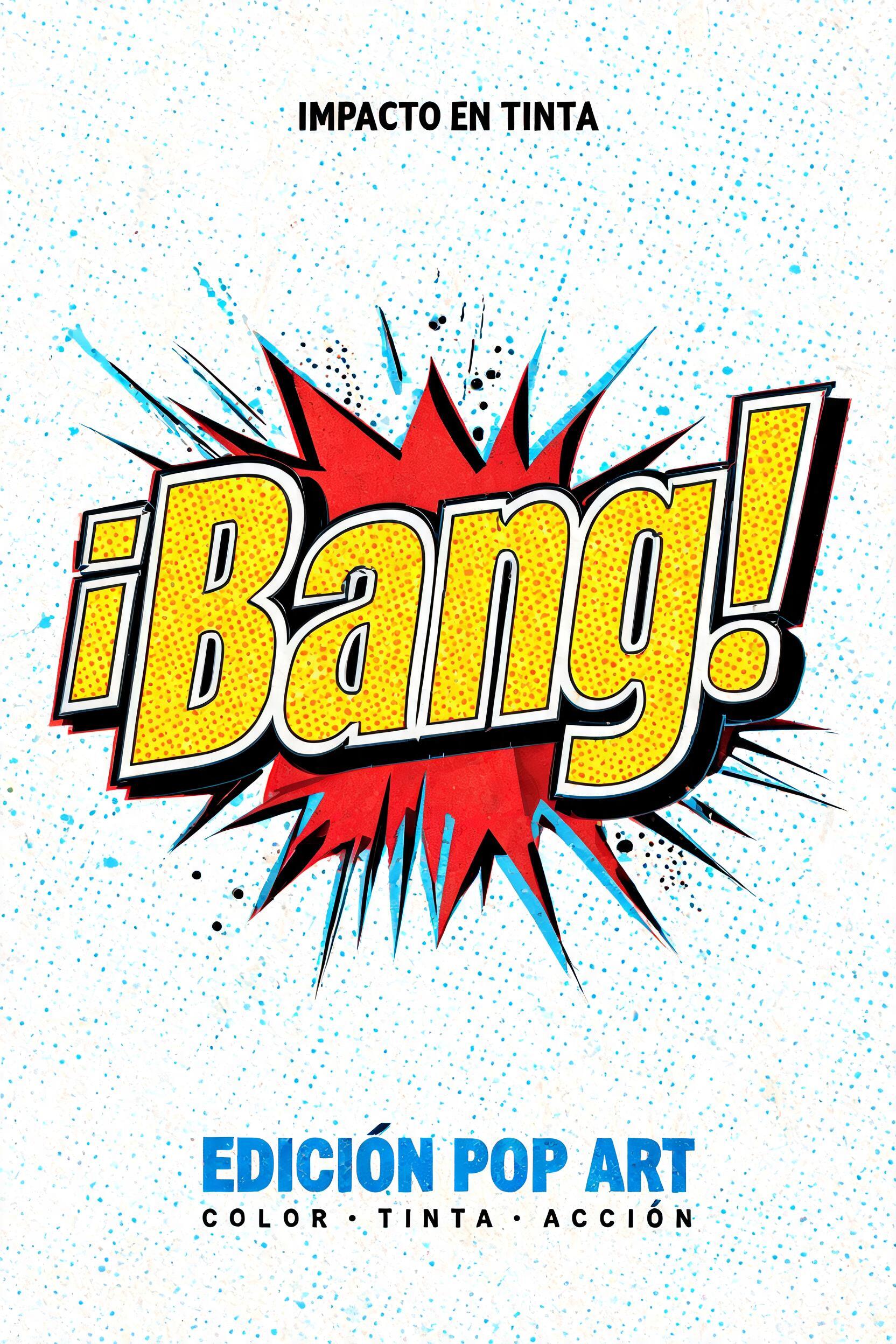
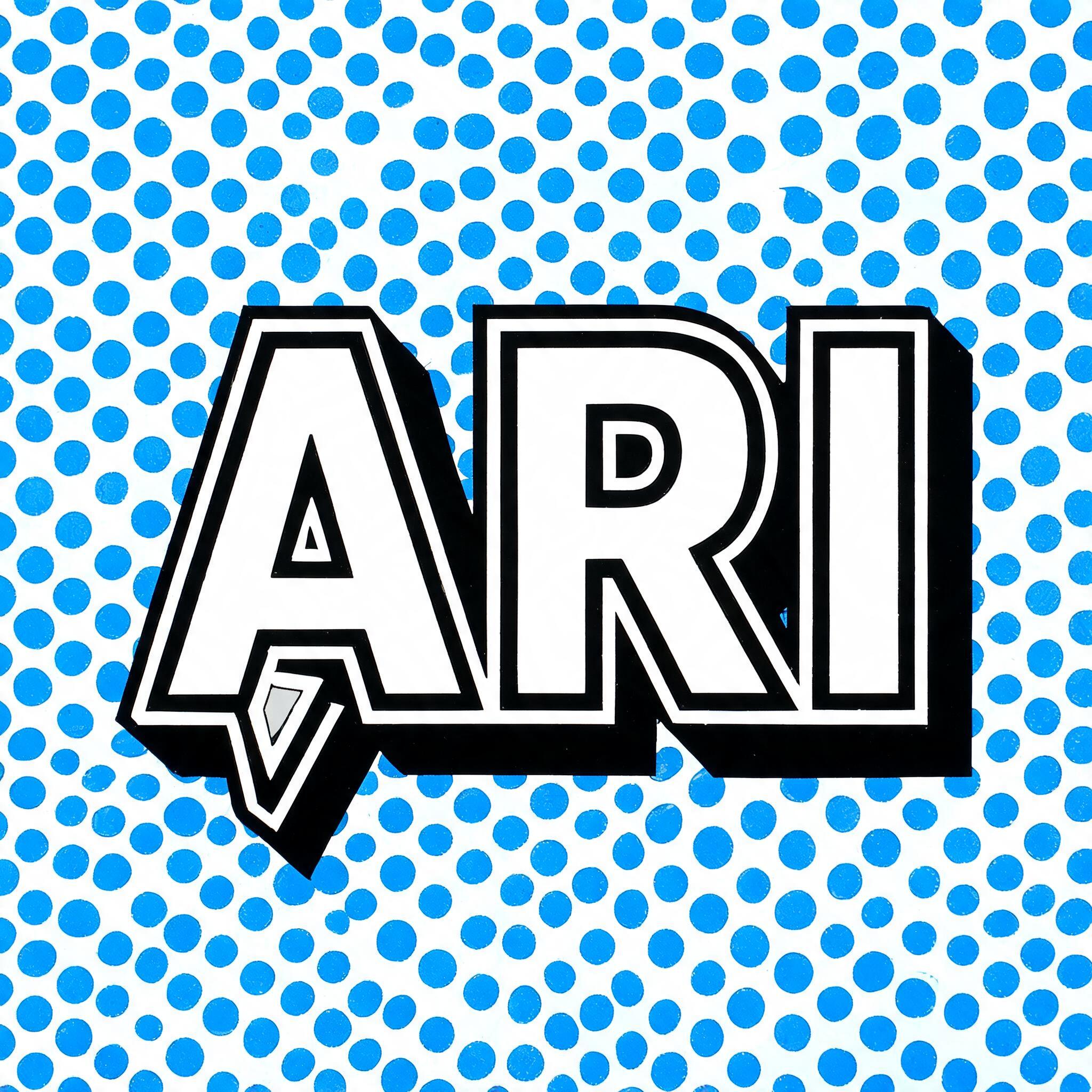


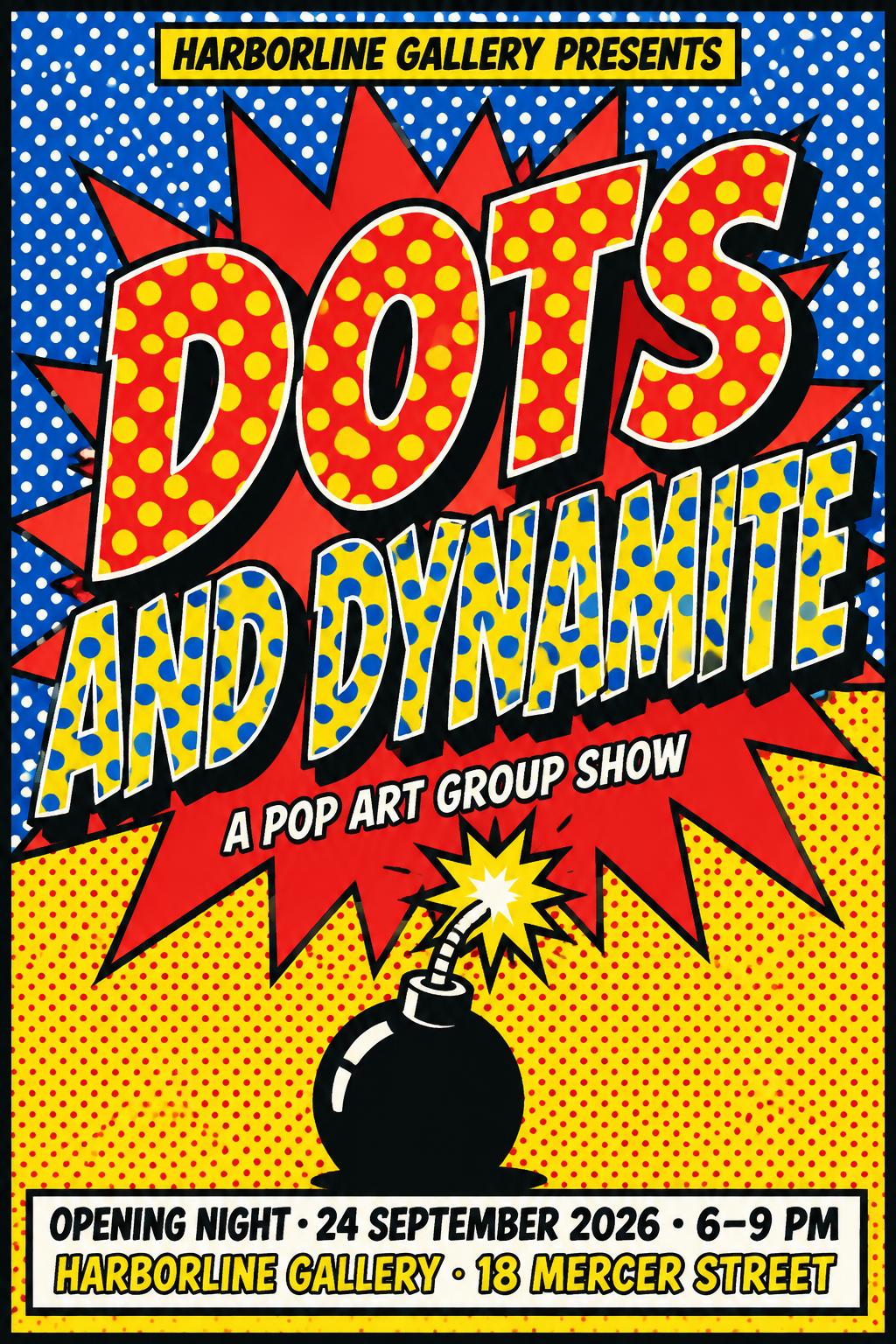
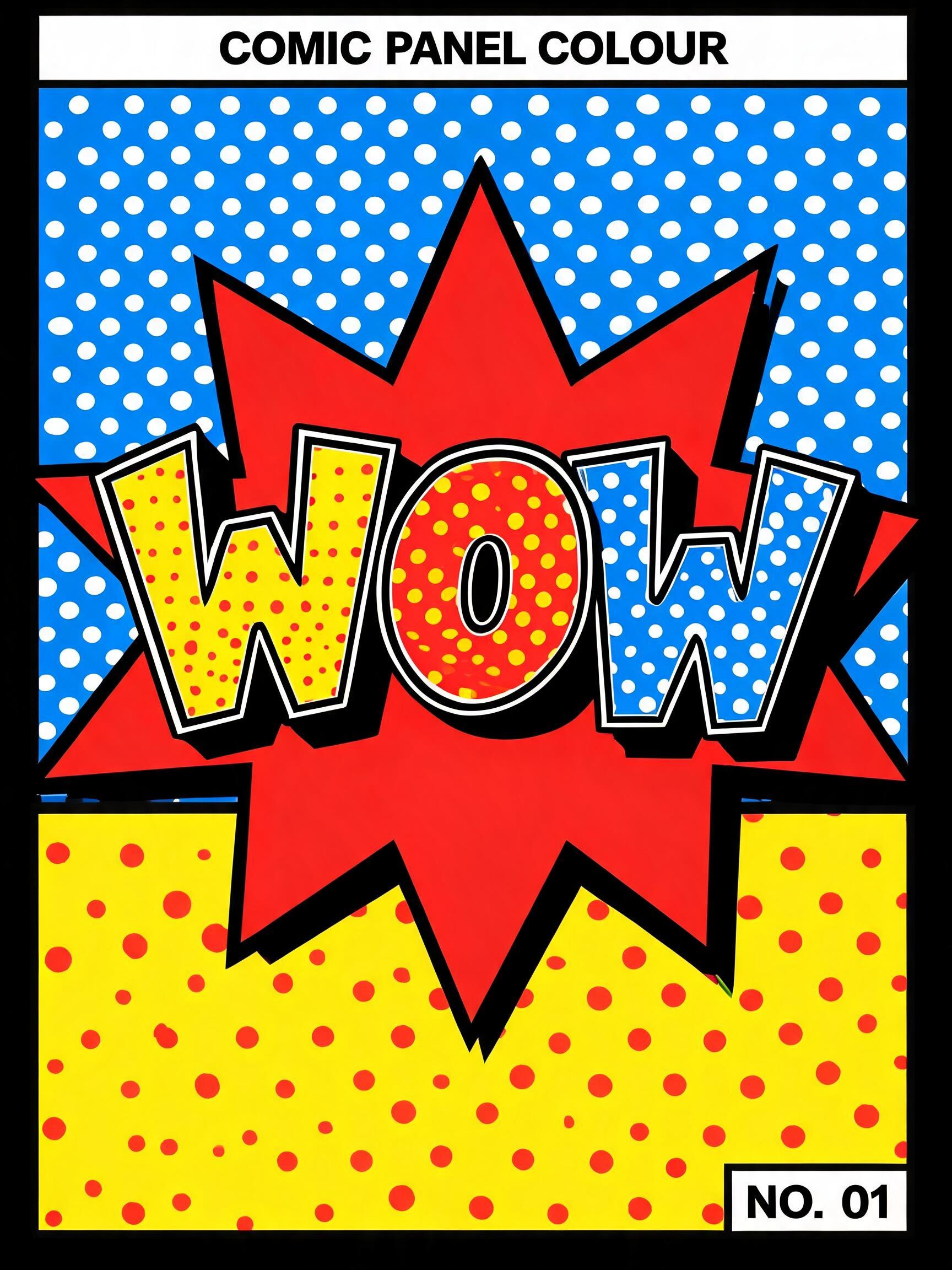
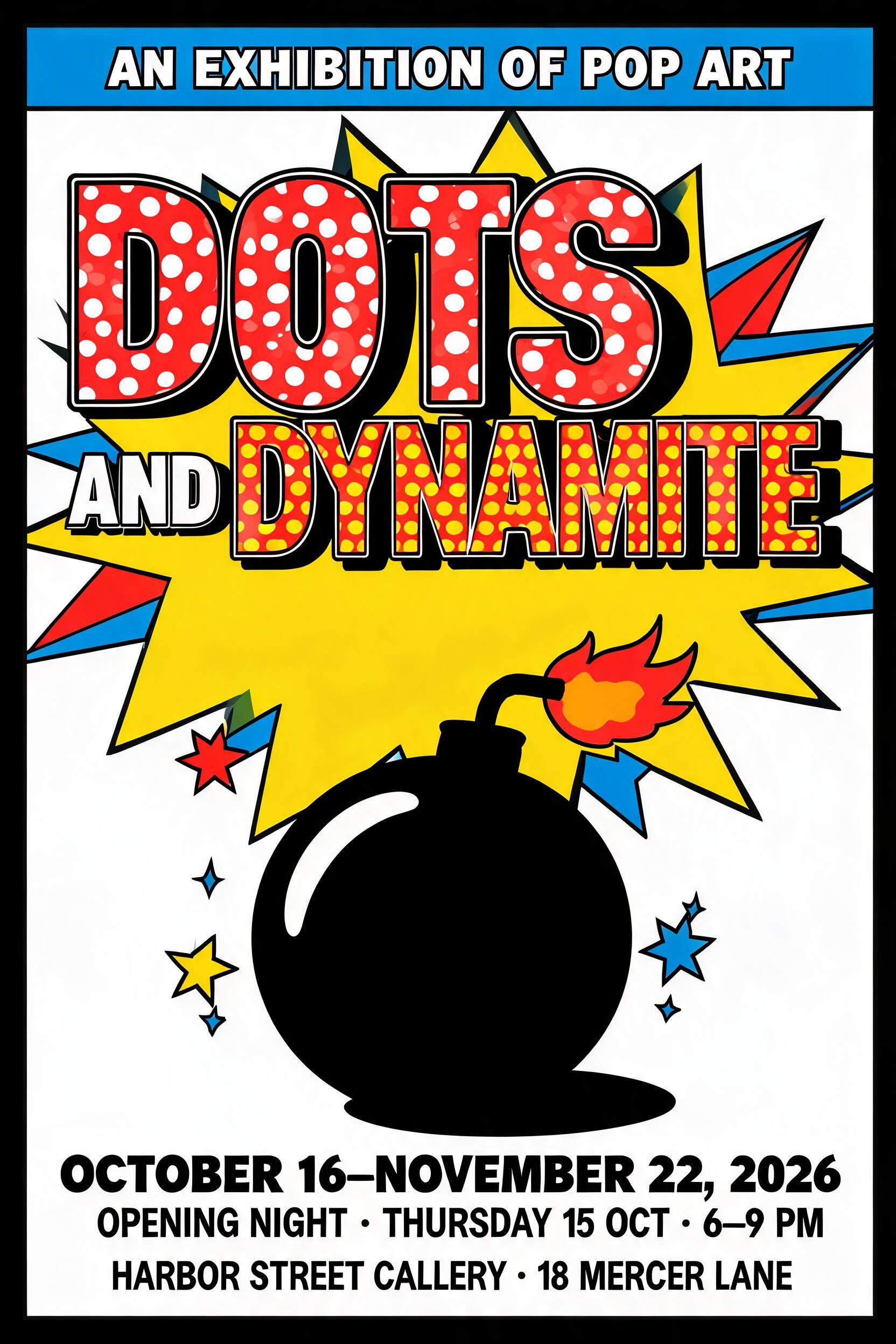
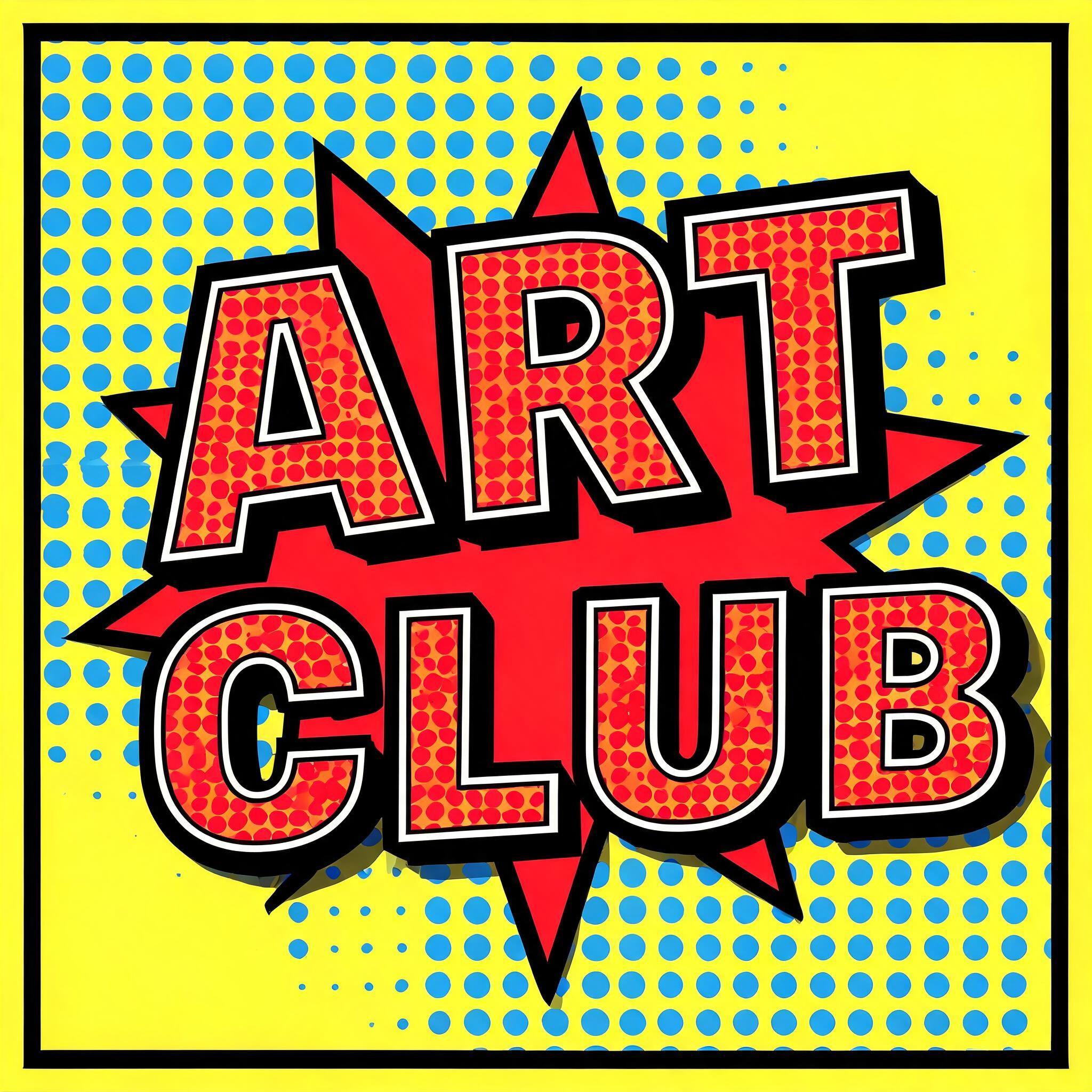



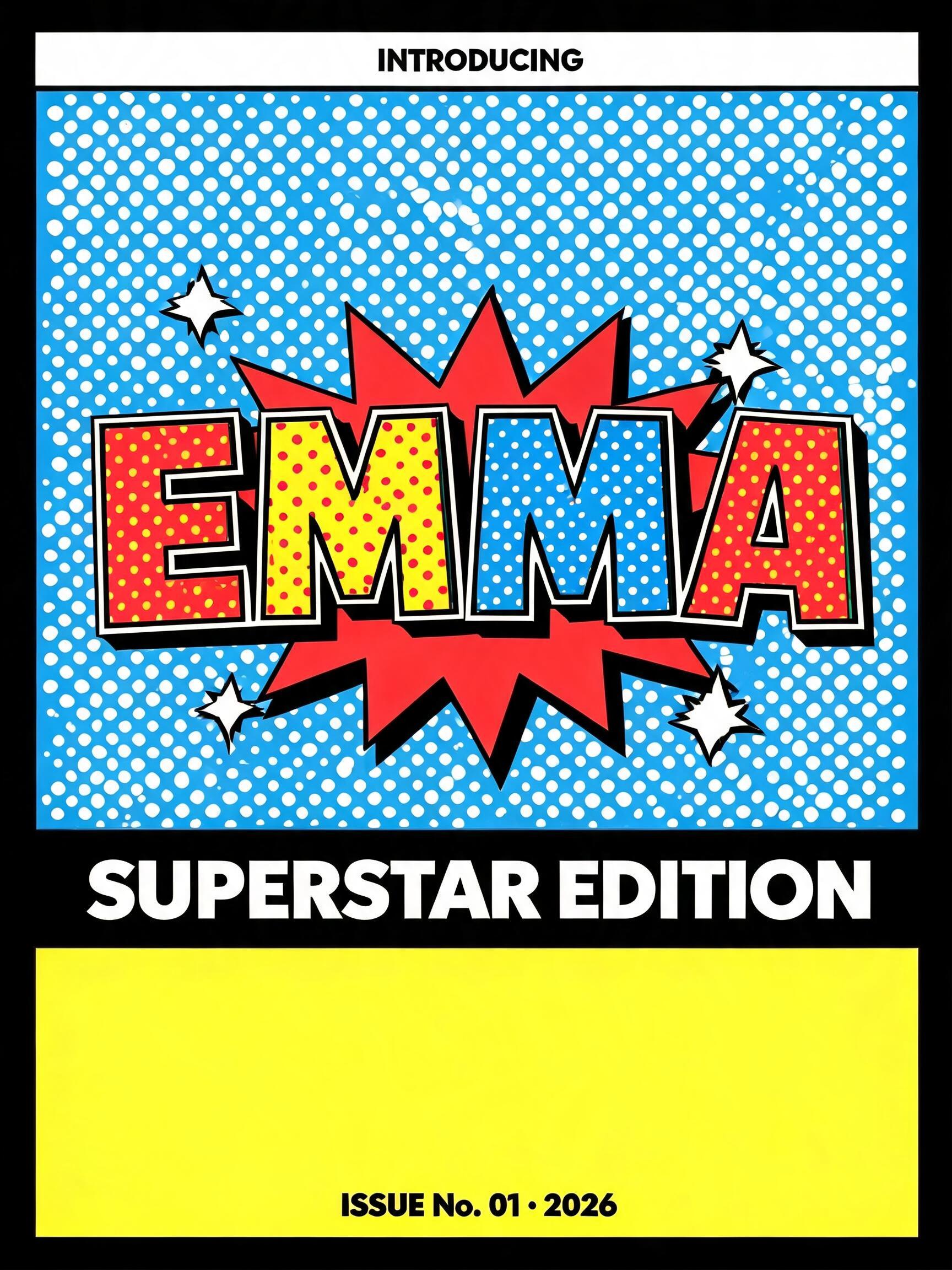
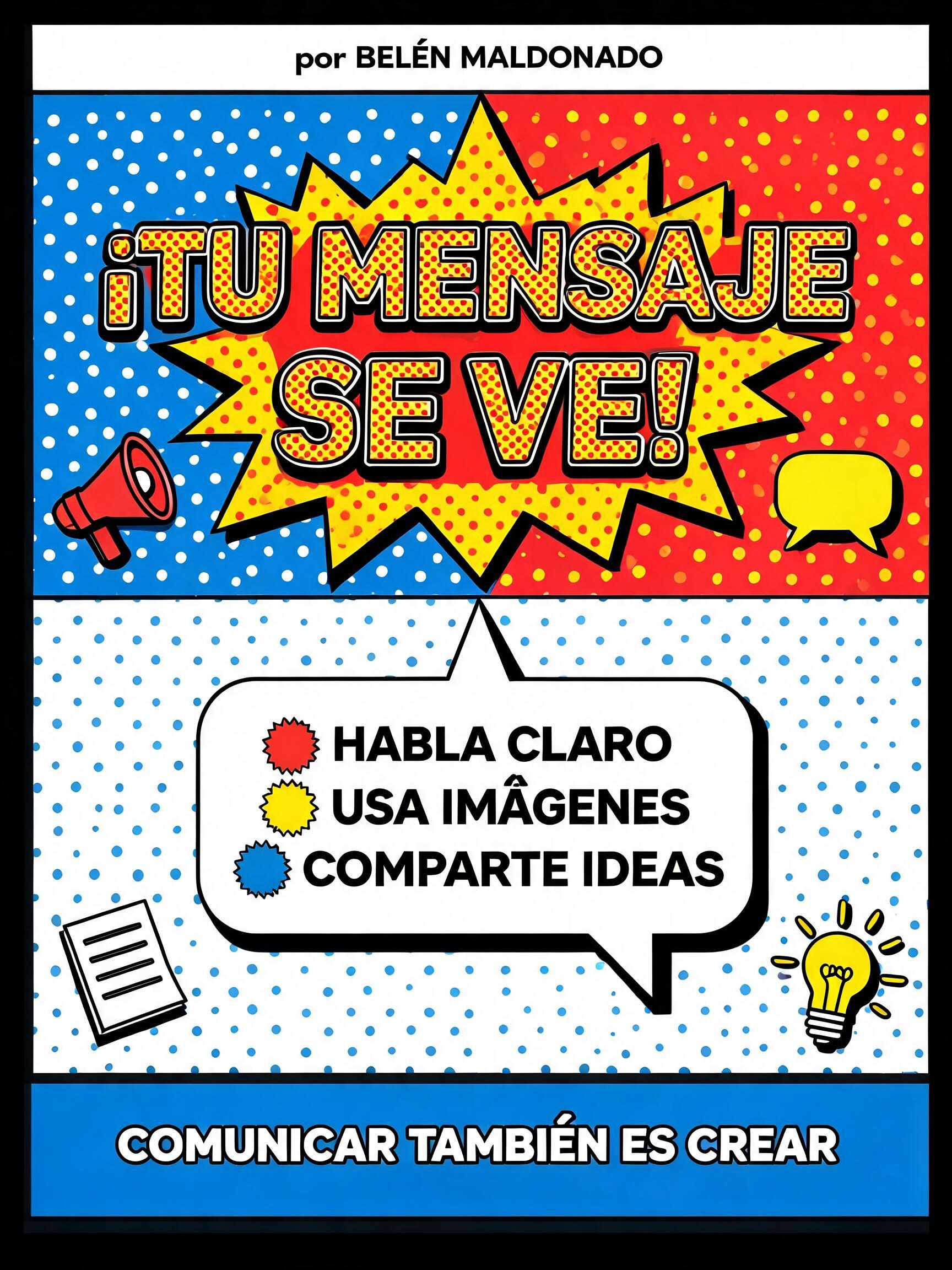

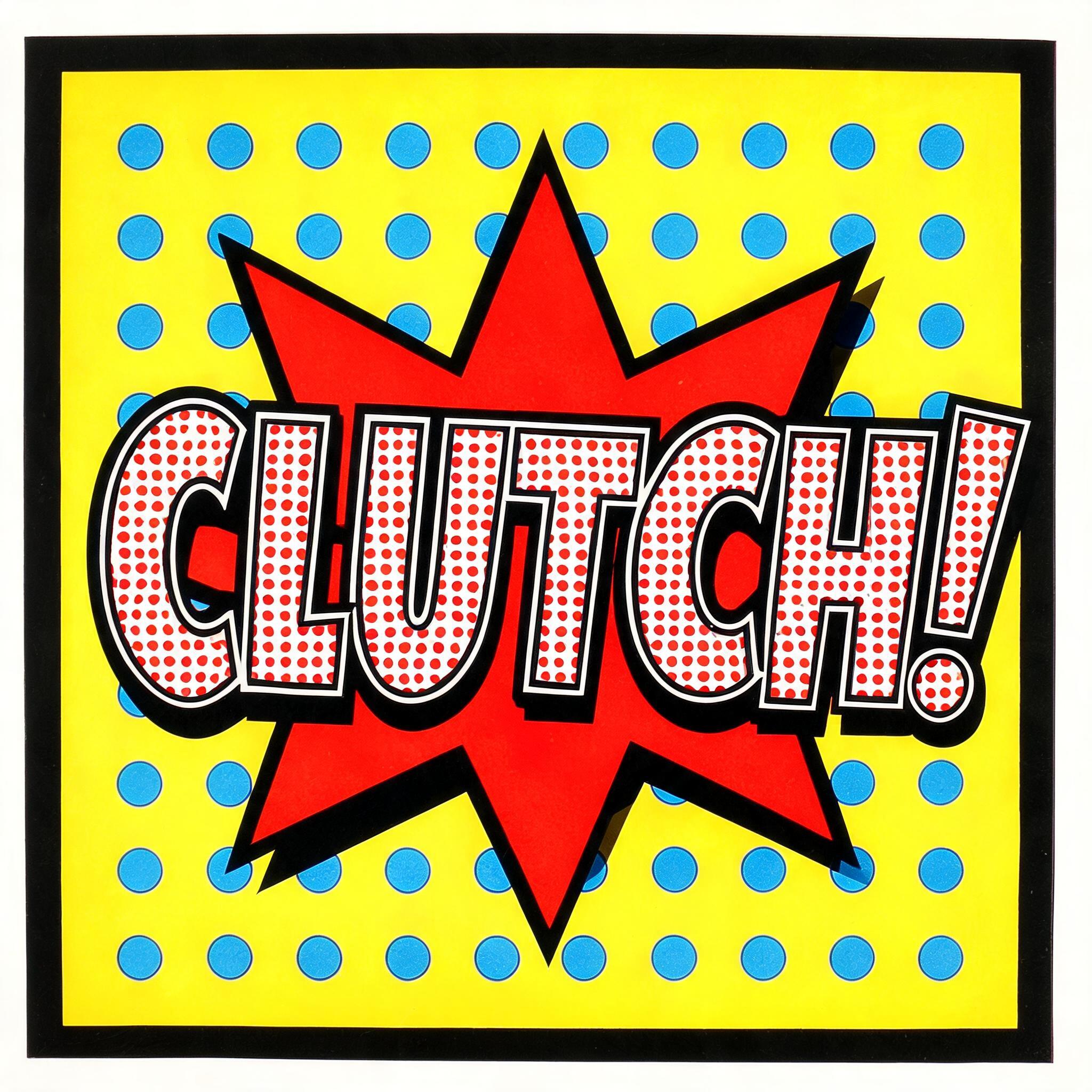



✦ More Pop Art Text Generator Use Cases
Explore more ways to use Comic Book


✦ Step-by-Step Guide
How to Create Your pop art text,lichtenstein style,ben-day dots,pop art generator,halftone pop art in Studio
Three steps. No design software needed.
1
Enter Your Text
Type any expressive word. WOW, YES!, LOVE, or brand names that pack attitude work best.
2
Select Pop Art Mode
Choose Comic Book style and Comic Halftone font. AI applies Lichtenstein-inspired oversized Ben-Day dots and bold outline treatment.
3
Download Free PNG
Download as high-resolution PNG for prints, social media, merchandise, or design projects.
💡 Platform tip: Square 1:1 is perfect for Instagram posts. Use bold single words for maximum pop art impact.
✦ Common Questions
pop art text,lichtenstein style,ben-day dots,pop art generator,halftone pop art — Frequently Asked Questions
Everything you need to know before you create.
✦ Explore More Text Effect Styles
Related AI Text Effect Styles
Try a different aesthetic — each style generates a completely unique visual output.


Want more text styles? Browse our free font generators — fancy, cursive, gothic & more.
✦ Ready to Create?
Make Your Own art text,lichtenstein style,ben-day dots,pop art generator,halftone pop art
Free to start. No design skills needed.
✦ Generate Now — Free