


✦ Community Gallery
View all →Glitch Text Effect — Community Gallery
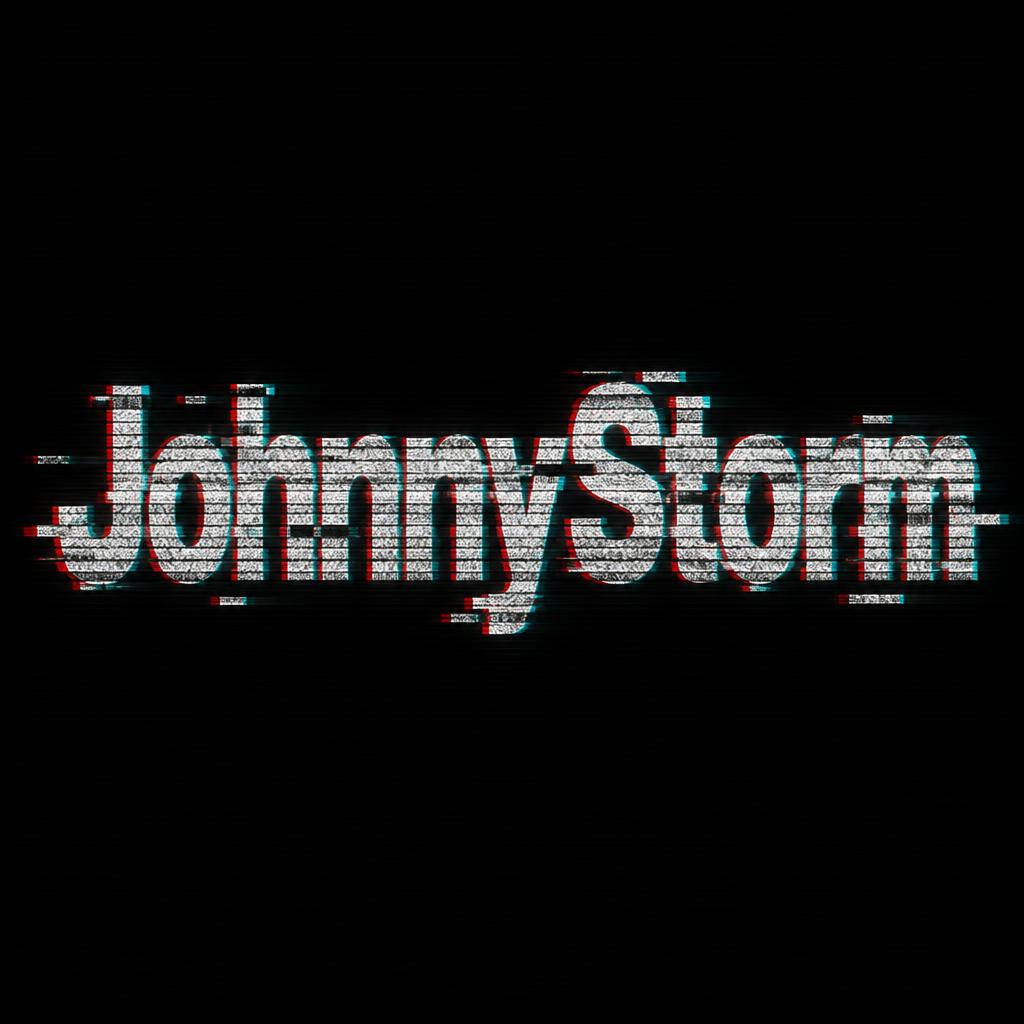
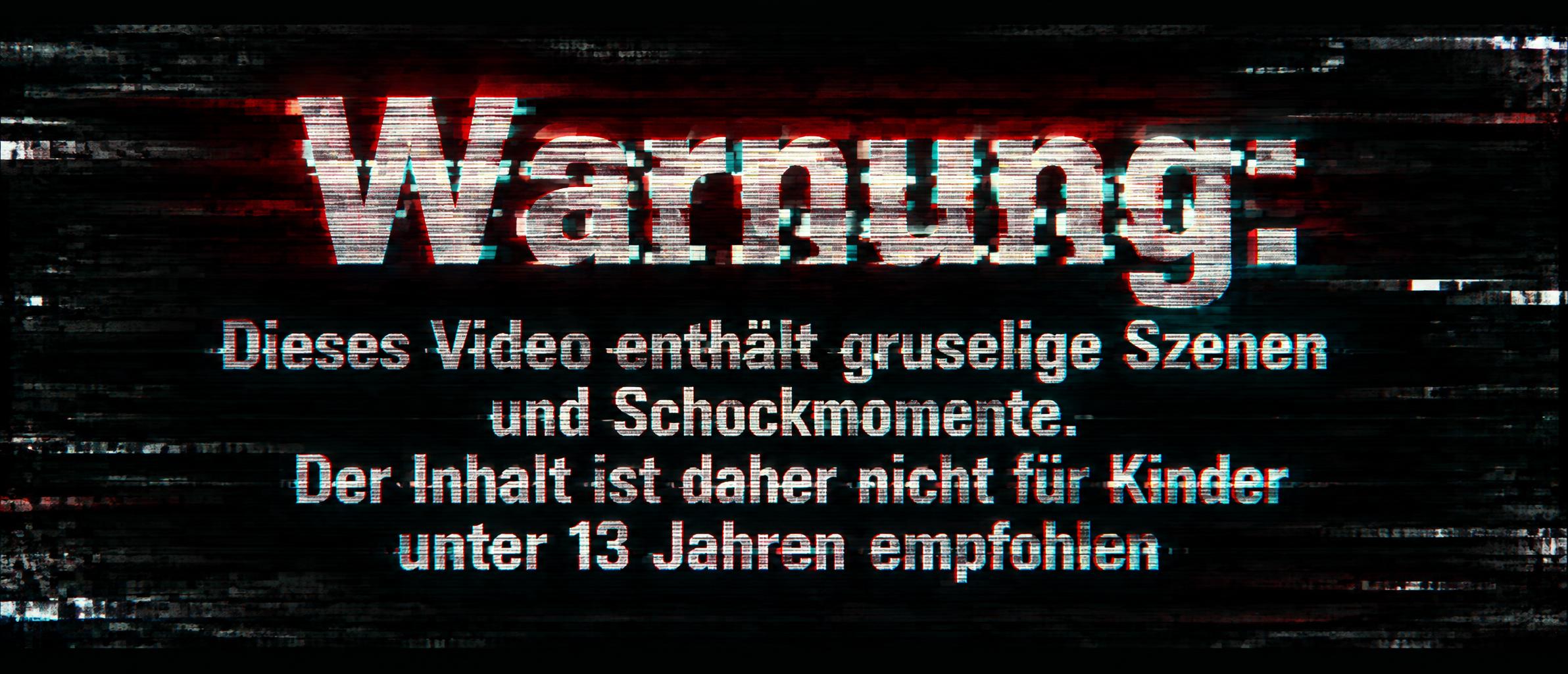
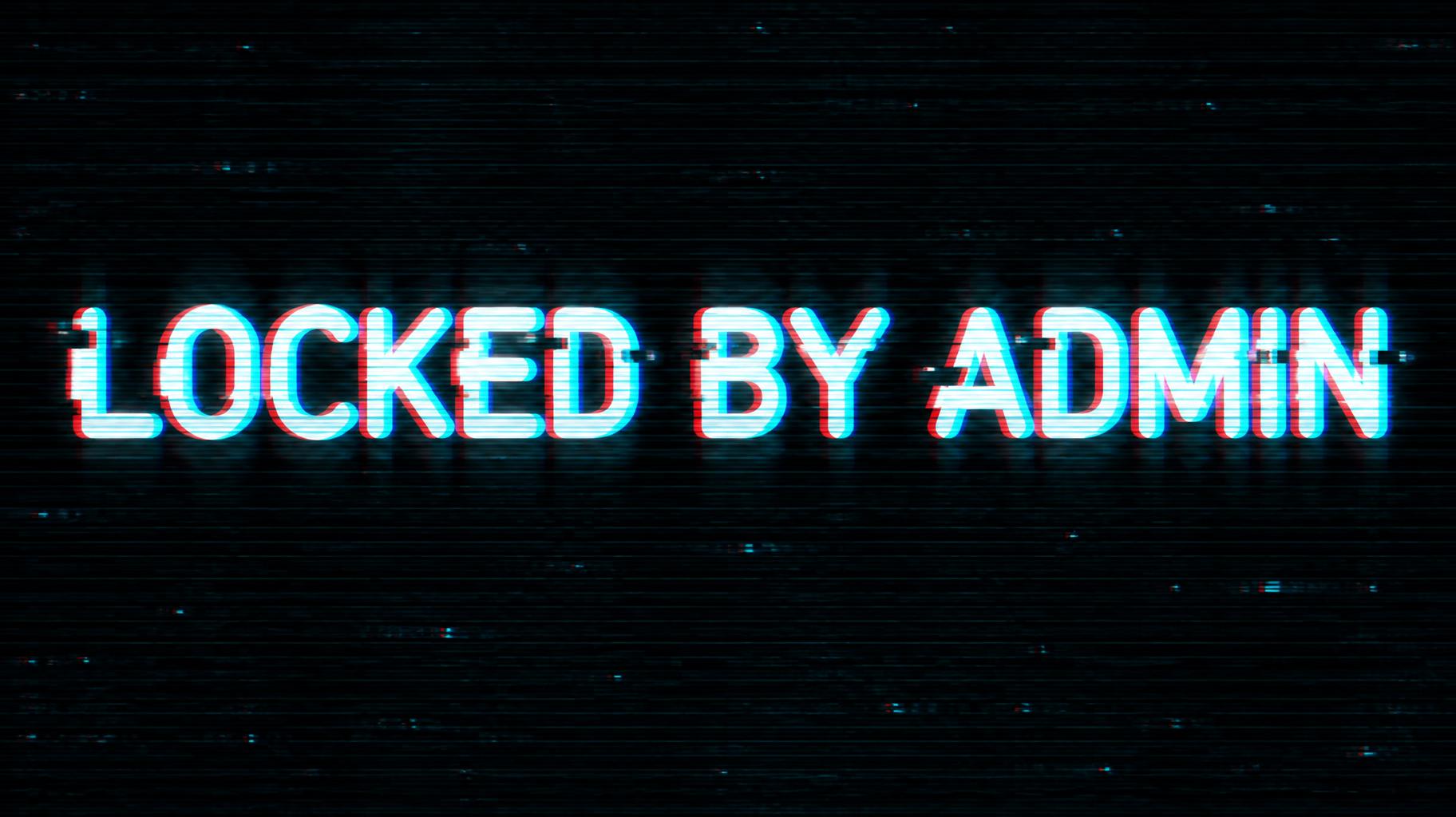
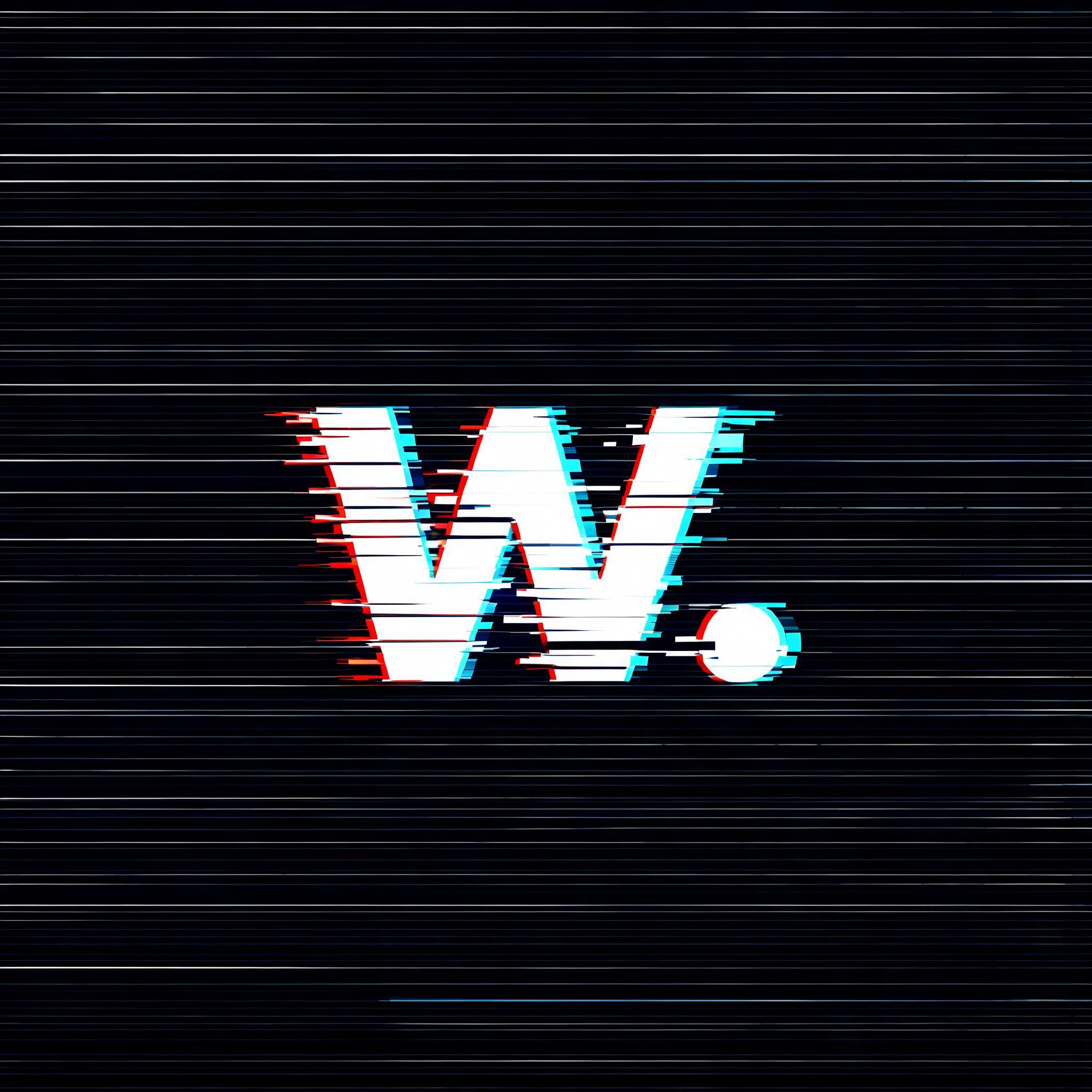
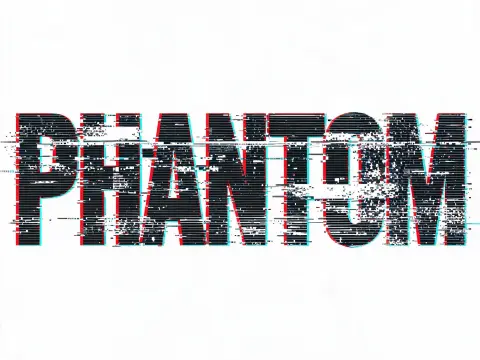
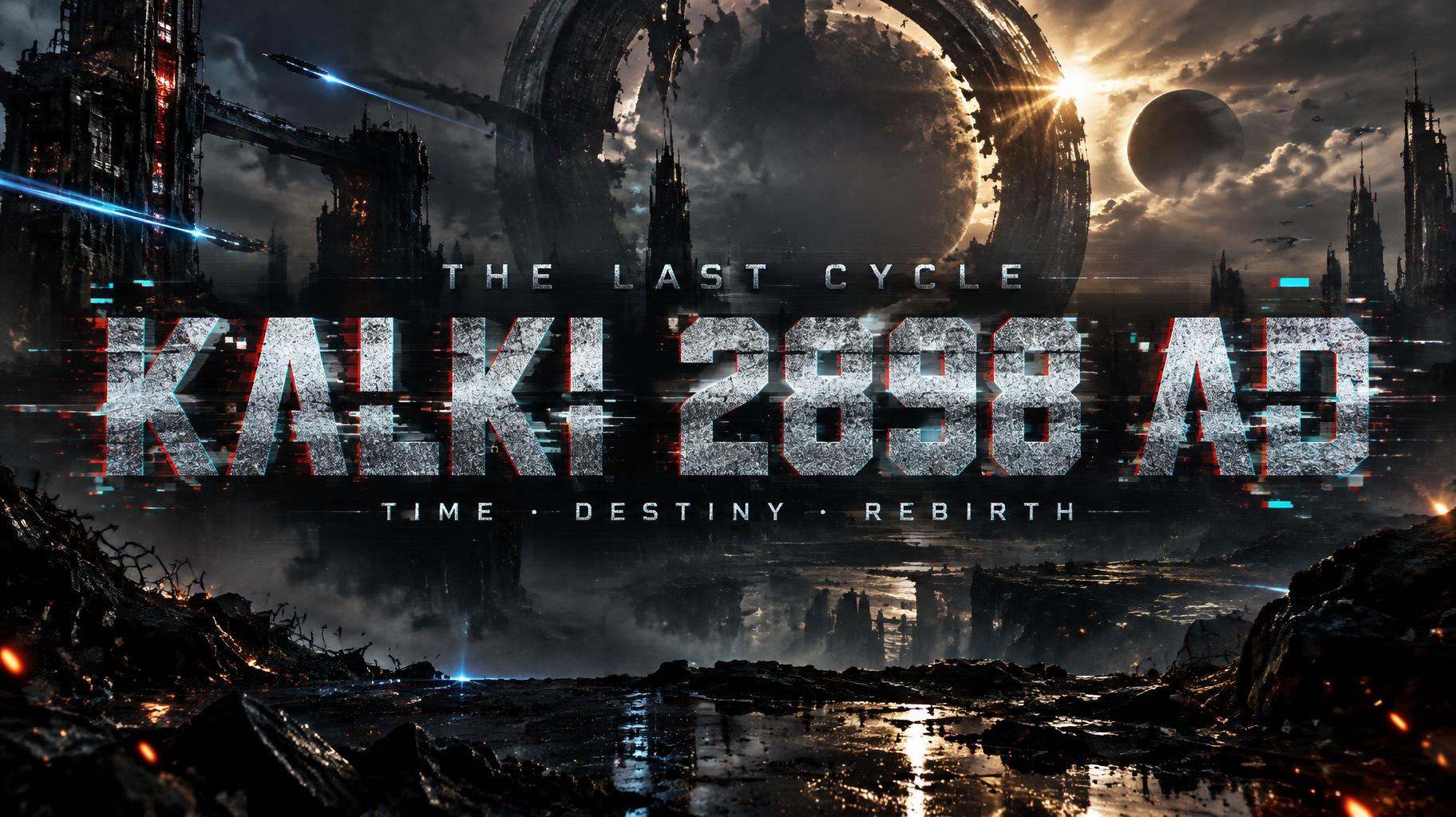
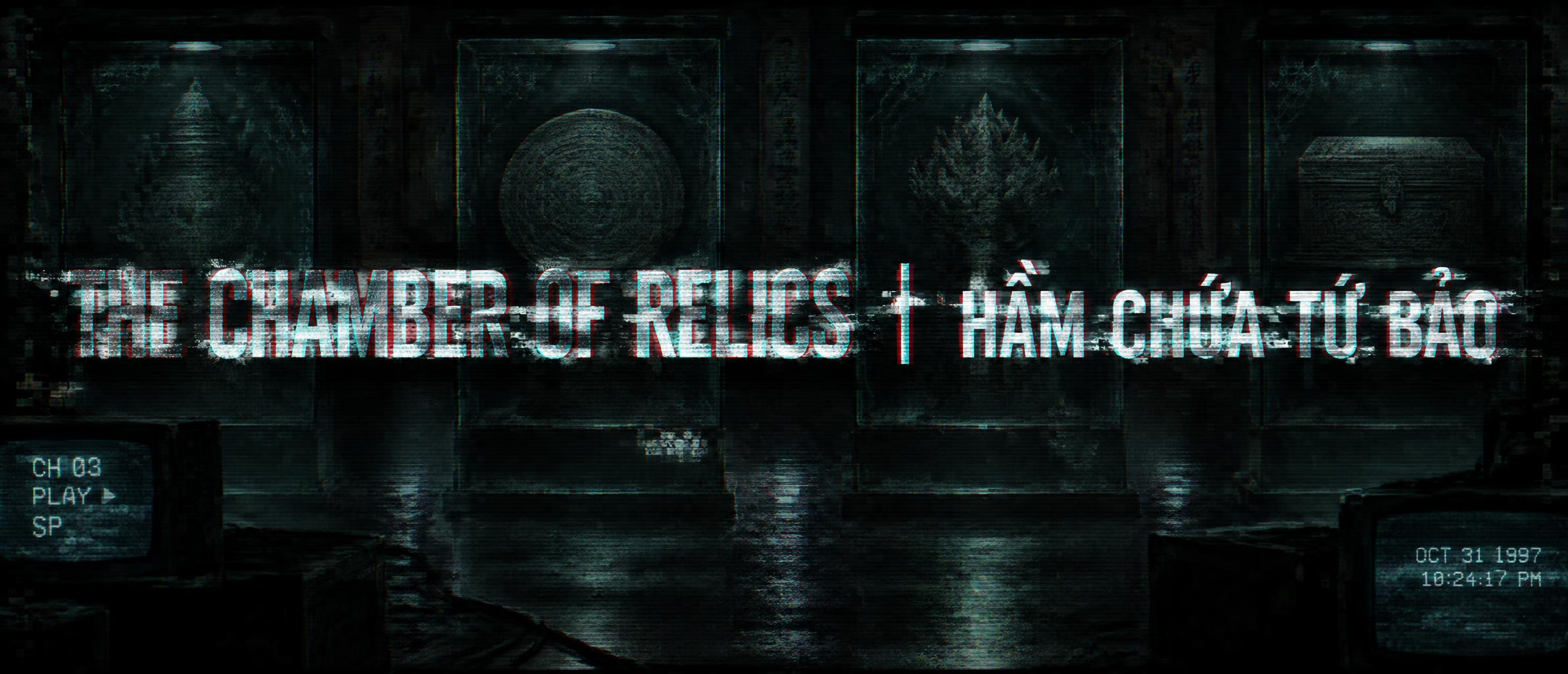
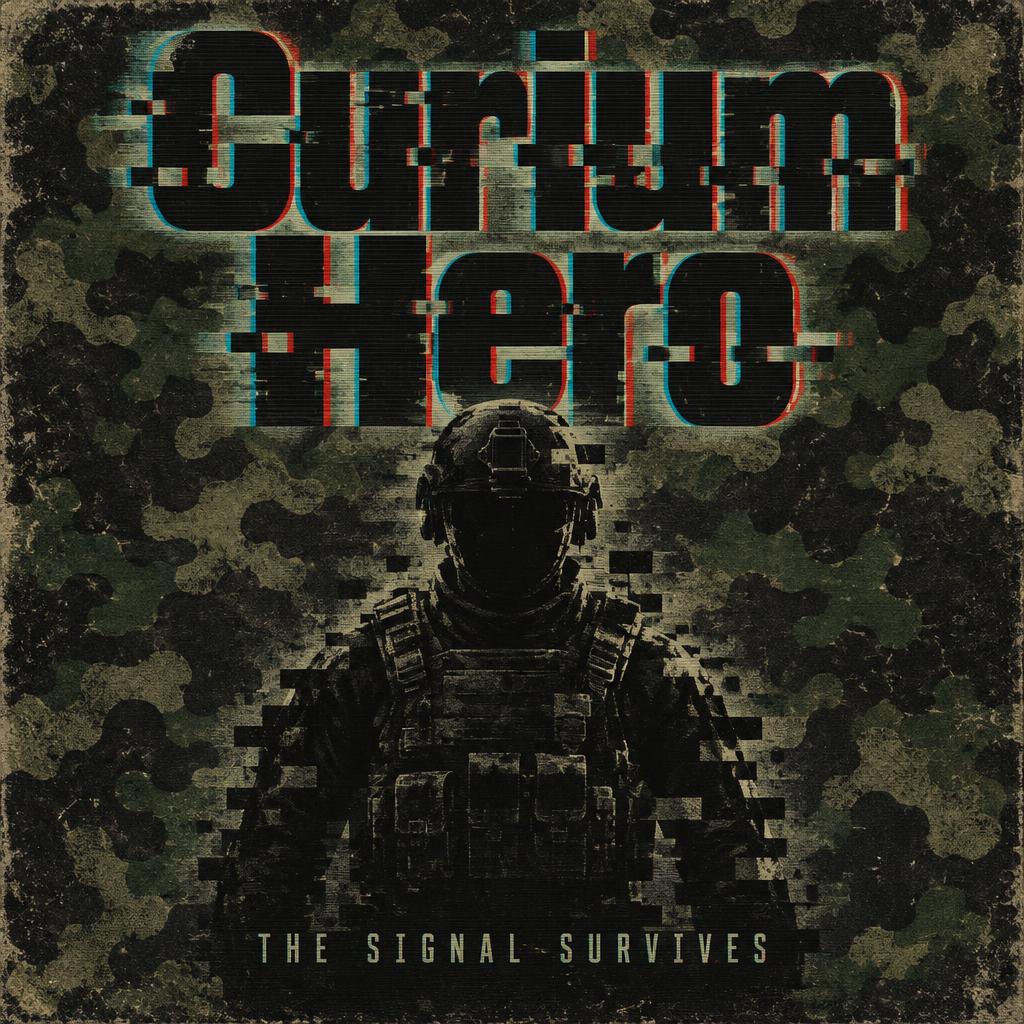
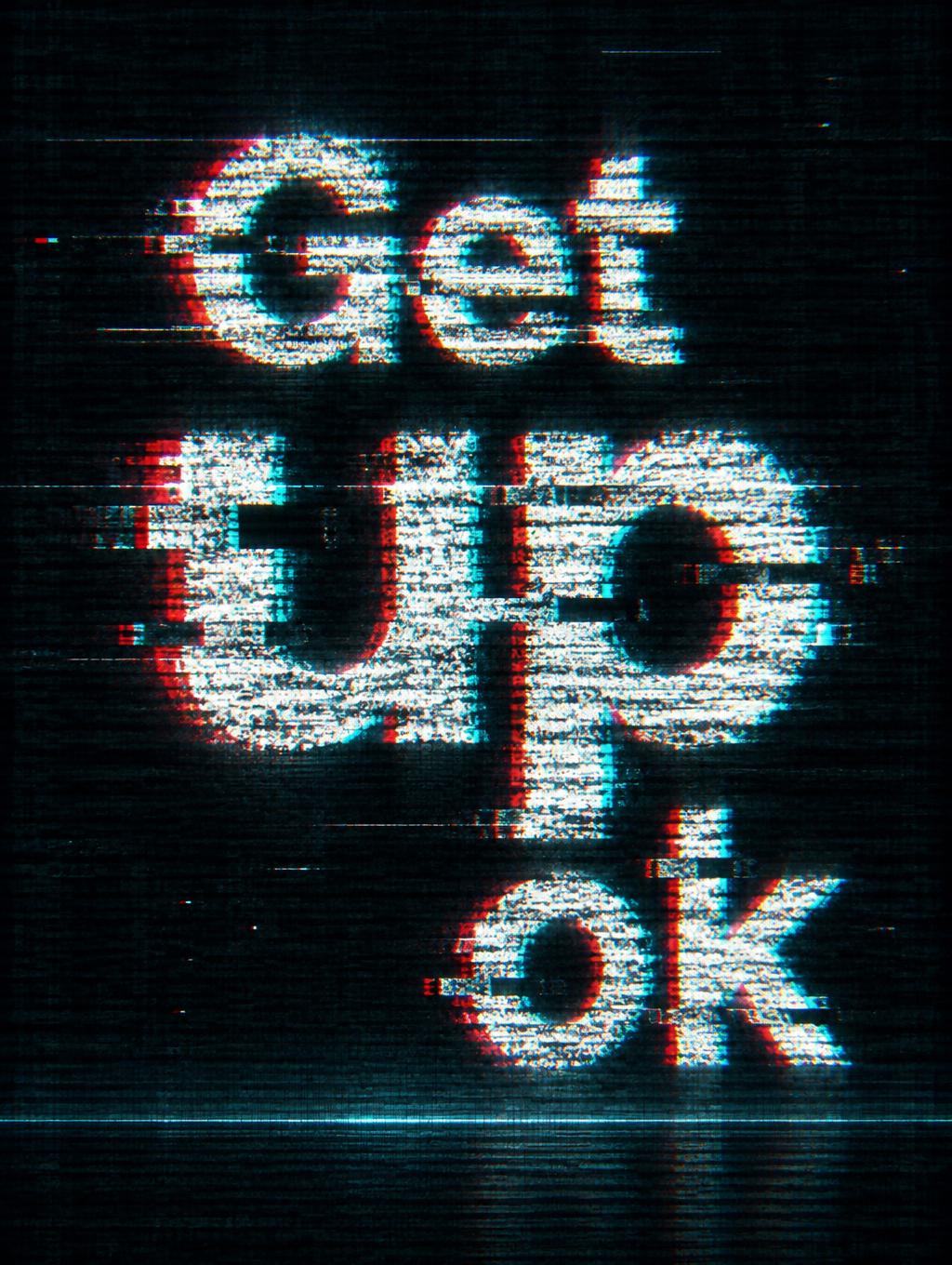
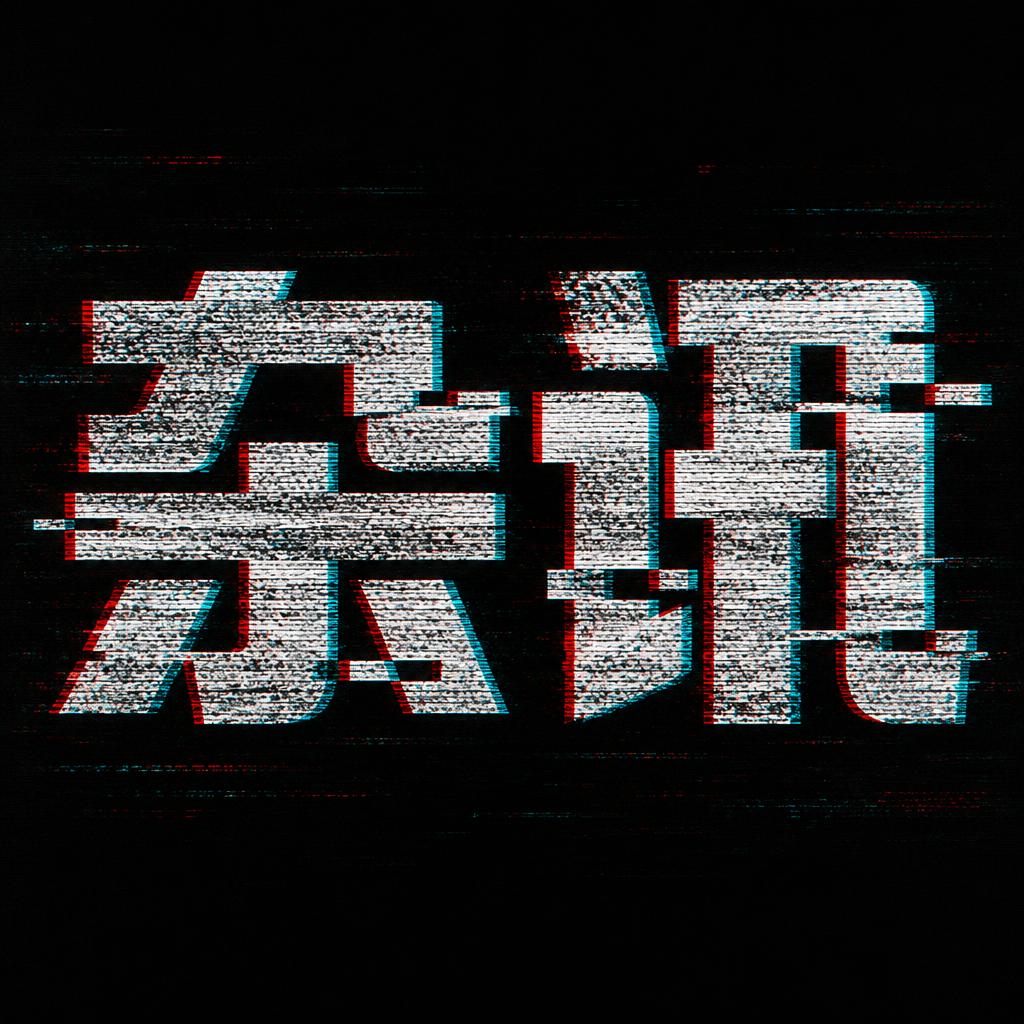
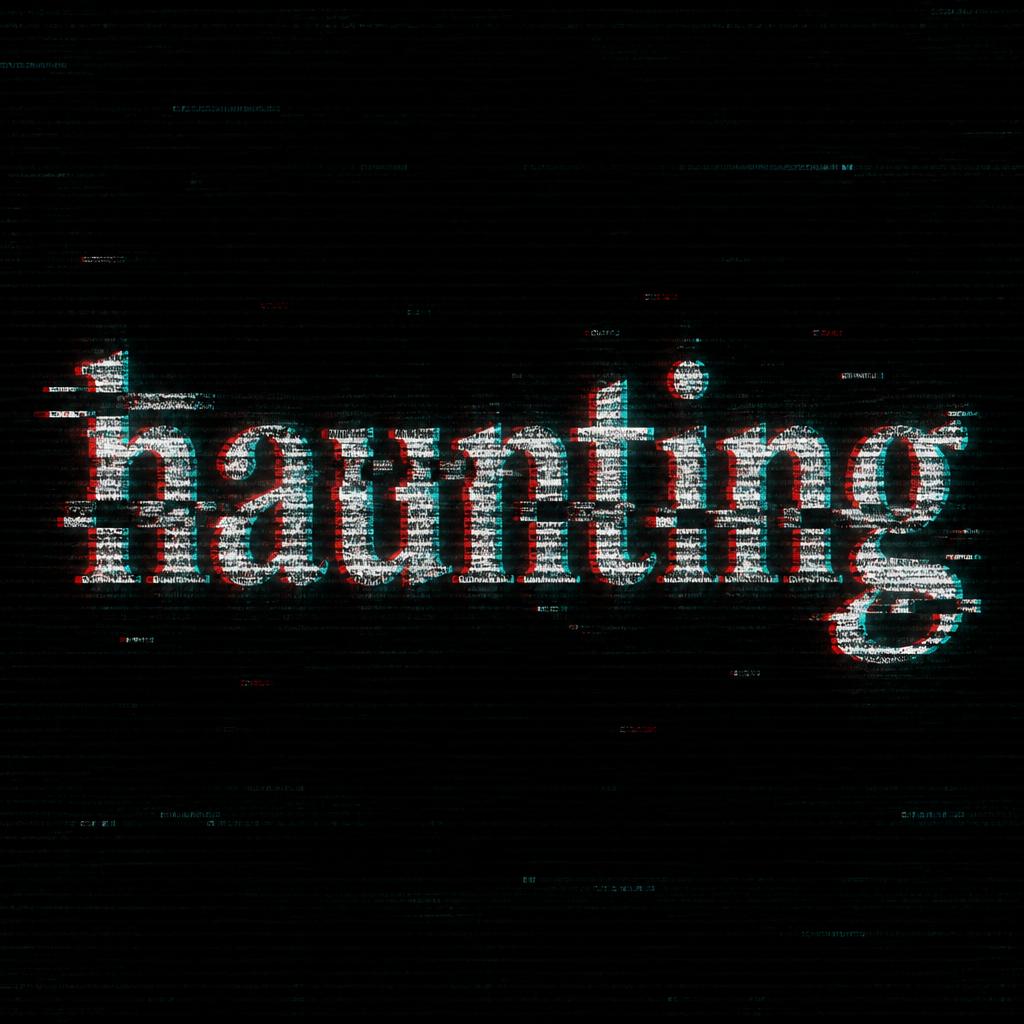
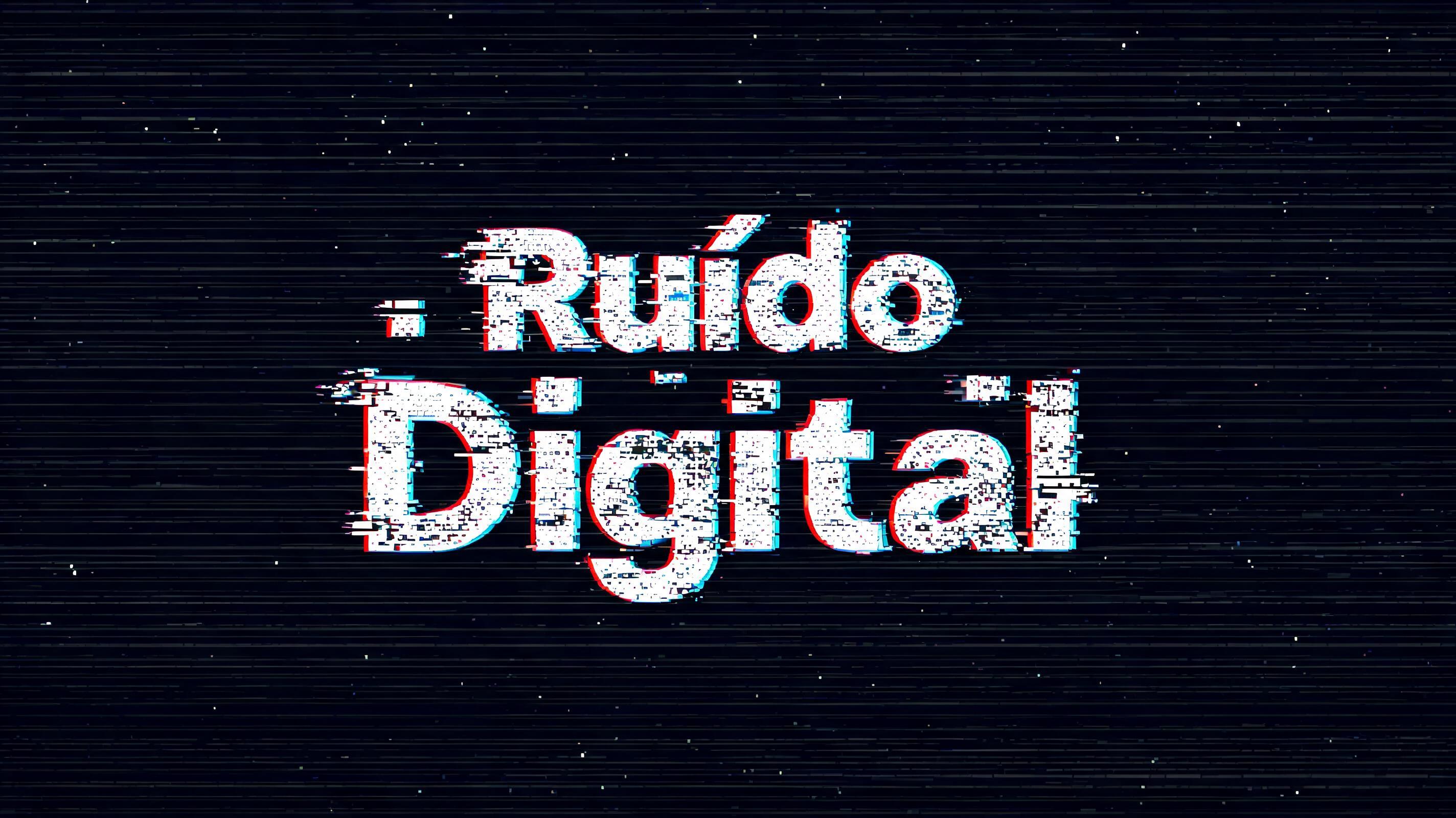
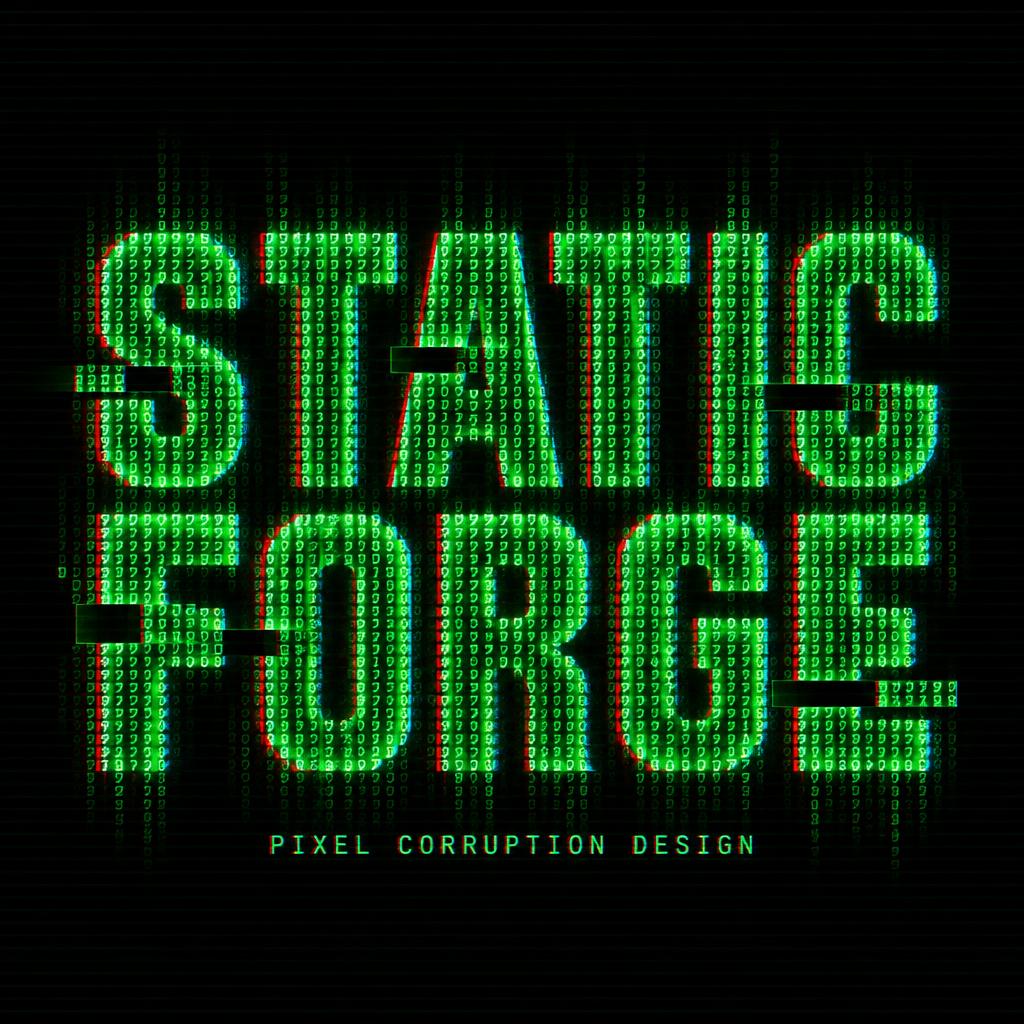
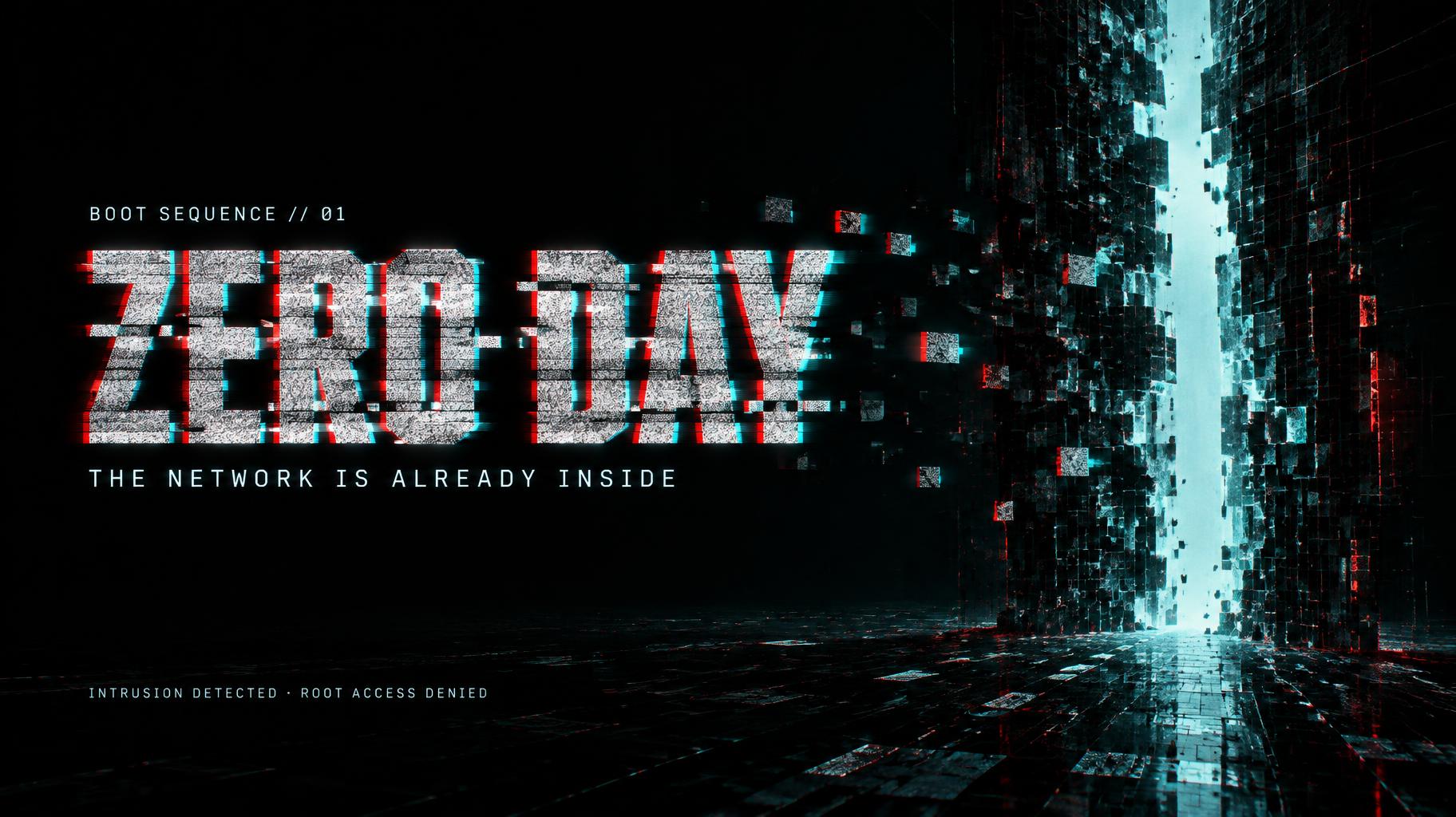
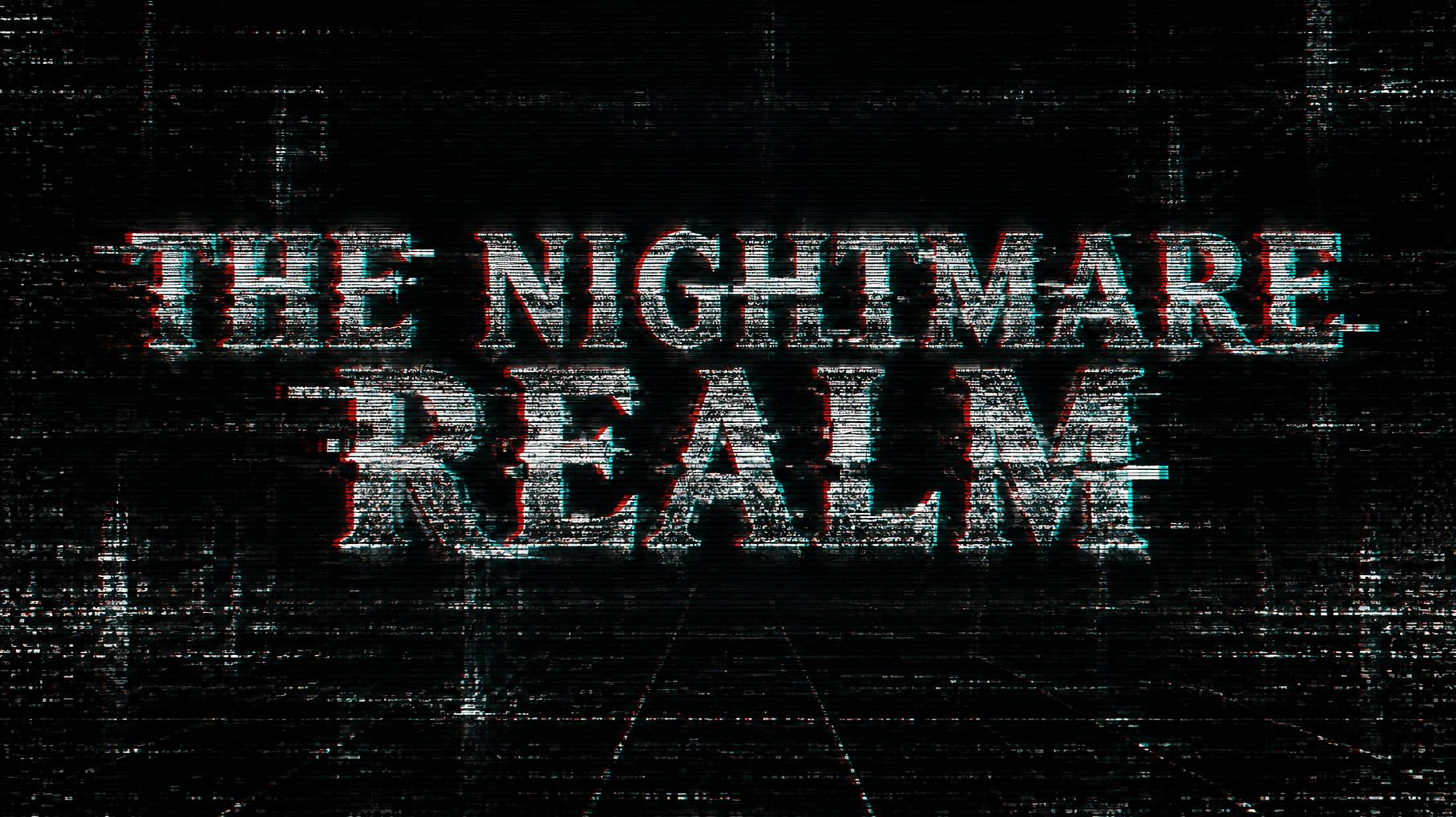
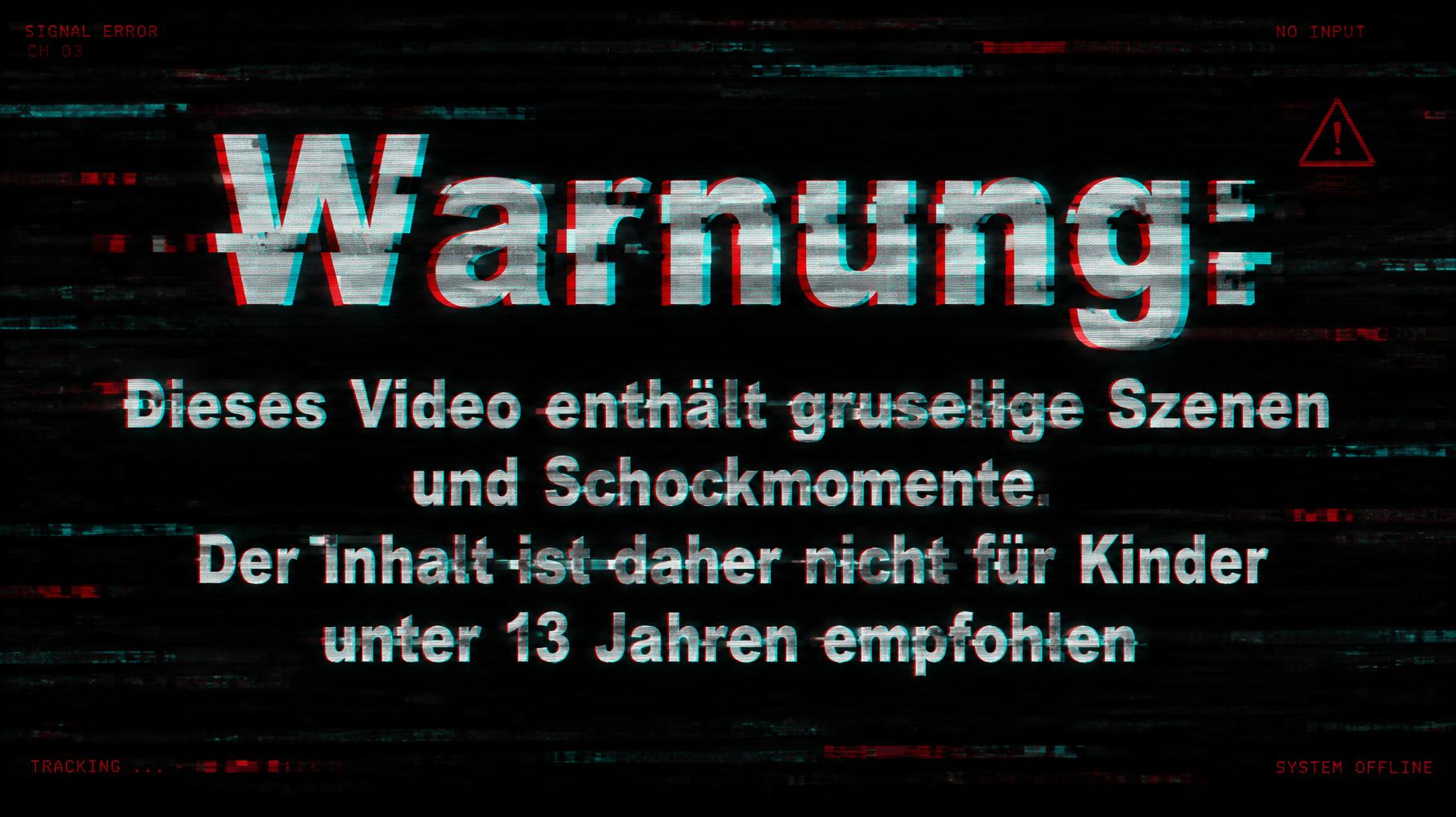
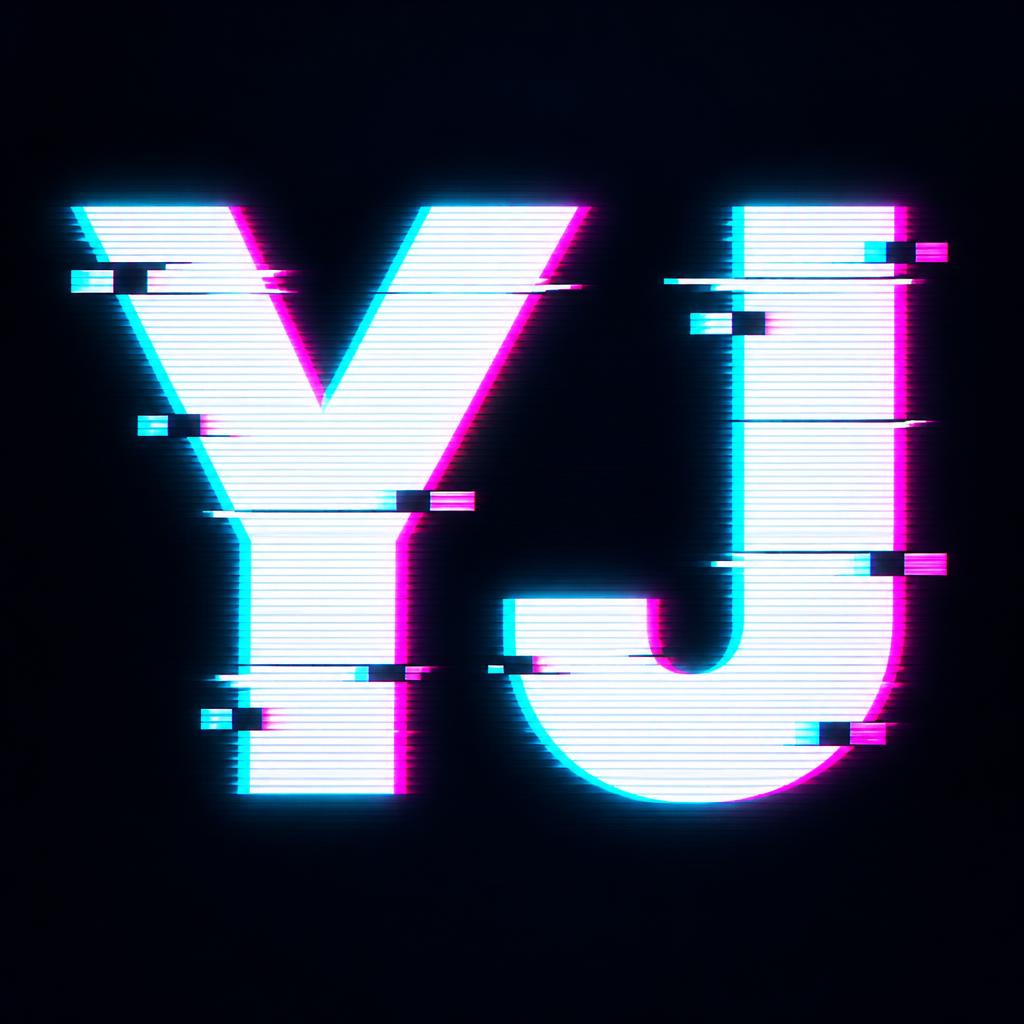
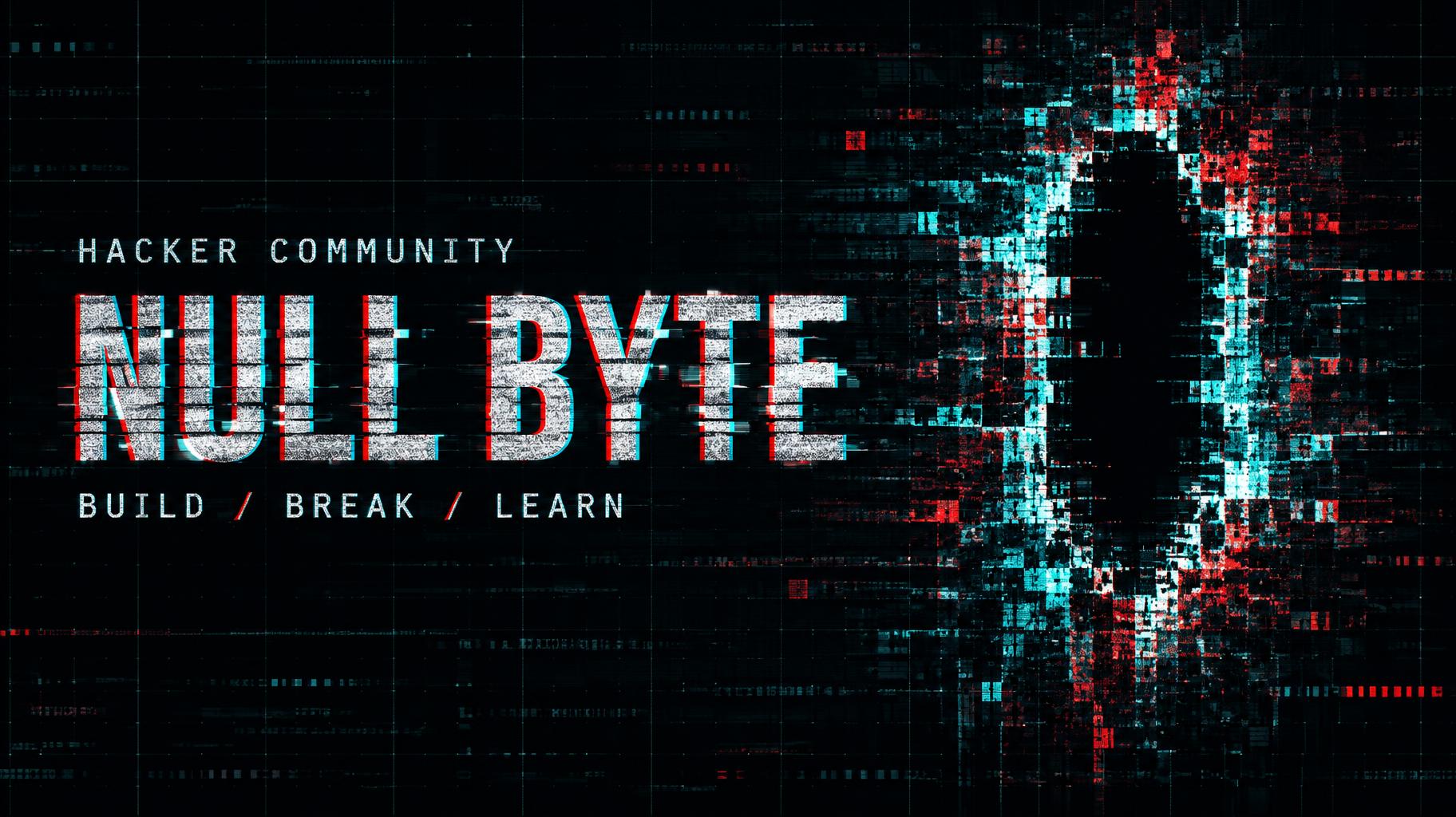
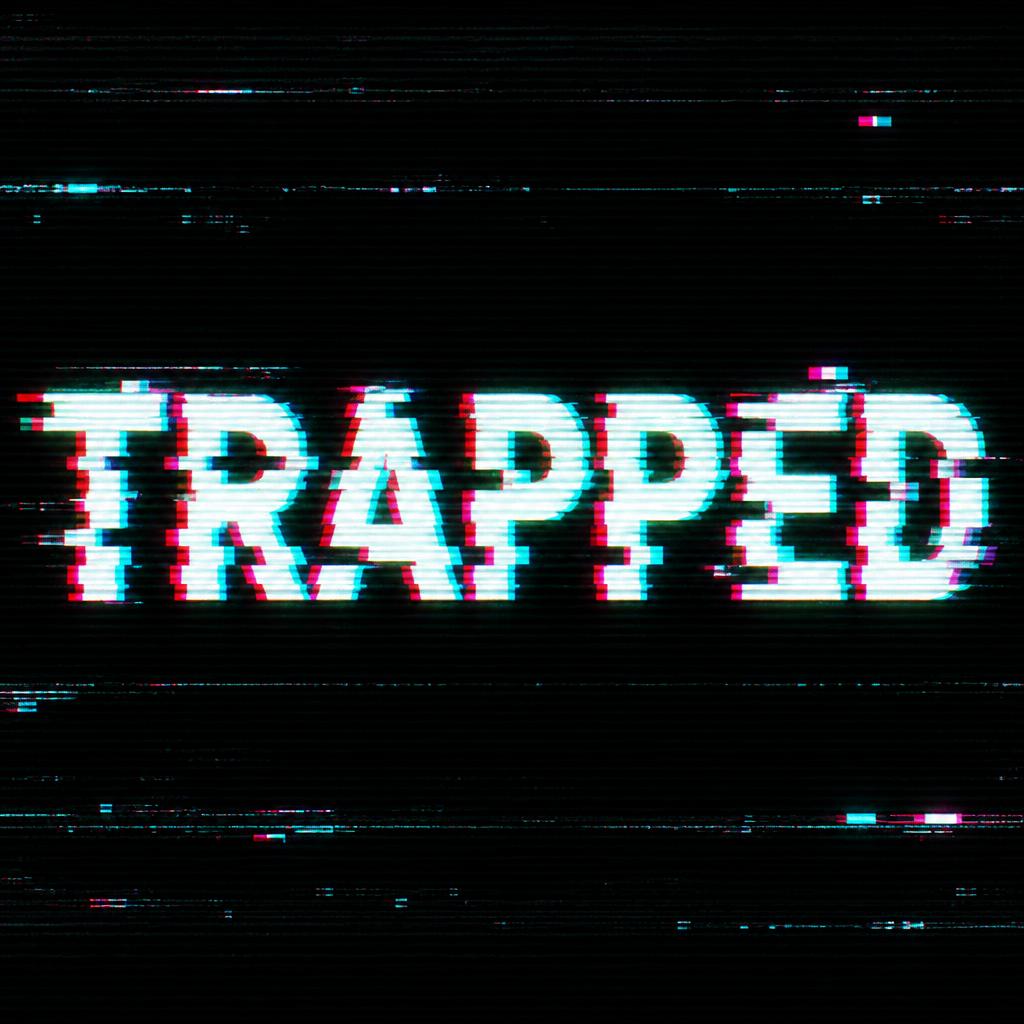
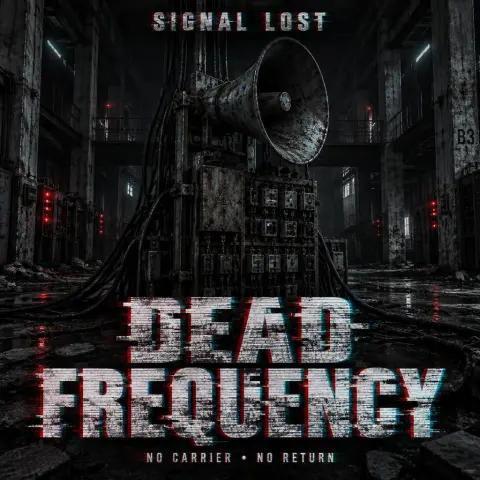
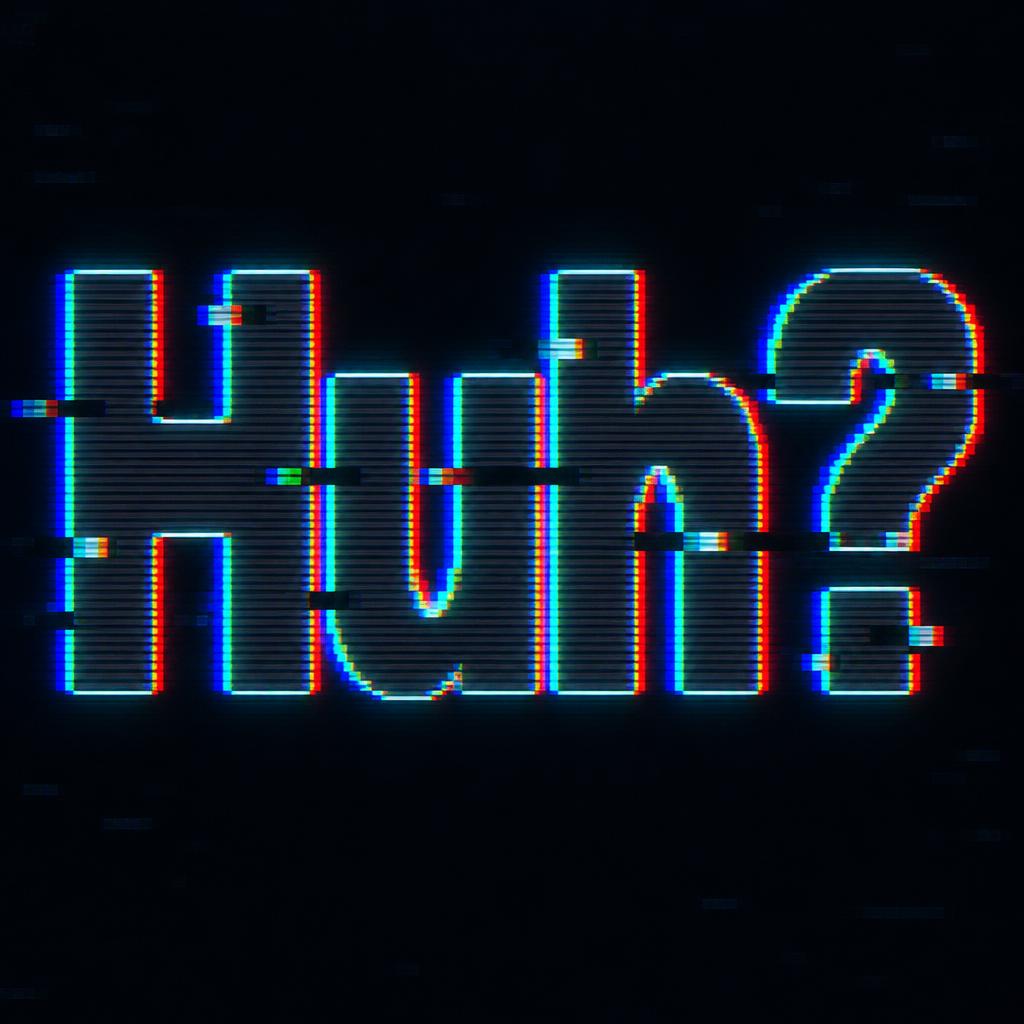
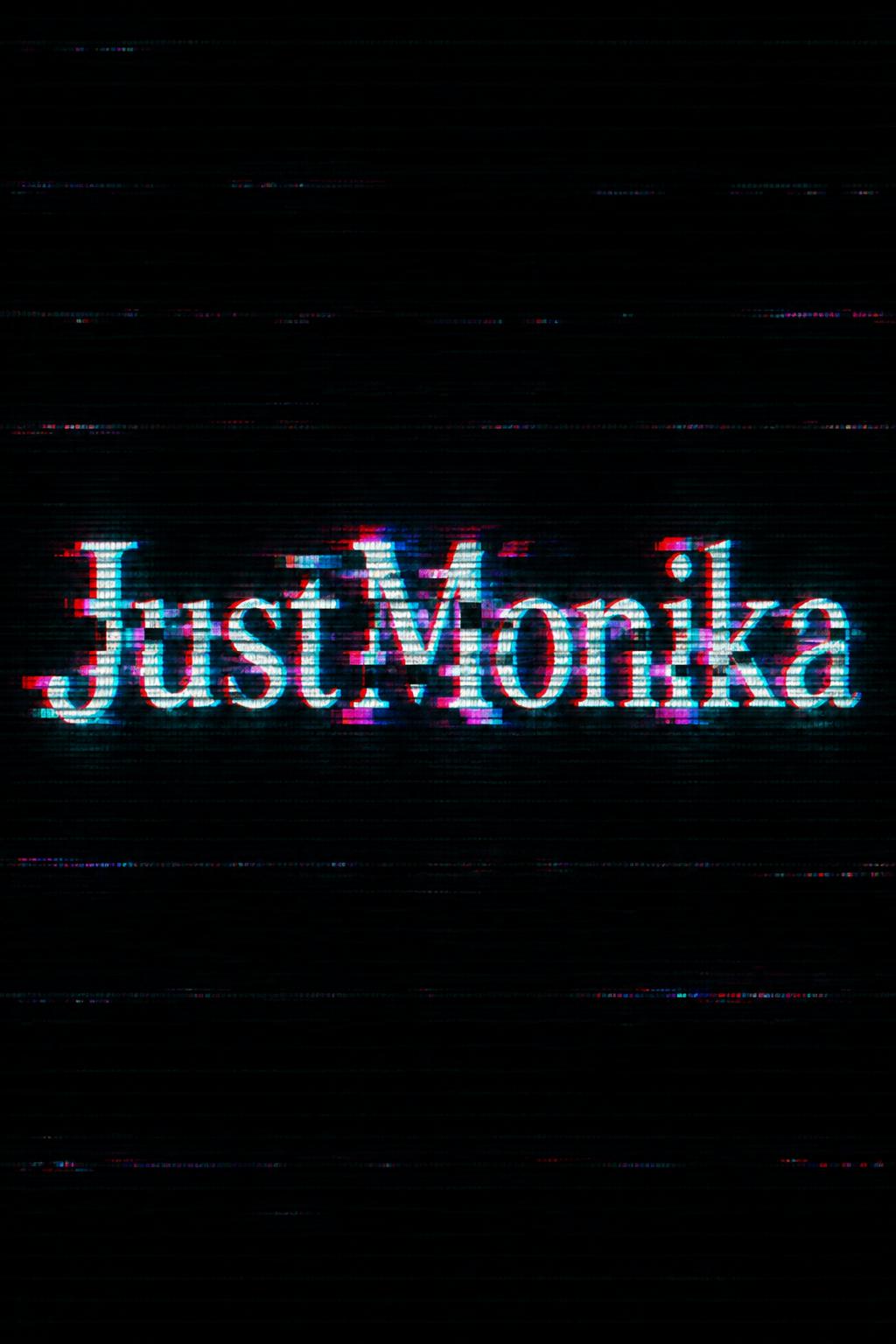
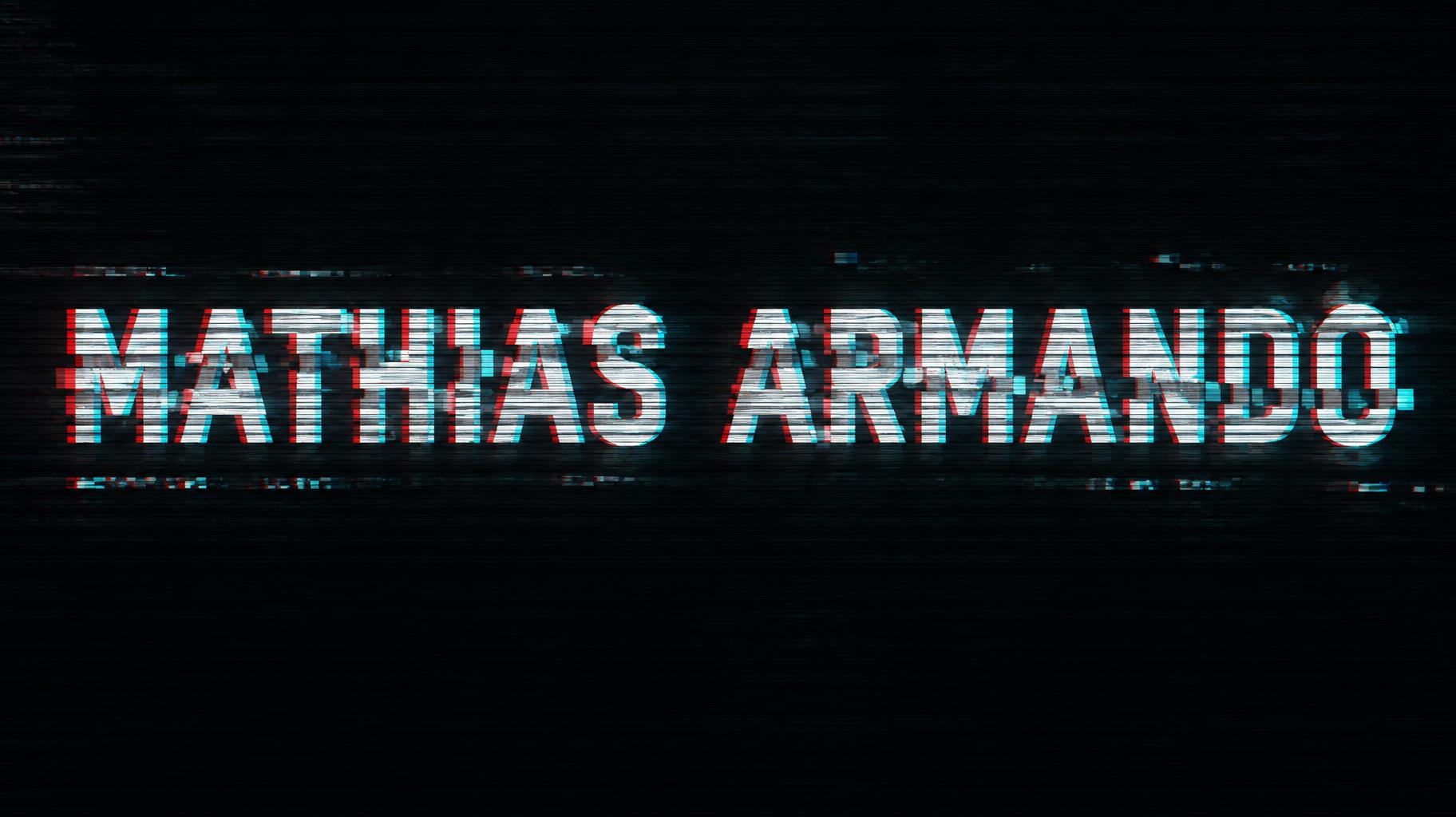
Every image below was generated on FontVibe — no post-editing, no stock photos. This is what glitch text effect generator — free ai actually looks like.





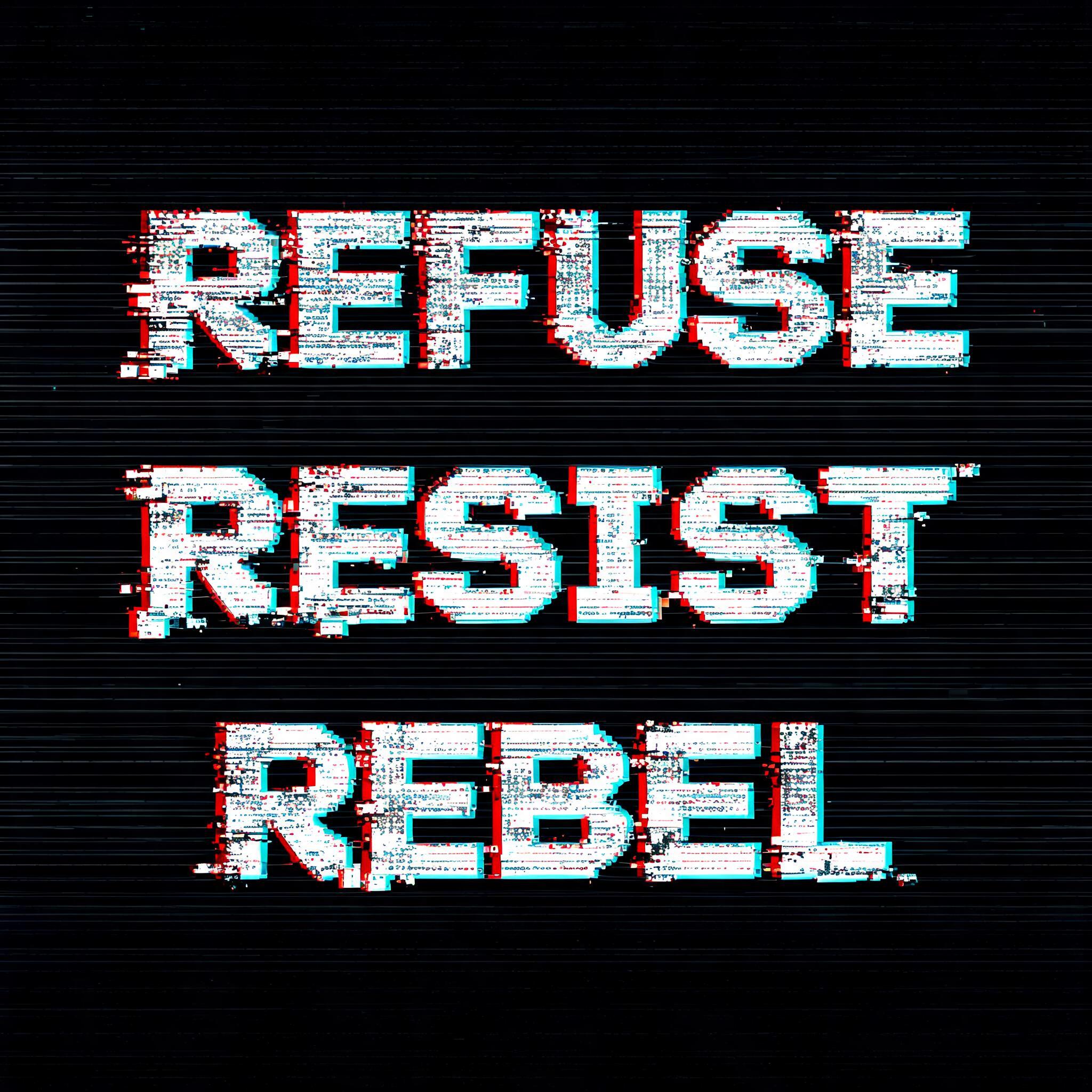
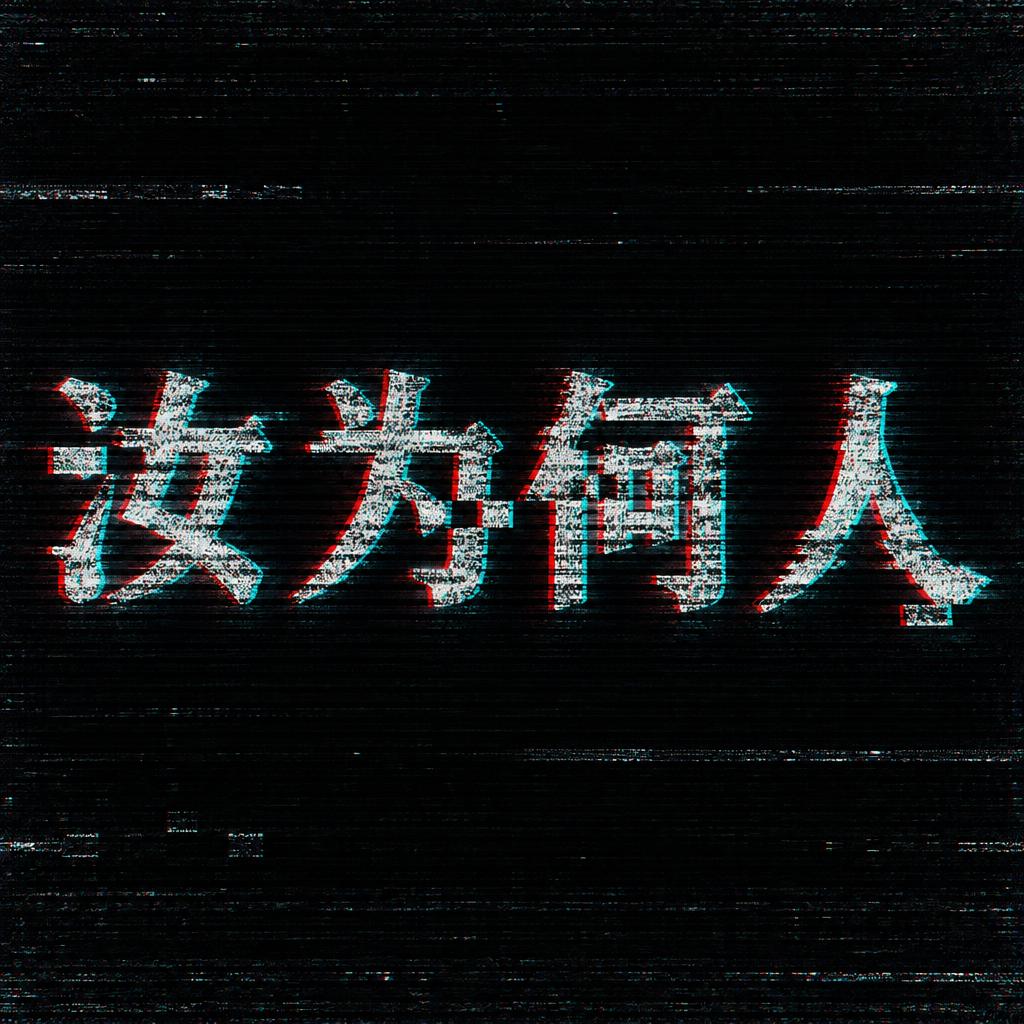
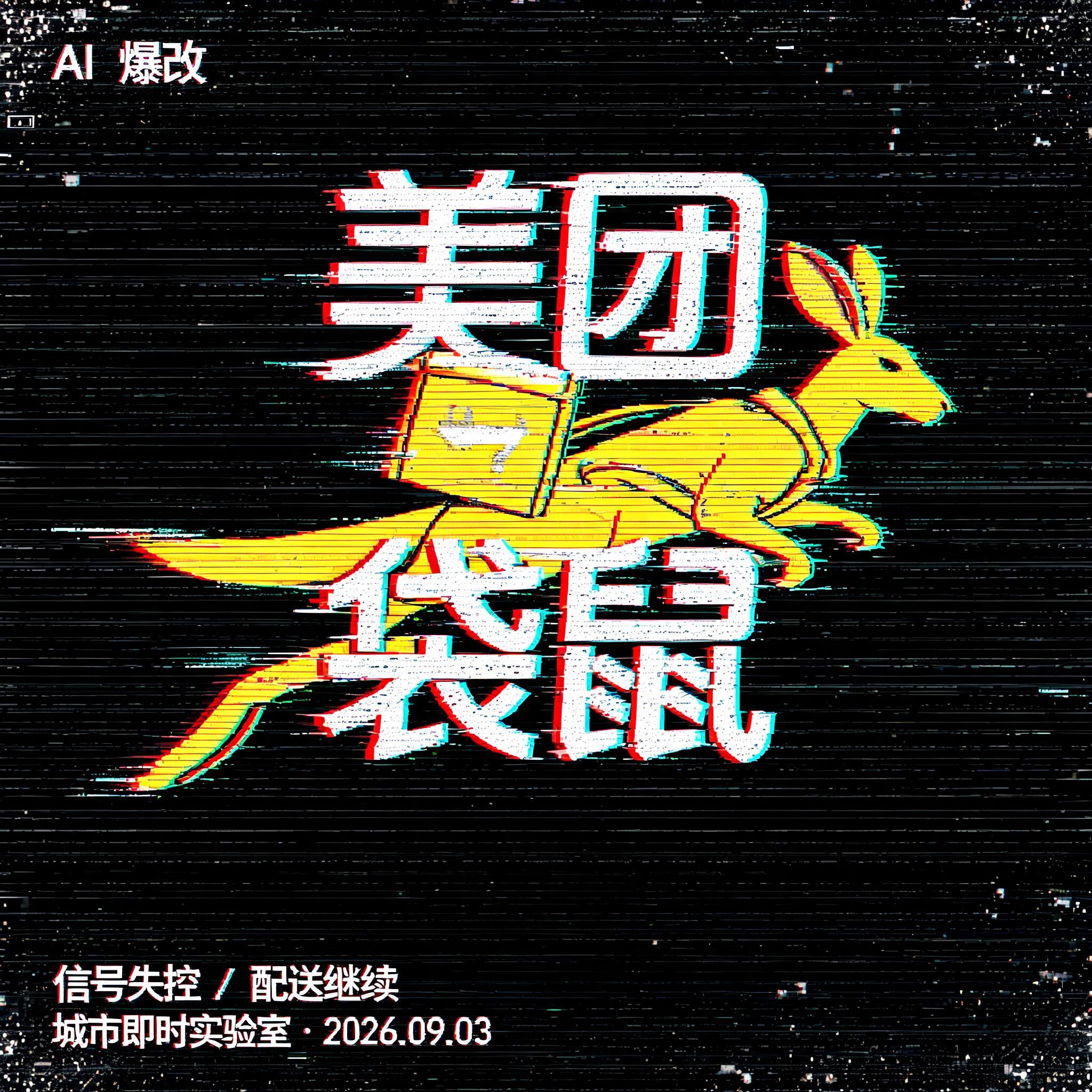
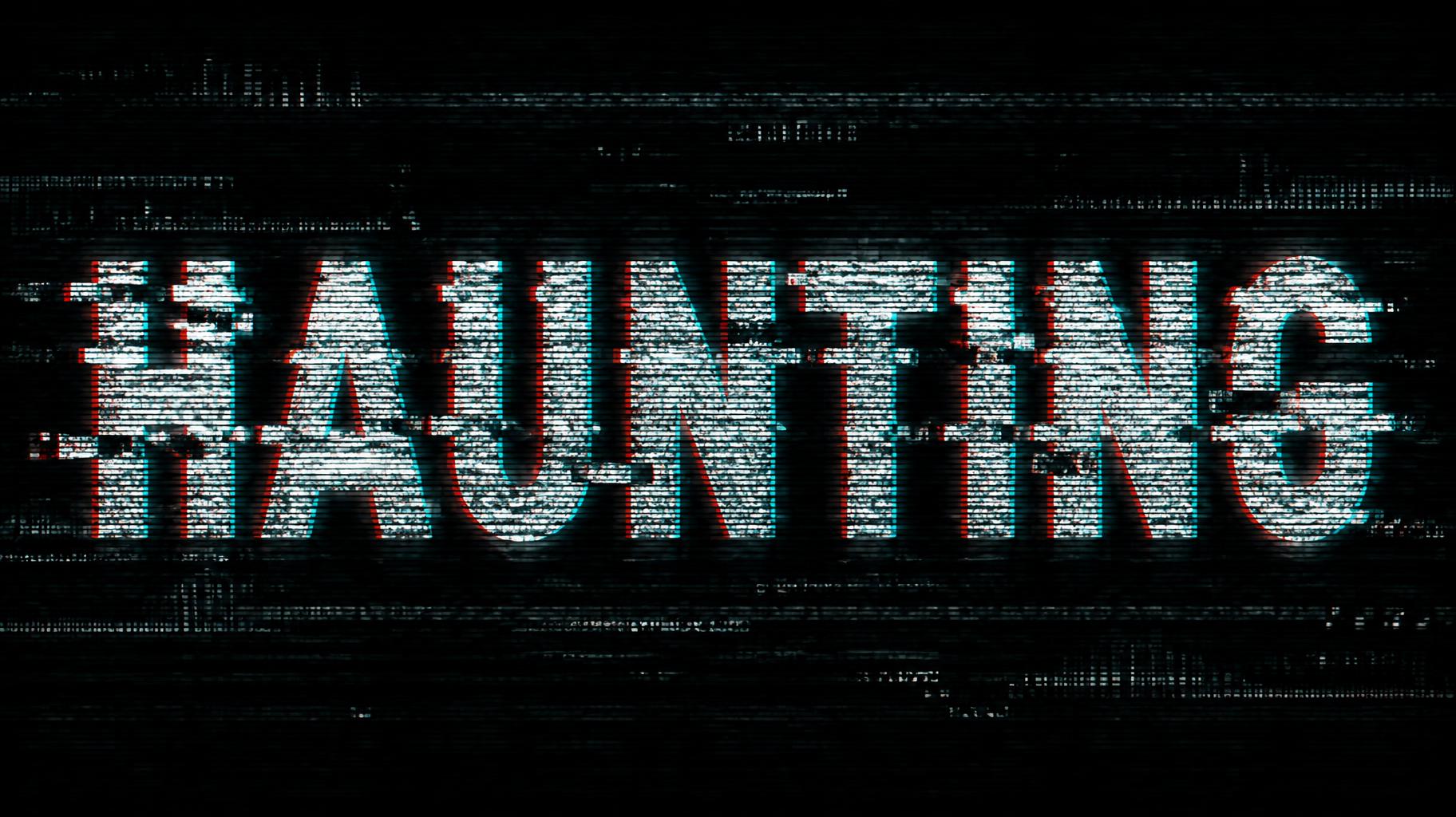


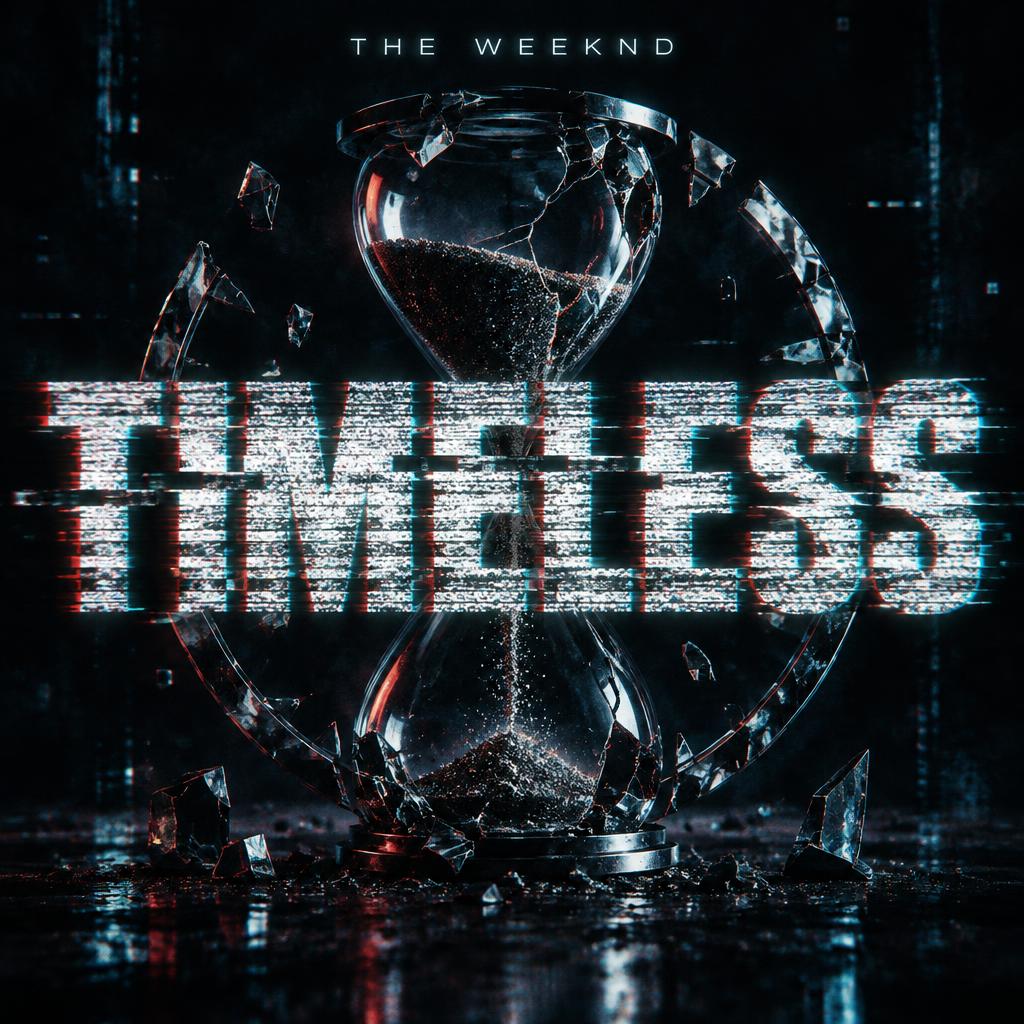
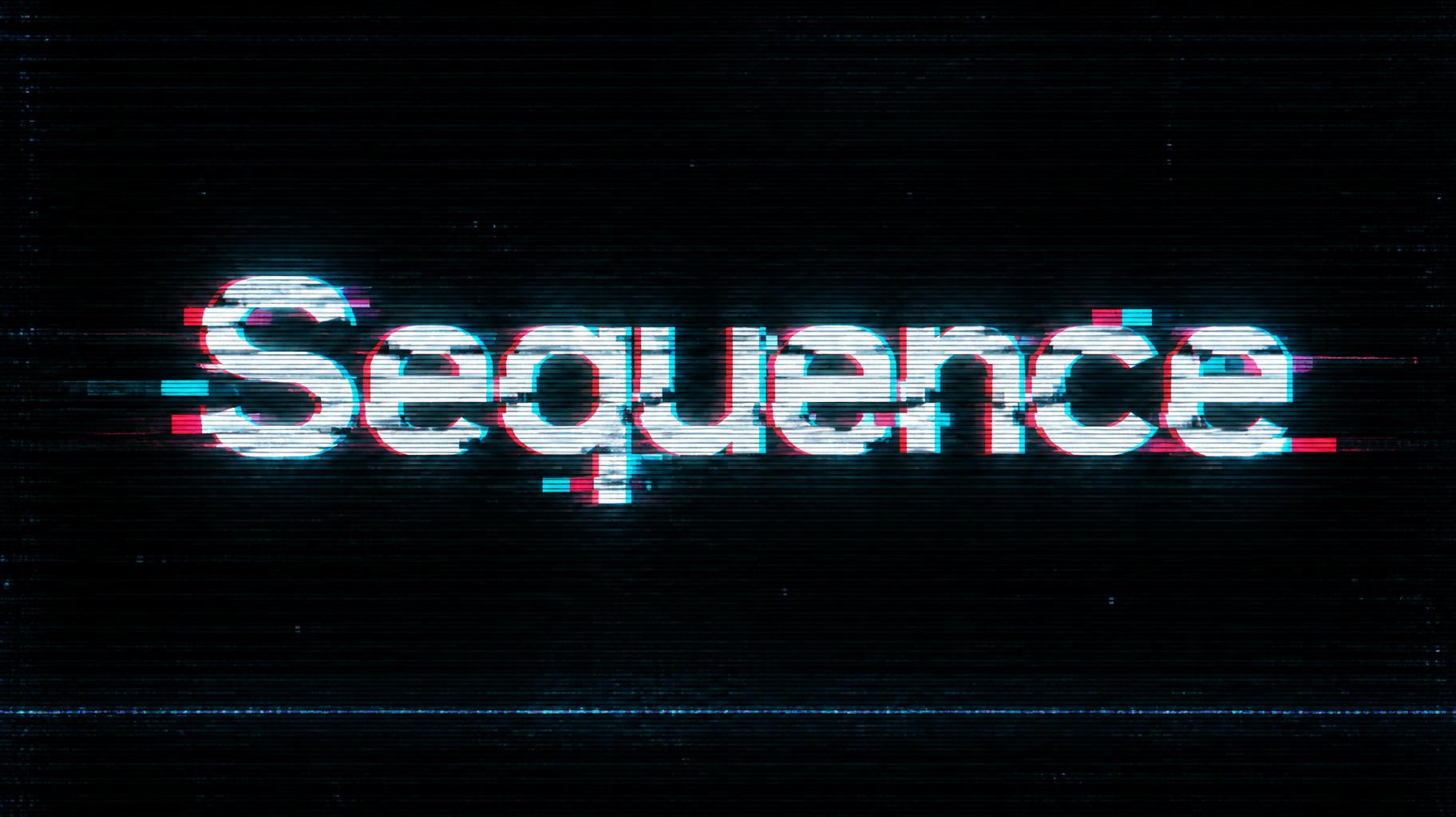
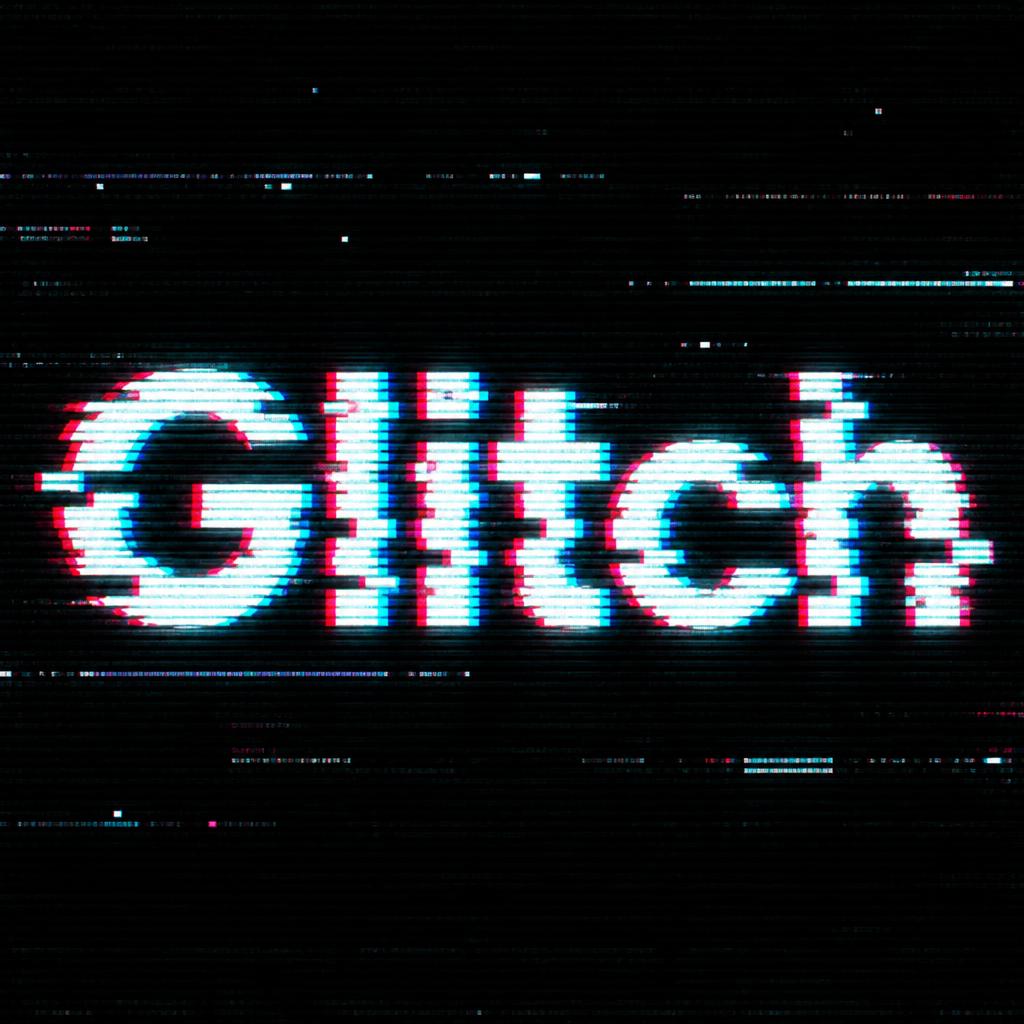
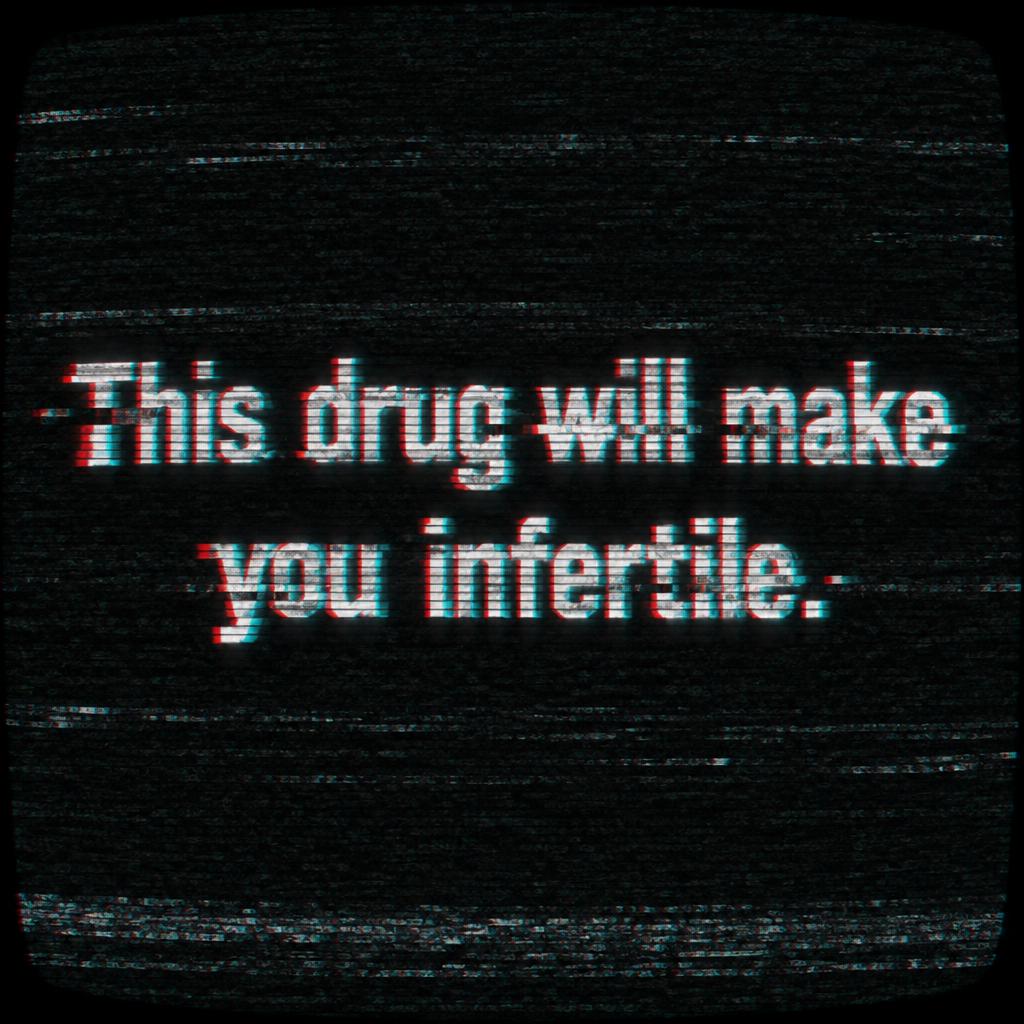
✦ More Glitch Text Effect Use Cases
Explore more ways to use Glitch


✦ Step-by-Step Guide
How to Create Your Text Effect in Studio
Three steps. No design software needed.
1
Enter your text
Type the word or phrase you want to glitch — a title, a name, a mood, anything.
2
Choose Glitch style
Select the Glitch style. FontVibe's AI applies RGB chromatic aberration, horizontal CRT scan lines, and pixel block artifacts.
3
Download your image
Generate and download in seconds. High-res PNG ready for any creative project.
💡 Platform tip: Square 1:1 works across Instagram, Twitter/X, Discord, and YouTube thumbnails without cropping.
✦ Common Questions
Text Effect — Frequently Asked Questions
Everything you need to know before you create.
✦ Explore More Text Effect Styles
Related AI Text Effect Styles
Try a different aesthetic — each style generates a completely unique visual output.


Want more text styles? Browse our free font generators — fancy, cursive, gothic & more.
✦ Ready to Create?
Make Your Own Effect
Free to start. No design skills needed.
✦ Generate Now — Free