


✦ Community Gallery
View all →Liquid Glass Text Effect — Community Gallery
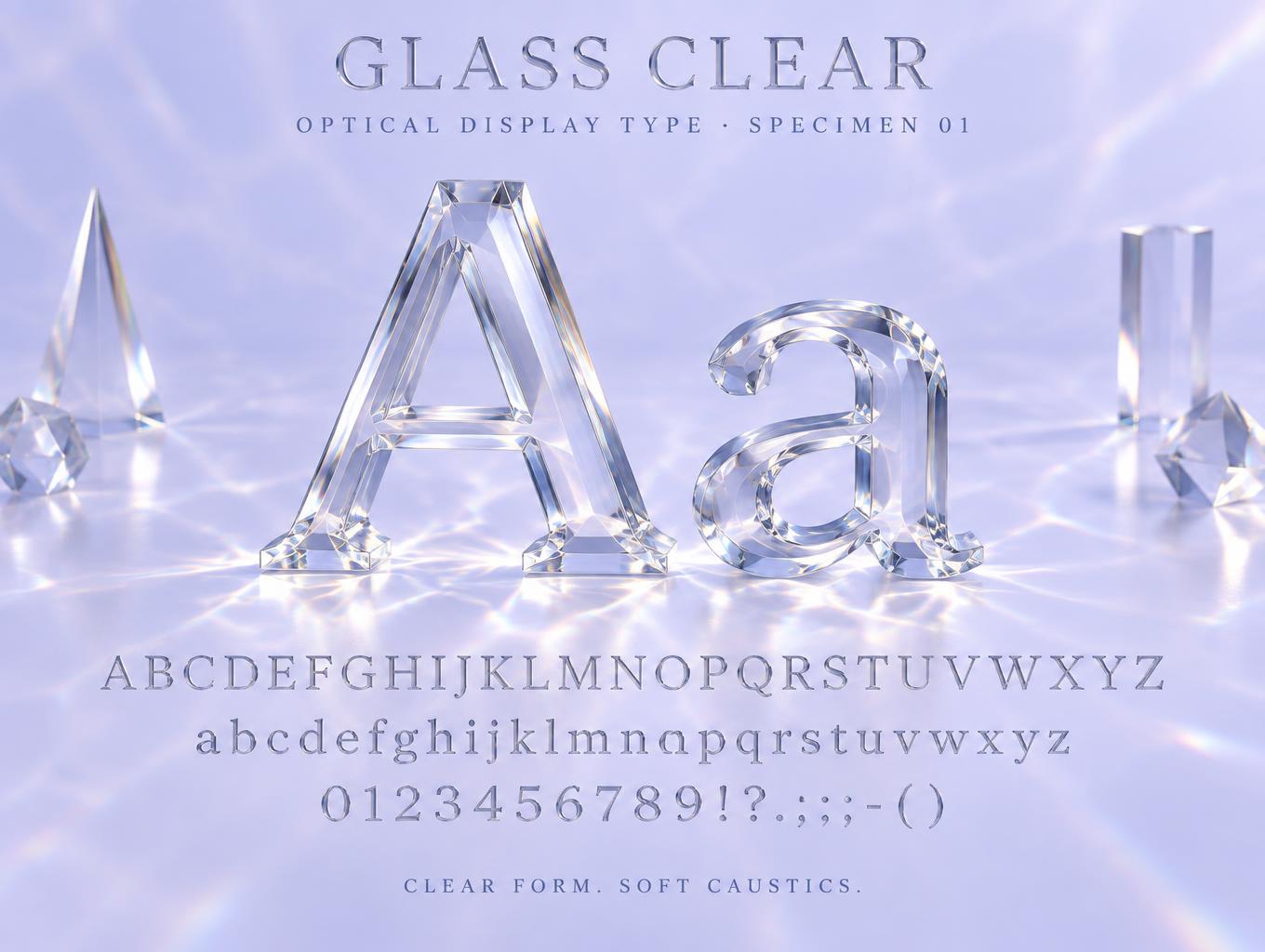
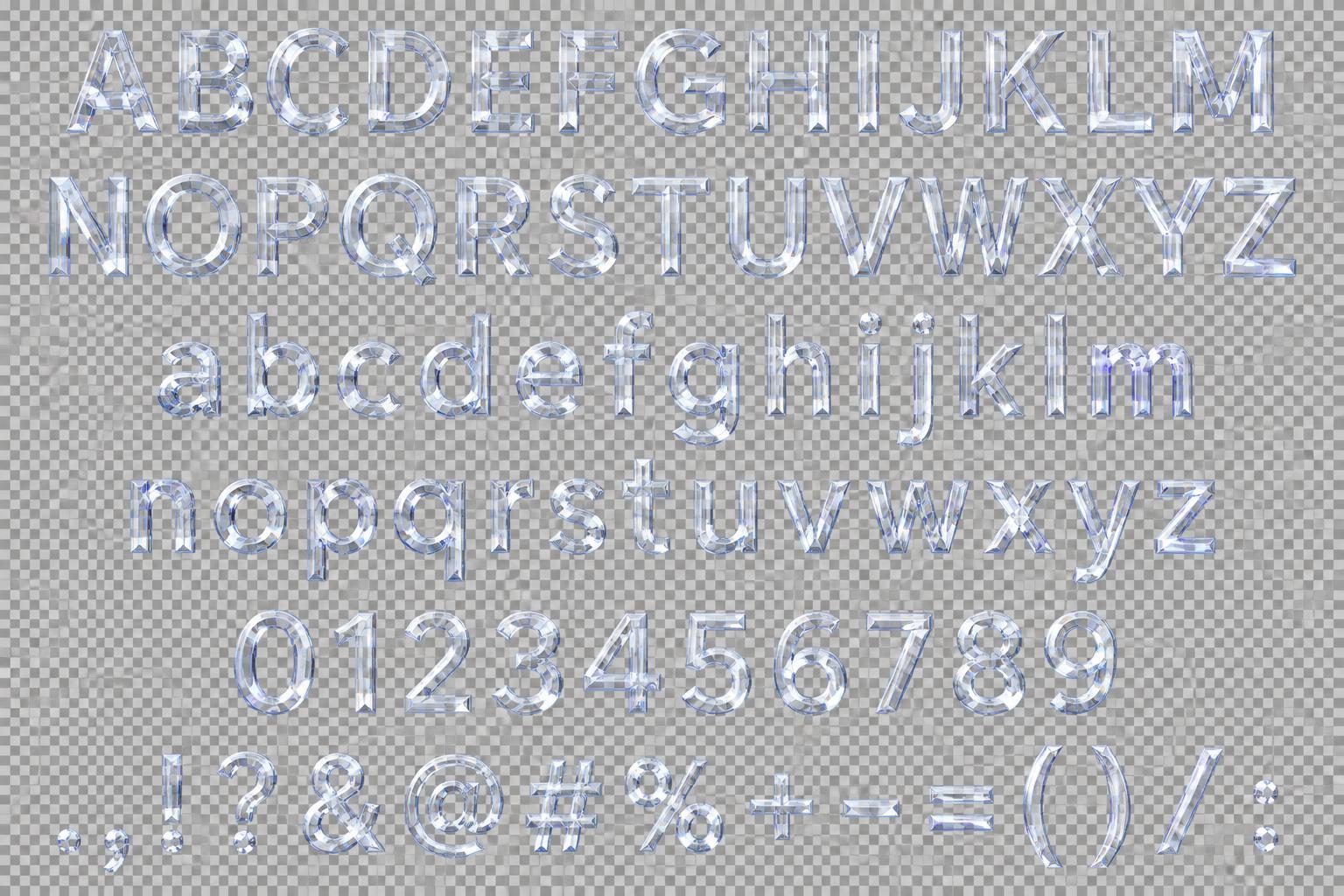
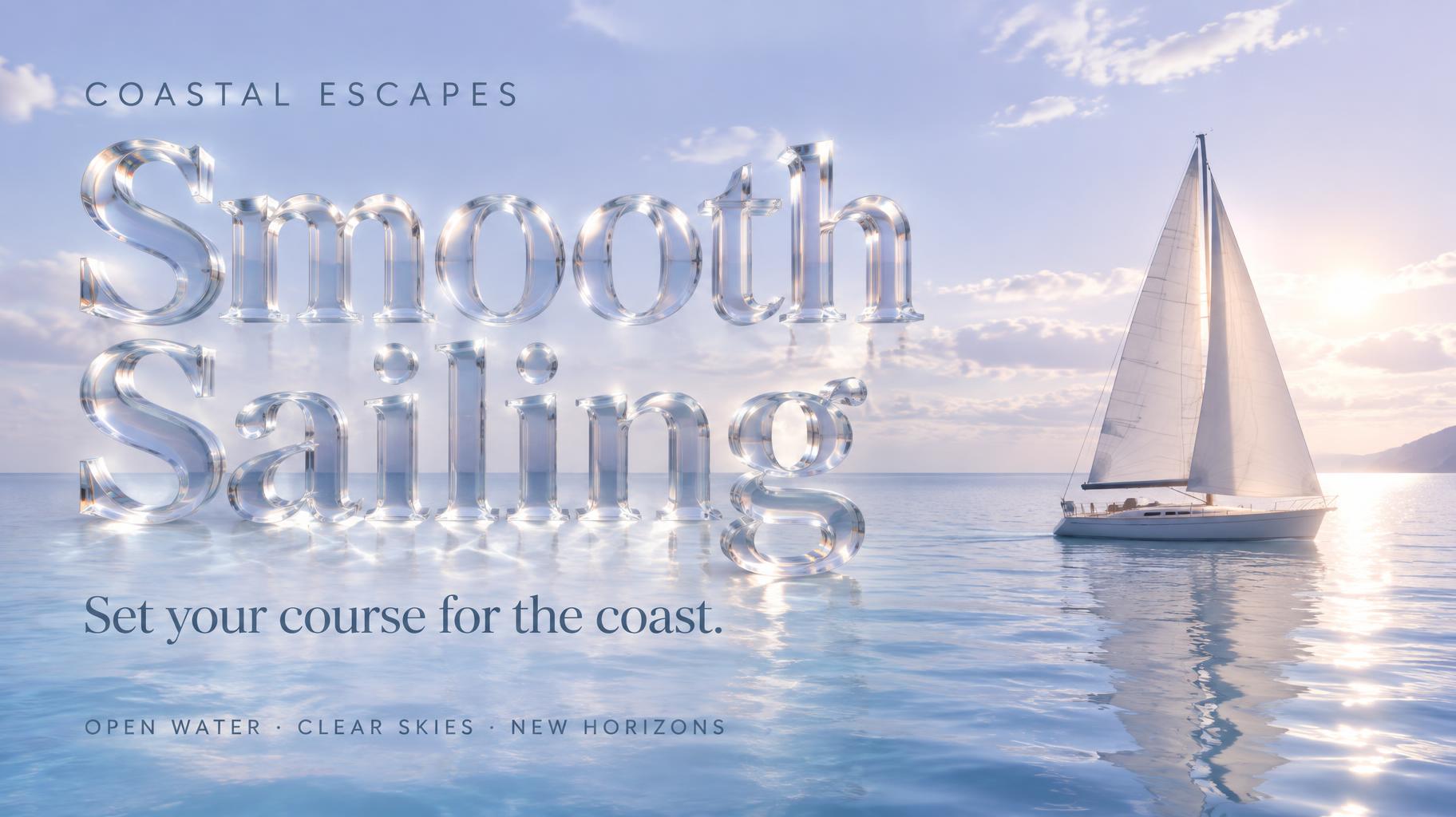
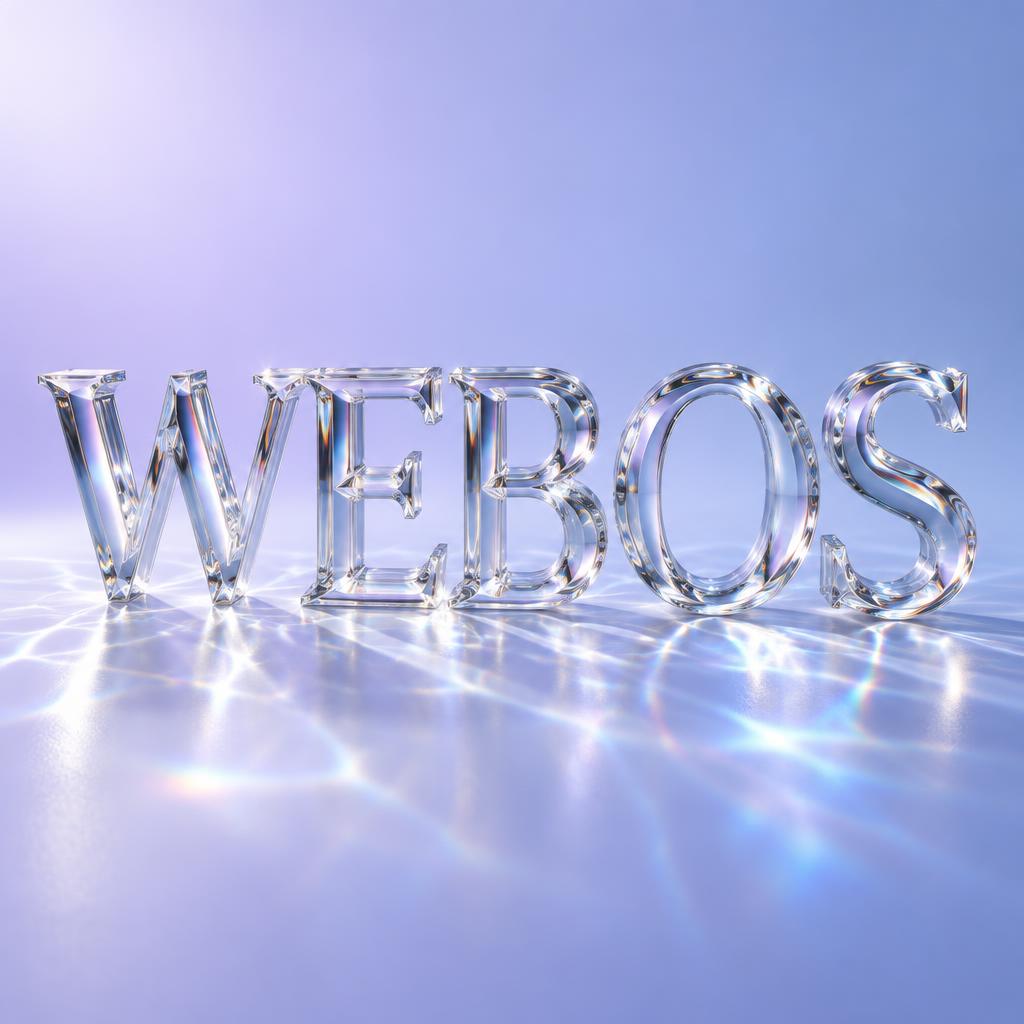
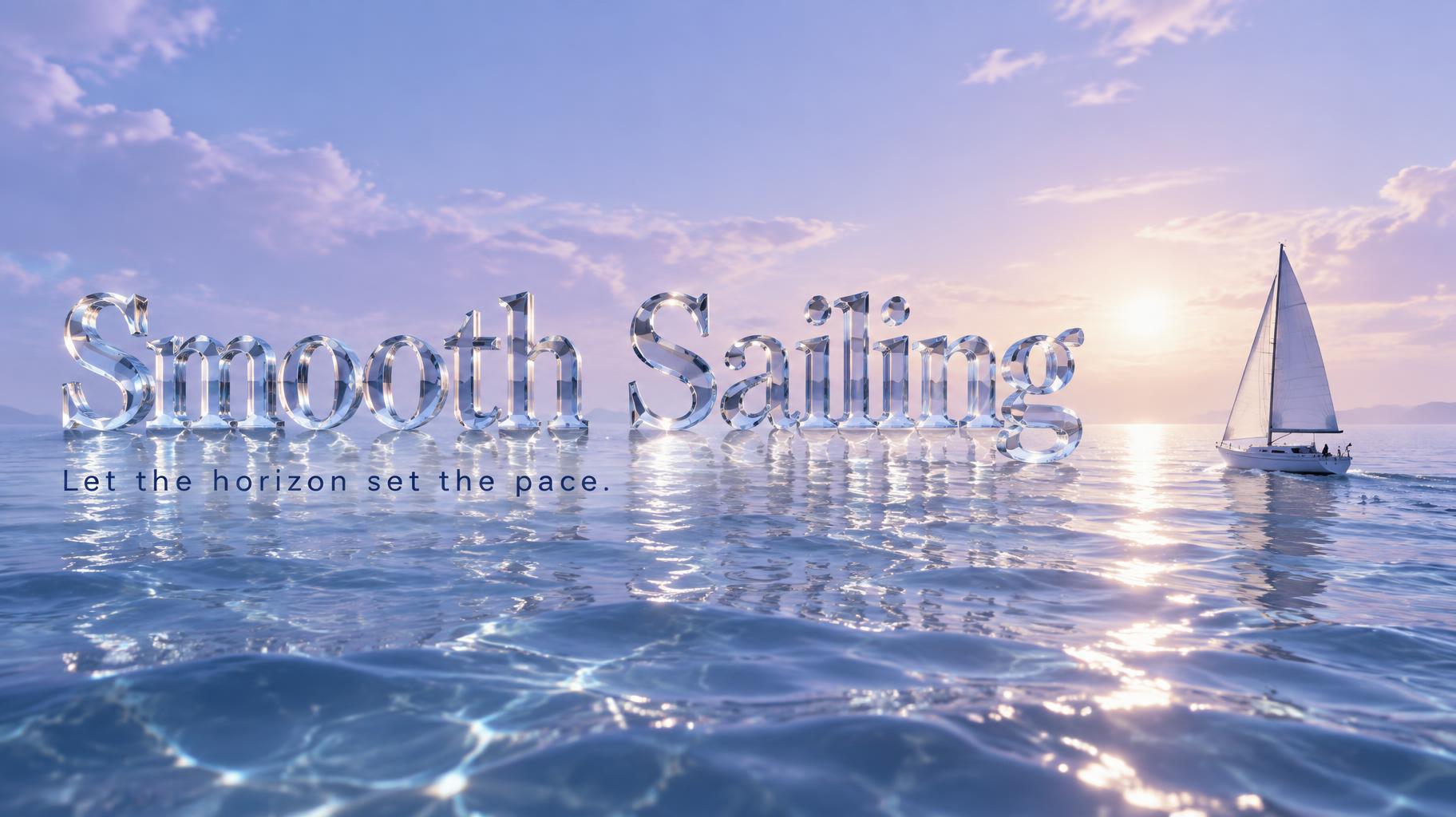
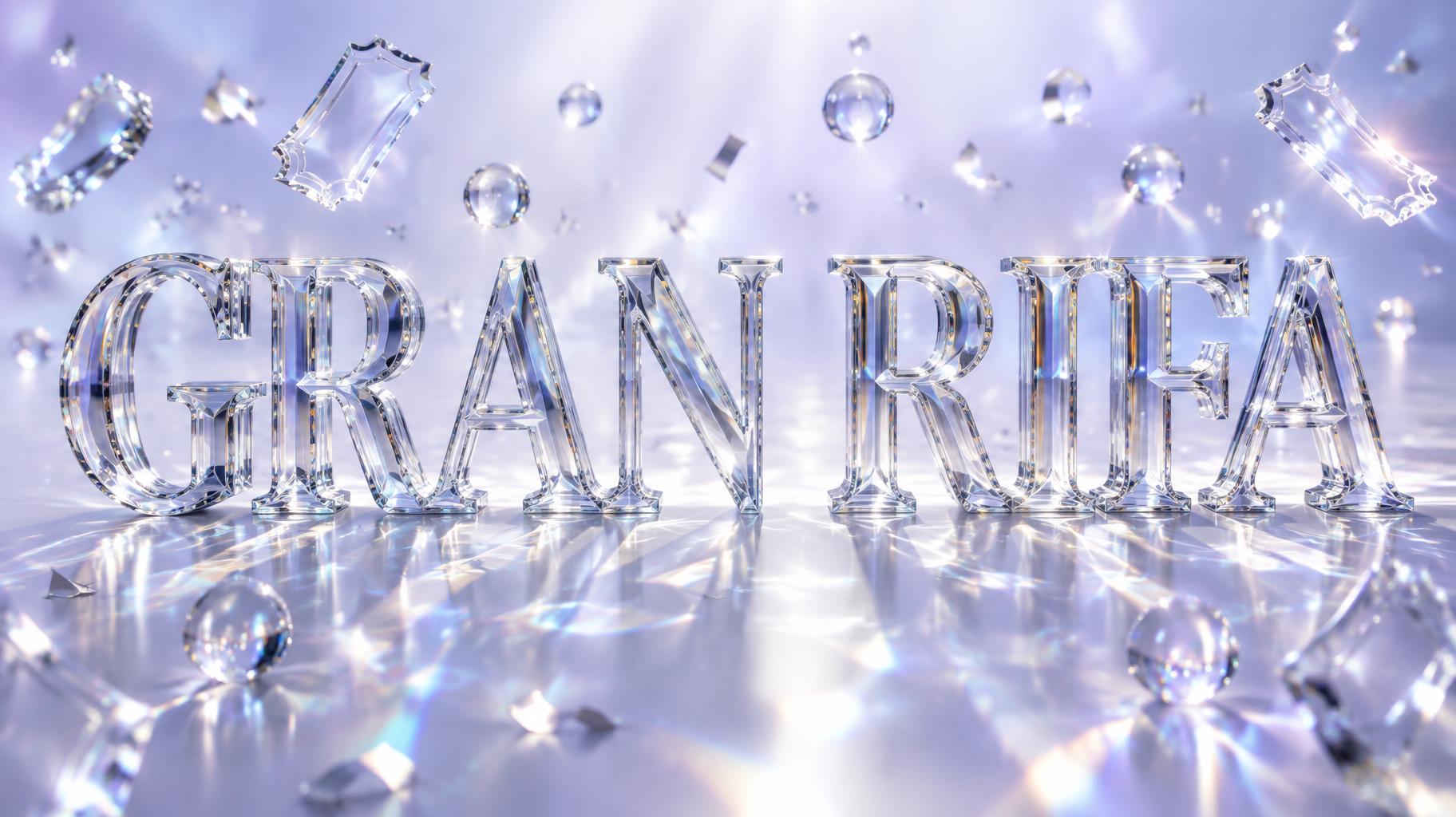
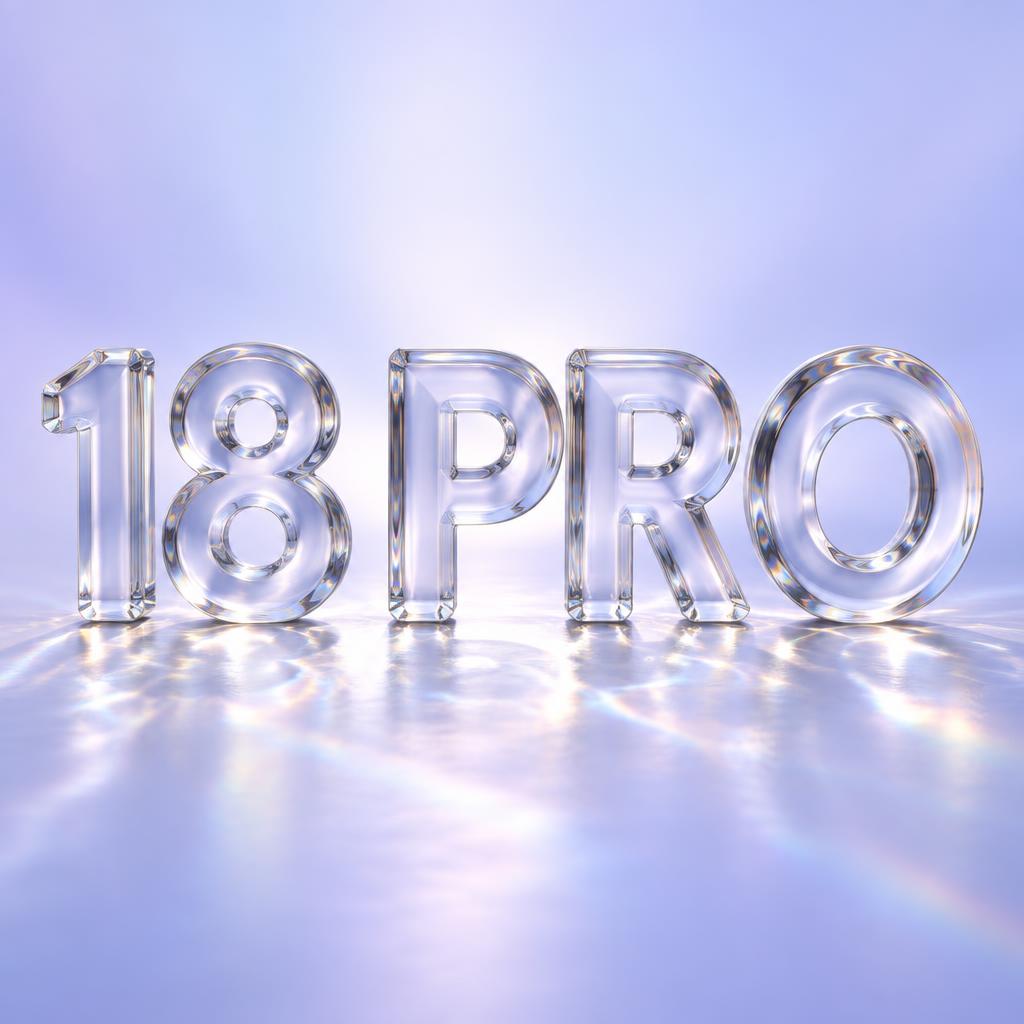
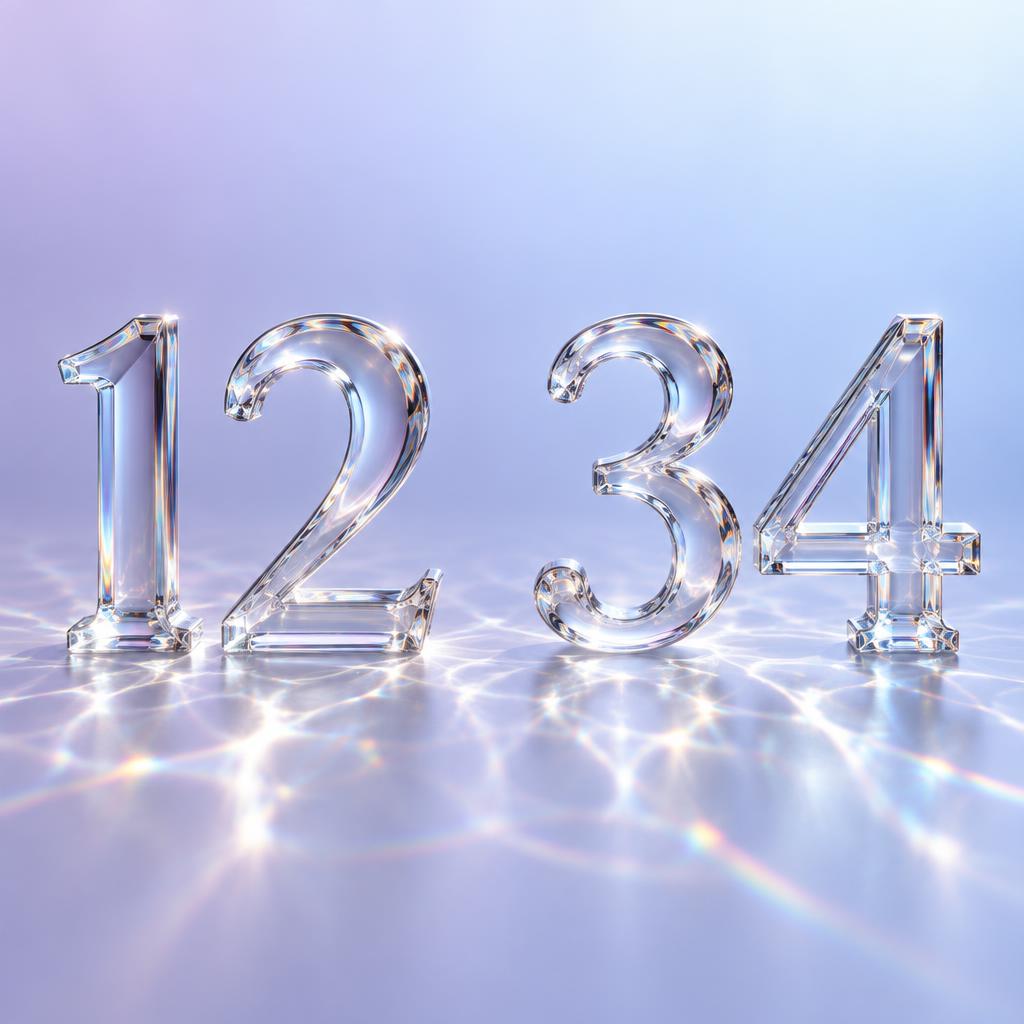
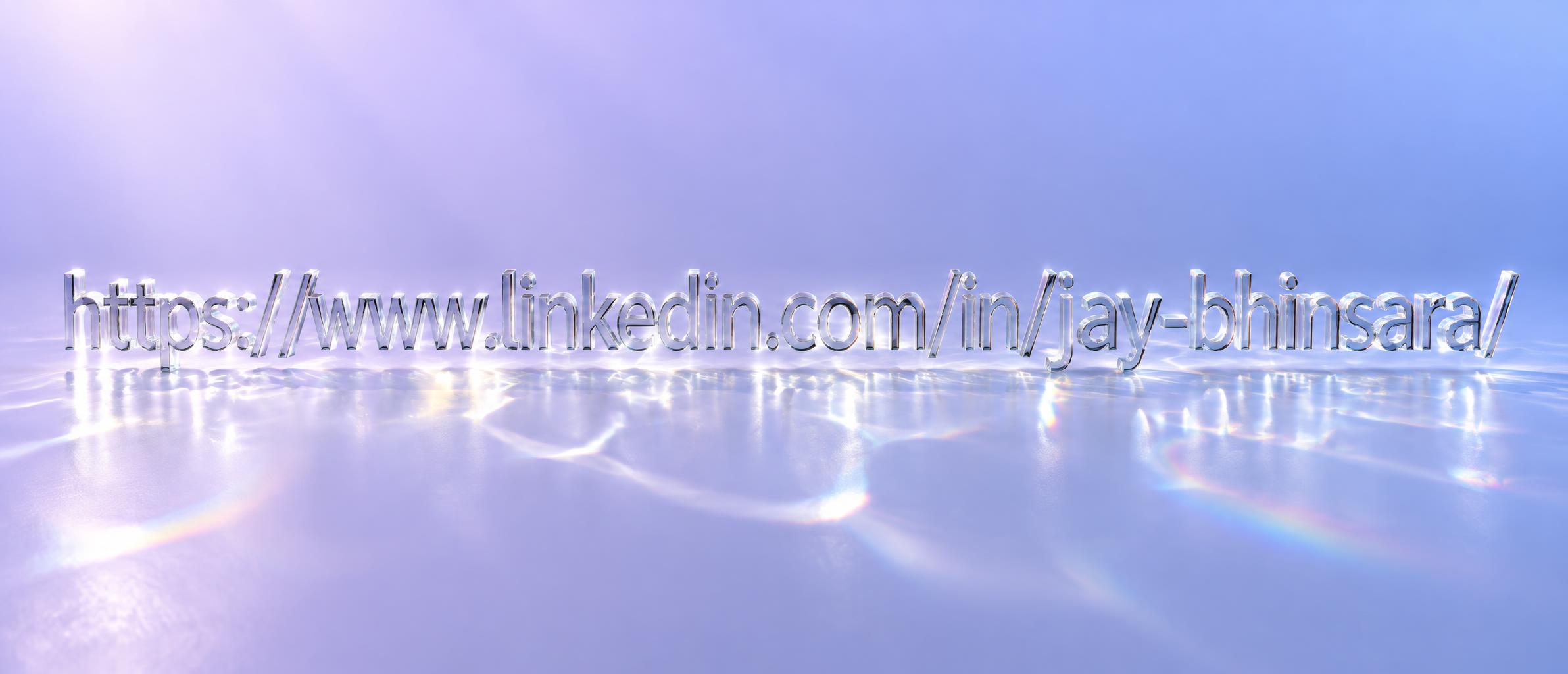
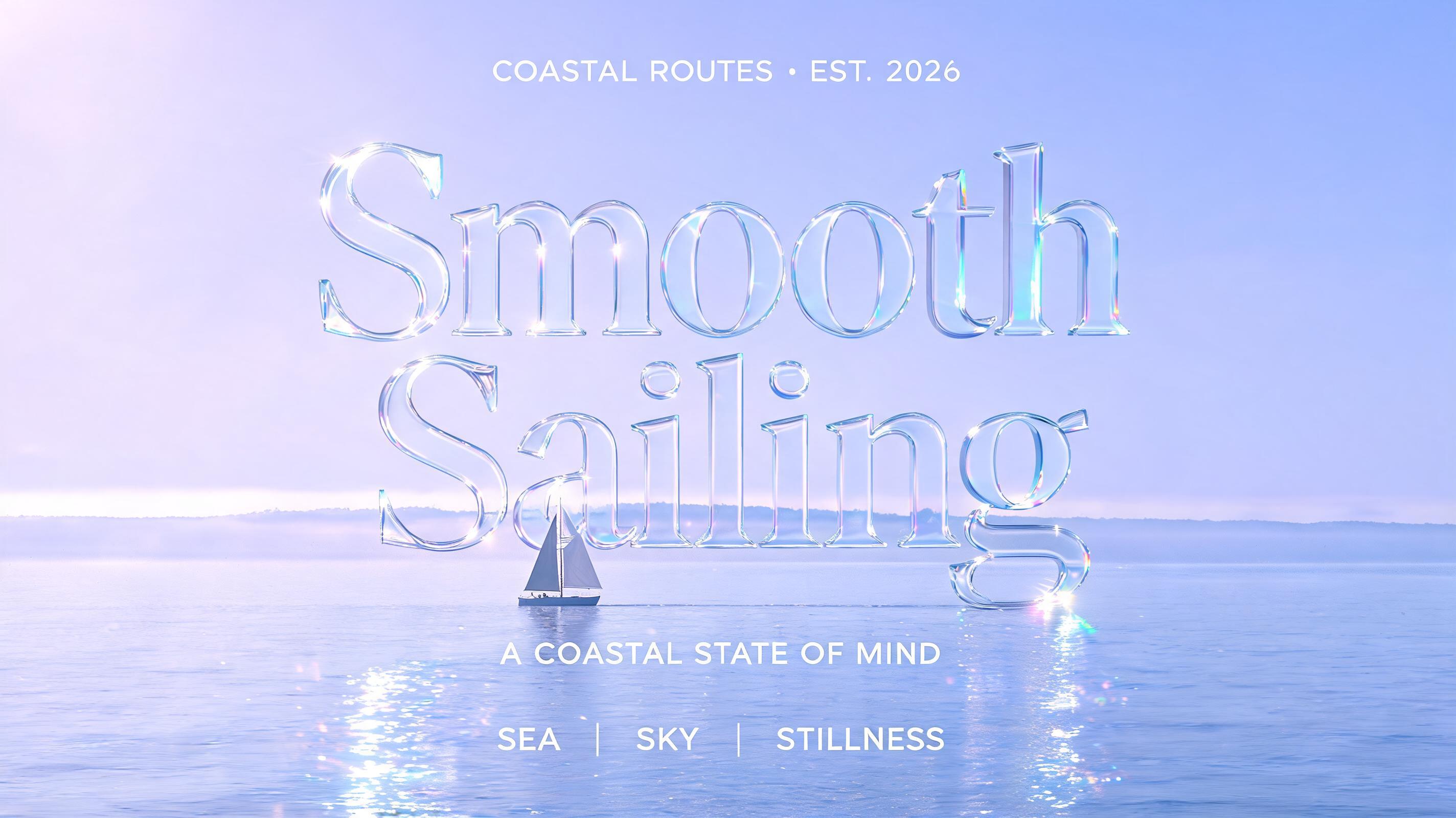
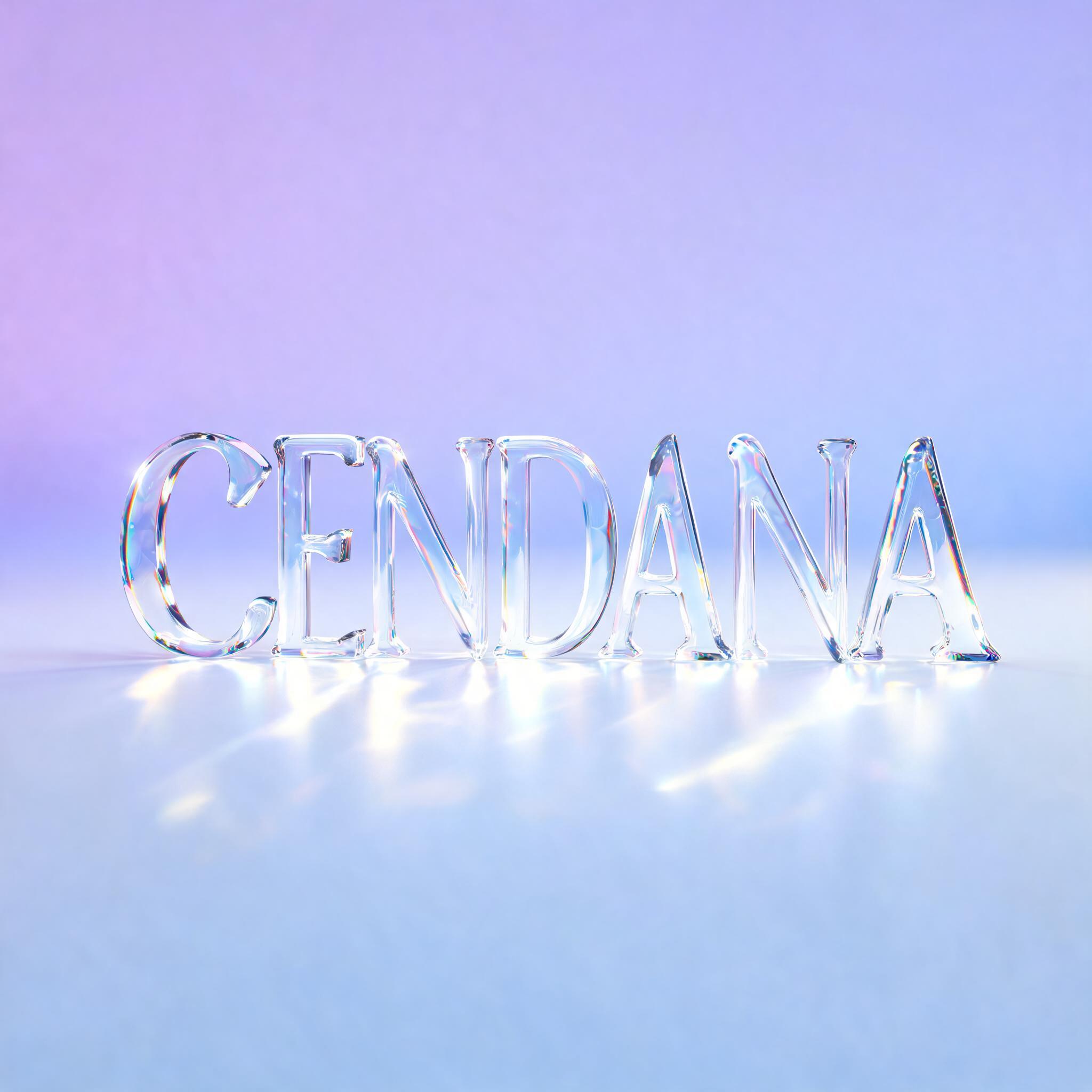
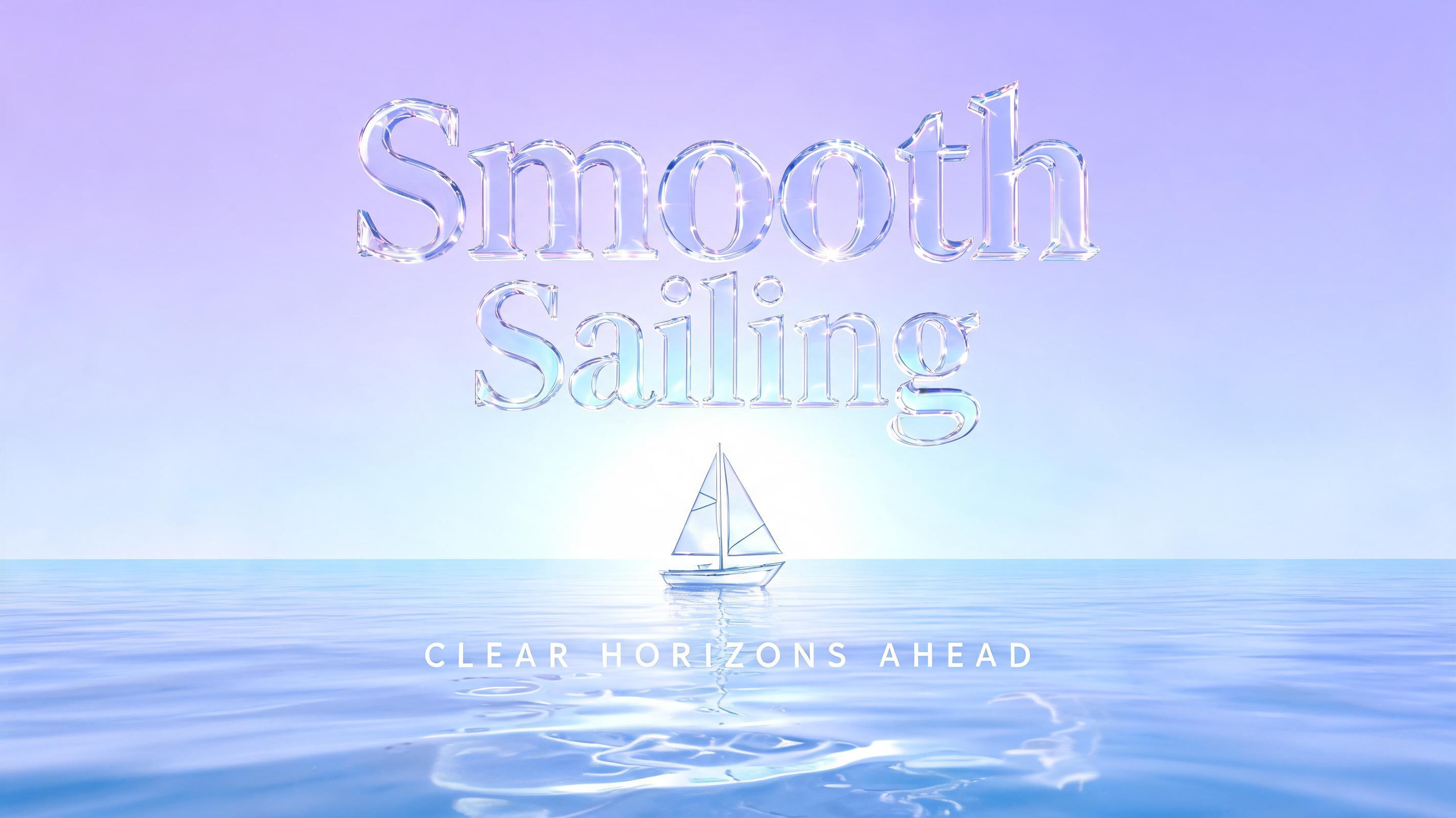
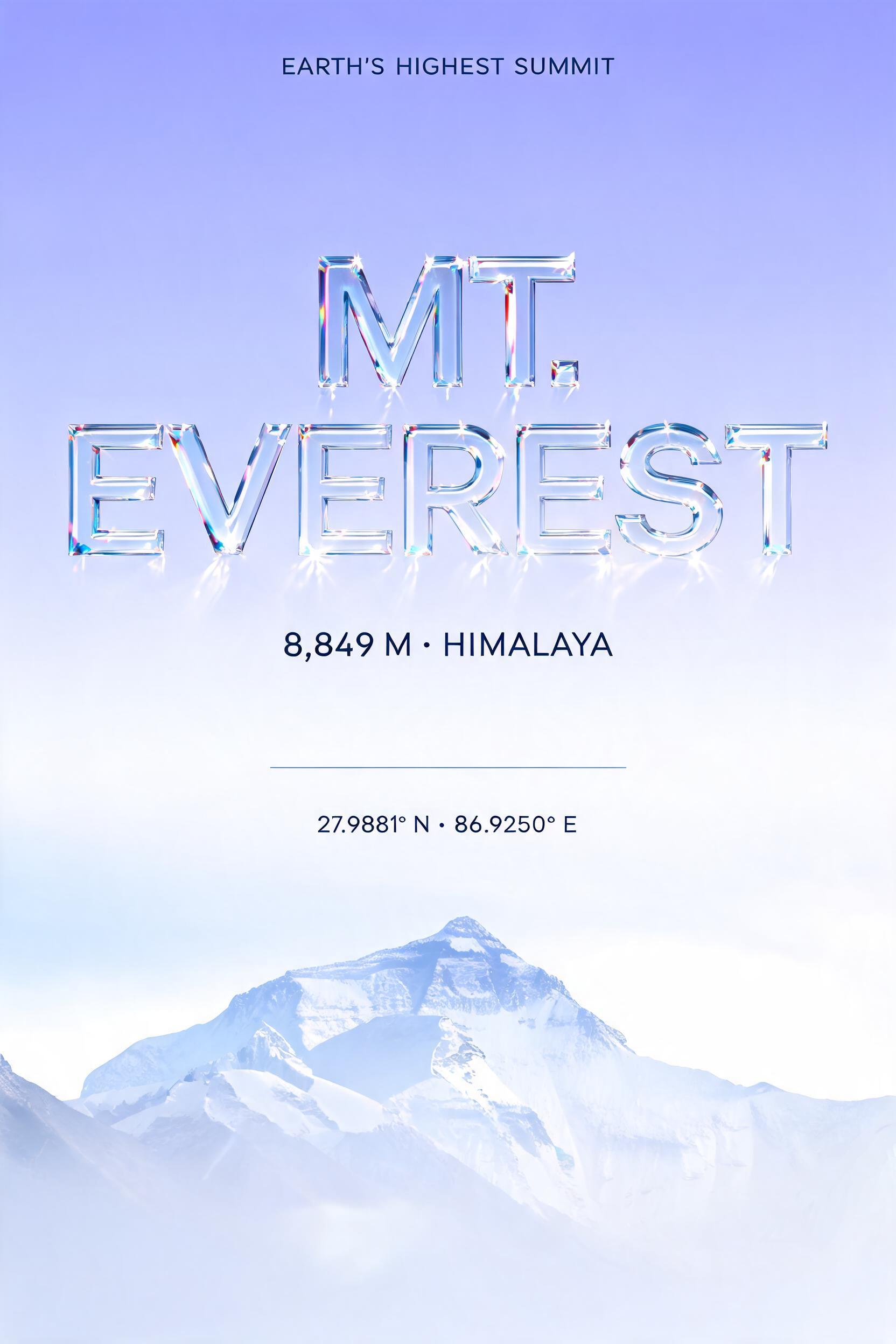
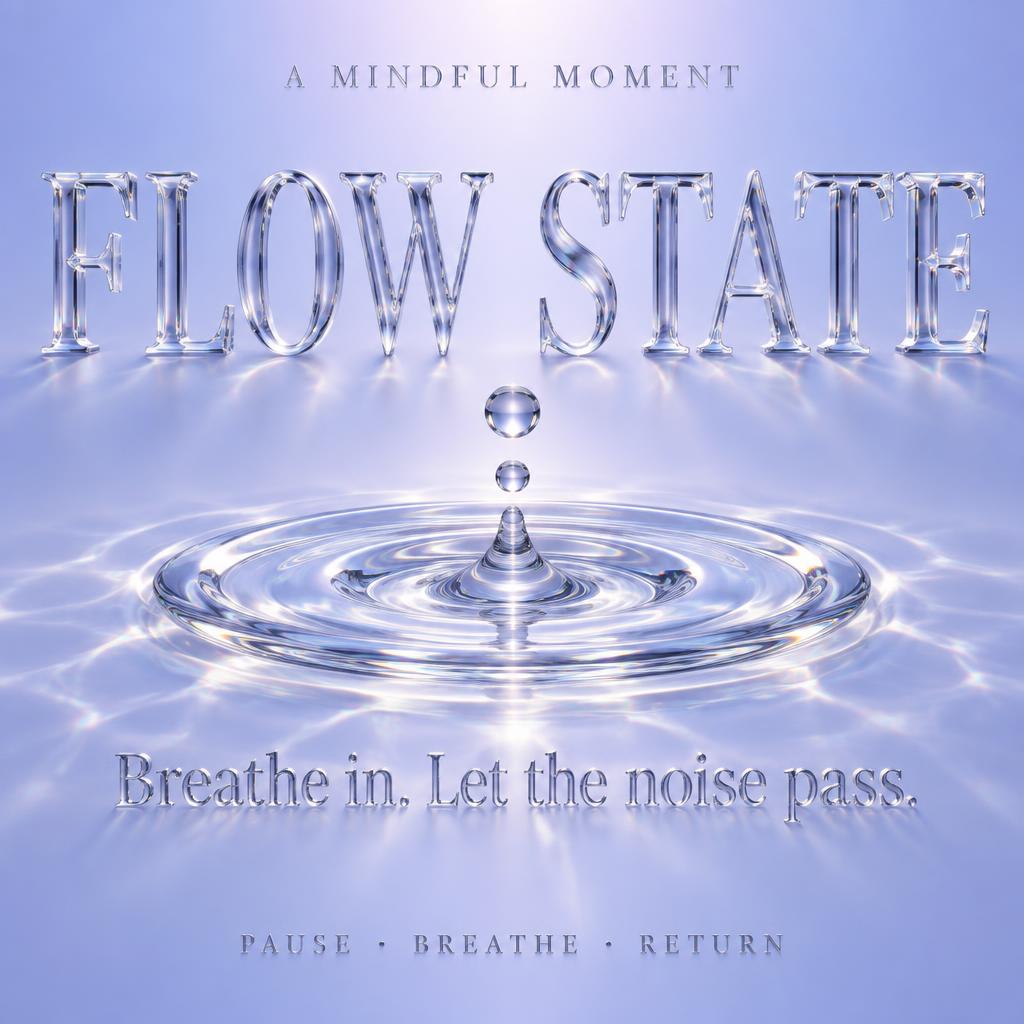
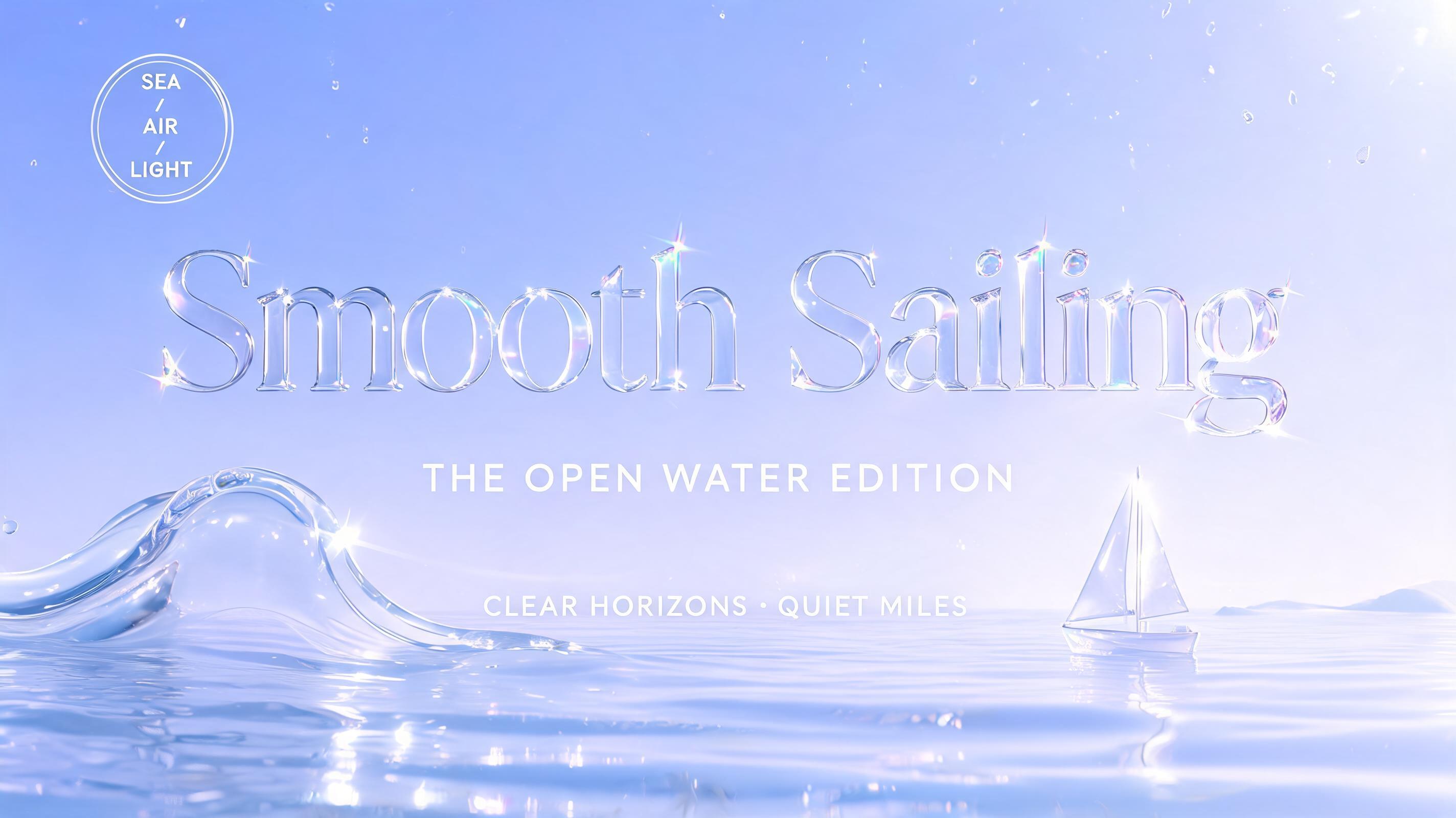
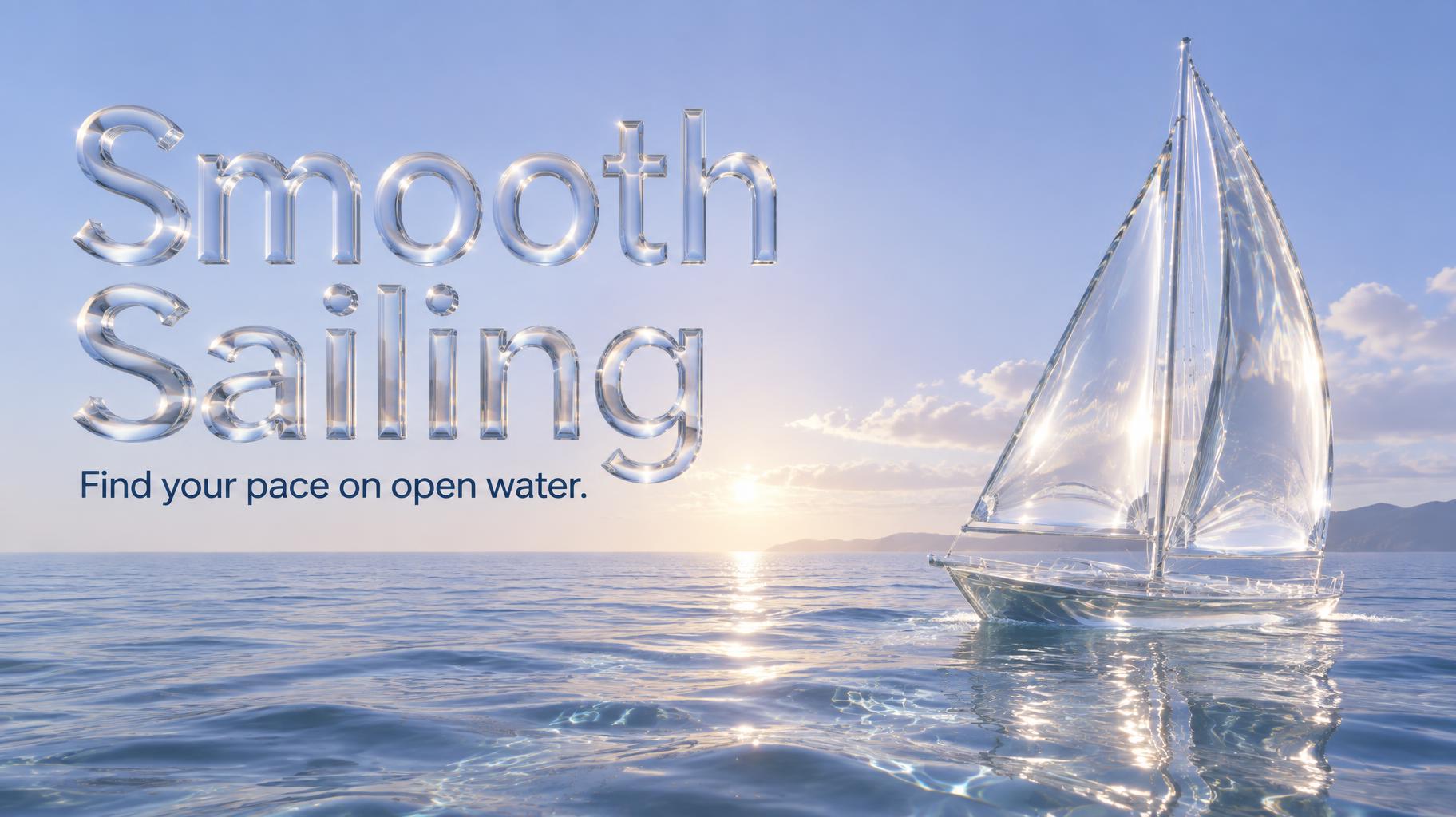
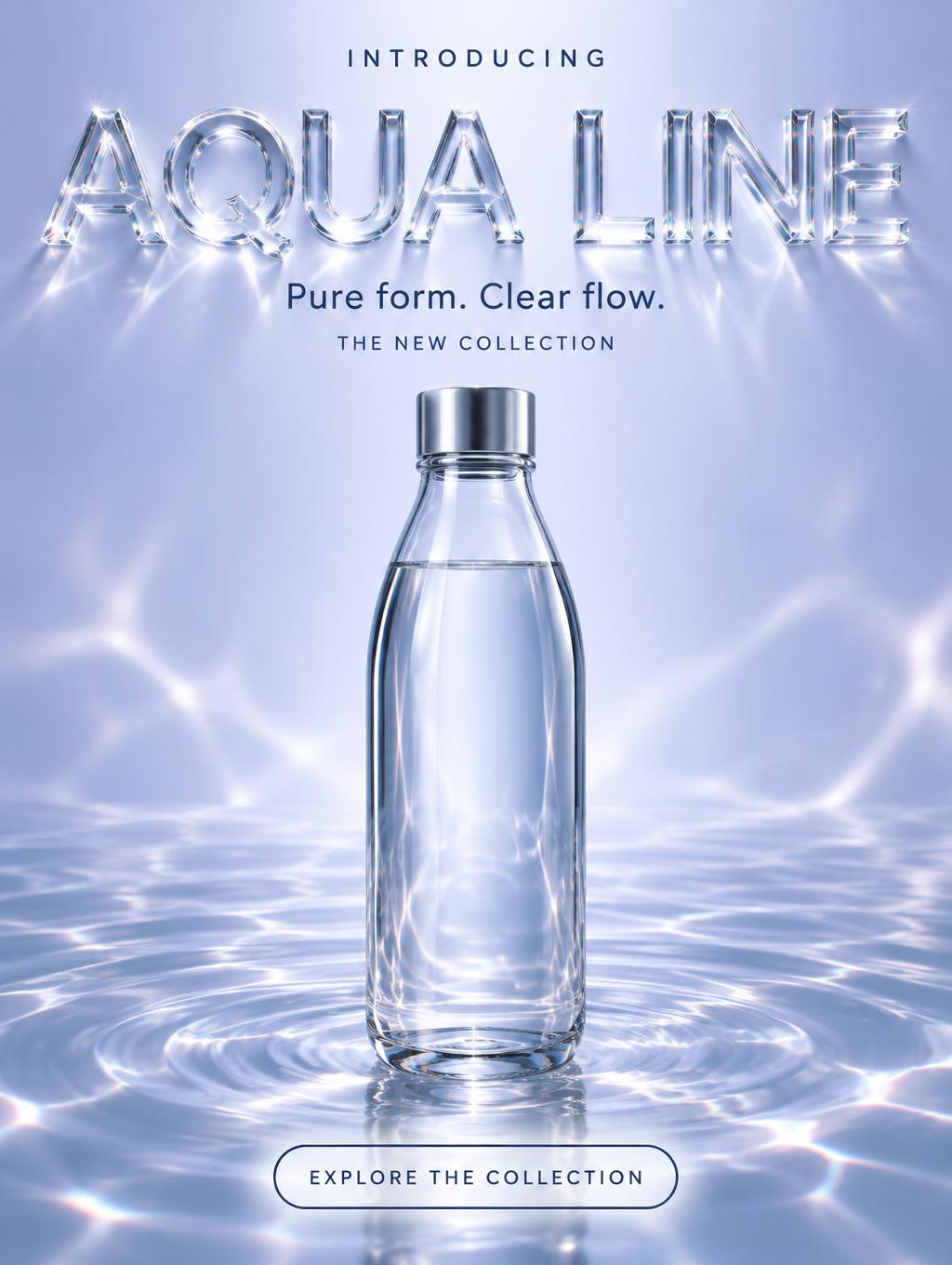
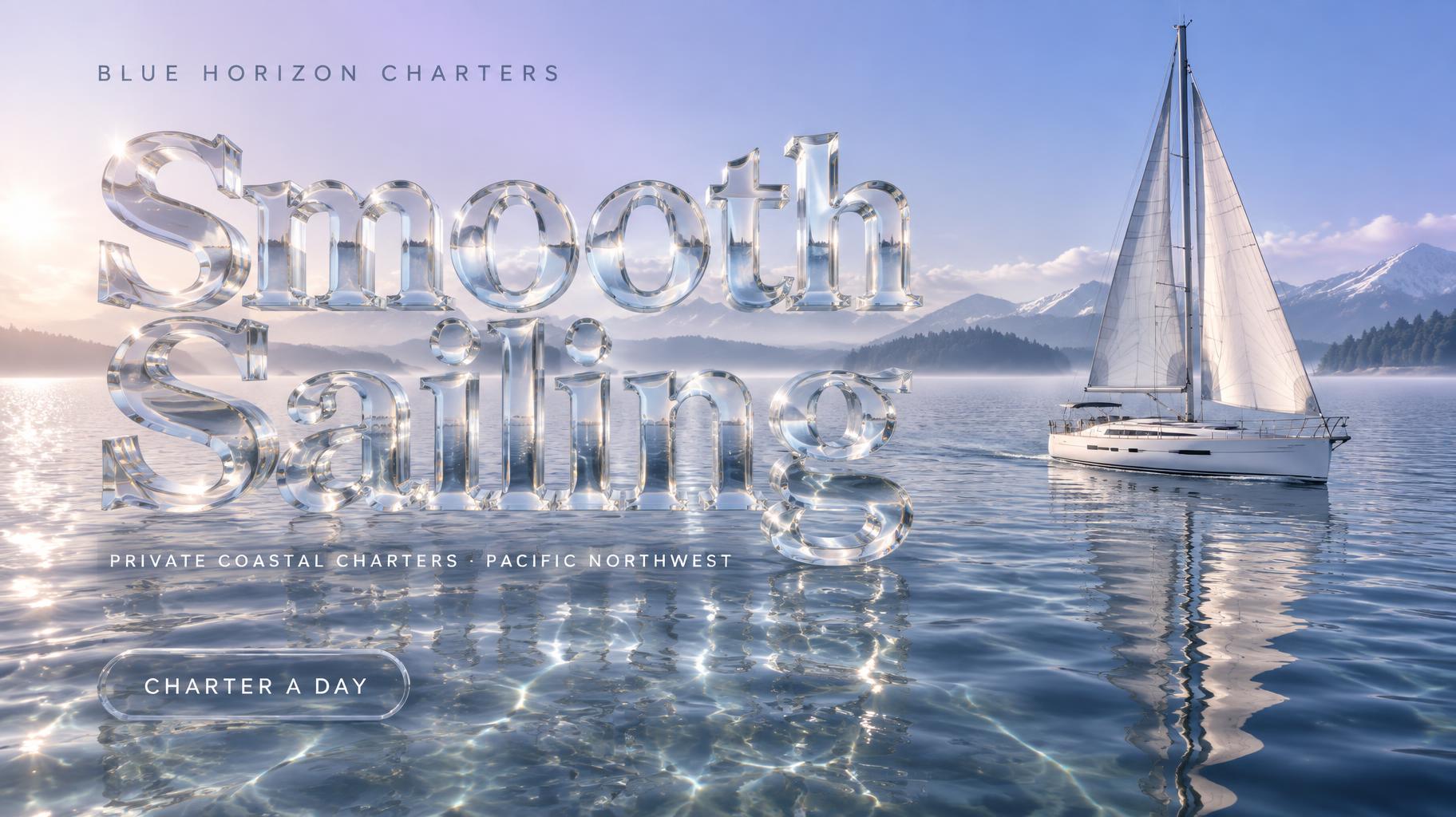
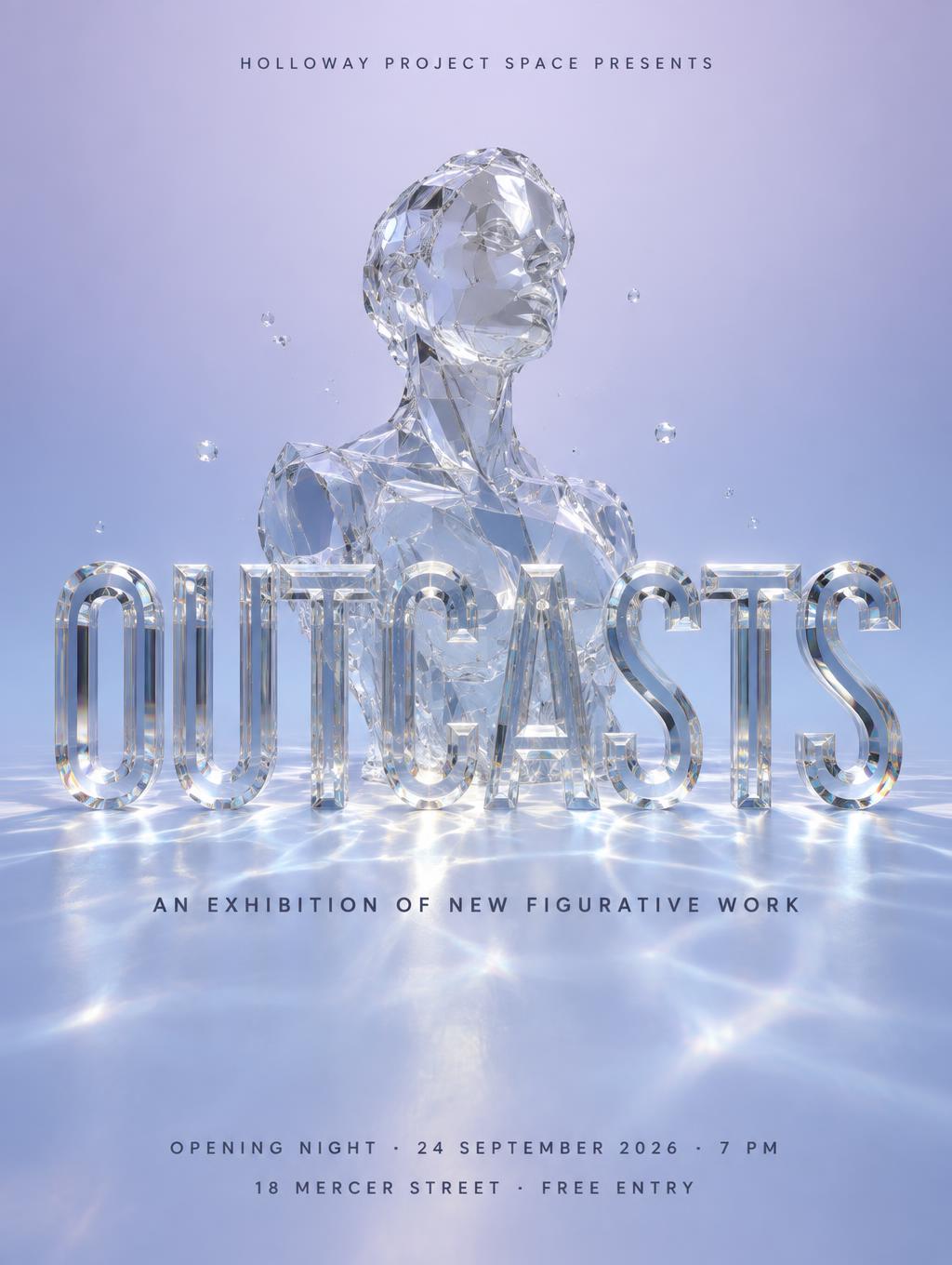
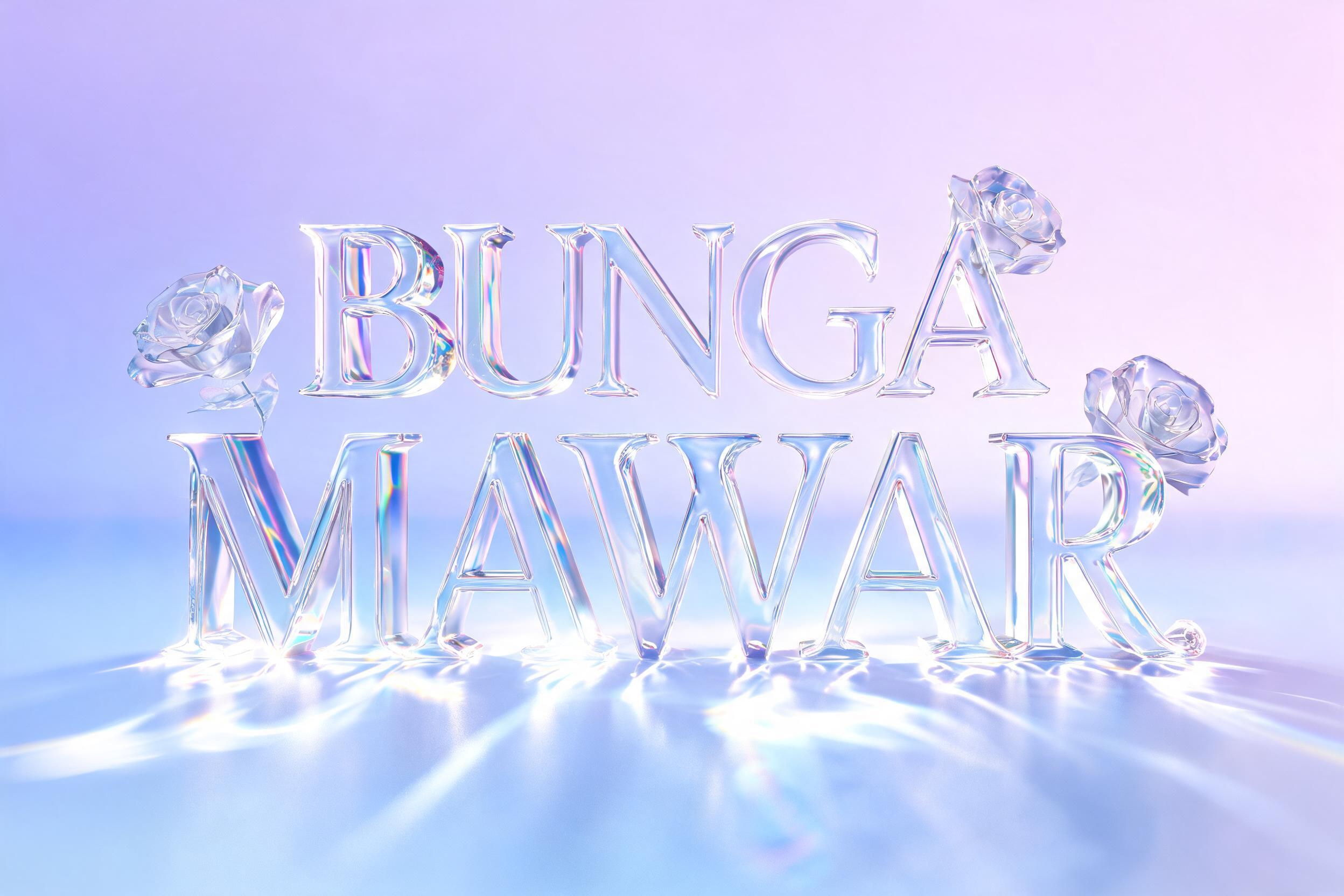
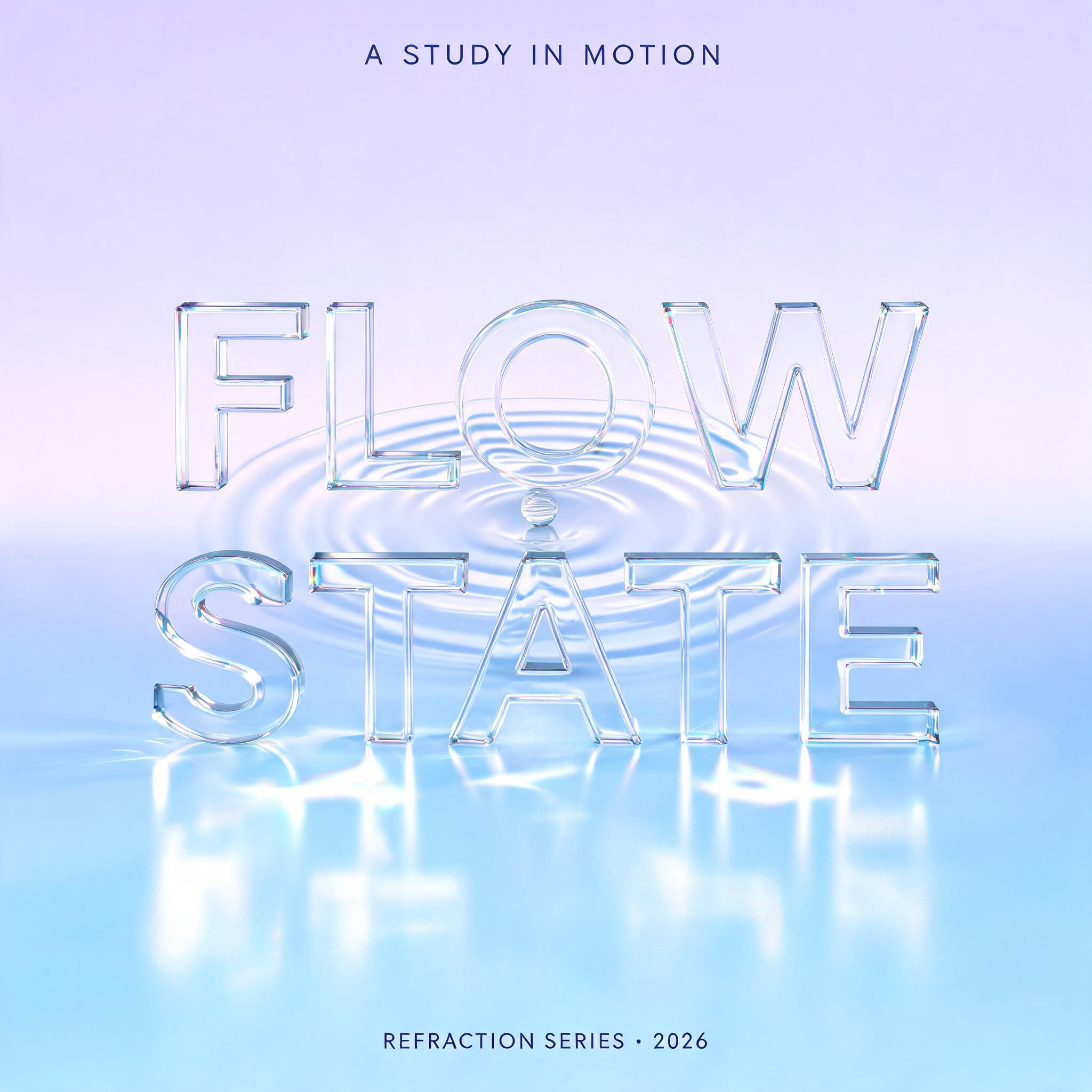
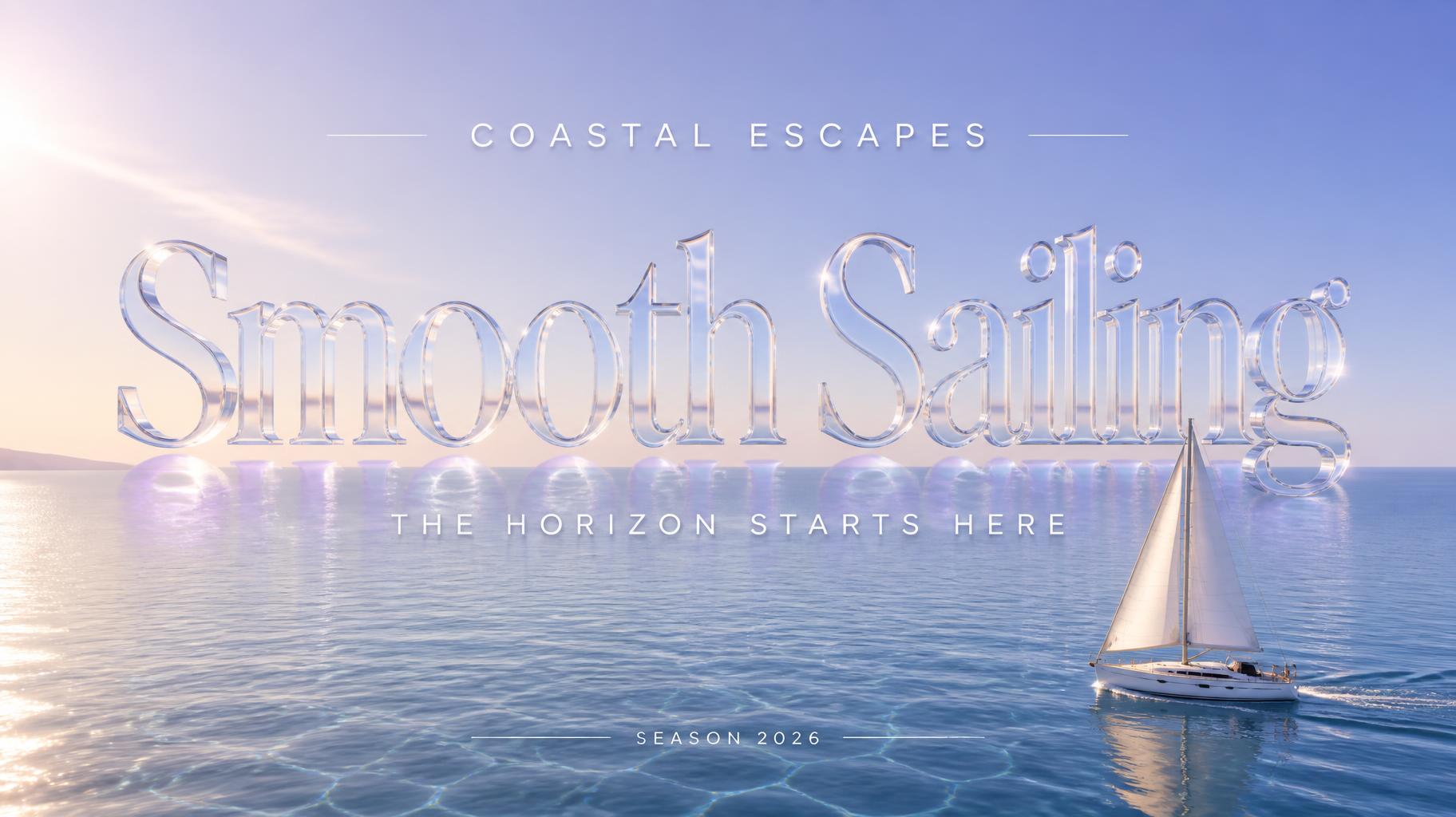
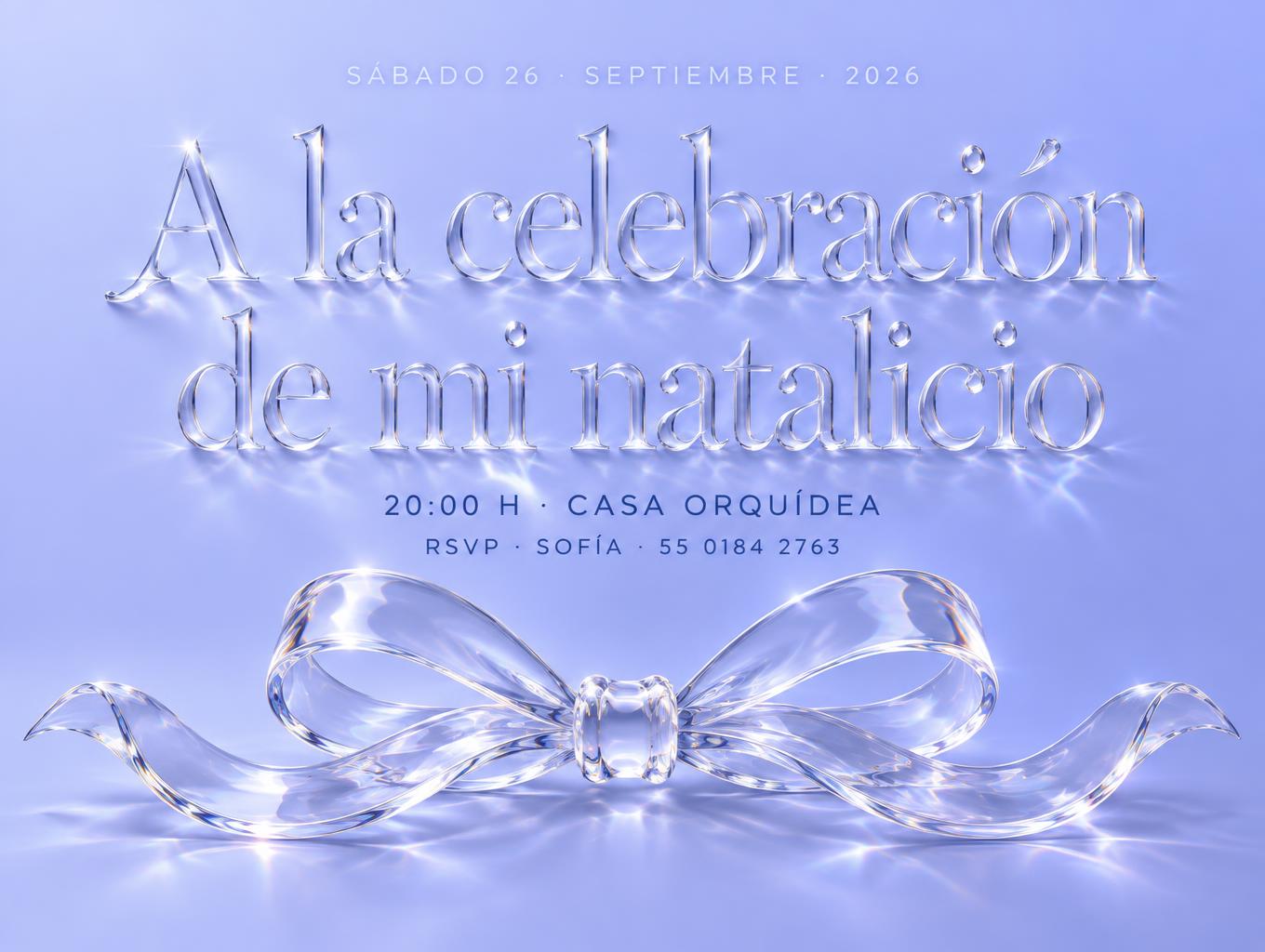
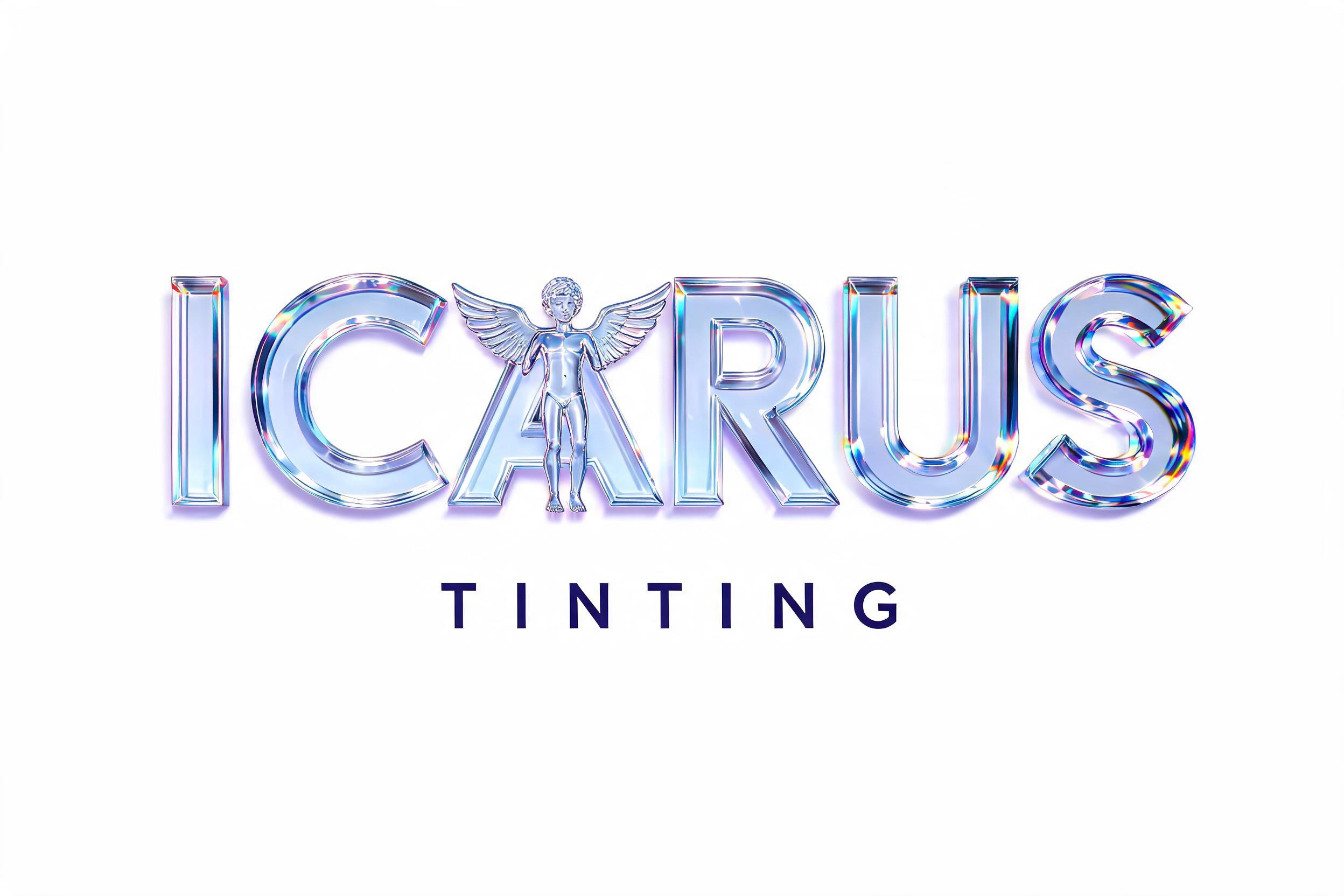
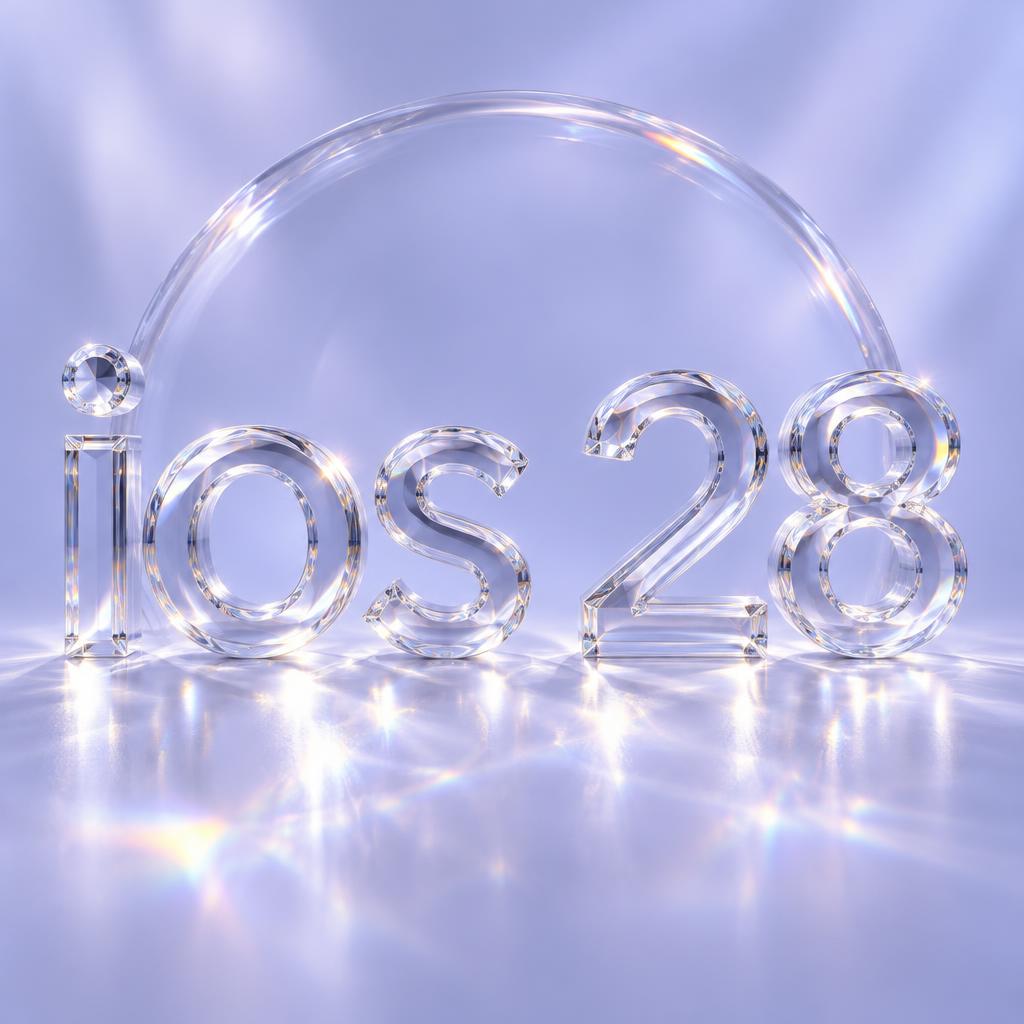
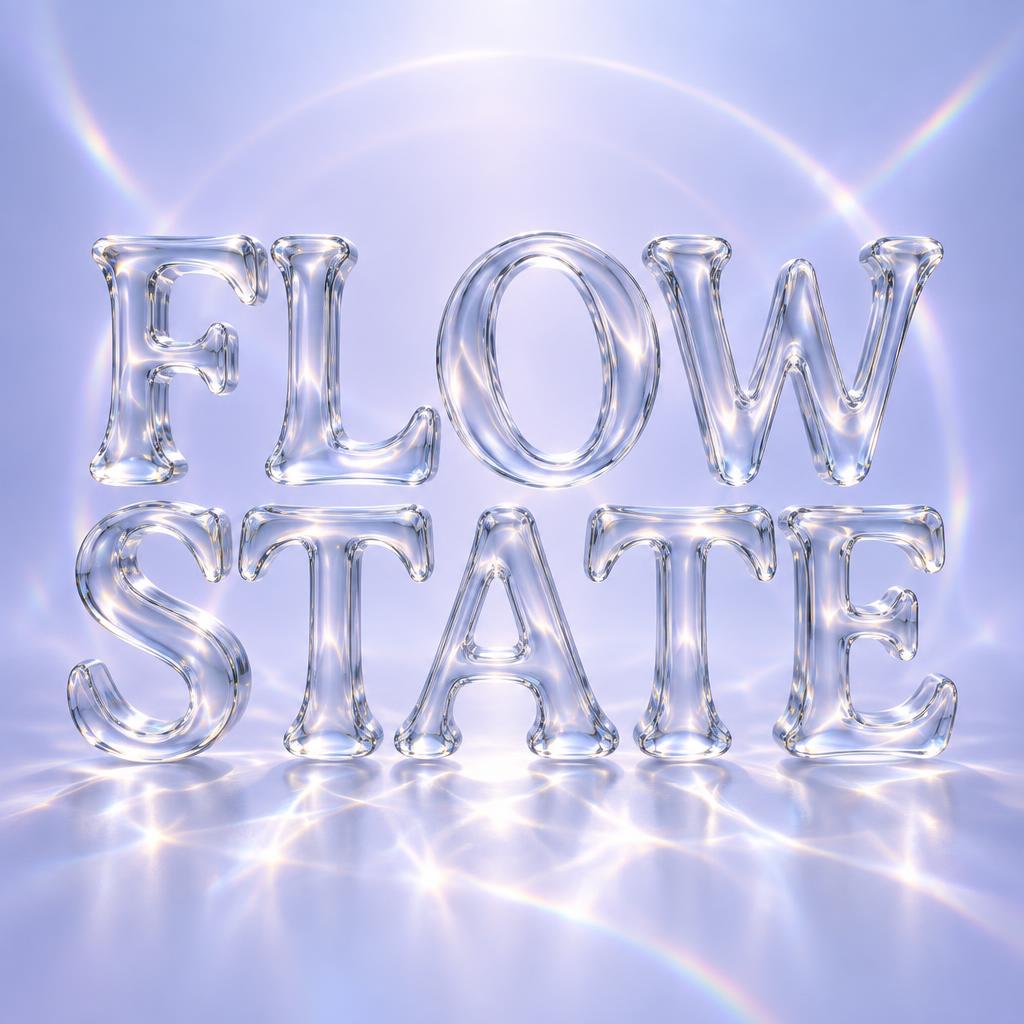
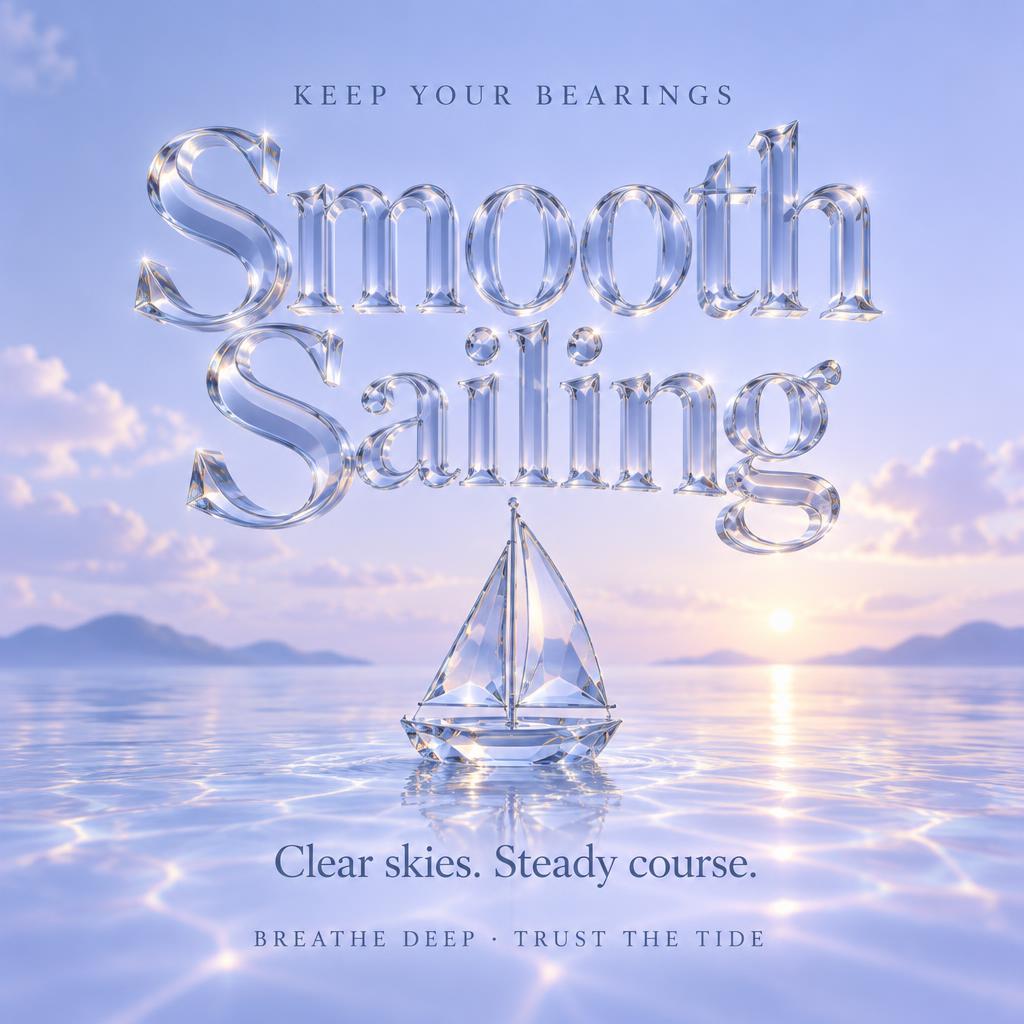
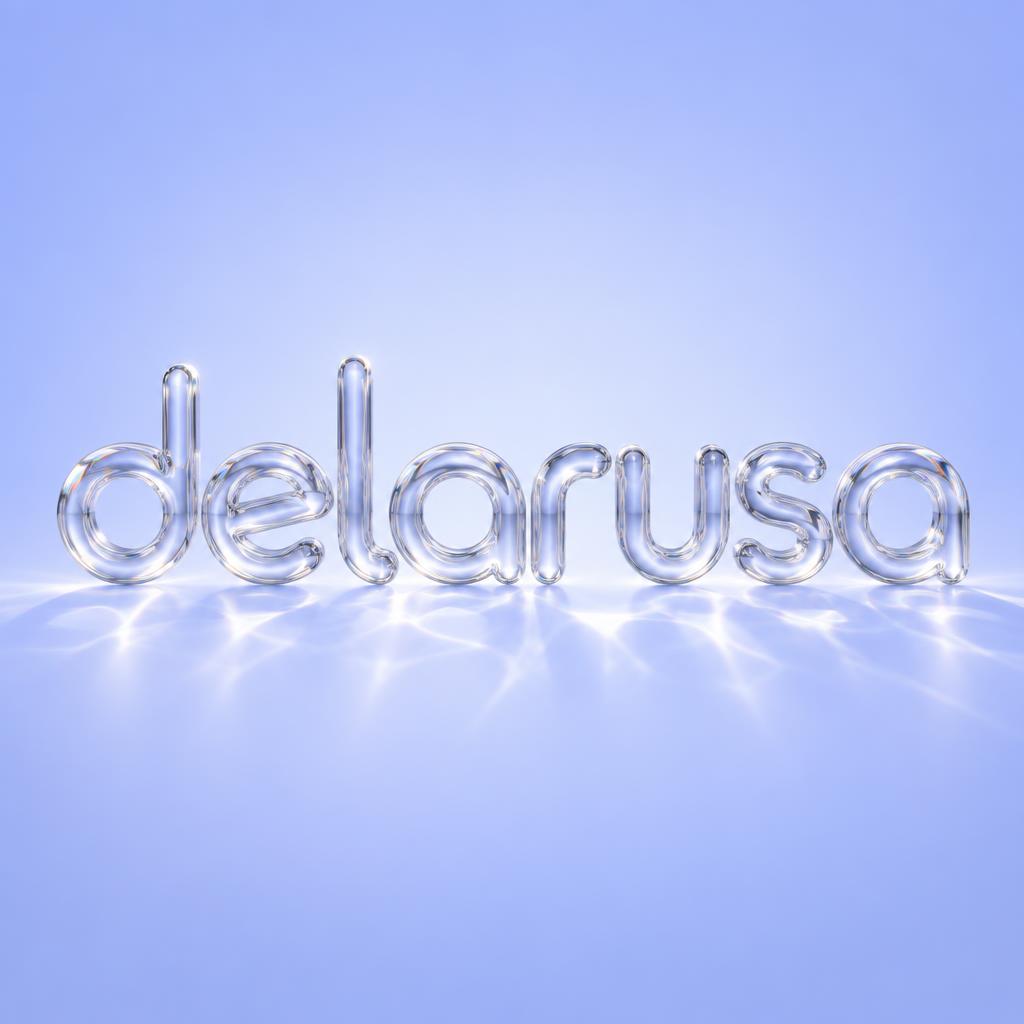
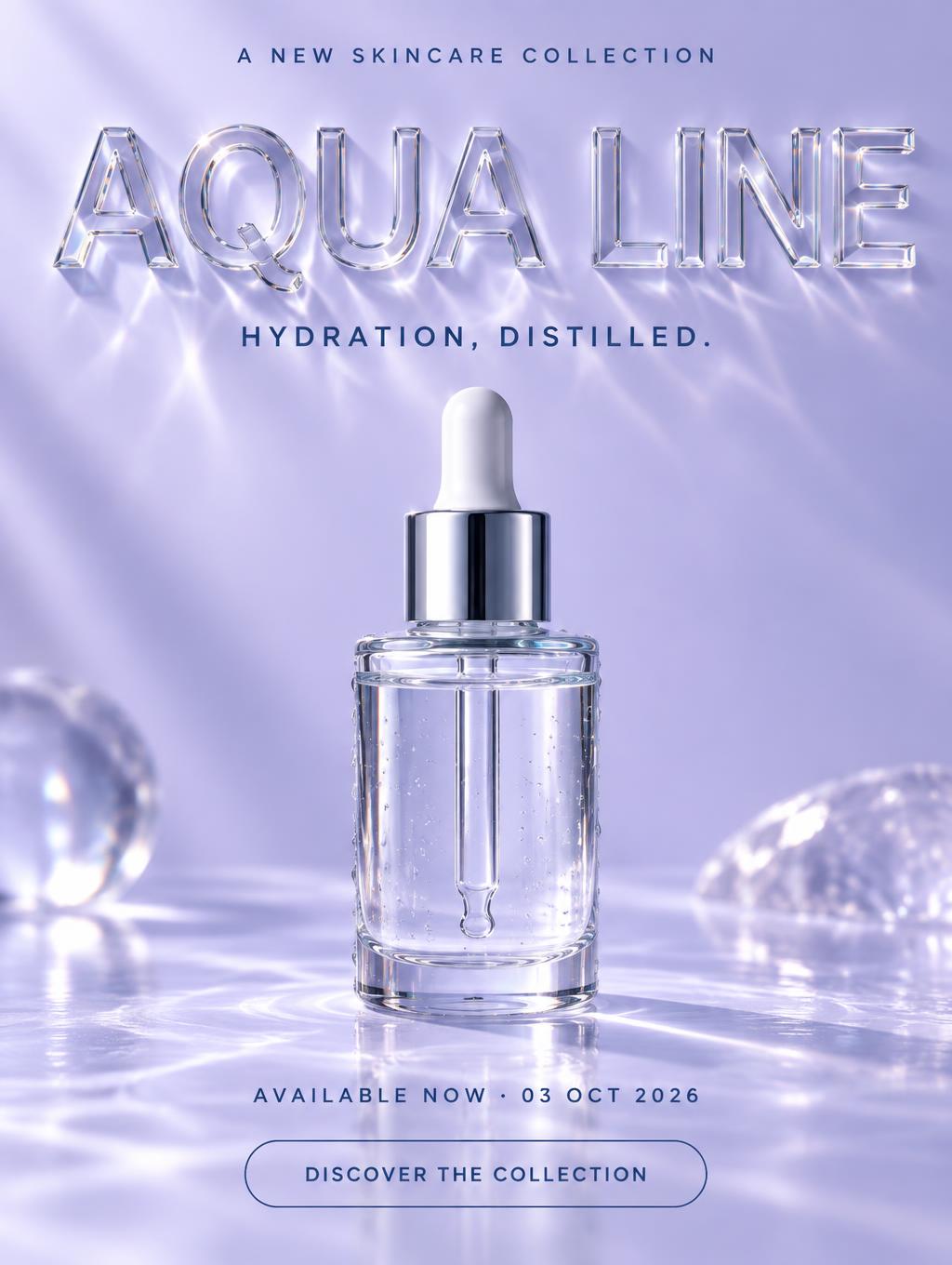
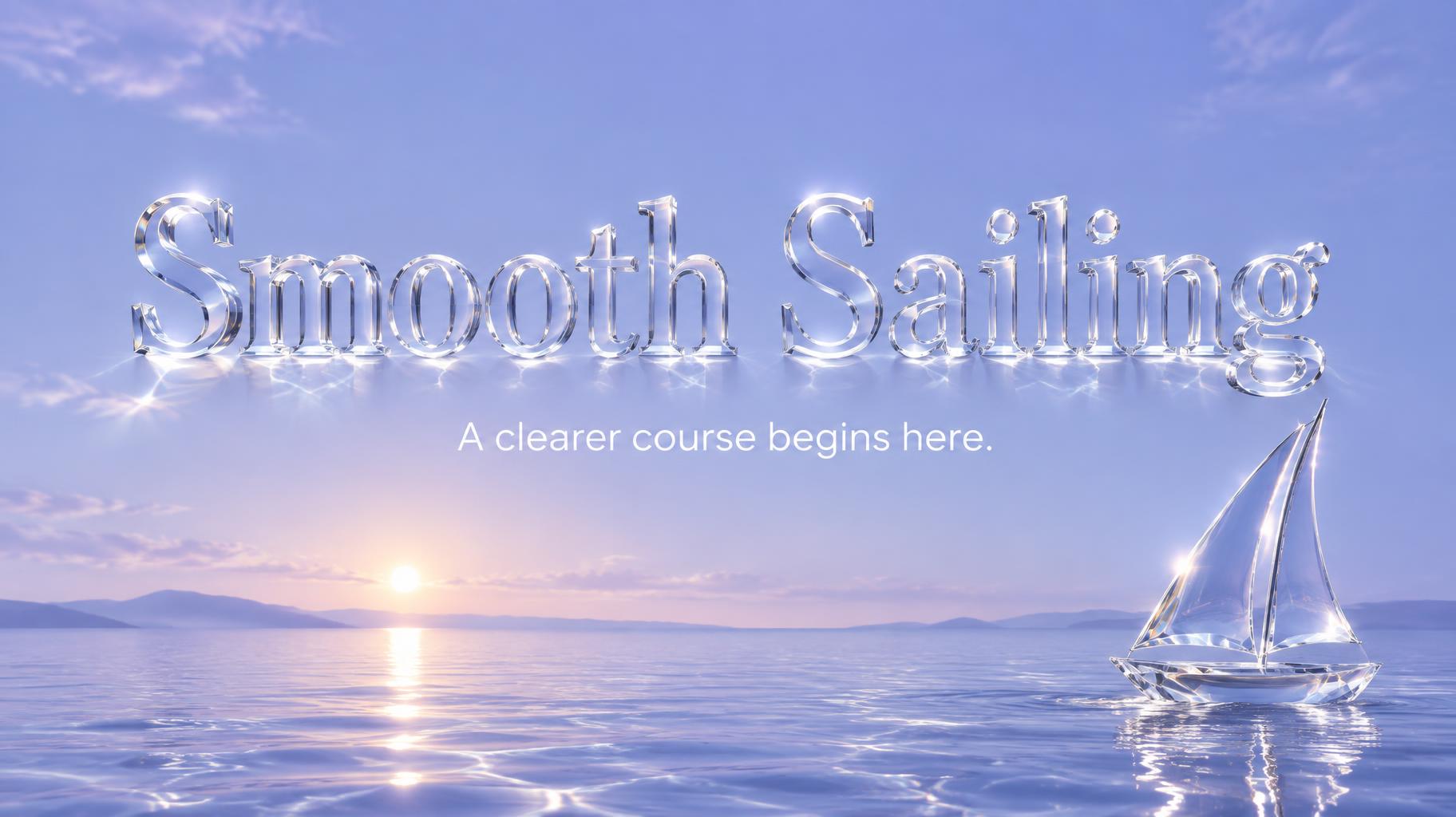
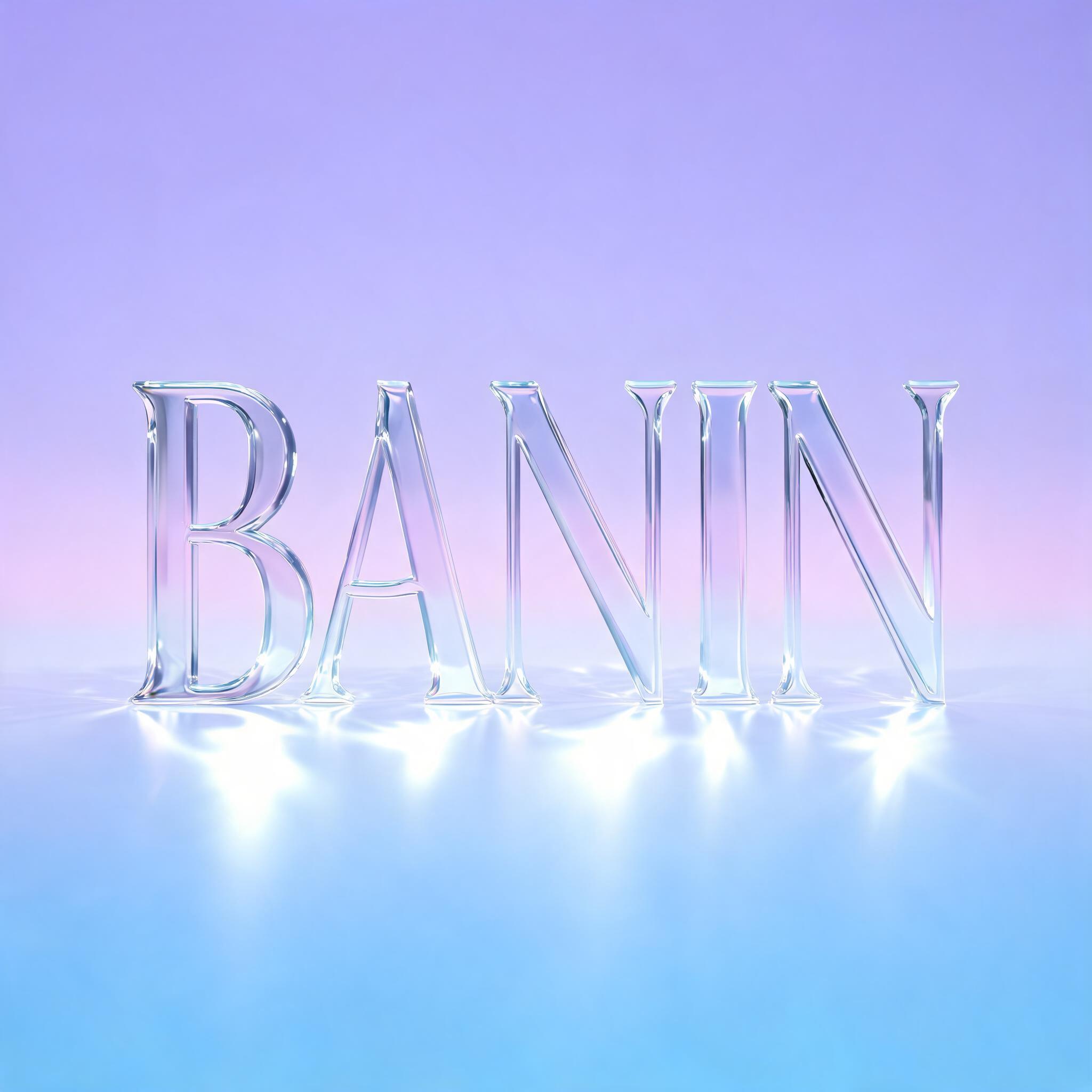
Every image below was generated on FontVibe — no post-editing, no stock photos. This is what liquid glass text effect — free ai glassmorphism font actually looks like.
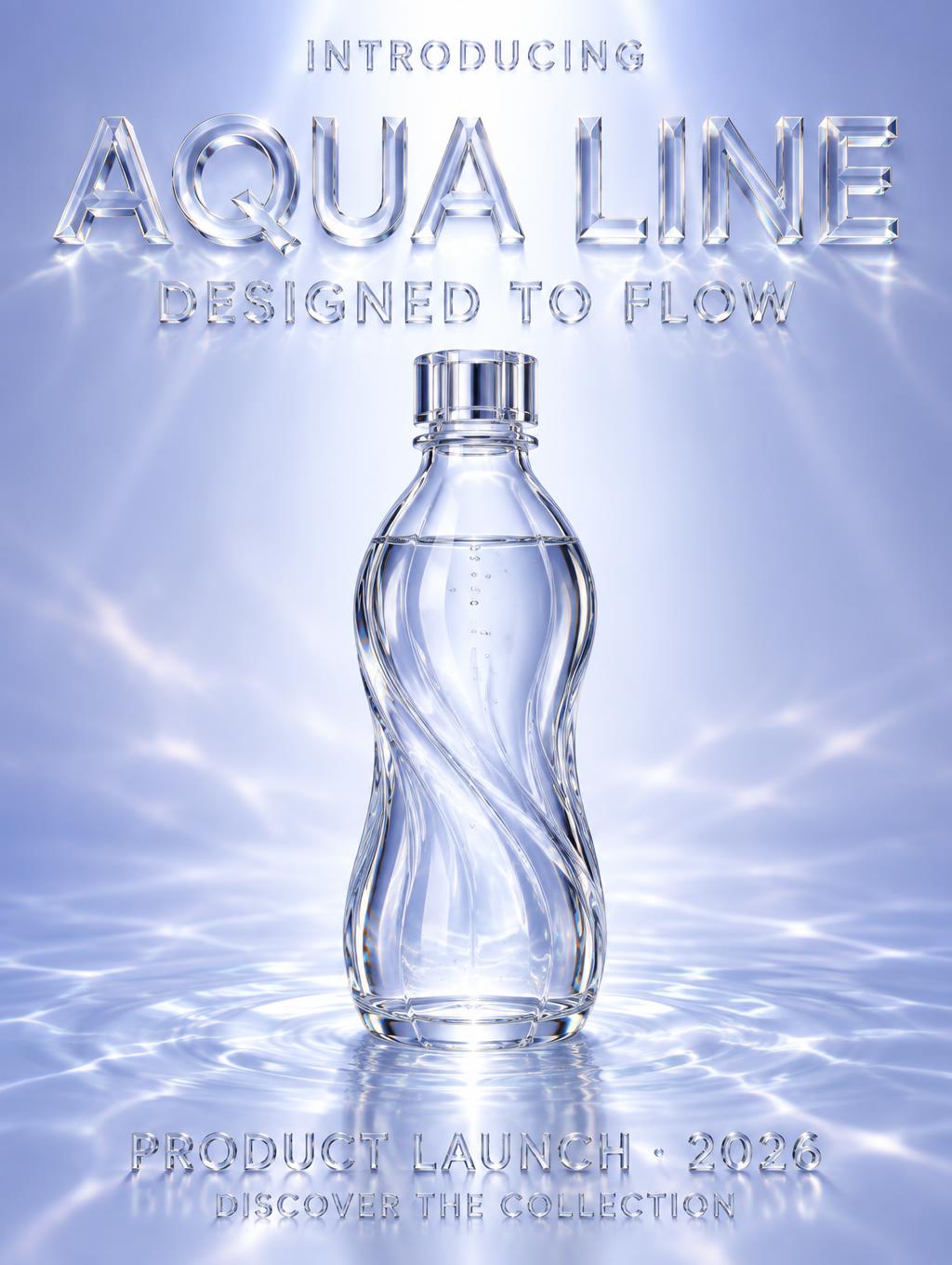
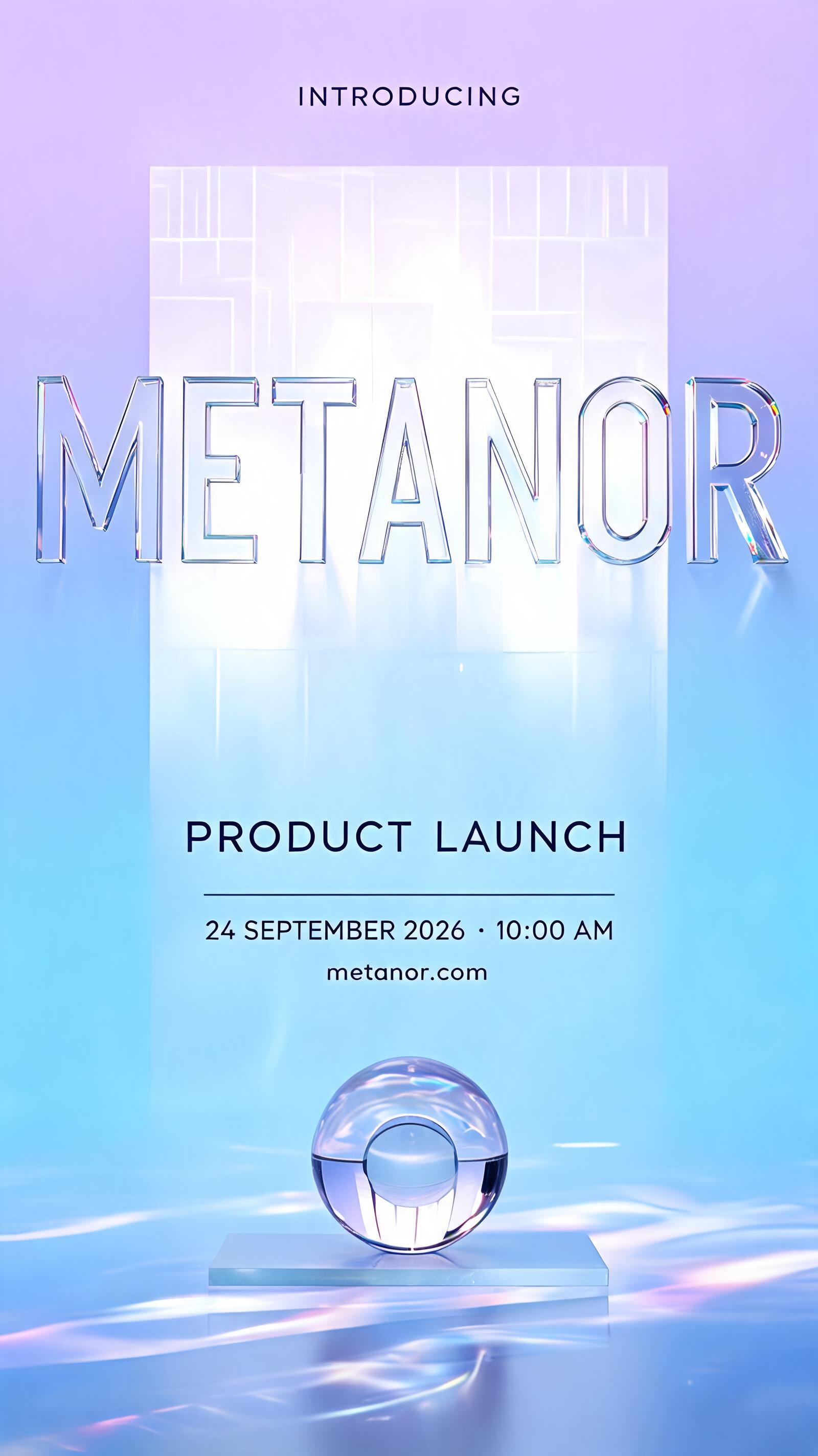
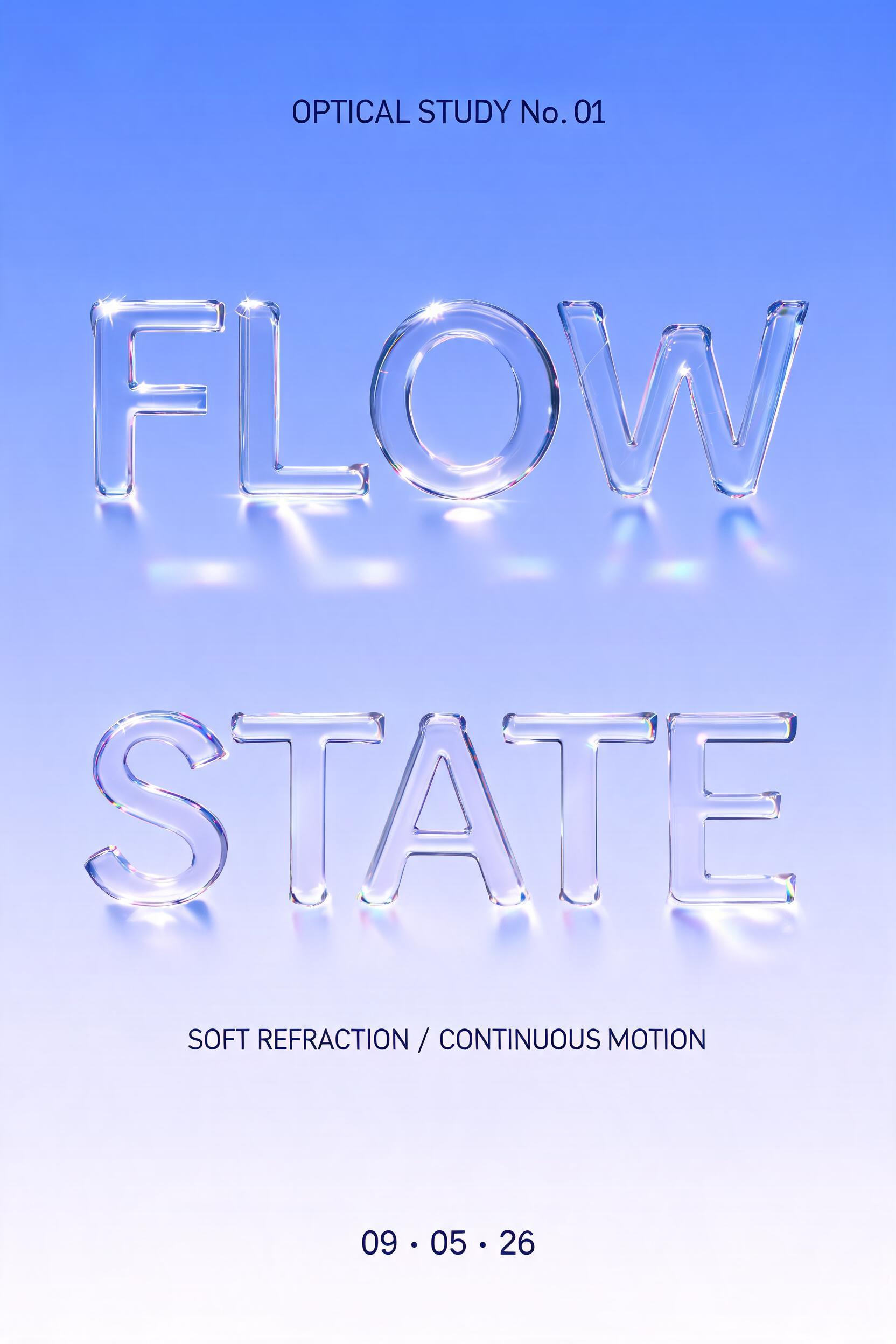
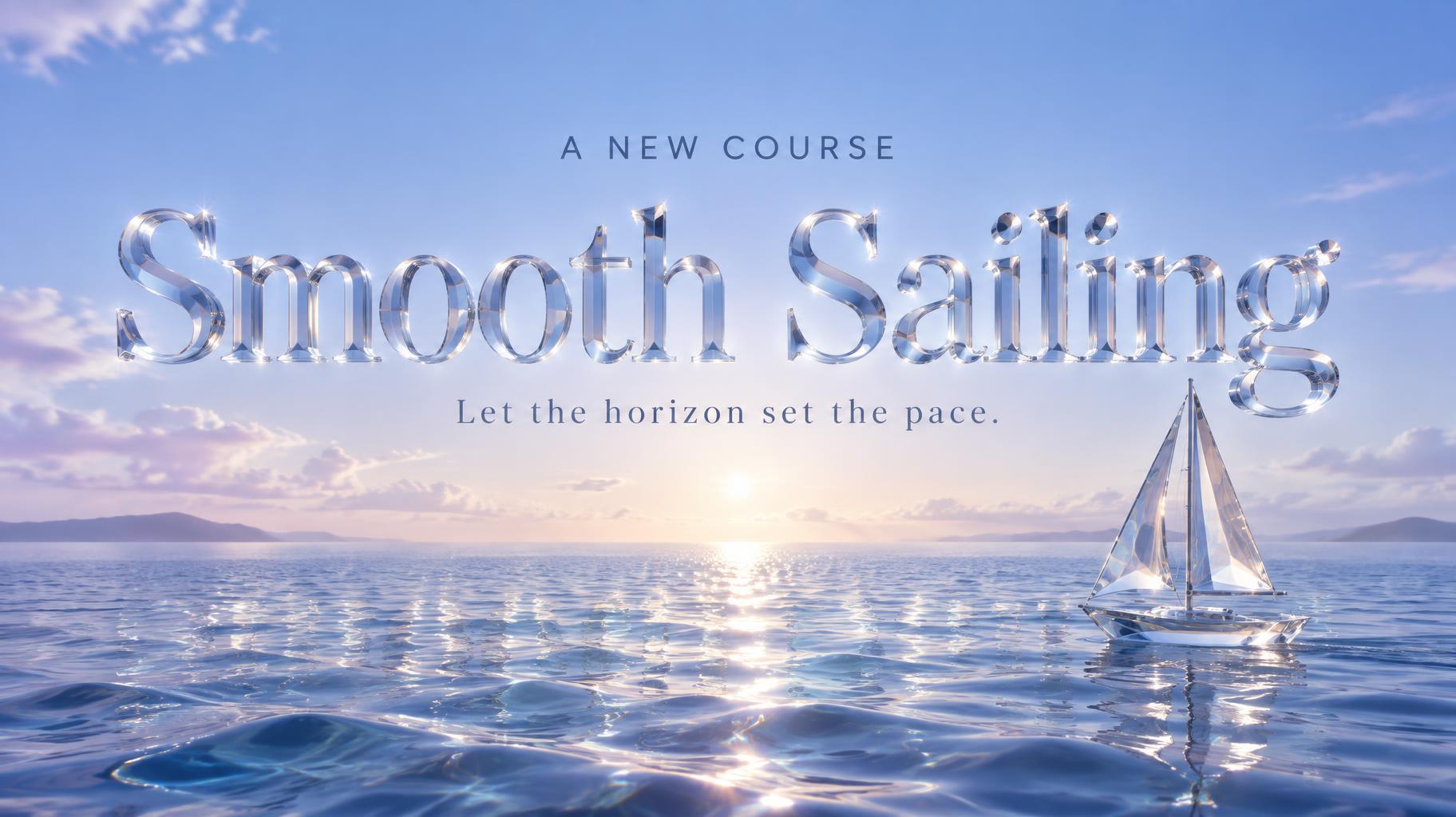


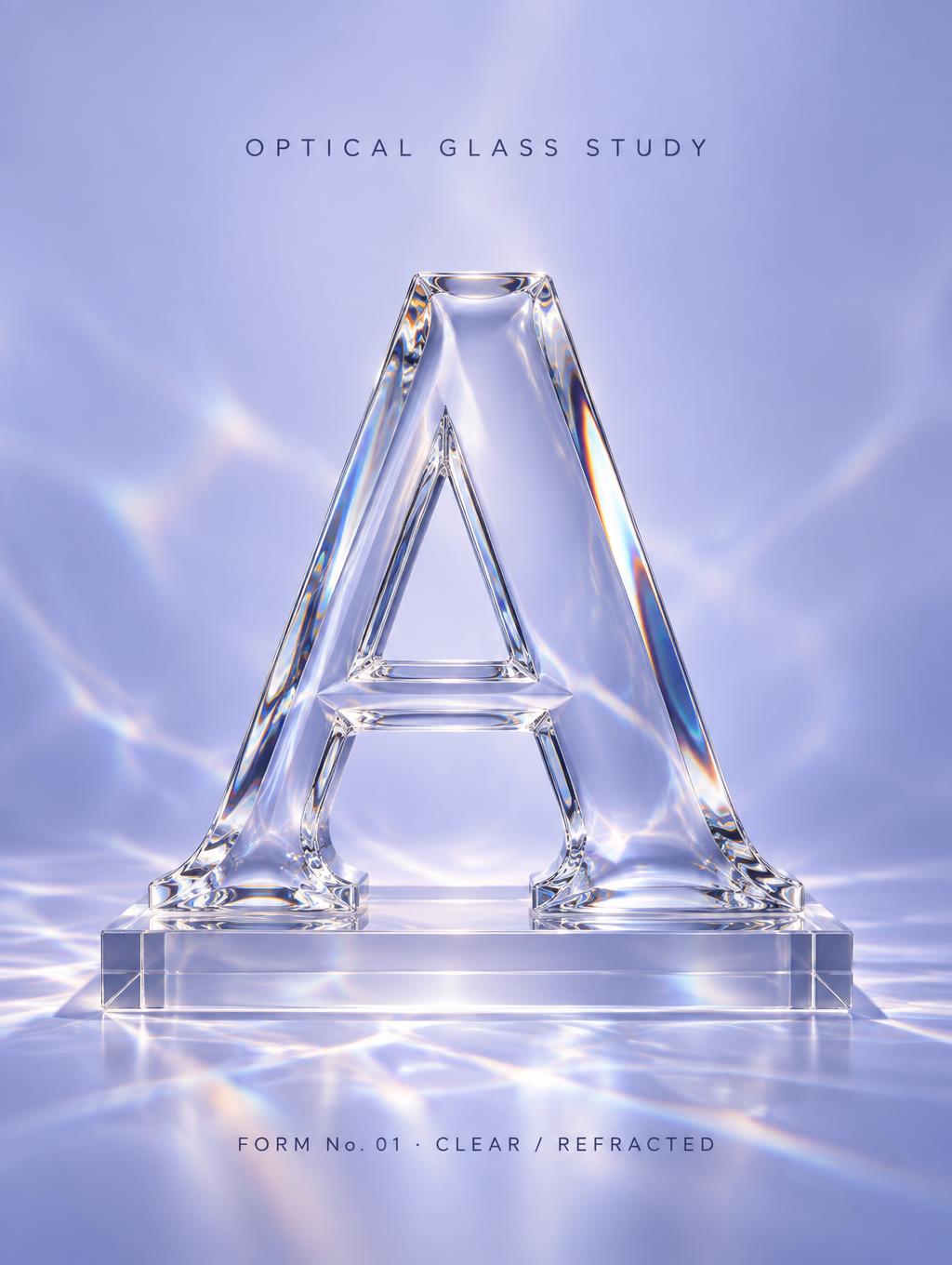
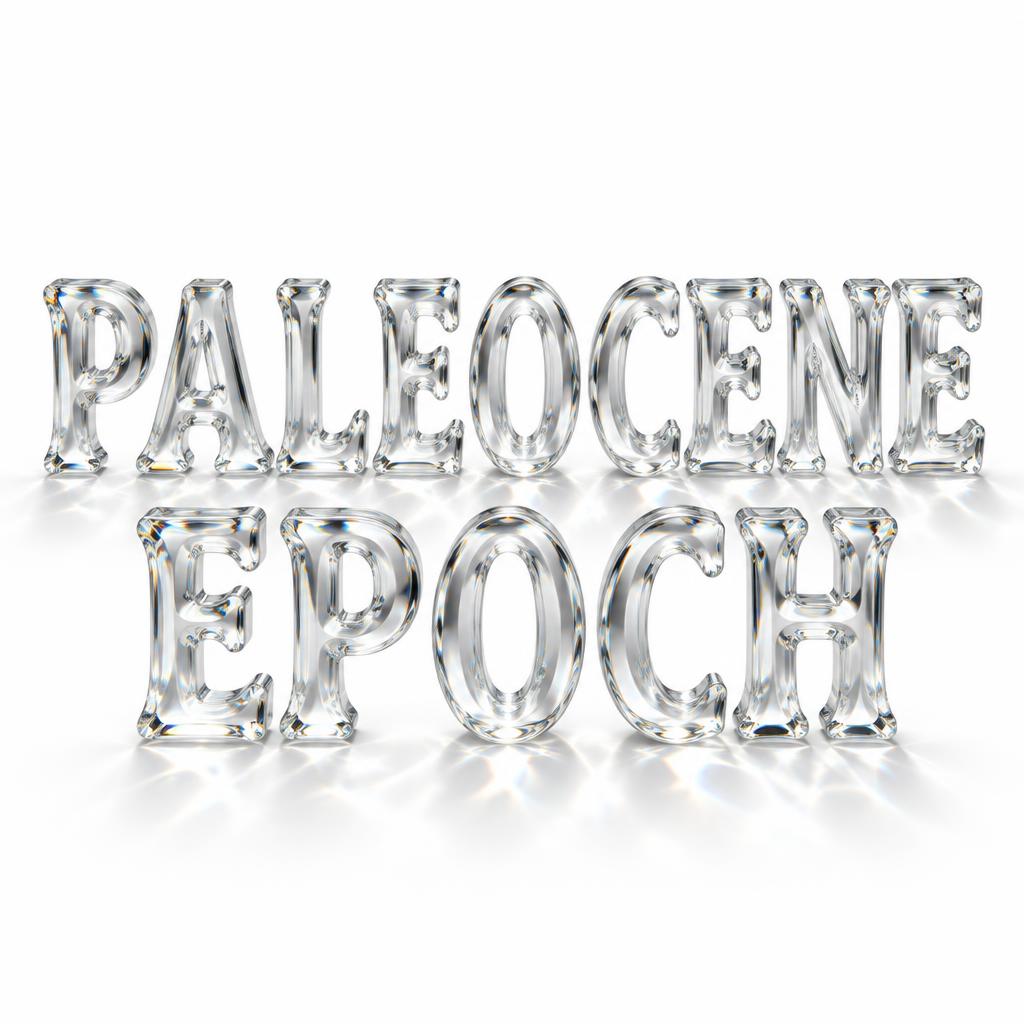
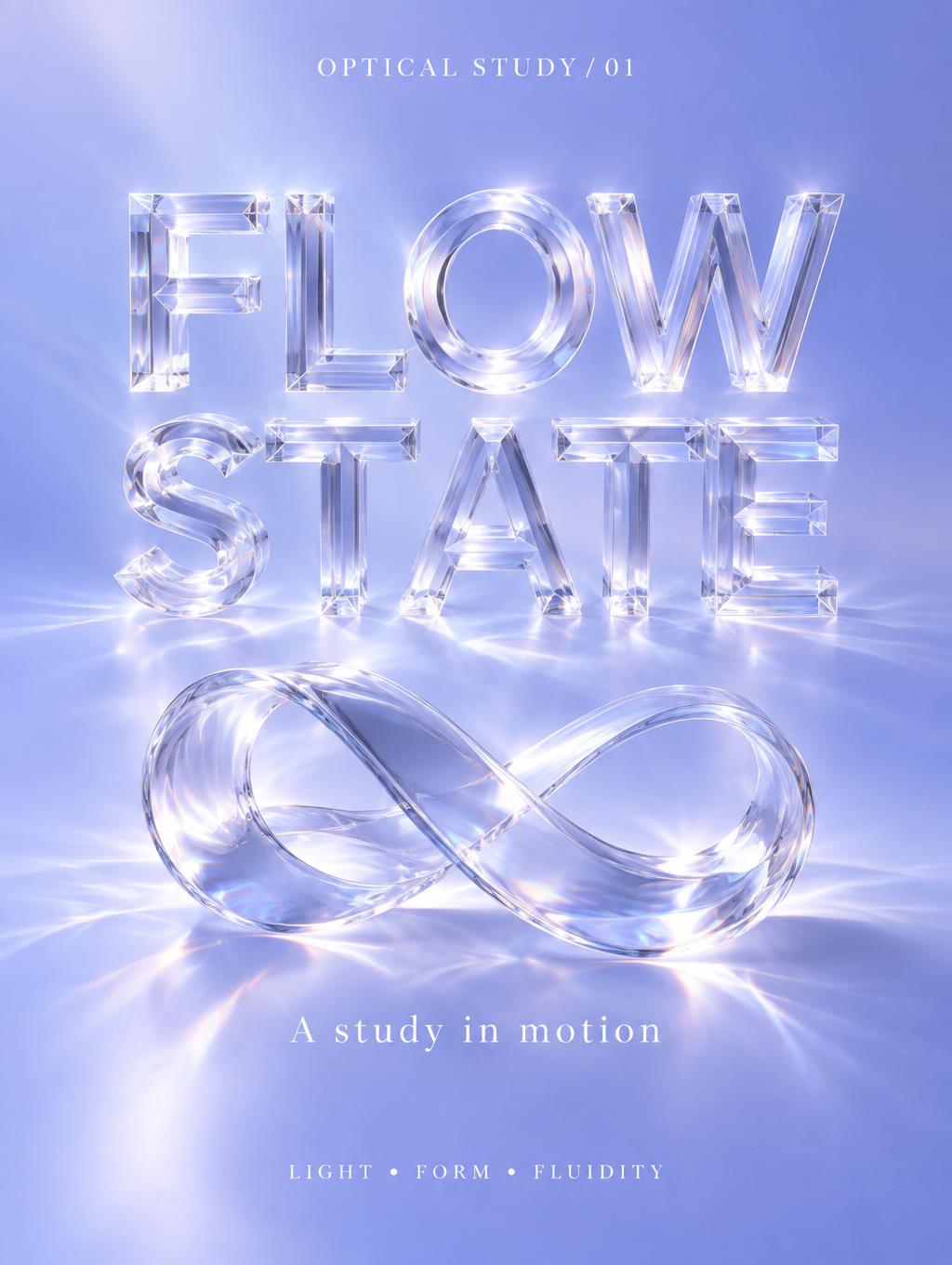
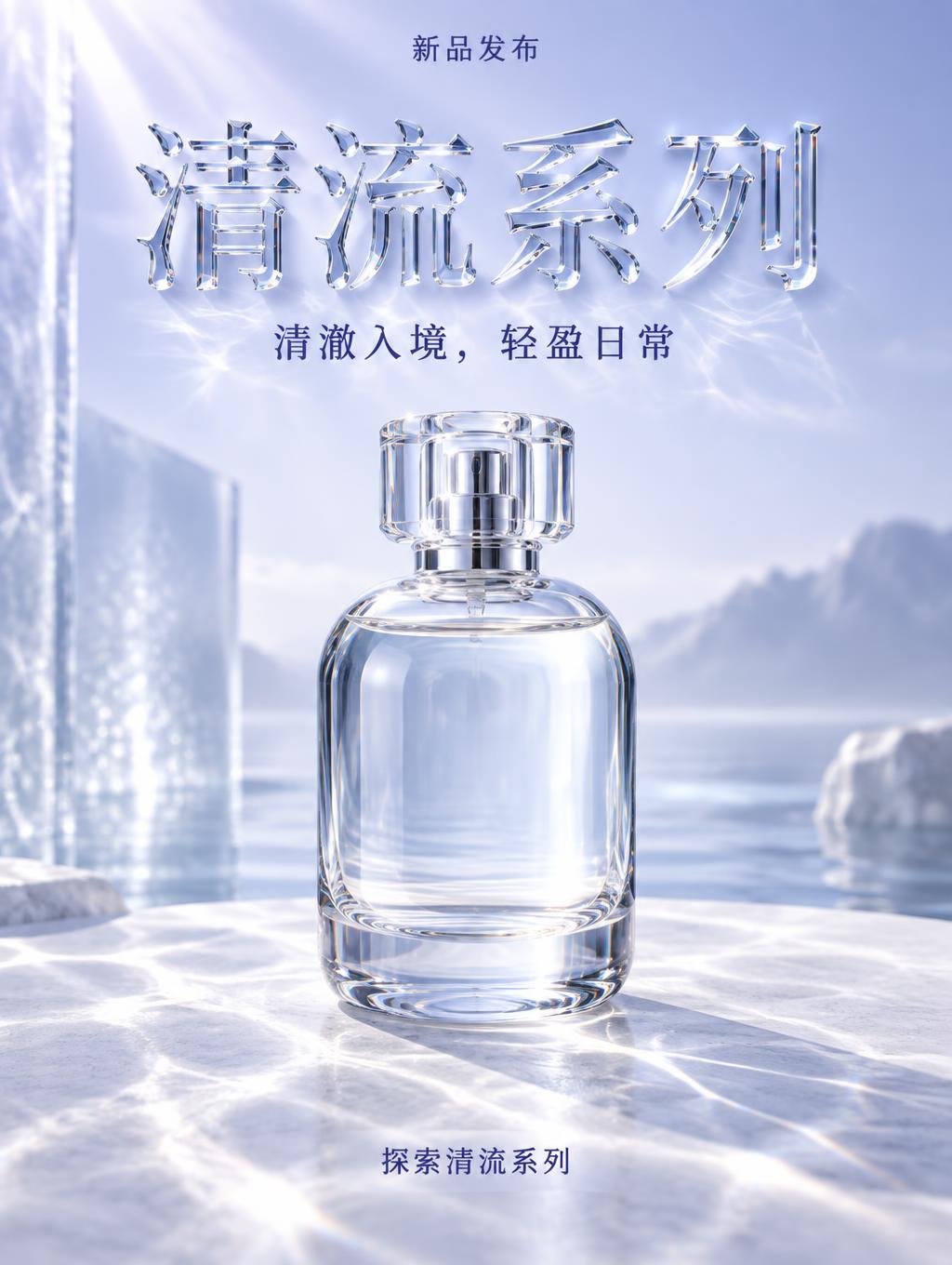



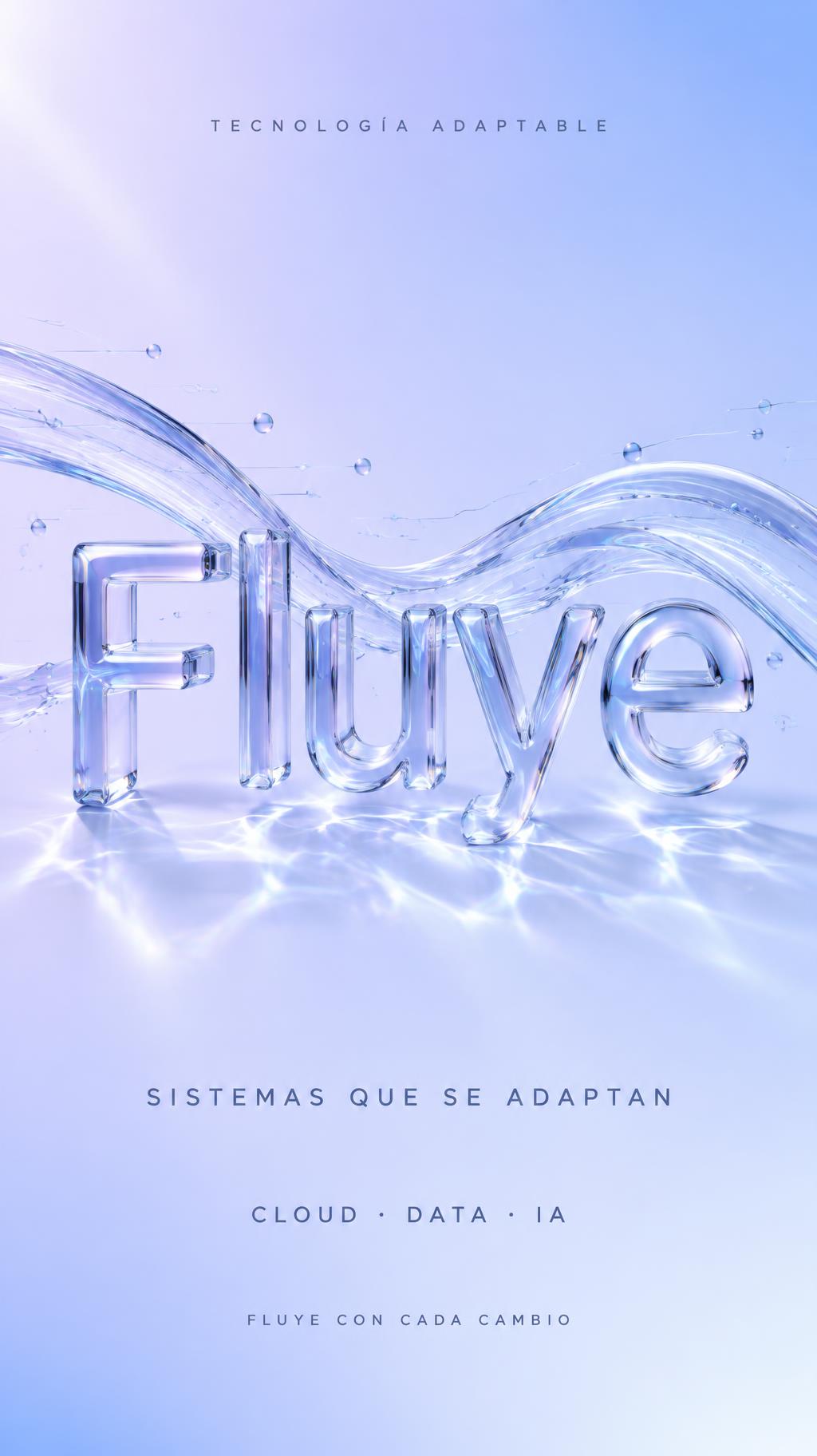
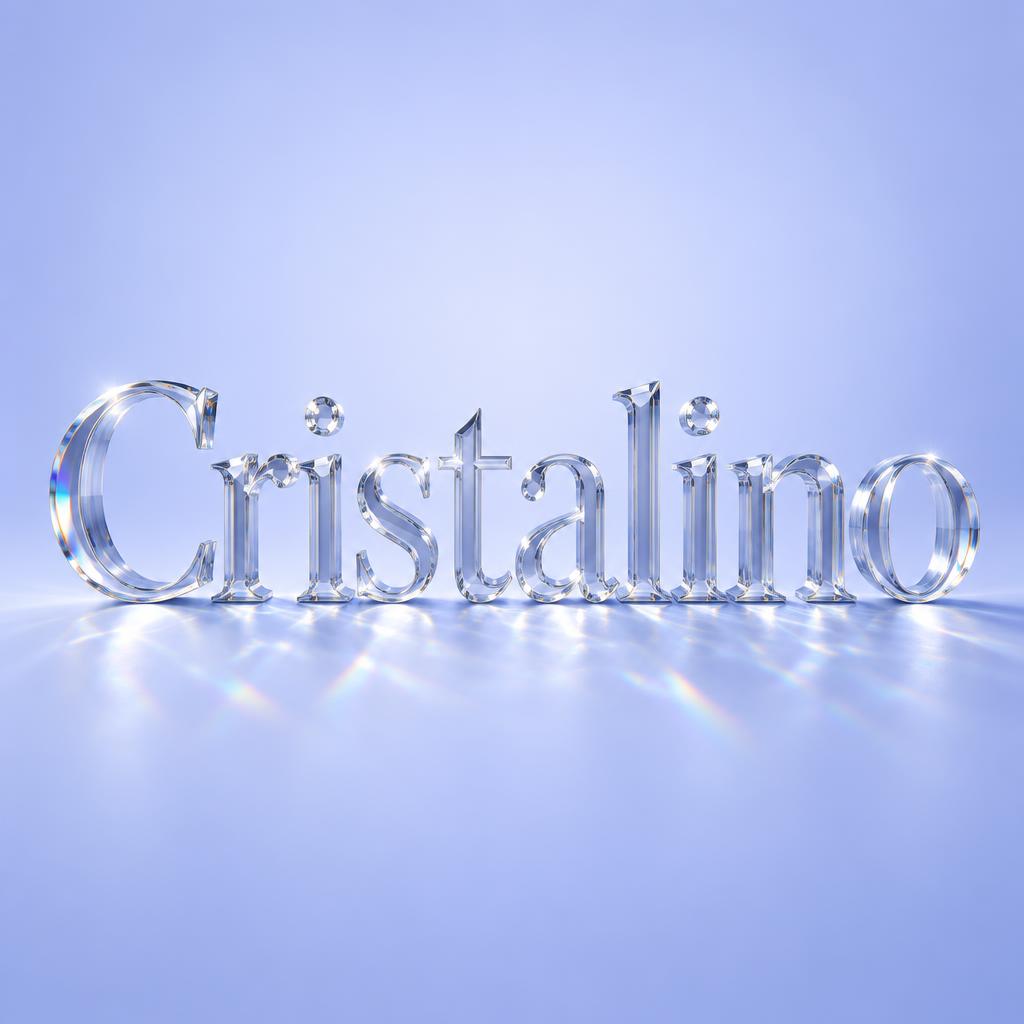
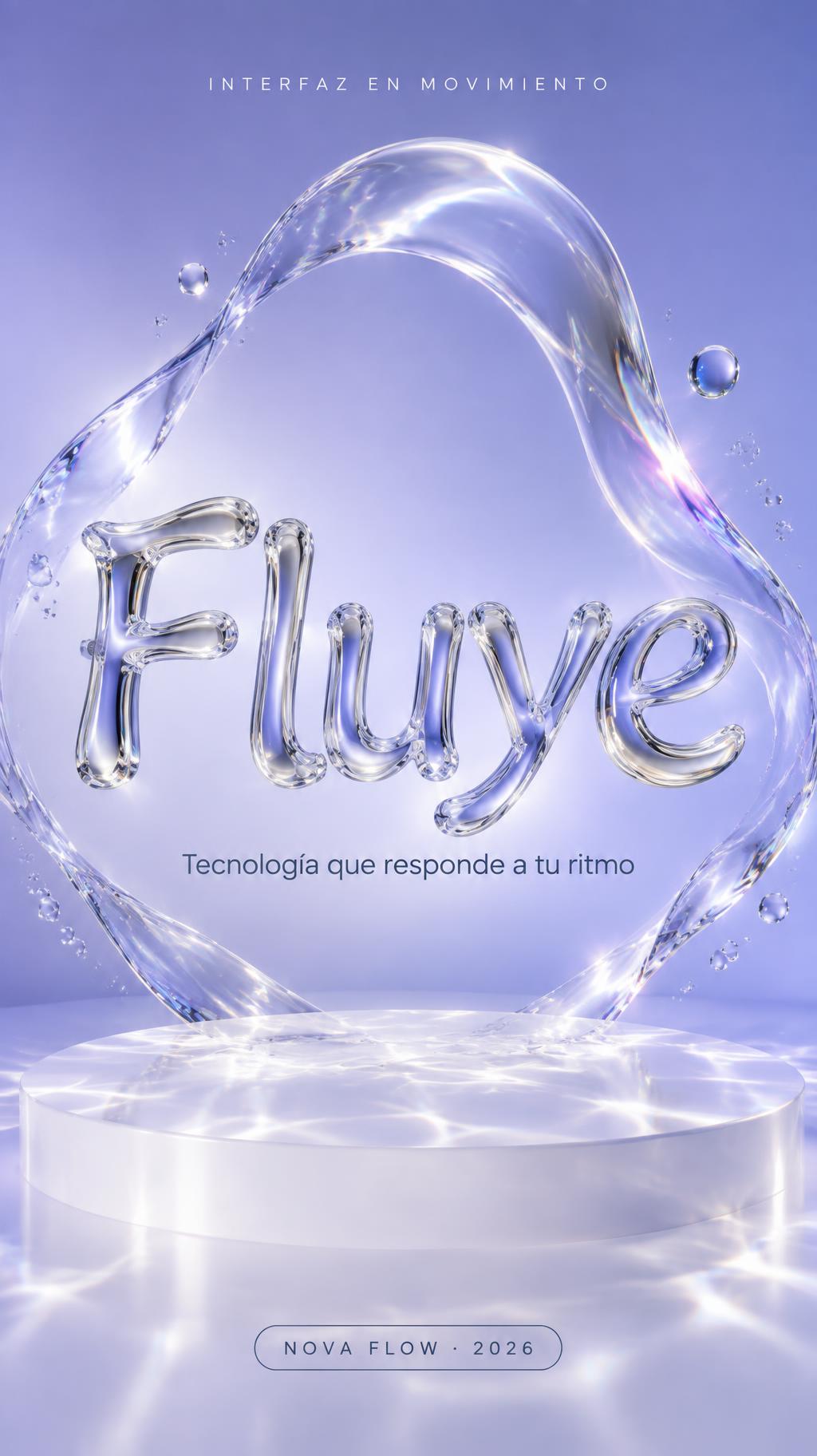
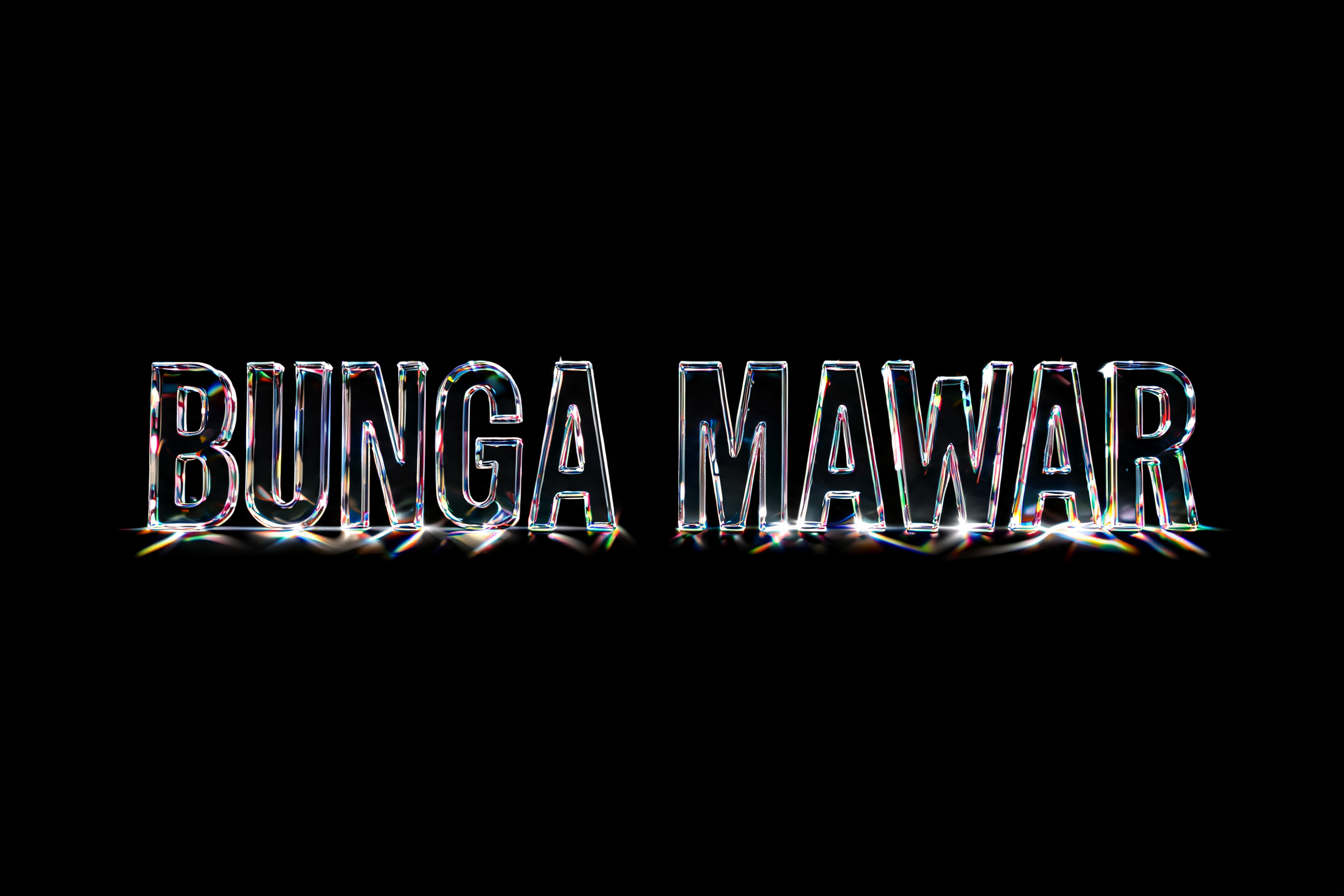
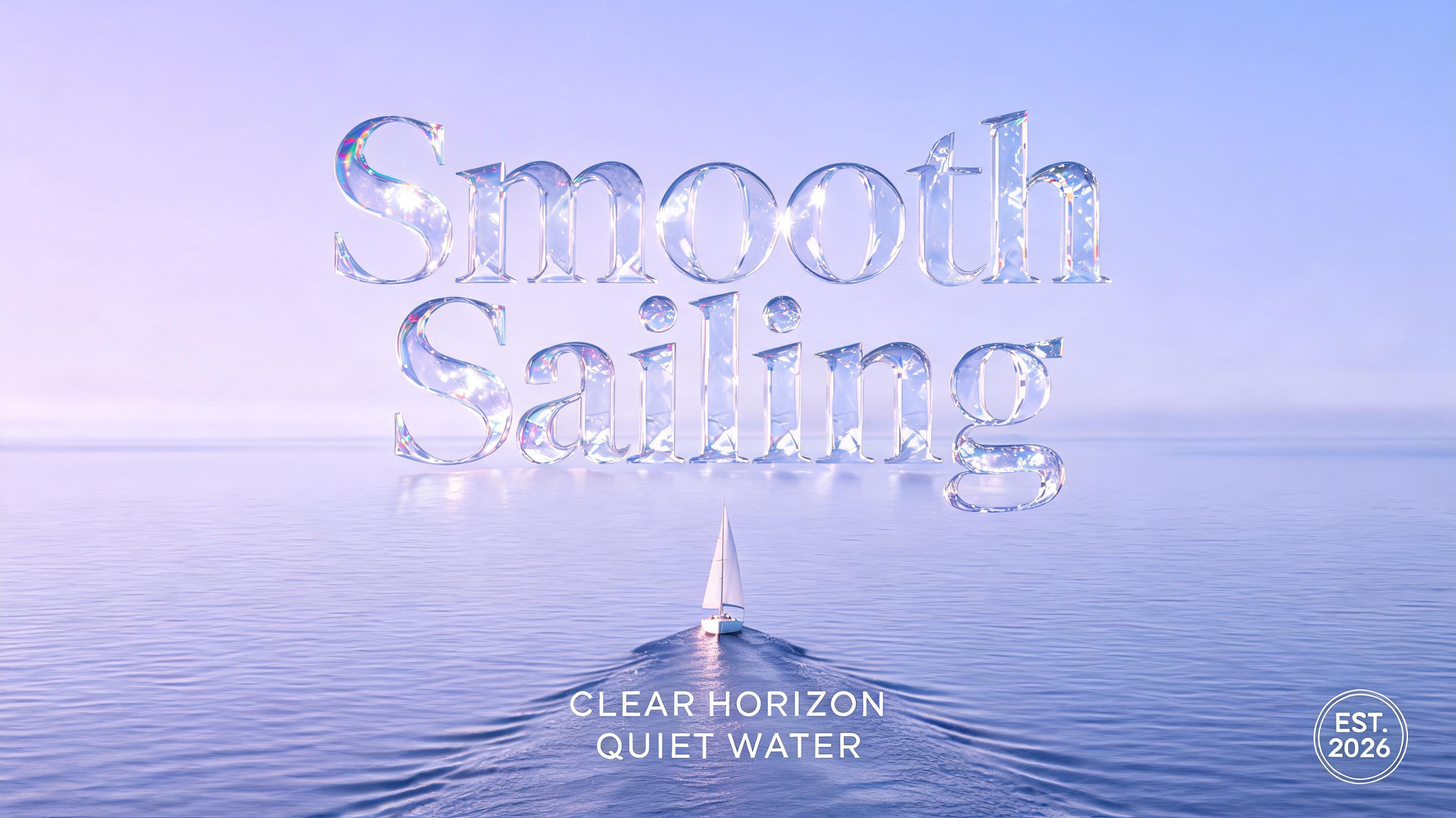
✦ More Liquid Glass Text Effect Use Cases
Explore more ways to use Glass


✦ Step-by-Step Guide
How to Create Your Liquid Glass in Studio
Three steps. No design software needed.
1
Enter your text
Type any word or phrase for the liquid glass treatment.
2
Generate liquid glass text
Click Generate — AI creates your text in the liquid glass aesthetic — smooth flowing frosted glass material with soft translucency, gentle surface distortion as if the glass is slightly fluid, delicate ambient light refraction through rounded edges, and the signature glassmorphism blur revealing subtle color from behind. Download PNG or JPG free.
3
Download and use
Save your liquid glass text PNG — no watermarks. Perfect for modern app design mockups, tech brand presentations, iOS-inspired social media graphics, or any design following the 2025 liquid glass UI trend.
💡 Platform tip: Liquid glass text follows the 2025 Apple Vision Pro and iOS 26 design aesthetic — it works best over colorful gradient backgrounds where the translucency can show through. In Figma or Canva, place your liquid glass PNG over a vivid gradient (pink-to-blue or purple-to-cyan work especially well) for authentic Vision Pro energy.
✦ Common Questions
Liquid Glass — Frequently Asked Questions
Everything you need to know before you create.
✦ Explore More Text Effect Styles
Related AI Text Effect Styles
Try a different aesthetic — each style generates a completely unique visual output.


Want more text styles? Browse our free font generators — fancy, cursive, gothic & more.
✦ Ready to Create?
Make Your Own Glass
Free to start. No design skills needed.
✦ Generate Now — Free