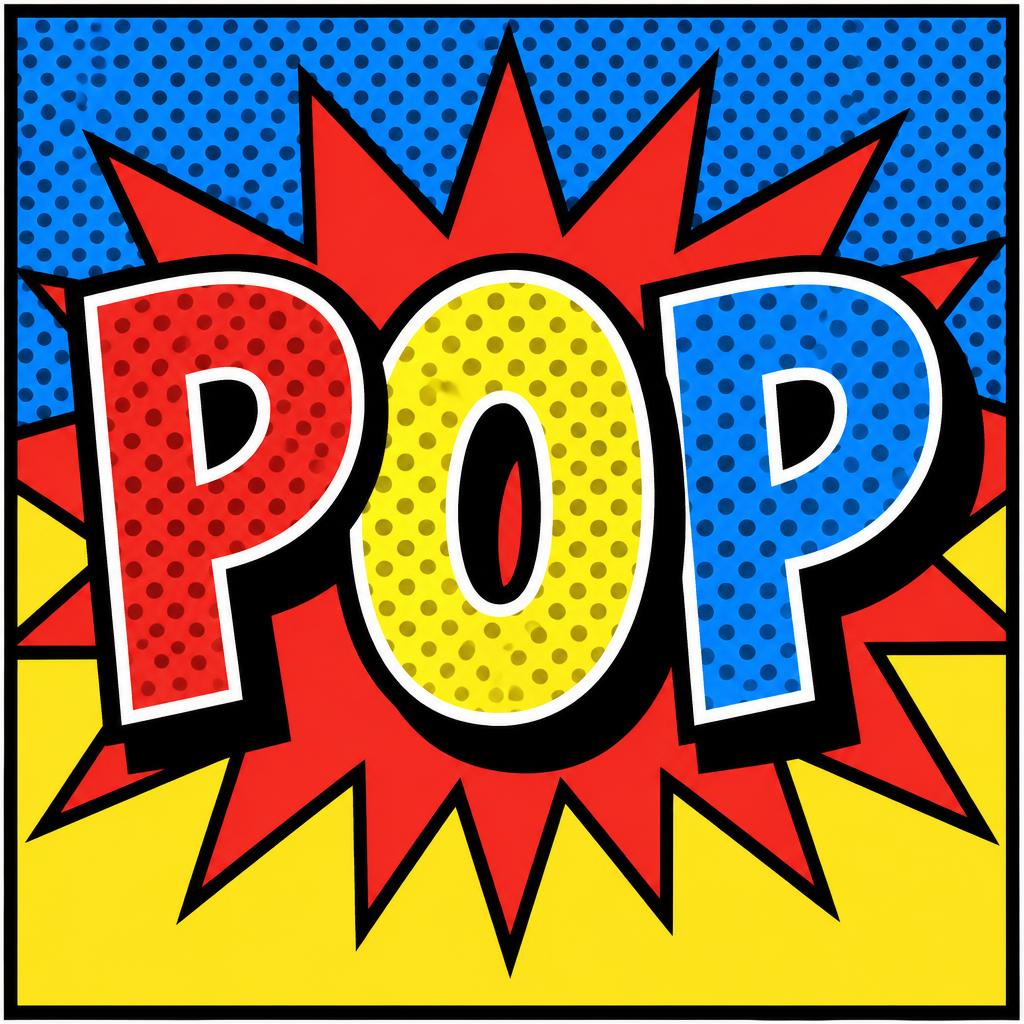
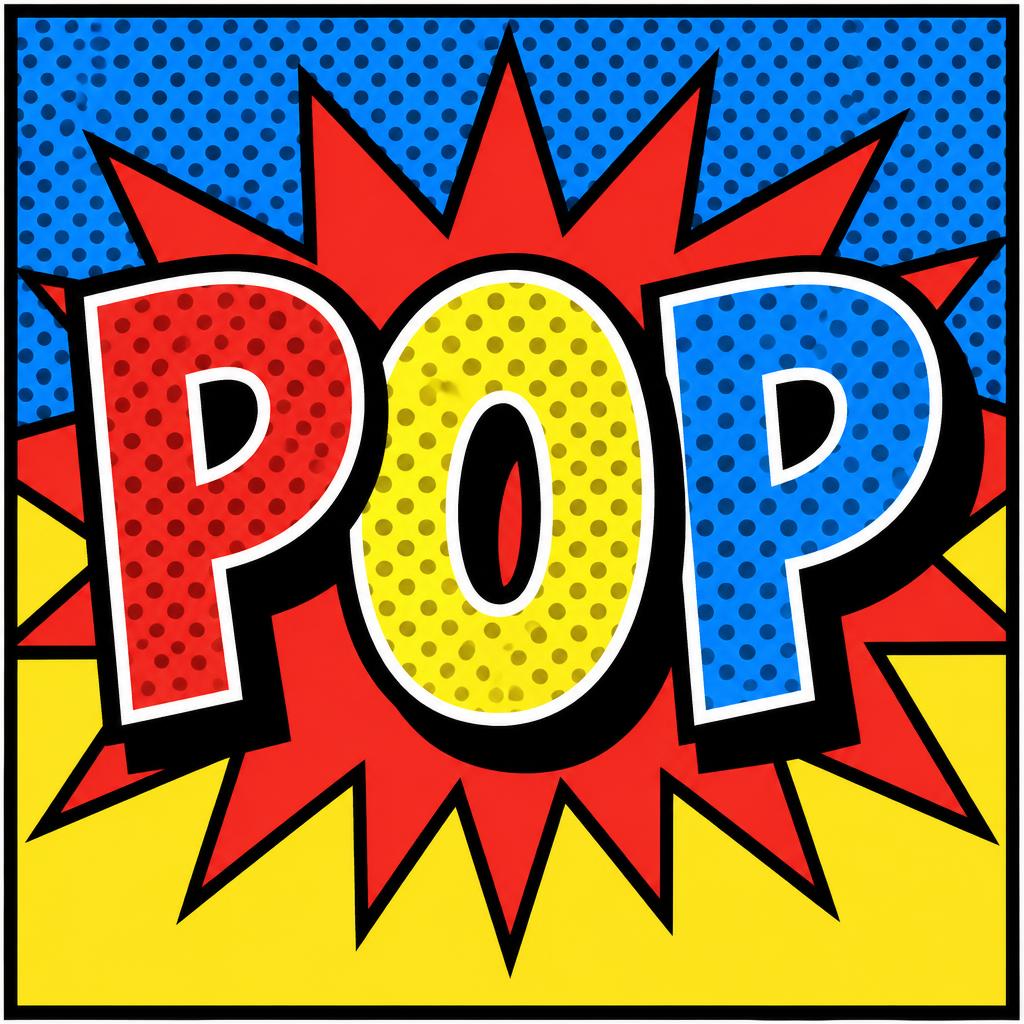
POP - Pop Art Text Effect


Uses OpenAI GPT-Image-2.5 Sunburst, the model behind this artwork · 15 credits
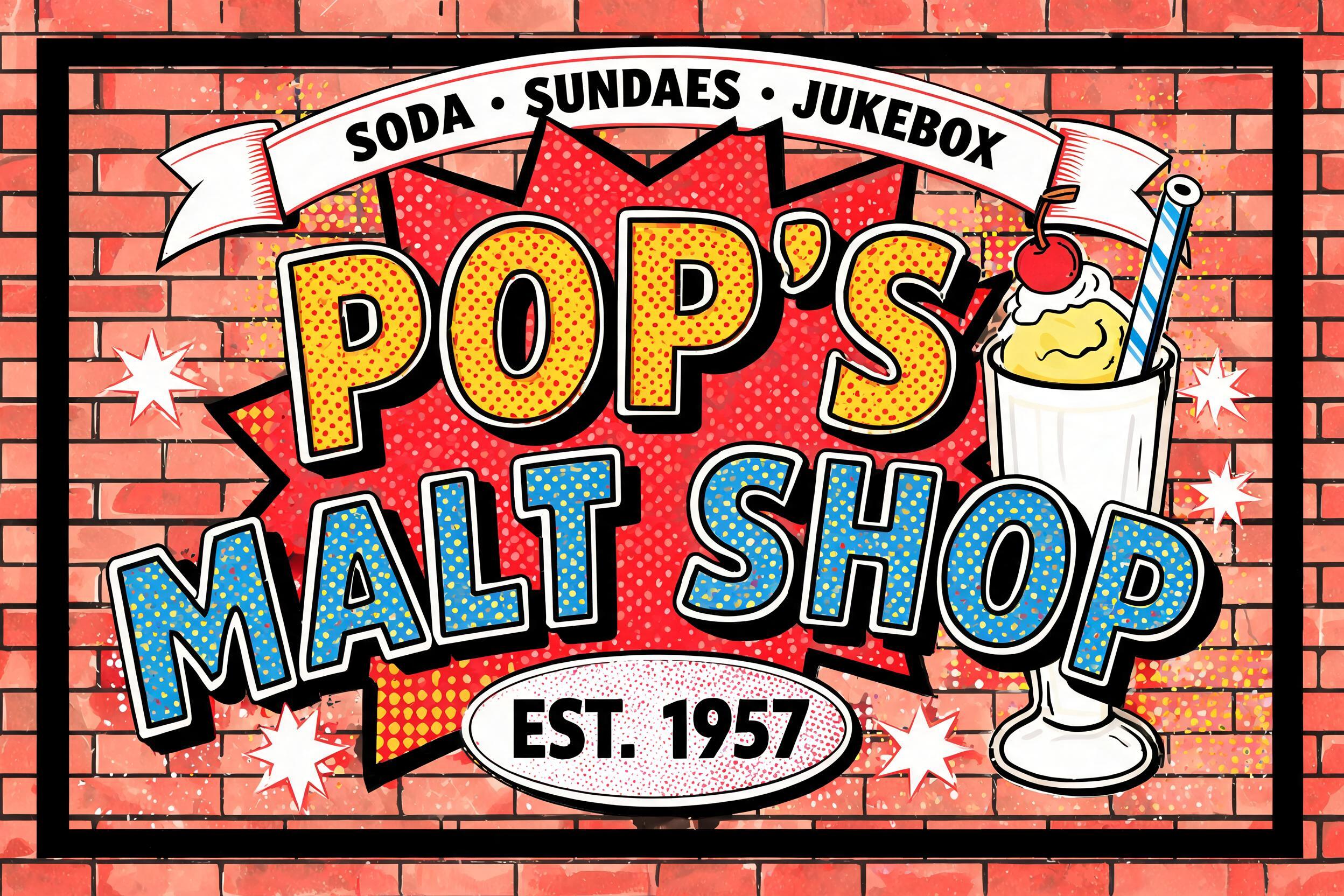


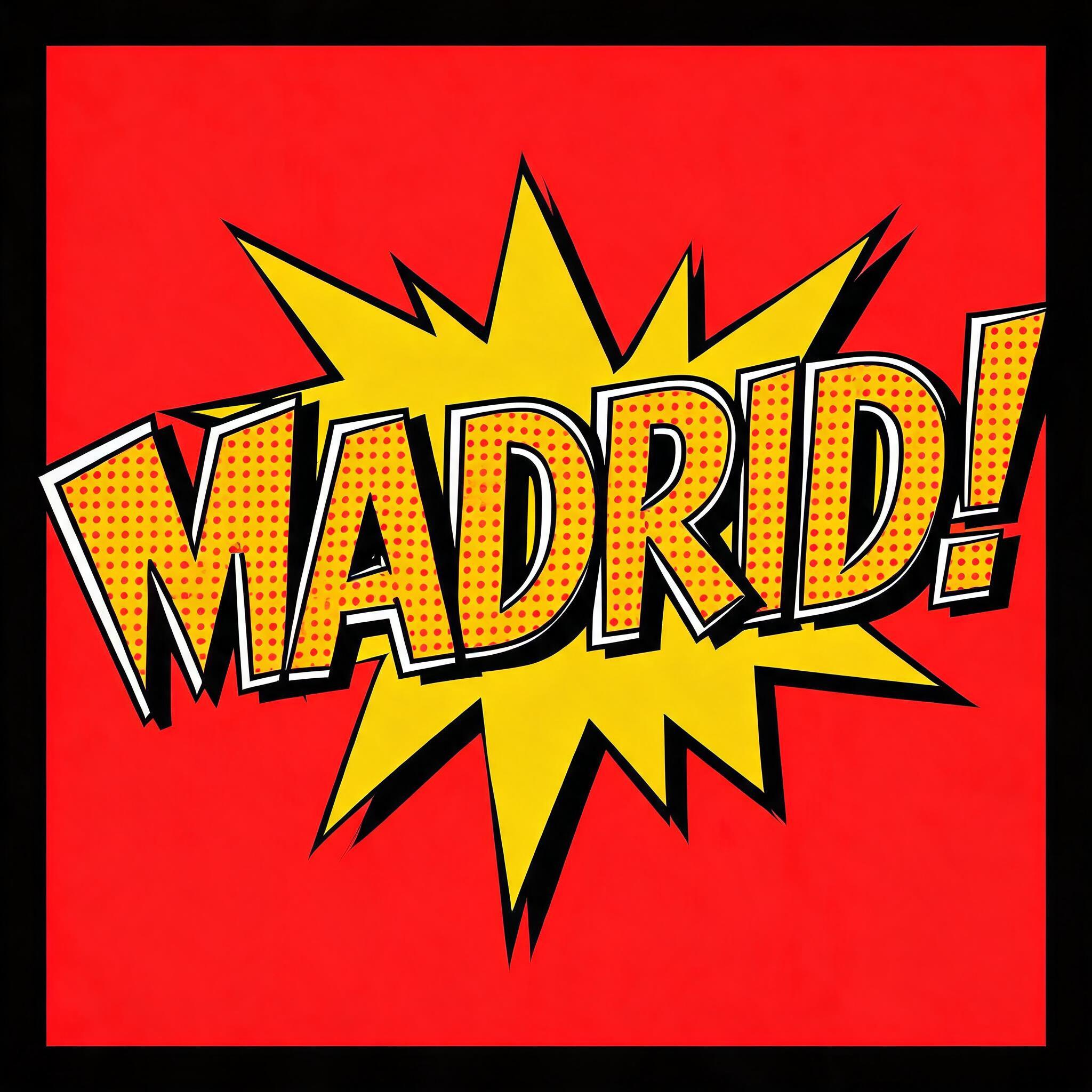
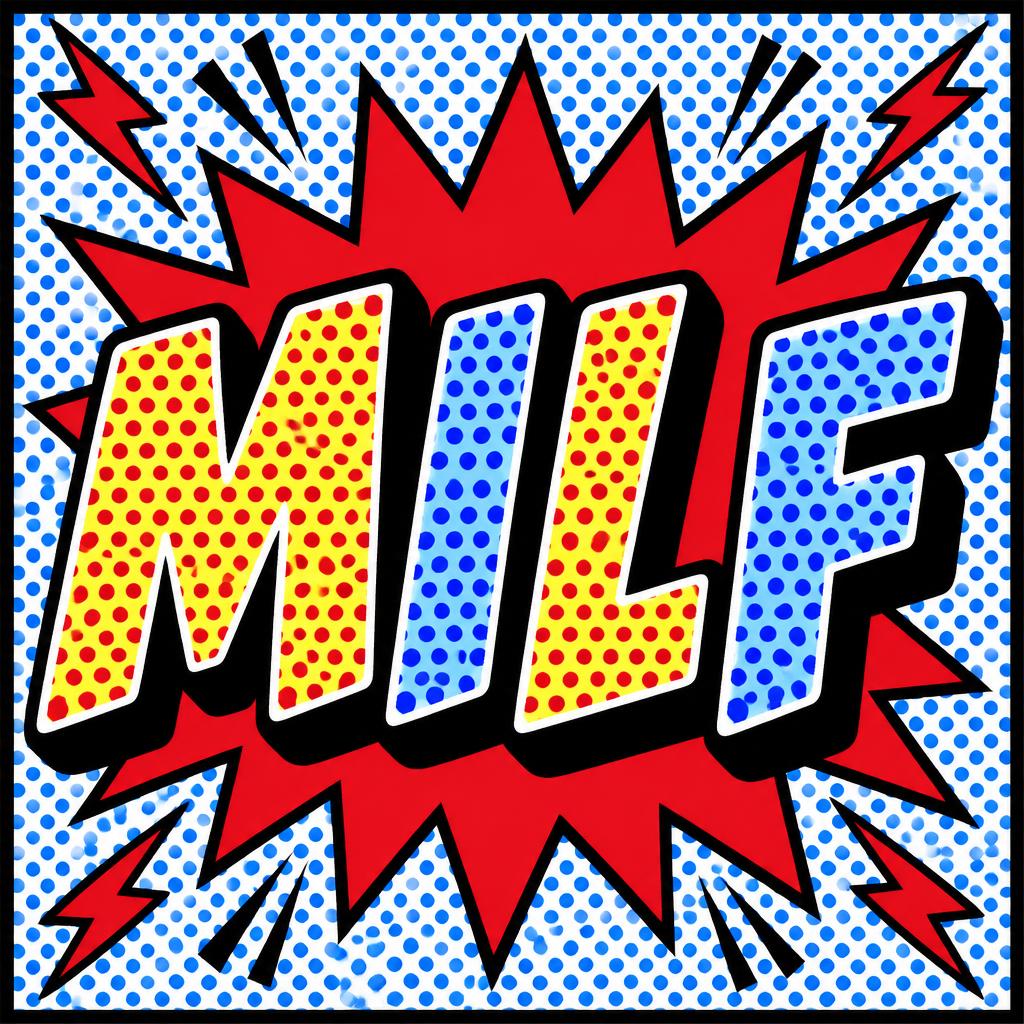

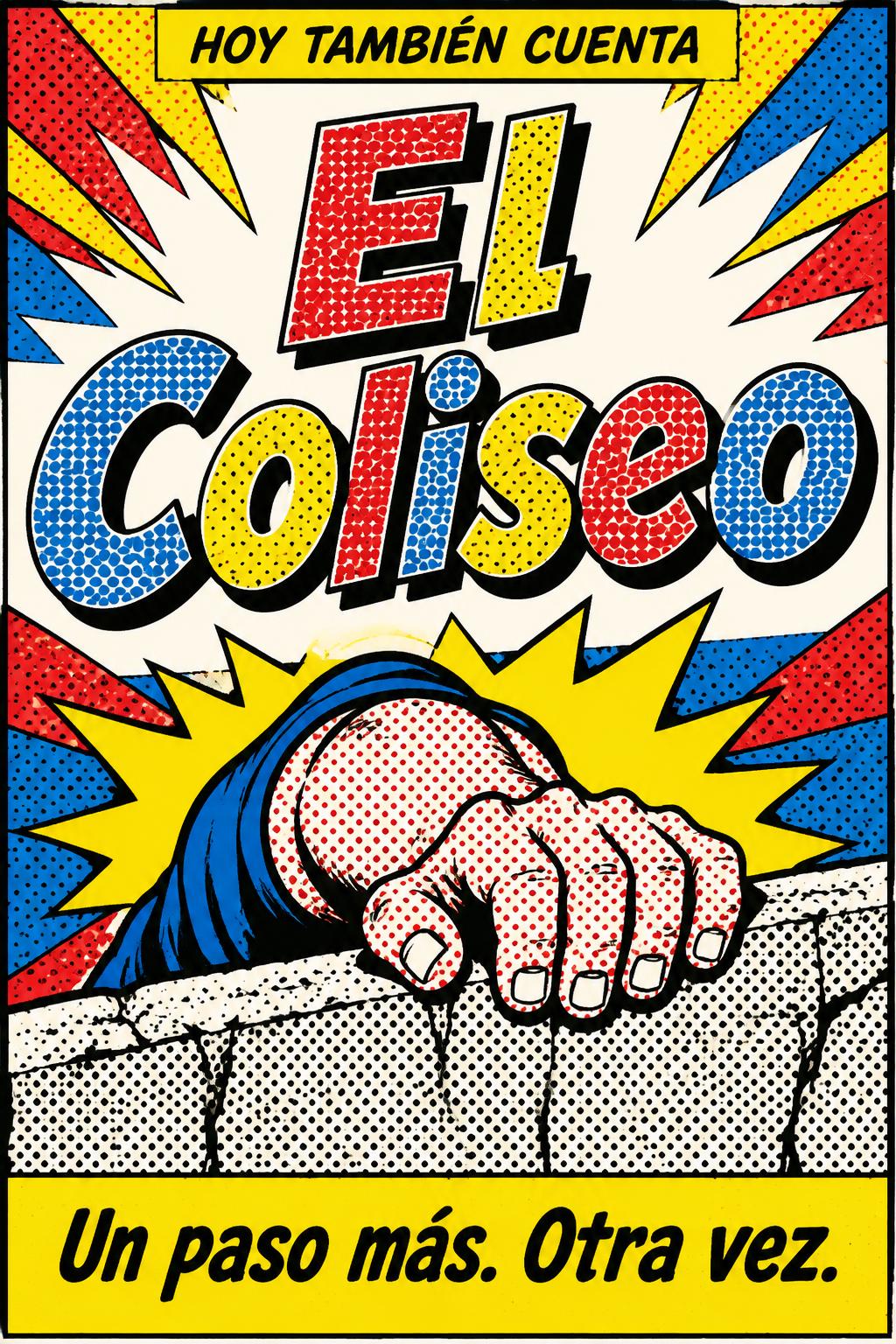
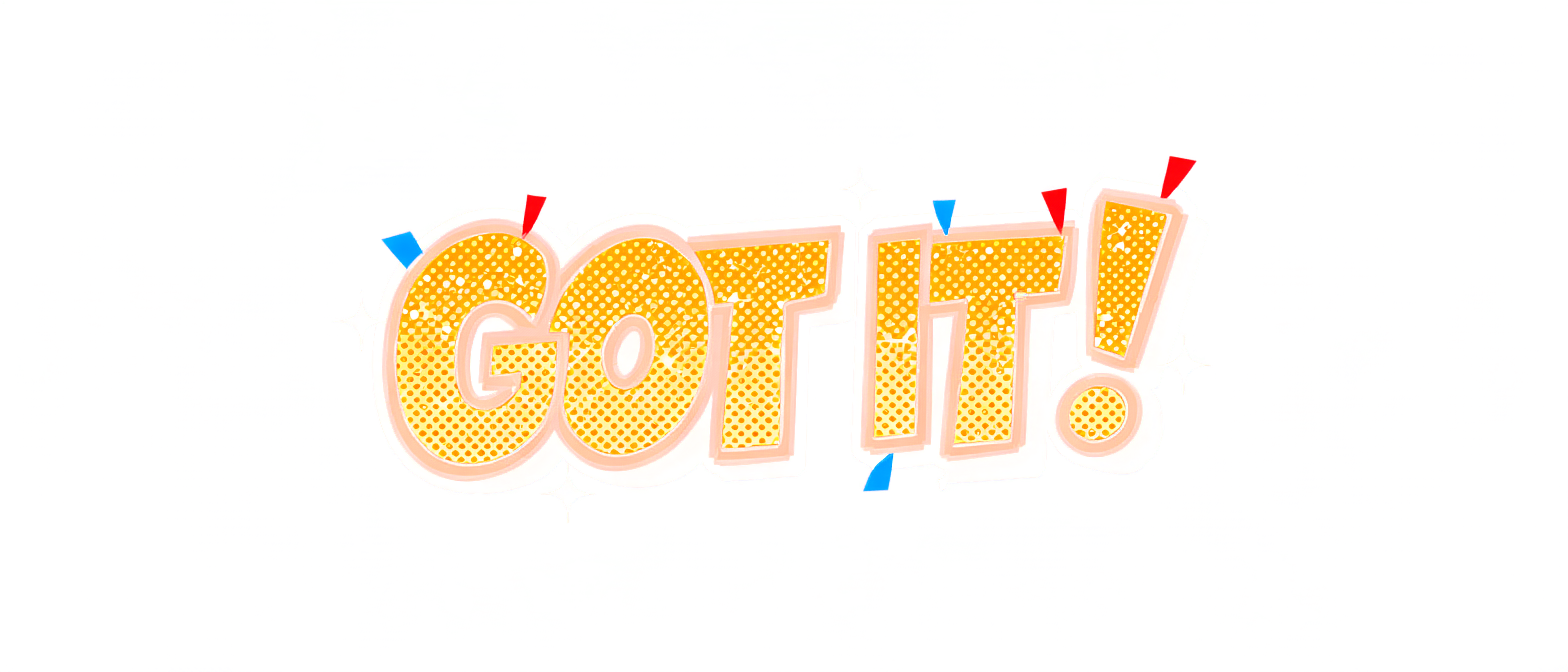


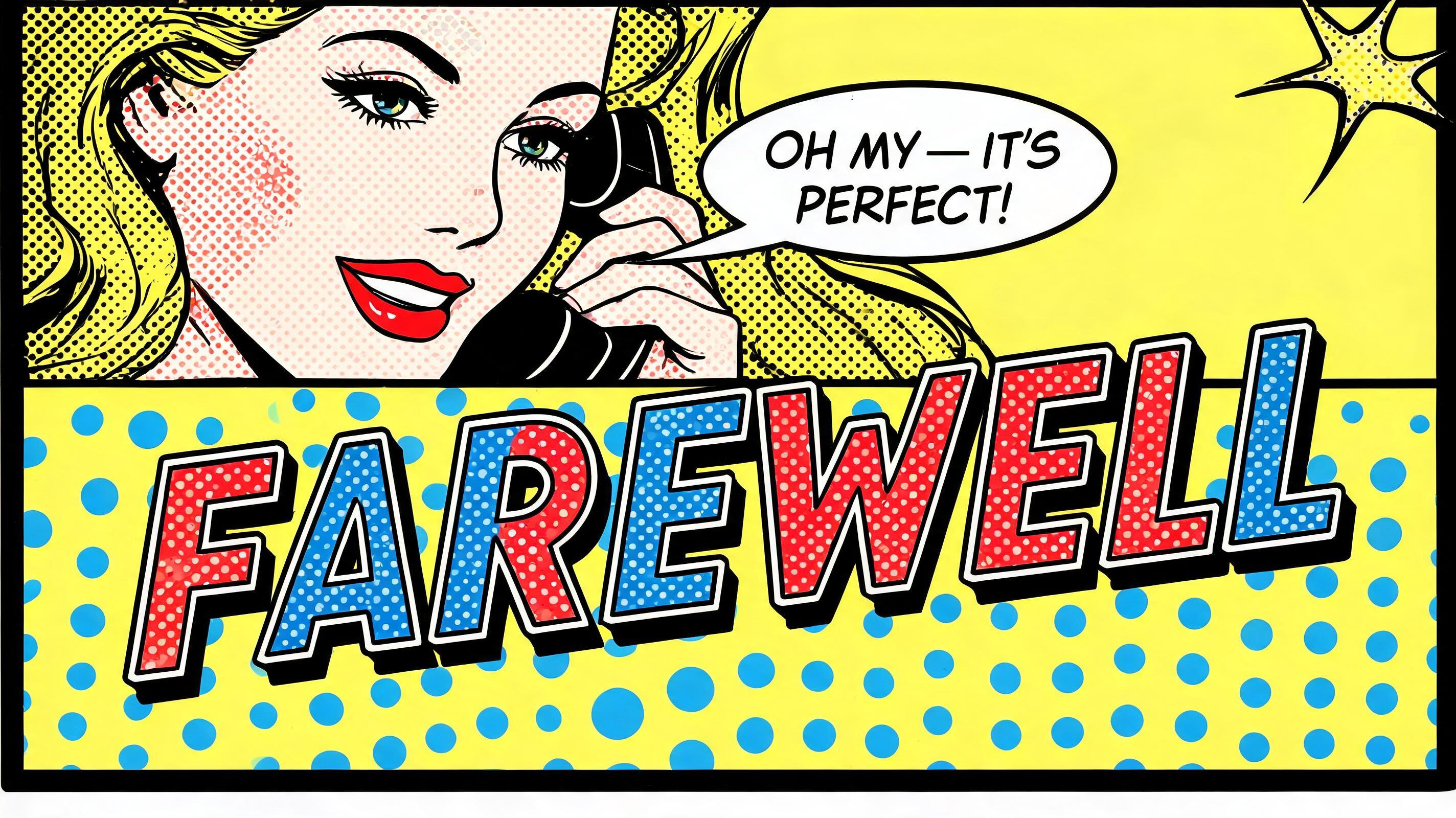


“POP” was created with FontVibe AI — explore more Pop Art text effect. Lichtenstein comic capitals filled with Ben-Day dots in flat red and yellow, thick black outlines and a hard drop shadow, bursting from a starburst on a dotted blue ground.
Create a square, finished pop-art typography graphic featuring exactly one word: “POP”. Make the word the unmistakable focal point, centered and filling about 82% of the canvas width. Draw bold, hand-traced comic display letters with subtly varied brush-built strokes and ink accumulation at stroke joins. Give each letter a thick, crisp, uniform black outer outline. Fill the first P flat red, the O flat yellow, and the final P flat blue, each with large, individually visible, uniform circular Ben-Day dots on a precise 45-degree offset grid. Leave a narrow bare white gap between every dotted fill and the inner edge of its black outline. Add a solid black drop shadow offset diagonally 45 degrees down and right, with a hard edge. Behind the letters, create a high-energy vintage comic-book burst: a flat red jagged starburst radiating from behind the word, outlined in black, over a flat blue upper field with visible Ben-Day dots and a flat yellow lower field. Frame the whole image with a bold black comic-panel border. Keep all color areas sharply separated and flat, with high contrast, clean edges, and a silk-screen printed feel. Use only flat red, yellow, blue, white, and black; no gradients, blending, soft shadows, metallic finishes, or photographic realism. The dots must remain distinct and must not touch the letter outlines. Render no other words, letters, numbers, logos, or symbols.
Made for Halftone Text Effect Generator
Generated on October 26, 2026 · 1024 × 1024 · JPEG · OpenAI GPT-Image-2.5 Sunburst · Layout: Comic Impact Panel · Shared by the creator · Free for commercial use (CC BY 4.0)


