

![["wedding", "emboss", "invitation", "stationery", "letterpress"] text effect example](https://cos.fontvibe.ai/generations/user/17/19c37cfb-5e09-4de1-8a47-84ca1f1fb6ec.jpeg?imageMogr2/thumbnail/600x/format/webp/resolution/80)
✦ Community Gallery
View all →Embossed Wedding Invitation Font — Community Gallery
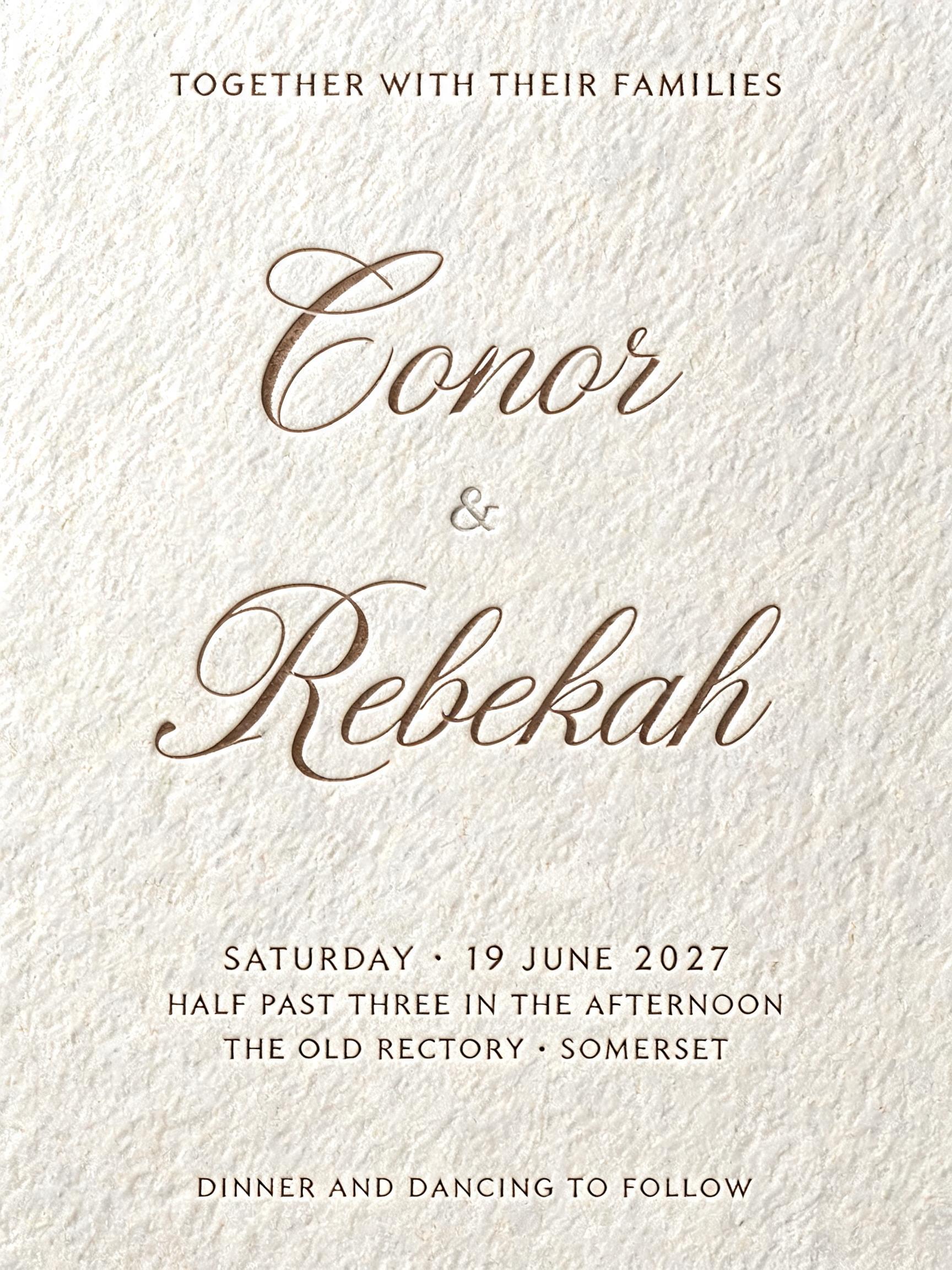
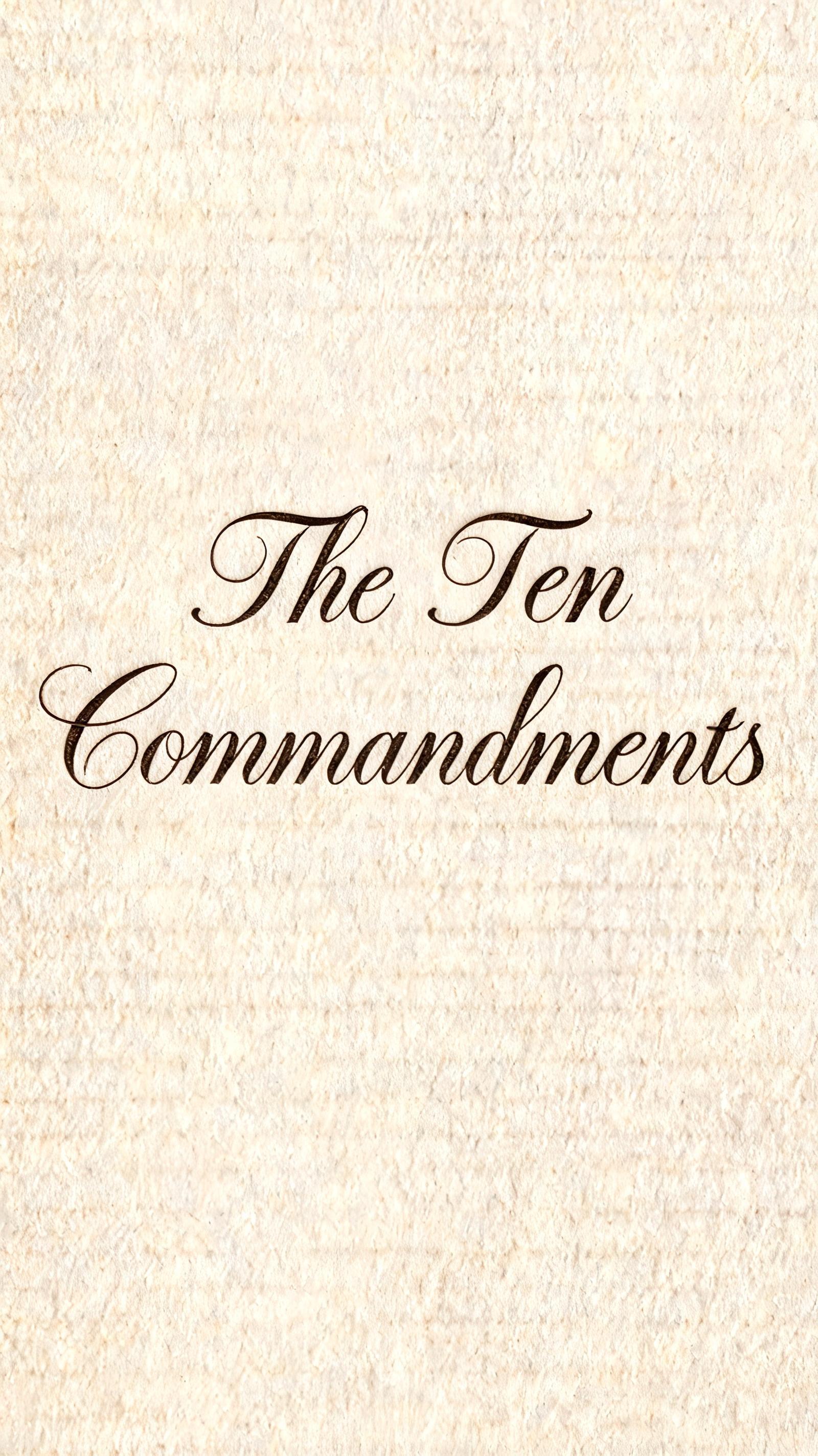
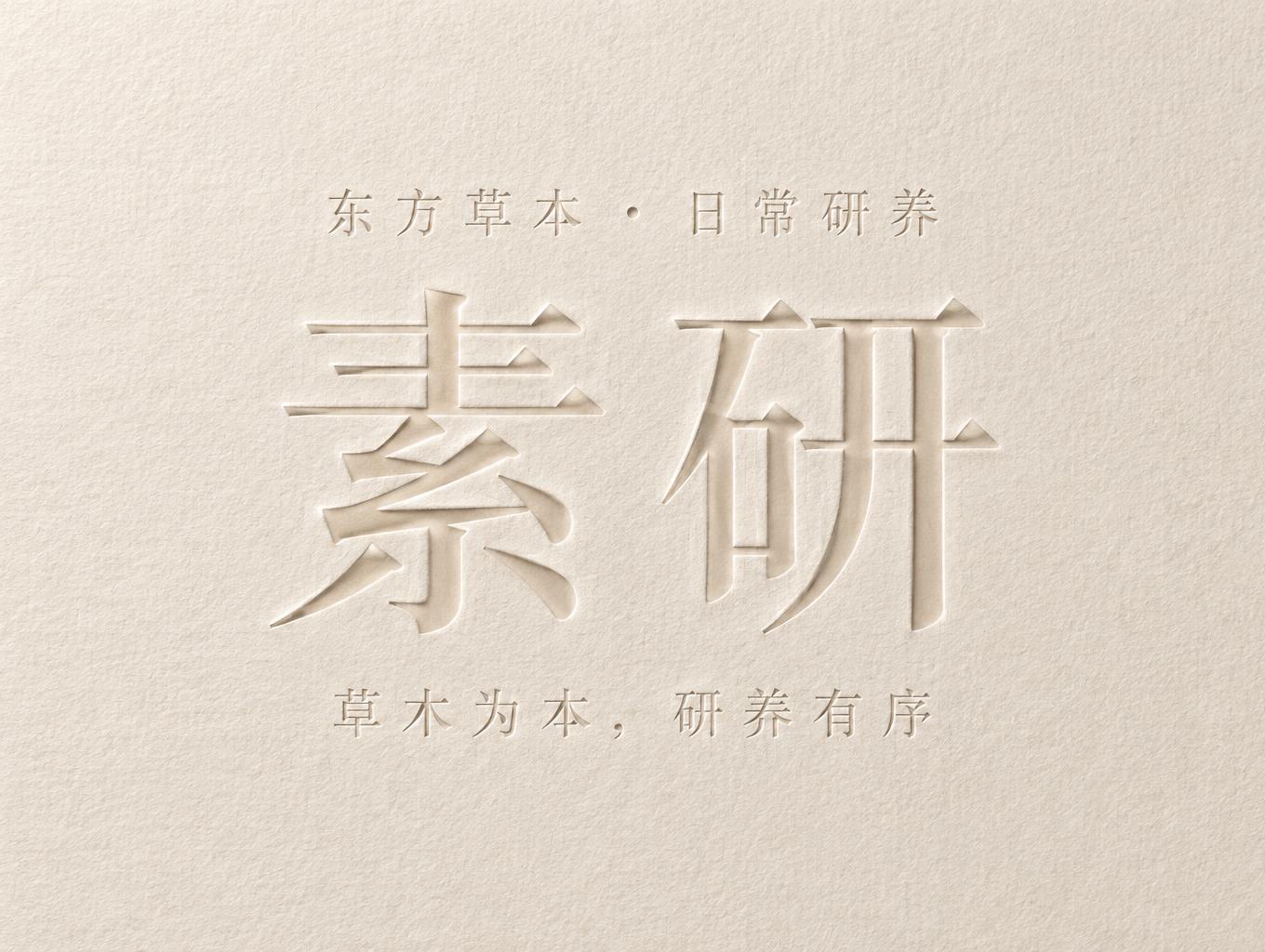
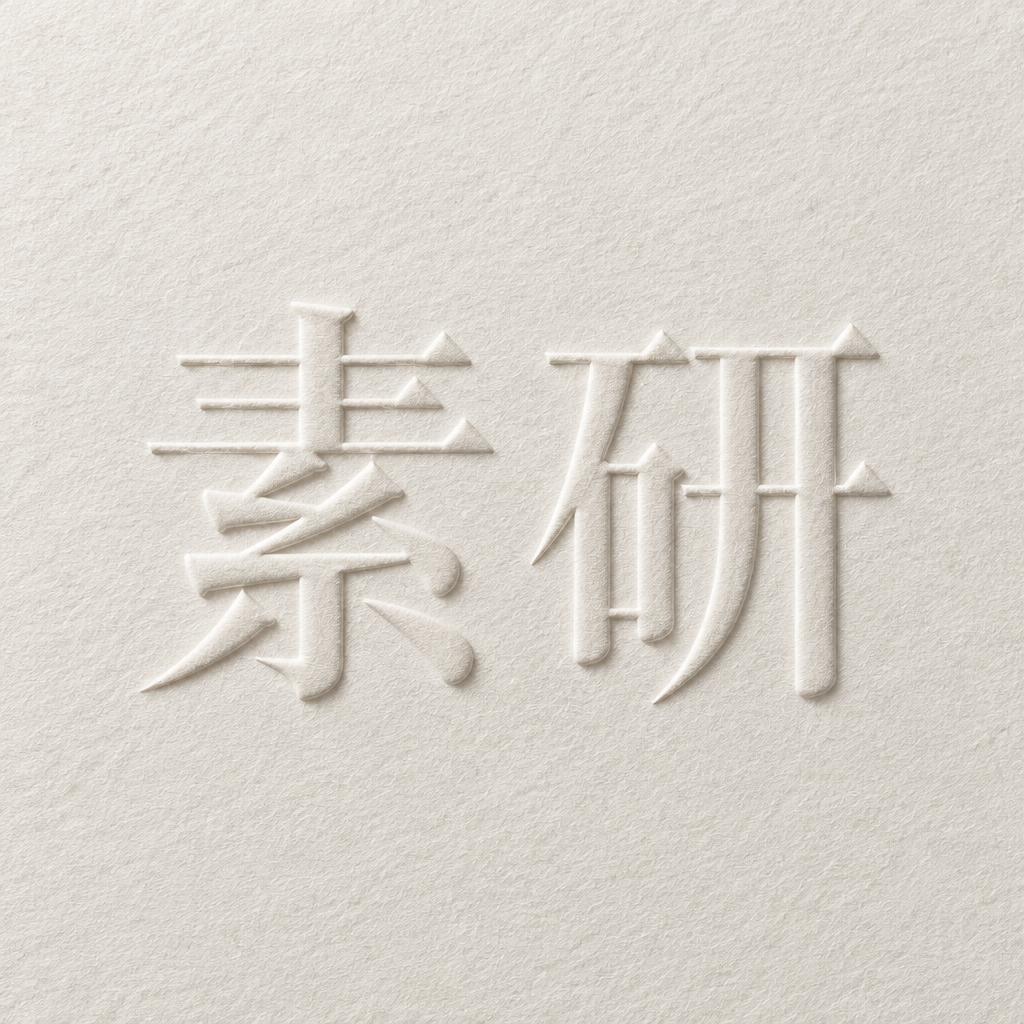
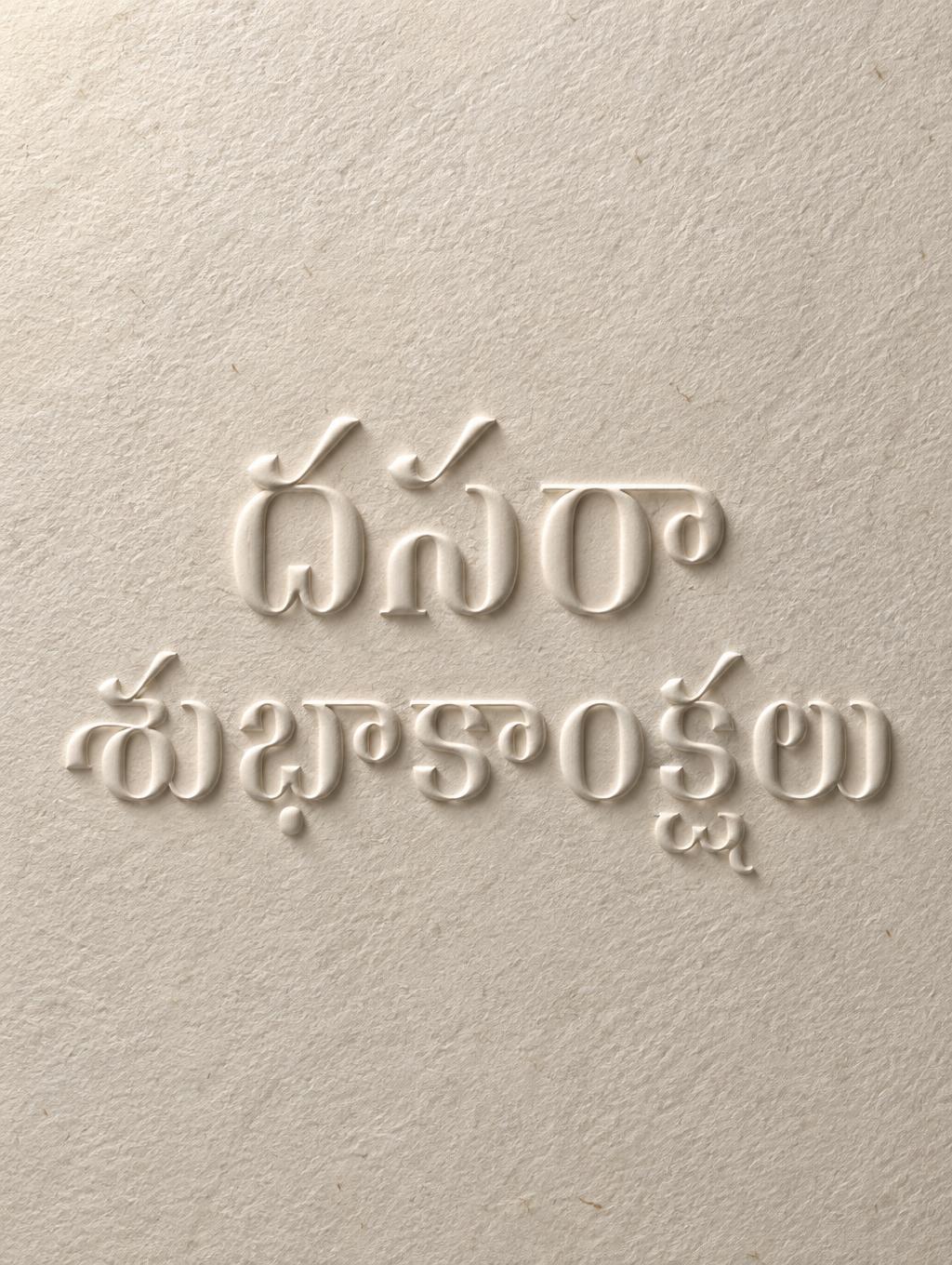
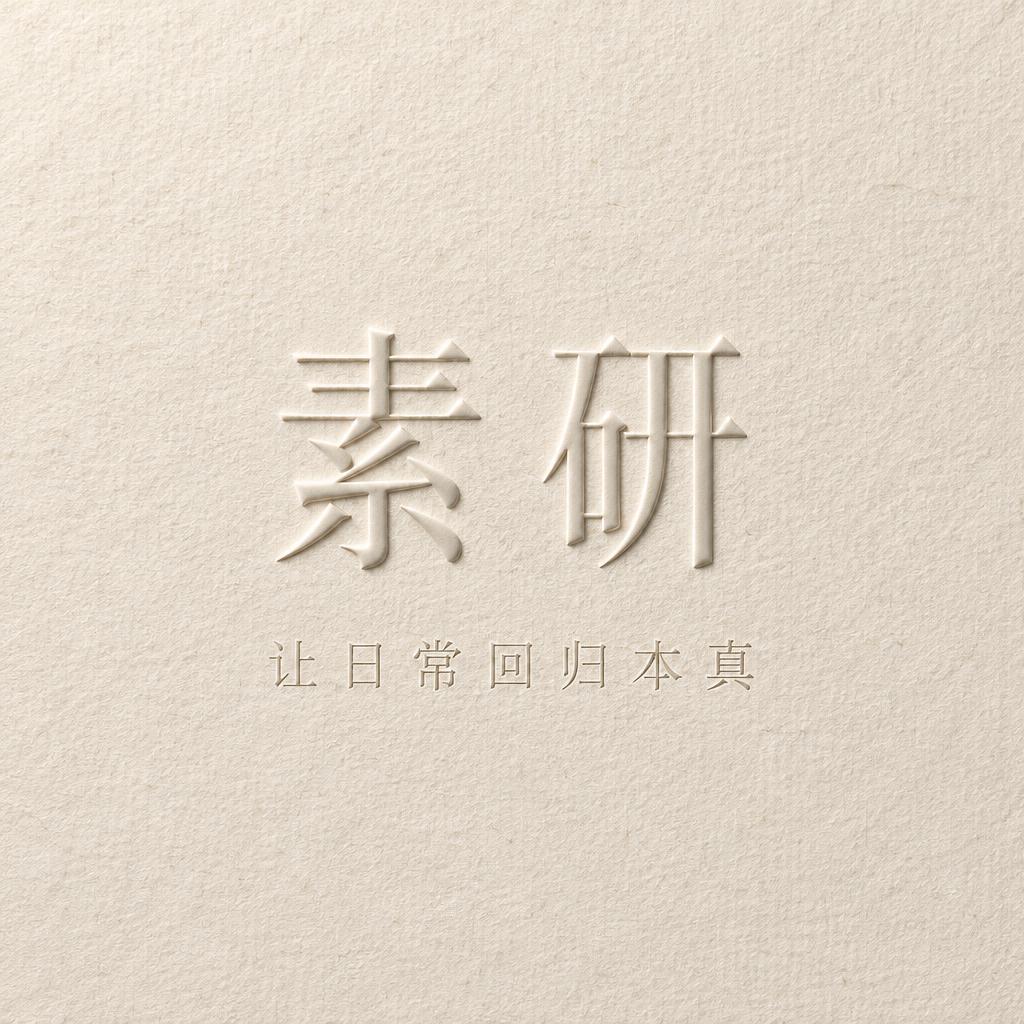
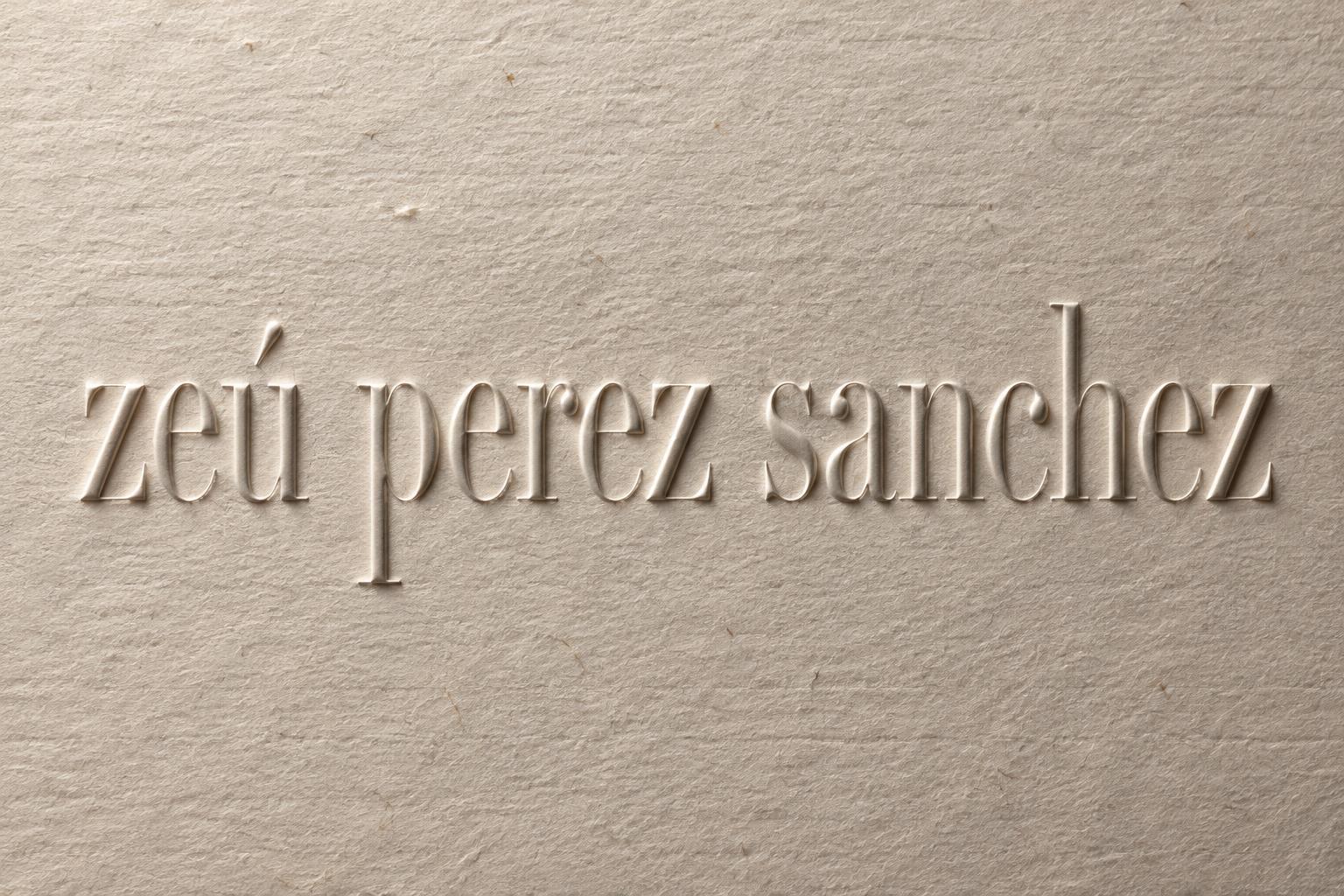
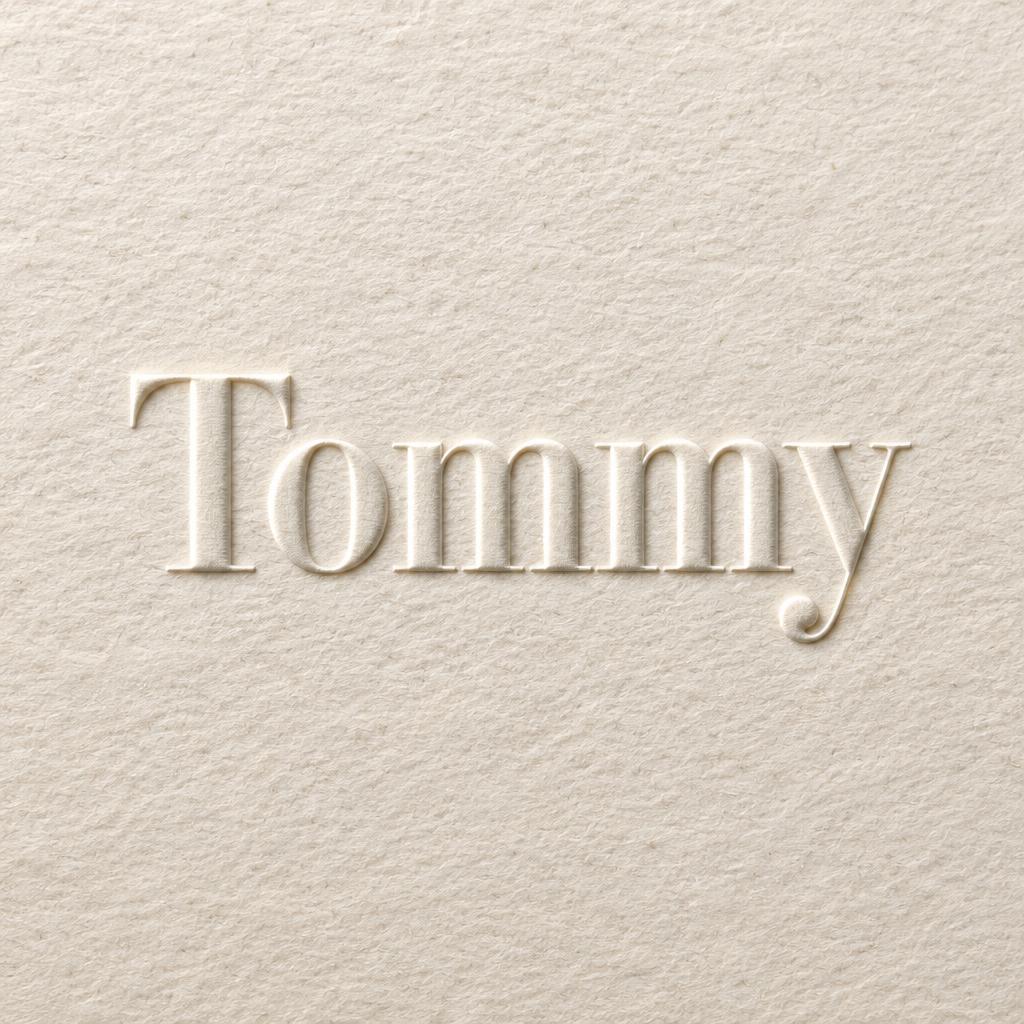
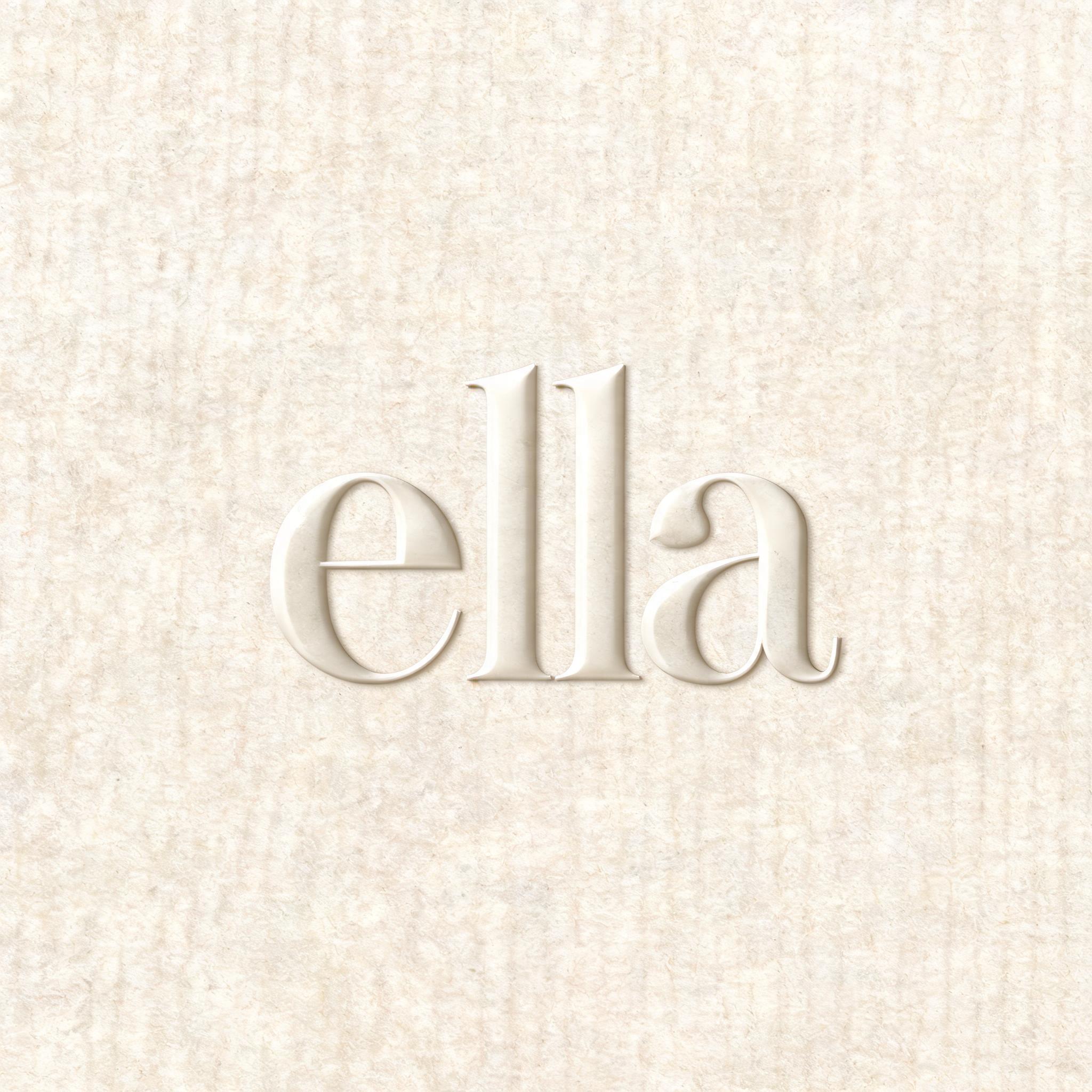
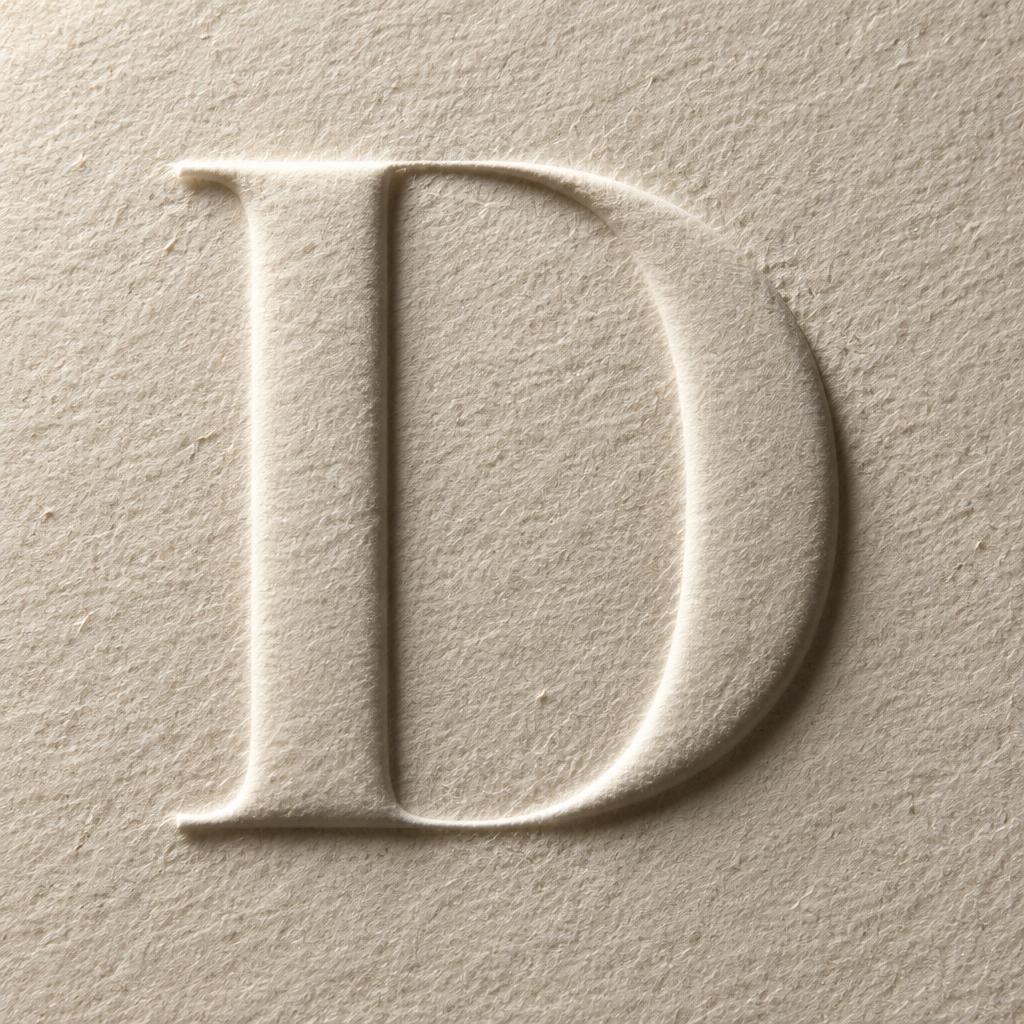
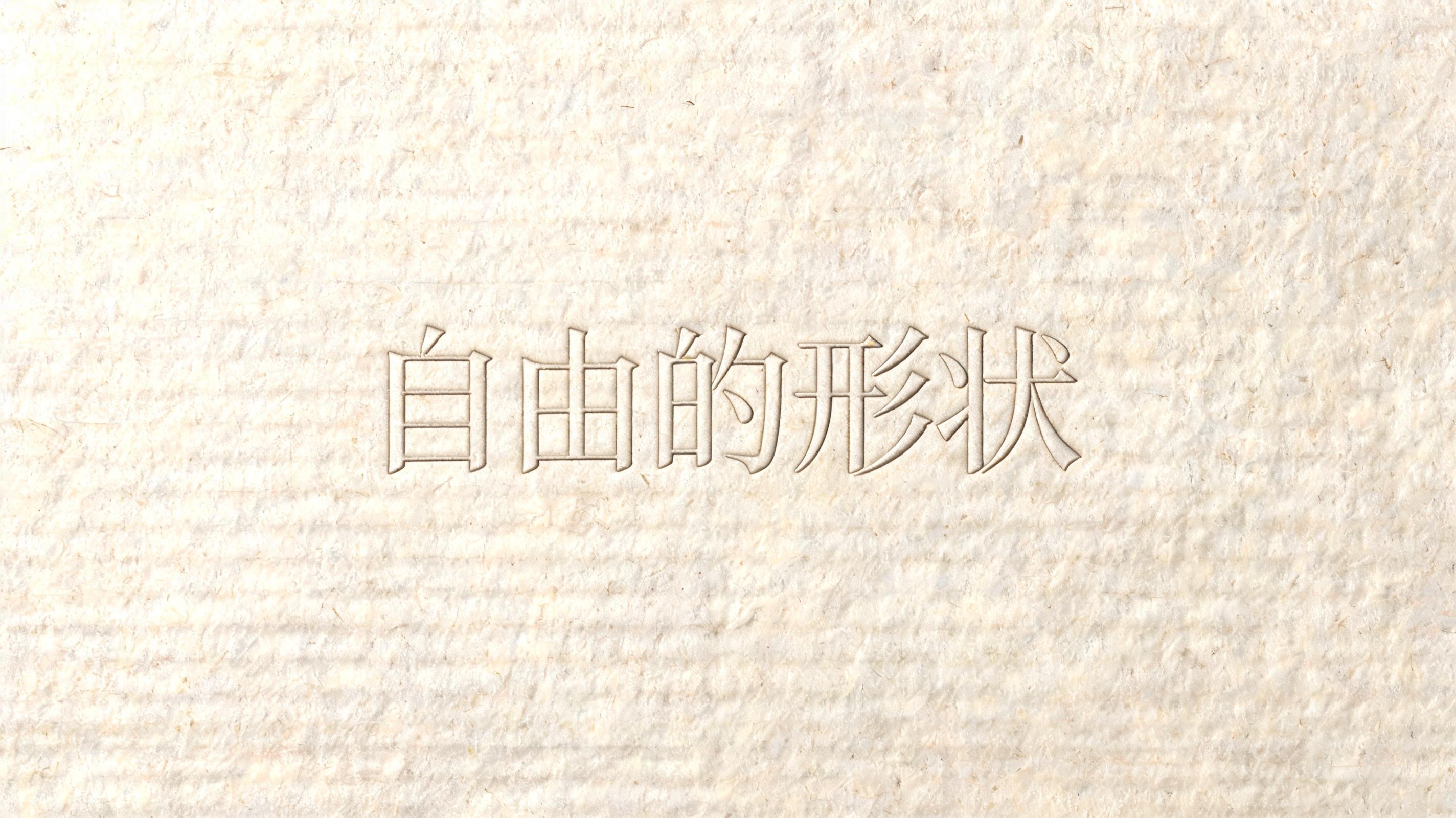
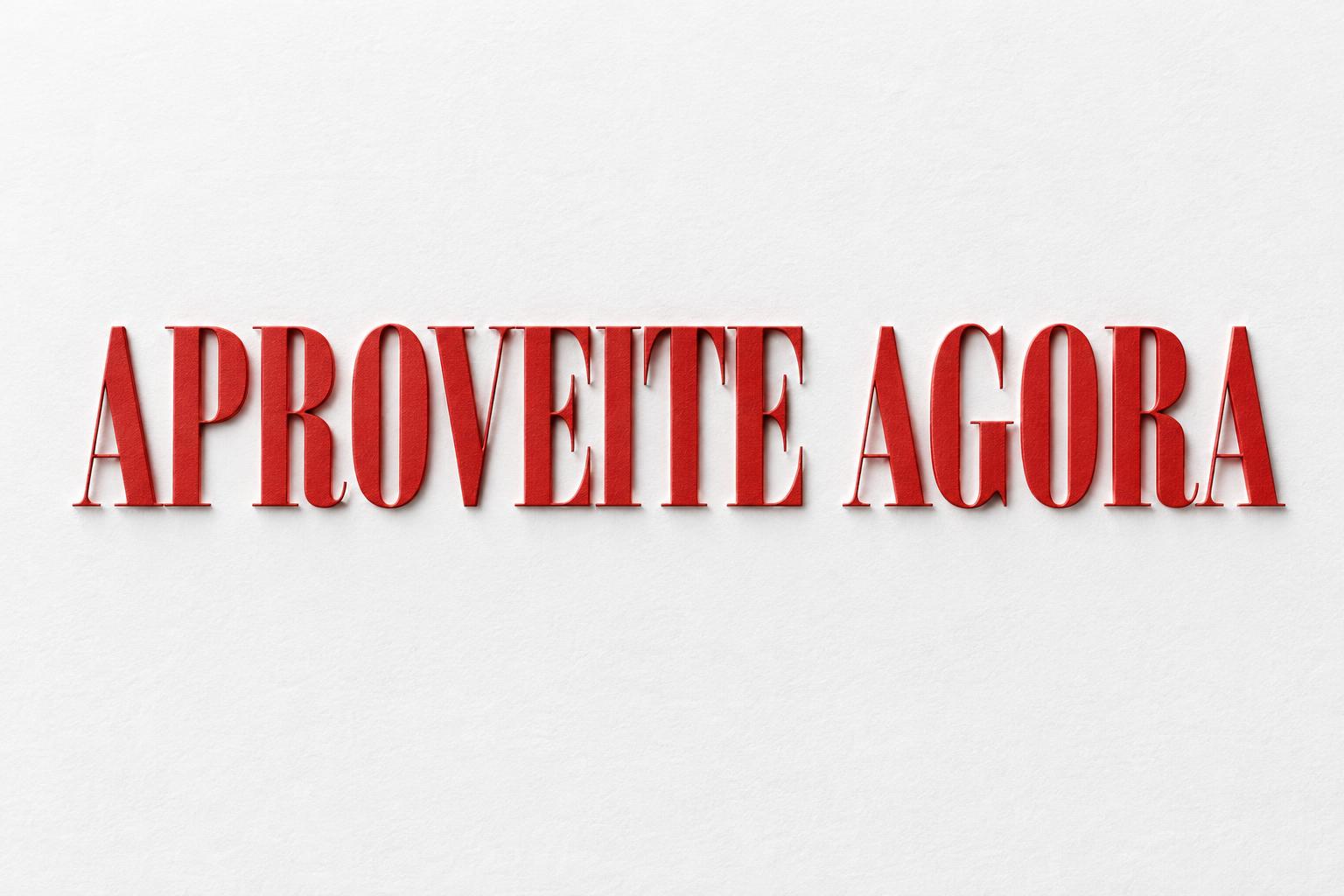
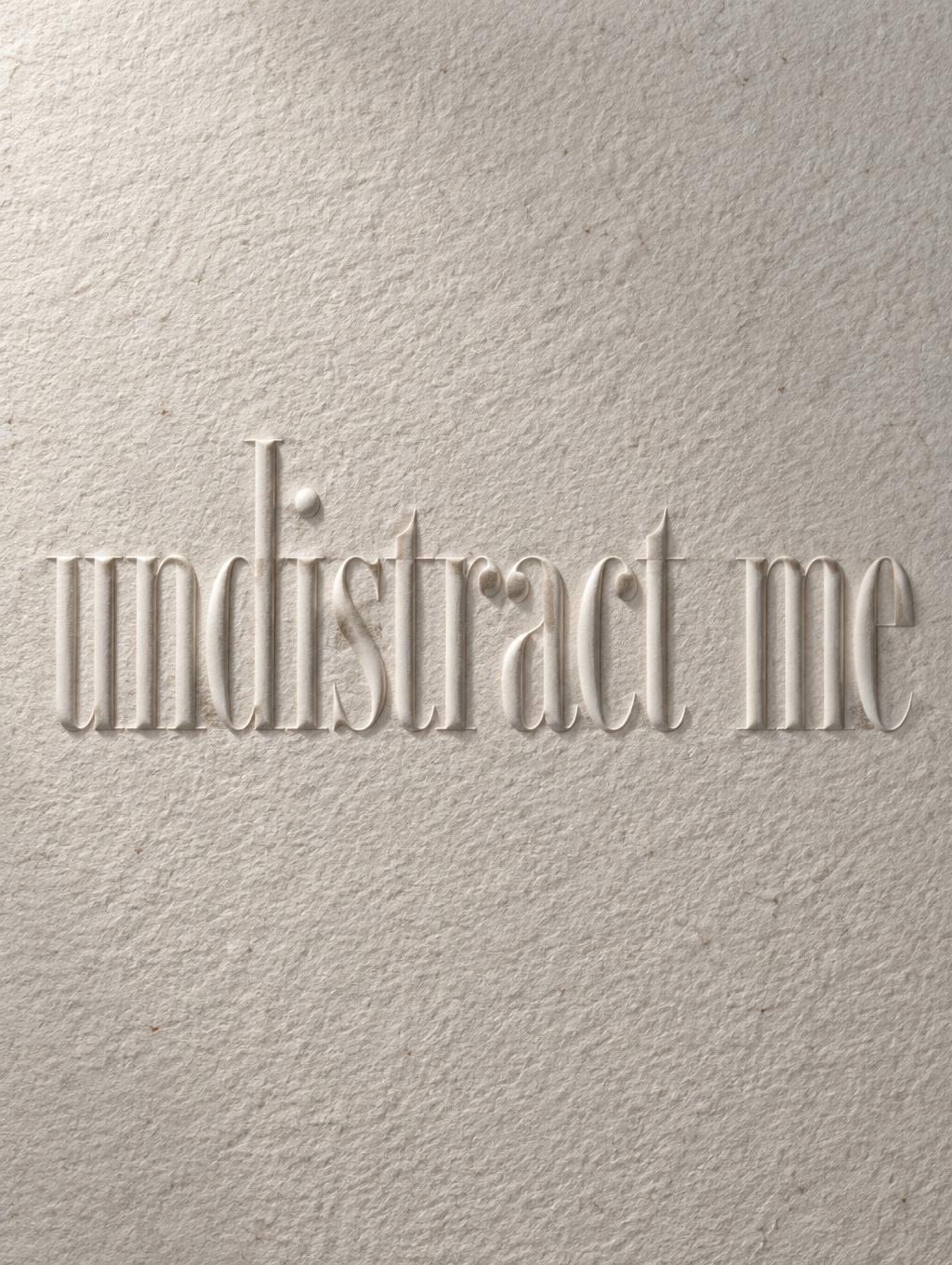
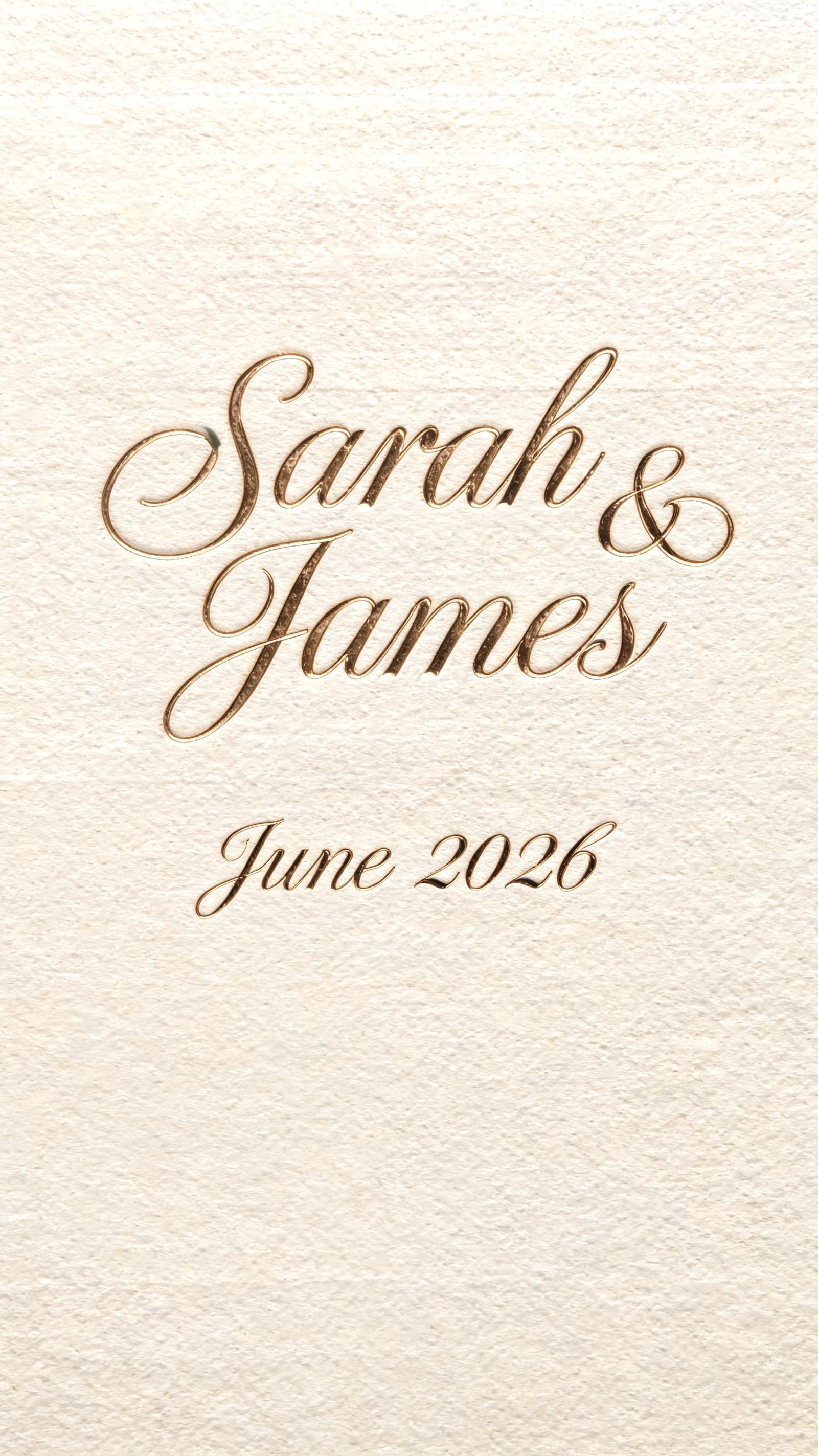
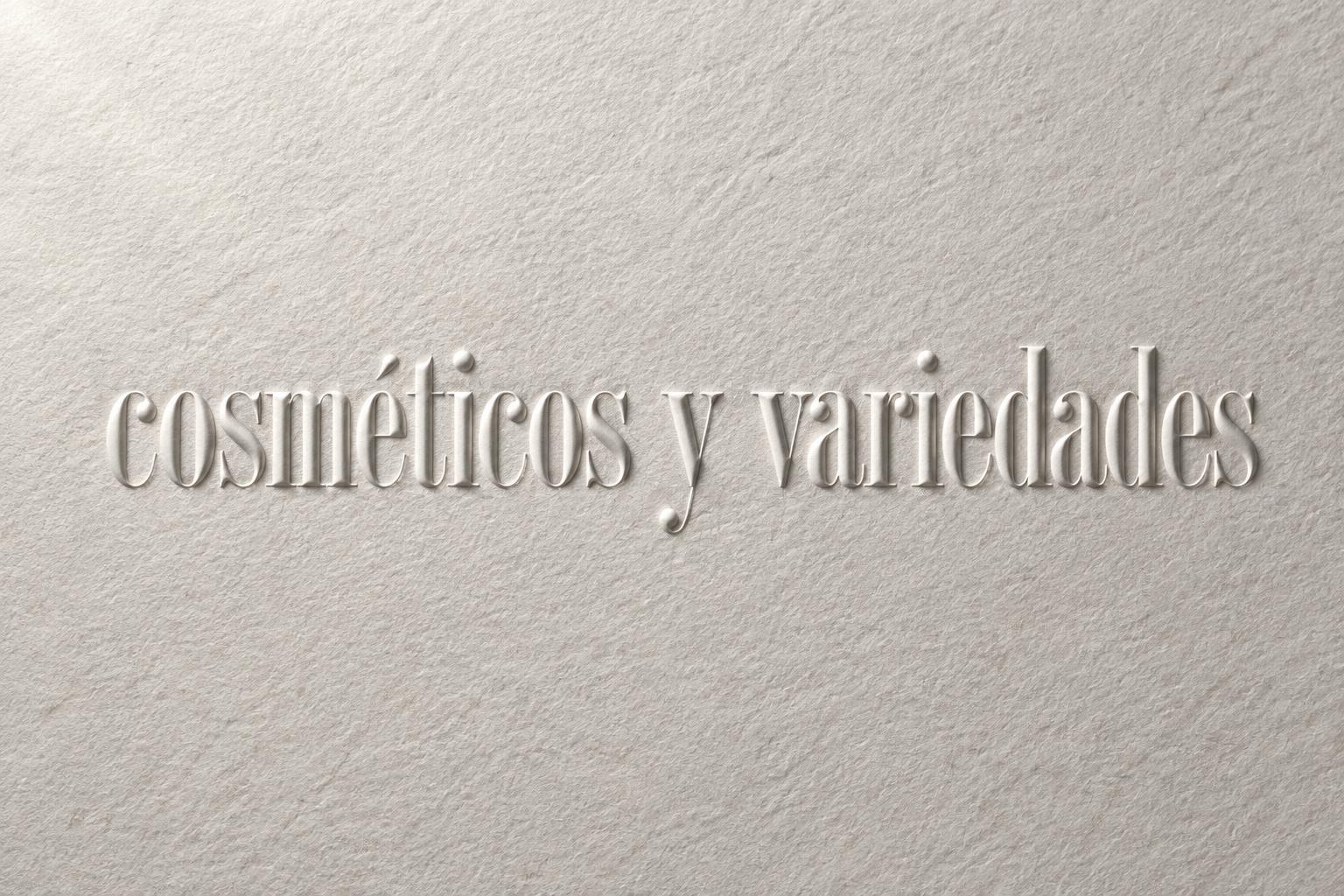
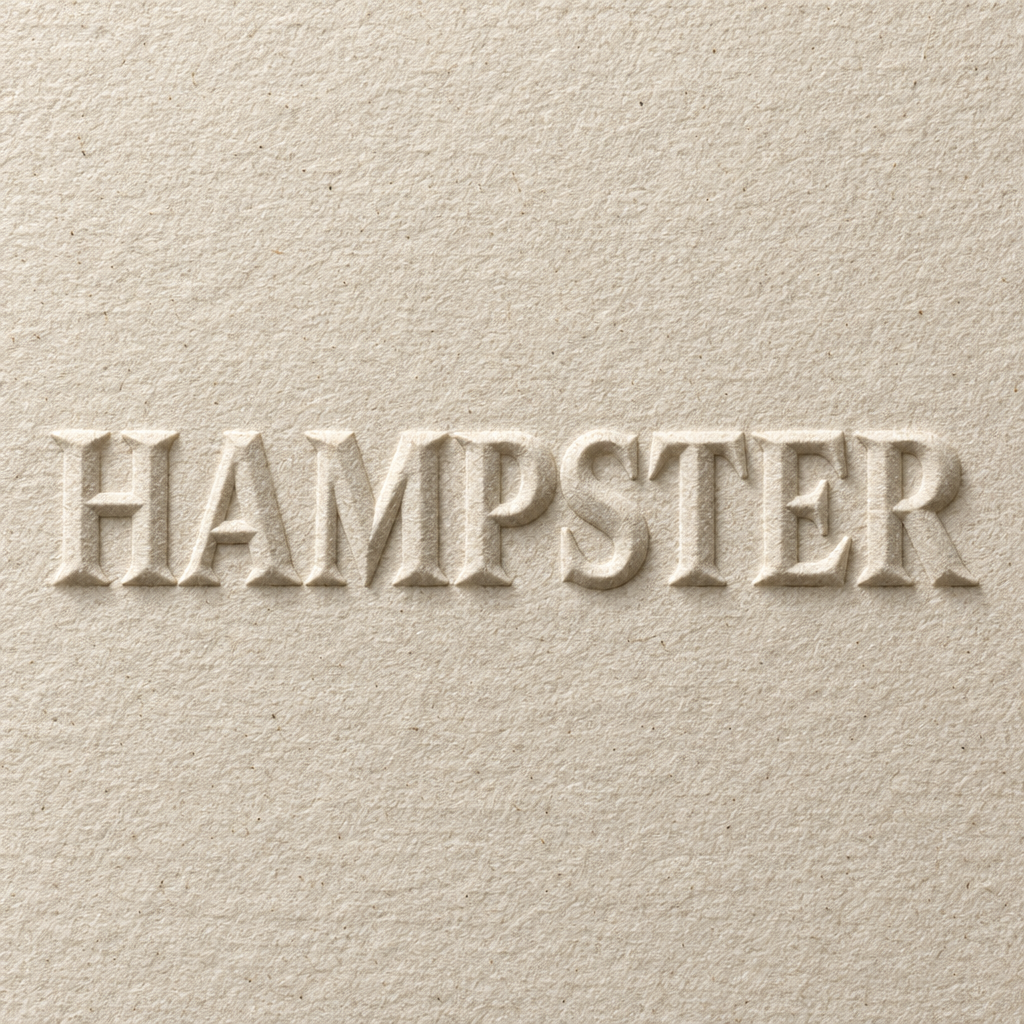
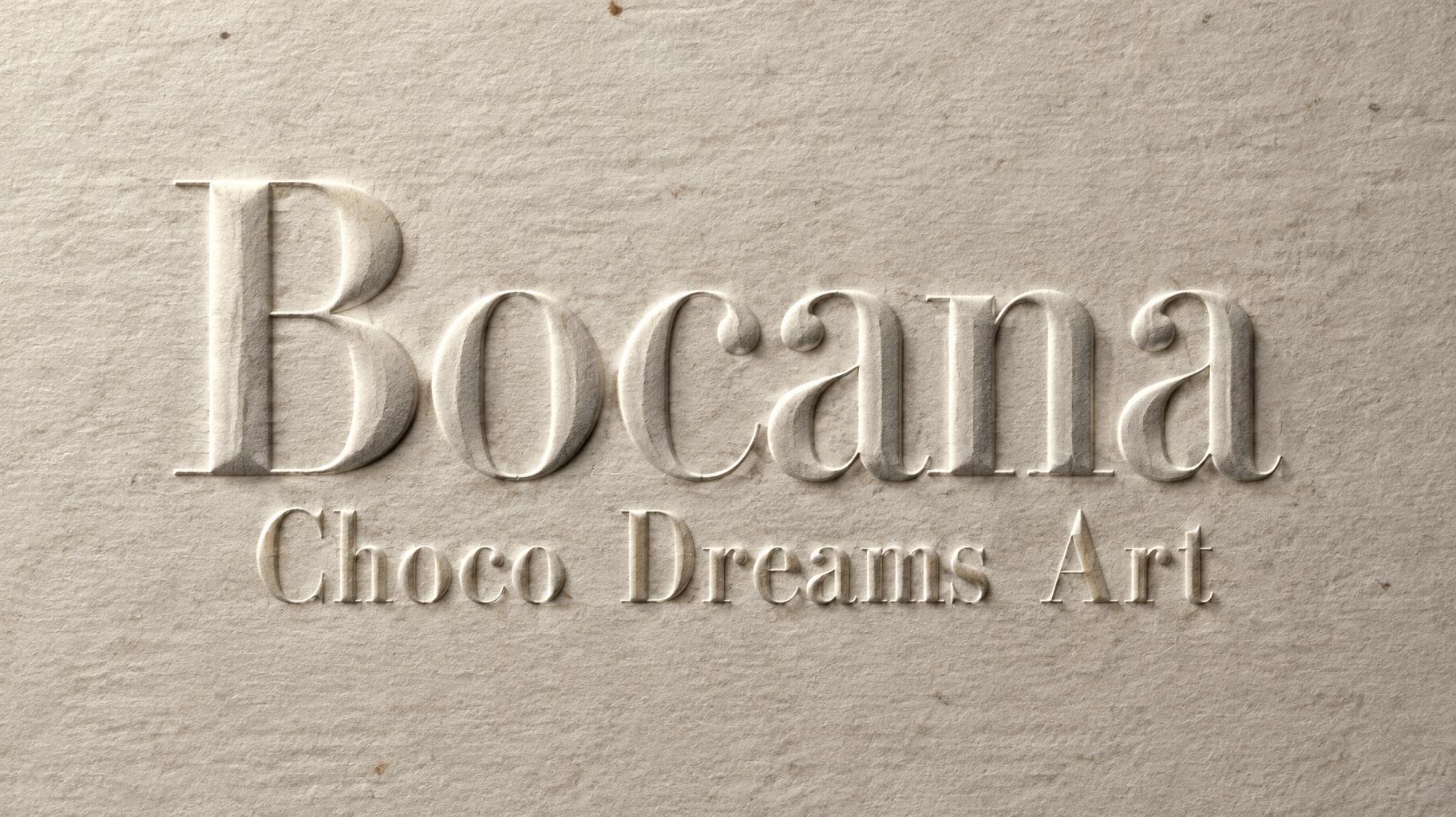
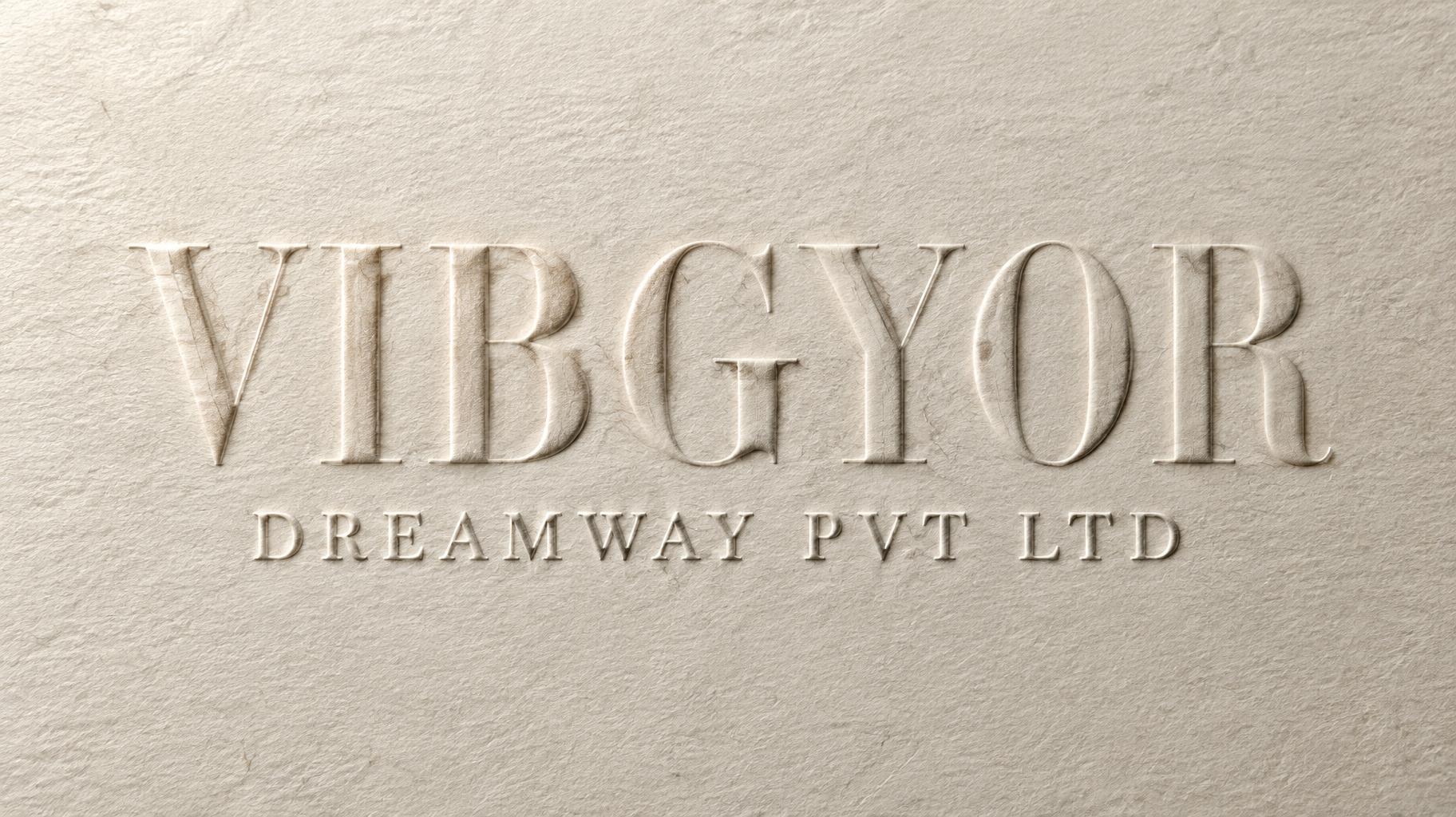
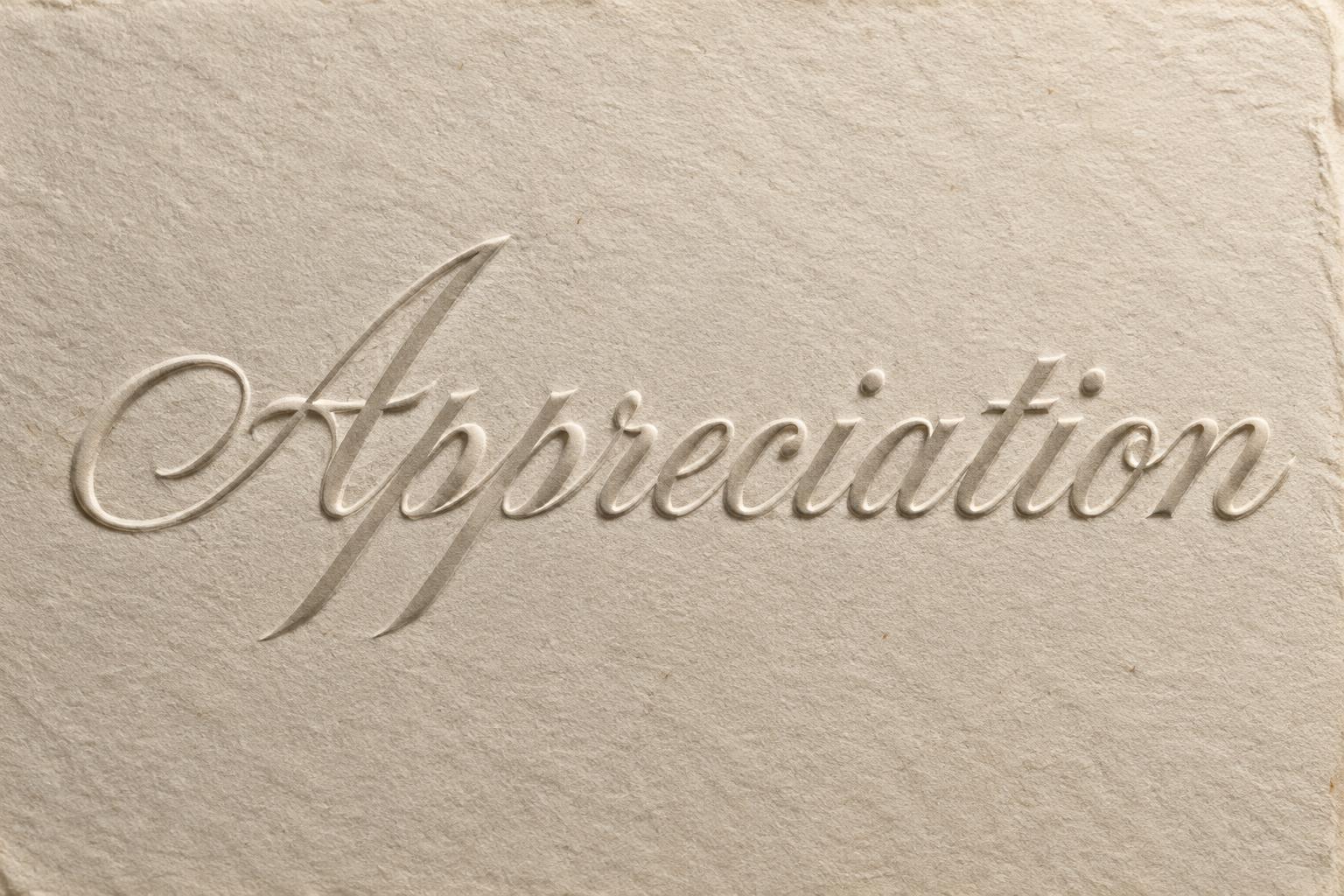
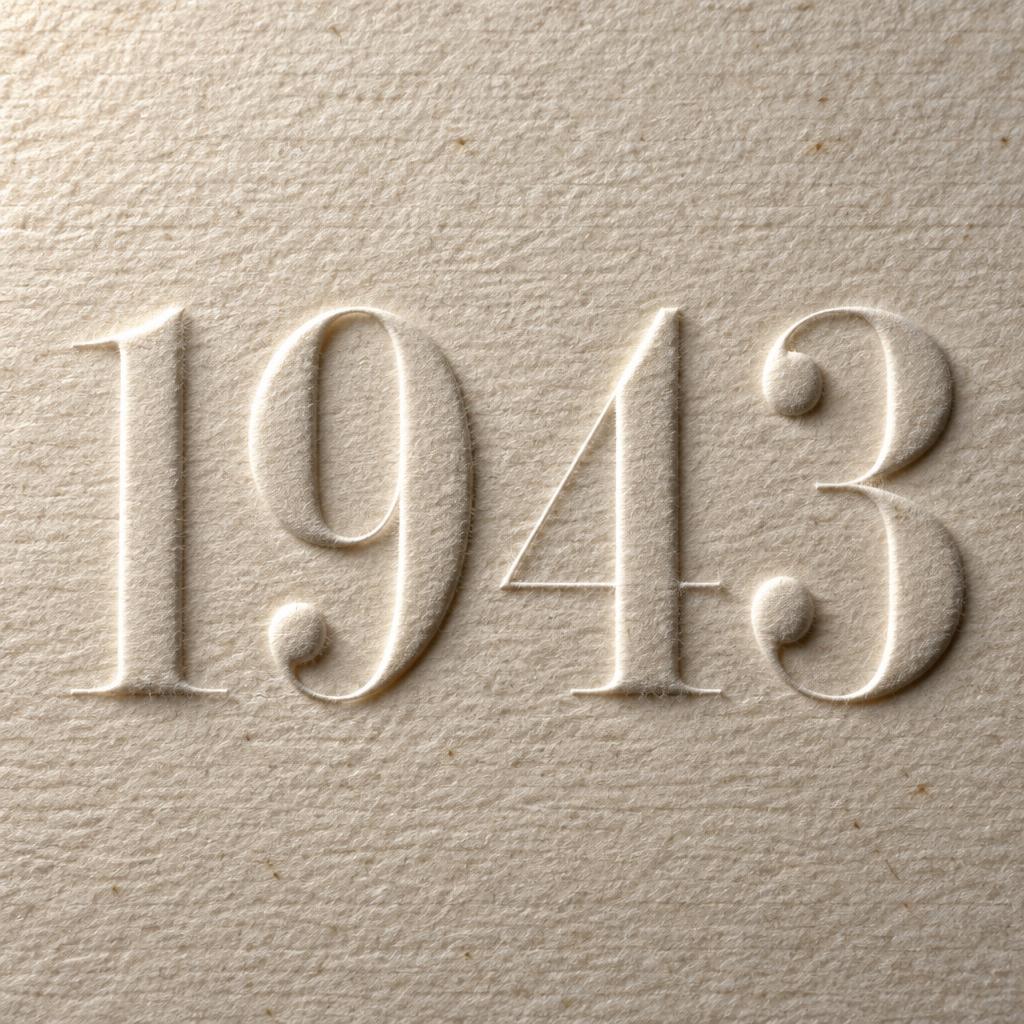
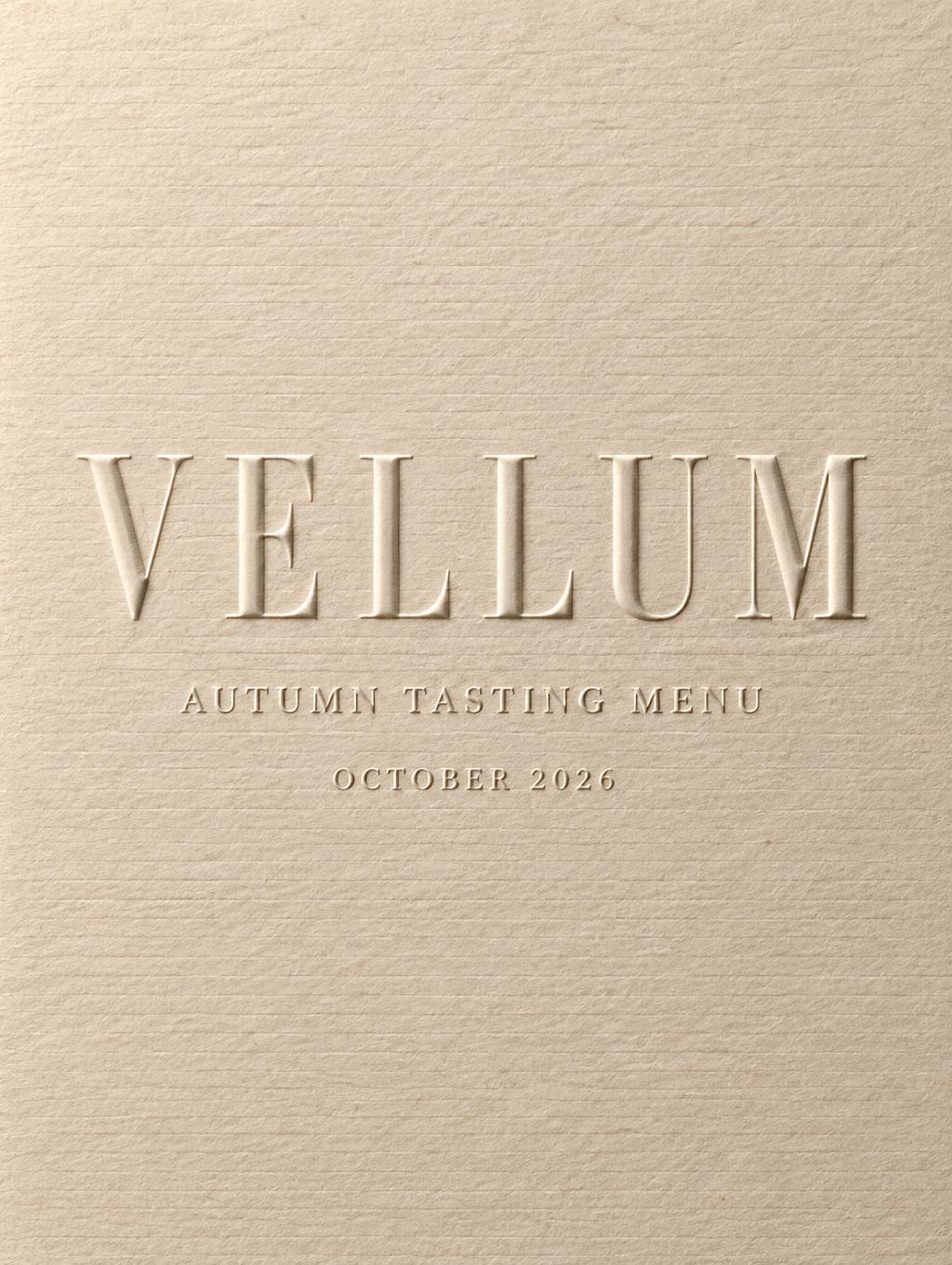
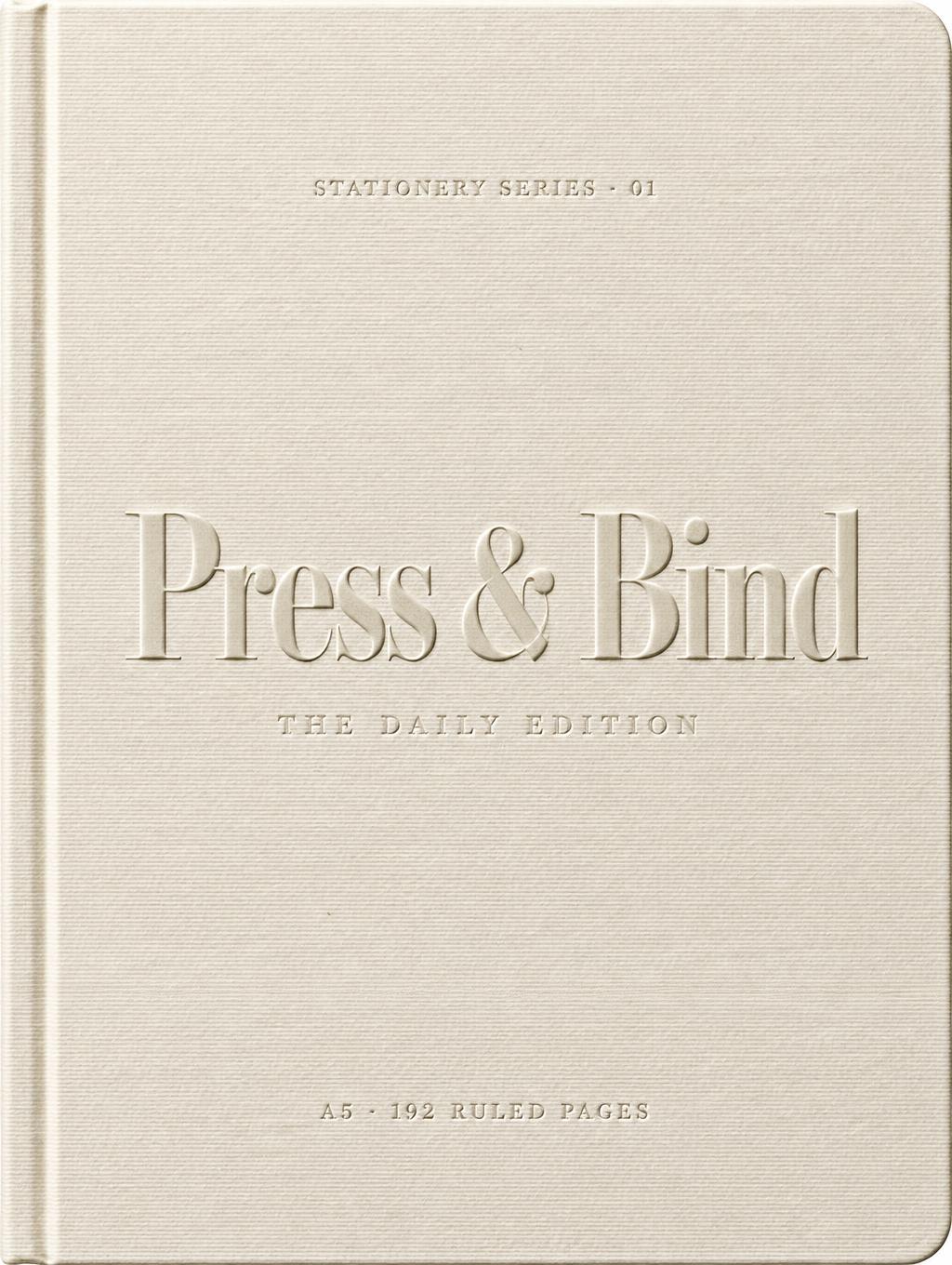
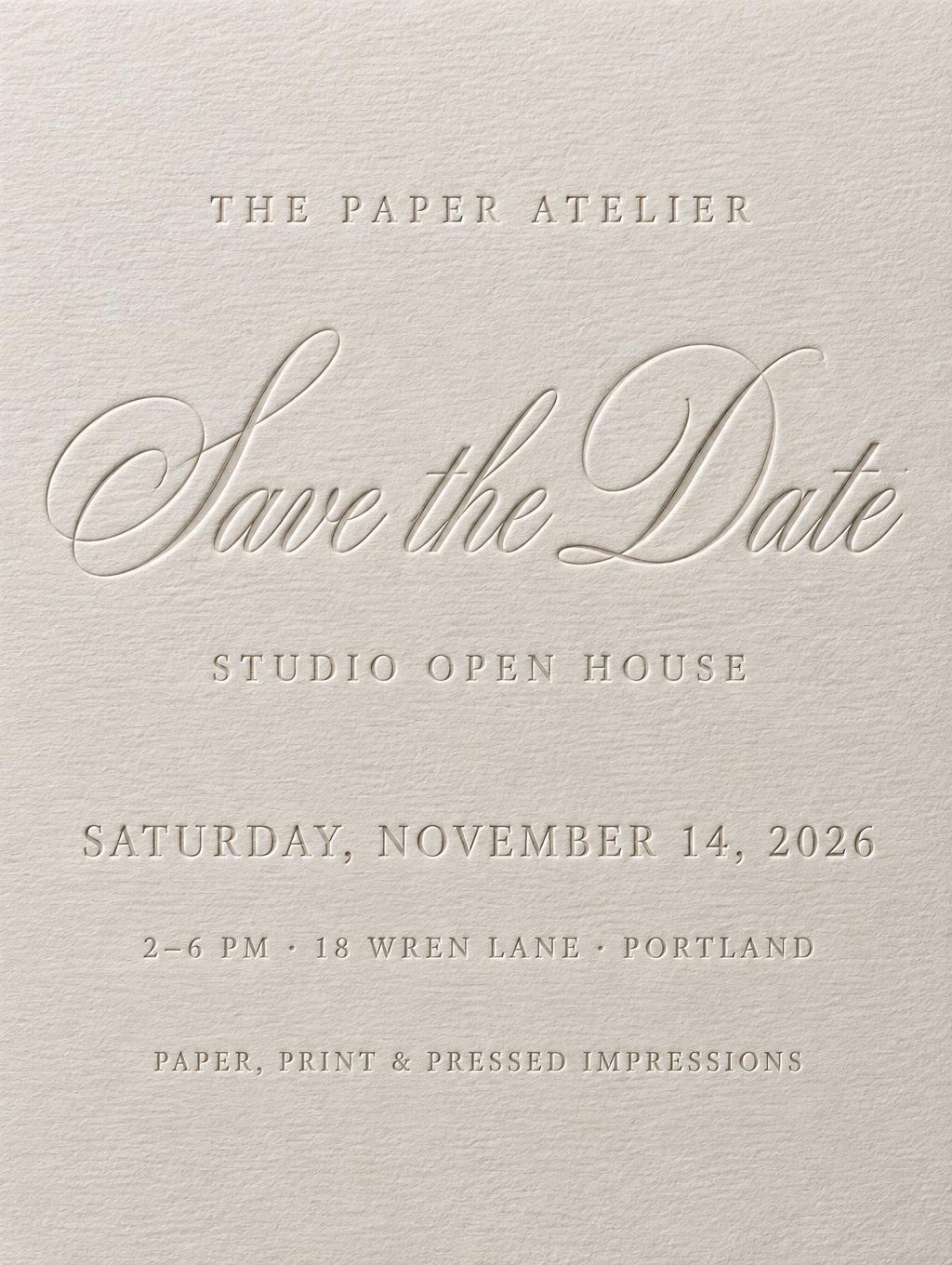
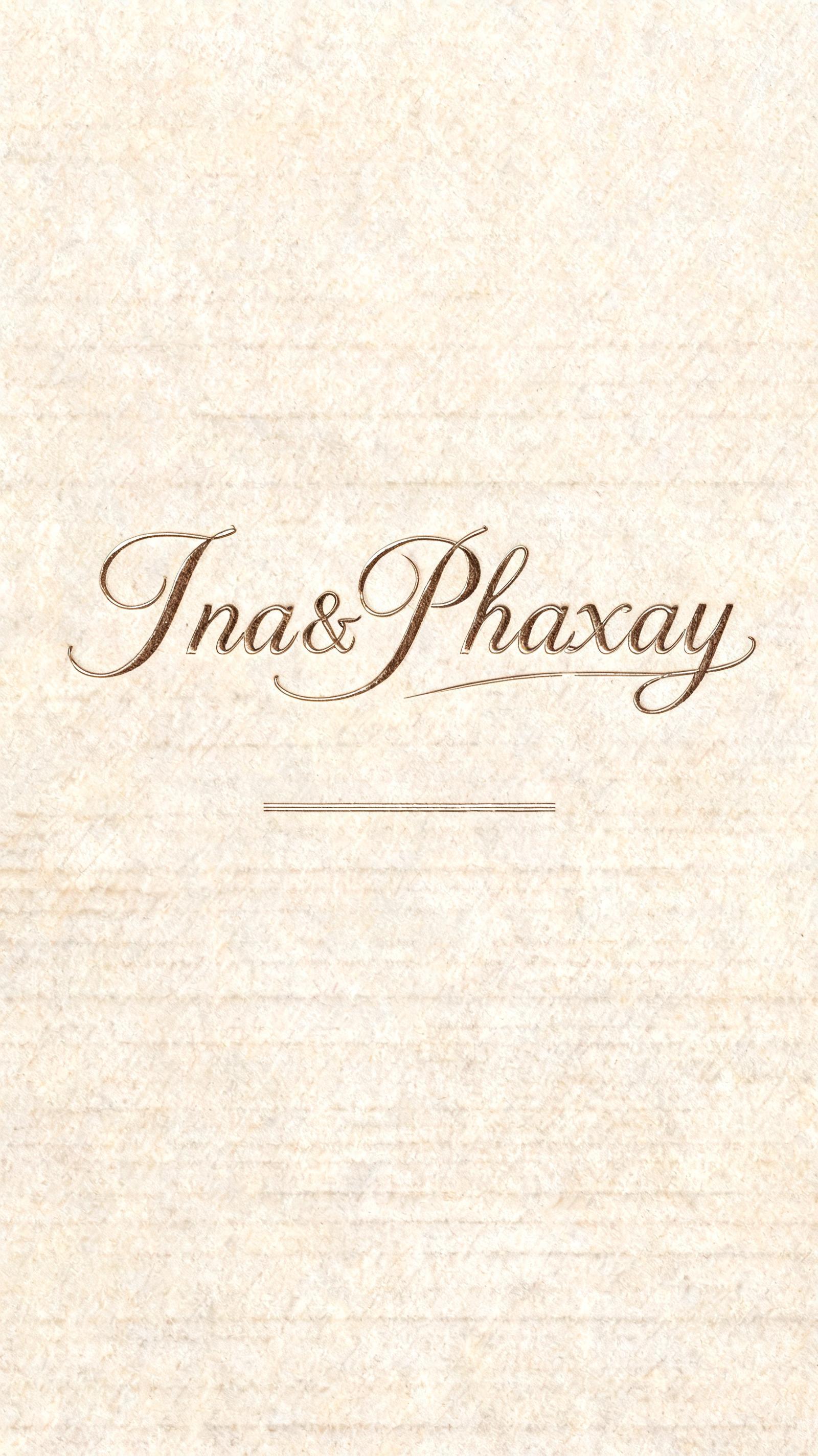
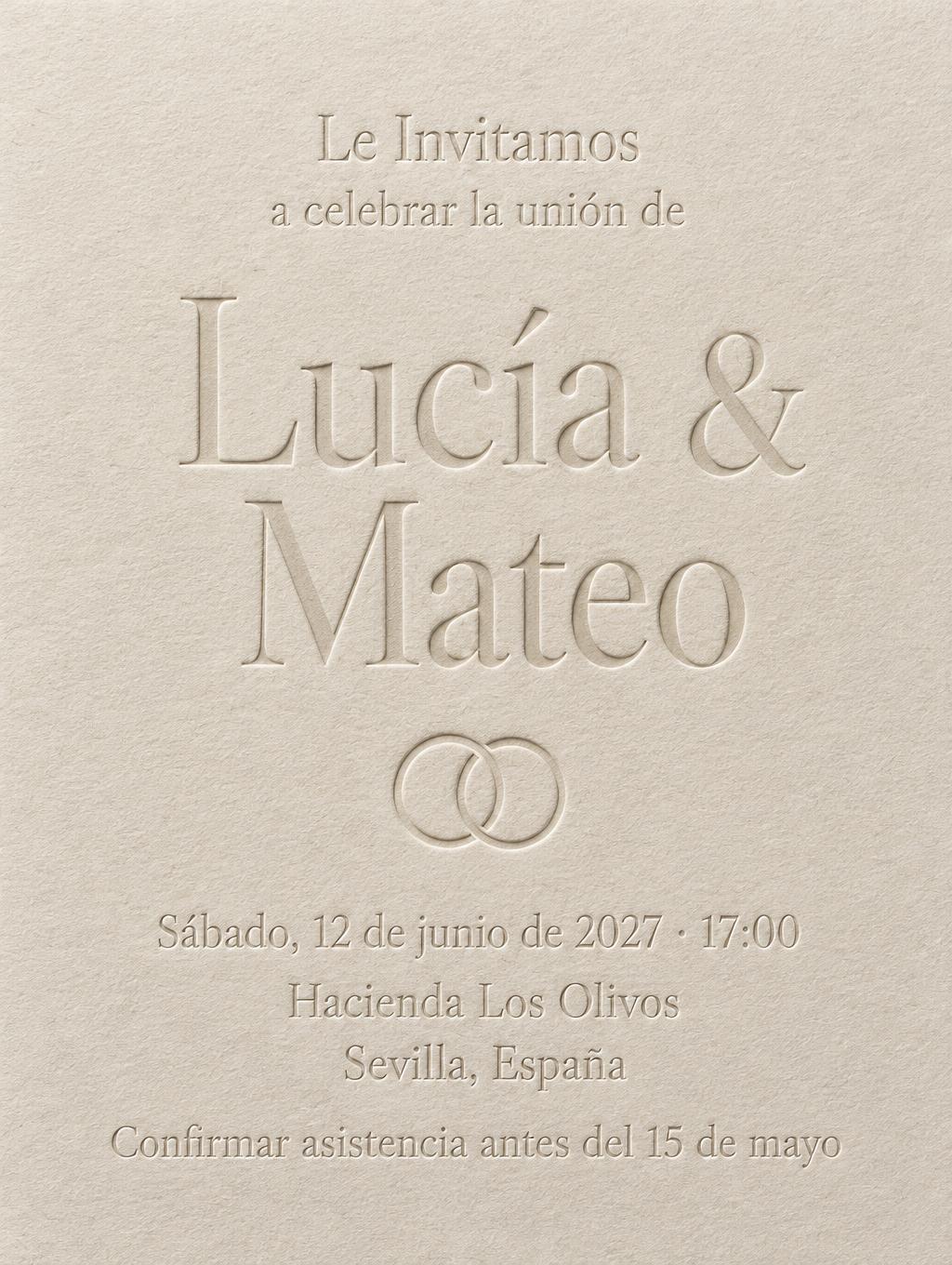
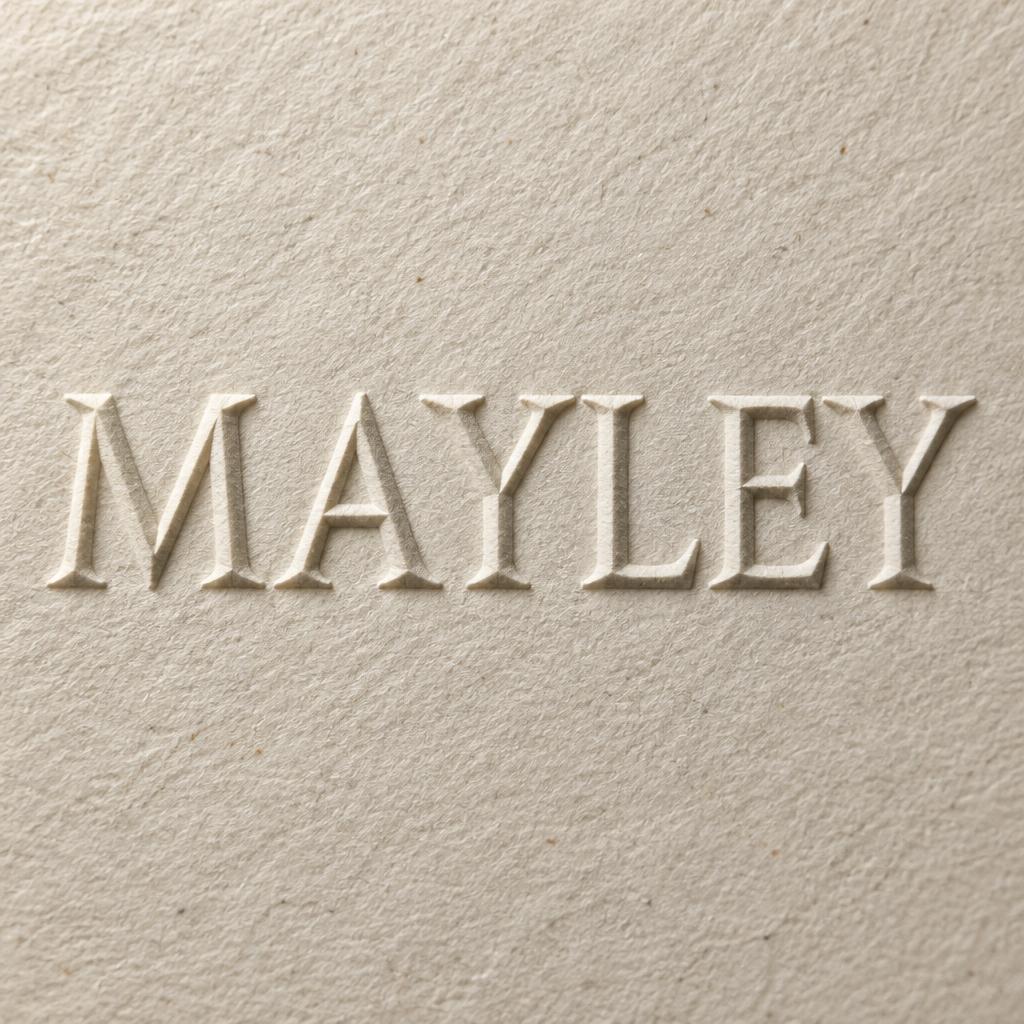
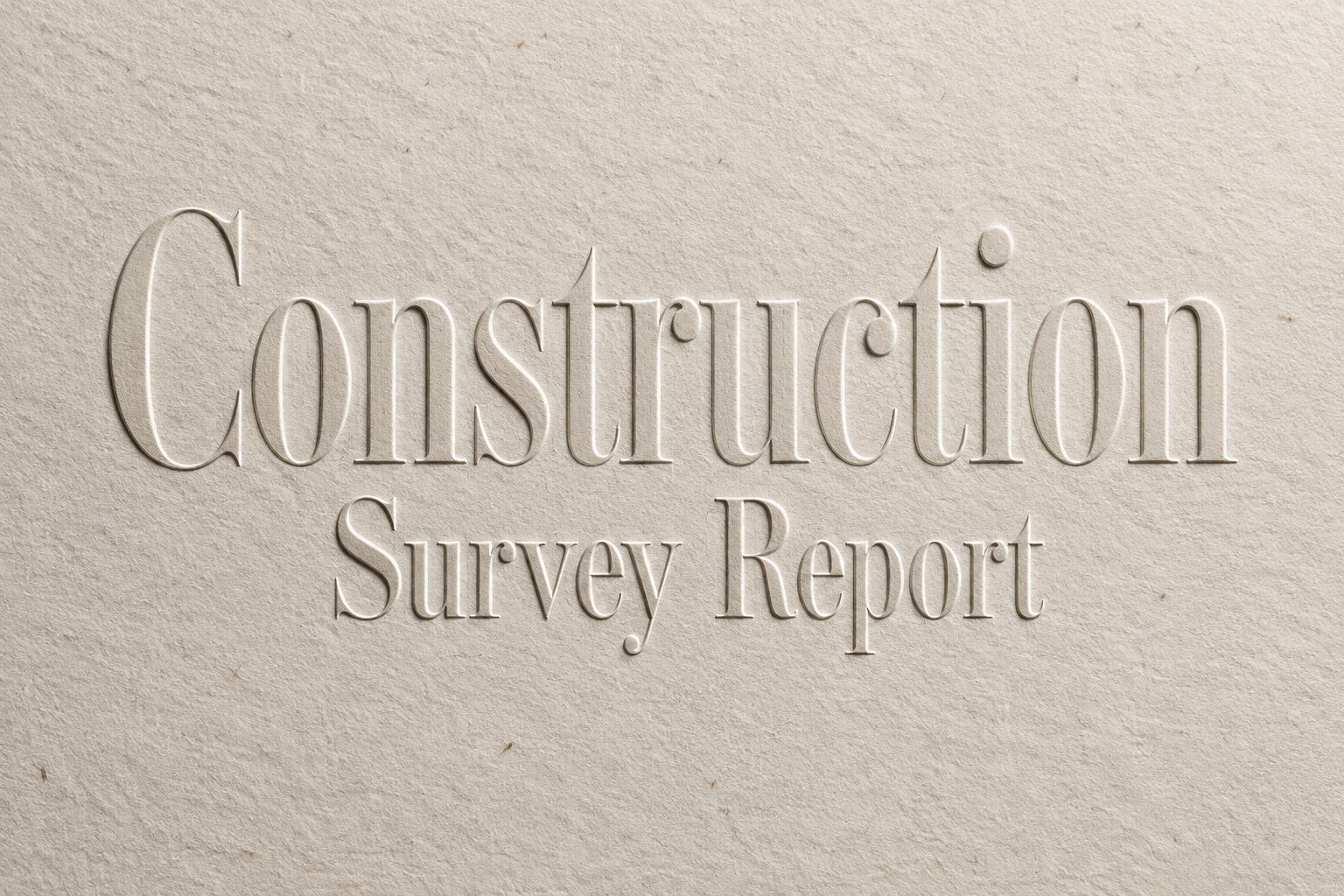
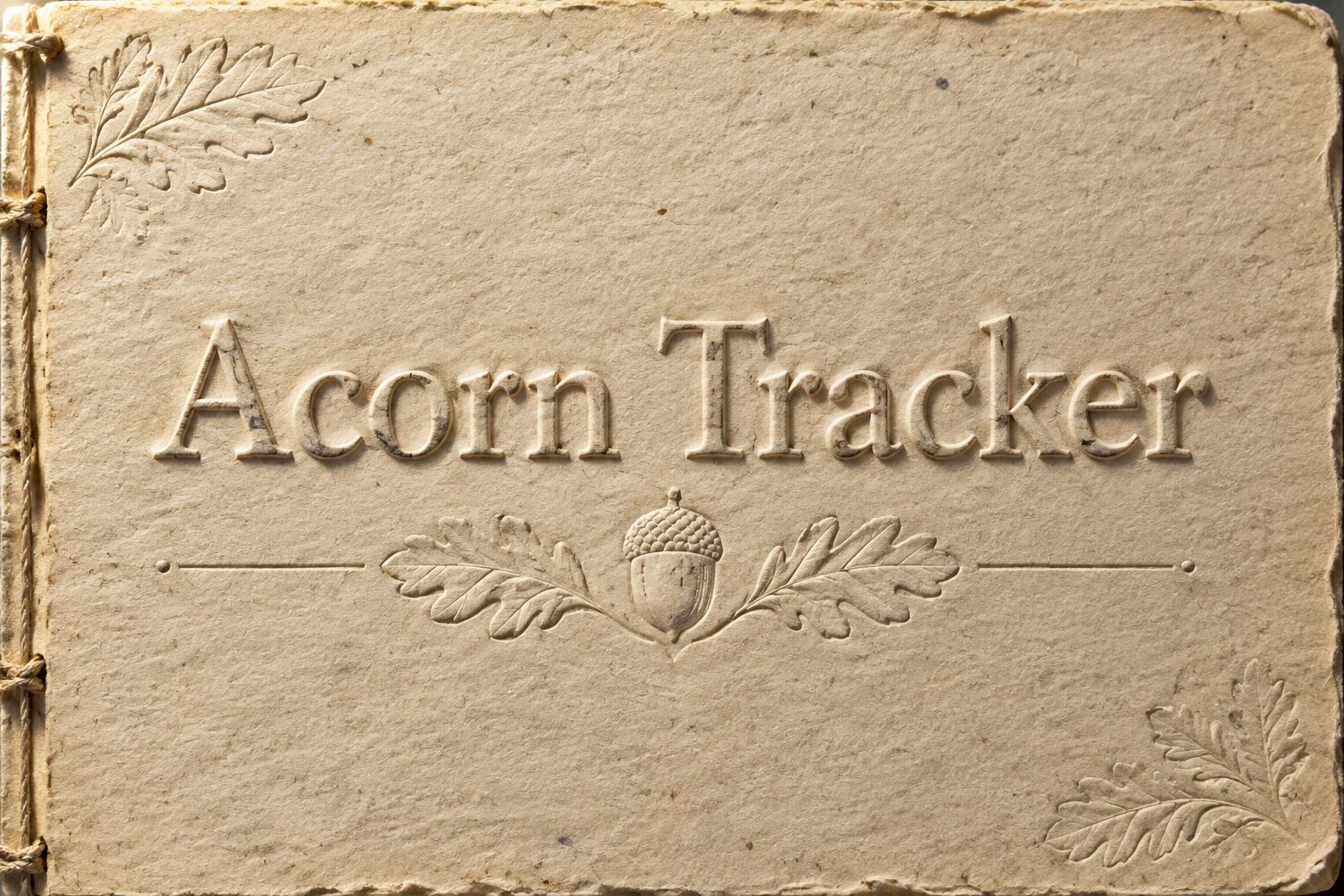
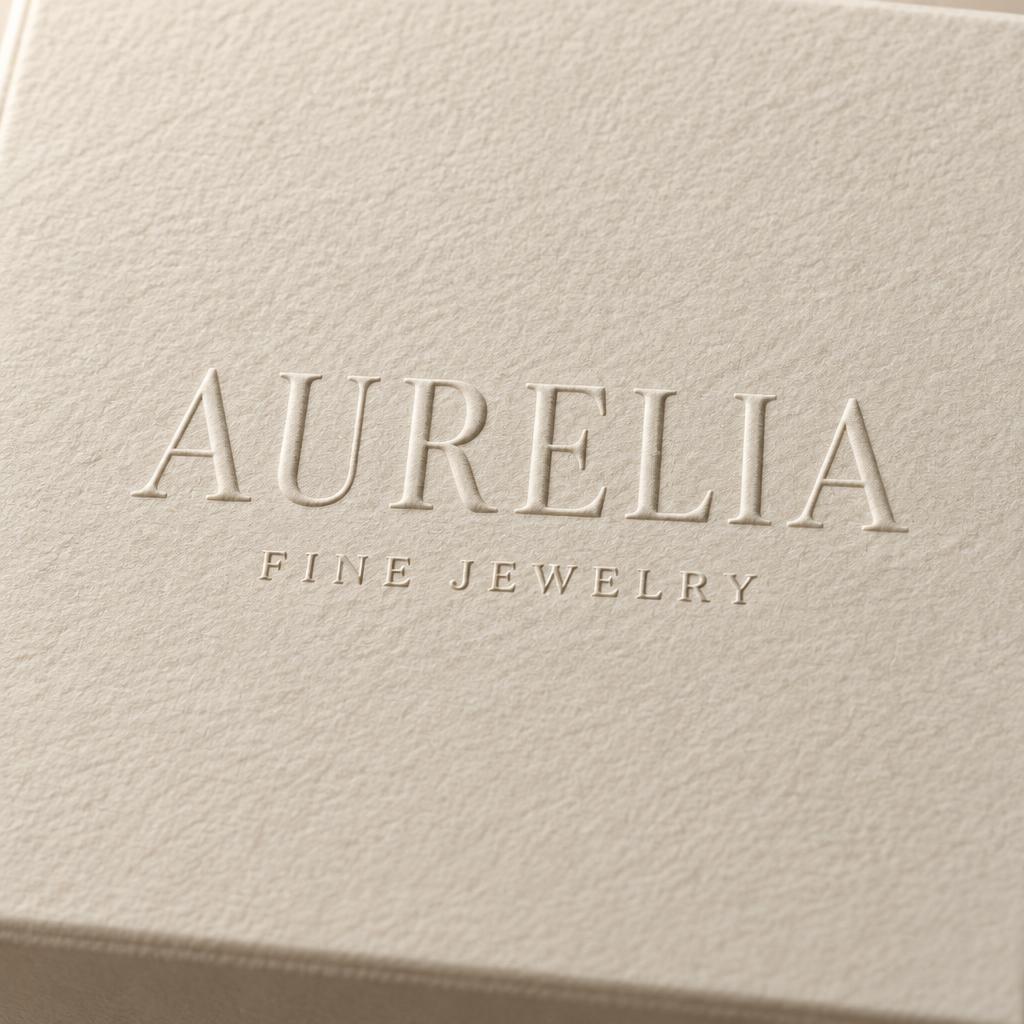
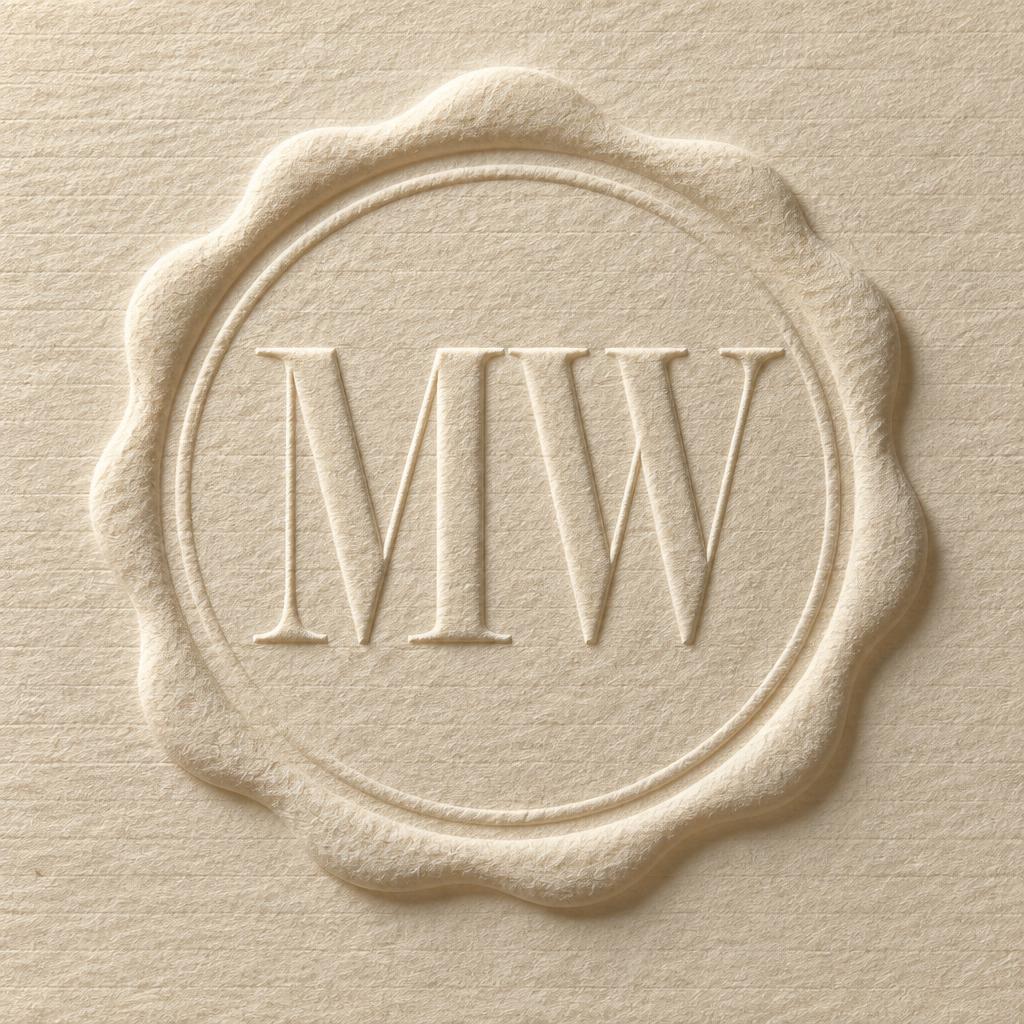
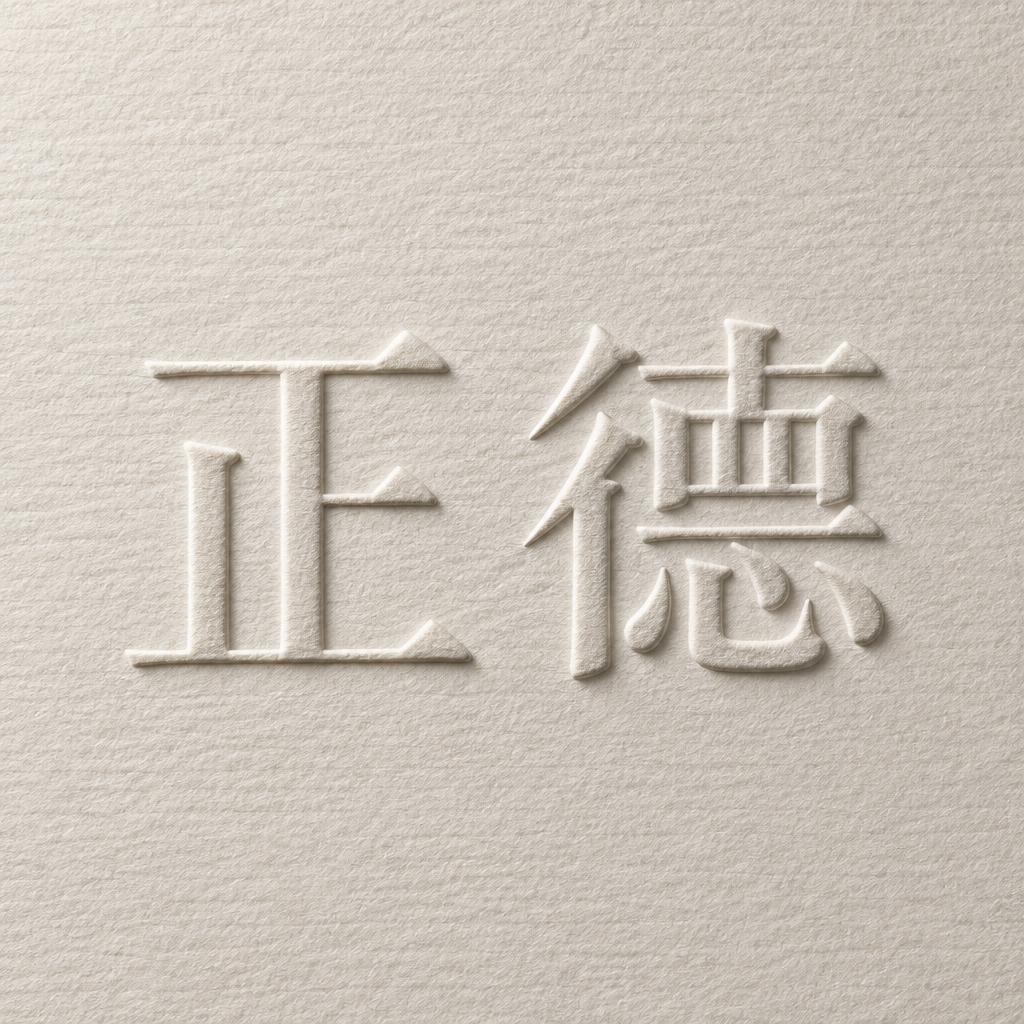
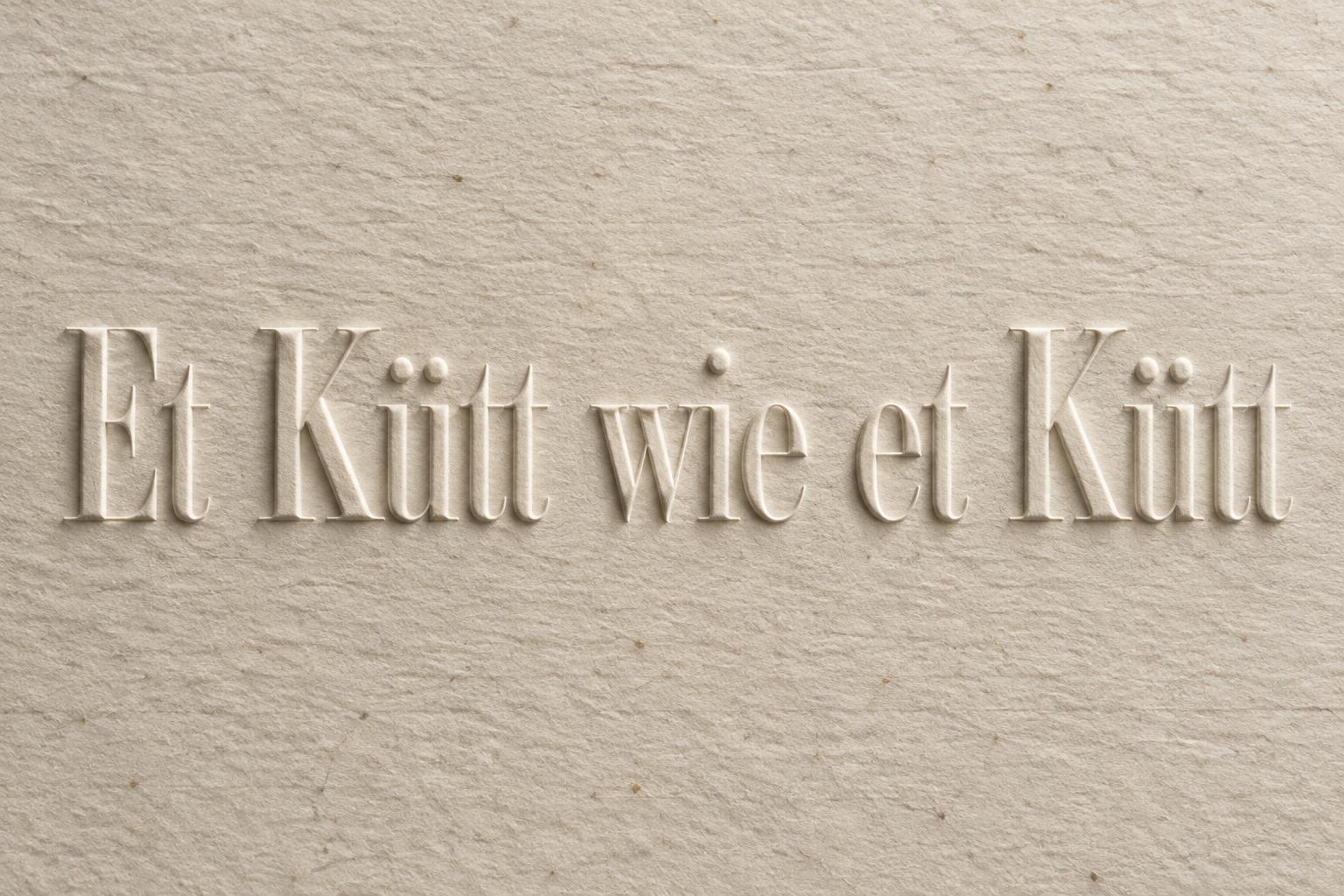
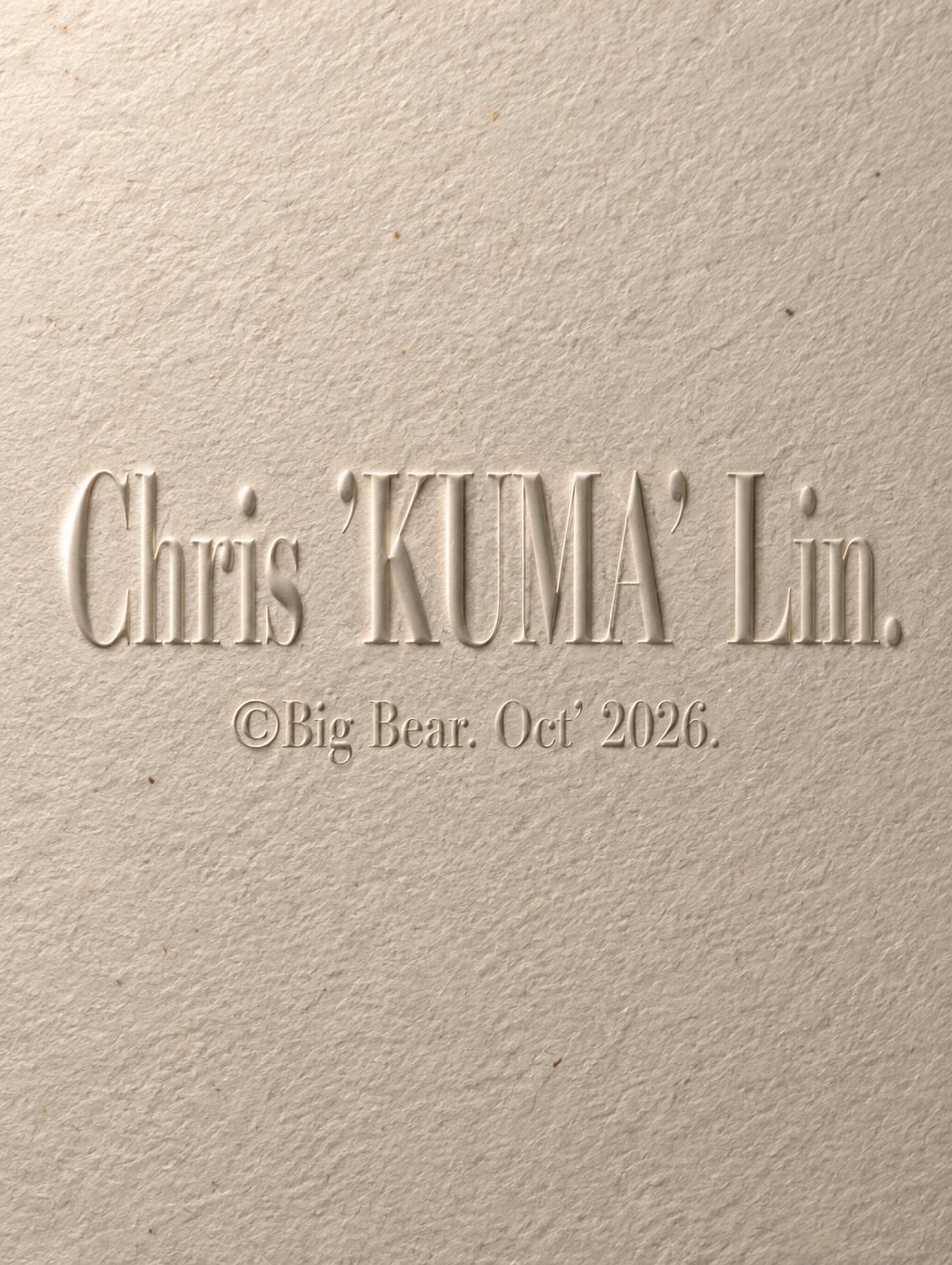
Every image below was generated on FontVibe — no post-editing, no stock photos. This is what embossed wedding invitation font generator — free ai actually looks like.














✦ More Embossed Wedding Invitation Font Use Cases
Explore more ways to use Embossed


✦ Step-by-Step Guide
How to Create Your ["wedding", "emboss", "invitation", "stationery", "letterpress"] in Studio
Three steps. No design software needed.
1
Type your wedding text
Enter your names, date, or invitation wording — 'Sarah & James', 'June 2026', or the full invitation header.
2
Generate and download PNG
Click Generate to create your blind emboss letterpress effect. Download as PNG — transparent background available for layering into your invitation design in Photoshop or Canva.
3
Apply to your invitation layout
Place the embossed text PNG onto your invitation file. Use Multiply blend mode in Photoshop or Figma to blend seamlessly with any paper background.
💡 Platform tip: For print-ready invitations, download as transparent PNG and place at 300 DPI — the emboss highlight and shadow detail holds at full print resolution.
✦ Common Questions
["wedding", "emboss", "invitation", "stationery", "letterpress"] — Frequently Asked Questions
Everything you need to know before you create.
✦ Explore More Text Effect Styles
Related AI Text Effect Styles
Try a different aesthetic — each style generates a completely unique visual output.


Want more text styles? Browse our free font generators — fancy, cursive, gothic & more.
✦ Ready to Create?
Make Your Own "emboss", "invitation", "stationery", "letterpress"]
Free to start. No design skills needed.
✦ Generate Now — Free