

![["letterpress", "emboss", "typography", "print", "stationery"] text effect example](https://cos.fontvibe.ai/generations/user/17/c53f32ab-ace0-4cc2-a3bf-e4a30277b73d.jpeg?imageMogr2/thumbnail/600x/format/webp/resolution/80)
✦ Community Gallery
View all →Letterpress Text Generator — Community Gallery
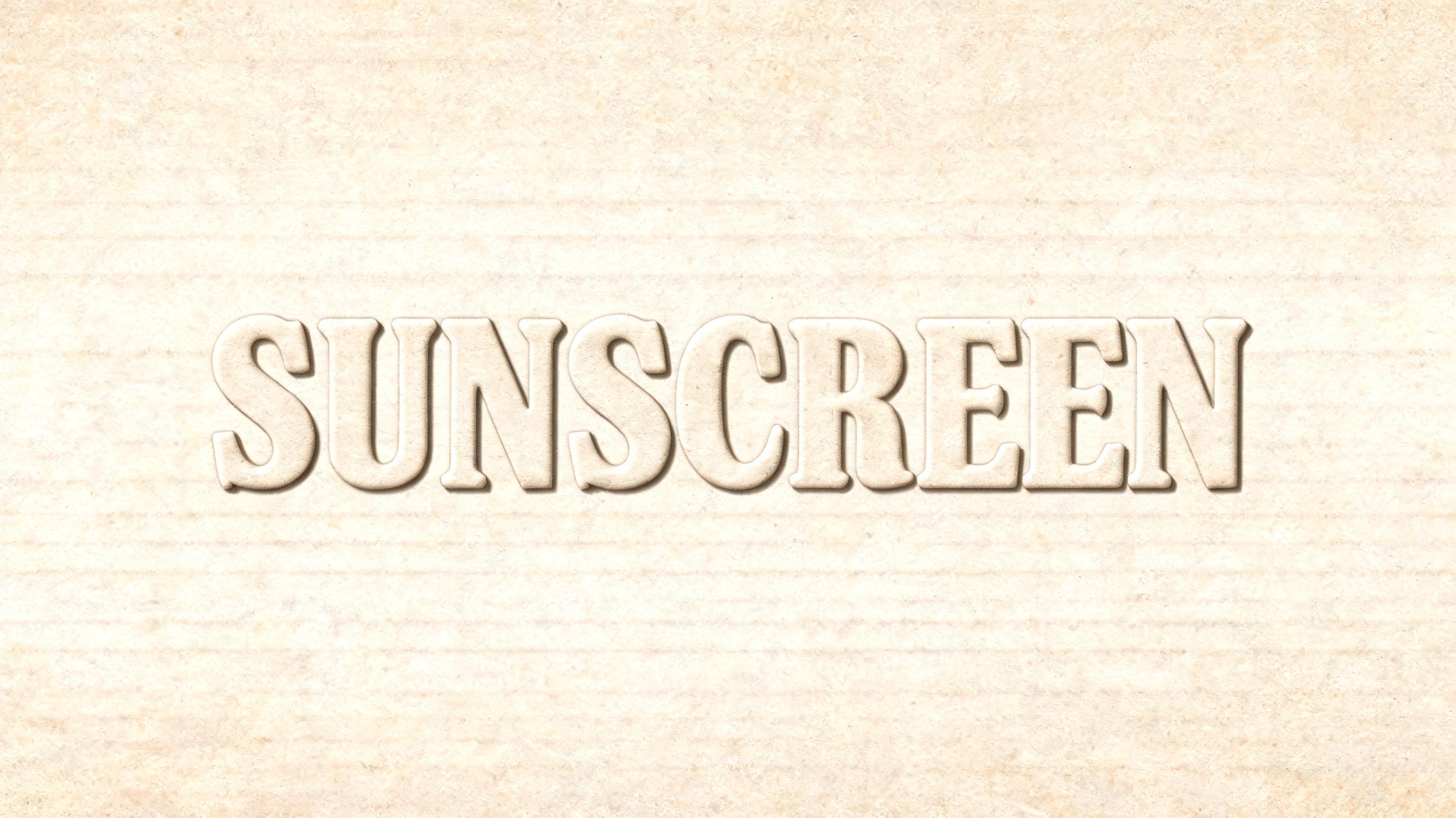
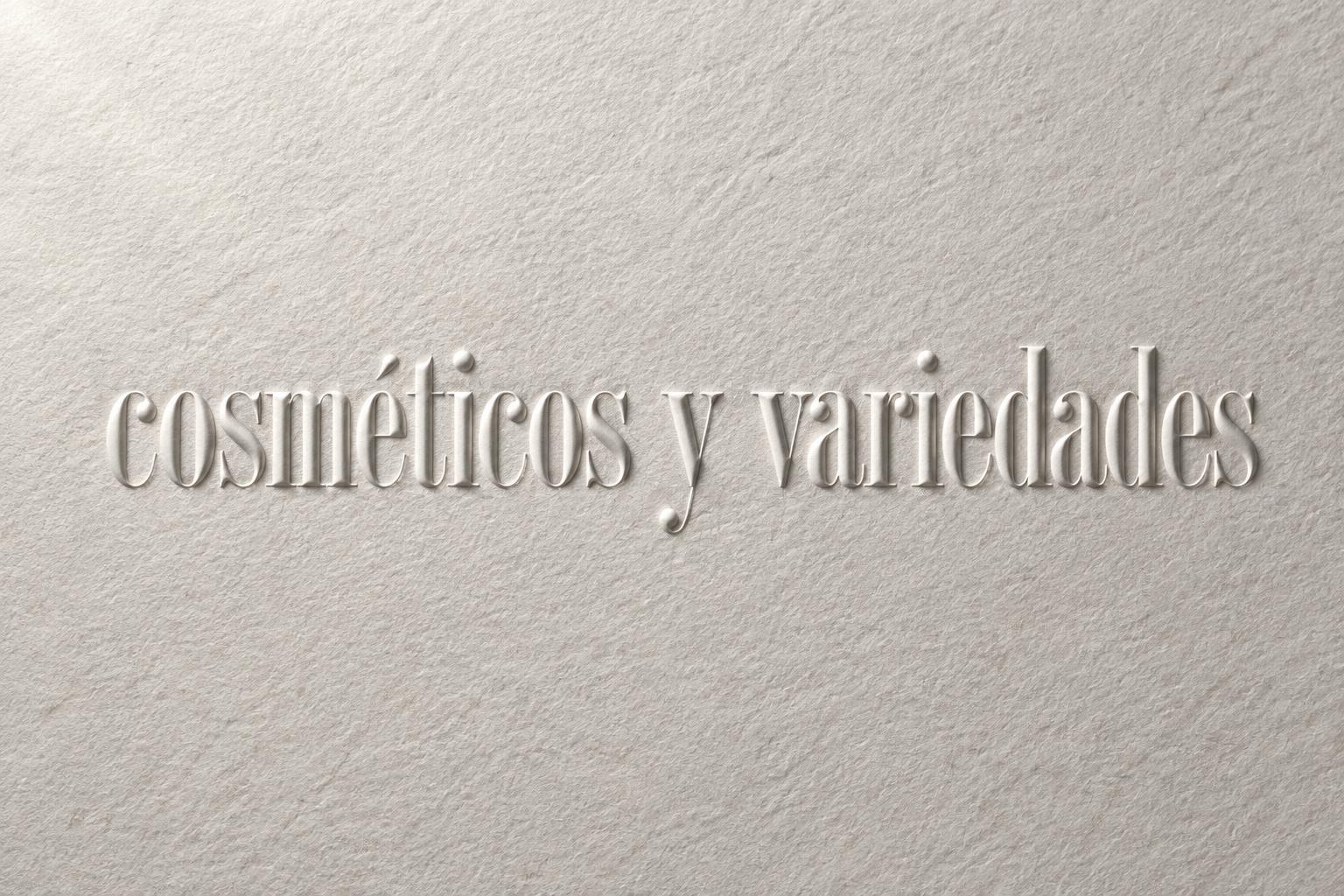
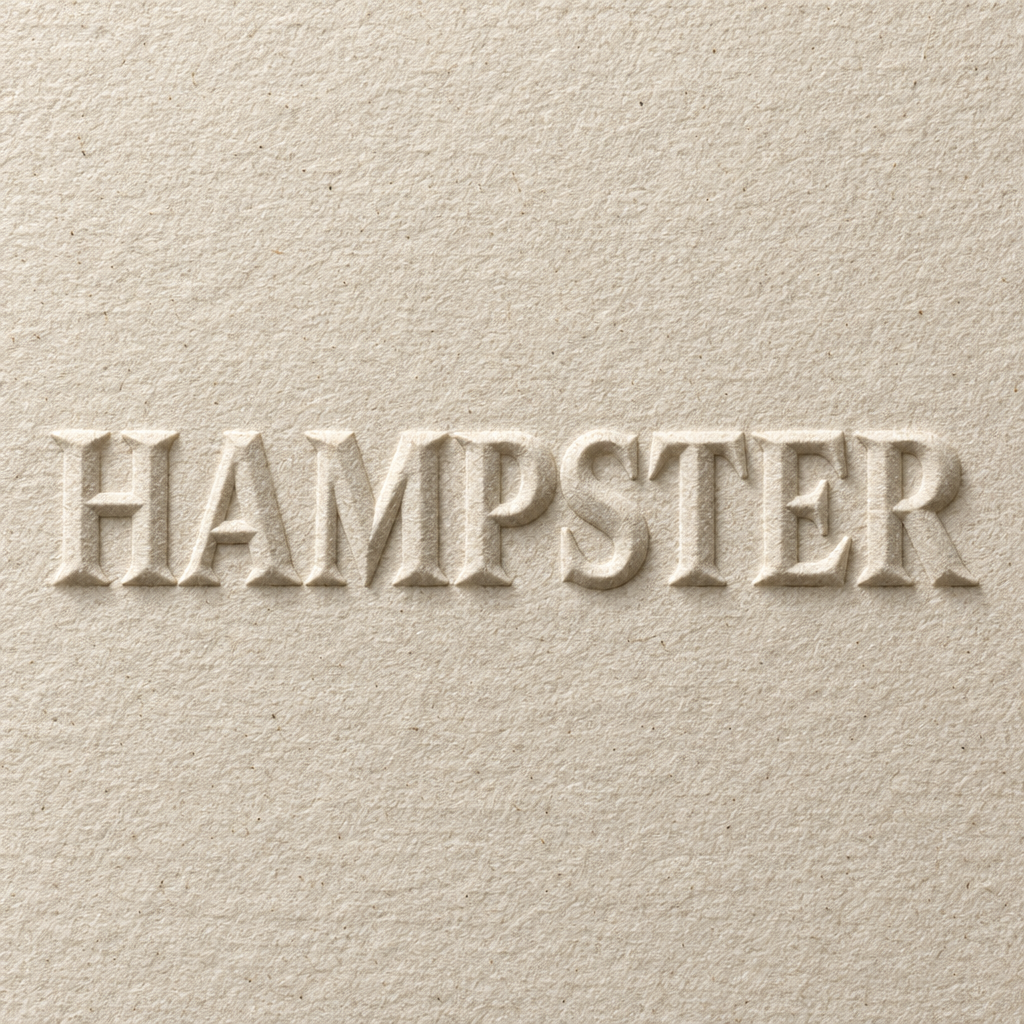
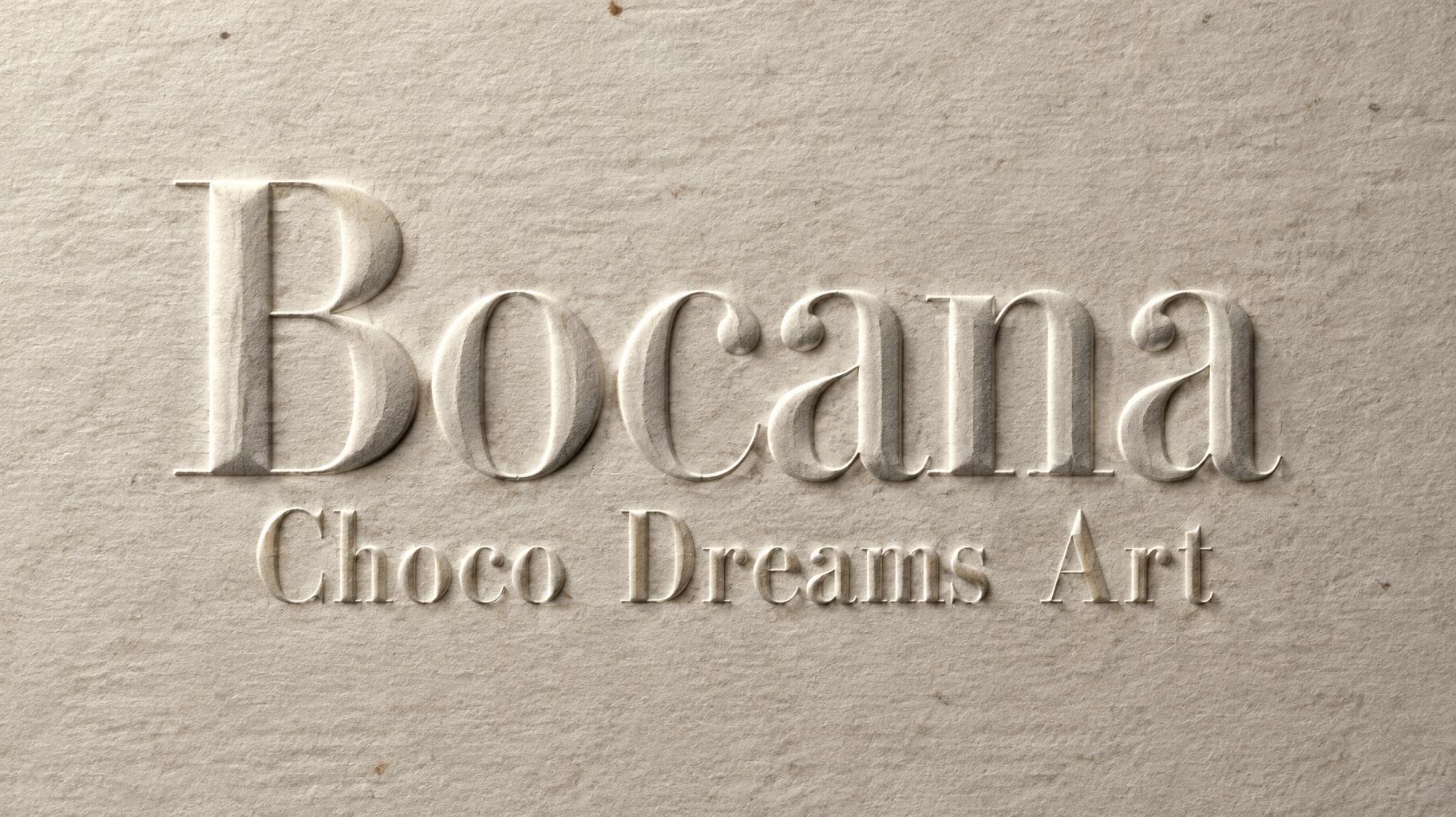
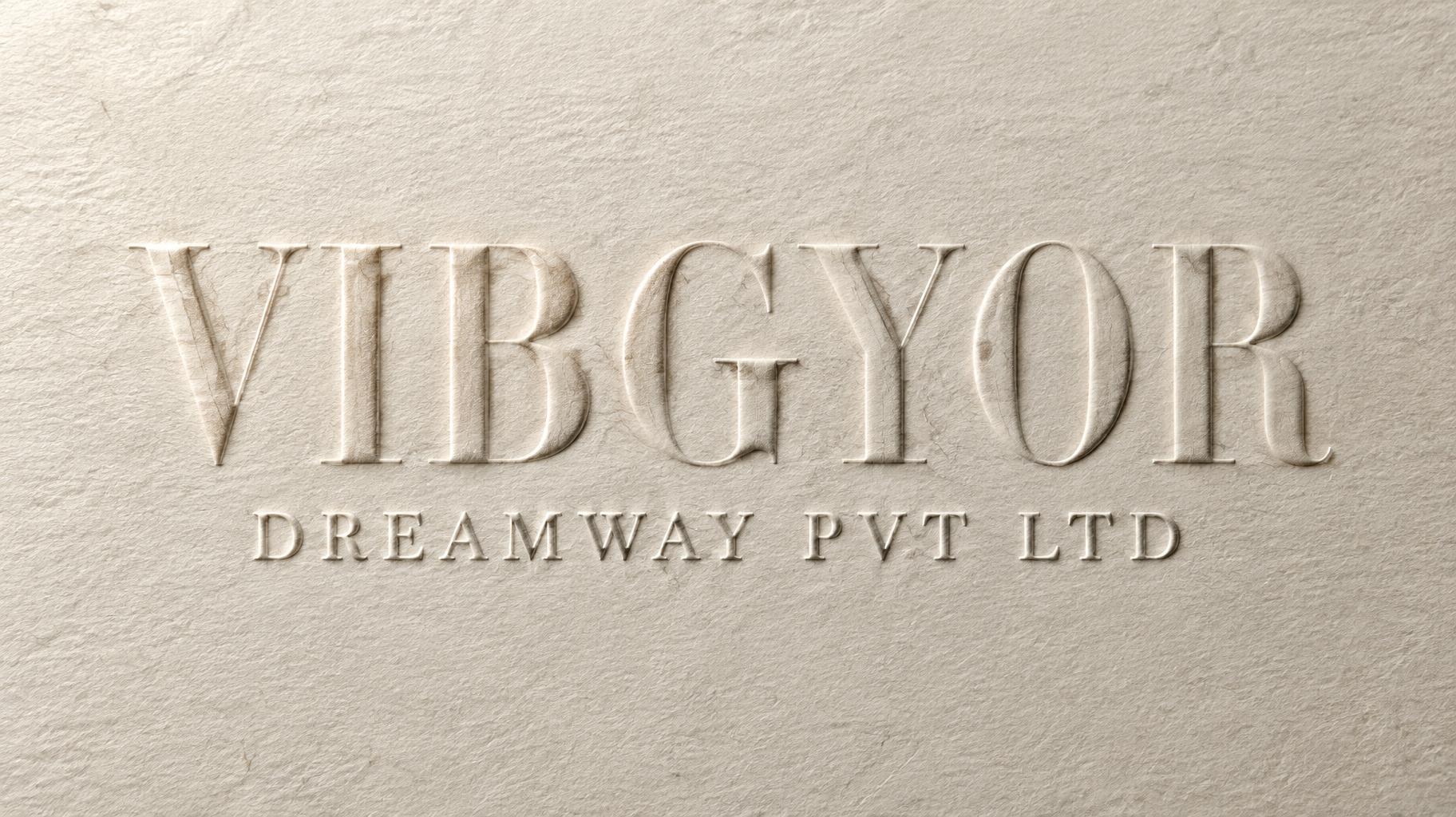
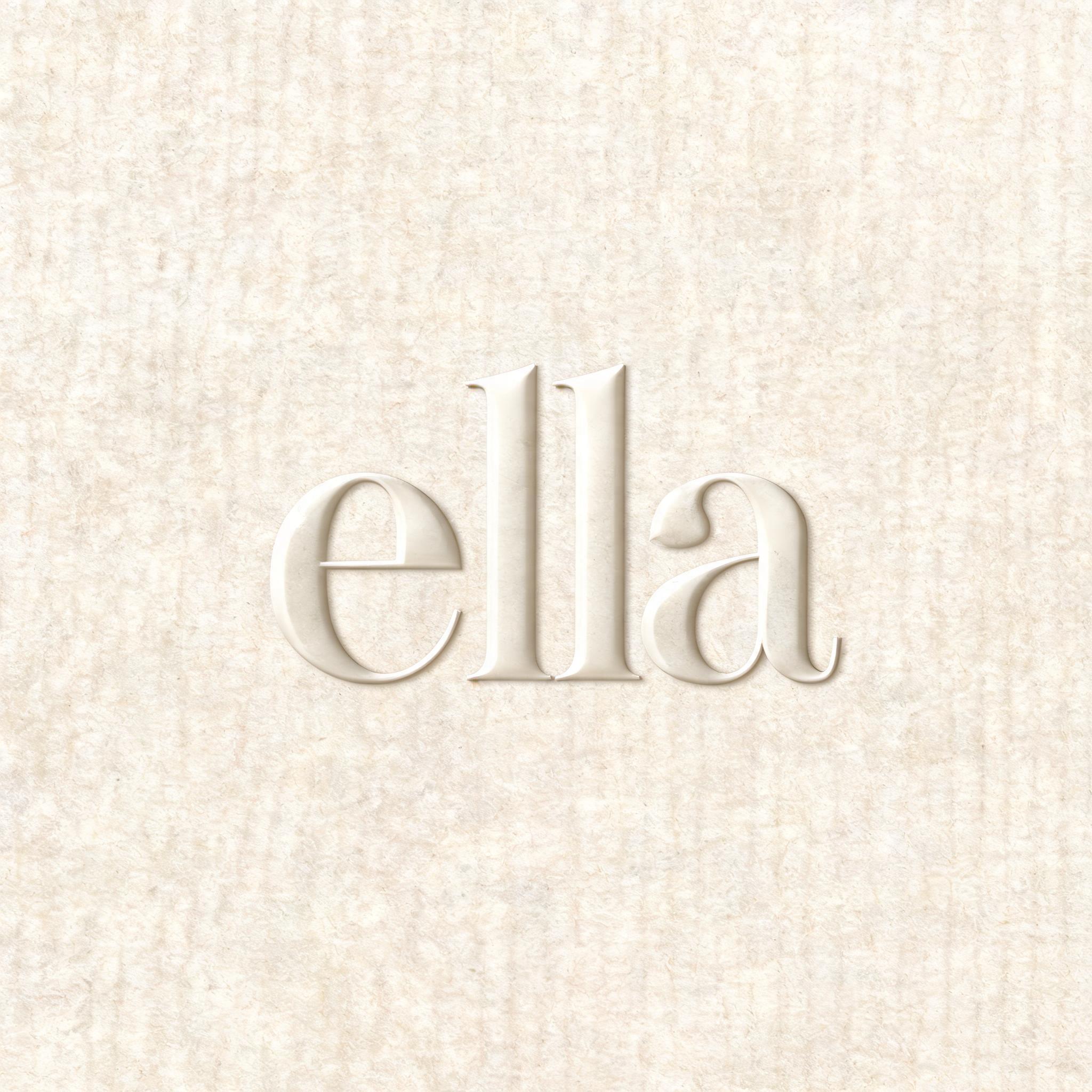
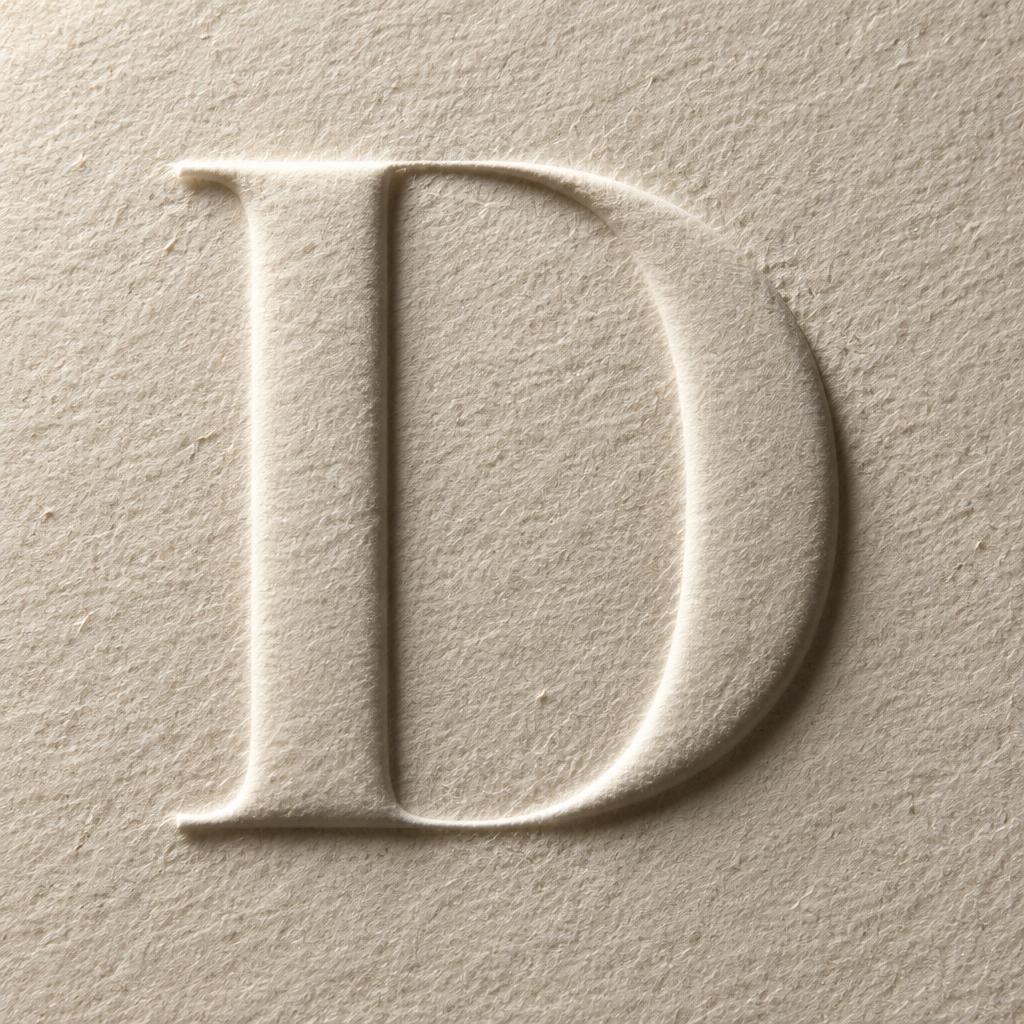
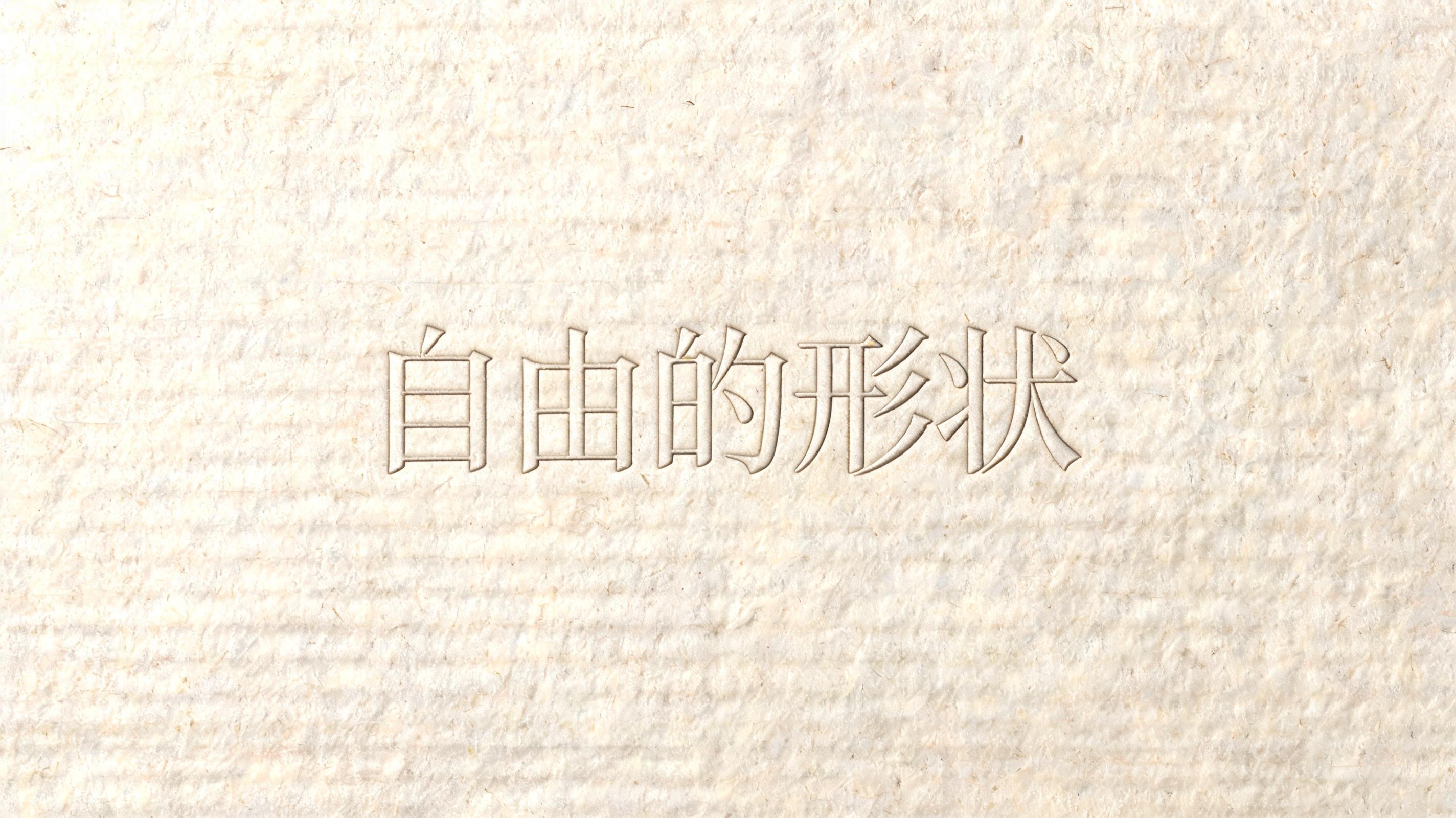
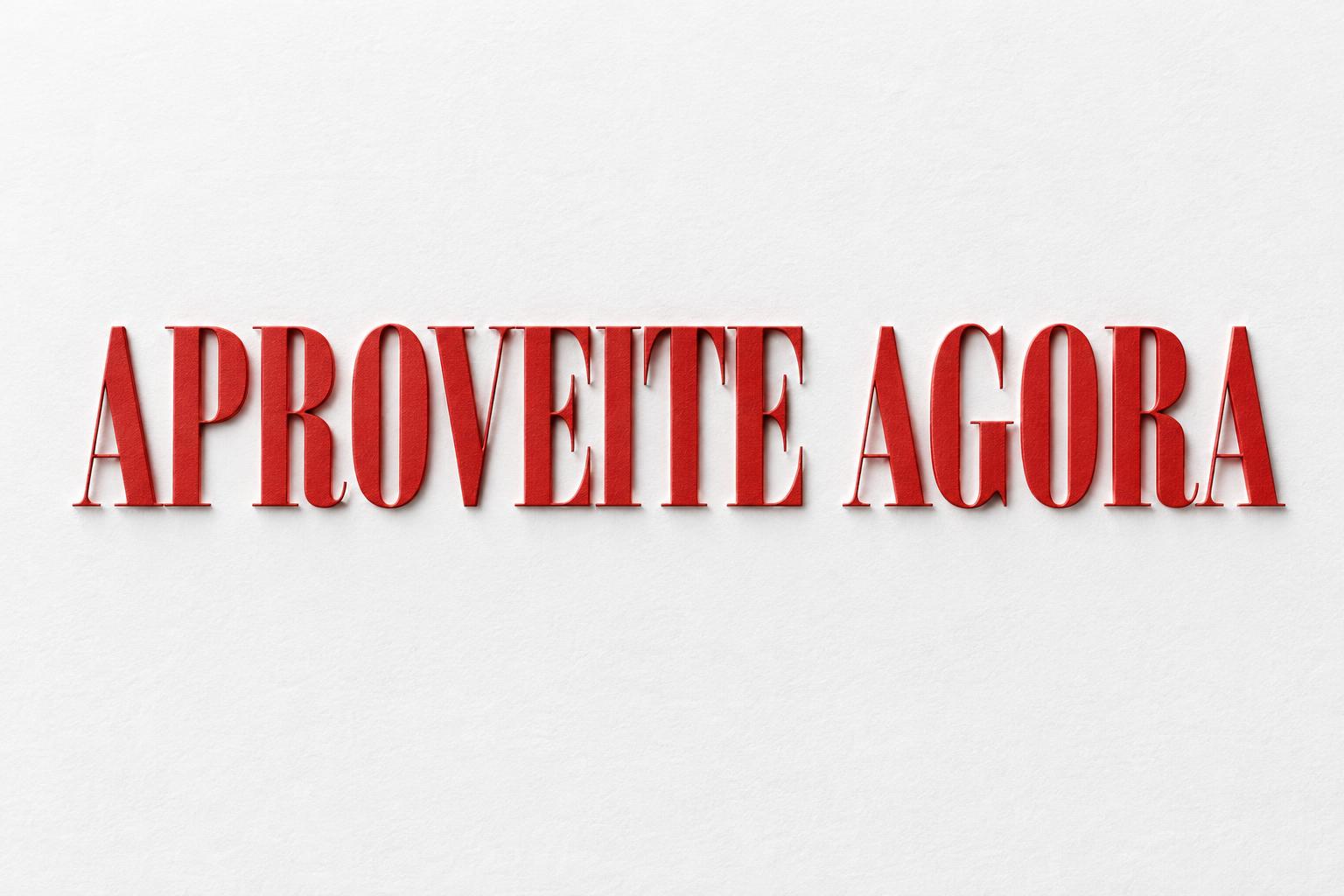
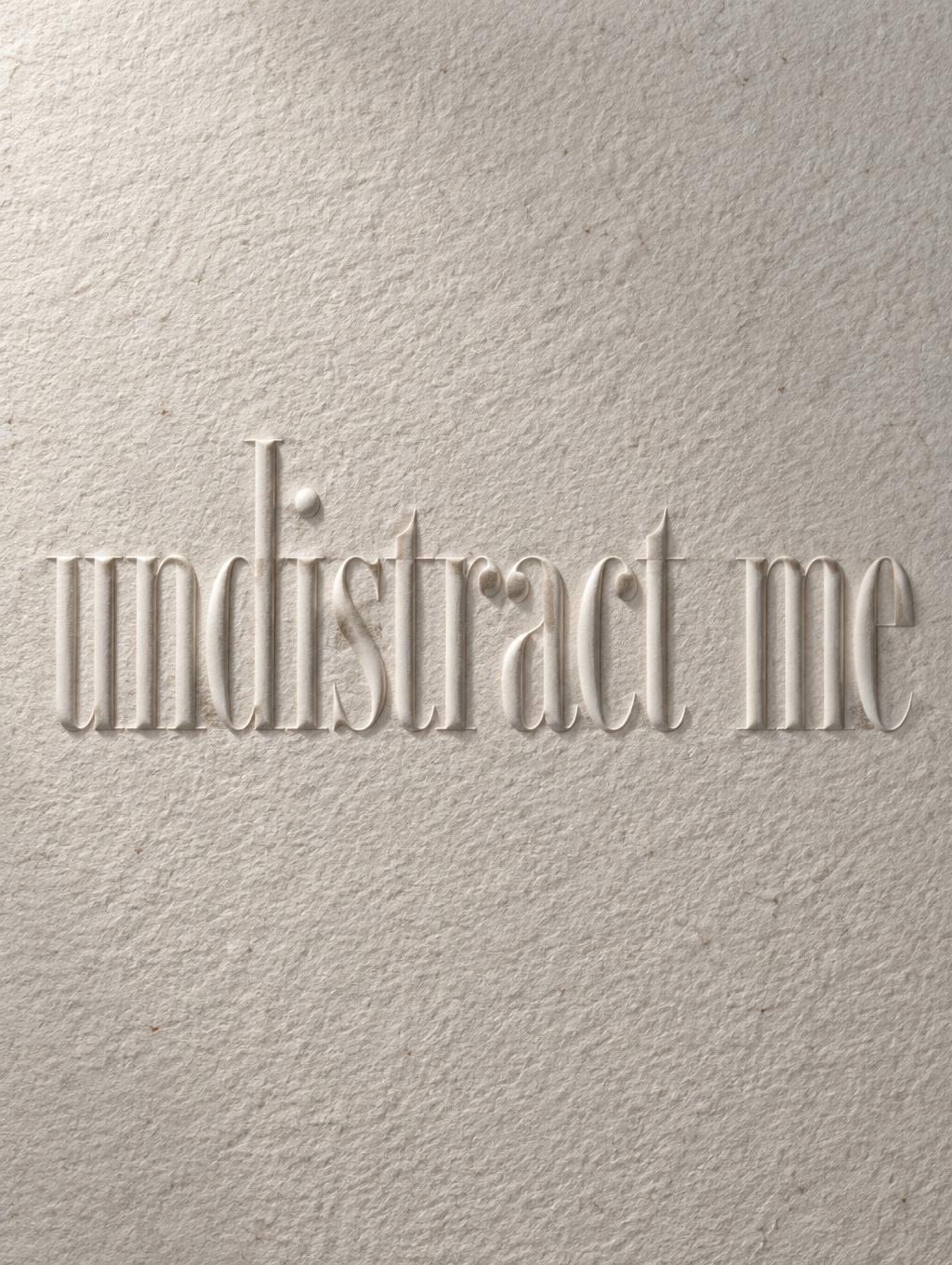
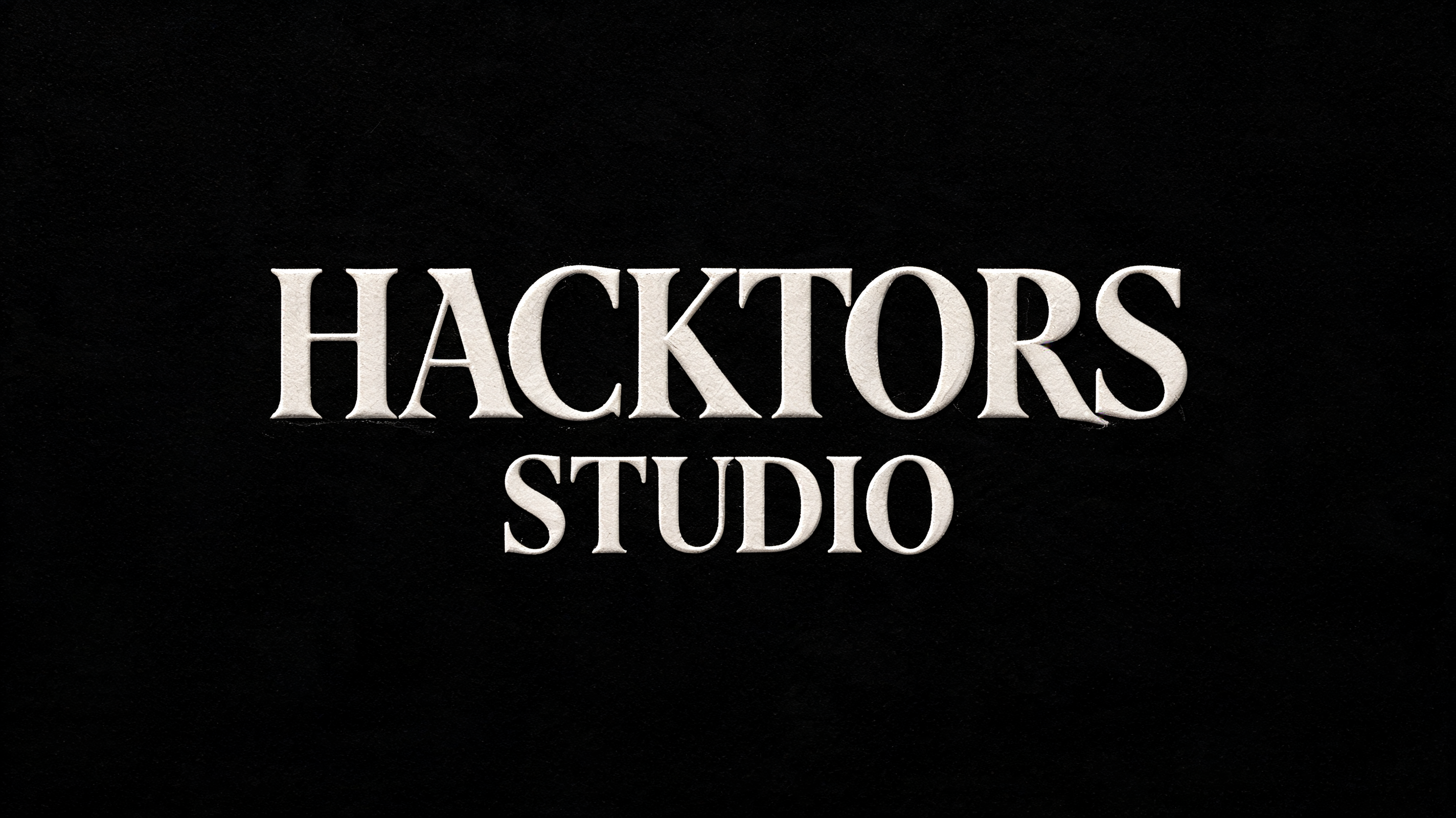
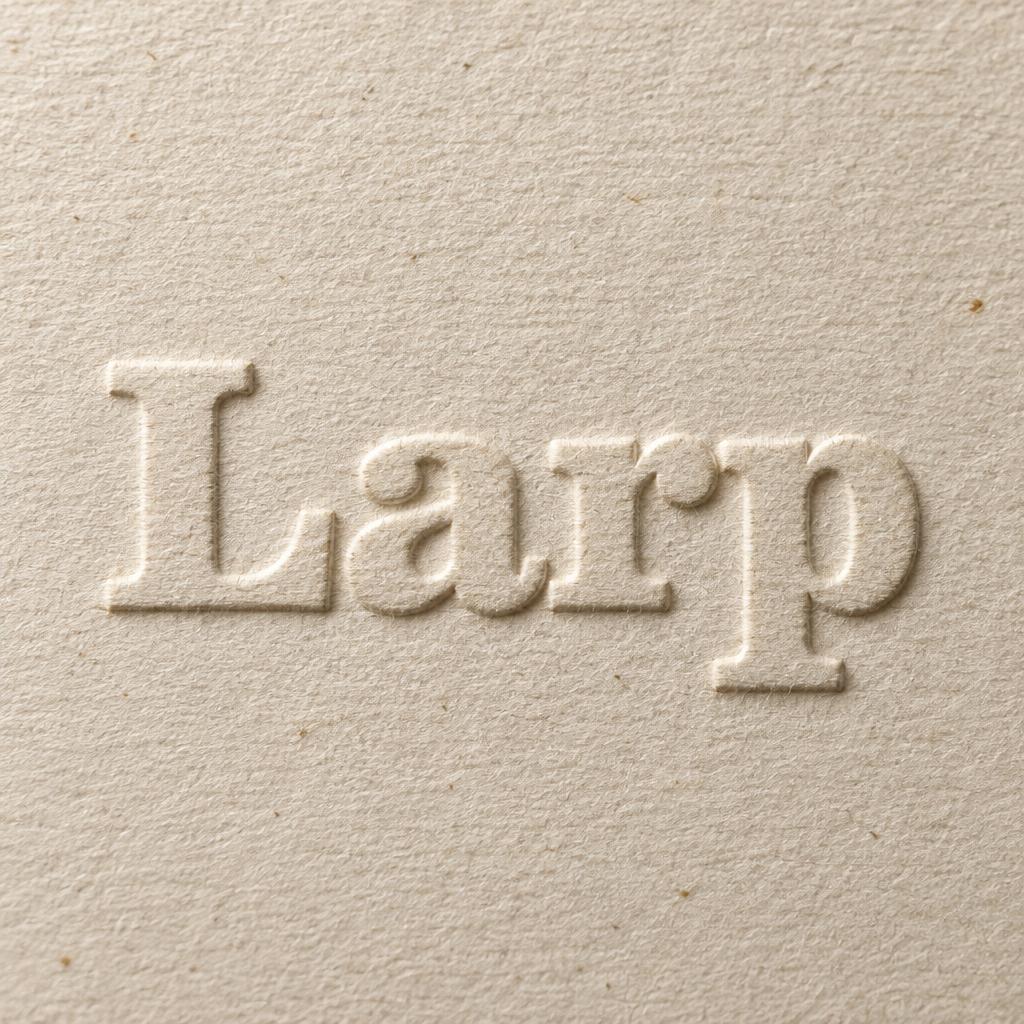
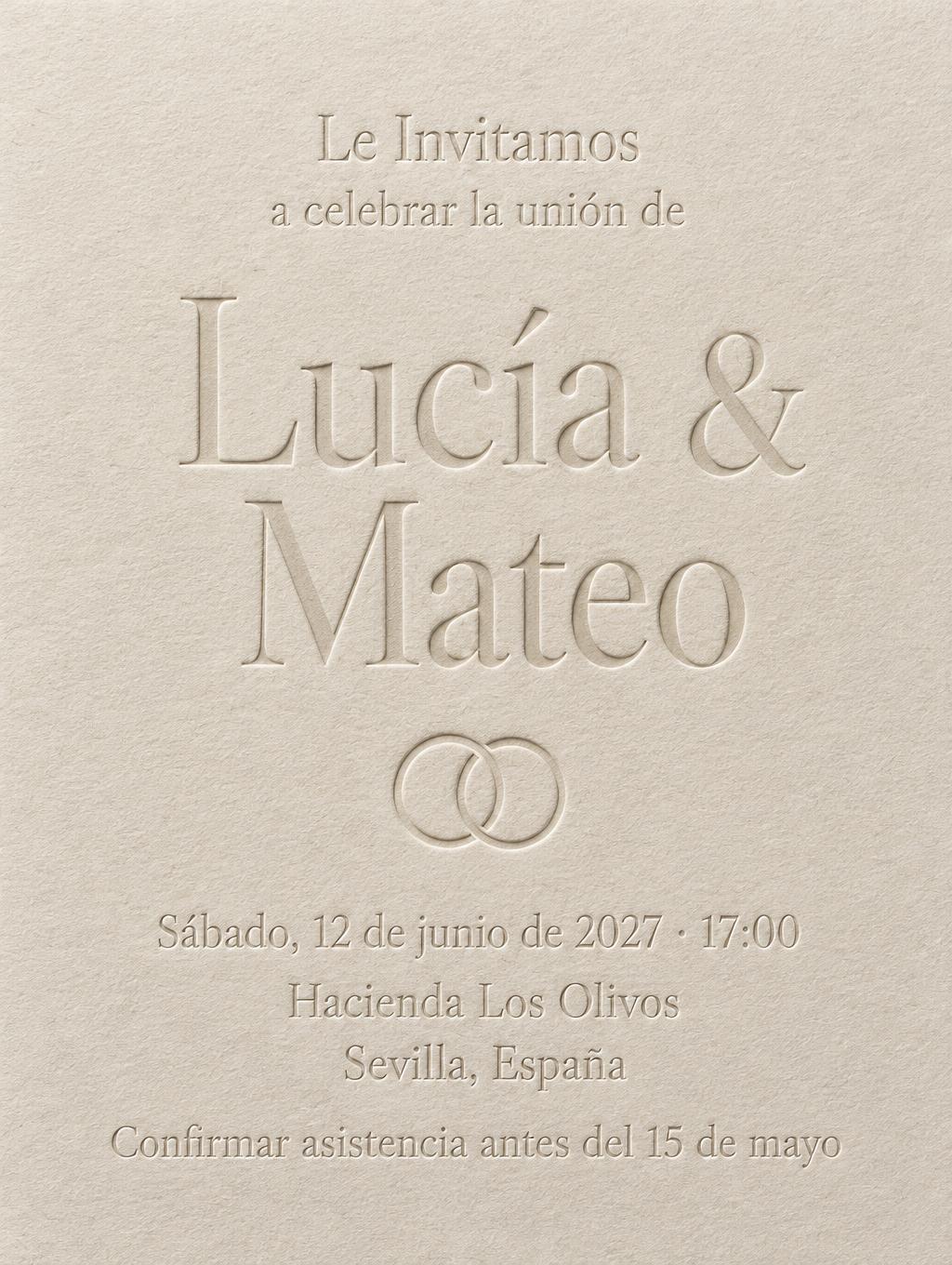
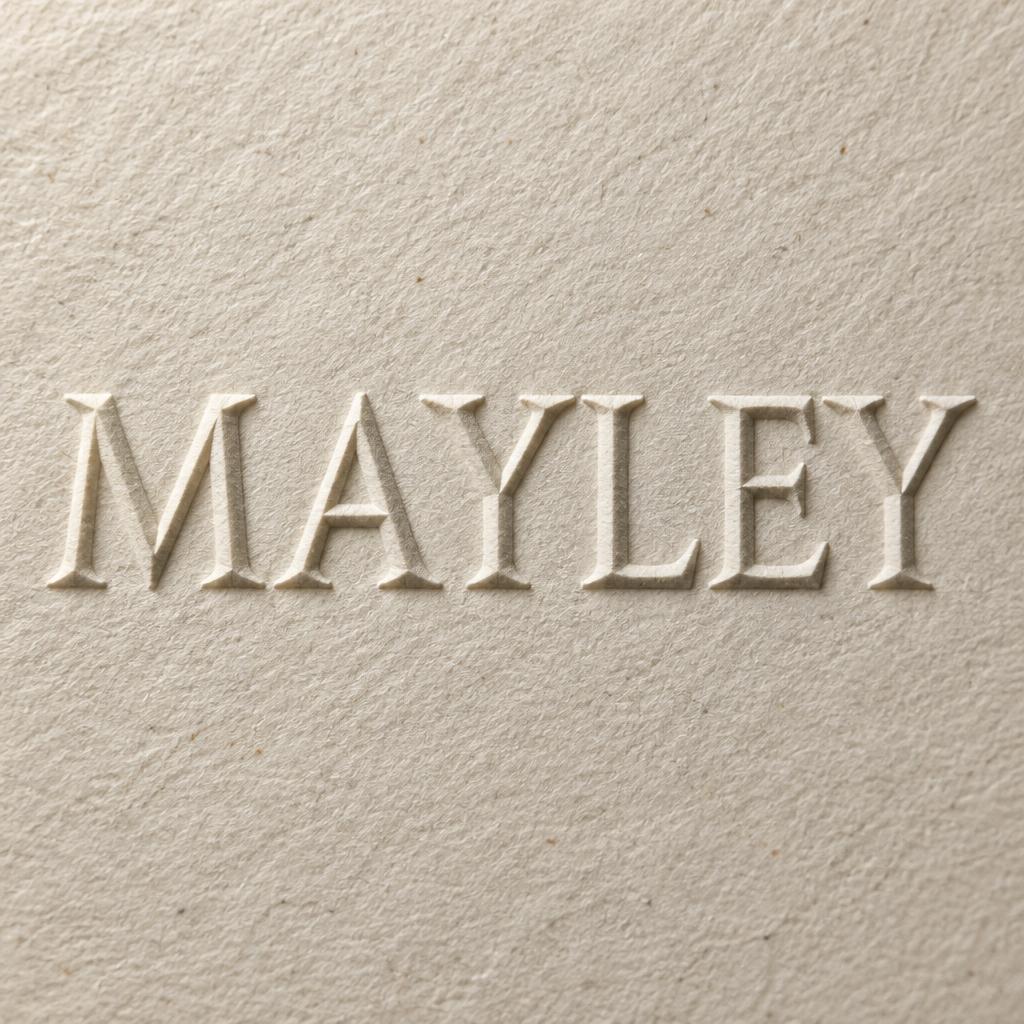
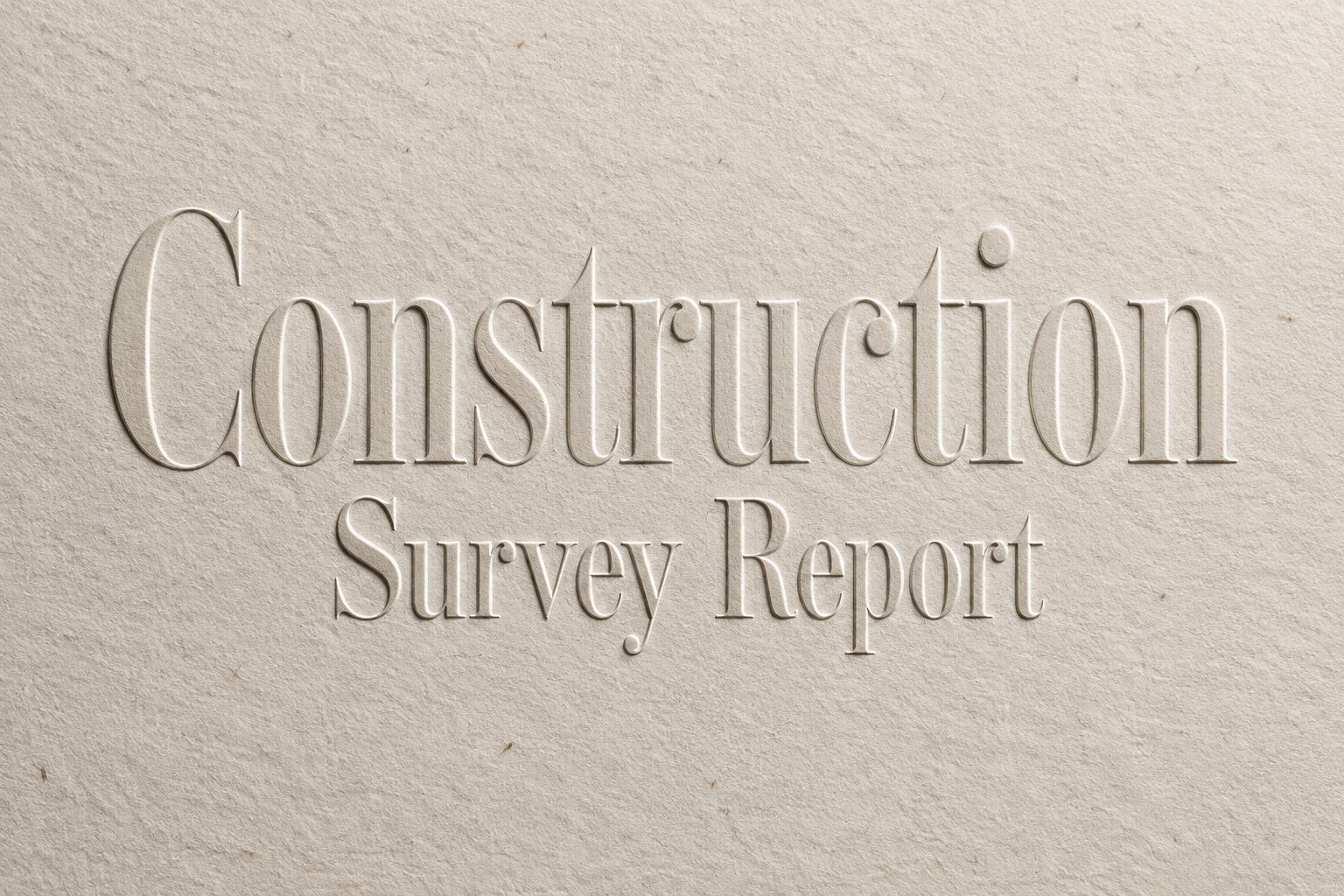
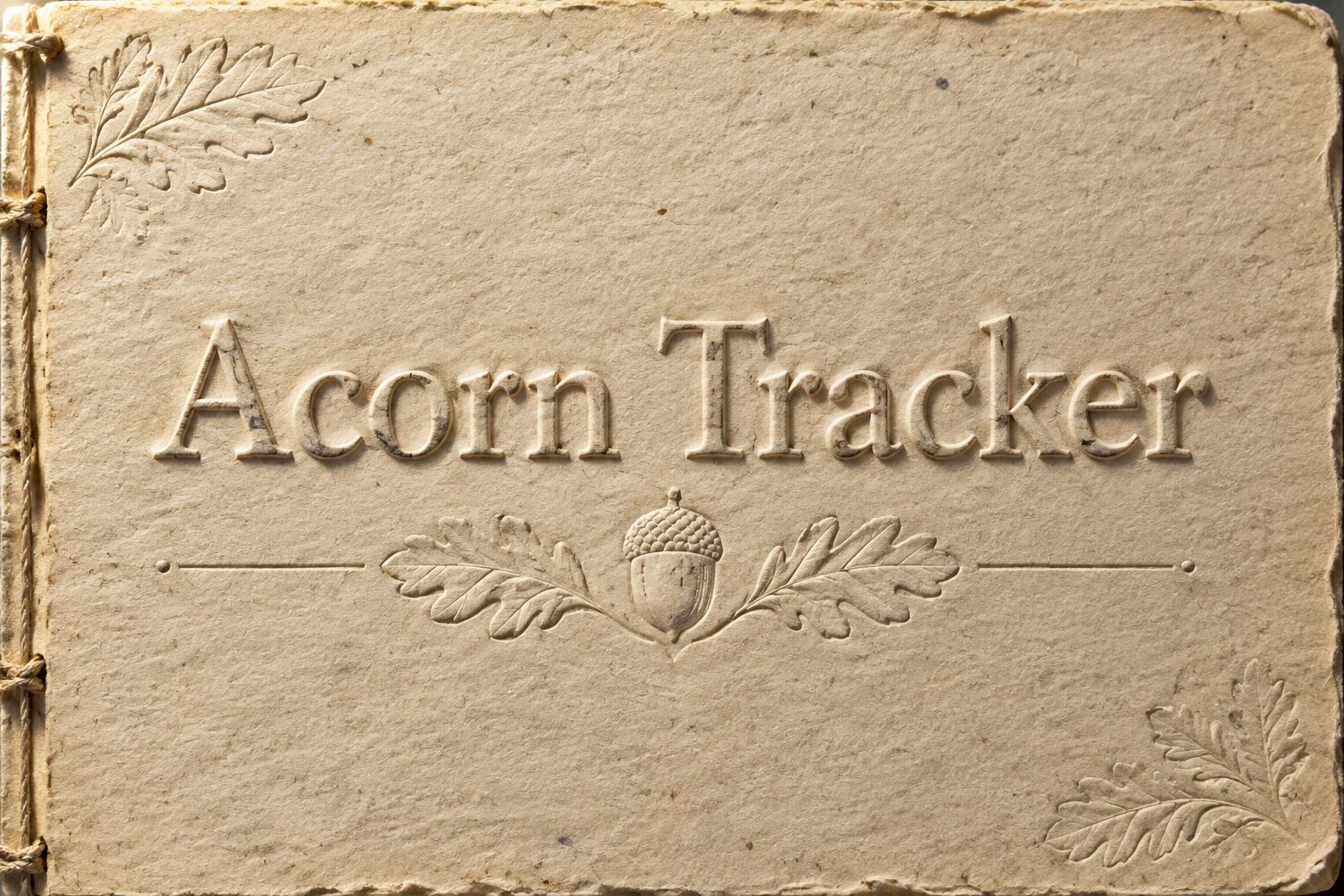
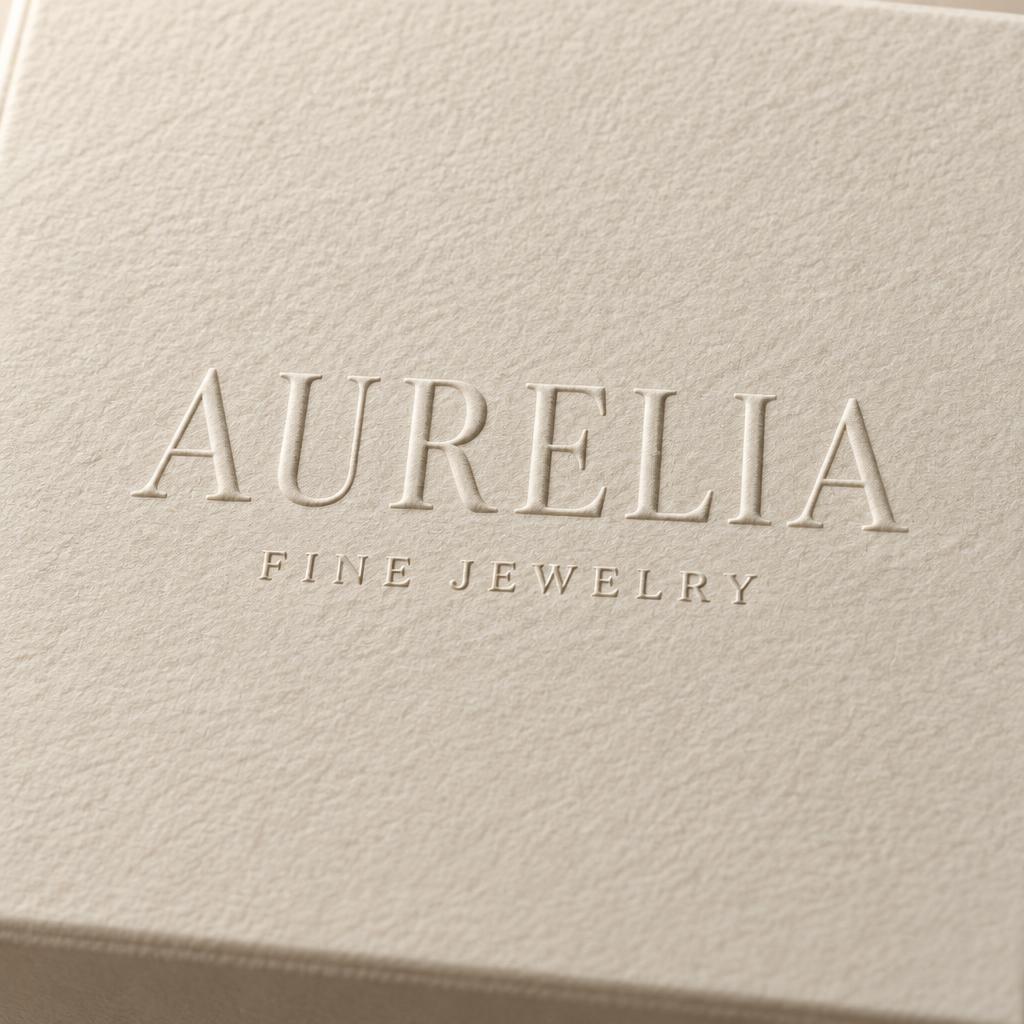
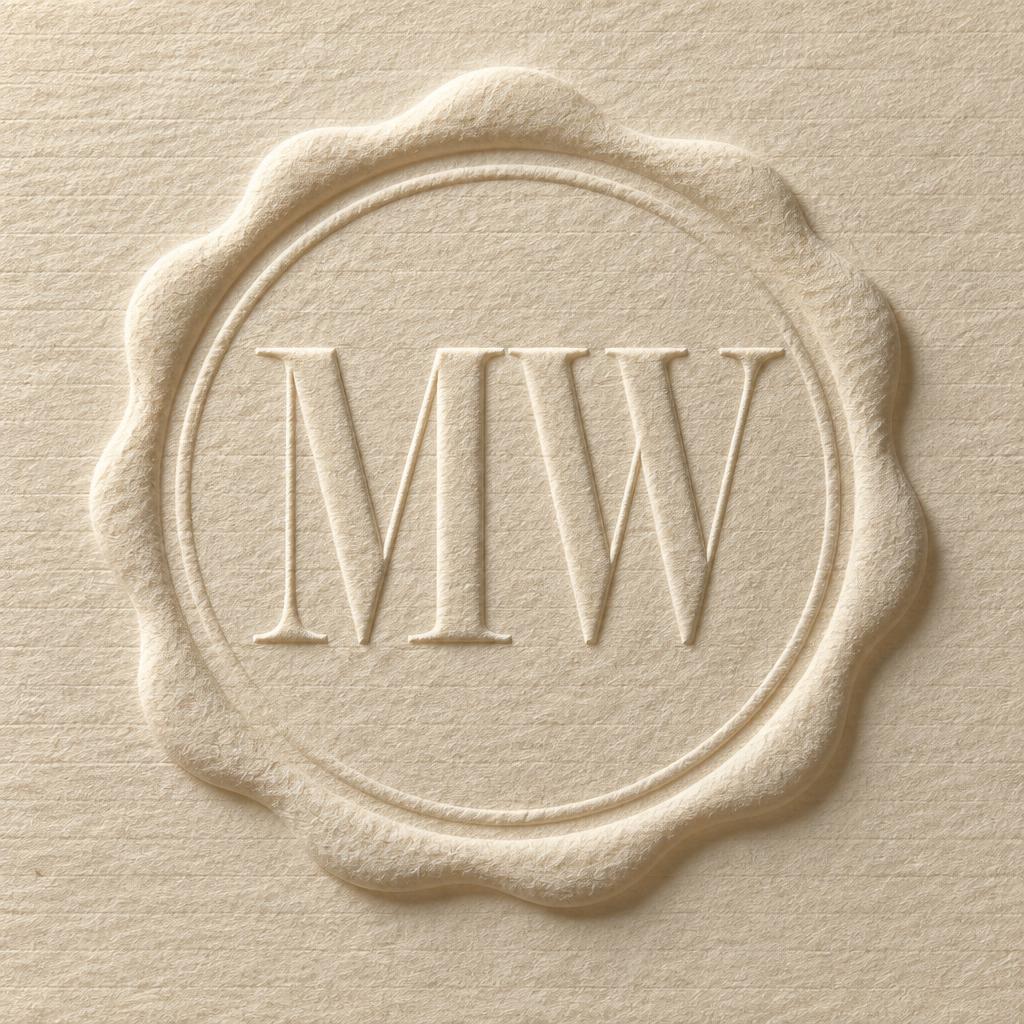
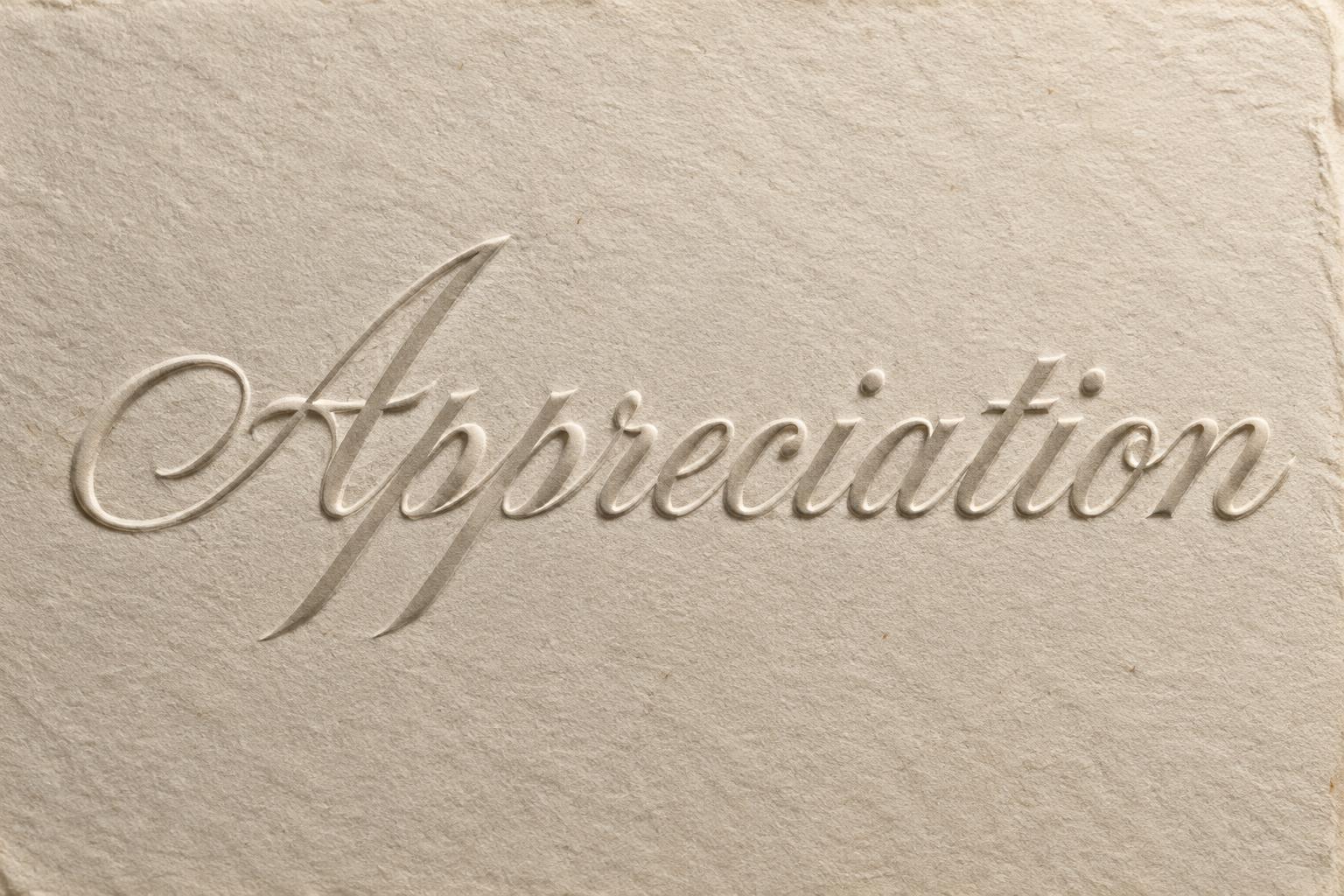
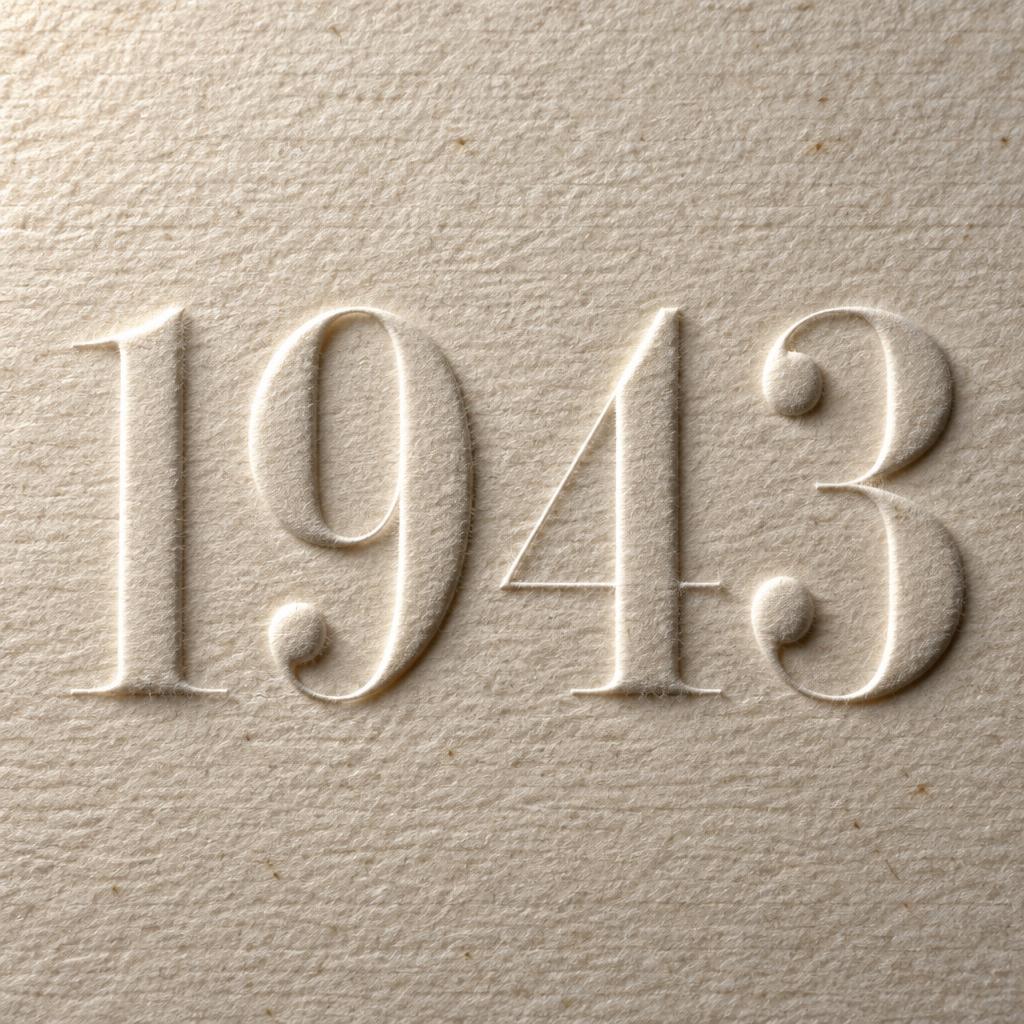
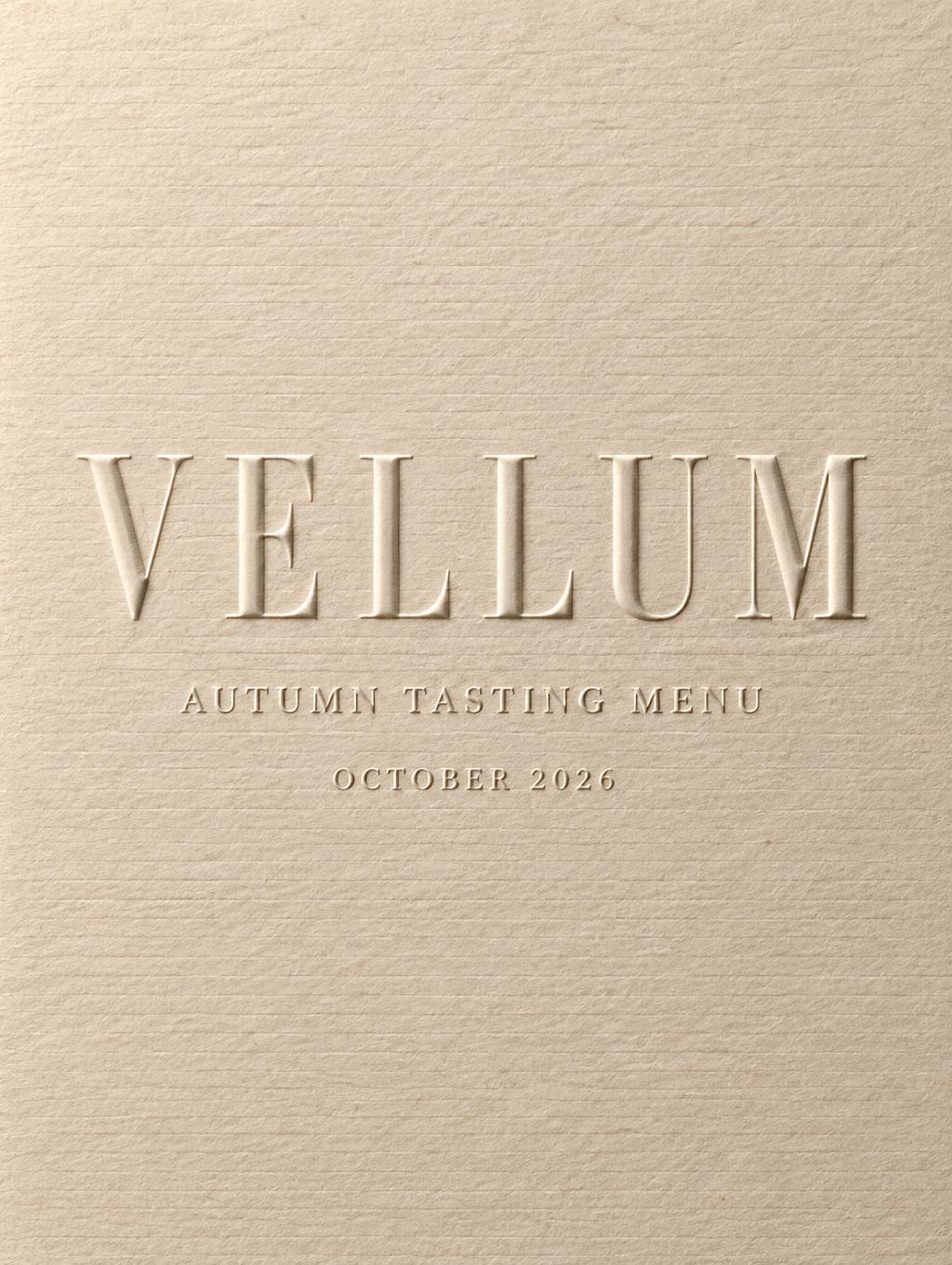
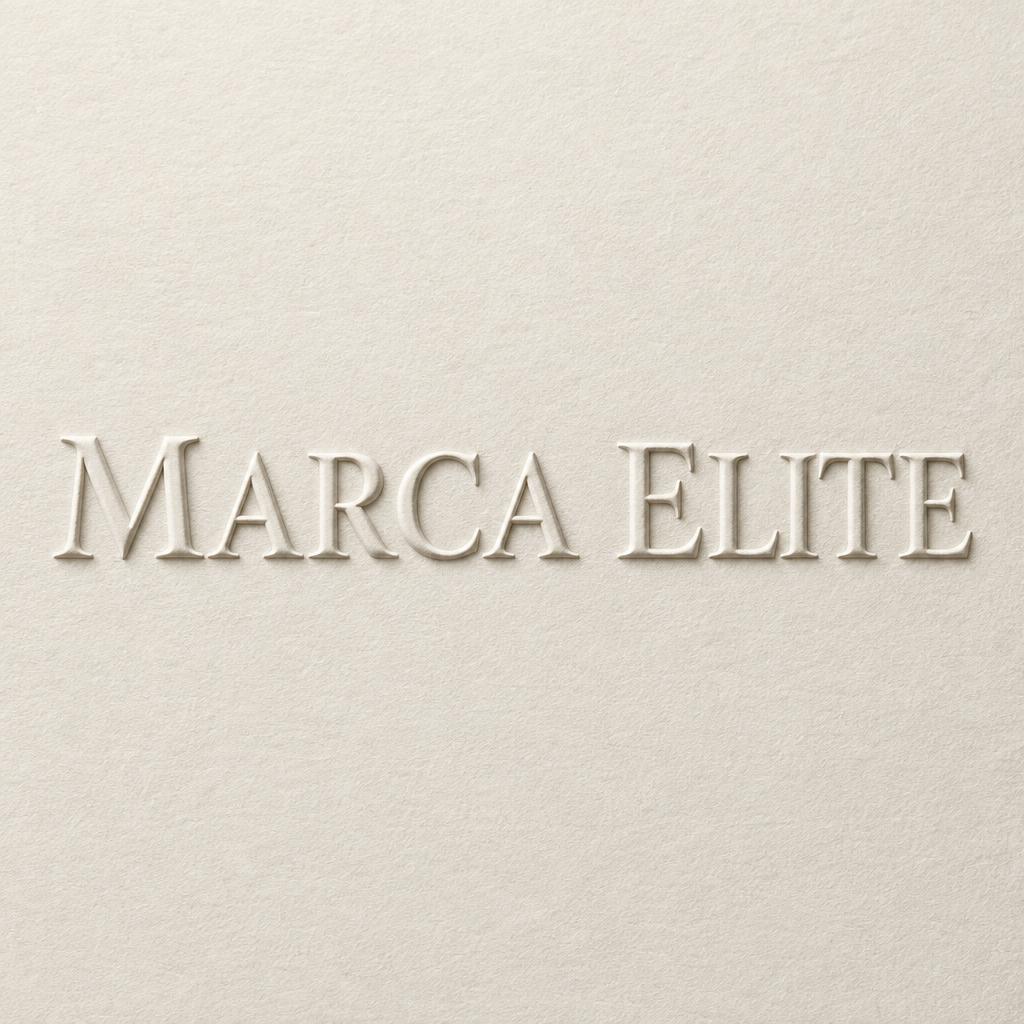
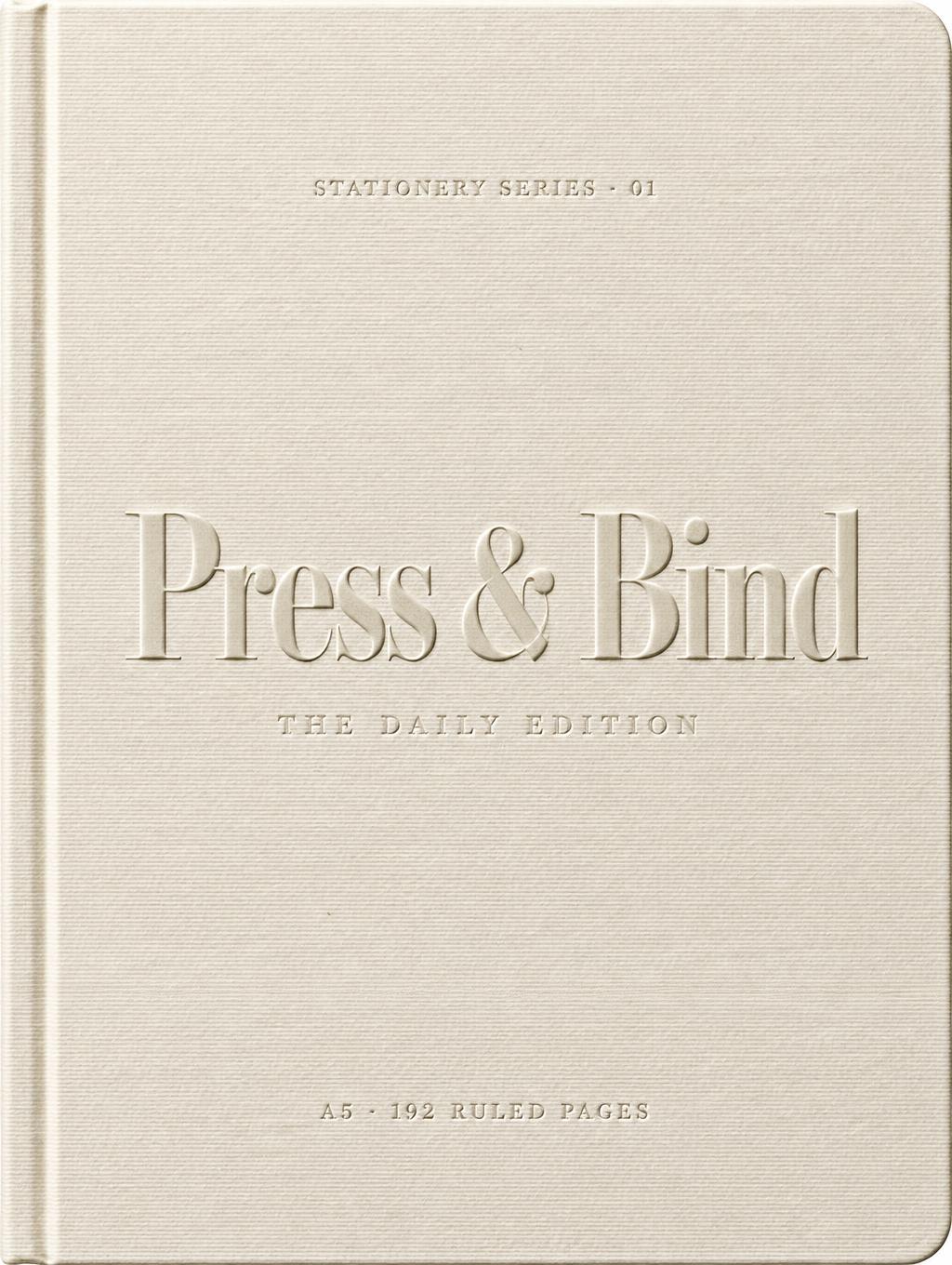
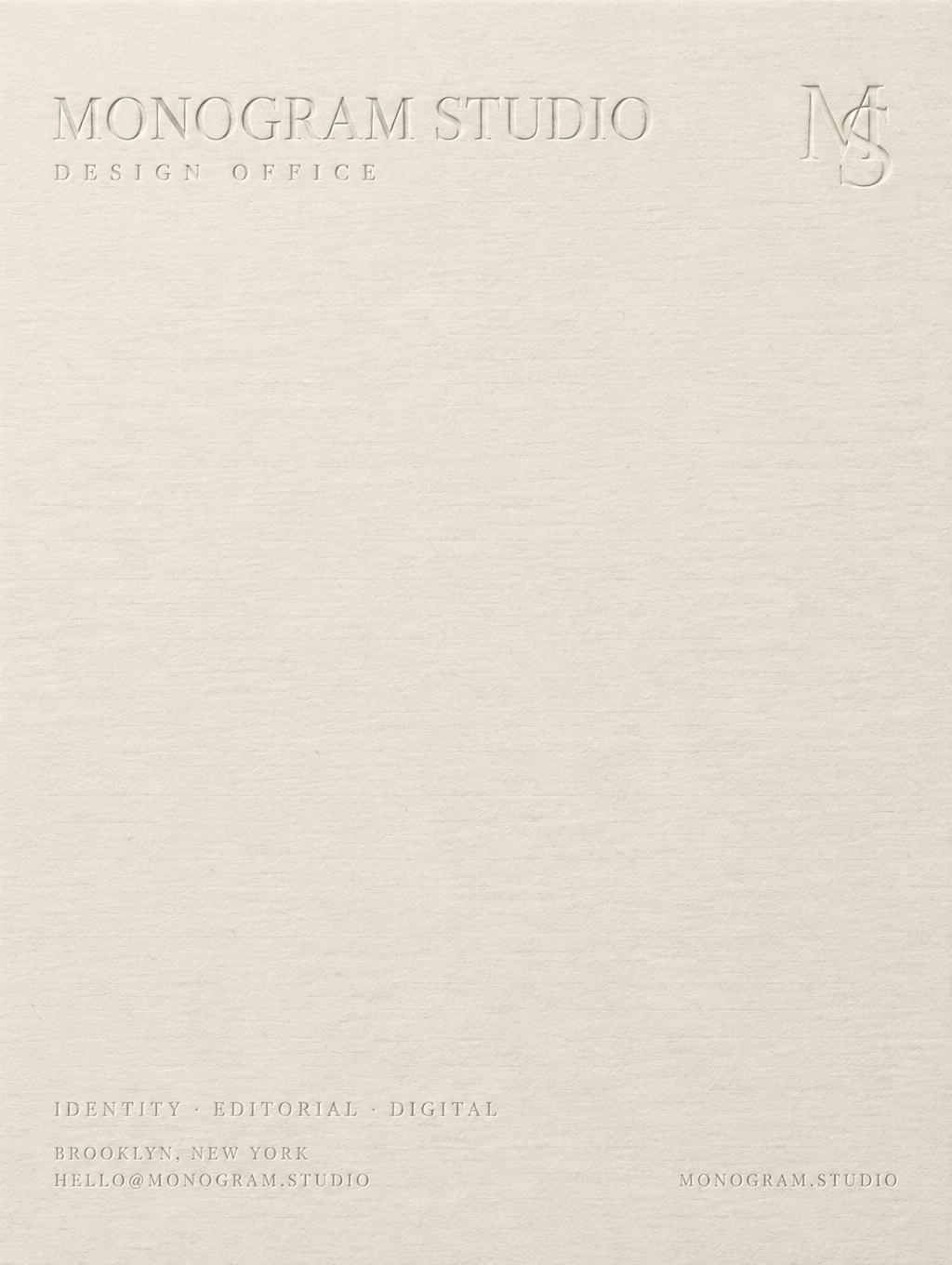
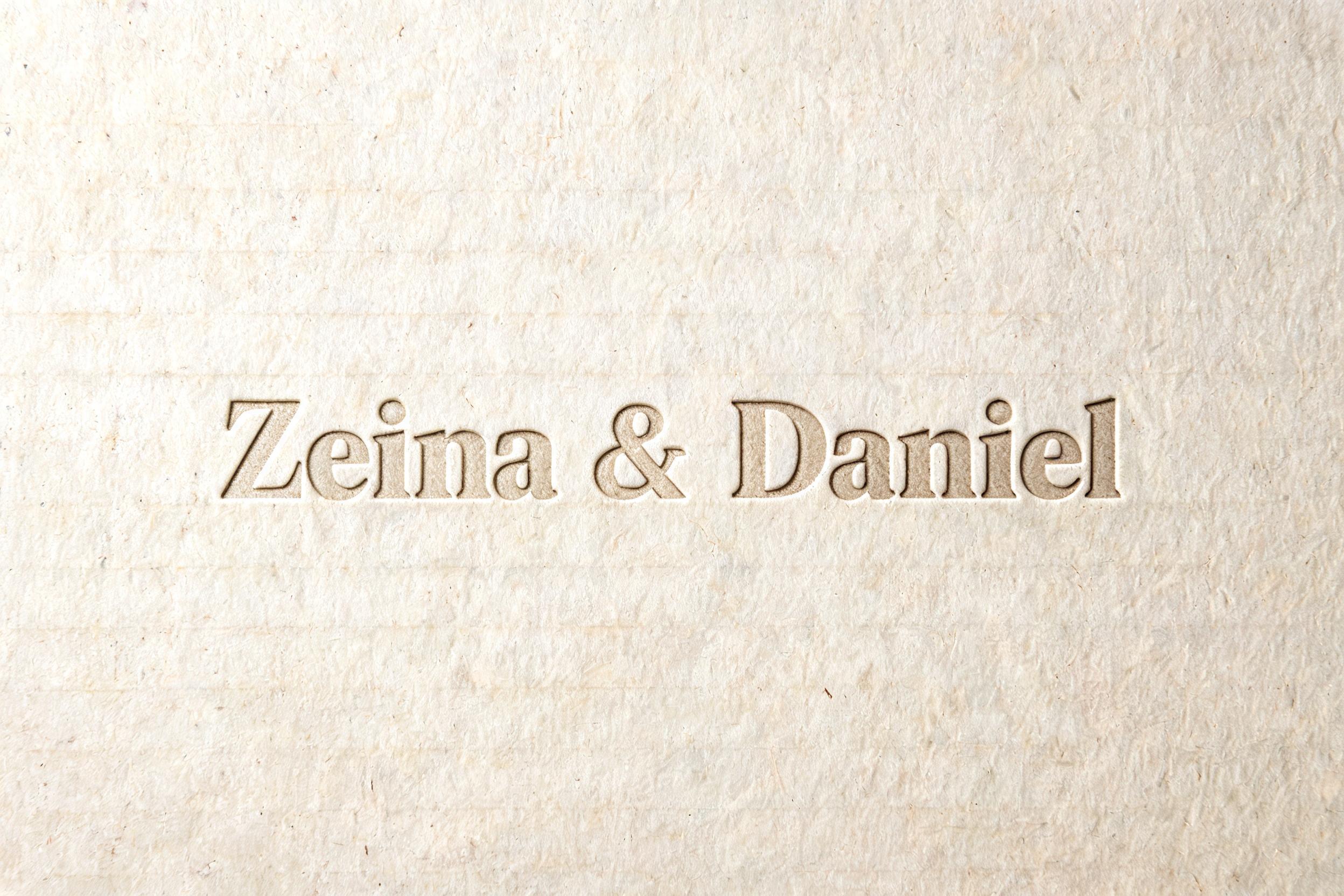
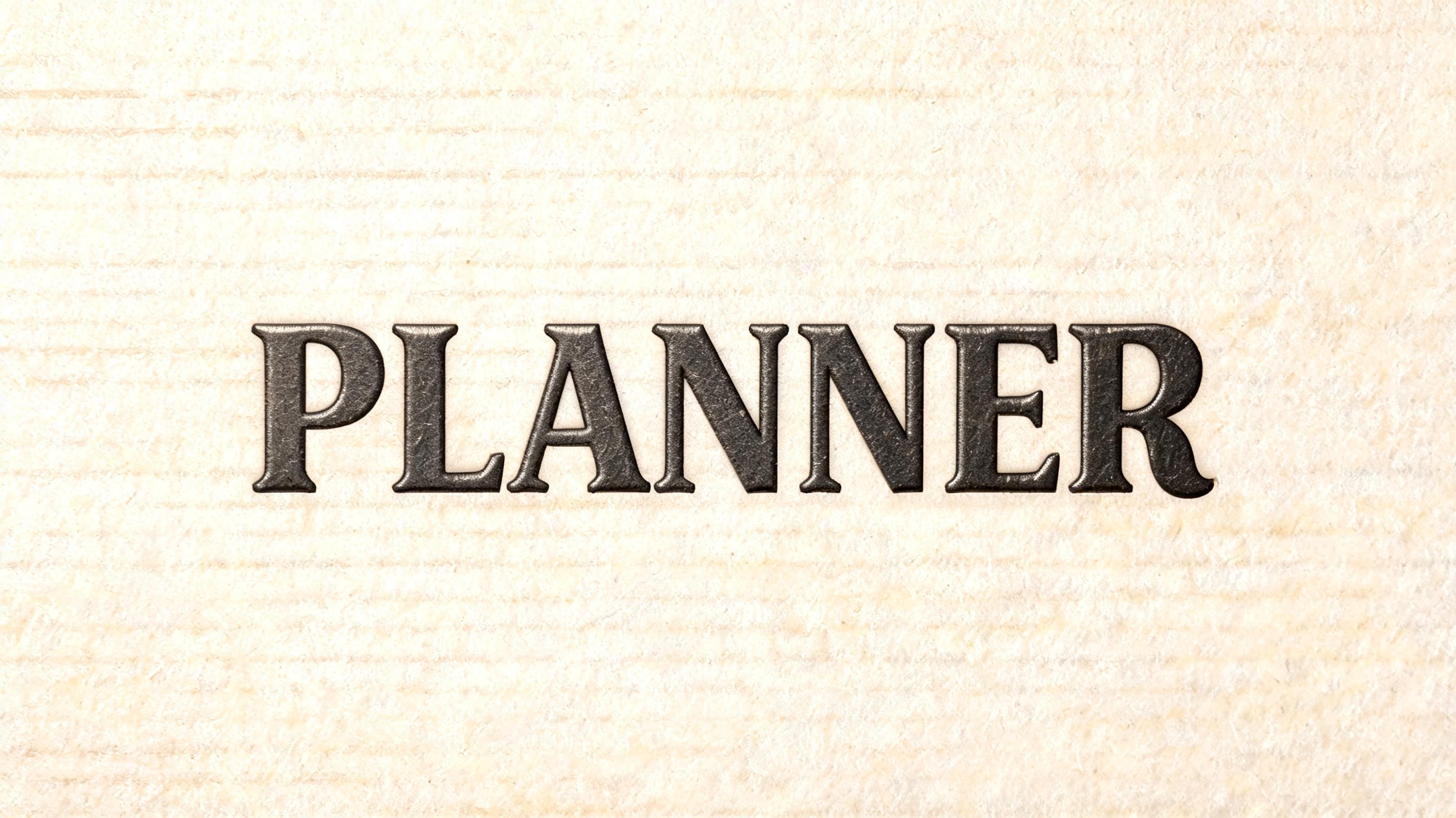
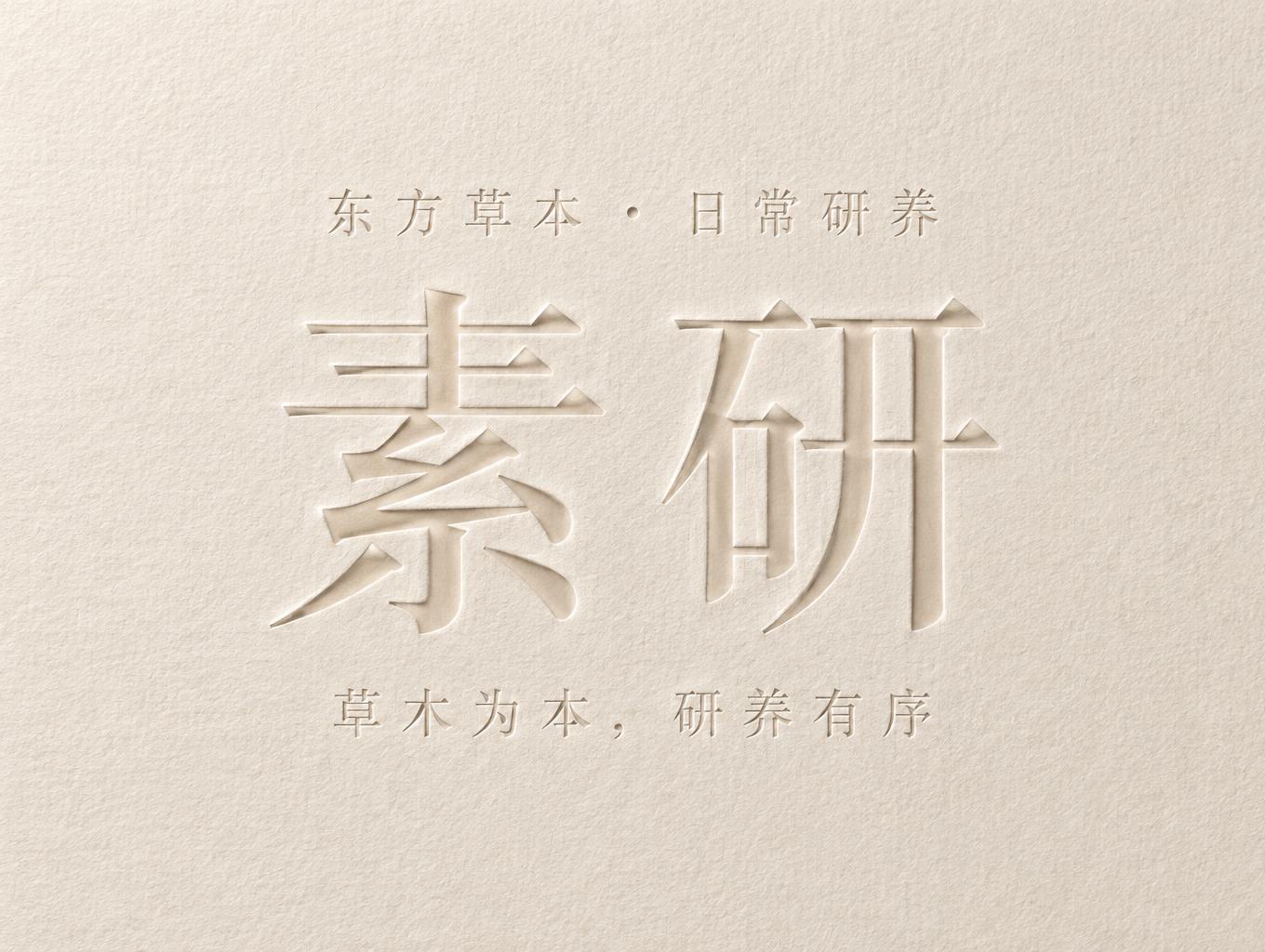
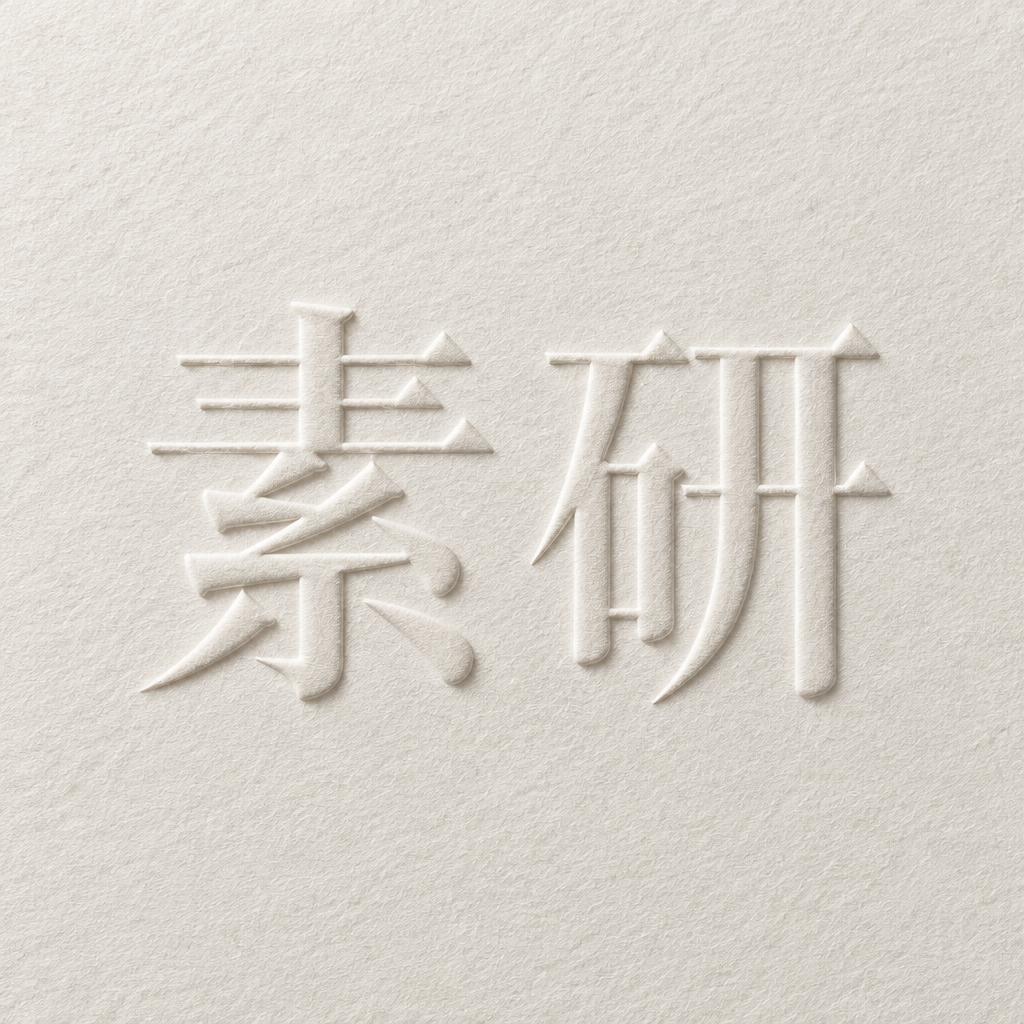
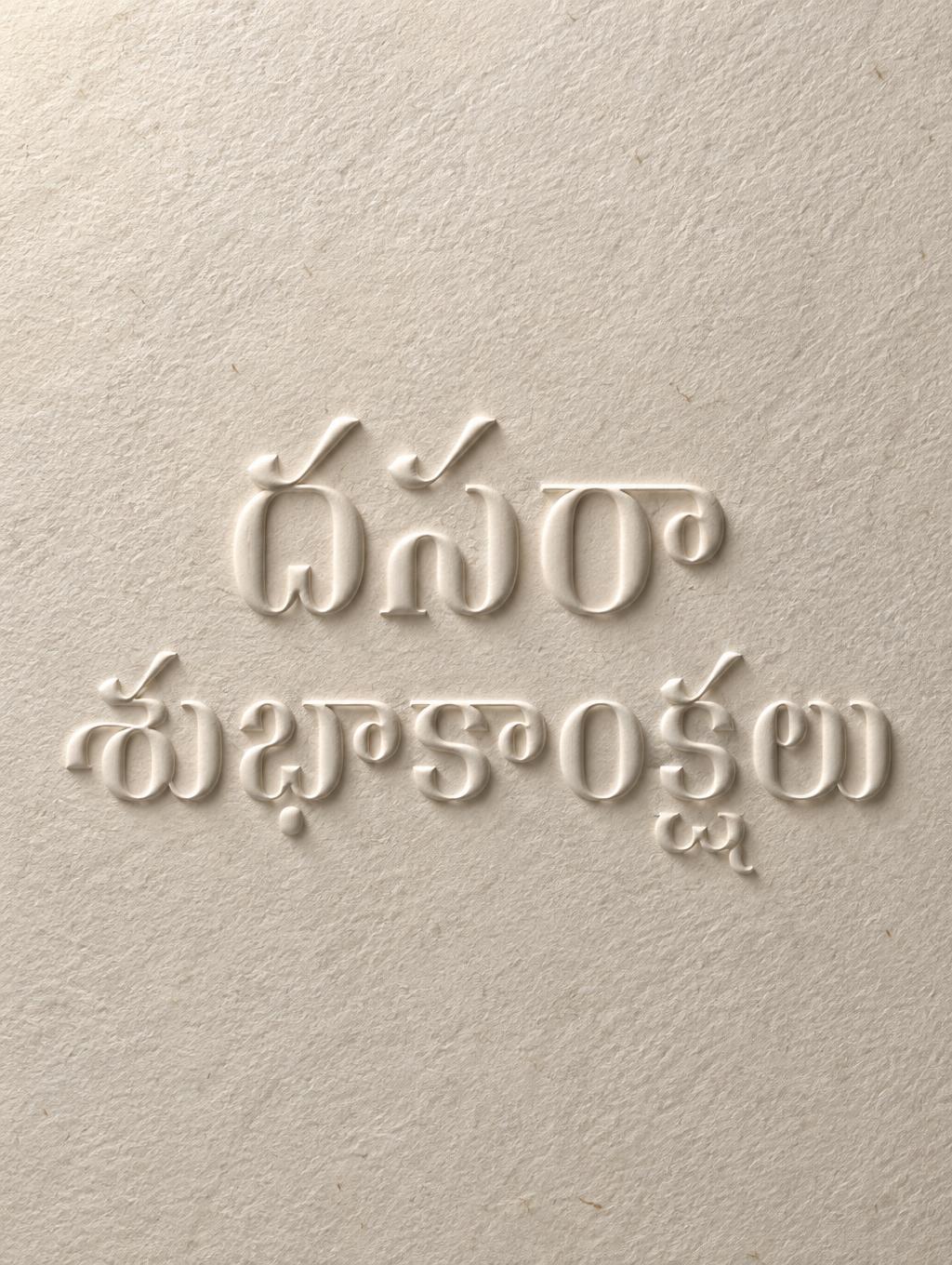
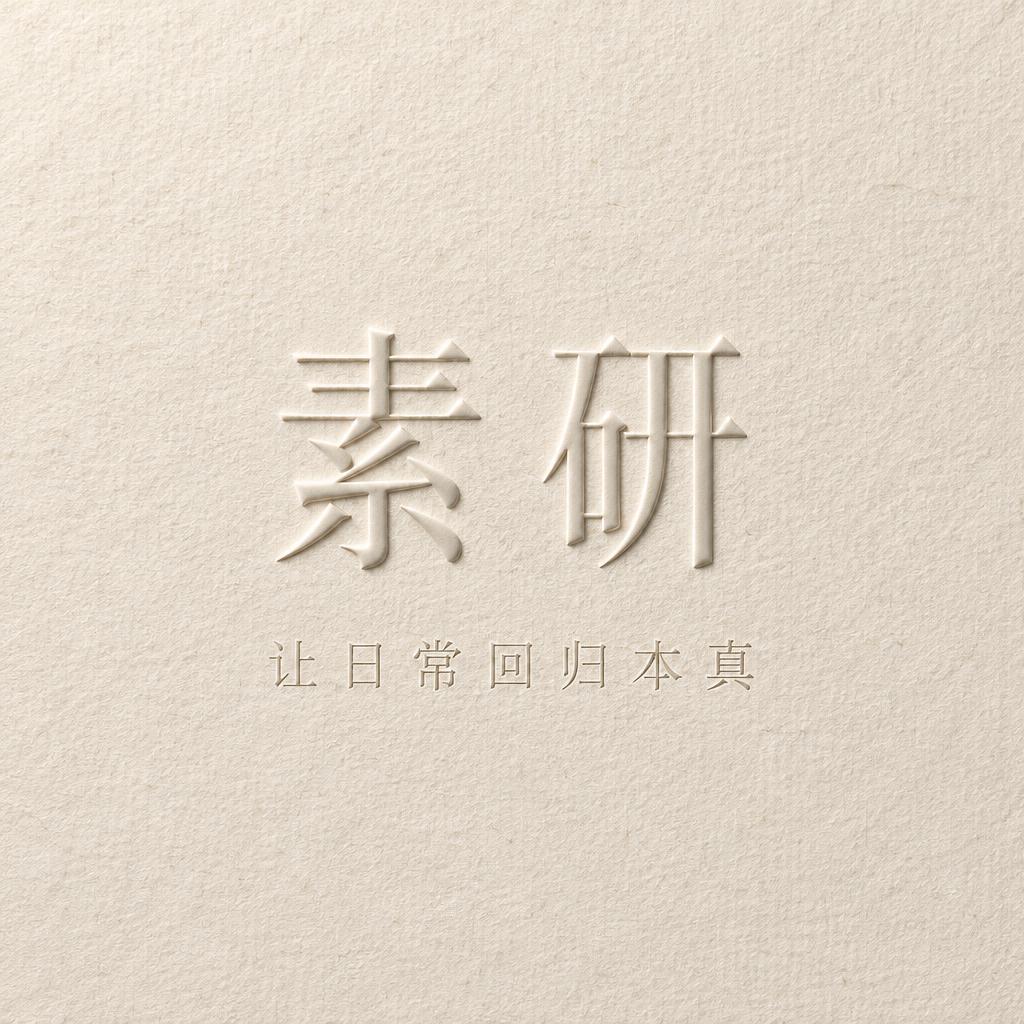
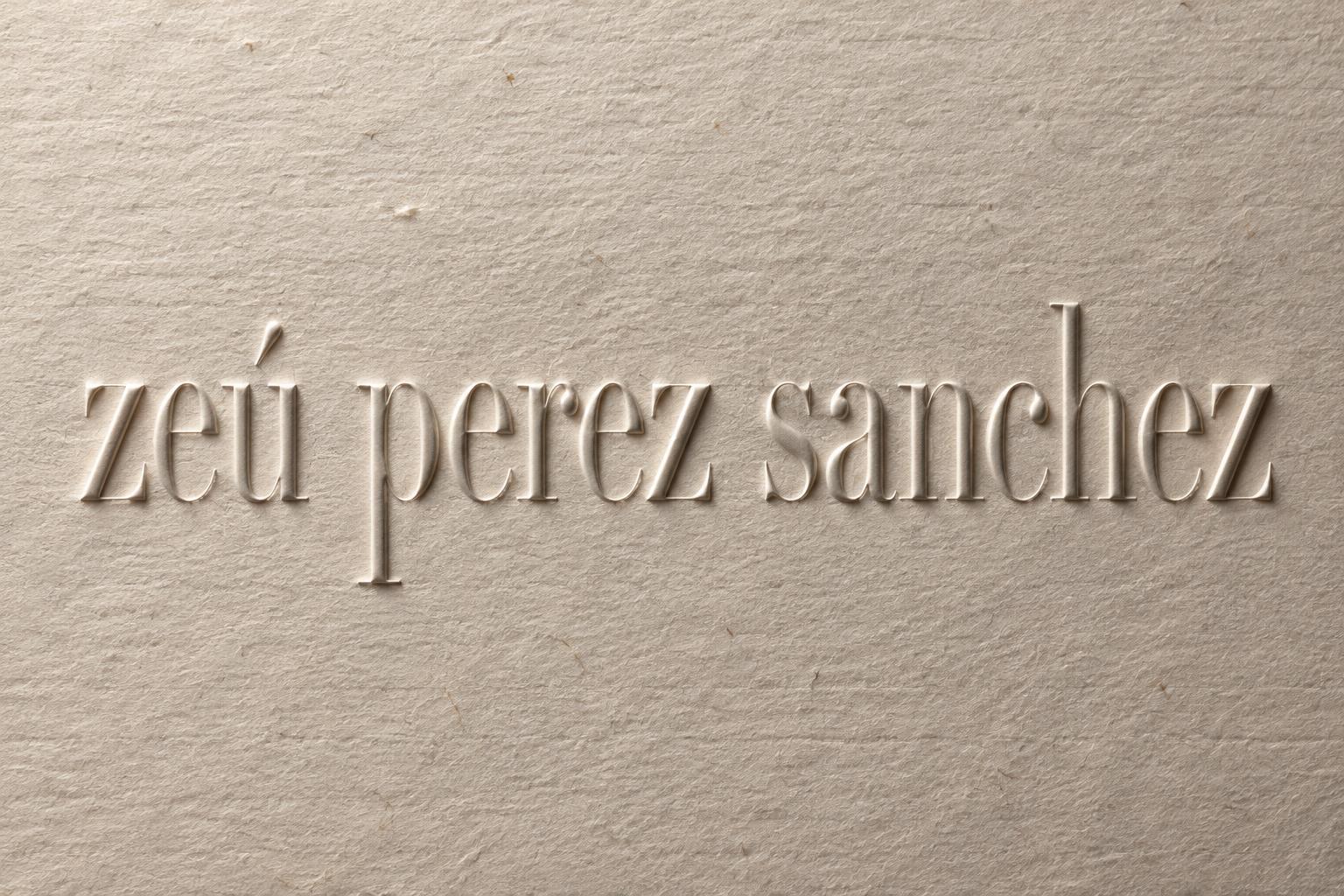
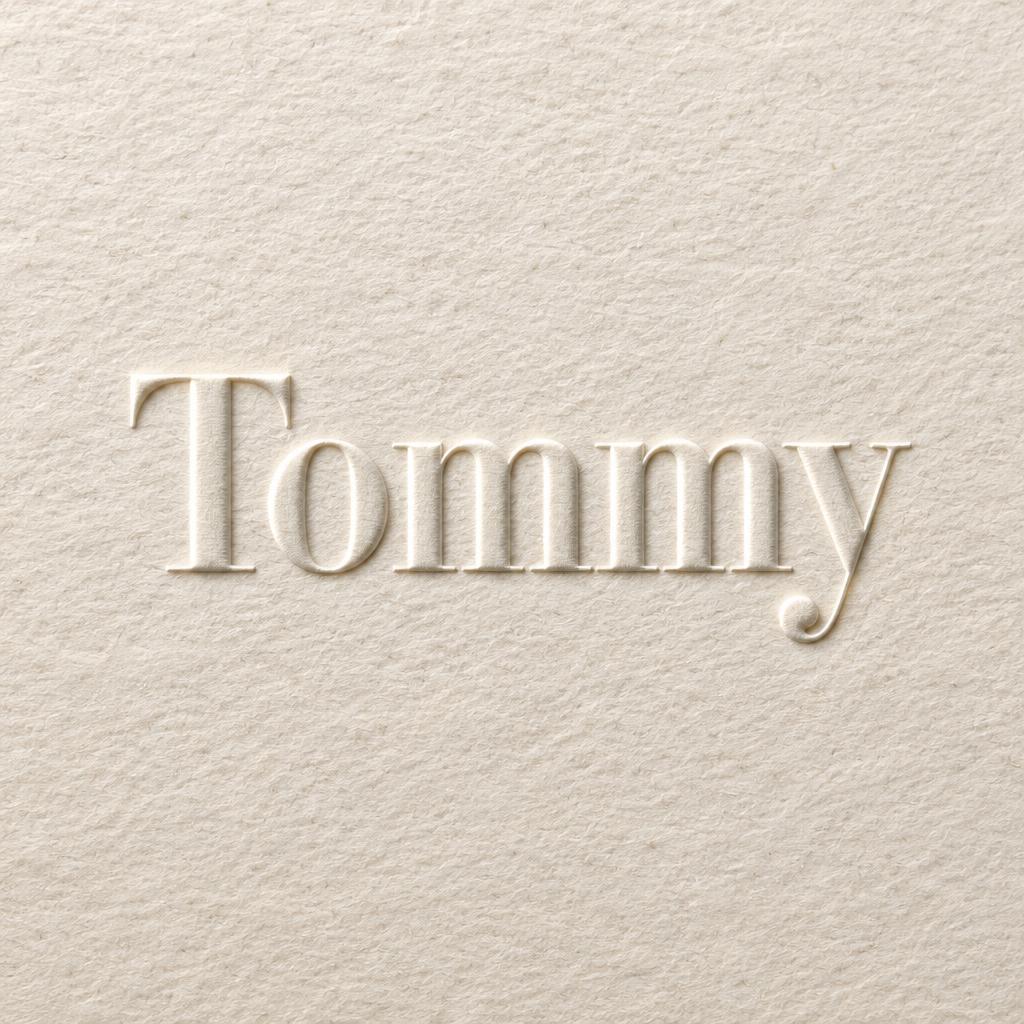
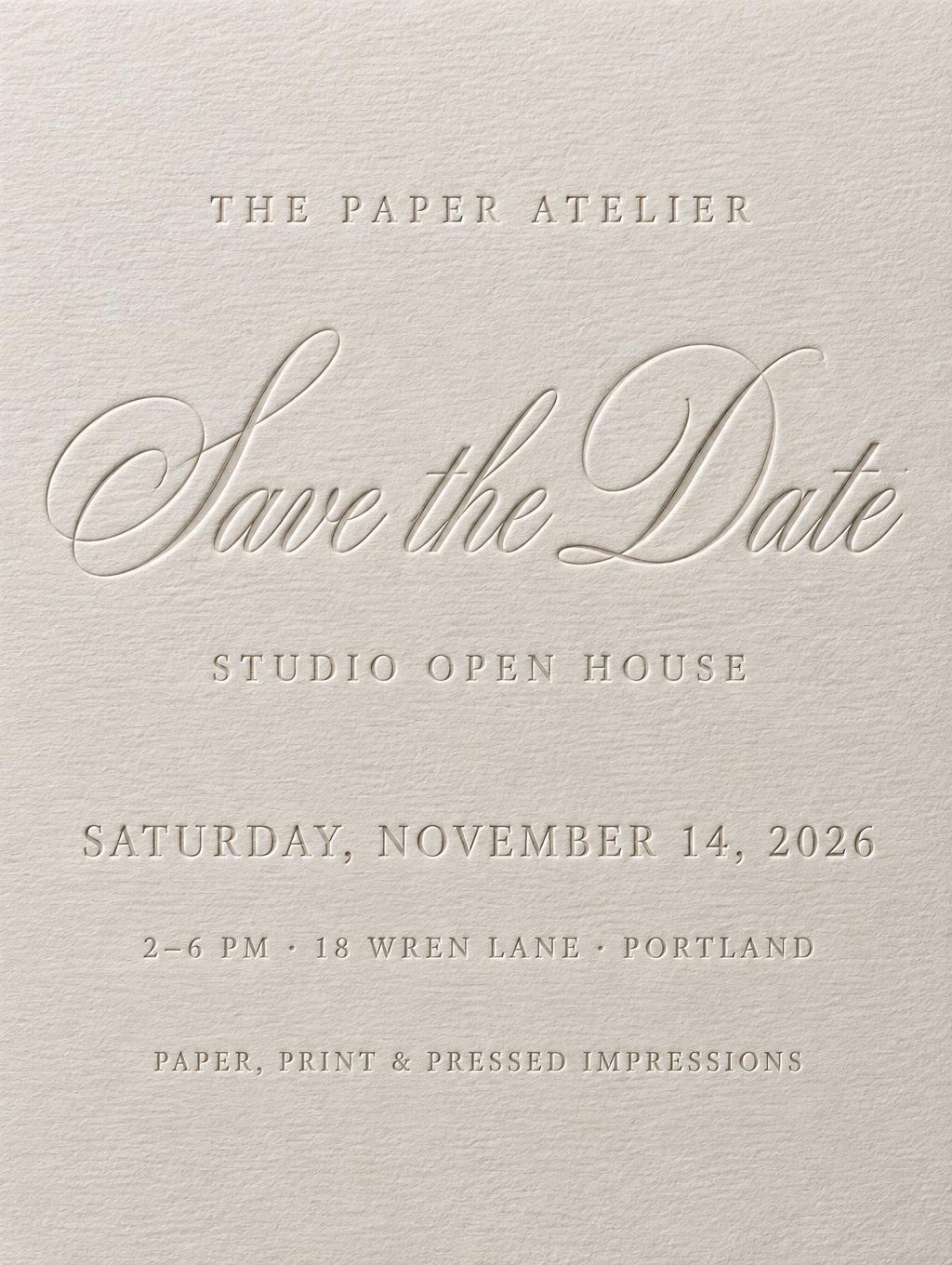
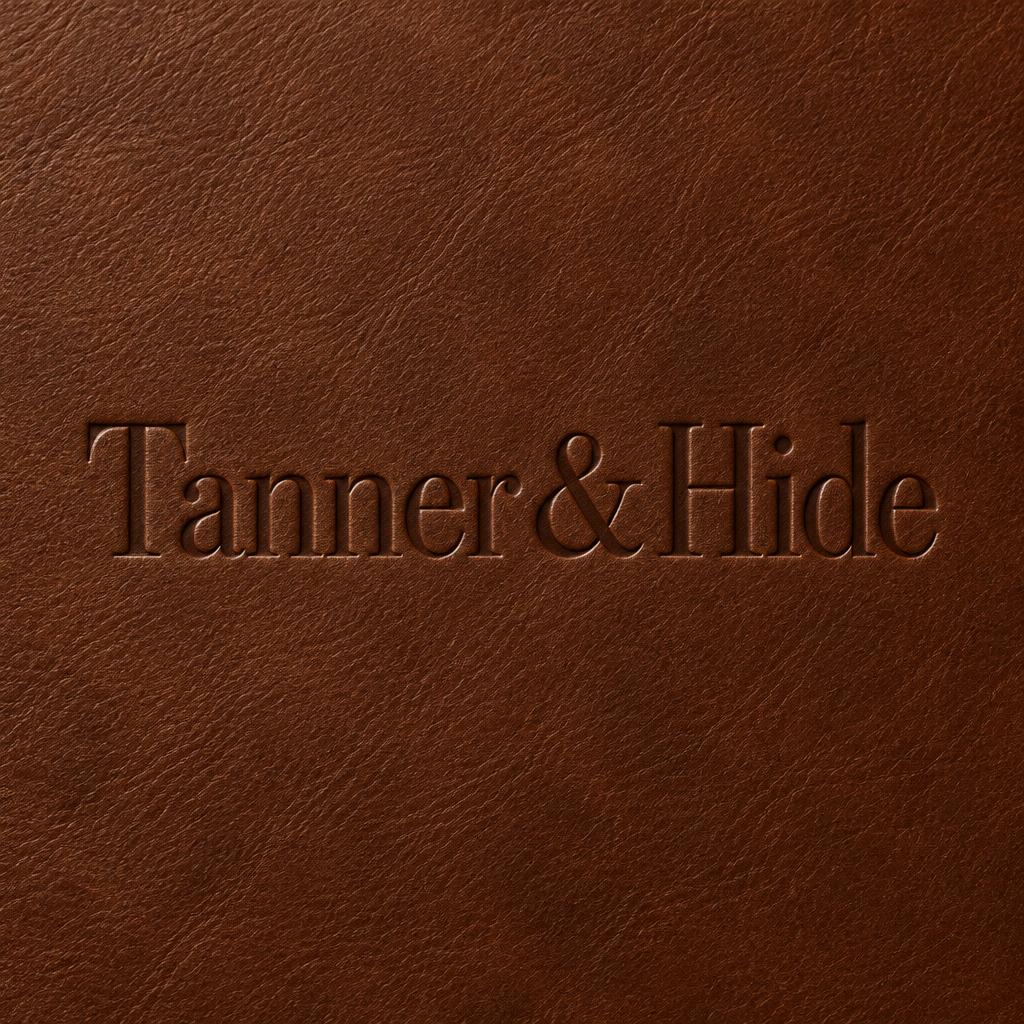
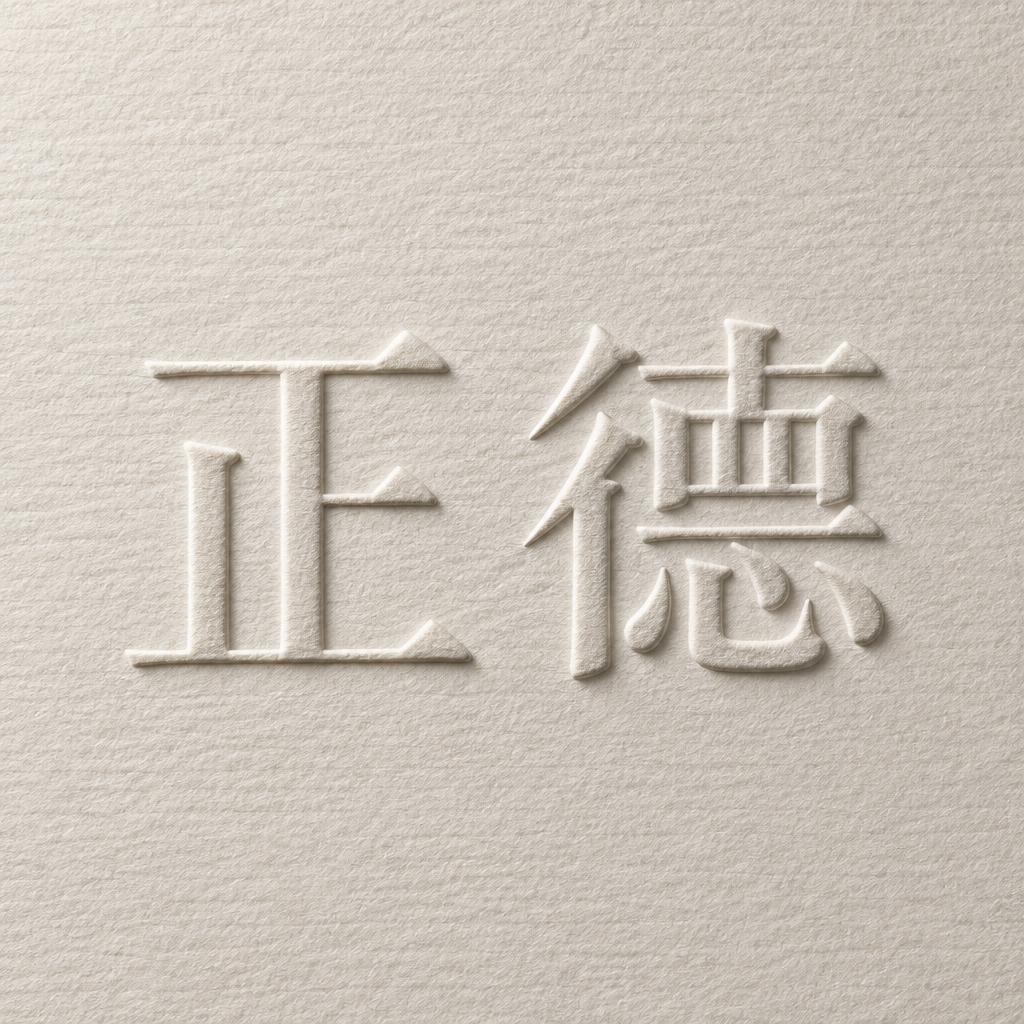
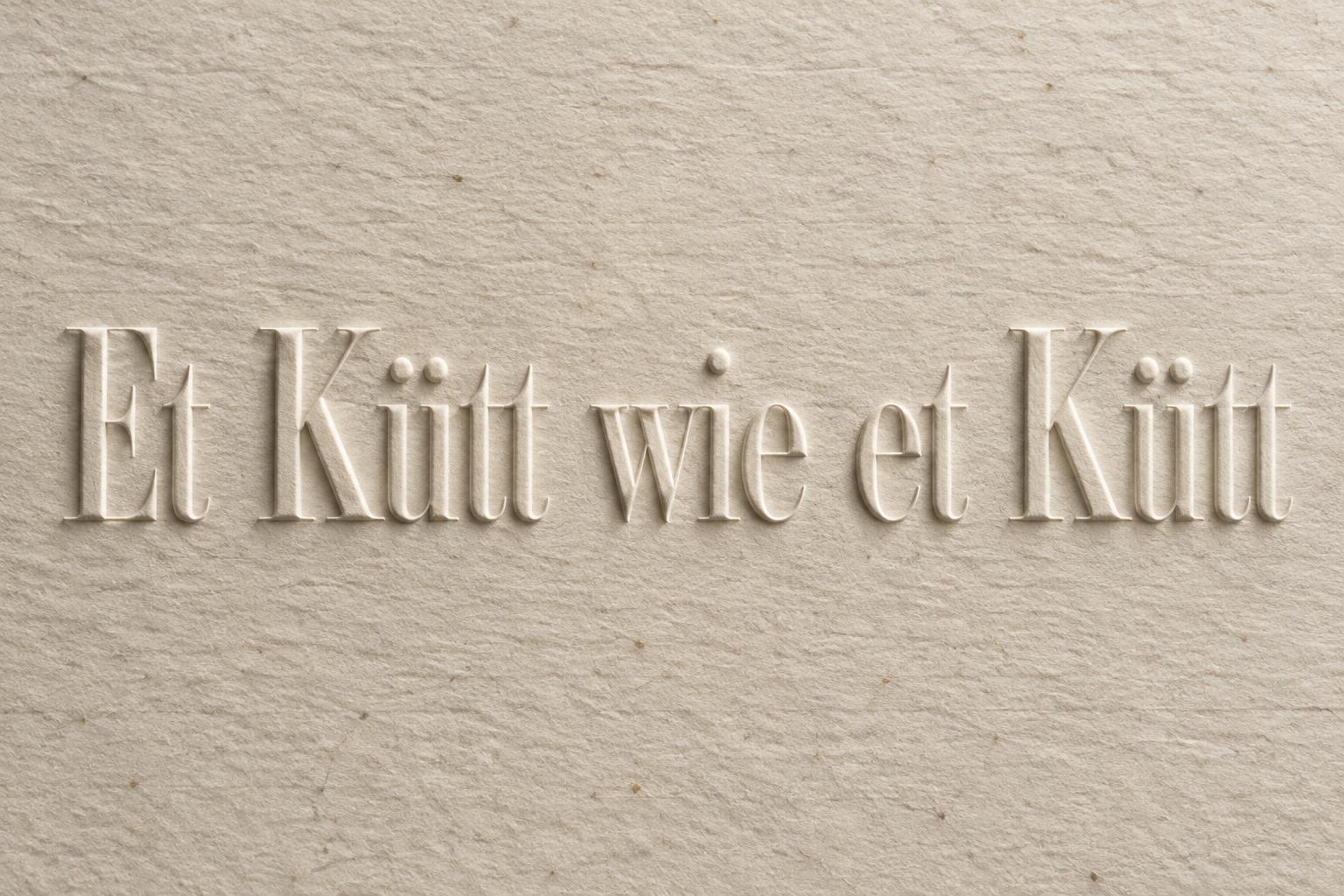
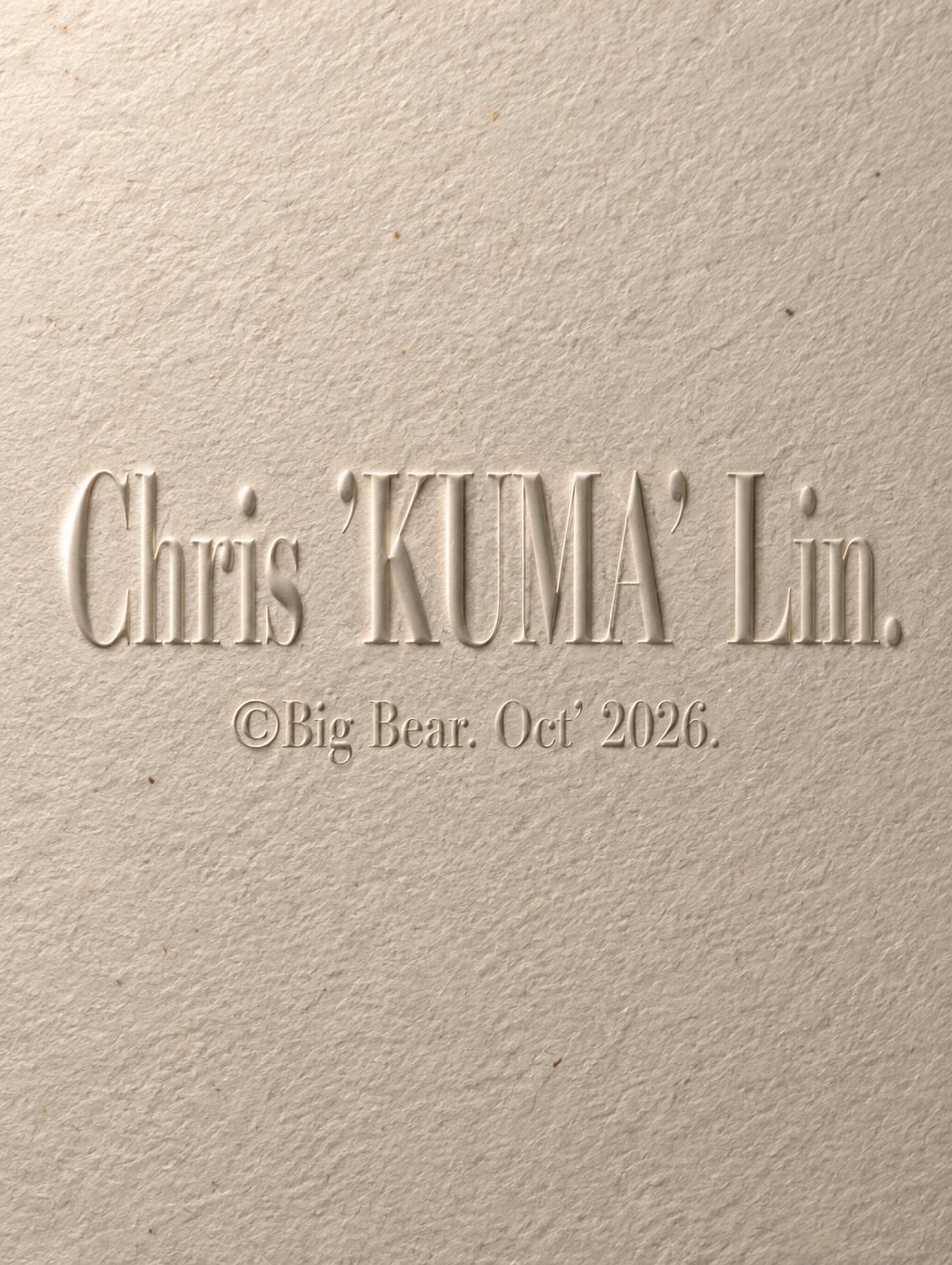
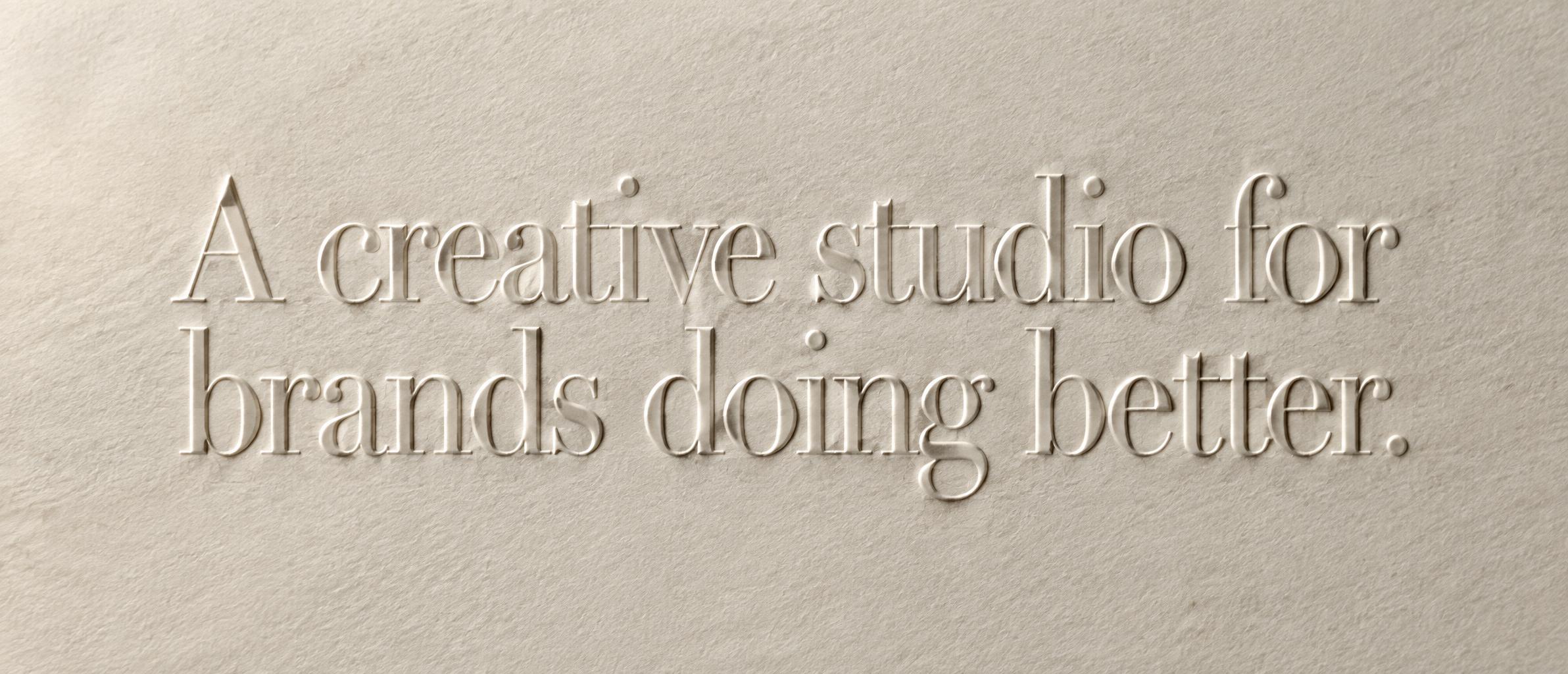
Every image below was generated on FontVibe — no post-editing, no stock photos. This is what letterpress text generator — free ai font effect actually looks like.










✦ More Letterpress Text Generator Use Cases
Explore more ways to use Embossed


✦ Step-by-Step Guide
How to Create Your ["letterpress", "emboss", "typography", "print", "stationery"] in Studio
Three steps. No design software needed.
1
Type your text
Enter any word or phrase — event names, brand titles, quotes, or publication headings. Letterpress works best with short, impactful text.
2
Generate the letterpress effect
FontVibe AI creates a deep ink impression on premium paper — visible ink spread at letterform edges, subtle paper fiber compression, and the characteristic slight deboss-into-paper depth of authentic letterpress printing.
3
Download PNG
Download your letterpress font effect as PNG. Use for print design mockups, editorial headers, wedding stationery, or brand identity presentations.
💡 Platform tip: Letterpress effects pair naturally with kraft paper and cream card backgrounds — download as transparent PNG and place over a paper texture in your design for the most authentic result.
✦ Common Questions
["letterpress", "emboss", "typography", "print", "stationery"] — Frequently Asked Questions
Everything you need to know before you create.
✦ Explore More Text Effect Styles
Related AI Text Effect Styles
Try a different aesthetic — each style generates a completely unique visual output.


Want more text styles? Browse our free font generators — fancy, cursive, gothic & more.
✦ Ready to Create?
Make Your Own "emboss", "typography", "print", "stationery"]
Free to start. No design skills needed.
✦ Generate Now — Free