FontVibe
HomeGenerateStylesGalleryFontsPricingBlog
English▾
FontVibe
✦FontVibe
FontVibe

Free AI font generator — describe what you need or pick a style, and get finished text artwork. 126+ styles, instant PNG/JPG download.

Product

GenerateStylesGalleryPricing

Popular Scenes

Halloween designsChannel designsHalloween font

Resources

BlogAI Font LibraryTransparent Background MakerASCII Art GeneratorFont Tools

Legal

Terms of ServicePrivacy PolicyLegalContact
© 2026 FontVibe. All rights reserved.
Privacy Policy|Terms & Conditions|Legal|特定商取引法に基づく表記
FontVibe

Free AI font generator — describe what you need or pick a style, and get finished text artwork. 126+ styles, instant PNG/JPG download.

Product
GenerateStylesGalleryPricing
Popular Scenes
Halloween designsChannel designsHalloween font
Resources
BlogAI Font LibraryTransparent Background MakerASCII Art GeneratorFont Tools
Legal
TermsPrivacyLegalContact
© 2026 FontVibe. All rights reserved.
Privacy|Terms|Legal|特商法
✦FontVibe
Notifications
No notifications yet
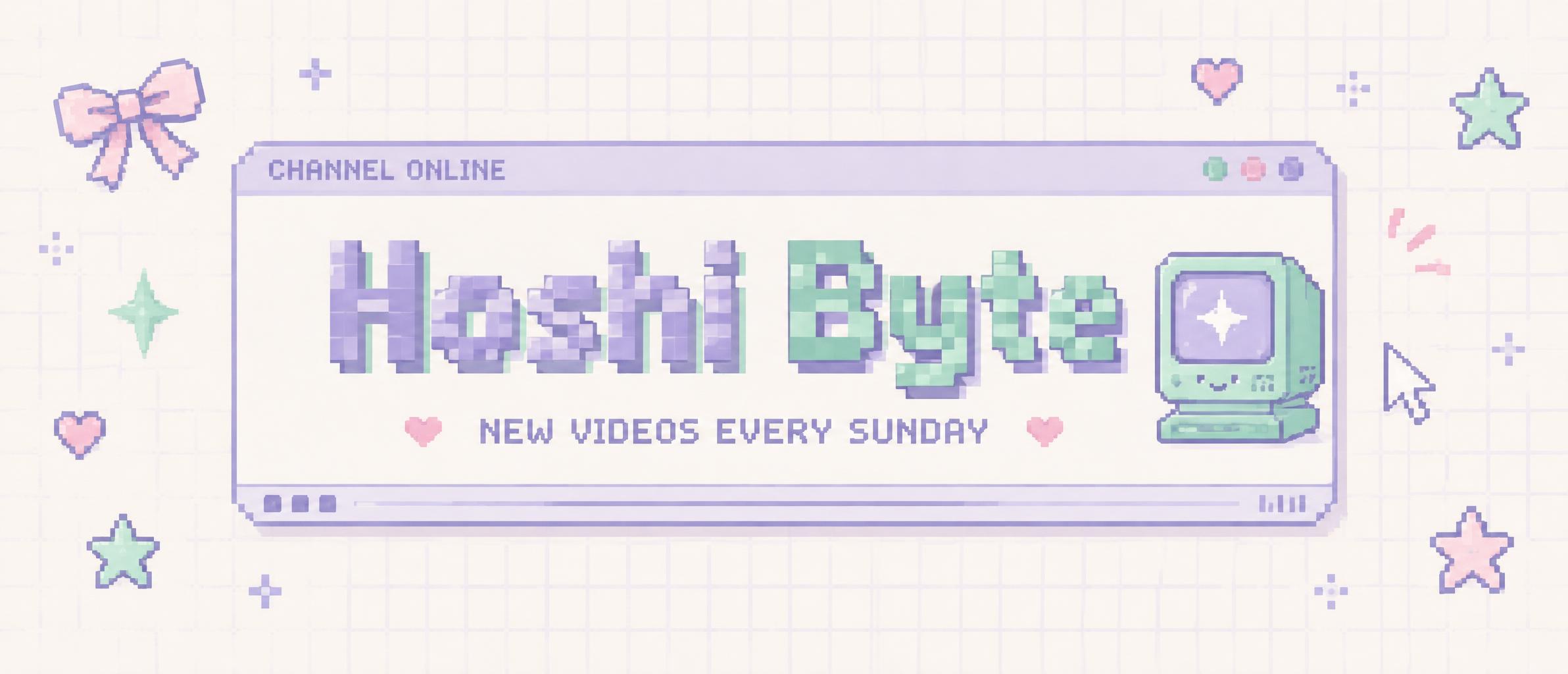
Home›››Hoshi Byte NEW VIDEOS EVERY SUNDAY CHANNEL ONLINE
Hoshi Byte
NEW VIDEOS EVERY SUNDAY
CHANNEL ONLINE - Kawaii (DIY) text effect - create a finished 21:9 youtube channel banner for “hoshi byt
Channel›BannerAesthetics

Hoshi Byte NEW VIDEOS EVERY SUNDAY CHANNEL ONLINE - Kawaii Text Effect
Created 14 hours ago
F
@FontVibe
9072 public designs
›
Style
Kawaii (DIY)
AI font
Pixel Retro
Layout
Desktop Safe Zone
Image Size
2384 × 1024
Made for
Channel designs
→
✦ Remake this design with your text

Uses OpenAI GPT-Image-2.5 Sunburst, the model behind this artwork · 15 credits
49/250
Transparent Effect
✦ Transparent Effect
Generates a PNG with the background removed — only the text and its visual effects remain. The AI automatically selects the optimal background color for clean removal based on your style.
Output is always PNG for lossless transparency.
✦ Kawaii (DIY)
View all Kawaii (DIY) →
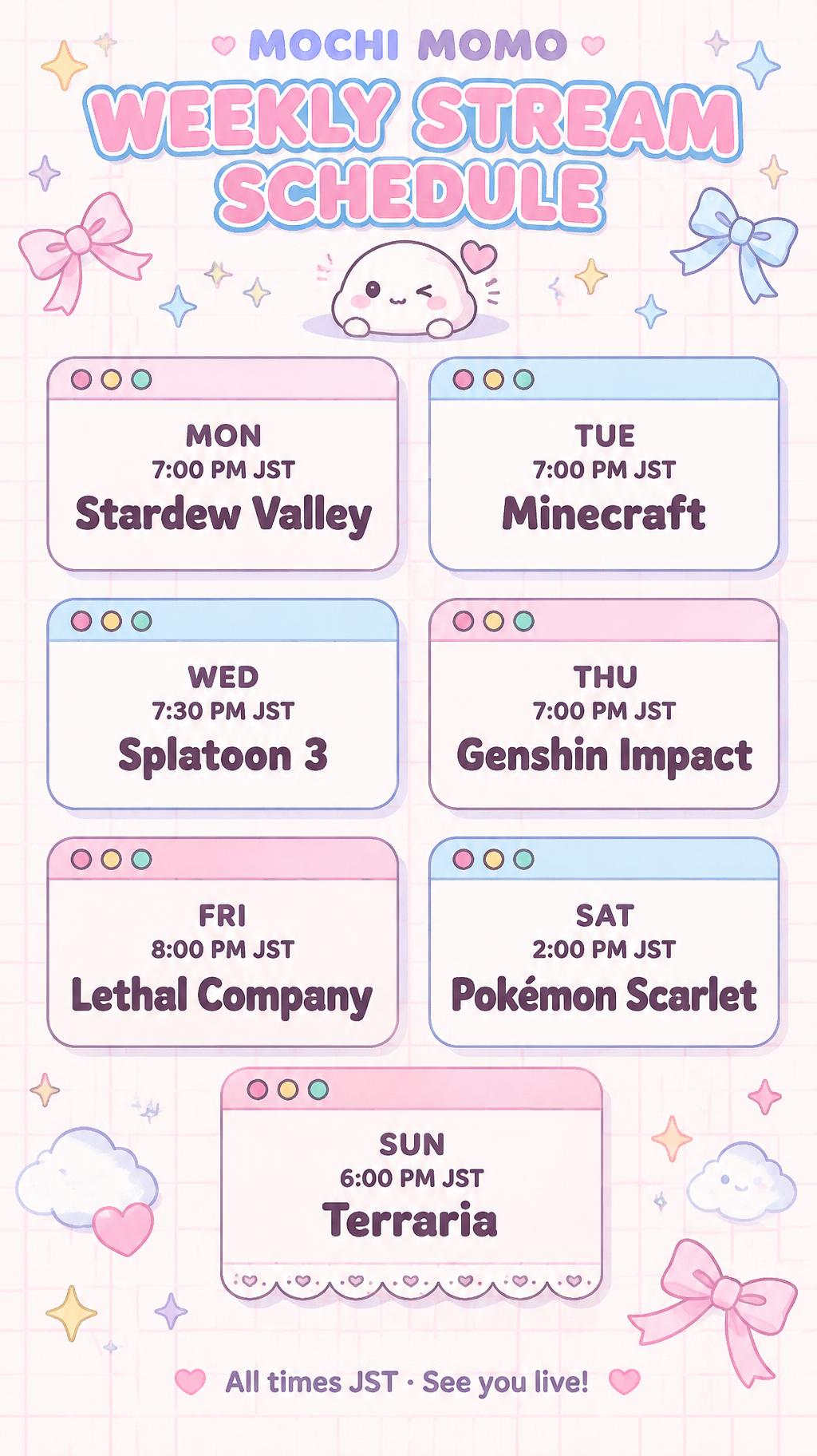
"MOCHI MOMO
WEEKLY STREAM SCHEDULE
MON
7:00 PM JST
Stardew Valley
TUE
7:00 PM JST
Minecraft
WED
7:30 PM JST
Splatoon 3
THU
7:00 PM JST
Genshin Impact
FRI
8:00 PM JST
Lethal Company
SAT
2:00 PM JST
Pokémon Scarlet
SUN
6:00 PM JST
Terraria
All times JST · See you live!" — Kawaii text effect
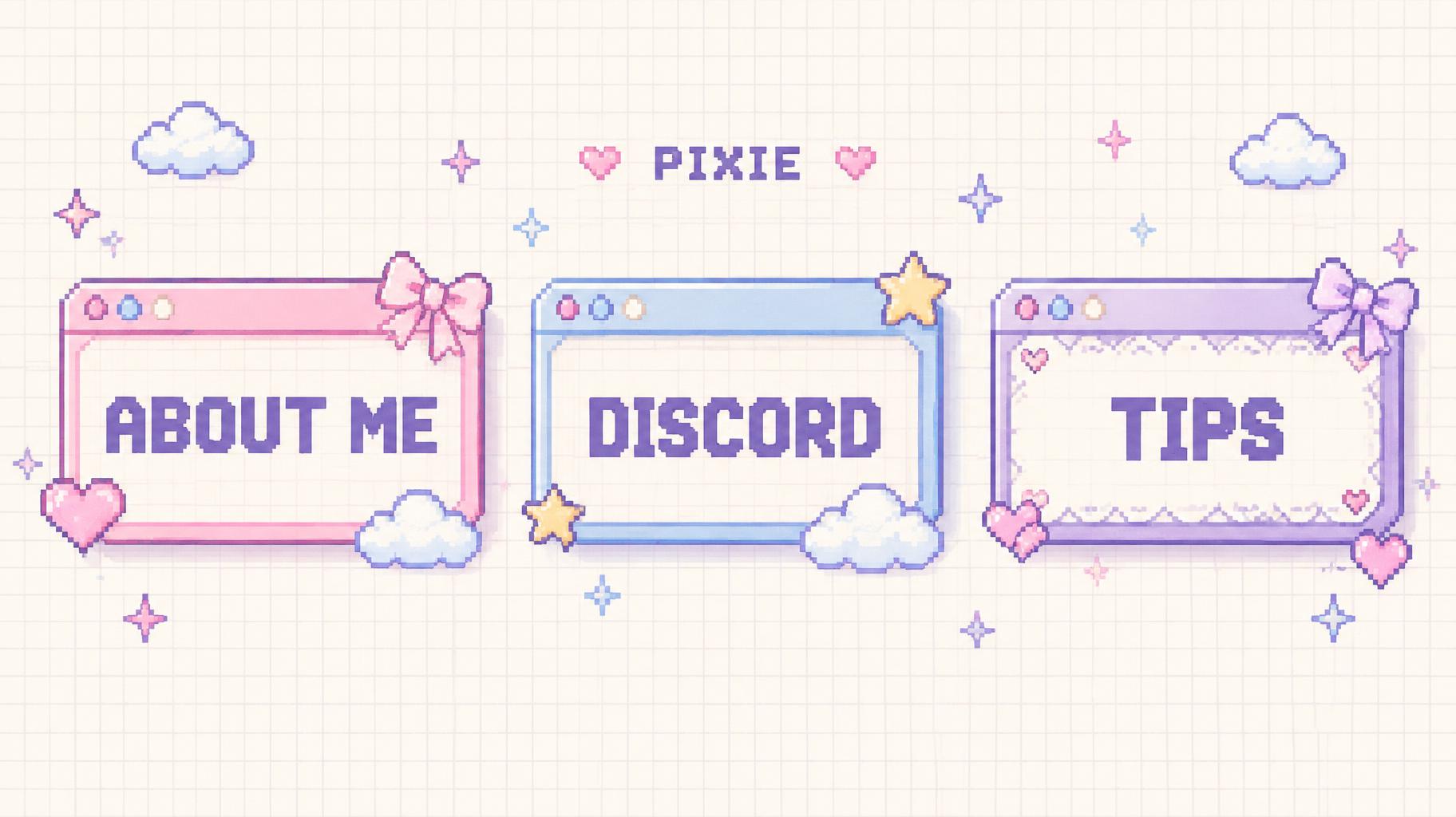
"ABOUT ME
DISCORD
TIPS
PIXIE" — Kawaii text effect
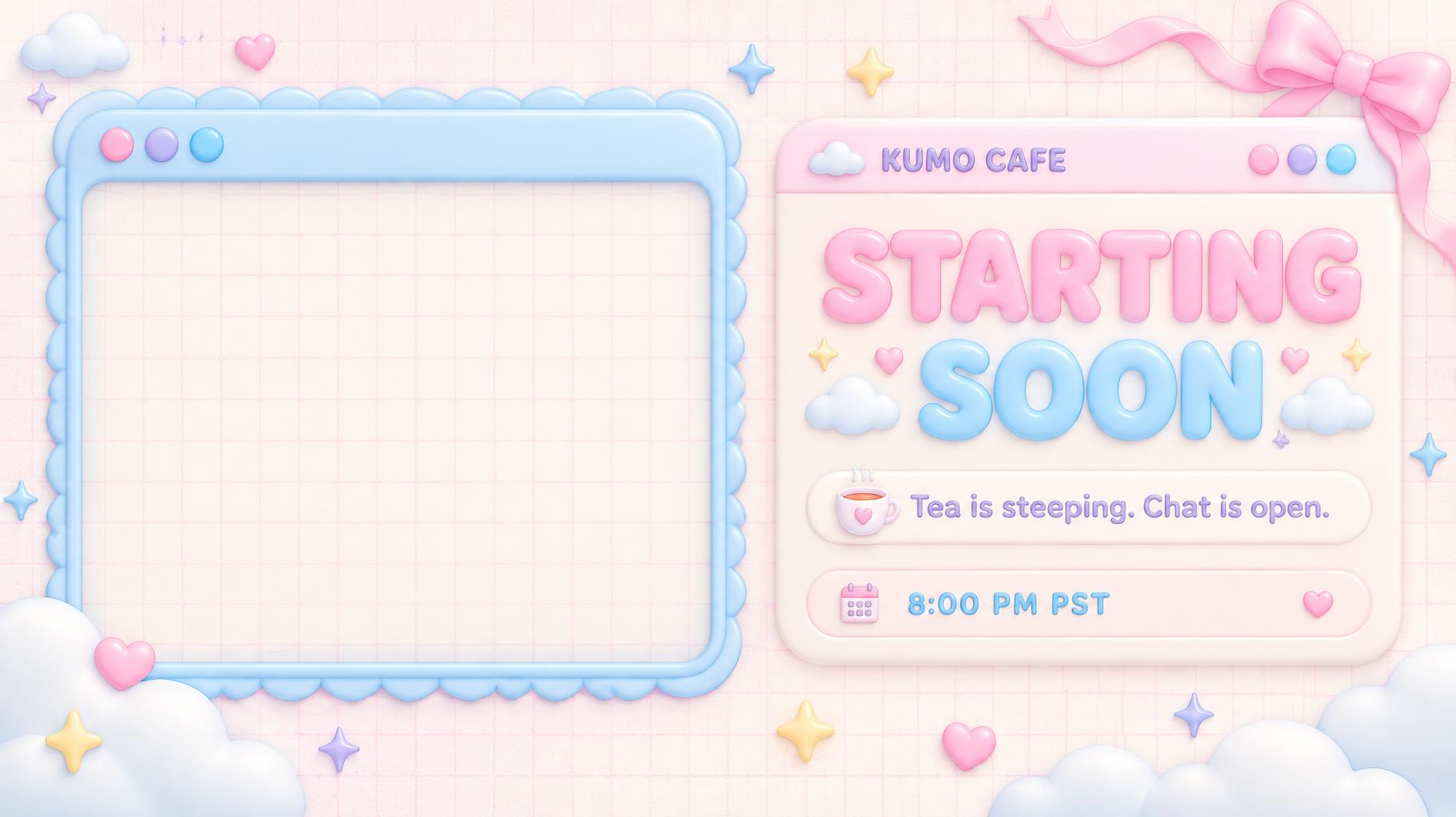
"STARTING SOON
KUMO CAFE
Tea is steeping. Chat is open.
8:00 PM PST" — Kawaii text effect
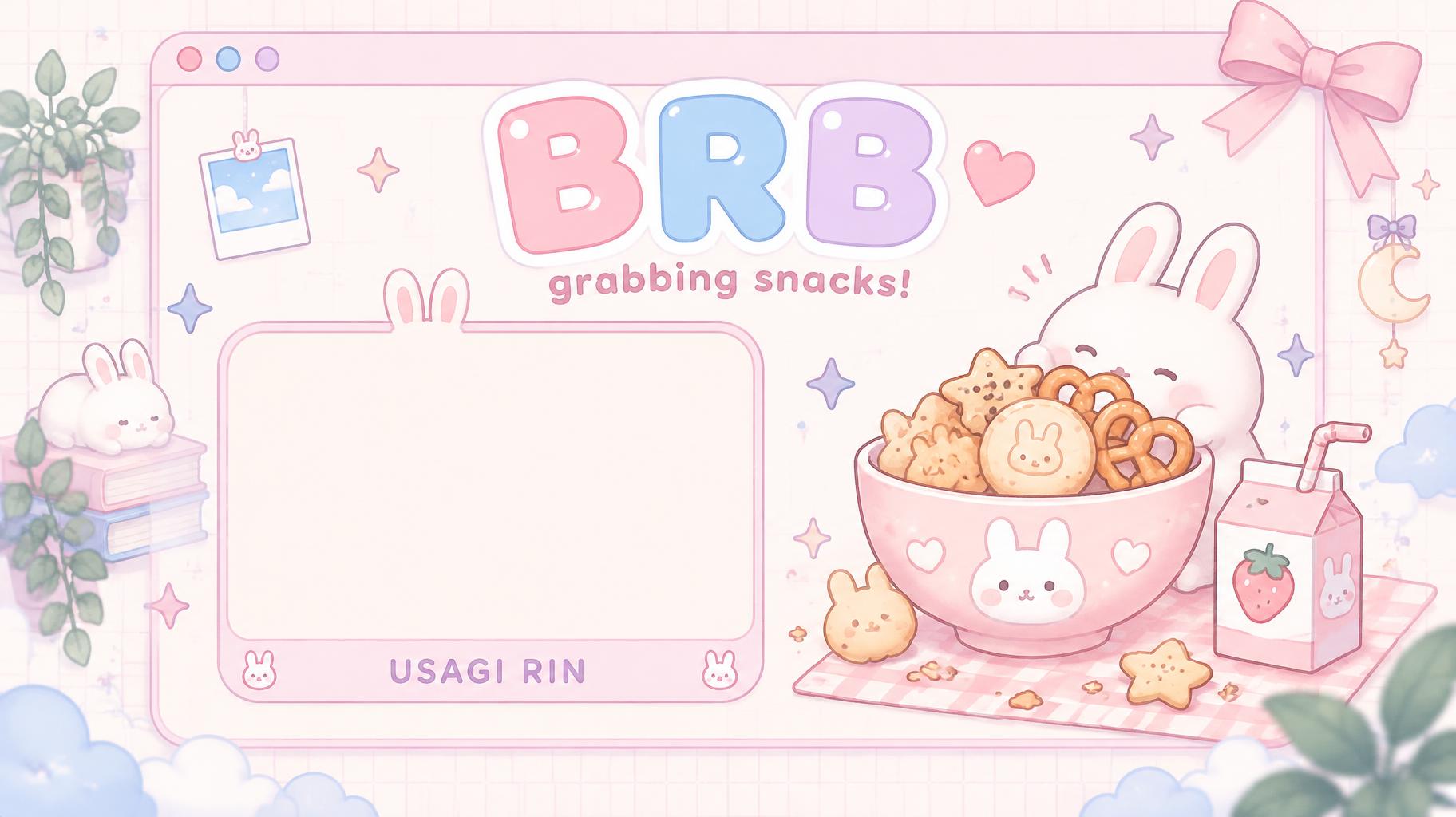
"BRB
grabbing snacks!
USAGI RIN" — Kawaii text effect
"Lumi
VTUBER" — Kawaii text effect
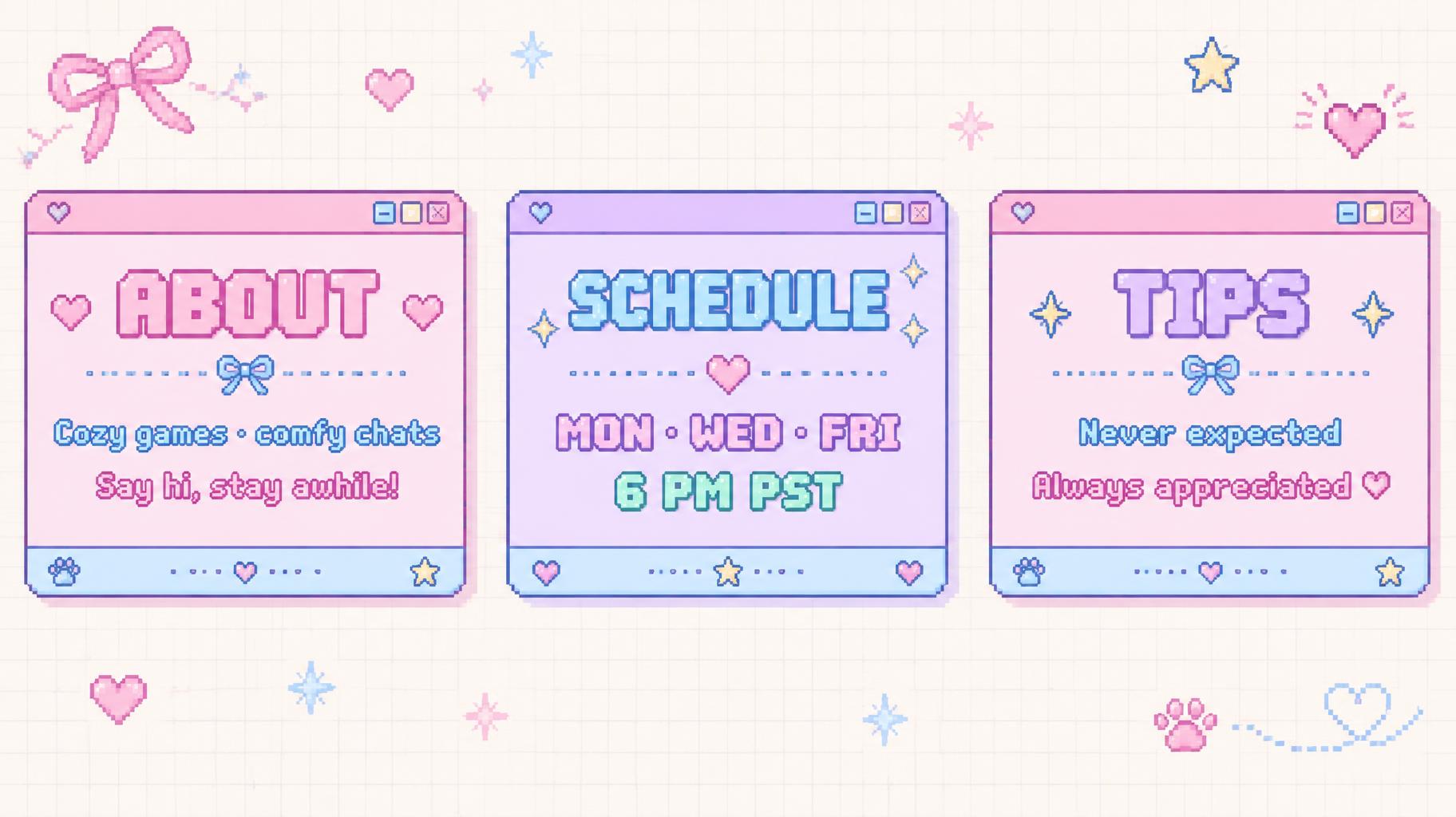
"ABOUT
Cozy games · comfy chats
Say hi, stay awhile!
SCHEDULE
MON · WED · FRI
6 PM PST
TIPS
Never expected
Always appreciated ♡" — Kawaii text effect
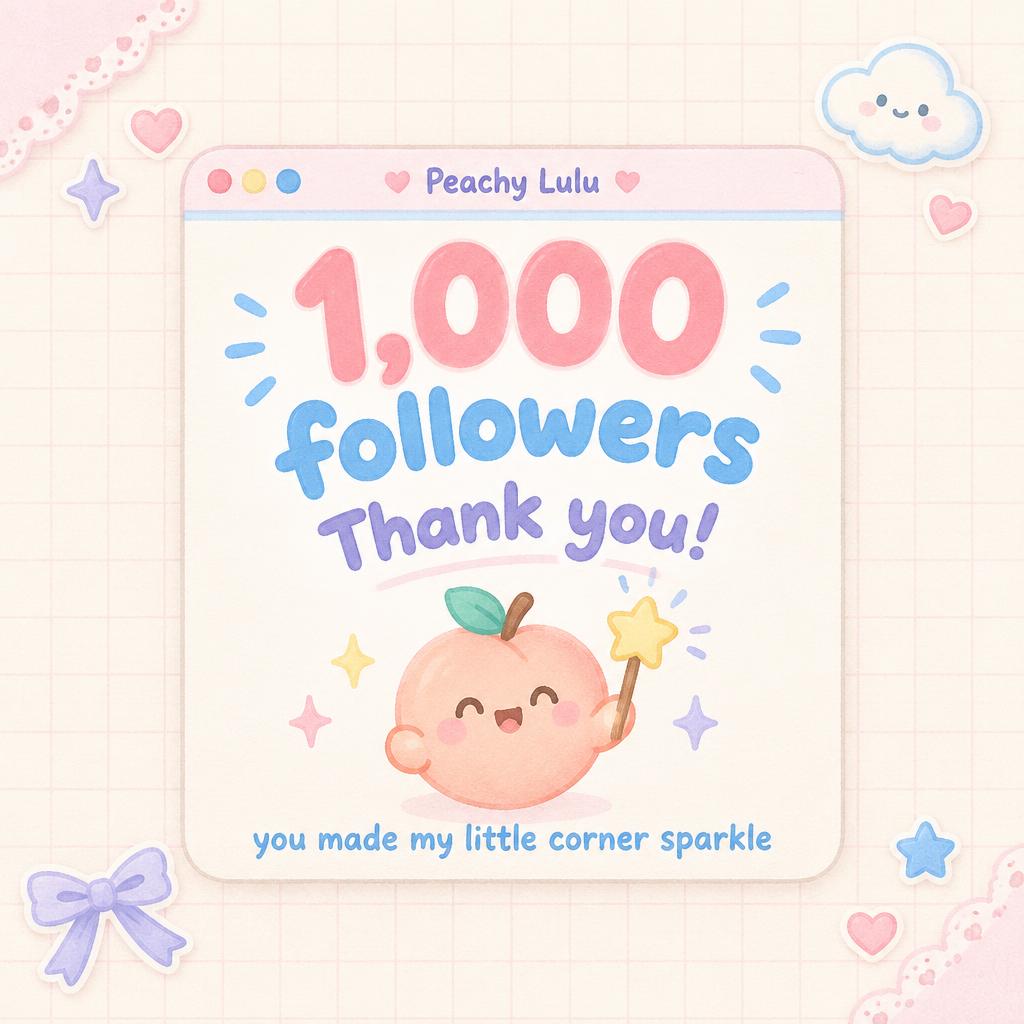
"1,000 followers
Thank you!
you made my little corner sparkle
Peachy Lulu" — Kawaii text effect
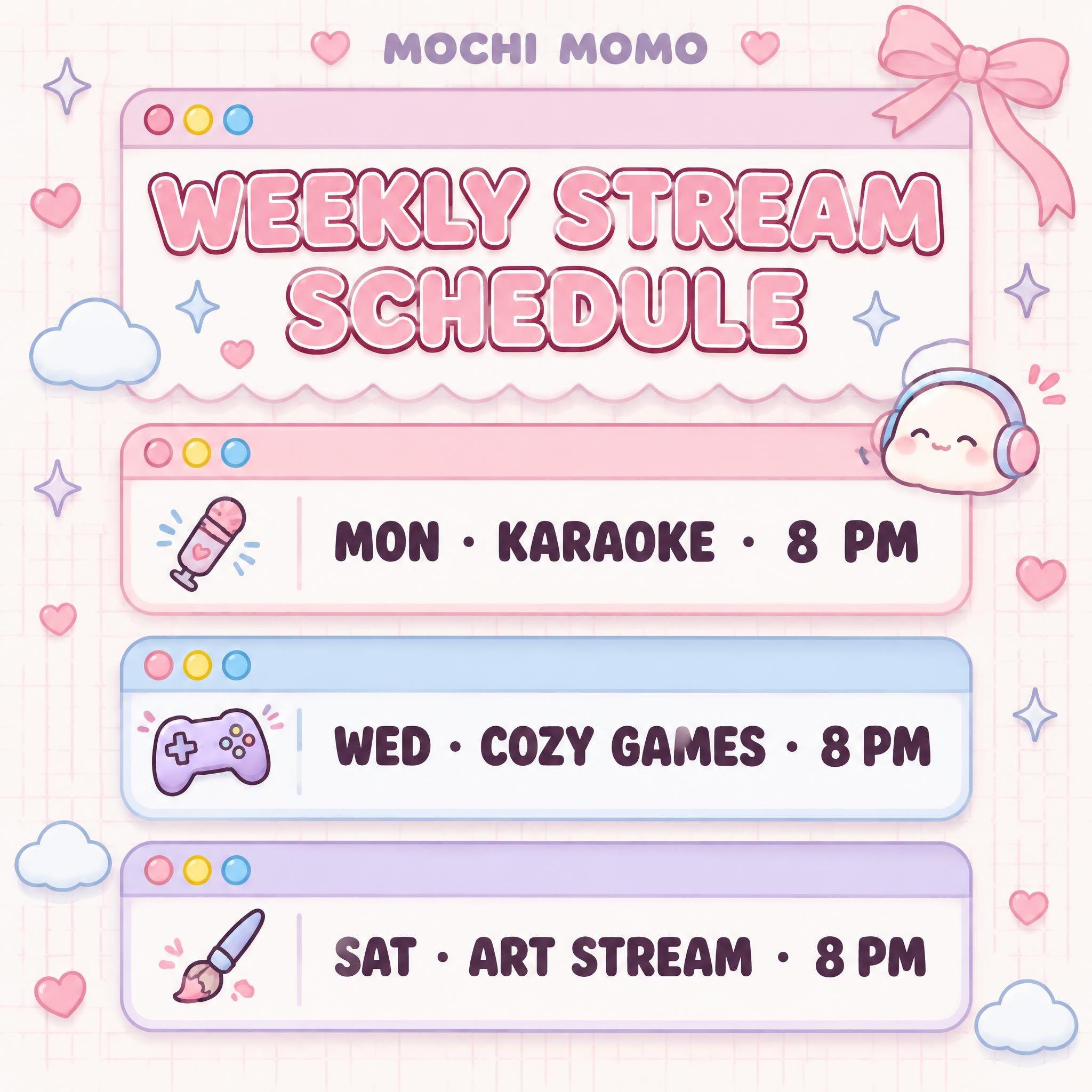
"MOCHI MOMO
WEEKLY STREAM SCHEDULE
MON · KARAOKE · 8 PM
WED · COZY GAMES · 8 PM
SAT · ART STREAM · 8 PM" — Kawaii text effect
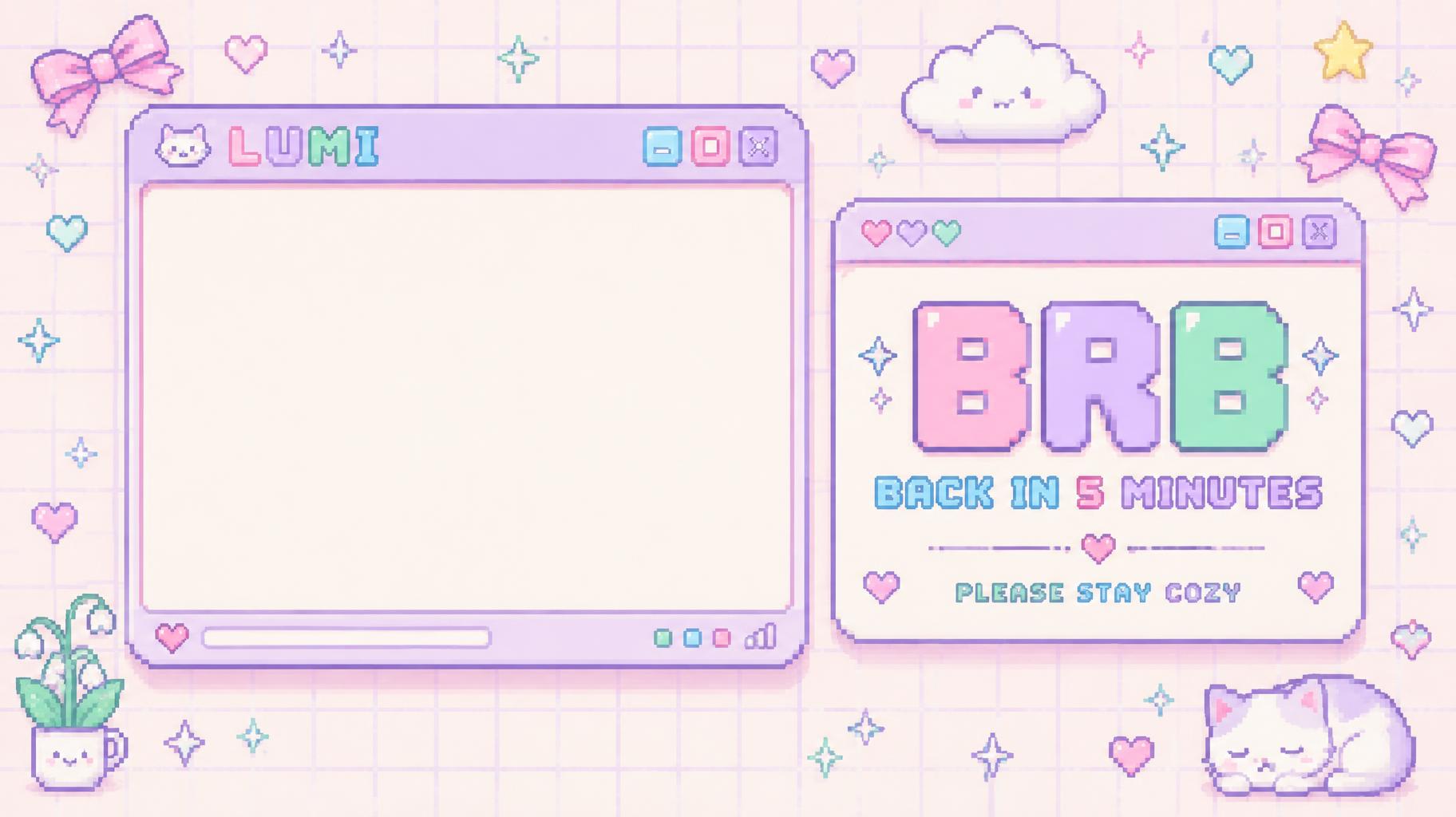
"BRB
BACK IN 5 MINUTES
PLEASE STAY COZY
LUMI" — Kawaii text effect
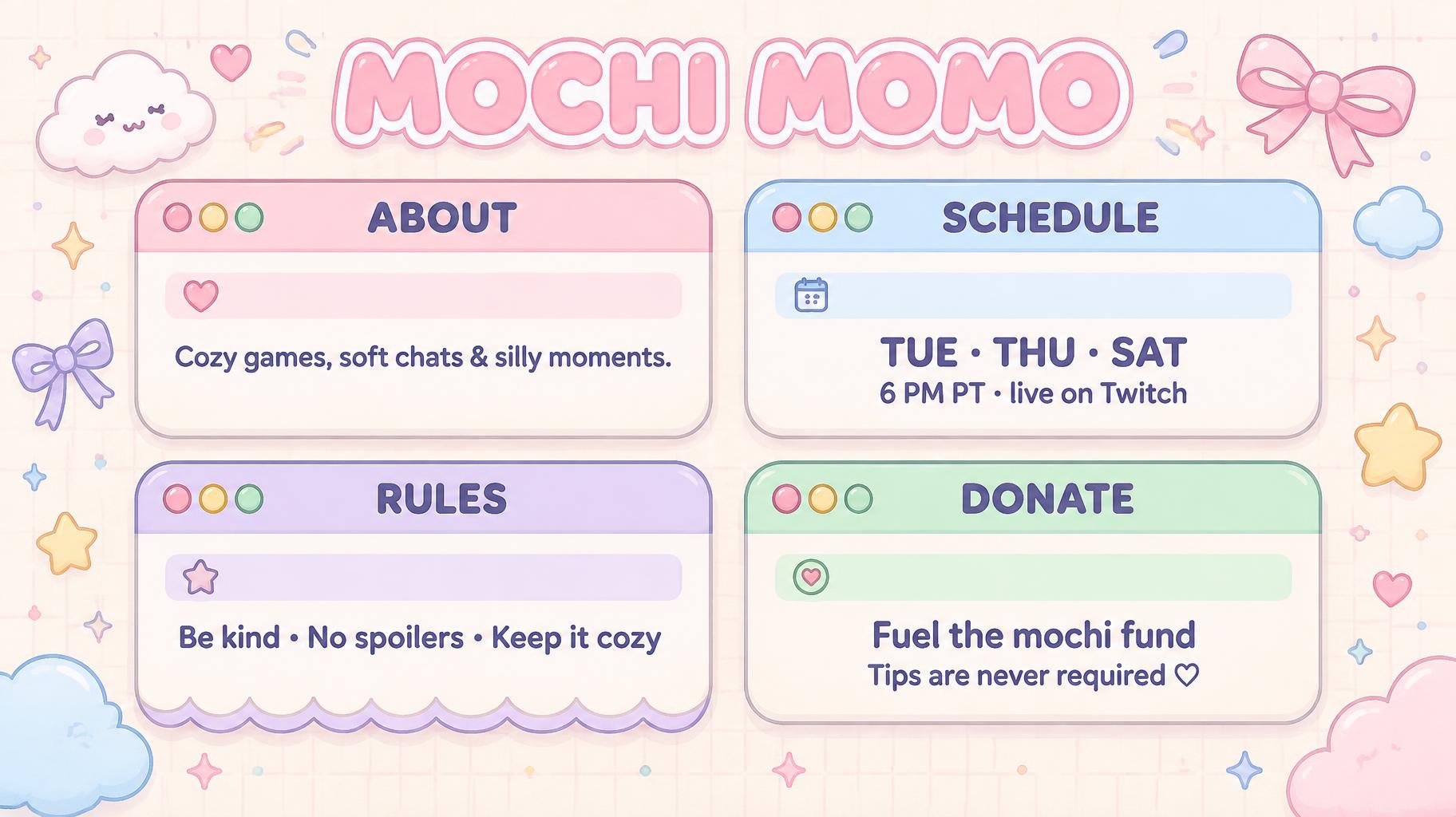
"MOCHI MOMO
ABOUT
Cozy games, soft chats & silly moments.
SCHEDULE
TUE · THU · SAT
6 PM PT · live on Twitch
RULES
Be kind • No spoilers • Keep it cozy
DONATE
Fuel the mochi fund
Tips are never required ♡" — Kawaii text effect
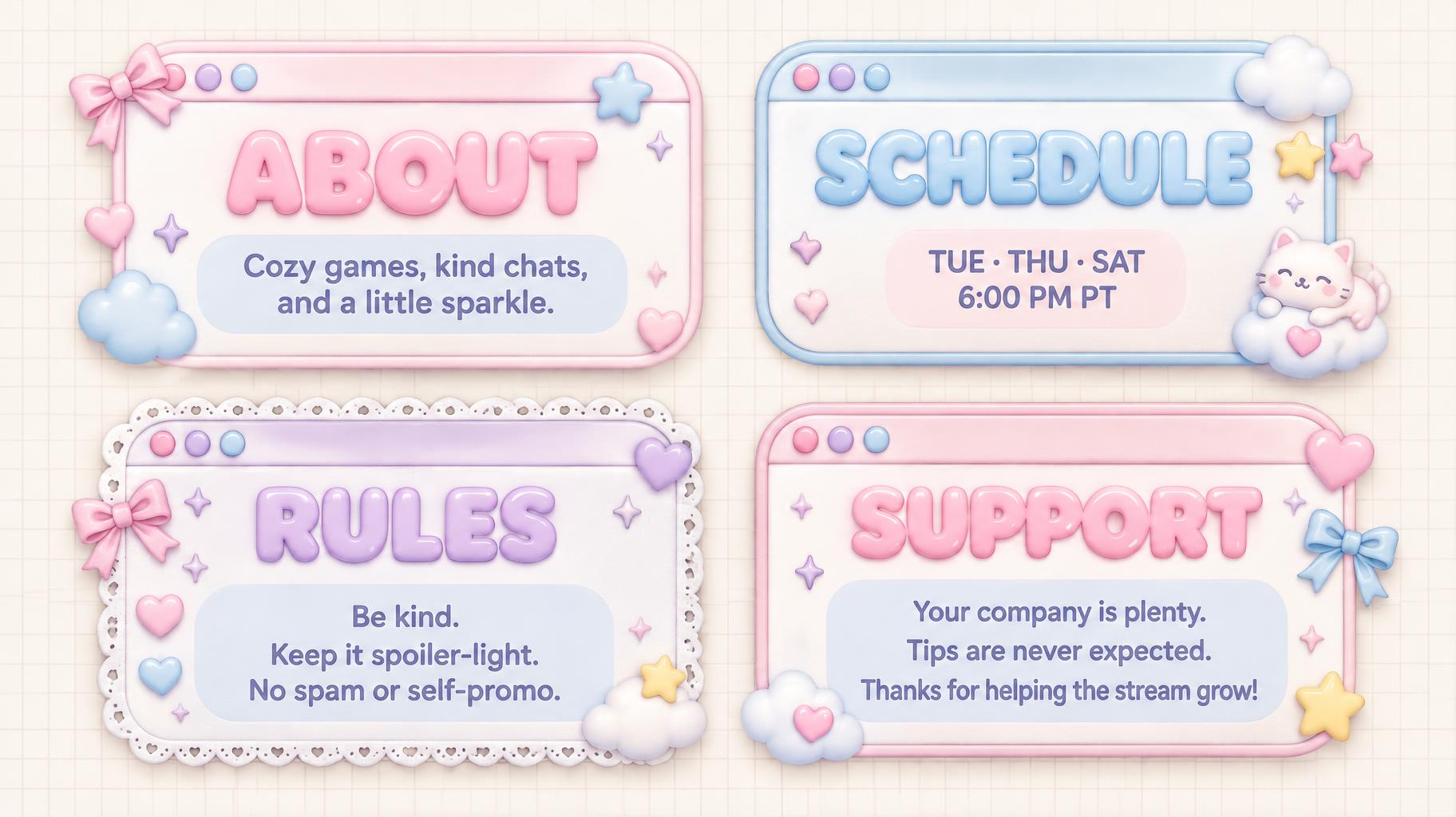
"ABOUT
Cozy games, kind chats, and a little sparkle.
SCHEDULE
TUE · THU · SAT
6:00 PM PT
RULES
Be kind.
Keep it spoiler-light.
No spam or self-promo.
SUPPORT
Your company is plenty.
Tips are never expected.
Thanks for helping the stream grow!" — Kawaii text effect
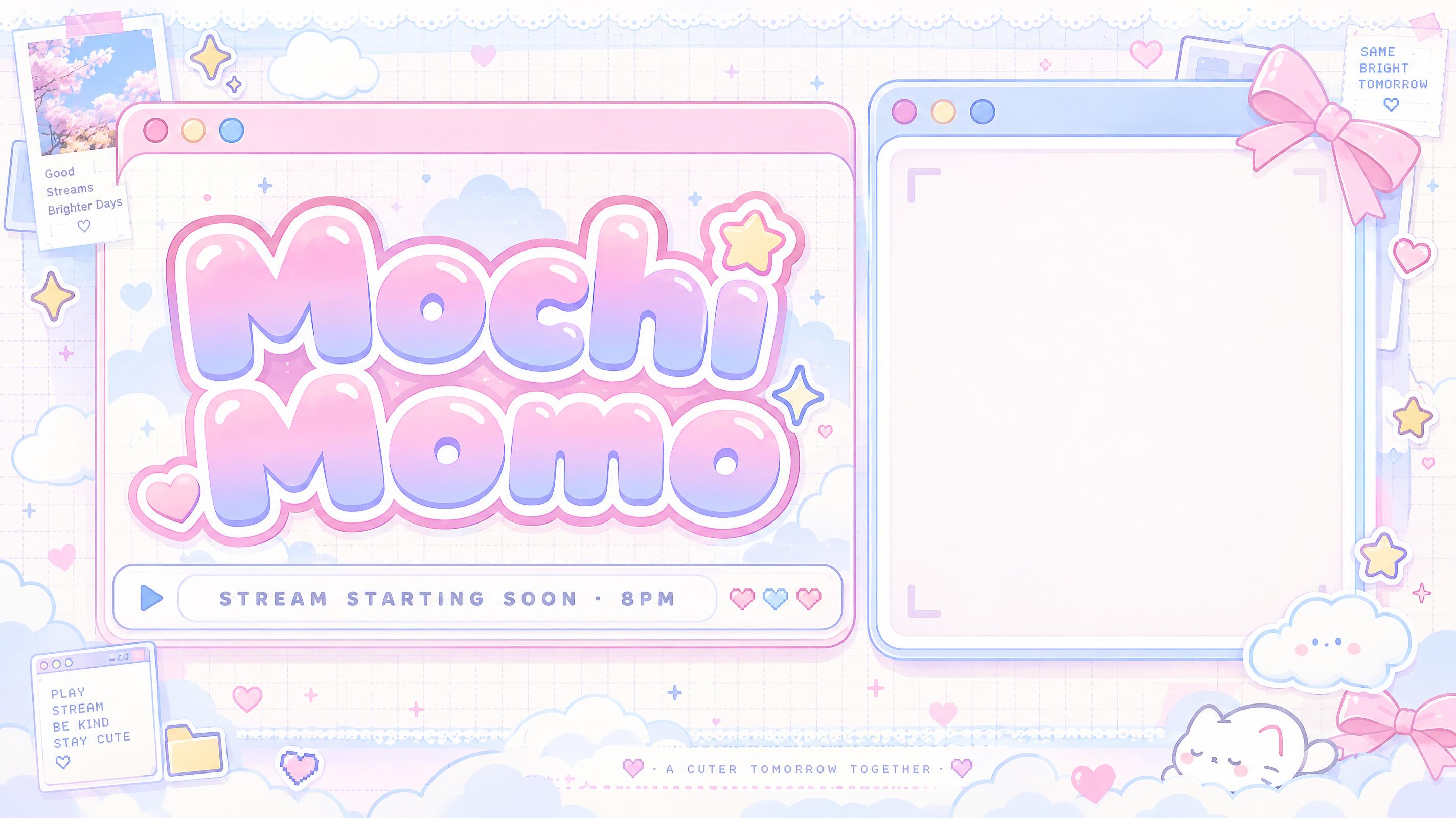
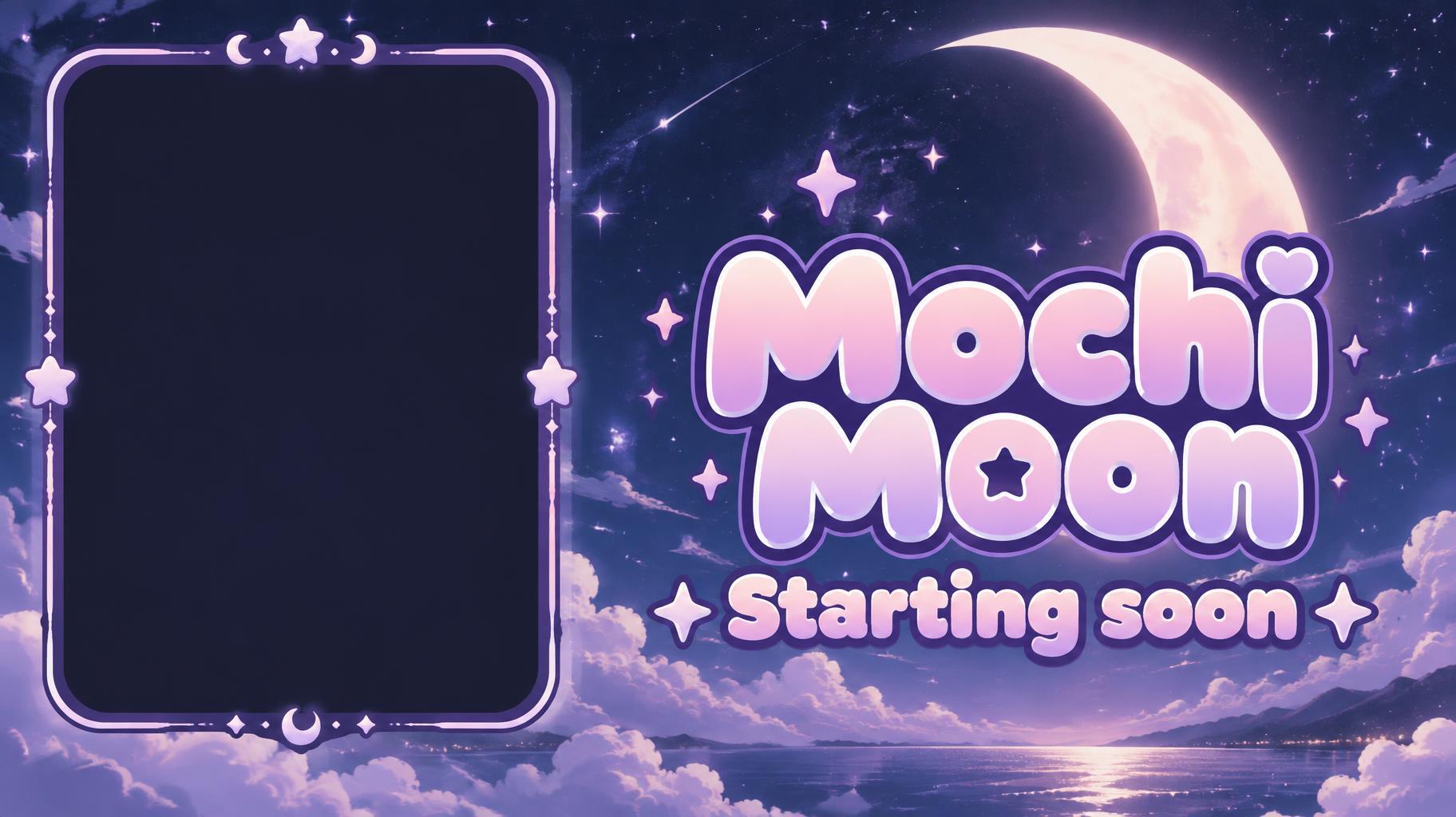
"Mochi Momo
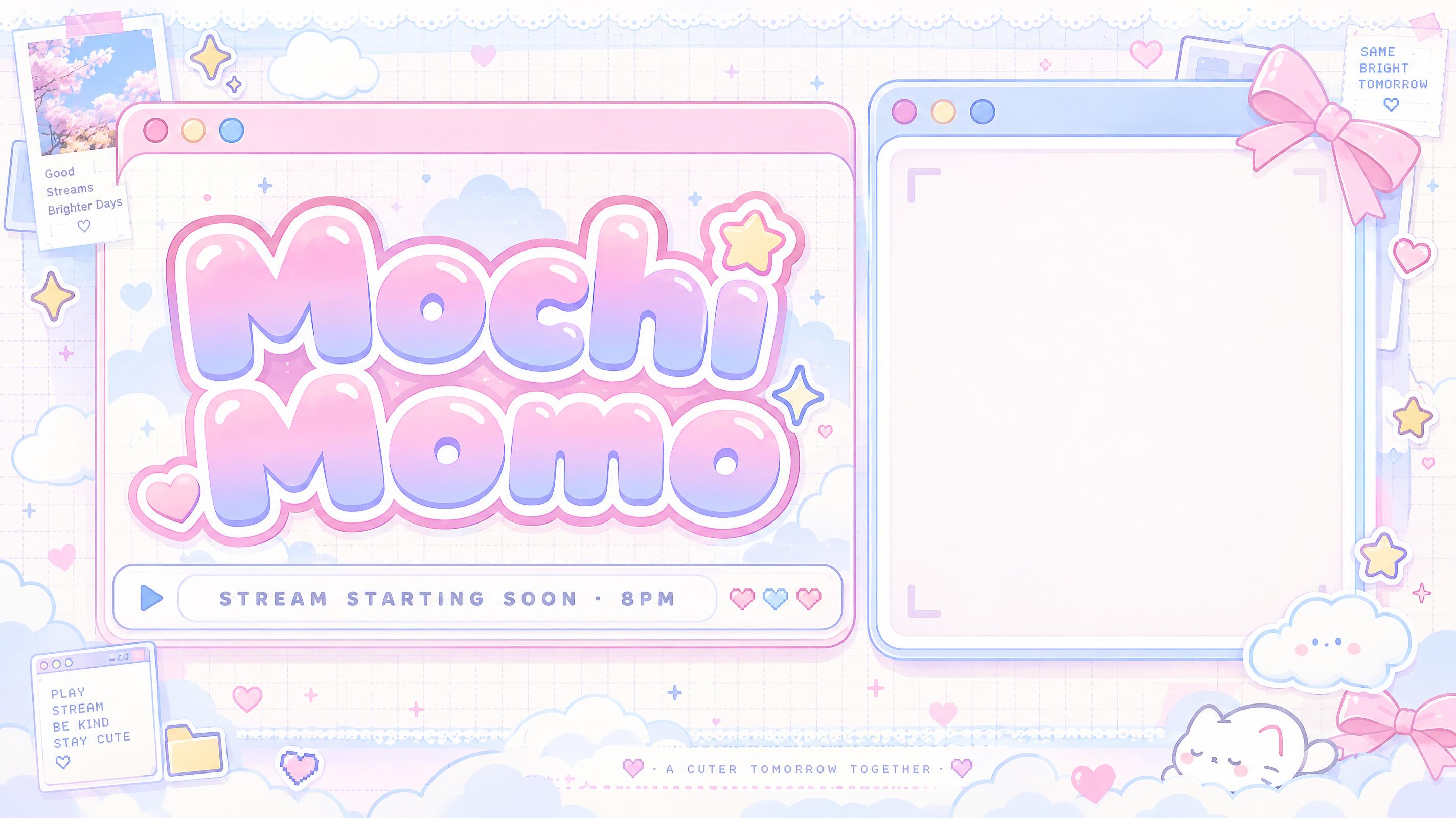
STREAM STARTING SOON · 8PM" — Kawaii text effect
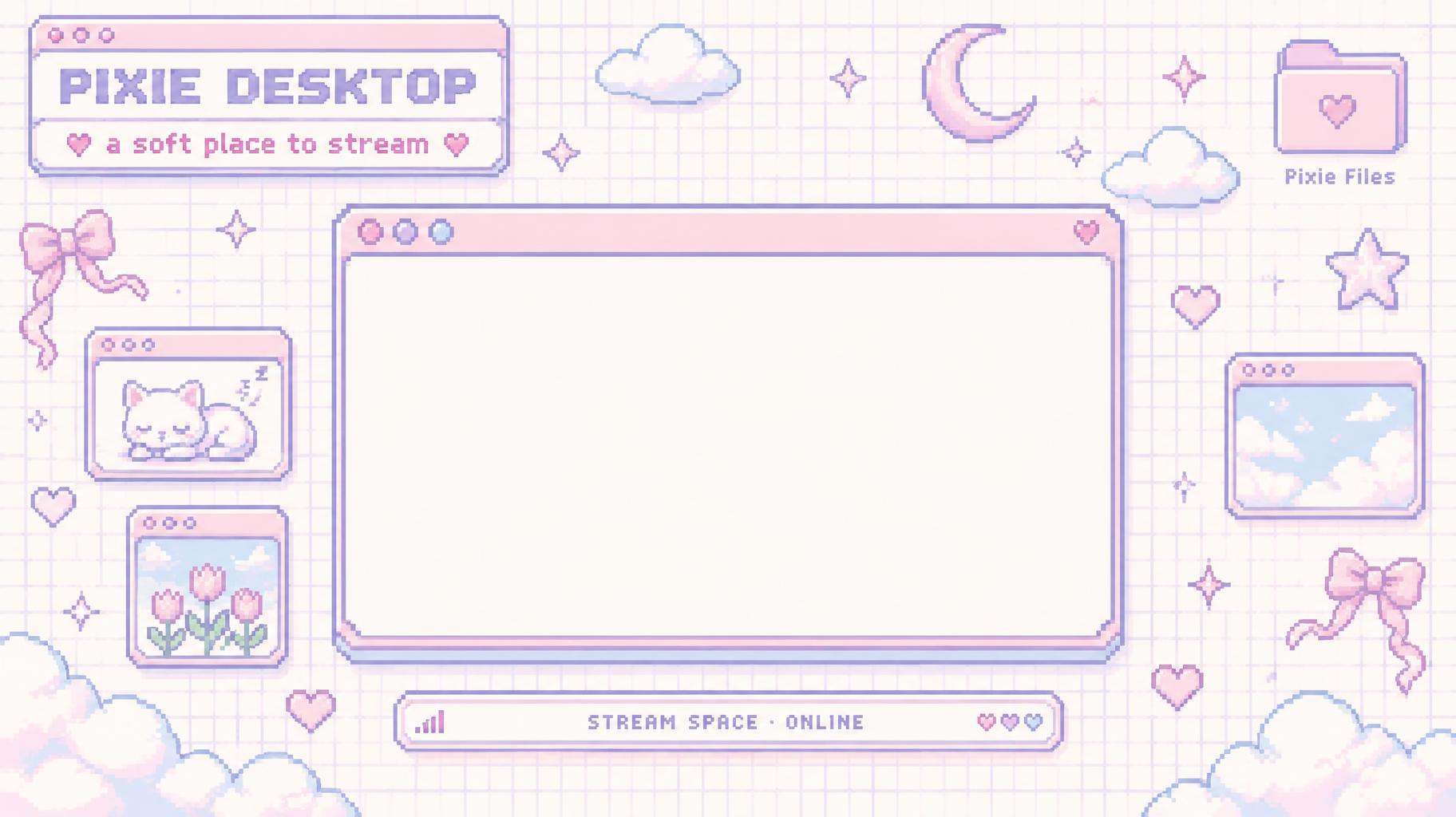
"PIXIE DESKTOP
a soft place to stream
Pixie Files
STREAM SPACE · ONLINE" — Kawaii text effect
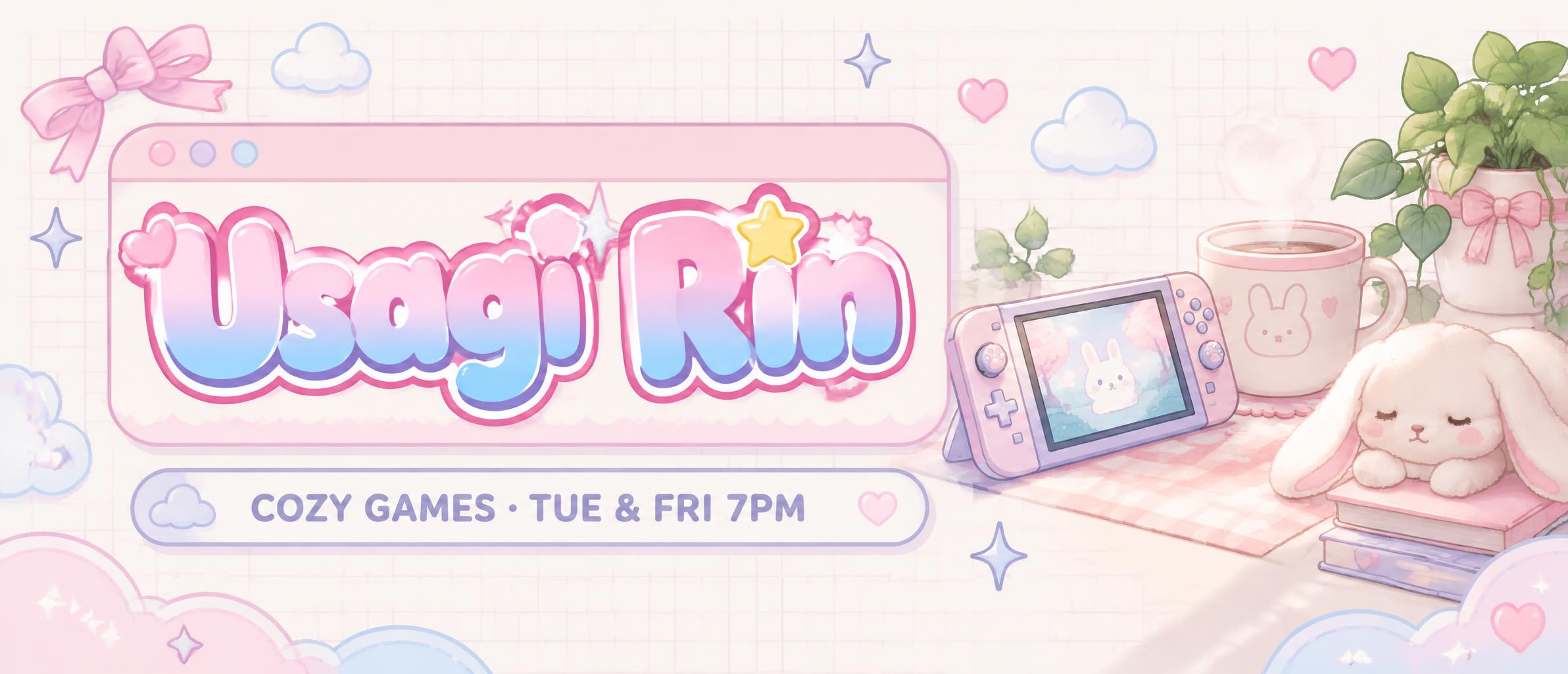
"Usagi Rin
COZY GAMES · TUE & FRI 7PM" — Kawaii text effect
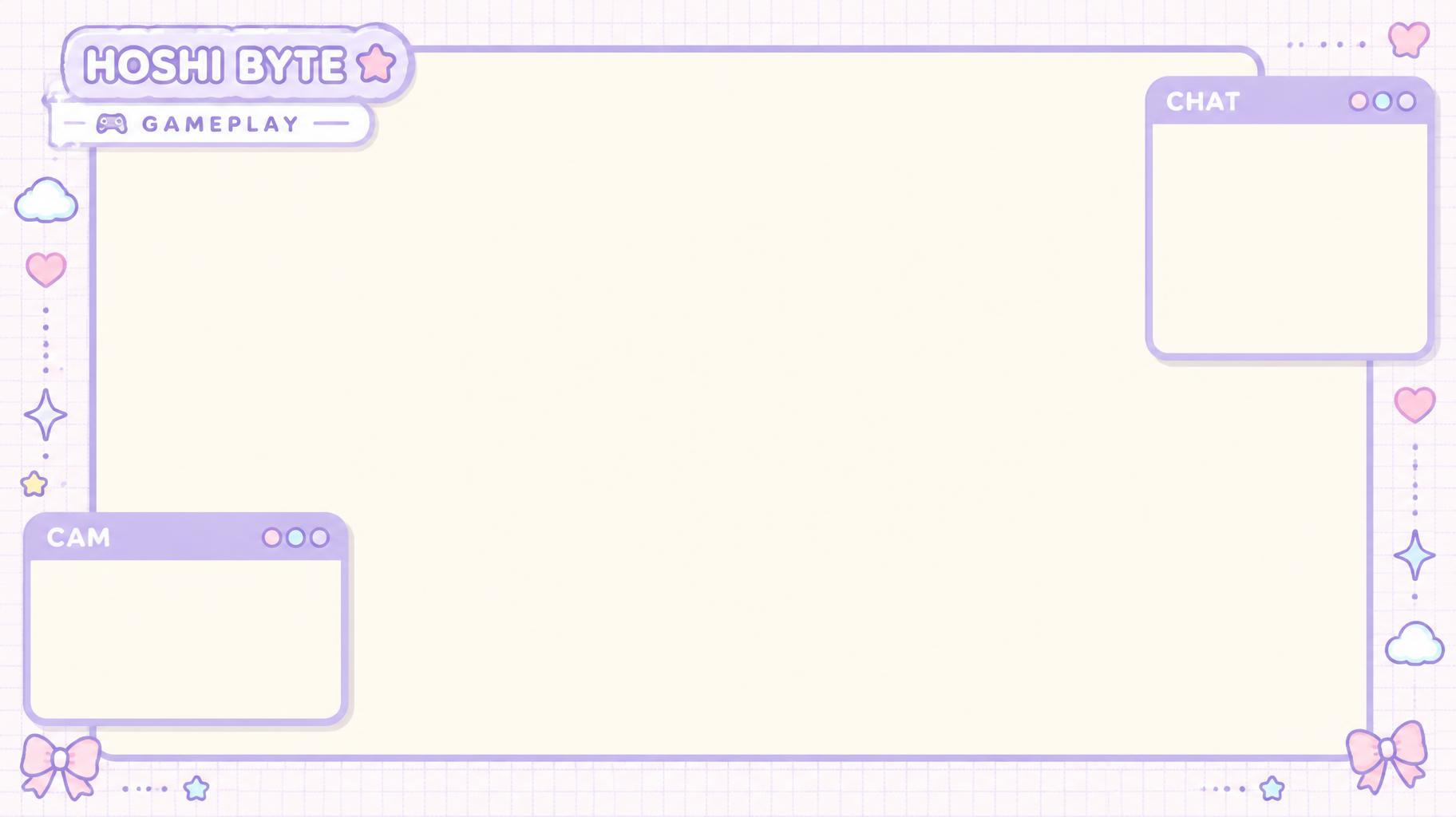
"HOSHI BYTE
GAMEPLAY
CHAT
CAM" — Kawaii text effect
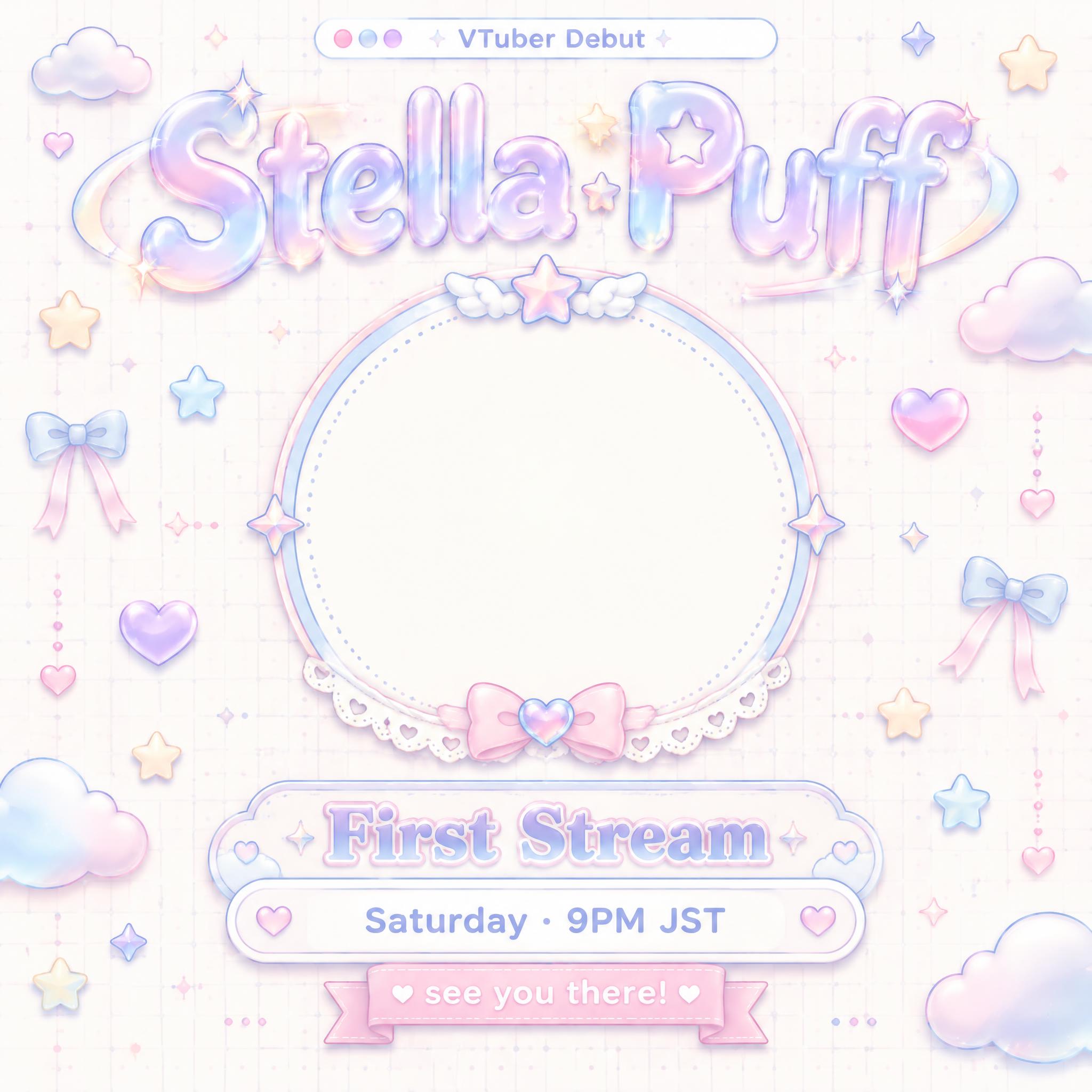
"VTuber Debut
Stella Puff
First Stream
Saturday · 9PM JST
see you there!" — Kawaii text effect
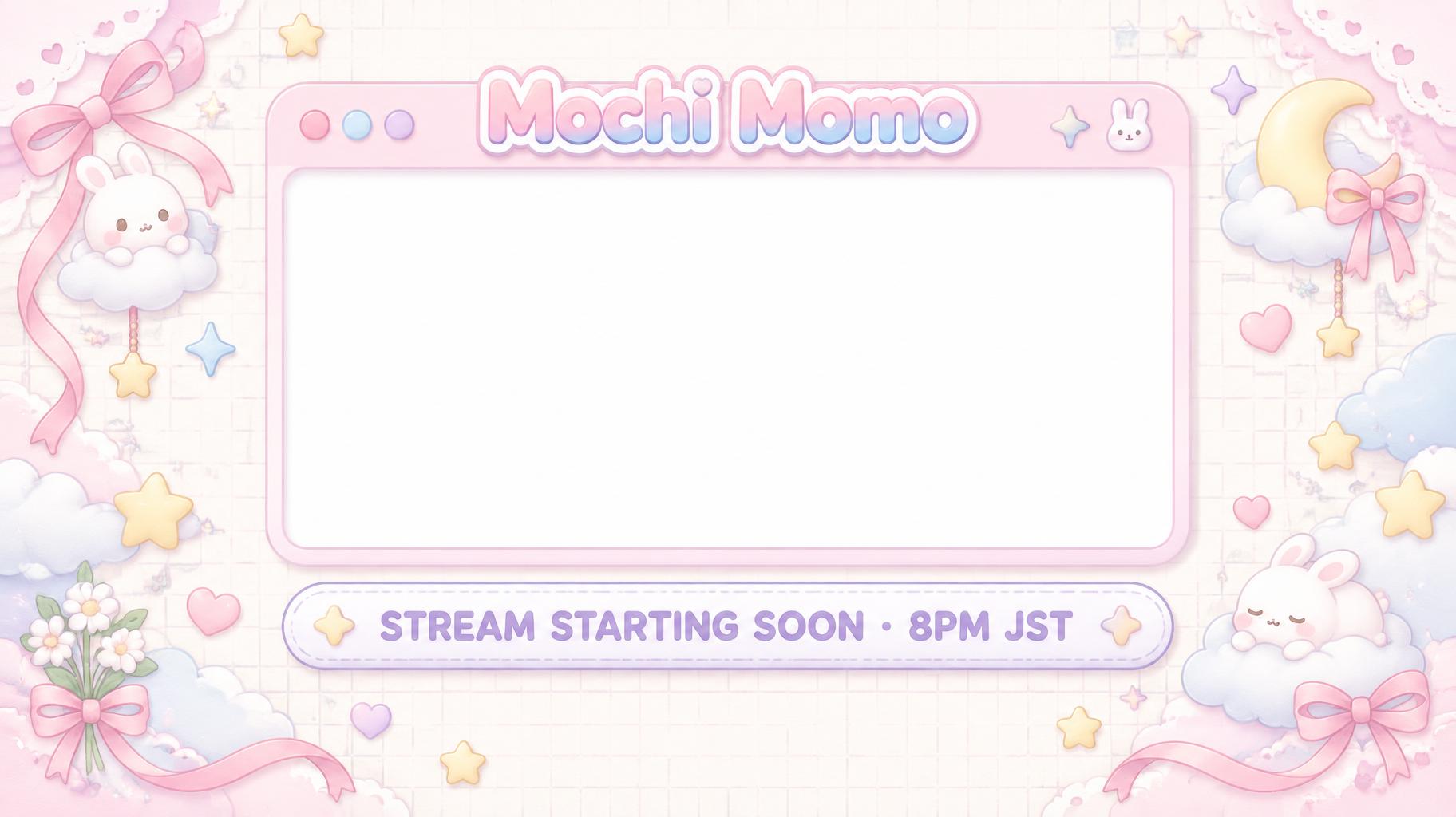
"Mochi Momo
STREAM STARTING SOON · 8PM JST" — Kawaii text effect
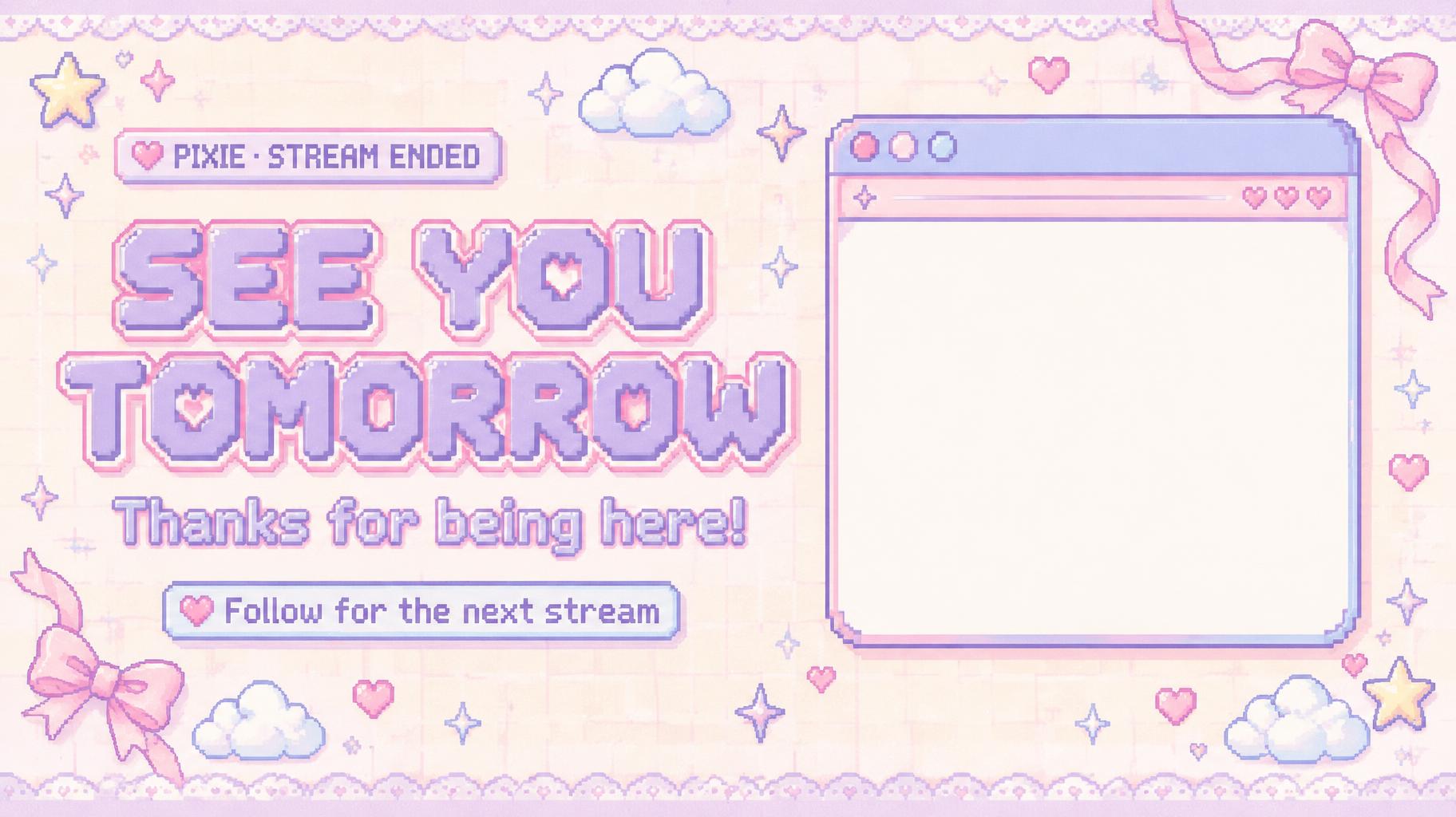
"SEE YOU TOMORROW
Thanks for being here!
Follow for the next stream
PIXIE · STREAM ENDED" — Kawaii text effect
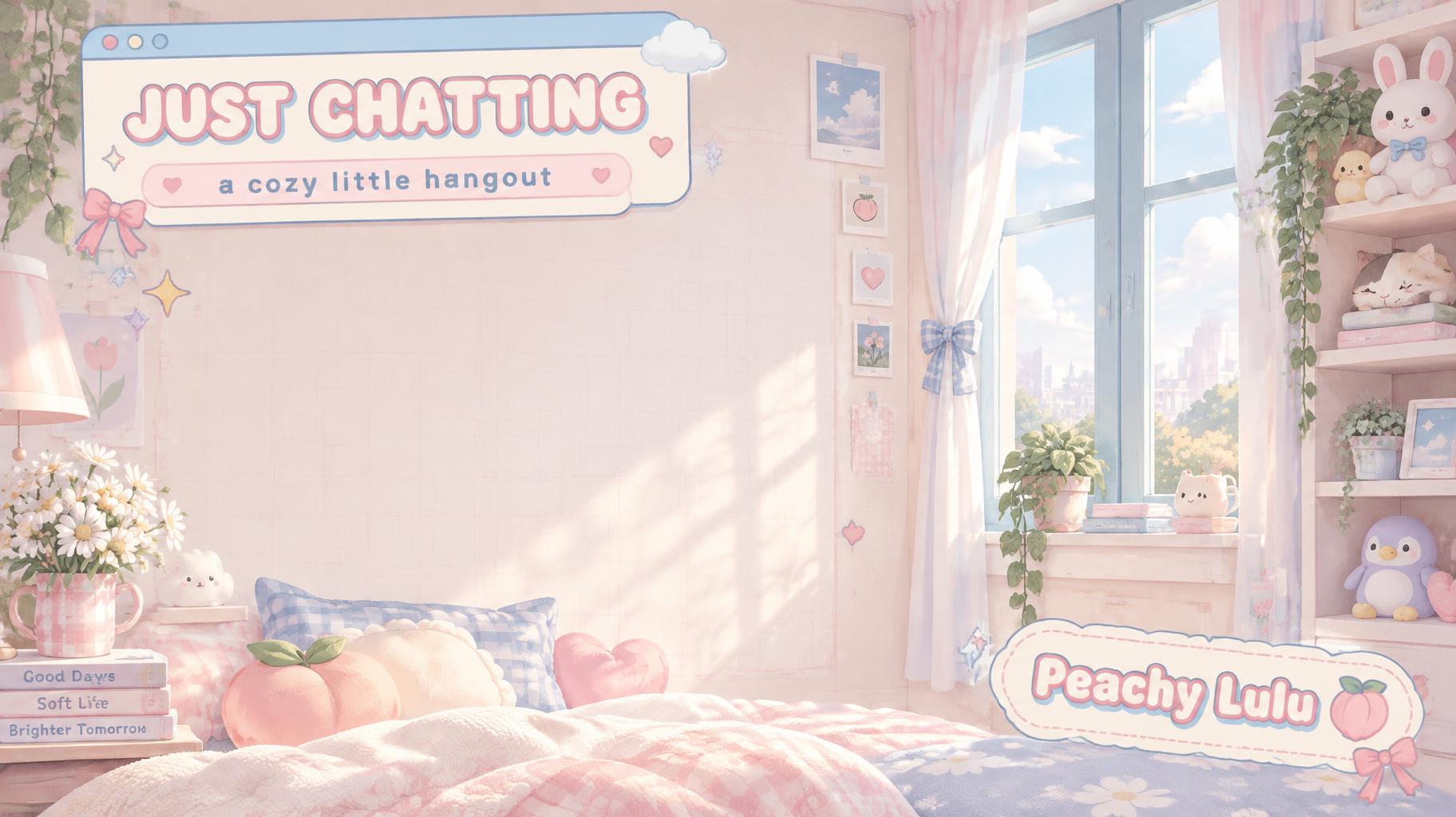
"JUST CHATTING
a cozy little hangout
Peachy Lulu" — Kawaii text effect
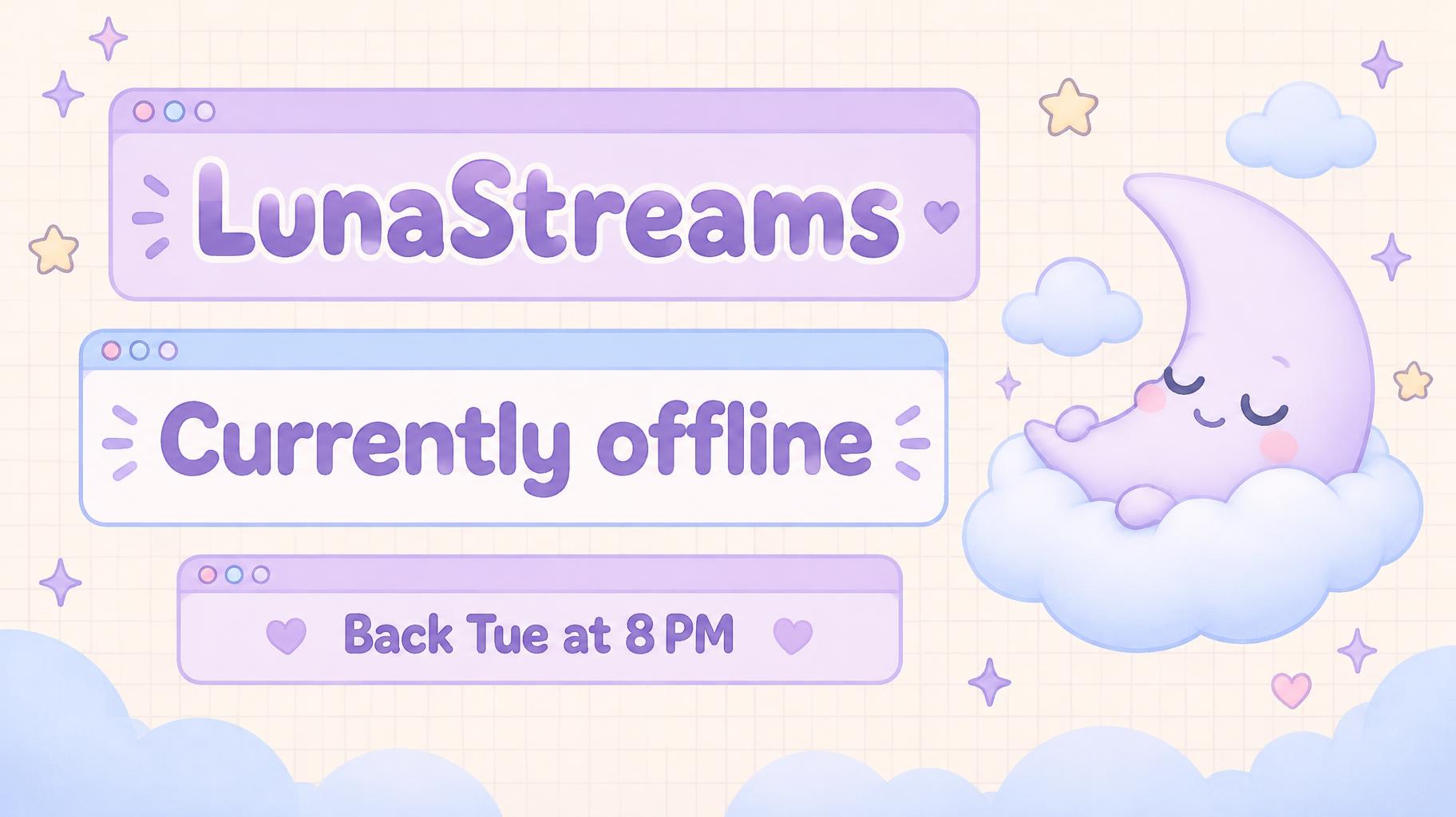
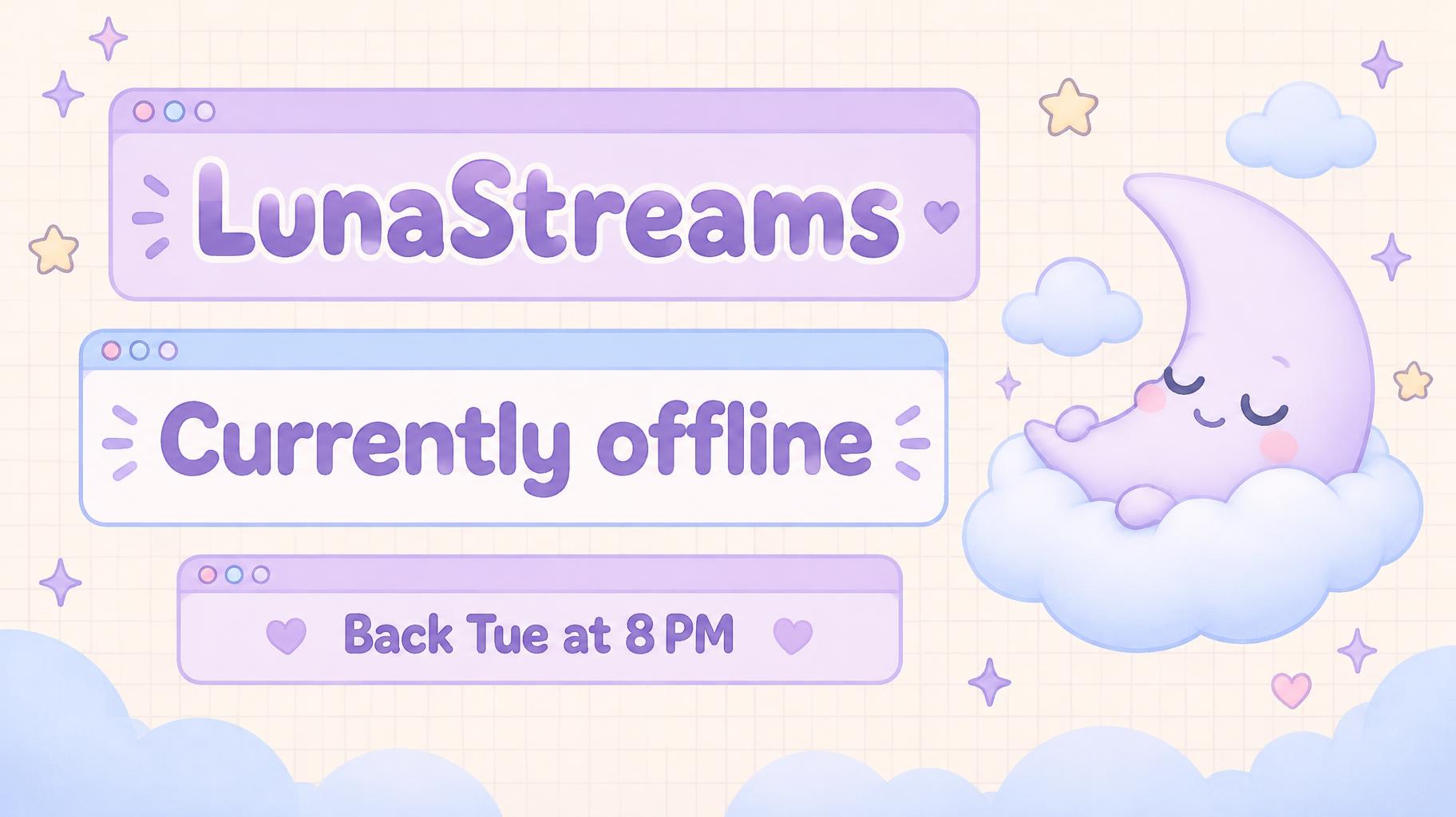
"LunaStreams
Currently offline
Back Tue at 8 PM" — Kawaii text effect
About this artwork

"Hoshi Byte" is a Y2K pixel channel banner in lilac and mint pixel letters. The name fills a pixel desktop window with a tiny retro computer icon and a cursor, the tagline promises new videos every Sunday, and pixel bows, hearts and stars sit around it.

Creative prompt

Create a finished 21:9 YouTube channel banner for “Hoshi Byte”. Keep all important text inside the central safe area for banner cropping. Use a bright Y2K pixel desktop interface: pale cream-white background with a faint lilac grid and fine paper grain; lilac and mint are the main colors, with small baby-pink accents. Soft even daylight, gentle highlight bloom, and soft shadows only. Composition: a large rounded computer-window panel spans the central area, with pixel-stepped corners, a slim lilac title bar, three small mint, pink, and lilac dot buttons, and a slim info bar along its bottom. Set the exact eyebrow copy “CHANNEL ONLINE” in the title bar. Inside the window, place the dominant headline “Hoshi Byte” in bold, wide, unmistakable 1980s arcade-marquee pixel lettering. Construct every glyph from uniform grid-aligned square blocks with visible one-pixel gaps; use angular pixel staircases for diagonals and curves, strong two-pixel strokes, and hard color boundaries without anti-aliasing. Lilac and mint block colors alternate across the headline with a subtle pixel-offset shadow. Directly below the headline, set the exact supporting line “NEW VIDEOS EVERY SUNDAY” in smaller, highly legible pixel lettering. Make the words sharp and correctly spelled; add no other text. On the right side of the window, place a small pixel-art desktop mascot: a rounded mint computer with a lilac screen showing a simple four-point star, plus a tiny cursor arrow. Scatter a few small pixel hearts, four-point sparkles, stars, and one ribbon bow near the outer edges, leaving generous open space around the text. Bright cream background, pastel UI colors, crisp pixel geometry, clean hierarchy, polished 2D graphic finish. No photorealism, no dark background, no neon saturation, no extra lettering, no logos or watermarks.

Tags

Use for
SceneChannel›Made asBanner
Visuals
LookY2K›Retro internet›Kawaii›MoodCute›Nostalgic›EffectFlat›LetteringPixel›LetterformsChunky›LayoutStacked›ColorsPastel›Purple›Green›ElementsBow›Heart›Sparkle›Star›Window›Text typeHeadline + details›LanguageEnglish›

Generated on October 8, 2026 · 2384 × 1024 · JPEG · OpenAI GPT-Image-2.5 Sunburst · Layout: Desktop Safe Zone · Shared by the creator · Free for commercial use (CC BY 4.0)

Where this design fits

Channel designs→
Channel designsChannel designs320 designs
✦ Explore AI Text Effect Styles

Browse AI Text Effect Styles

View all styles →
Viking
Explore style →
Viking871 images
MetallicCarvedAggressiveRugged
Movie & Film
Explore style →
Movie & Film8.3K images
EpicDramaticCinematicGold
Cyberpunk
Explore style →
Cyberpunk750 images
NeonCyberpunkDarkGlitch
Netflix & Streaming
Explore style →
Netflix & Streaming1.7K images
ModernDarkCinematicGlow
Neon Glow
Explore style →
Neon Glow1.5K images
GlowDreamyNeonTubular
3D Bold
Explore style →
3D Bold1.3K images
3DStrikingHeavyChunky
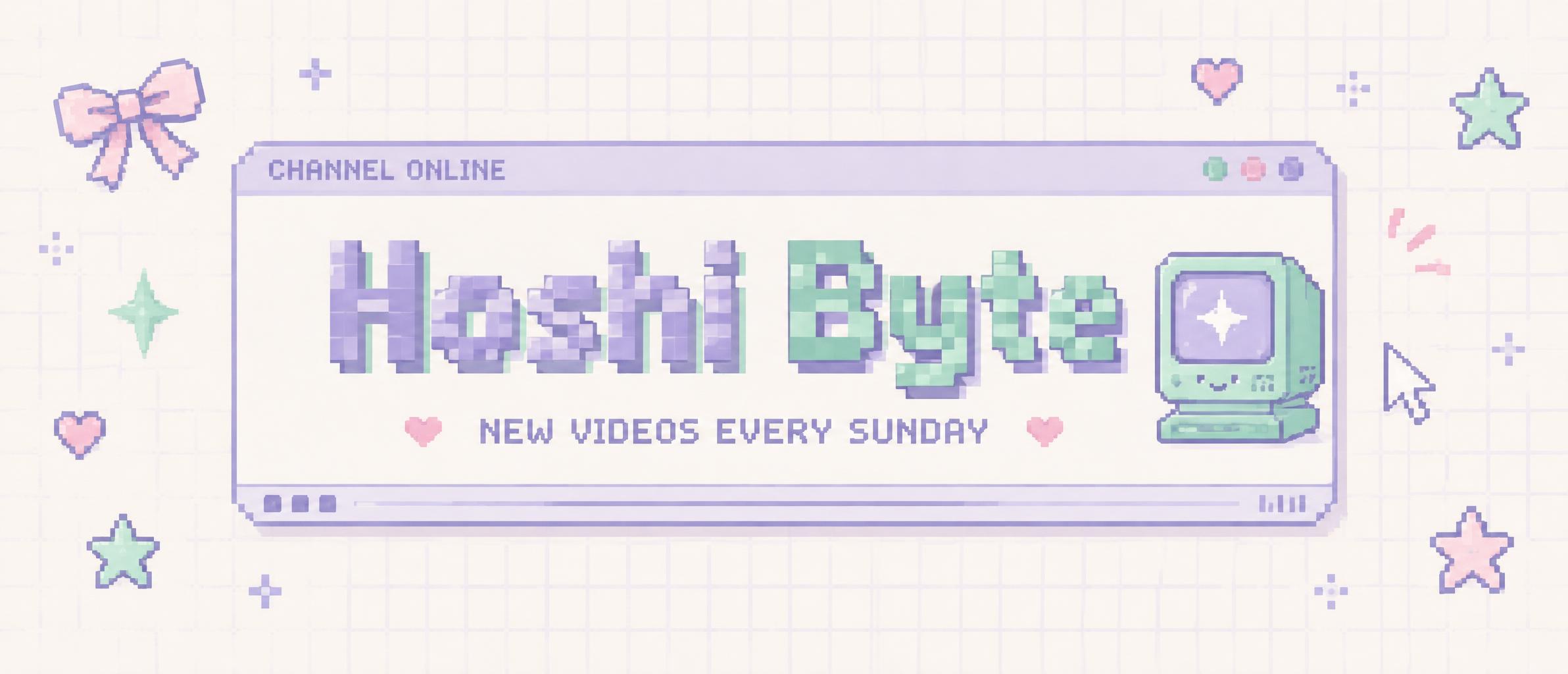
Home›››Hoshi Byte NEW VIDEOS EVERY SUNDAY CHANNEL ONLINE
Hoshi Byte
NEW VIDEOS EVERY SUNDAY
CHANNEL ONLINE - Kawaii (DIY) text effect - create a finished 21:9 youtube channel banner for “hoshi byt
Download JPEG
Channel›BannerAesthetics

Hoshi Byte NEW VIDEOS EVERY SUNDAY CHANNEL ONLINE - Kawaii Text Effect

Created 14 hours ago
F
@FontVibe
9072 public designs · All designs by this creator →
Style
Kawaii (DIY)
AI font
Pixel Retro
Layout
Desktop Safe Zone
Image Size
2384 × 1024
Made for
Channel designs
→
✦ Remake this design with your text

Uses OpenAI GPT-Image-2.5 Sunburst, the model behind this artwork · 15 credits
49/250
Transparent Effect
✦ Transparent Effect
Generates a PNG with the background removed — only the text and its visual effects remain. The AI automatically selects the optimal background color for clean removal based on your style.
Output is always PNG for lossless transparency.
✦ Kawaii (DIY)
View all Kawaii (DIY) →

More Kawaii (DIY) Text Effects

"MOCHI MOMO
WEEKLY STREAM SCHEDULE
MON
7:00 PM JST
Stardew Valley
TUE
7:00 PM JST
Minecraft
WED
7:30 PM JST
Splatoon 3
THU
7:00 PM JST
Genshin Impact
FRI
8:00 PM JST
Lethal Company
SAT
2:00 PM JST
Pokémon Scarlet
SUN
6:00 PM JST
Terraria
All times JST · See you live!" — Kawaii | AI Text Effect Generator
“MOCHI MOMO WEEKLY STREAM SCHEDULE MON 7:00 PM JST Stardew Valley TUE 7:00 PM JST Minecraft WED 7:30 PM JST Splatoon 3 THU 7:00 PM JST Genshin Impact FRI 8:00 PM JST Lethal Company SAT 2:00 PM JST Pokémon Scarlet SUN 6:00 PM JST Terraria All times JST · See you live!”
Kawaii (DIY)
"ABOUT ME
DISCORD
TIPS
PIXIE" — Kawaii | AI Text Effect Generator
“ABOUT ME DISCORD TIPS PIXIE”
Kawaii (DIY)
"STARTING SOON
KUMO CAFE
Tea is steeping. Chat is open.
8:00 PM PST" — Kawaii | AI Text Effect Generator
“STARTING SOON KUMO CAFE Tea is steeping. Chat is open. 8:00 PM PST”
Kawaii (DIY)
"BRB
grabbing snacks!
USAGI RIN" — Kawaii | AI Text Effect Generator
“BRB grabbing snacks! USAGI RIN”
Kawaii (DIY)
"Lumi
VTUBER" — Kawaii | AI Text Effect Generator
“Lumi VTUBER”
Kawaii (DIY)
"ABOUT
Cozy games · comfy chats
Say hi, stay awhile!
SCHEDULE
MON · WED · FRI
6 PM PST
TIPS
Never expected
Always appreciated ♡" — Kawaii | AI Text Effect Generator
“ABOUT Cozy games · comfy chats Say hi, stay awhile! SCHEDULE MON · WED · FRI 6 PM PST TIPS Never expected Always appreciated ♡”
Kawaii (DIY)
"1,000 followers
Thank you!
you made my little corner sparkle
Peachy Lulu" — Kawaii | AI Text Effect Generator
“1,000 followers Thank you! you made my little corner sparkle Peachy Lulu”
Kawaii (DIY)
"MOCHI MOMO
WEEKLY STREAM SCHEDULE
MON · KARAOKE · 8 PM
WED · COZY GAMES · 8 PM
SAT · ART STREAM · 8 PM" — Kawaii | AI Text Effect Generator
“MOCHI MOMO WEEKLY STREAM SCHEDULE MON · KARAOKE · 8 PM WED · COZY GAMES · 8 PM SAT · ART STREAM · 8 PM”
Kawaii (DIY)
"BRB
BACK IN 5 MINUTES
PLEASE STAY COZY
LUMI" — Kawaii | AI Text Effect Generator
“BRB BACK IN 5 MINUTES PLEASE STAY COZY LUMI”
Kawaii (DIY)
"MOCHI MOMO
ABOUT
Cozy games, soft chats & silly moments.
SCHEDULE
TUE · THU · SAT
6 PM PT · live on Twitch
RULES
Be kind • No spoilers • Keep it cozy
DONATE
Fuel the mochi fund
Tips are never required ♡" — Kawaii | AI Text Effect Generator
“MOCHI MOMO ABOUT Cozy games, soft chats & silly moments. SCHEDULE TUE · THU · SAT 6 PM PT · live on Twitch RULES Be kind • No spoilers • Keep it cozy DONATE Fuel the mochi fund Tips are never required ♡”
Kawaii (DIY)
"ABOUT
Cozy games, kind chats, and a little sparkle.
SCHEDULE
TUE · THU · SAT
6:00 PM PT
RULES
Be kind.
Keep it spoiler-light.
No spam or self-promo.
SUPPORT
Your company is plenty.
Tips are never expected.
Thanks for helping the stream grow!" — Kawaii | AI Text Effect Generator
“ABOUT Cozy games, kind chats, and a little sparkle. SCHEDULE TUE · THU · SAT 6:00 PM PT RULES Be kind. Keep it spoiler-light. No spam or self-promo. SUPPORT Your company is plenty. Tips are never expected. Thanks for helping the stream grow!”
Kawaii (DIY)
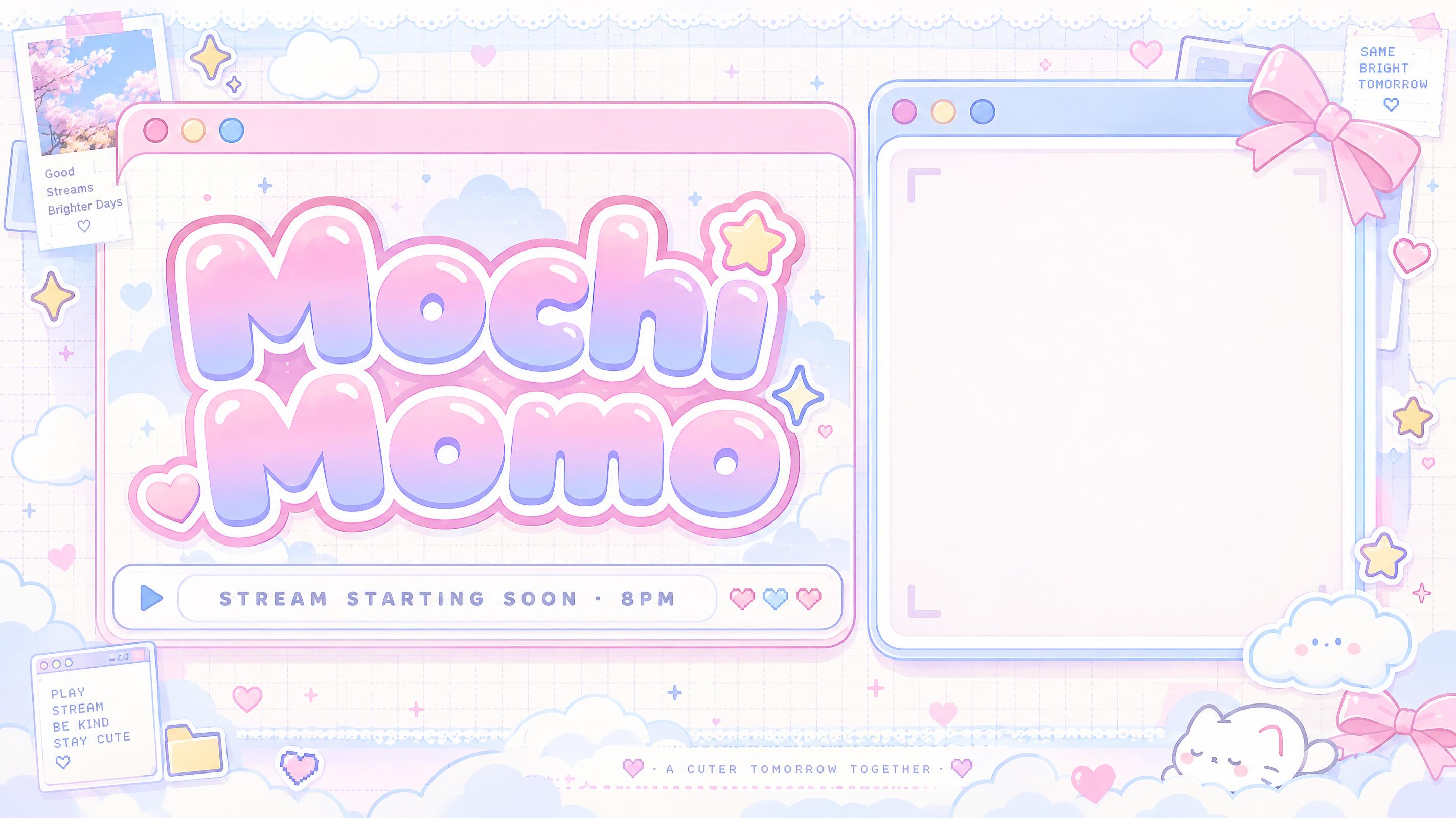
"Mochi Momo
STREAM STARTING SOON · 8PM" — Kawaii | AI Text Effect Generator
“Mochi Momo STREAM STARTING SOON · 8PM”
Kawaii
"PIXIE DESKTOP
a soft place to stream
Pixie Files
STREAM SPACE · ONLINE" — Kawaii | AI Text Effect Generator
“PIXIE DESKTOP a soft place to stream Pixie Files STREAM SPACE · ONLINE”
Kawaii (DIY)
"Usagi Rin
COZY GAMES · TUE & FRI 7PM" — Kawaii | AI Text Effect Generator
“Usagi Rin COZY GAMES · TUE & FRI 7PM”
Kawaii (DIY)
"HOSHI BYTE
GAMEPLAY
CHAT
CAM" — Kawaii | AI Text Effect Generator
“HOSHI BYTE GAMEPLAY CHAT CAM”
Kawaii (DIY)
"VTuber Debut
Stella Puff
First Stream
Saturday · 9PM JST
see you there!" — Kawaii | AI Text Effect Generator
“VTuber Debut Stella Puff First Stream Saturday · 9PM JST see you there!”
Kawaii (DIY)
"Mochi Momo
STREAM STARTING SOON · 8PM JST" — Kawaii | AI Text Effect Generator
“Mochi Momo STREAM STARTING SOON · 8PM JST”
Kawaii (DIY)
"SEE YOU TOMORROW
Thanks for being here!
Follow for the next stream
PIXIE · STREAM ENDED" — Kawaii | AI Text Effect Generator
“SEE YOU TOMORROW Thanks for being here! Follow for the next stream PIXIE · STREAM ENDED”
Kawaii (DIY)
"JUST CHATTING
a cozy little hangout
Peachy Lulu" — Kawaii | AI Text Effect Generator
“JUST CHATTING a cozy little hangout Peachy Lulu”
Kawaii (DIY)
"LunaStreams
Currently offline
Back Tue at 8 PM" — Kawaii | AI Text Effect Generator
“LunaStreams Currently offline Back Tue at 8 PM”
Kawaii (DIY)
About this artwork

"Hoshi Byte" is a Y2K pixel channel banner in lilac and mint pixel letters. The name fills a pixel desktop window with a tiny retro computer icon and a cursor, the tagline promises new videos every Sunday, and pixel bows, hearts and stars sit around it.

Creative prompt

Create a finished 21:9 YouTube channel banner for “Hoshi Byte”. Keep all important text inside the central safe area for banner cropping. Use a bright Y2K pixel desktop interface: pale cream-white background with a faint lilac grid and fine paper grain; lilac and mint are the main colors, with small baby-pink accents. Soft even daylight, gentle highlight bloom, and soft shadows only. Composition: a large rounded computer-window panel spans the central area, with pixel-stepped corners, a slim lilac title bar, three small mint, pink, and lilac dot buttons, and a slim info bar along its bottom. Set the exact eyebrow copy “CHANNEL ONLINE” in the title bar. Inside the window, place the dominant headline “Hoshi Byte” in bold, wide, unmistakable 1980s arcade-marquee pixel lettering. Construct every glyph from uniform grid-aligned square blocks with visible one-pixel gaps; use angular pixel staircases for diagonals and curves, strong two-pixel strokes, and hard color boundaries without anti-aliasing. Lilac and mint block colors alternate across the headline with a subtle pixel-offset shadow. Directly below the headline, set the exact supporting line “NEW VIDEOS EVERY SUNDAY” in smaller, highly legible pixel lettering. Make the words sharp and correctly spelled; add no other text. On the right side of the window, place a small pixel-art desktop mascot: a rounded mint computer with a lilac screen showing a simple four-point star, plus a tiny cursor arrow. Scatter a few small pixel hearts, four-point sparkles, stars, and one ribbon bow near the outer edges, leaving generous open space around the text. Bright cream background, pastel UI colors, crisp pixel geometry, clean hierarchy, polished 2D graphic finish. No photorealism, no dark background, no neon saturation, no extra lettering, no logos or watermarks.

Tags

Use for
SceneChannel›Made asBanner
Visuals
LookY2K›Retro internet›Kawaii›MoodCute›Nostalgic›EffectFlat›LetteringPixel›LetterformsChunky›LayoutStacked›ColorsPastel›Purple›Green›ElementsBow›Heart›Sparkle›Star›Window›Text typeHeadline + details›LanguageEnglish›

Generated on October 8, 2026 · 2384 × 1024 · JPEG · OpenAI GPT-Image-2.5 Sunburst · Layout: Desktop Safe Zone · Shared by the creator · Free for commercial use (CC BY 4.0)
Where this design fits

Channel designs→
Channel designsChannel designs320 designs
✦ Explore AI Text Effect Styles

Browse AI Text Effect Styles

View all styles →
Viking
Explore style →
Viking871 images
MetallicCarvedAggressiveRugged
Movie & Film
Explore style →
Movie & Film8.3K images
EpicDramaticCinematicGold
Cyberpunk
Explore style →
Cyberpunk750 images
NeonCyberpunkDarkGlitch
Netflix & Streaming
Explore style →
Netflix & Streaming1.7K images
ModernDarkCinematicGlow
Neon Glow
Explore style →
Neon Glow1.5K images
GlowDreamyNeonTubular
3D Bold
Explore style →
3D Bold1.3K images
3DStrikingHeavyChunky
Learn more about Kawaii text effect →

Want more text styles? Browse our free font generators — fancy, cursive, gothic & more.

Popular searches:
AI text effect generatortext effect generatorAI typography generatortext art makerfancy font generator