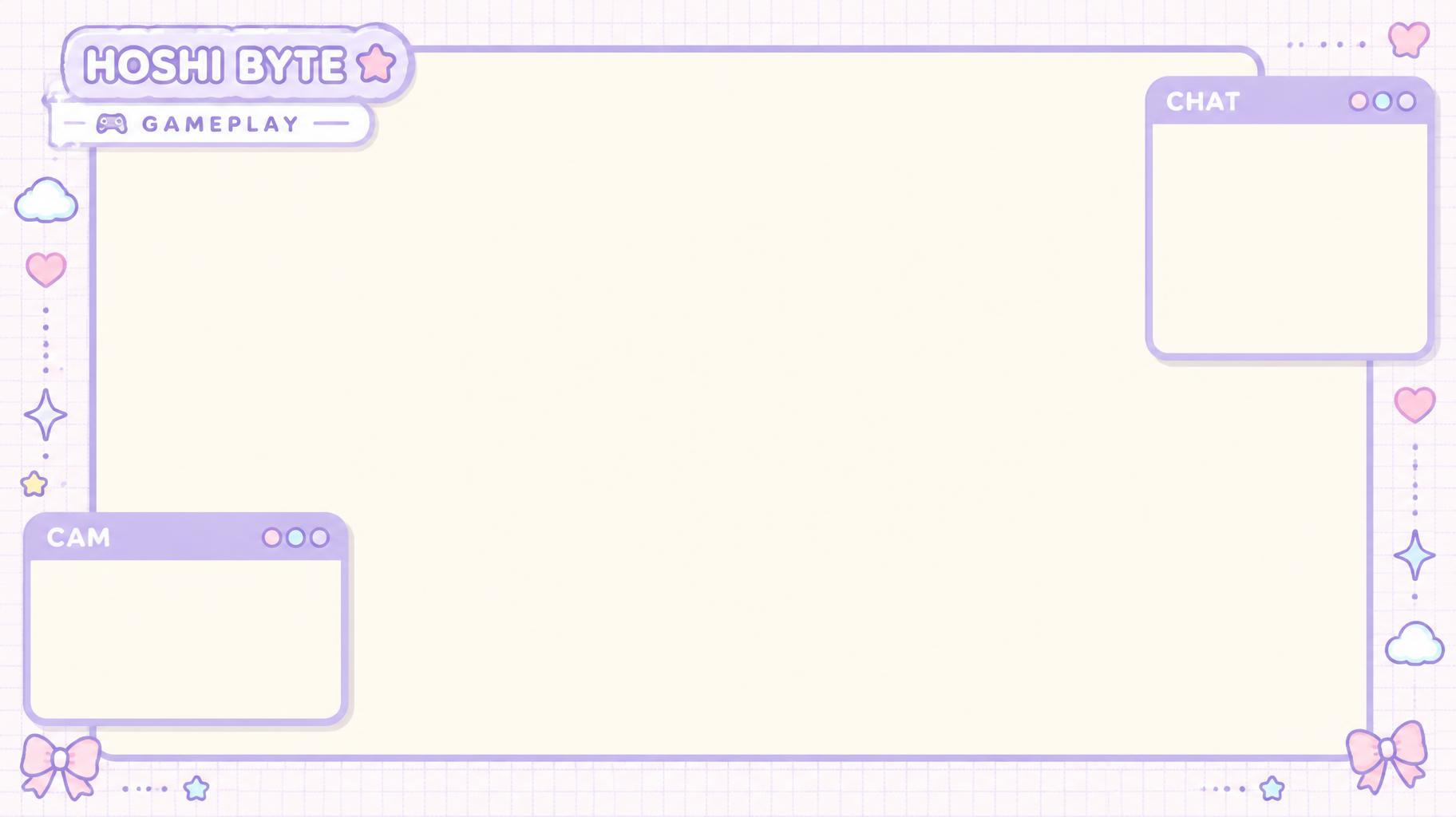
HOSHI BYTE GAMEPLAY CHAT CAM - Kawaii Text Effect
Uses OpenAI GPT-Image-2.5 Sunburst, the model behind this artwork · 15 credits



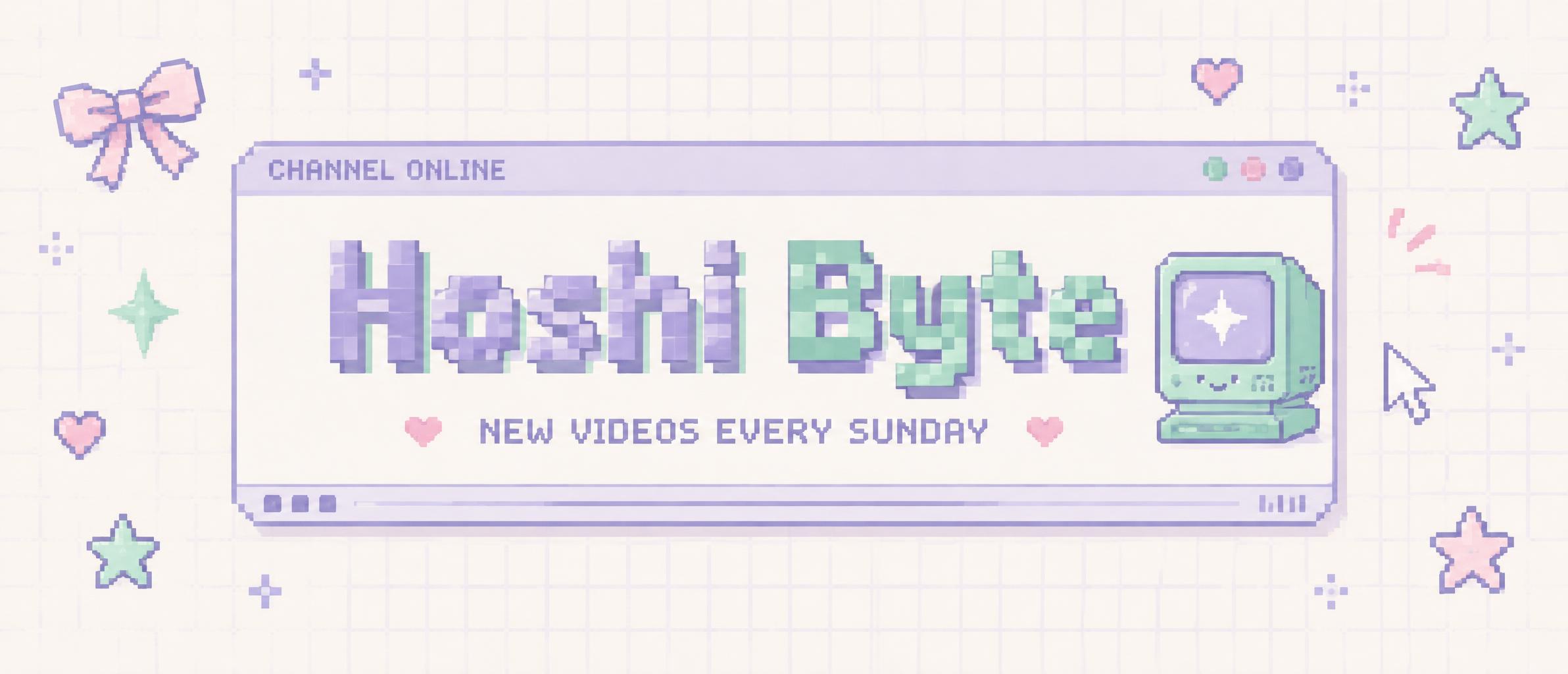

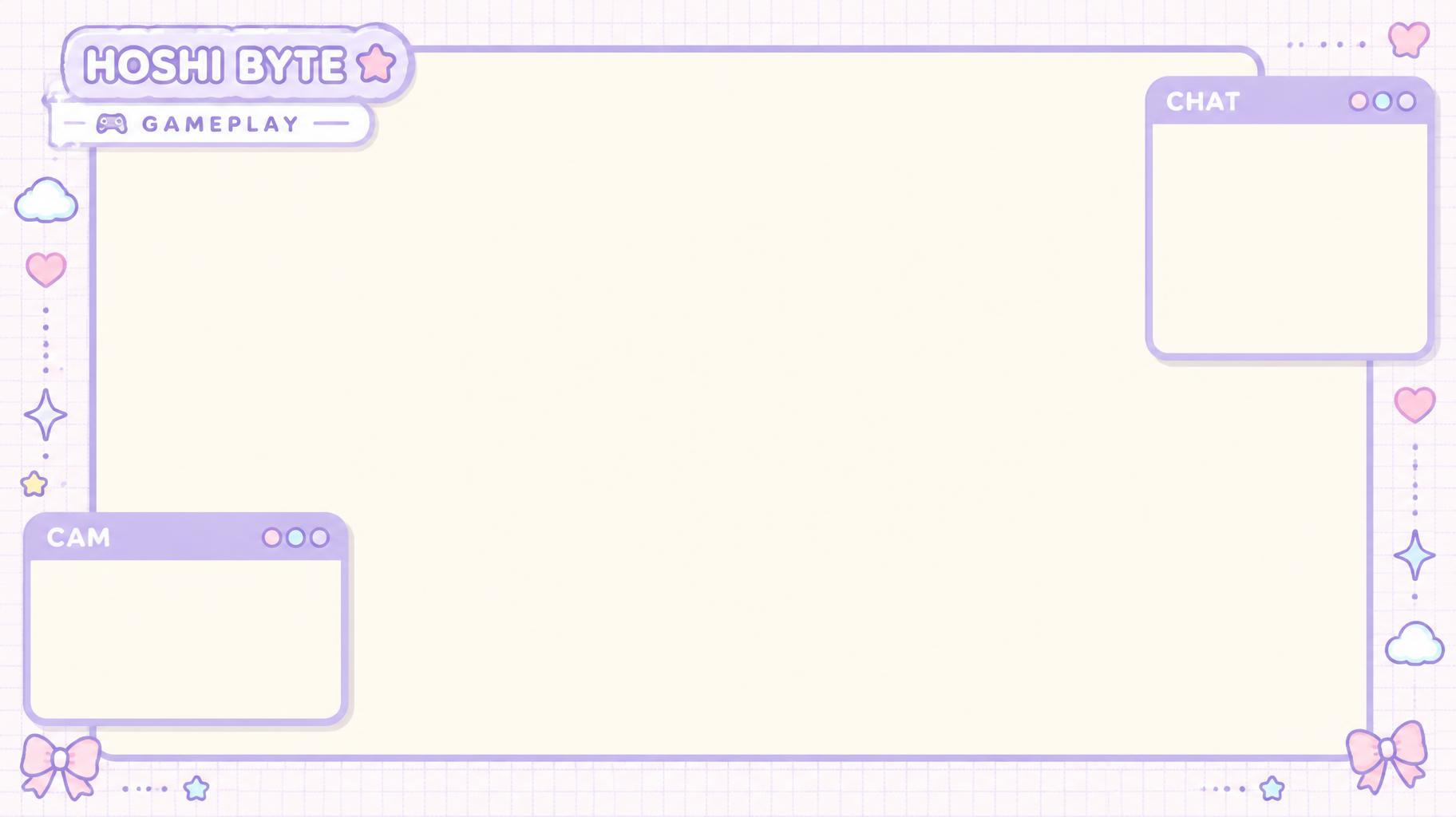
"HOSHI BYTE" is a gameplay overlay with a soft lilac frame around a large plain game area. A rounded name tag with a gameplay label sits top-left, a cam window bottom-left and a chat window top-right, with small hearts, stars, clouds and bows.
Create a finished 16:9 gameplay-stream overlay for the channel “HOSHI BYTE.” Use a soft kawaii streamer UI: a pale cream canvas with a thin lilac rounded frame, airy spacing, soft even daylight, a faint grid-paper texture only in the outer margin, and very soft shadows. Keep the large central game viewport as a completely flat, uninterrupted cream fill—no grid, graphics, gradients, texture, or objects inside it. Add a small lilac rounded computer window at the top-right labeled “CHAT,” with three tiny circular title-bar buttons and an empty cream chat body for live messages. Add a rounded webcam window at the bottom-left labeled “CAM,” with the same title-bar treatment and an empty pale cream camera area. Place “HOSHI BYTE” at the upper-left in a compact rounded title panel; put “GAMEPLAY” in a narrow info bar directly beneath it. Use custom rounded monoline display lettering with wide proportions, open counters, soft terminals, and even strokes; render it in lilac with white inset edging, fully legible at stream scale. Use lilac as the main UI color, with small baby-pink and sky-blue accents. Scatter a few tiny heart, four-point sparkle, star, cloud, and ribbon-bow stickers only around the outer frame; do not intrude into the plain cream game viewport. Clean, crisp vector-like edges, subtle paper grain, no dark background, no neon, no extra text, no people, no fake chat messages.
Tags
Generated on October 8, 2026 · 1824 × 1024 · JPEG · OpenAI GPT-Image-2.5 Sunburst · Layout: 游戏视窗分区 · Shared by the creator · Free for commercial use (CC BY 4.0)