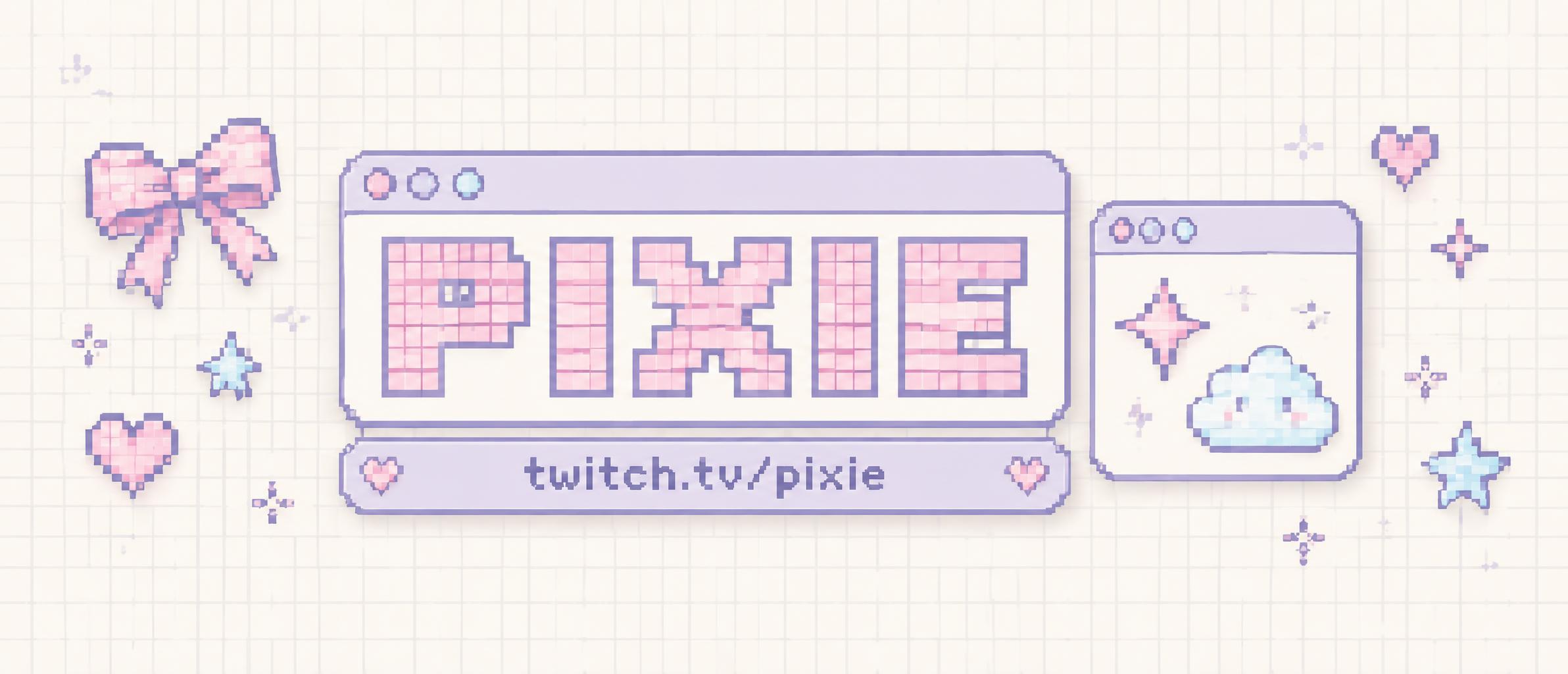
PIXIE twitch.tv/pixie - Kawaii Text Effect

Uses OpenAI GPT-Image-2.5 Sunburst, the model behind this artwork · 15 credits
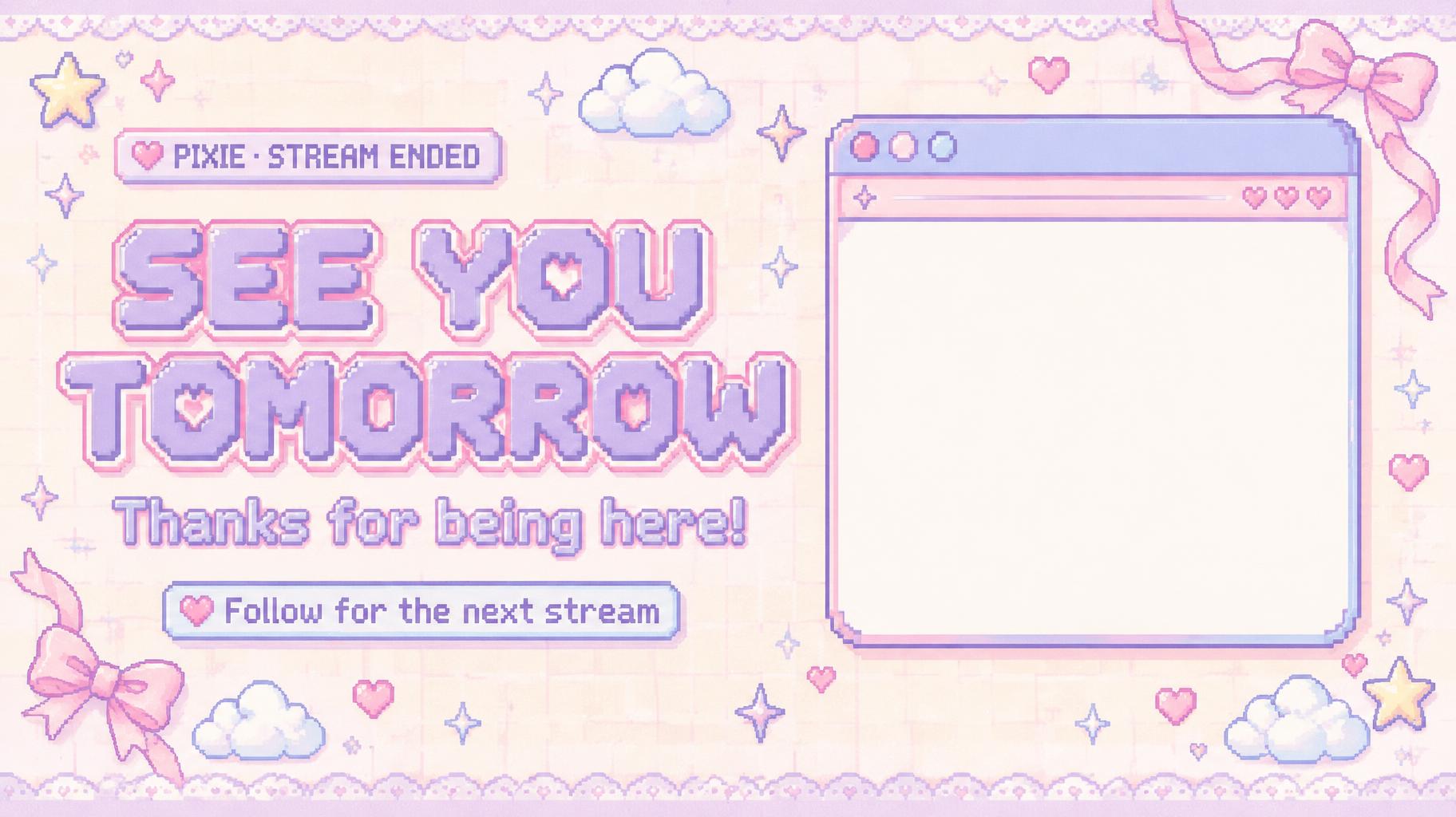
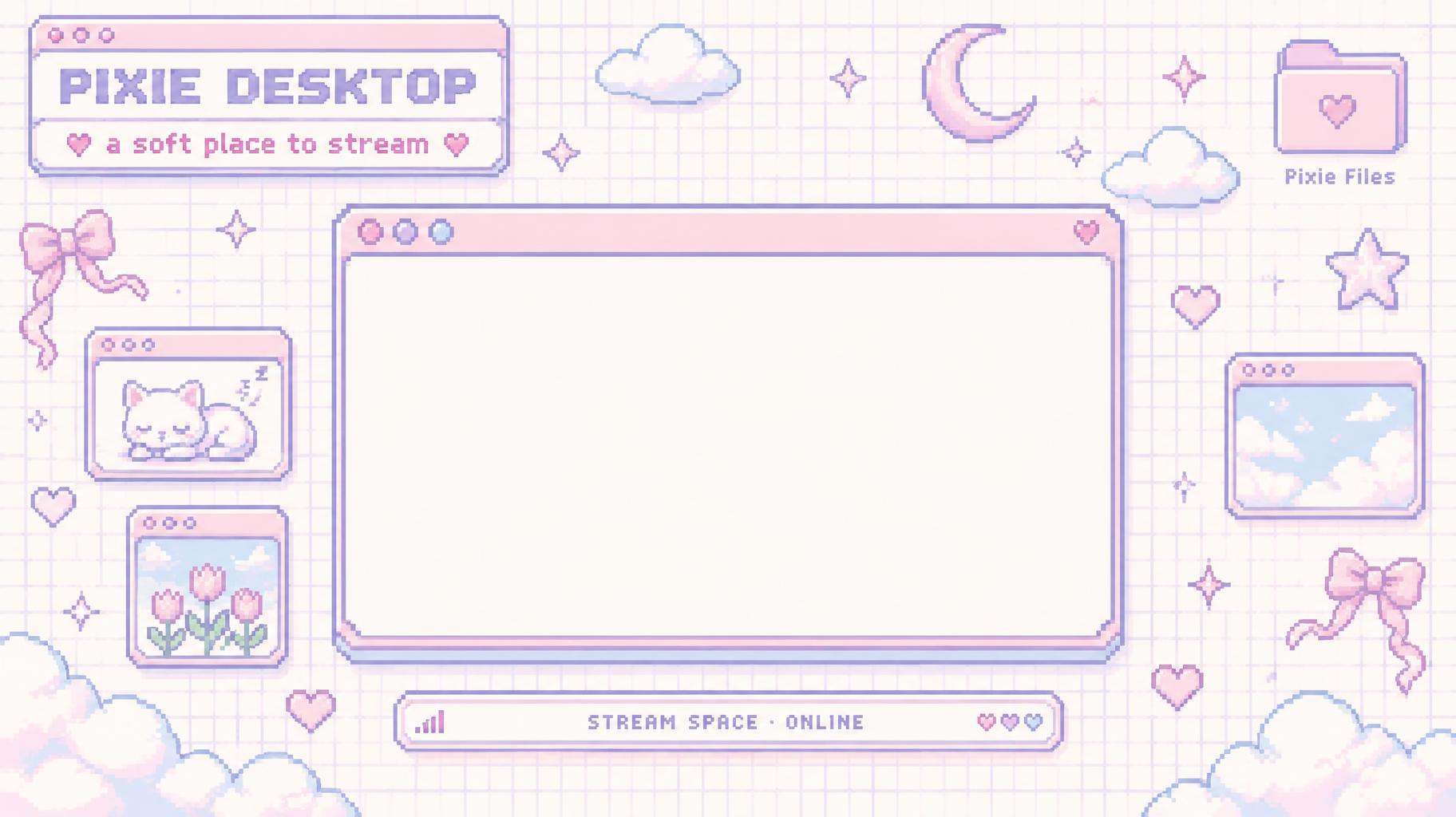
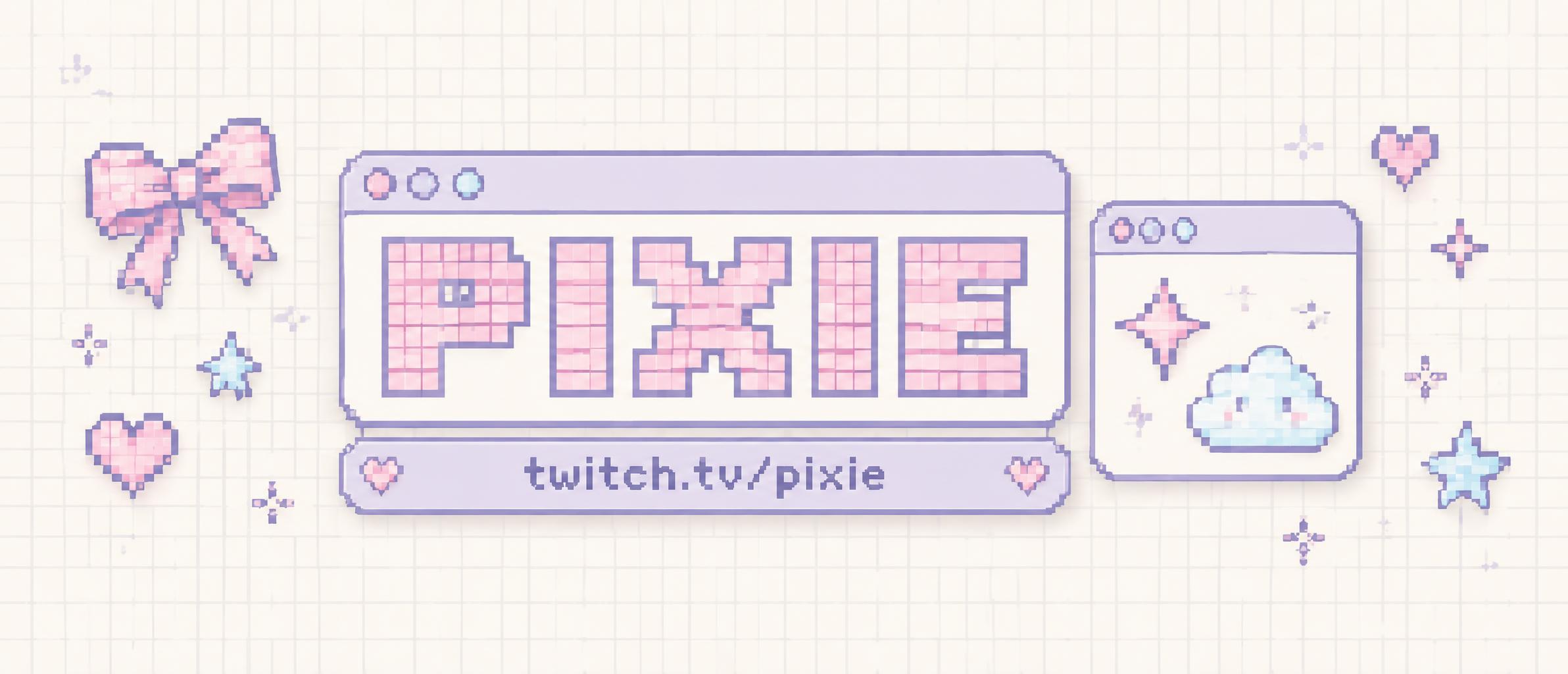
“PIXIE twitch.tv/pixie” is a Kawaii text effect text effect created with FontVibe AI. Rounded retro computer windows with a slim info bar, scattered heart and sparkle stickers, soft daylight, a cream base with two pastels, grid paper and lace.
Create a finished, extra-wide 21:9 Twitch channel banner in a Y2K kawaii pixel UI style. Render only these exact words, with no additional text: headline “PIXIE”; info-bar URL “twitch.tv/pixie”. Set the headline in bold, wide pixel display lettering built entirely from uniform grid-aligned square blocks, coarse 8–10px cells with visible 1px gaps, hard pixel stair-step diagonals, chunky strokes, and no anti-aliasing. Use baby-pink letter faces with a deep-lilac pixel outline for clean separation. Keep every letter fully readable. Place the headline inside a large rounded computer window with pixel-stepped corners, a slim title bar, and three tiny circular pixel buttons. Attach a narrow lilac info bar directly beneath the title window and set the URL in crisp, dark-lilac pixel lettering. On the right, add a smaller matching window containing a simple pixel-art four-point star and puffy cloud as the visual subject. Scatter a few tiny pixel hearts, stars, and a ribbon bow near the outer edges without covering text. The banner background is cream-white grid paper with faint paper grain and very pale lilac dots. Use lilac and baby pink as the two dominant pastels, with small sky-blue sticker accents. Soft, even daylight, gentle highlight bloom, shallow soft shadows, flat graphic shapes, generous breathing room; no dark background, no neon saturation, no extra slogans, no watermark.
Generated on October 8, 2026 · 2384 × 1024 · JPEG · OpenAI GPT-Image-2.5 Sunburst · Layout: Finestra in primo piano · Shared by the creator · Free for commercial use (CC BY 4.0)