FontVibe
HomeGenerateStylesGalleryFontsPricingBlog
English▾
FontVibe
✦FontVibe
FontVibe

Free AI font generator — describe what you need or pick a style, and get finished text artwork. 138+ styles, instant PNG/JPG download.

Product

GenerateStylesGalleryPricing

Popular Scenes

Halloween designsChannel designsHalloween font

Resources

BlogAI Font LibraryTransparent Background MakerAI Font PromptsASCII Art GeneratorFont Tools

Legal

Terms of ServicePrivacy PolicyLegalContact
© 2026 Funovate Technology LLC. All rights reserved.
FontVibe

Free AI font generator — describe what you need or pick a style, and get finished text artwork. 138+ styles, instant PNG/JPG download.

Product
GenerateStylesGalleryPricing
Popular Scenes
Halloween designsChannel designsHalloween font
Resources
BlogAI Font LibraryTransparent Background MakerAI Font PromptsASCII Art GeneratorFont Tools
Legal
TermsPrivacyLegalContact
© 2026 Funovate Technology LLC. All rights reserved.
Home›Styles›Pixel Art

AI Pixel Art Text Effect Generator

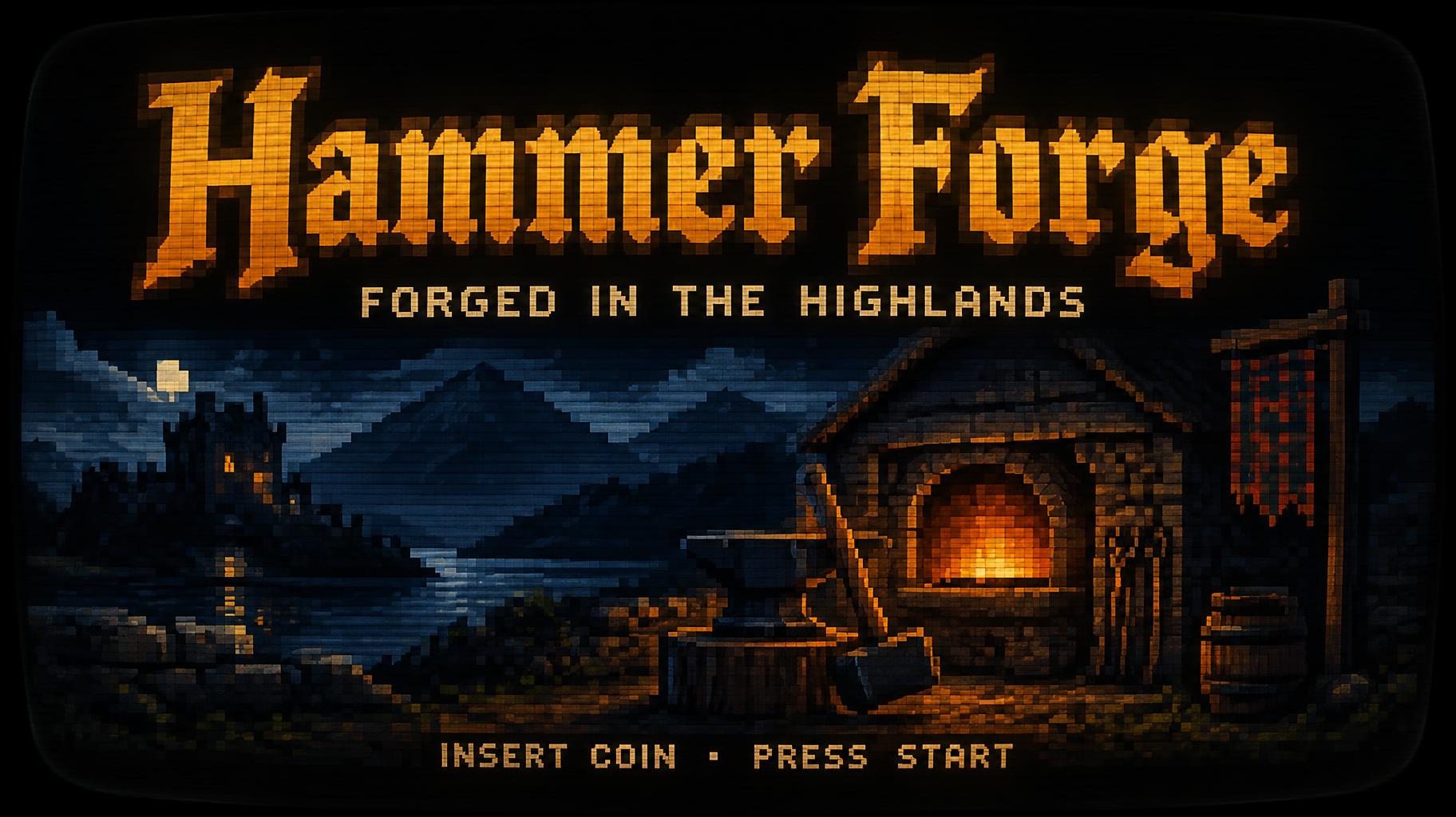
Blocky 8-bit pixel capitals glowing amber-orange on a curved CRT arcade screen, with scanlines, phosphor bloom and a small INSERT COIN line. — no font license needed.

222 Artworks ›9.3K Popularity6 matching AI fonts ↓16 designs you can make ↓
Transparent Effect
✦ Transparent Effect
Generates a PNG with the background removed — only the text and its visual effects remain. The AI automatically selects the optimal background color for clean removal based on your style.
Output is always PNG for lossless transparency.
Choose AI font
Details

Pixel Art in different AI fonts
Pixel Retro↗· 85 artworks
✦ Geometric✦ Retro
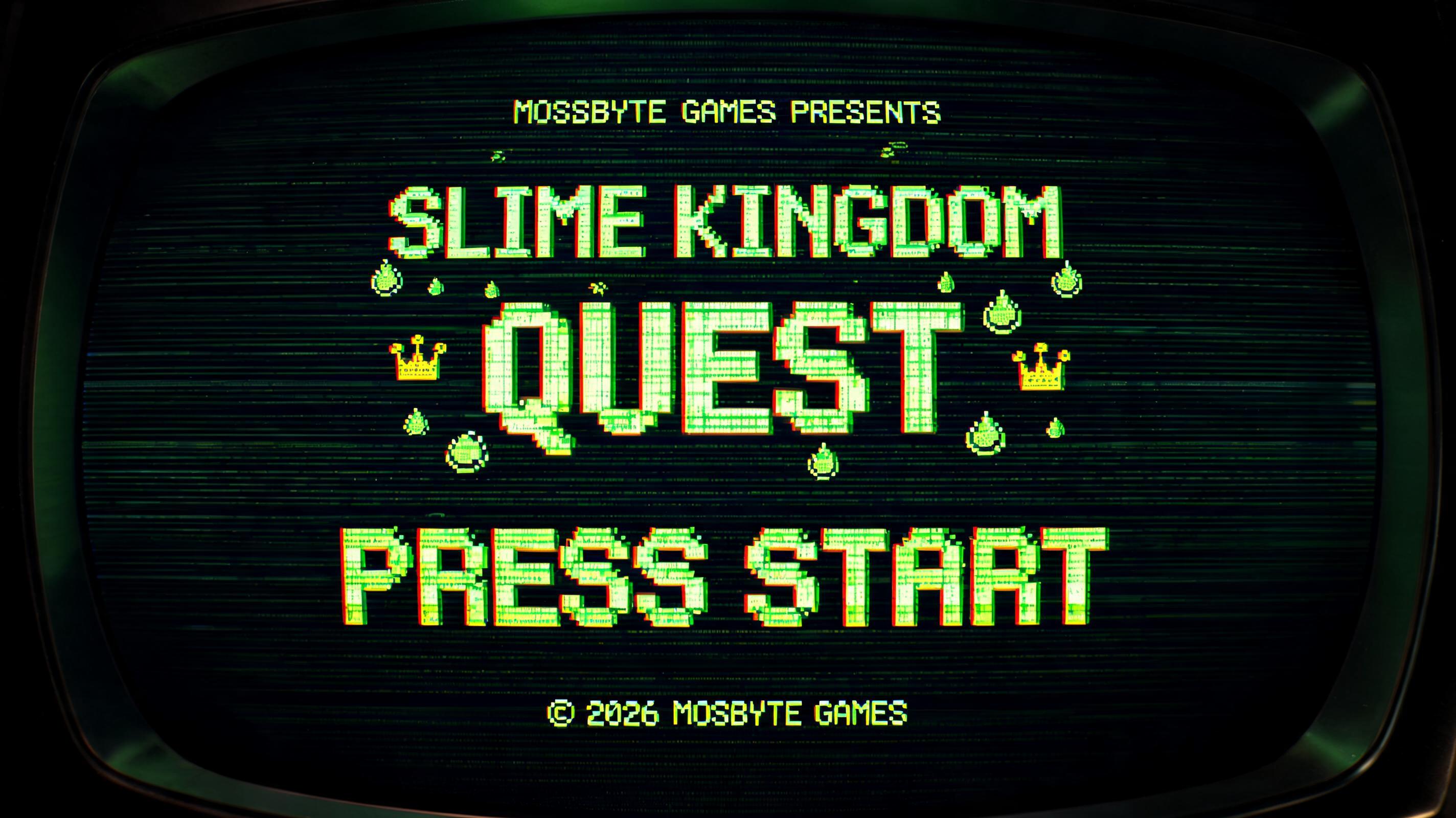
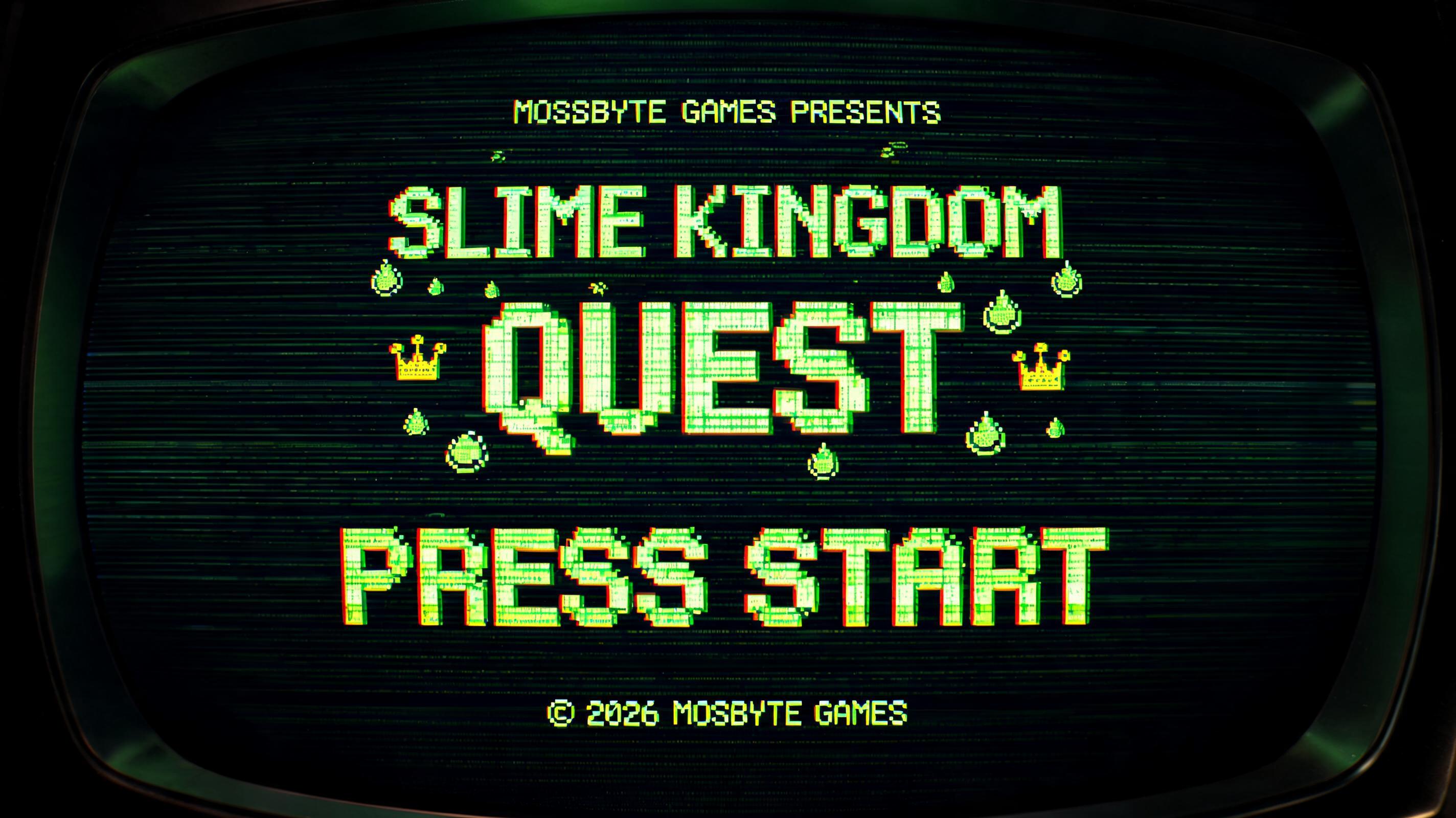
MOSSBYTE GAMES PRESENTS
SLIME KINGDOM
QUEST
PRESS START
© 2026 MOSSBYTE GAMES
PIXEL
GAME OVER
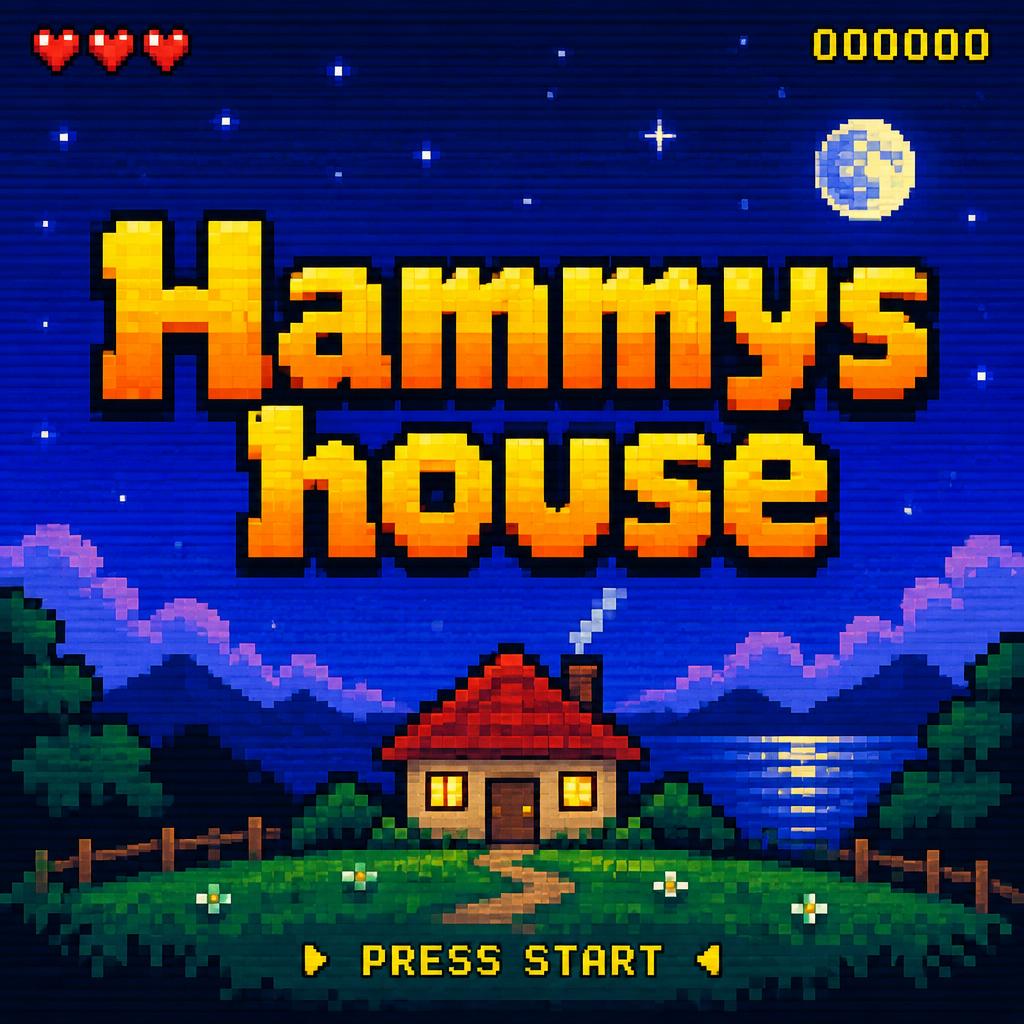
Hammys house
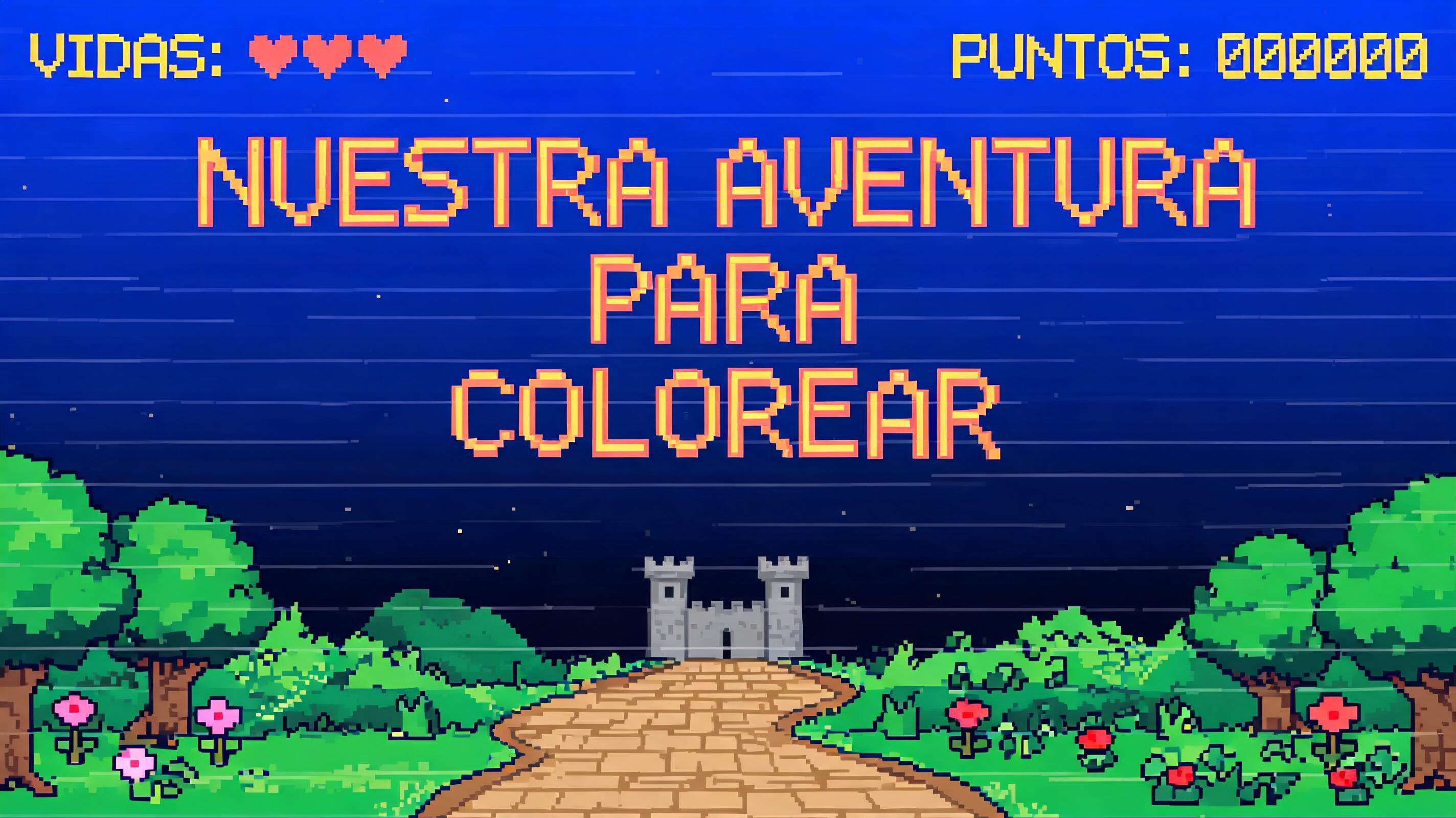
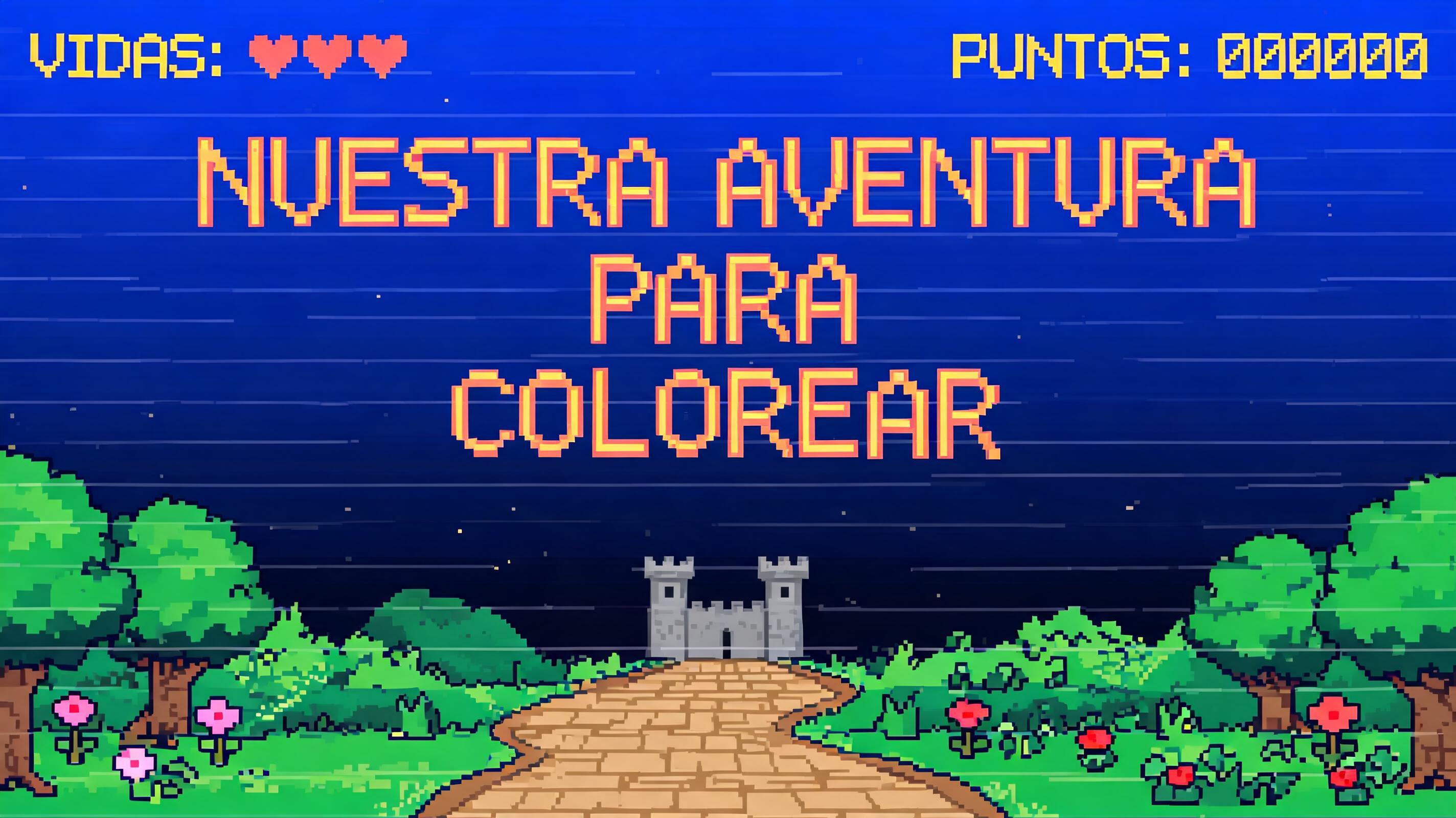
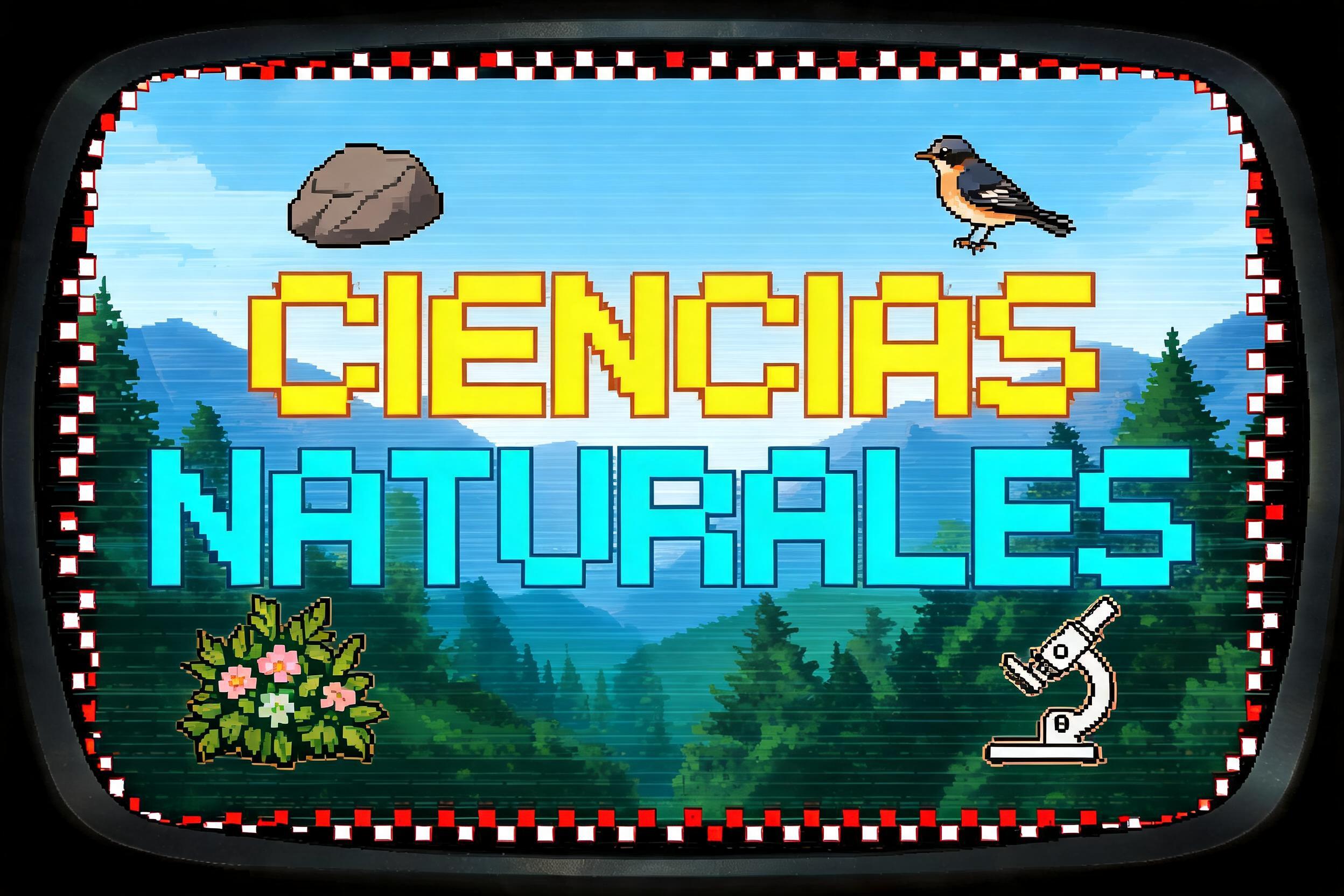
Nuestra Aventura Para Colorear
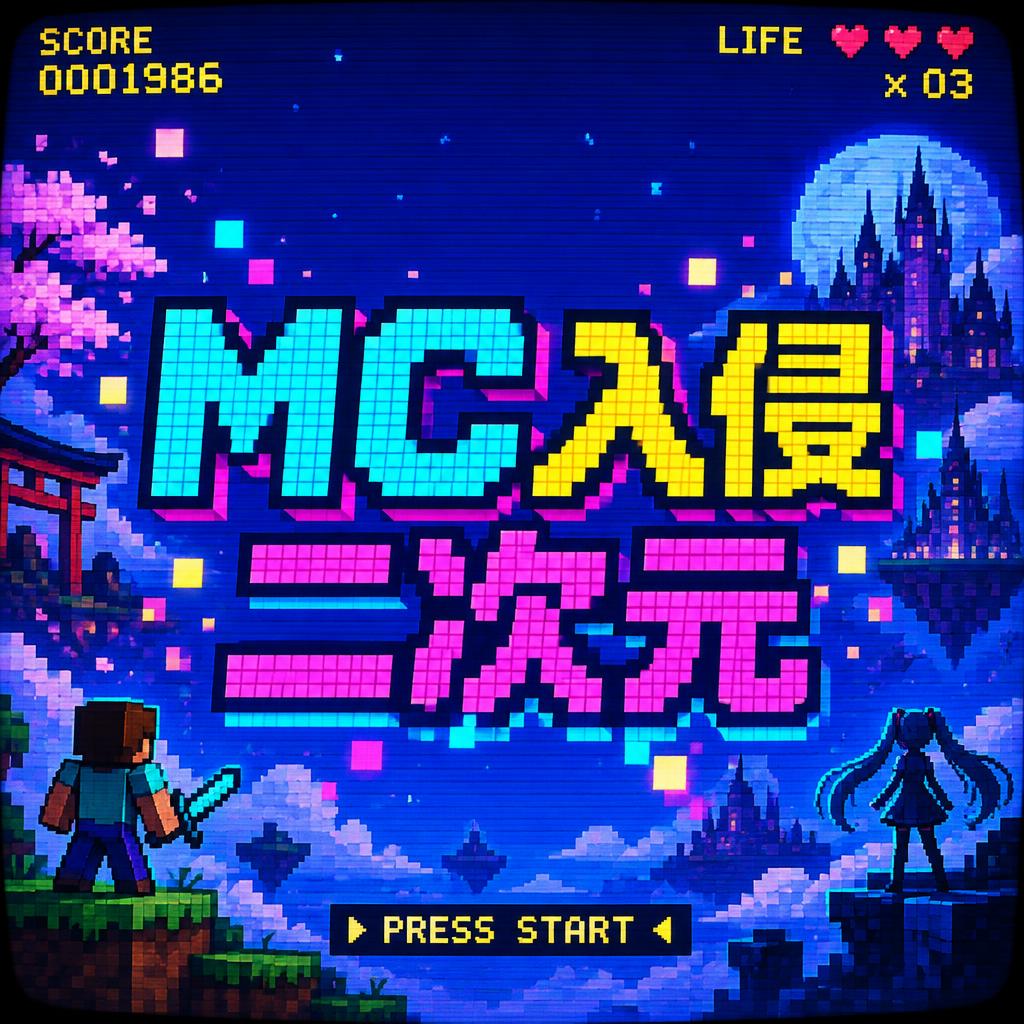
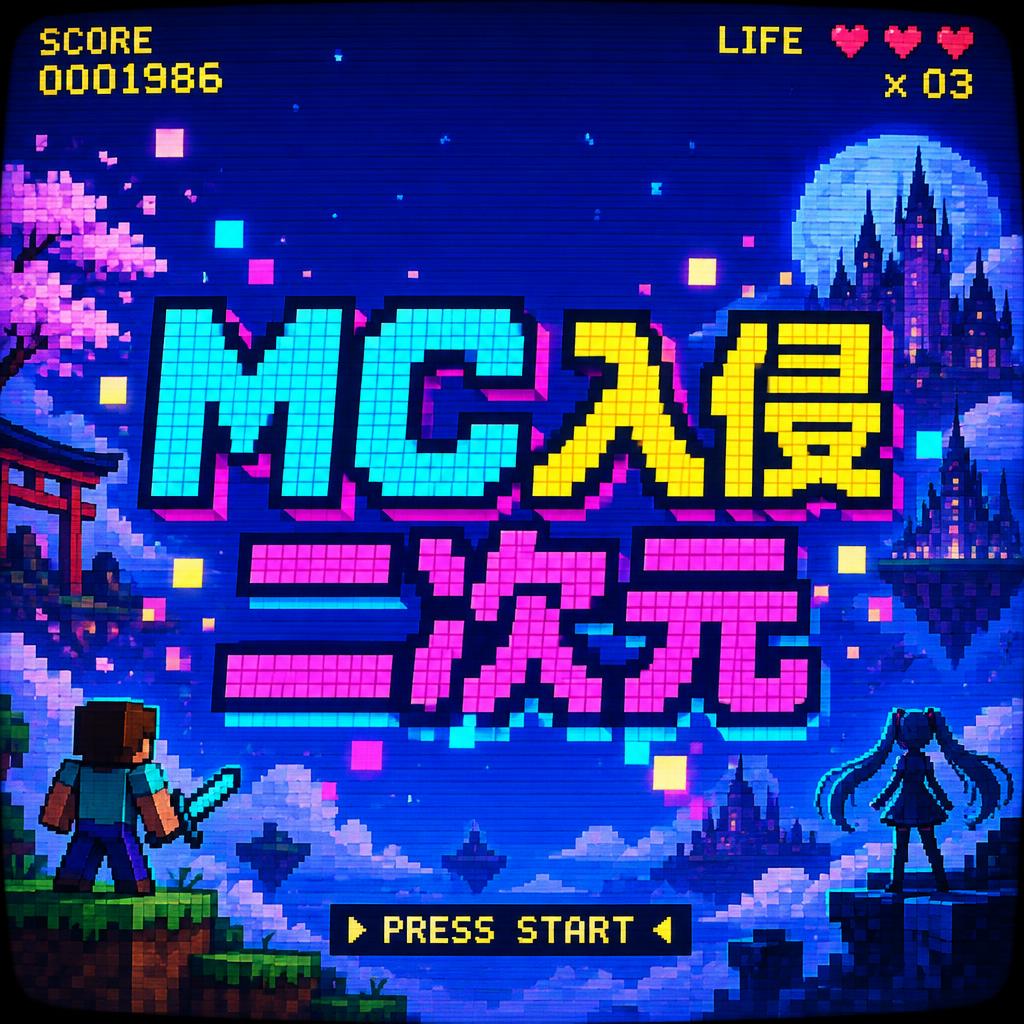
MC入侵二次元
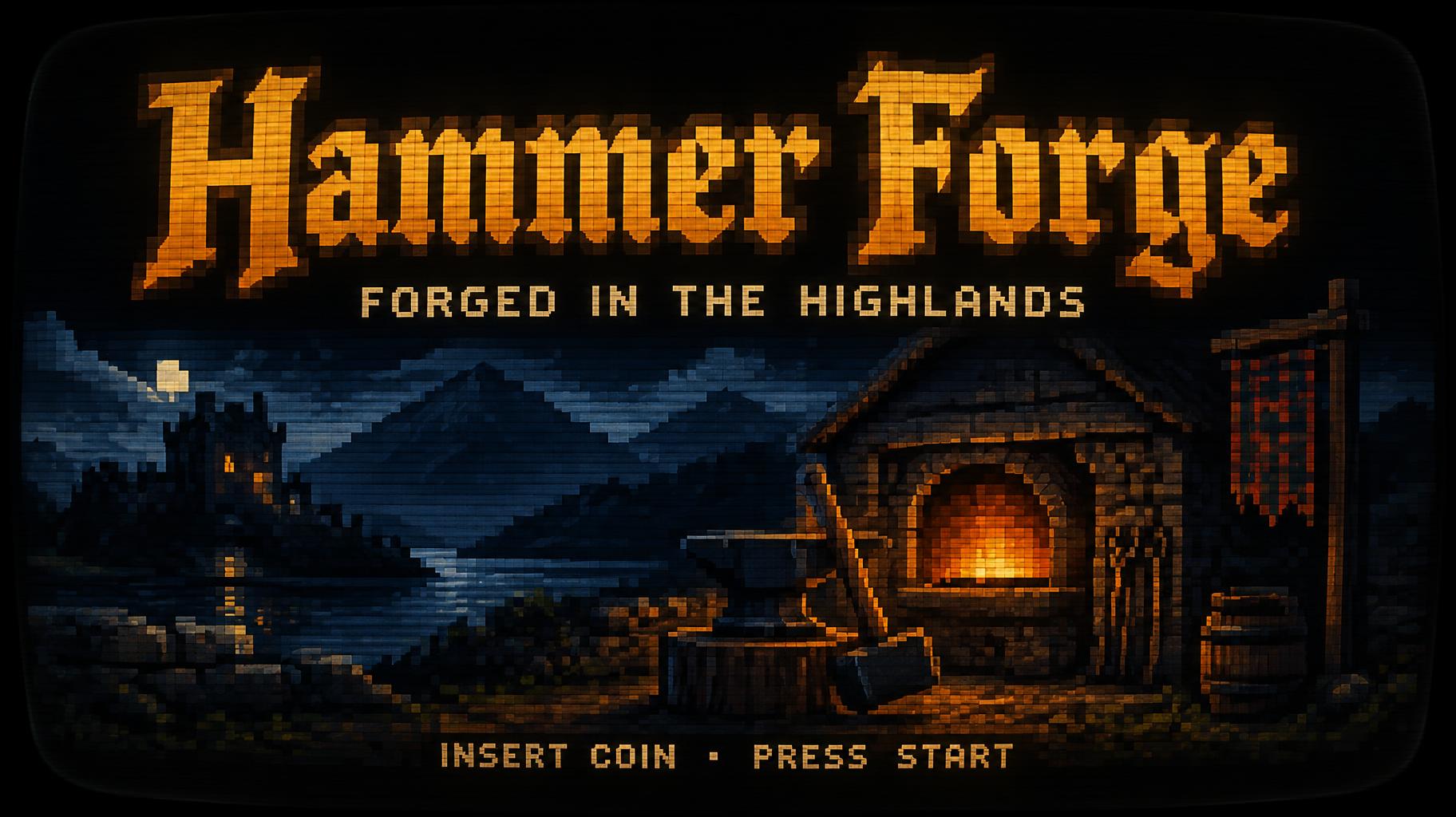
Hammer Forge
FORGED IN THE HIGHLANDS
INSERT COIN • PRESS START
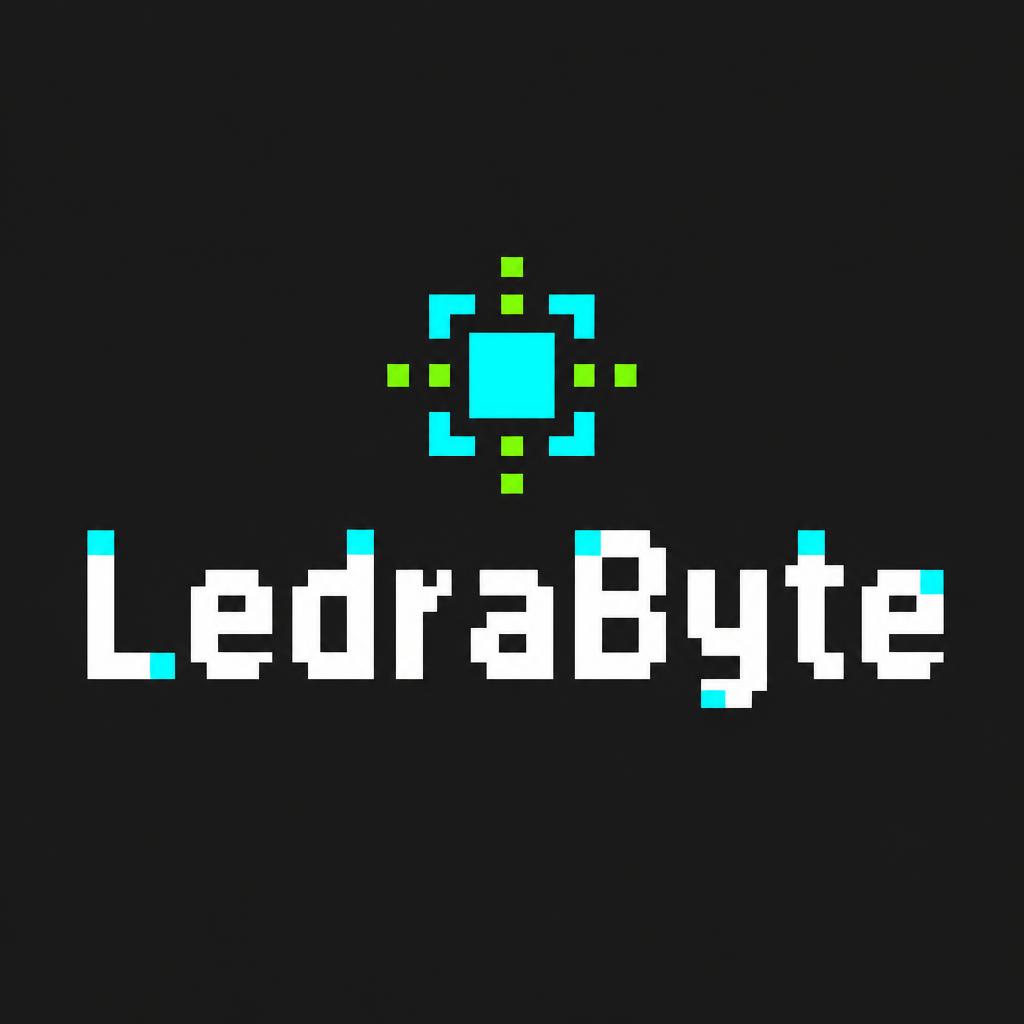
LedraByte
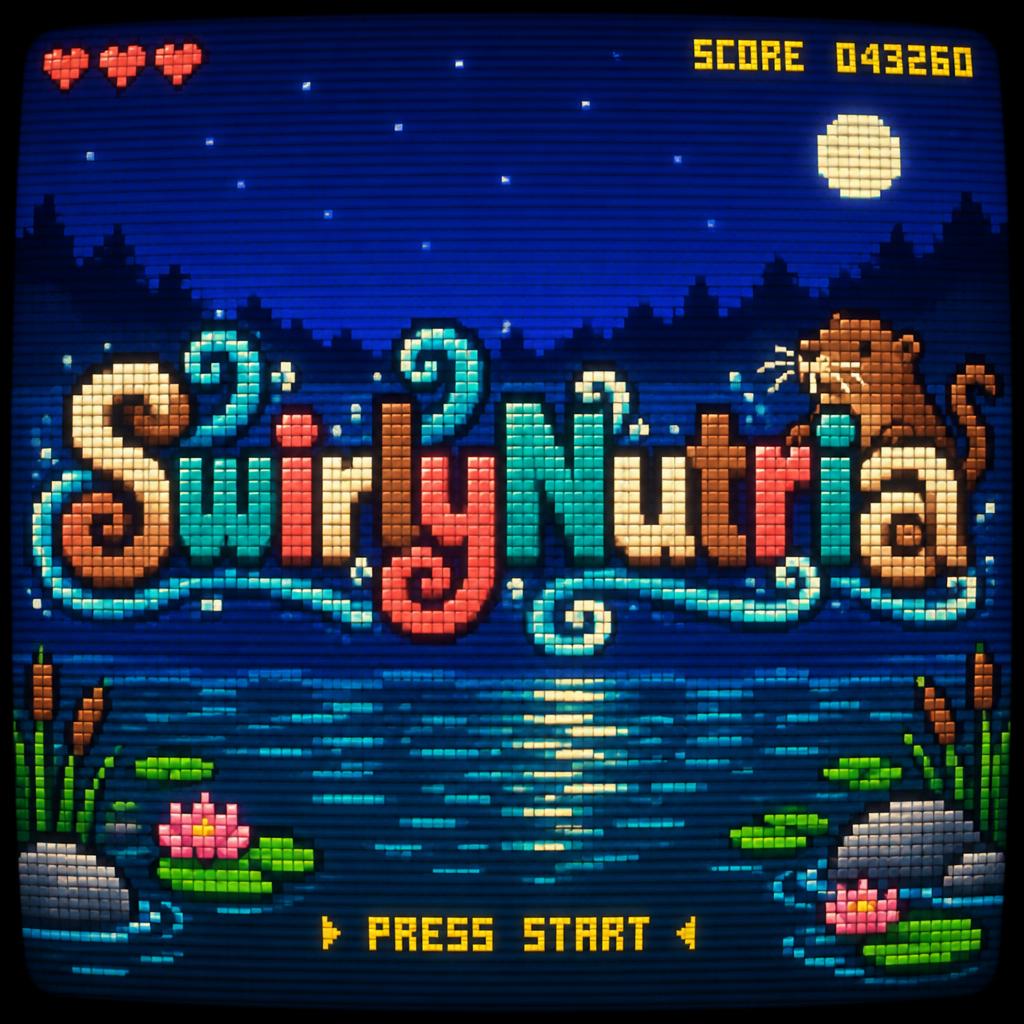
SwirlyNutria
ON CLASSE LA DISCO D'OXMO PUCCINO
✦ Use Cases

What Will You Make?

Real use cases, real outputs. Pick your scene.

Retro Game Title Card
Game Title
Retro Game Title Card
Widescreen · 16:9
Try it →
Synthwave Neon Poster
Music Event
Synthwave Neon Poster
Portrait · 9:16
Try it →
Minecraft Voxel Style Text
Minecraft
Minecraft Voxel Style Text
Widescreen · 16:9
Try it →

What you can make with Pixel Art

Matching PFP designs→Channel designs→
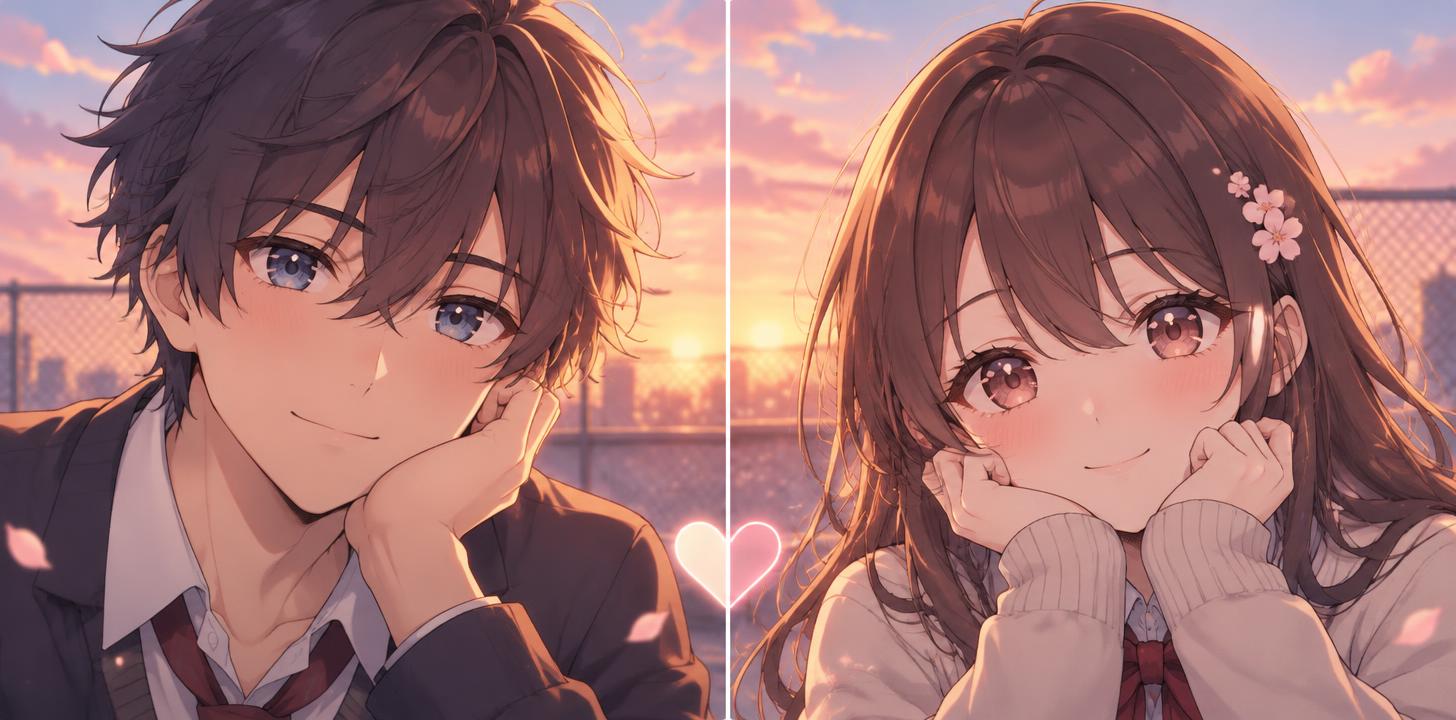
couple matching PFPcouple matching PFP52 designs · Two 720 × 720 px squaresMatching PFP
best friend matching PFPbest friend matching PFP31 designs · Two 720 × 720 px squaresMatching PFP
anime matching PFPanime matching PFP40 designs · Two 720 × 720 px squaresMatching PFP
YouTube channel art templateYouTube channel art template23 designs · 2848 × 1600 px, 16:9Channel
YouTube thumbnail sizeYouTube thumbnail size45 designs · 1824 × 1024 px, 16:9Channel
make a logo for your channelmake a logo for your channel44 designs · 1024 × 1024 px, squareChannel
profile pictureprofile picture14 designs · 1024 × 1024 px, squareChannel
Discord bannerDiscord banner22 designs · Server banner 16:9 or profile banner wide stripChannel
Twitch emoteTwitch emote50 designs · Set 1536 × 1024 (3 × 2) or single 1024 × 1024Channel
Twitch profile bannerTwitch profile banner16 designs · 2384 × 1024 px, 21:9Channel
stream overlay screenstream overlay screen43 designs · 1824 × 1024 px, 16:9Channel
YouTube end screenYouTube end screen14 designs · 1824 × 1024 px, 16:9Channel
Twitch panelTwitch panel13 designs · 2384 × 1024 px, wide headerChannel
YouTube fontYouTube font73 designs · Fits your wordsChannel
podcast coverpodcast cover21 designs · 2048 × 2048 px, squareChannel
stream backgroundstream background14 designs · 1824 × 1024 px, 16:9Channel
✦ Text Effect Gallery

Pixel Art Gallery

Real outputs from the Pixel Art style. Click any image to see details.

"Faz um touro
" — Pixel Art text effect
"PIXEL" — Pixel Art text effect
"NEON
NIGHTS" — Pixel Art text effect
"LEVEL UP" — Pixel Art text effect
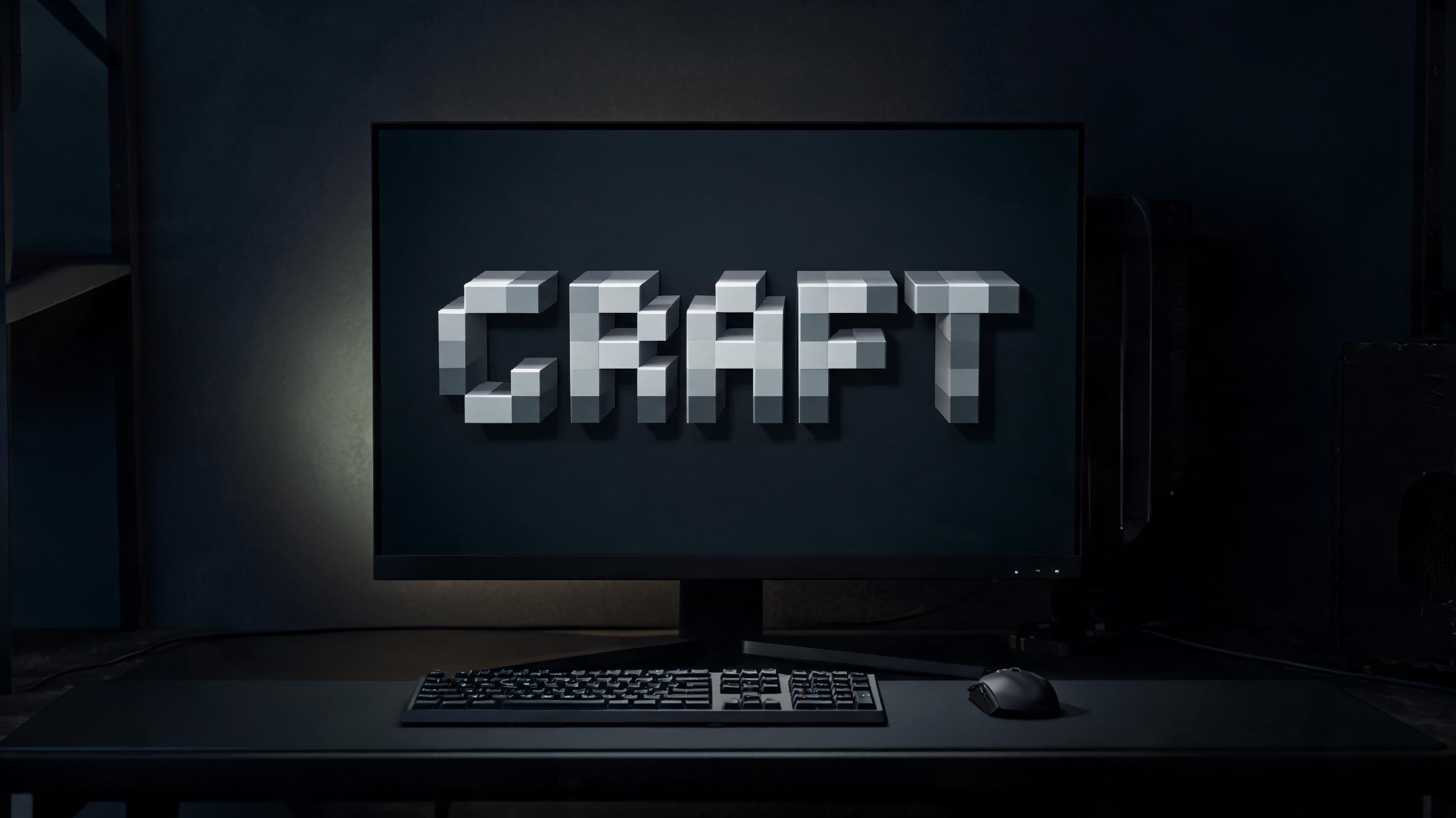
"CRAFT" — Pixel Art text effect
"DREAM BIG" — Pixel Art text effect
"Nuestra Aventura Para Colorear" — Pixel Art text effect
"MOSSBYTE GAMES PRESENTS
SLIME KINGDOM
QUEST
PRESS START
© 2026 MOSSBYTE GAMES" — Pixel Art text effect
"NEON
NIGHTS" — Pixel Art text effect
"NEON
NIGHTS" — Pixel Art text effect
"CRAFT" — Pixel Art text effect
"LEVEL UP" — Pixel Art text effect
"Dream" — Pixel Art text effect
"" — Pixel Art text effect
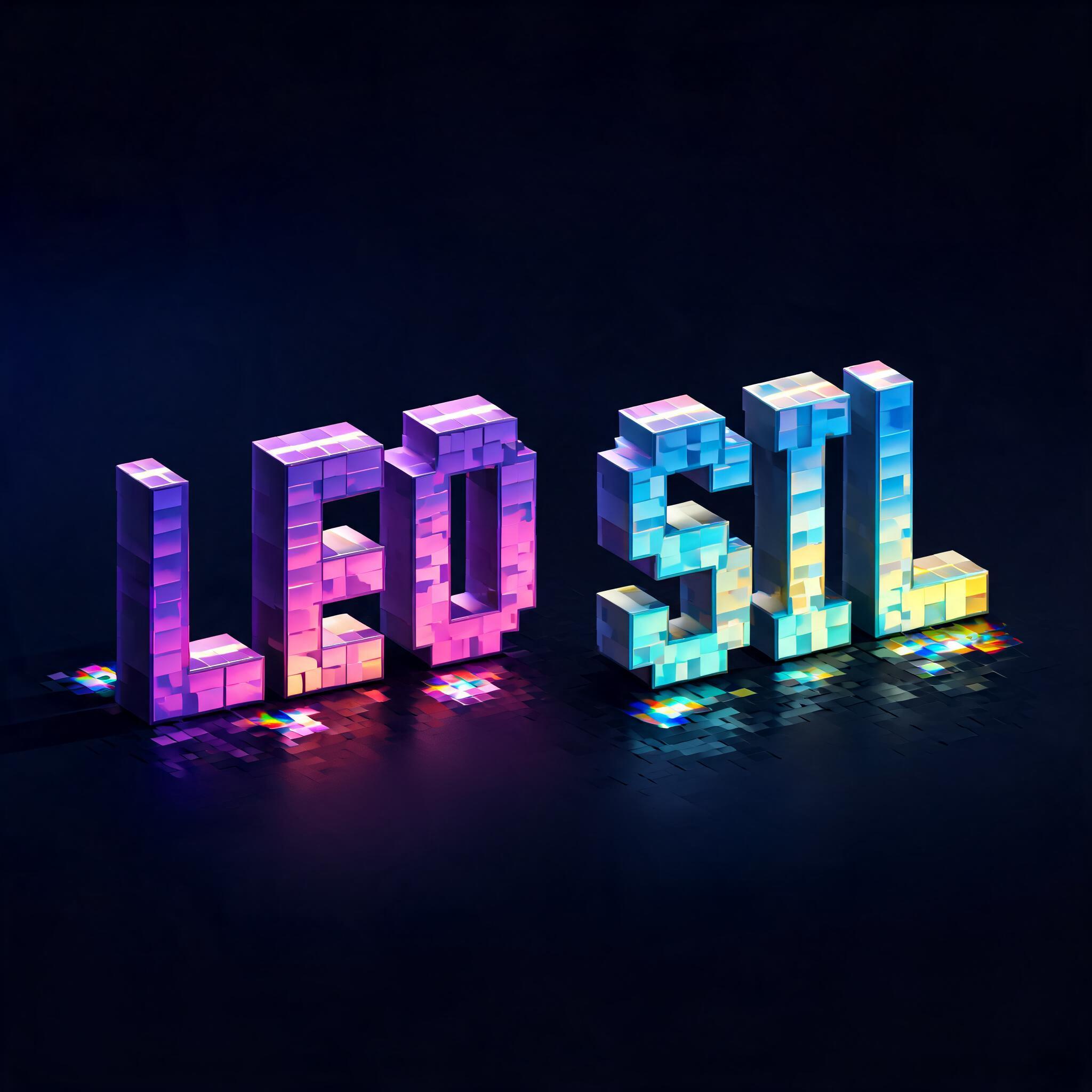
"LEO SIL" — Pixel Art text effect
"LEVEL UP" — Pixel Art text effect
"CRAFT" — Pixel Art text effect
"LEVEL UP" — Pixel Art text effect
"GAME OVER" — Pixel Art text effect
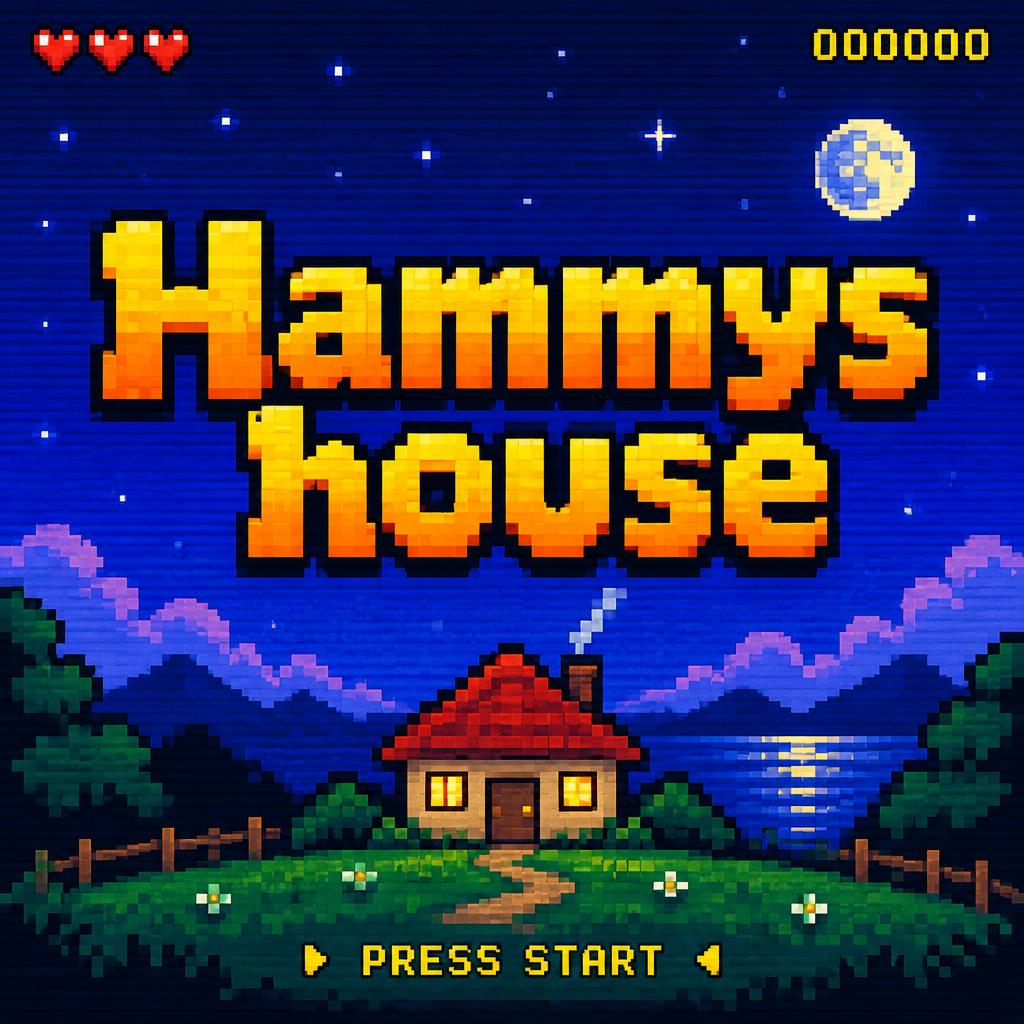
"Hammys house" — Pixel Art text effect
Explore all Pixel Art artwork →
✦ More AI Text Effects
Viking
Viking981
Movie & Film
Movie & Film9.2K
Cyberpunk
Cyberpunk805
Tech HUD
Tech HUD116
Neon Synthwave 3D
Neon Synthwave 3D110
Hologram
Hologram125
Synthwave
Synthwave92
Data Stream
Data Stream275
Neon 80s
Neon 80s264
Synthwave
Synthwave256
Electric Neon
Electric Neon99
Neon Glitch
Neon Glitch129
Magic Fantasy
Magic Fantasy119
Glitch
Glitch325
Neon Sign
Neon Sign1.2K
YouTube Creator
YouTube Creator427
Browse 138+ styles →

Looking for copy-paste fancy text? Try our free Font Generator Tools — cursive, gothic, bubble & 30+ styles.

✦ Use Cases

Perfect for These Projects

Indie Game Titles
Title screens, level labels, and UI elements for indie games, pixel art adventures, and retro-style gaming projects.
Retro Gaming Content
YouTube channel art, Twitch overlays, and gaming content thumbnails with authentic 8-bit and 16-bit pixel character.
Fan Art & Community
Minecraft fan art titles, Roblox-style graphics, and gaming community content with chunky pixel letterforms.
Gaming Merchandise
T-shirts, caps, and accessories for pixel art fans, retro gaming culture, and indie game developer brands.
✦ FAQ

Pixel Art Text Effect — FAQ

A pixel art text generator creates retro 8-bit and 16-bit styled text effects as finished images. FontVibe AI renders your text with chunky pixel letterforms, arcade game color palettes, and video game screen aesthetics — no pixel art skills or software needed.
Type your text, select Pixel Art on FontVibe, and click Generate. The AI produces a free pixel art text effect in seconds. No sign-in required for your first tries, and all images are free for commercial use.
Yes. FontVibe Pixel Art style generates blocky, chunky letterforms that capture the visual character of Minecraft block lettering and Roblox-style pixel typography. While not using official game assets, the aesthetic matches closely for fan content and personal projects.
Pixel art text effects are ideal for retro gaming channel logos, indie game titles, 8-bit music artwork, Minecraft server branding, arcade-themed event posters, nostalgic merchandise, and any project celebrating pixel art culture.
FontVibe exports high-resolution JPG and PNG. PNG is recommended for pixel art to maintain sharp pixel edges without compression artifacts.
Yes. All images generated on FontVibe are 100% copyright-free and cleared for commercial use. Use your pixel art text on game projects, merchandise, social media, or client work with no licensing fees required.
About This Style

What is the Pixel Art Font Style?

The Pixel Art font style is a distinctive AI-generated typography effect. Blocky 8-bit pixel capitals glowing amber-orange on a curved CRT arcade screen, with scanlines, phosphor bloom and a small INSERT COIN line. Using FontVibe's AI pixel art generator you can create stunning text effects in seconds — no Photoshop, no font licensing, no design experience needed.

Explore the Pixel Art gallery for inspiration, or browse all 138+ AI text effect styles available on FontVibe.

Arcade›Gaming›Game UI›Game asset›Overlay›Sticker›YouTube thumbnail›80s›Retro gaming›Geeky›

How to Create Pixel Art Typography in FontVibe Studio

1
Enter your text
Any word, phrase, or brand name. Works best with short, punchy text.
2
Select Pixel Art
From the style library. Optionally describe a mood in the custom prompt.
3
Generate and download.
Your Pixel Art font artwork is ready in seconds. PNG, JPG, or transparent PNG.
✦ Why FontVibe
Instant Generation
Generate Pixel Art text effects in seconds — no design skills or font licenses needed.
100% Copyright-Free
Every artwork you create is yours to use — personal projects, client work, commercial products.
Download PNG / JPG Free
Download PNG, transparent PNG, or JPG. Ready for Canva, Figma, or any design tool.
✦ About This Style

The Story Behind Pixel Art

History, visual DNA, and cultural context.

Constraint as Aesthetic

Pixel art was not a choice — it was a consequence. Early computer and video game hardware had severe limitations on the number of colors that could be displayed simultaneously and the resolution at which they could be rendered. Artists working for Atari, Nintendo, and Sega in the 1970s and 1980s were solving a technical problem: how do you represent a human face, a spaceship, or a dragon in 16×16 pixels using 4 colors?

The solutions they found — selective color contrast, implied detail through strategic pixel placement, the expressive potential of the limited grid — were genuinely inventive. Shigeru Miyamoto's team at Nintendo created Mario as a character defined by his constraints: the mustache and cap existed because fine facial detail was impossible at that resolution; the overalls because arm movement couldn't be shown separately from a body at 16 pixels wide.

When hardware limitations disappeared in the 1990s, pixel art became a deliberate choice rather than a forced one. The aesthetic carried the emotional memory of a generation's first encounters with interactive entertainment — the low-resolution sprites were not limitations to be overcome, they were the texture of a formative experience.

Sources: Wikipedia — Mario

The Visual DNA

🔲
Hard pixel grid— Every element aligns to a visible grid. No anti-aliasing, no sub-pixel rendering. The square is the irreducible unit — everything is built from it.
🎨
Severely limited color palettes— 4, 8, 16, or 32 colors. The constraint forces color choices to be structural rather than decorative — each color has to carry maximum information.
✨
Dithering as texture— When a palette cannot represent a gradient, alternating pixels of two colors simulate intermediate values. The dithering pattern becomes a visual texture in its own right — immediately recognizable as a specific technology's solution to a specific problem.
📺
Isometric perspective— Many pixel art compositions use a 2:1 isometric grid that creates the illusion of 3D space using 2D pixels. The specific angle became an aesthetic convention through games like Ultima and SimCity.
👾
Sprite-scale figure design— Characters reduced to their essential visual elements: enough pixels to read as human, as monstrous, as heroic, at game-screen size. The reduction is a design problem, not a limitation.

Did You Know?

🕹️

The original Donkey Kong arcade cabinet (1981) gave Mario his cap, mustache, and overalls because drawing hair animation and facial expressions was impossible at the available resolution. The character's entire visual identity was determined by technical constraints. Mario's mustache exists because pixel resolution in 1981 couldn't render a mouth. Source ↗

🎮

The Game Boy's 160×144 pixel display and 4-shade green palette was technically inferior to competitors when it launched in 1989. Together with the Game Boy Color it sold about 118.69 million units, helped by its low price, long battery life and Tetris, the pack-in game outside Japan. The hardware constraints created a visual aesthetic now inseparable from the memory of an era. Source ↗

🕹️

The original Macintosh's screen fonts — Chicago, Geneva and Monaco — were plotted pixel by pixel by Susan Kare, whom Apple hired in January 1983. She sketched icons on graph paper, then built them with pixel-editing tools from Bill Atkinson and Andy Hertzfeld; Chicago, her first font, ran the menus and dialogs of the 1984 Macintosh. Source ↗

✦ Open in Studio

Create Your Pixel Art Typography in Studio

Free to start. No design skills needed. Your artwork, your copyright.

✓ 0 free credits on sign-in  ·  ✓ No credit card required
Home›Styles›Pixel Art
222+ artworks

AI Pixel Art Text Effect Generator

Blocky 8-bit pixel capitals glowing amber-orange on a curved CRT arcade screen, with scanlines, phosphor bloom and a small INSERT COIN line. — no font license needed.

222Artworks
·9.3KPopularity
·168Creators
·6matching AI fonts ↓
·16designs you can make ↓
Transparent Effect
✦ Transparent Effect
Generates a PNG with the background removed — only the text and its visual effects remain. The AI automatically selects the optimal background color for clean removal based on your style.
Output is always PNG for lossless transparency.
Choose AI font
PIXEL
Pixel Art
Game UI · Retro App · Streamer Badge
FontVibe
FontVibe

Pixel Art in different AI fonts
Pixel Retro↗· 85 artworks
✦ Geometric✦ Retro
MOSSBYTE GAMES PRESENTS
SLIME KINGDOM
QUEST
PRESS START
© 2026 MOSSBYTE GAMES
PIXEL
GAME OVER
Hammys house
Nuestra Aventura Para Colorear
MC入侵二次元
Hammer Forge
FORGED IN THE HIGHLANDS
INSERT COIN • PRESS START
LedraByte
SwirlyNutria
ON CLASSE LA DISCO D'OXMO PUCCINO
✦ Use Cases

What Will You Make?

Real use cases, real outputs. Pick your scene.

Retro Game Title Card
Game Title
Retro Game Title Card
Widescreen · 16:9
Try it →
Synthwave Neon Poster
Music Event
Synthwave Neon Poster
Portrait · 9:16
Try it →
Minecraft Voxel Style Text
Minecraft
Minecraft Voxel Style Text
Widescreen · 16:9
Try it →

What you can make with Pixel Art
Matching PFP designs→Channel designs→
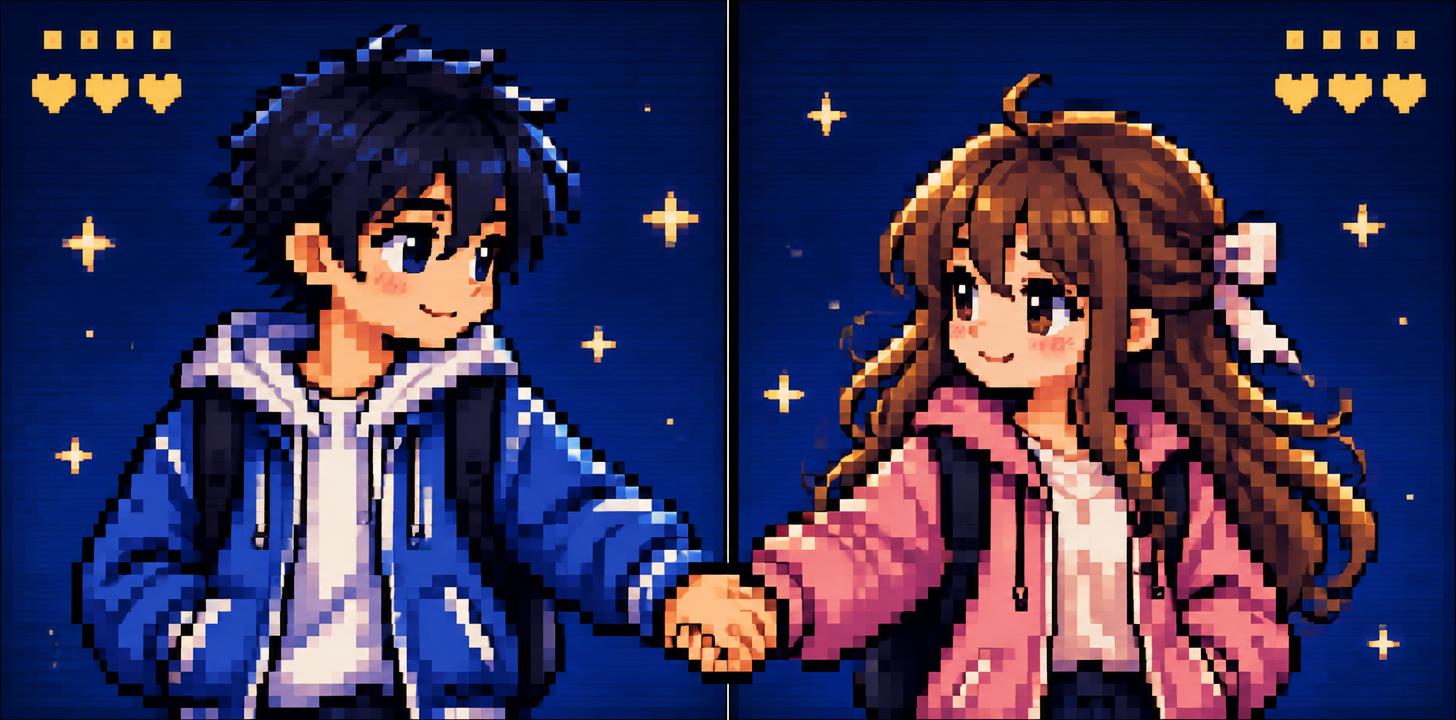
couple matching PFPcouple matching PFP52 designs · Two 720 × 720 px squaresMatching PFP
best friend matching PFPbest friend matching PFP31 designs · Two 720 × 720 px squaresMatching PFP
anime matching PFPanime matching PFP40 designs · Two 720 × 720 px squaresMatching PFP
YouTube channel art templateYouTube channel art template23 designs · 2848 × 1600 px, 16:9Channel
YouTube thumbnail sizeYouTube thumbnail size45 designs · 1824 × 1024 px, 16:9Channel
make a logo for your channelmake a logo for your channel44 designs · 1024 × 1024 px, squareChannel
profile pictureprofile picture14 designs · 1024 × 1024 px, squareChannel
Discord bannerDiscord banner22 designs · Server banner 16:9 or profile banner wide stripChannel
Twitch emoteTwitch emote50 designs · Set 1536 × 1024 (3 × 2) or single 1024 × 1024Channel
Twitch profile bannerTwitch profile banner16 designs · 2384 × 1024 px, 21:9Channel
stream overlay screenstream overlay screen43 designs · 1824 × 1024 px, 16:9Channel
YouTube end screenYouTube end screen14 designs · 1824 × 1024 px, 16:9Channel
Twitch panelTwitch panel13 designs · 2384 × 1024 px, wide headerChannel
YouTube fontYouTube font73 designs · Fits your wordsChannel
podcast coverpodcast cover21 designs · 2048 × 2048 px, squareChannel
stream backgroundstream background14 designs · 1824 × 1024 px, 16:9Channel
Try It Now — Free

Generate Your Pixel Art Text Effect

Type any word — see it transformed in seconds. No sign-up required.

⚡Instant Generation
✓100% Copyright-Free
↓Download PNG / JPG Free
Transparent Effect
✦ Transparent Effect
Generates a PNG with the background removed — only the text and its visual effects remain. The AI automatically selects the optimal background color for clean removal based on your style.
Output is always PNG for lossless transparency.
Choose AI font
Details
✦ Text Effect Gallery

Pixel Art Style Gallery

Real outputs from the Pixel Art style. Click any image to see details.
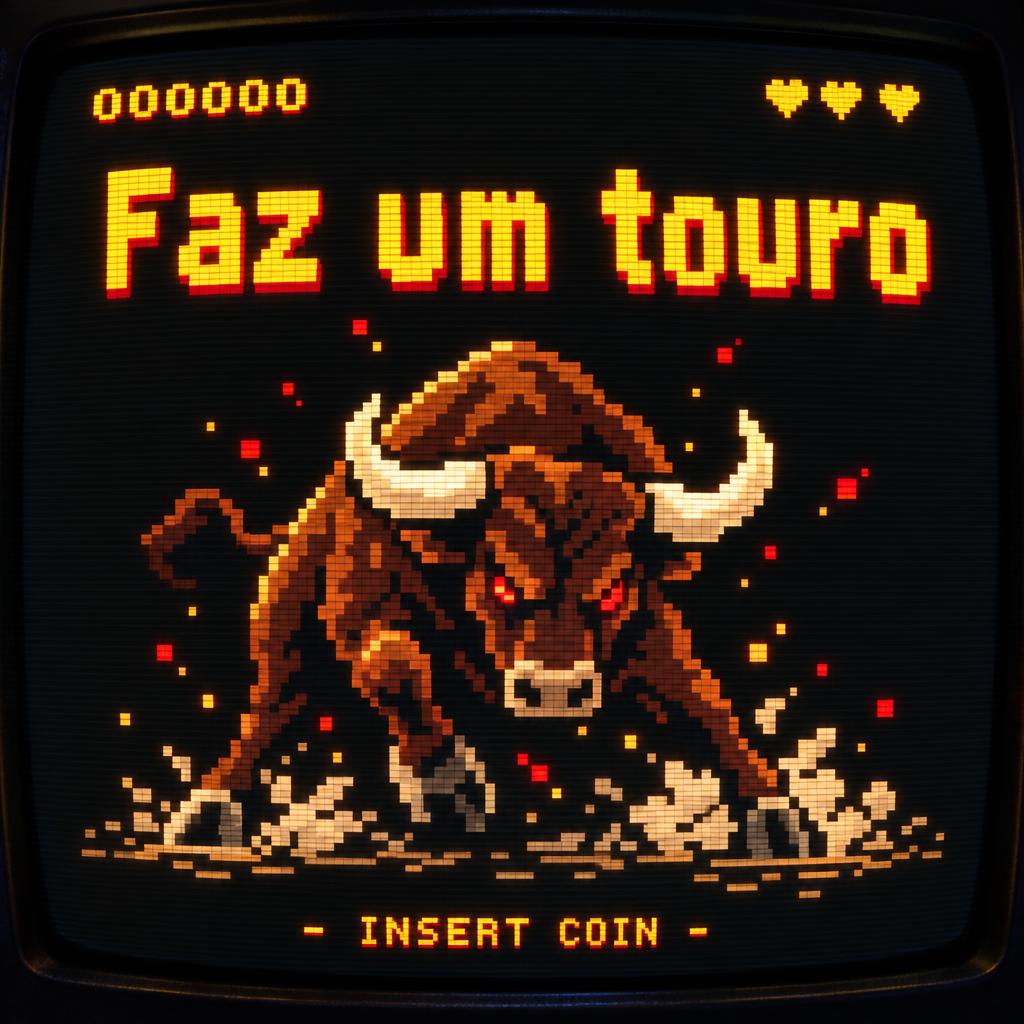
"Faz um touro
" — Pixel Art | AI Text Effect Generator
“Faz um touro ”
Passa Tempo
"PIXEL" — Pixel Art | AI Text Effect Generator
“PIXEL”
Pixel Art
"NEON
NIGHTS" — Pixel Art | AI Text Effect Generator
“NEON NIGHTS”
FontVibe
"LEVEL UP" — Pixel Art | AI Text Effect Generator
“LEVEL UP”
FontVibe
"CRAFT" — Pixel Art | AI Text Effect Generator
“CRAFT”
FontVibe
"DREAM BIG" — Pixel Art | AI Text Effect Generator
“DREAM BIG”
FontVibe
"Nuestra Aventura Para Colorear" — Pixel Art | AI Text Effect Generator
“Nuestra Aventura Para Colorear”
Pixel Art
"MC入侵二次元" — Pixel Art | AI Text Effect Generator
“MC入侵二次元”
昌旭 董
"LedraByte" — Pixel Art | AI Text Effect Generator
“LedraByte”
Pixel Art (DIY)
"奇蹟" — Pixel Art | AI Text Effect Generator
“奇蹟”
Herrick Lam
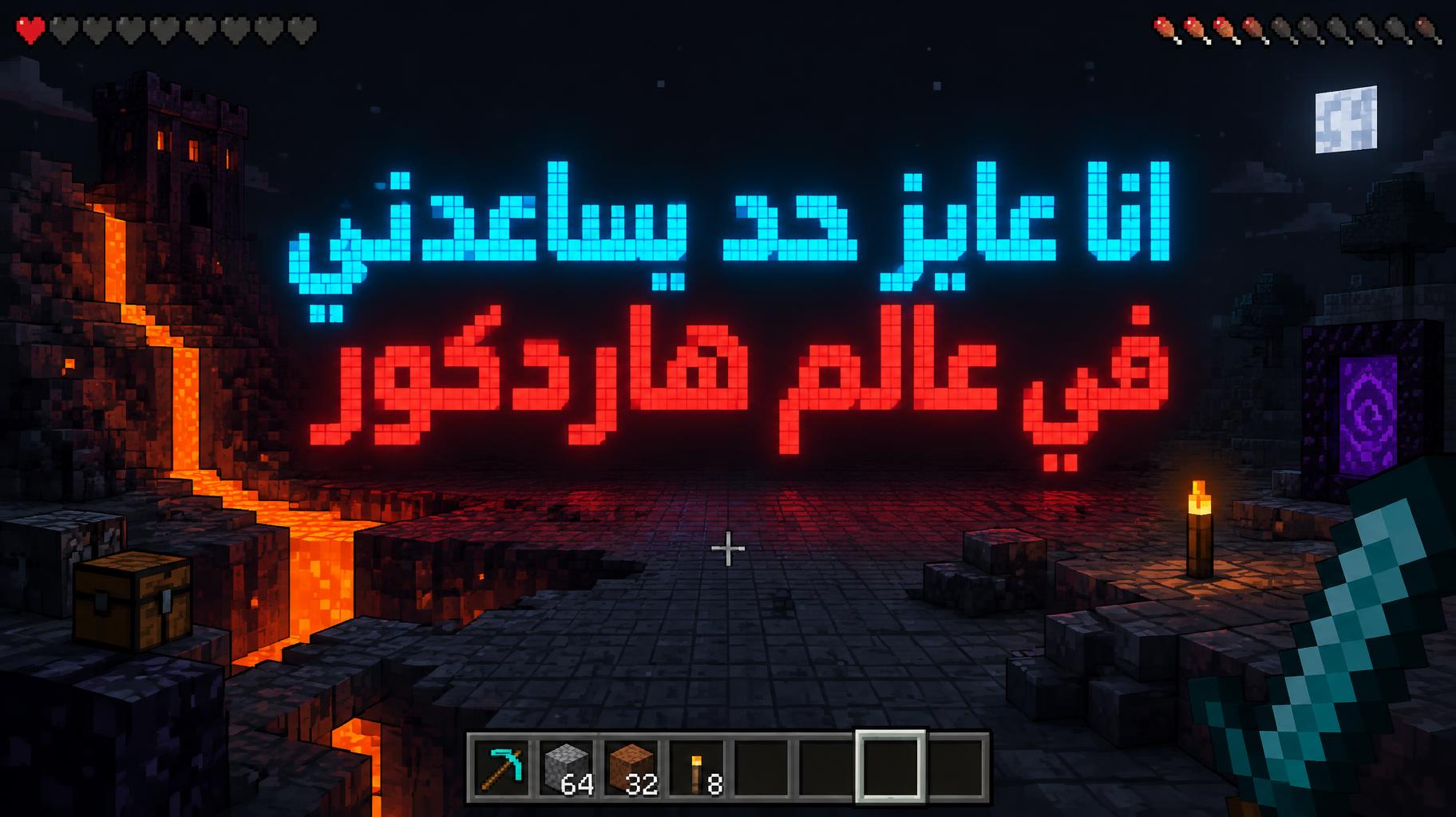
"انا عايز حد يساعدني في عالم هاردكور" — Pixel Art | AI Text Effect Generator
“انا عايز حد يساعدني في عالم هاردكور”
omar massry
"ADMIN" — Pixel Art | AI Text Effect Generator
“ADMIN”
Pixel Art (DIY)
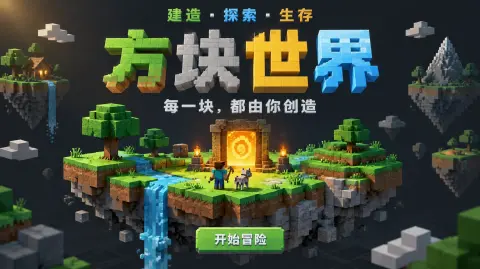
"方块世界
建造 · 探索 · 生存
每一块,都由你创造
开始冒险" — Pixel Art | AI Text Effect Generator
“方块世界 建造 · 探索 · 生存 每一块,都由你创造 开始冒险”
Pixel Art (DIY)
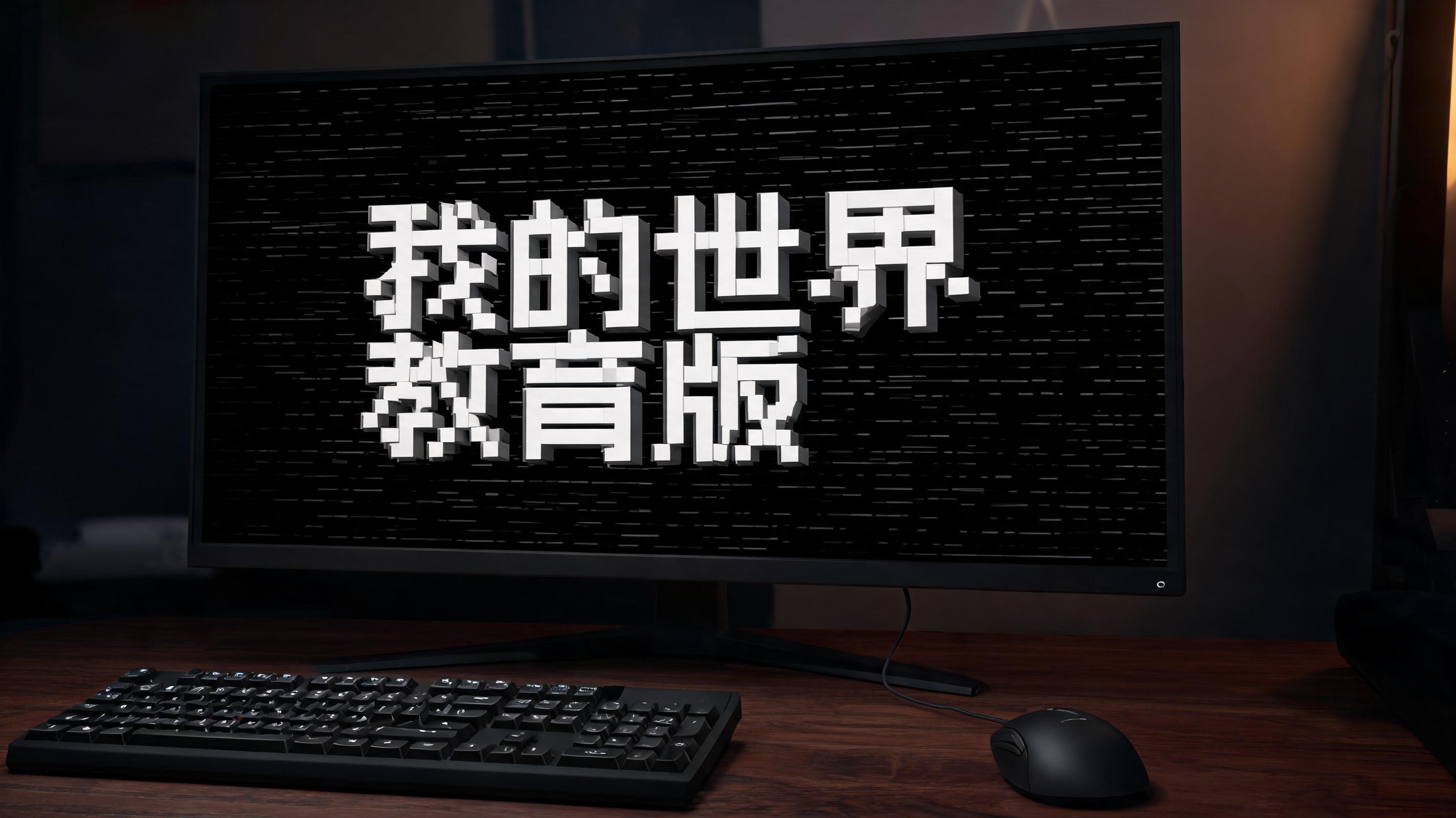
"我的世界教育版" — Pixel Art | AI Text Effect Generator
“我的世界教育版”
"" — Pixel Art | AI Text Effect Generator
“”
FontVibe
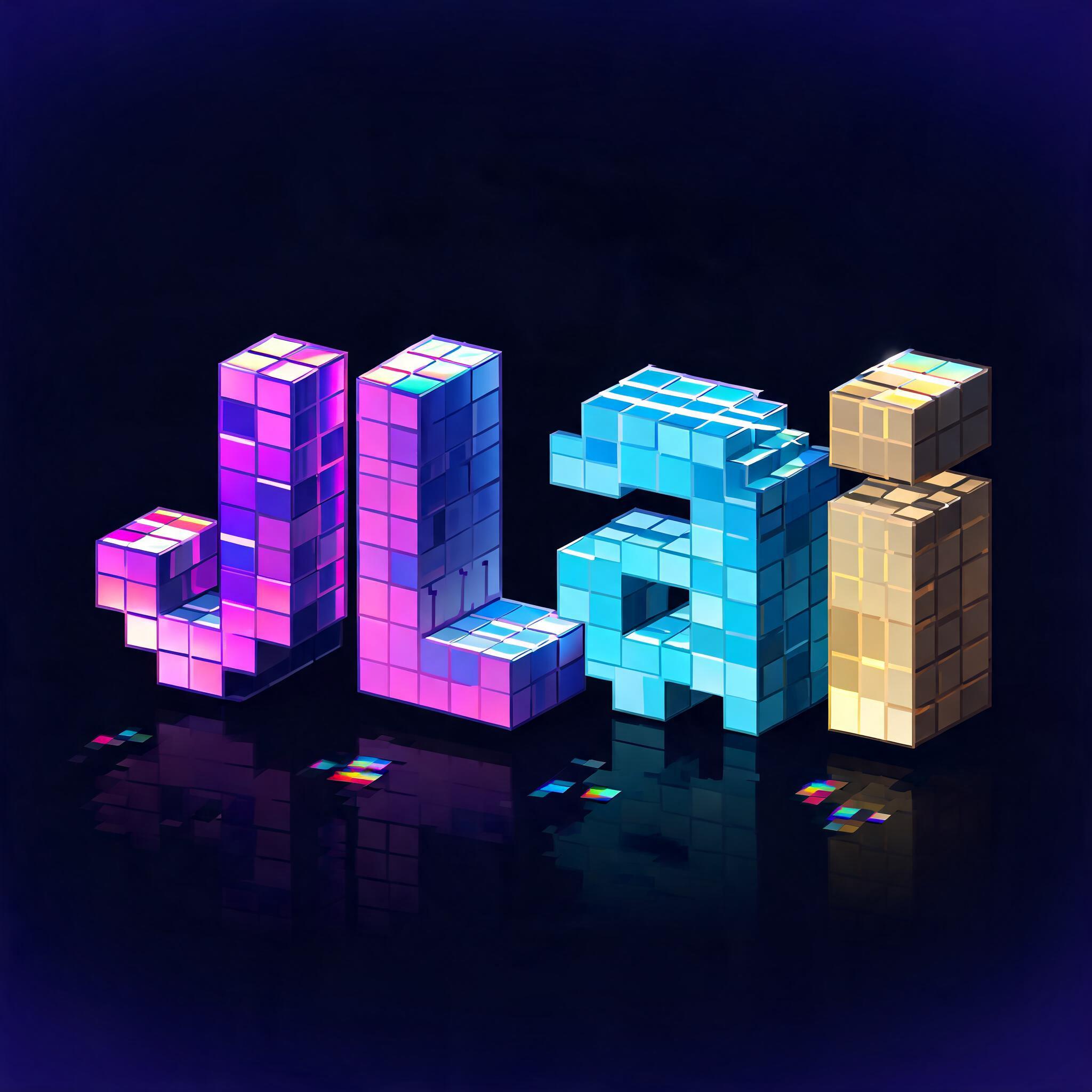
"JLai" — Pixel Art | AI Text Effect Generator
“JLai”
Pixel Art
"CRAFT" — Pixel Art | AI Text Effect Generator
“CRAFT”
"MOSSBYTE GAMES PRESENTS
SLIME KINGDOM
QUEST
PRESS START
© 2026 MOSSBYTE GAMES" — Pixel Art | AI Text Effect Generator
“MOSSBYTE GAMES PRESENTS SLIME KINGDOM QUEST PRESS START © 2026 MOSSBYTE GAMES”
Pixel Art (DIY)
"NEON
NIGHTS" — Pixel Art | AI Text Effect Generator
“NEON NIGHTS”
FontVibe
"NEON
NIGHTS" — Pixel Art | AI Text Effect Generator
“NEON NIGHTS”
FontVibe
"CRAFT" — Pixel Art | AI Text Effect Generator
“CRAFT”
FontVibe
"LEVEL UP" — Pixel Art | AI Text Effect Generator
“LEVEL UP”
FontVibe
"Dream" — Pixel Art | AI Text Effect Generator
“Dream”
FontVibe
"" — Pixel Art | AI Text Effect Generator
“”
DaLiNa
"Hammer Forge
FORGED IN THE HIGHLANDS
INSERT COIN • PRESS START" — Pixel Art | AI Text Effect Generator
“Hammer Forge FORGED IN THE HIGHLANDS INSERT COIN • PRESS START”
Pixel Art (DIY)
"" — Pixel Art | AI Text Effect Generator
“”
FontVibe
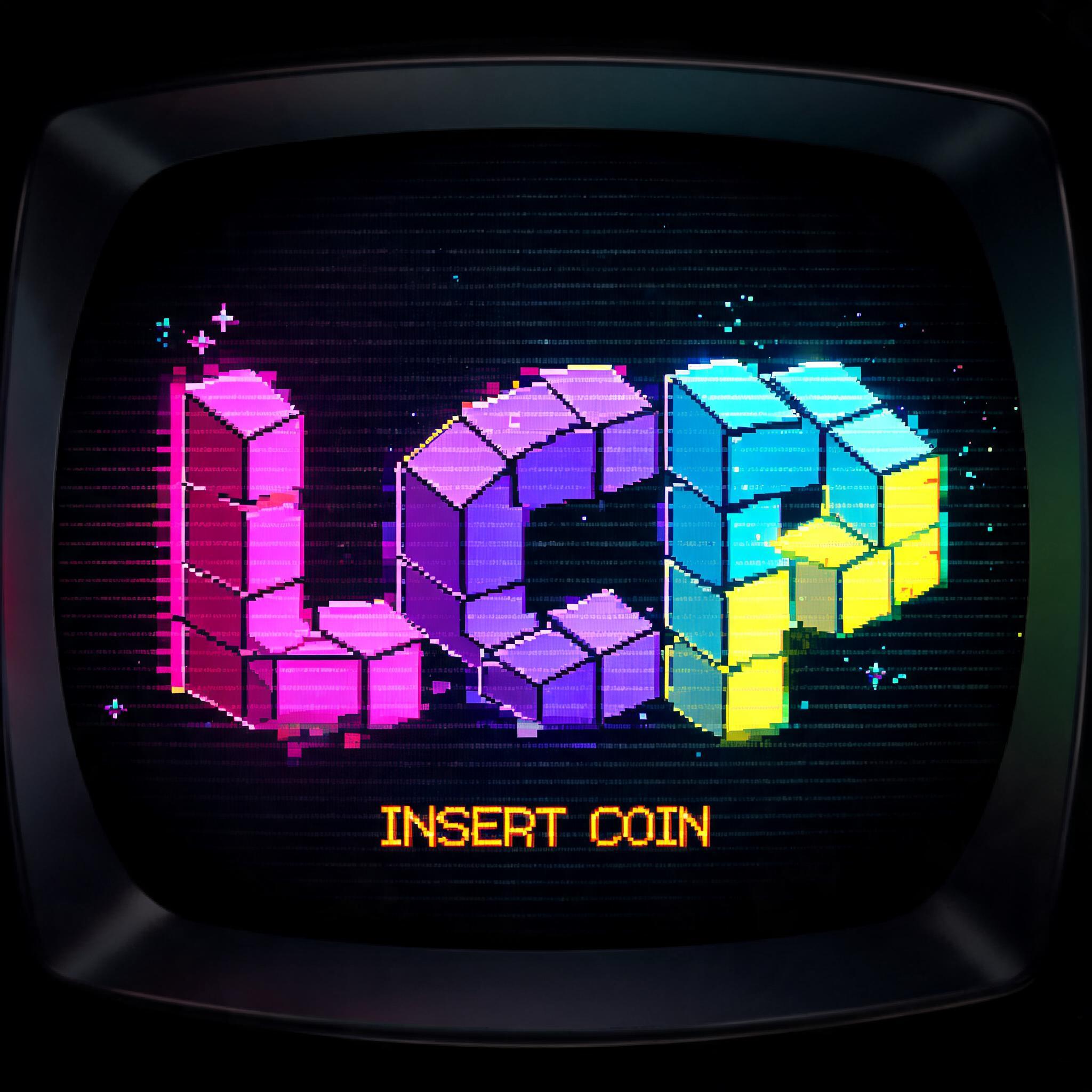
"LCP" — Pixel Art | AI Text Effect Generator
“LCP”
之叶 垒
"" — Pixel Art | AI Text Effect Generator
“”
FontVibe
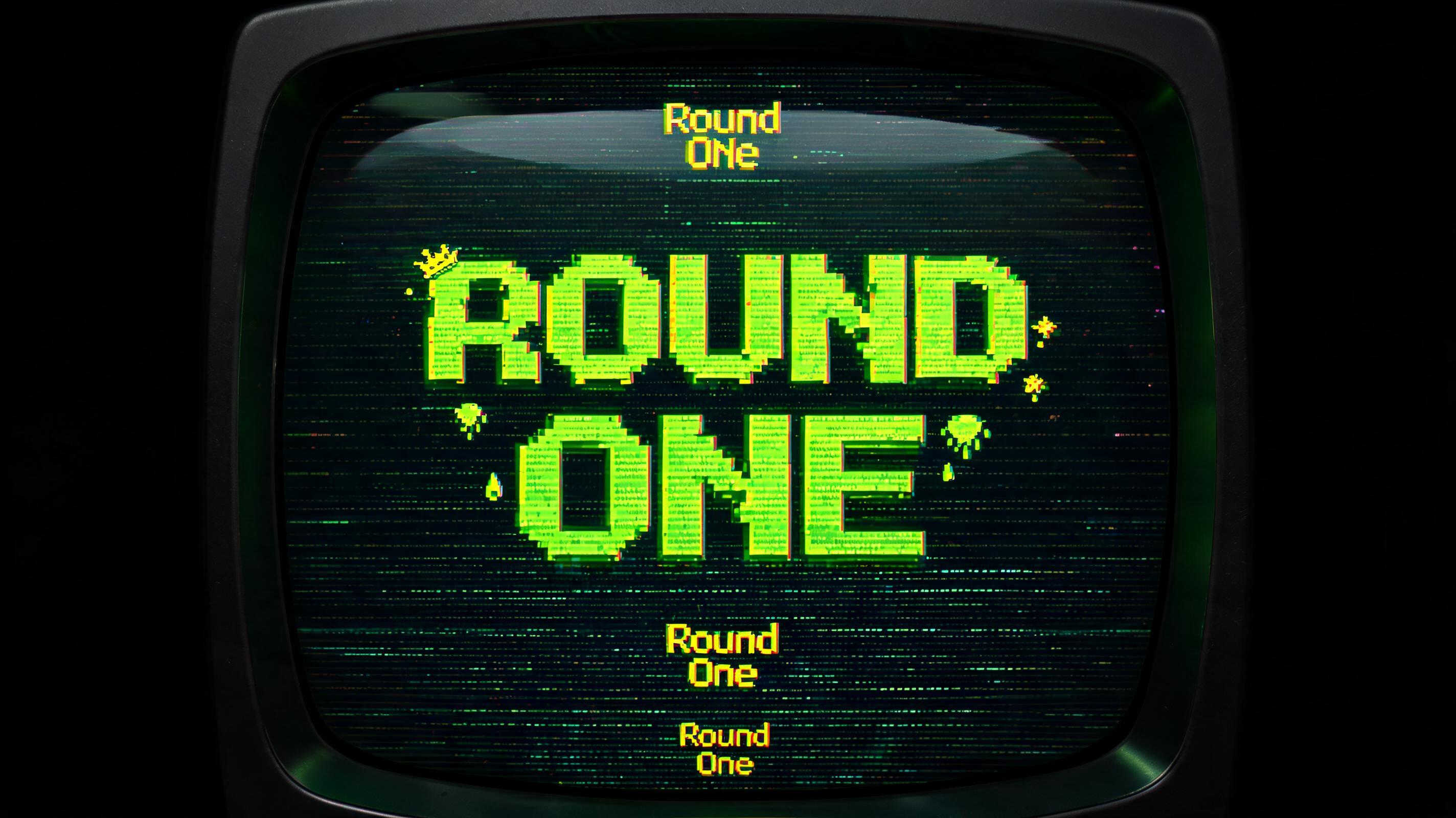
"Round
One" — Pixel Art | AI Text Effect Generator
“Round One”
Pixel Art (DIY)
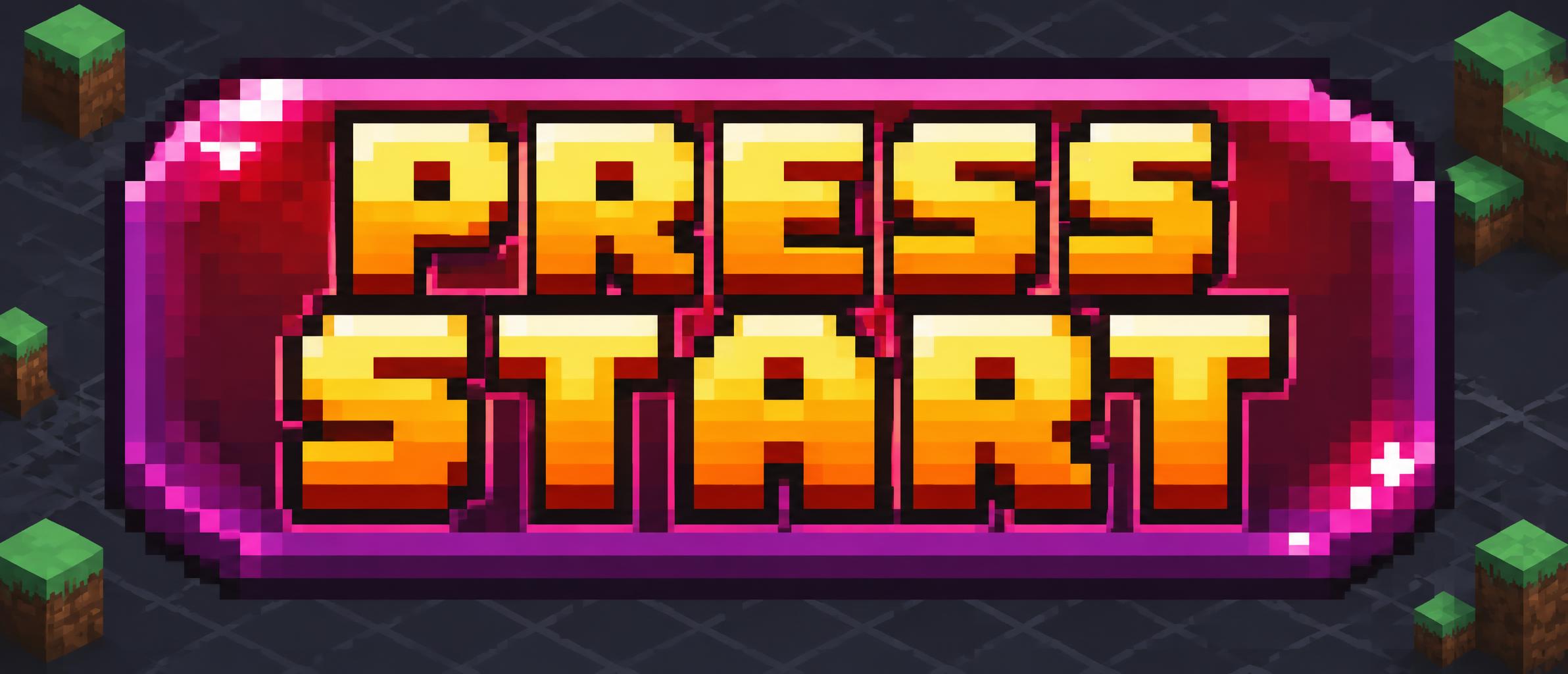
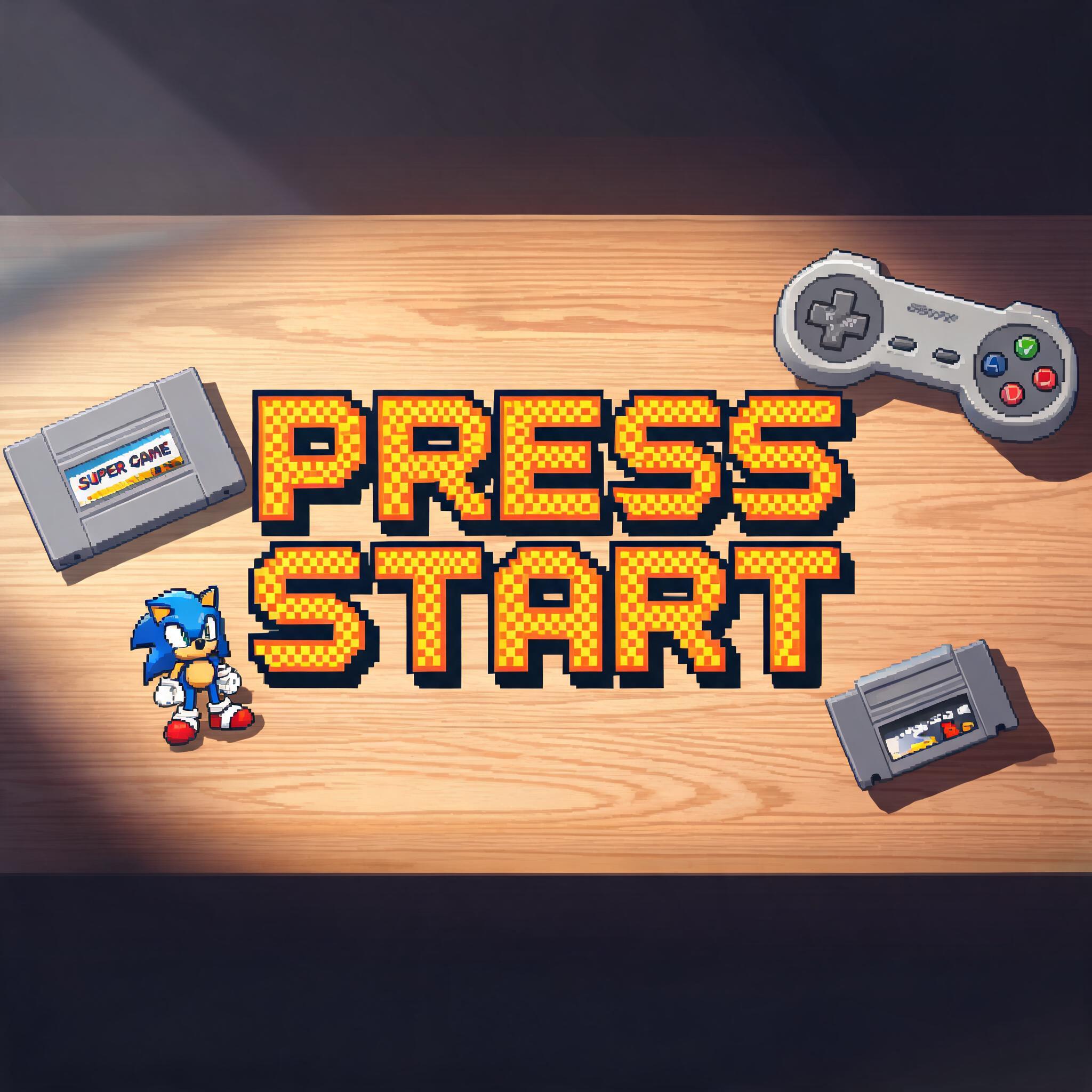
"PRESS START" — Pixel Art | AI Text Effect Generator
“PRESS START”
HustleMania
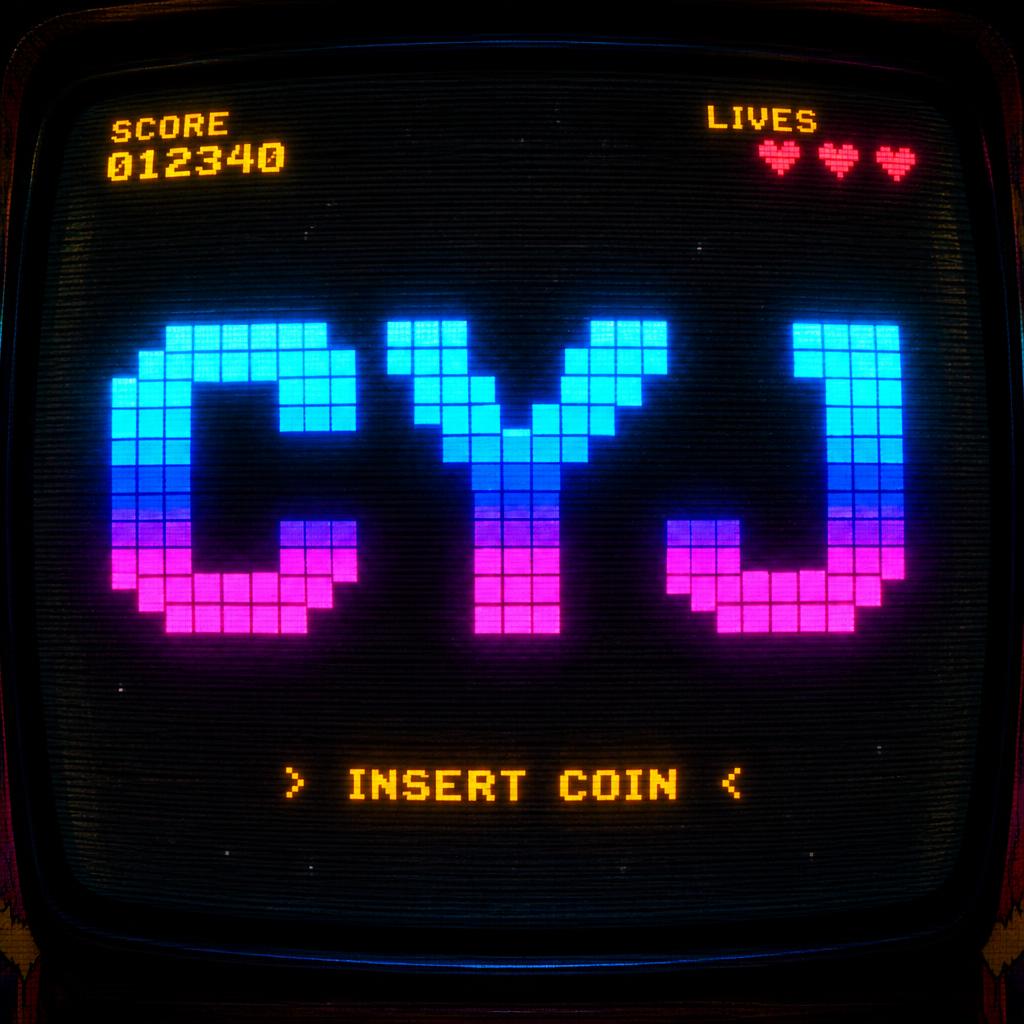
"CYJ" — Pixel Art | AI Text Effect Generator
“CYJ”
Pixel Art
"PRESS START" — Pixel Art | AI Text Effect Generator
“PRESS START”
HustleMania
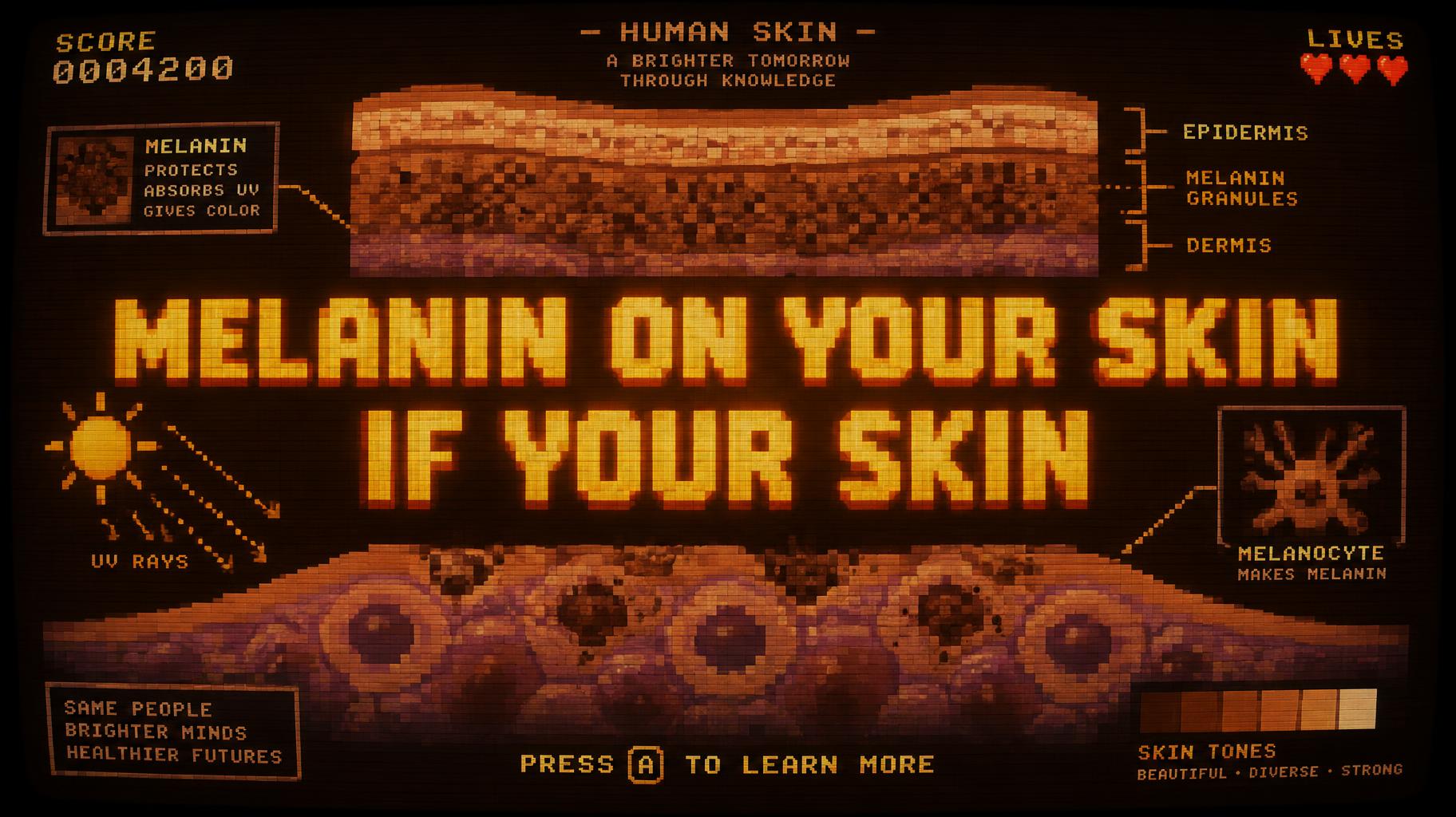
"MELANIN ON YOUR SKIN
IF YOUR SKIN" — Pixel Art | AI Text Effect Generator
“MELANIN ON YOUR SKIN IF YOUR SKIN”
space joshua
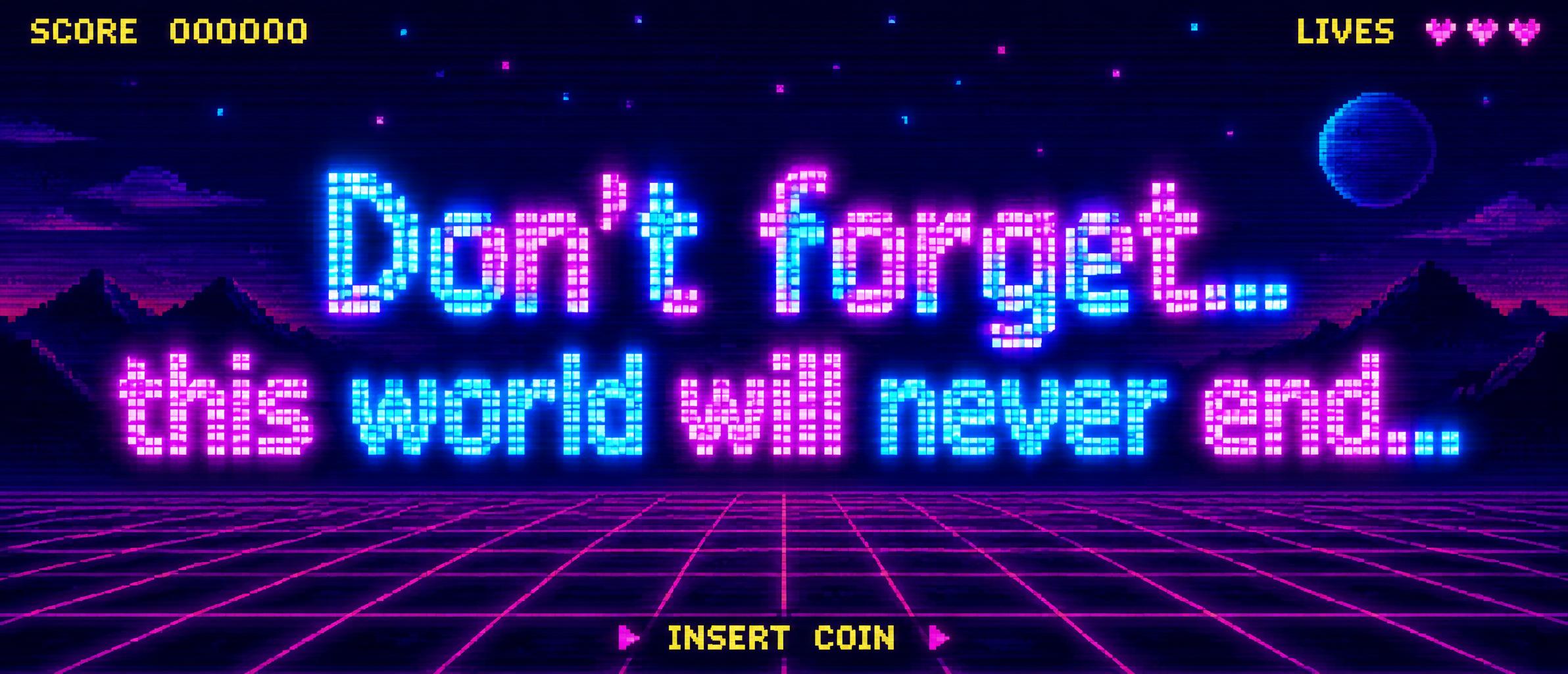
"Don’t forget… this world will never end…" — Pixel Art | AI Text Effect Generator
“Don’t forget… this world will never end…”
Pixel Art
"LEO SIL" — Pixel Art | AI Text Effect Generator
“LEO SIL”
Leo Sil
"LEVEL UP" — Pixel Art | AI Text Effect Generator
“LEVEL UP”
FontVibe
"CRAFT" — Pixel Art | AI Text Effect Generator
“CRAFT”
FontVibe
"LEVEL UP" — Pixel Art | AI Text Effect Generator
“LEVEL UP”
FontVibe
"GAME OVER" — Pixel Art | AI Text Effect Generator
“GAME OVER”
FontVibe
"Hammys house" — Pixel Art | AI Text Effect Generator
“Hammys house”
Pixel Art
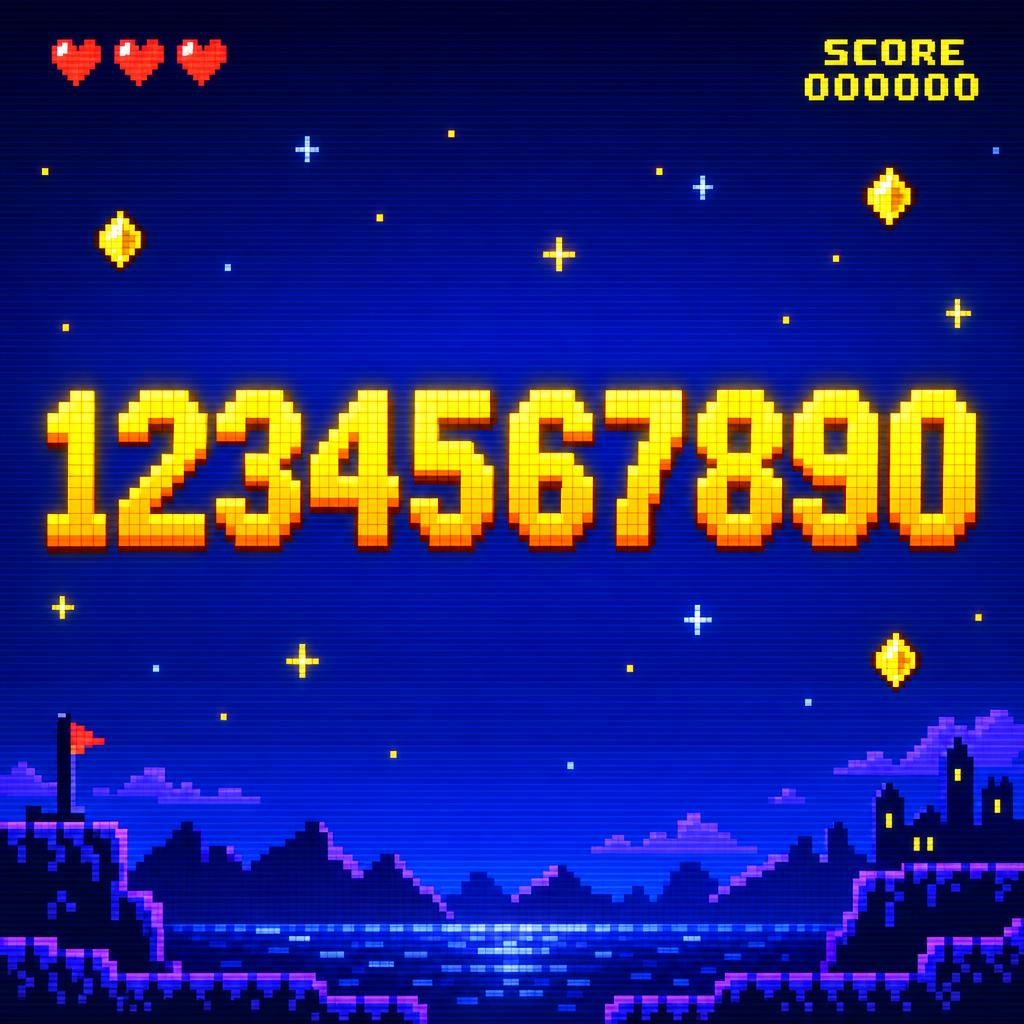
"1234567890" — Pixel Art | AI Text Effect Generator
“1234567890”
ROT Tk
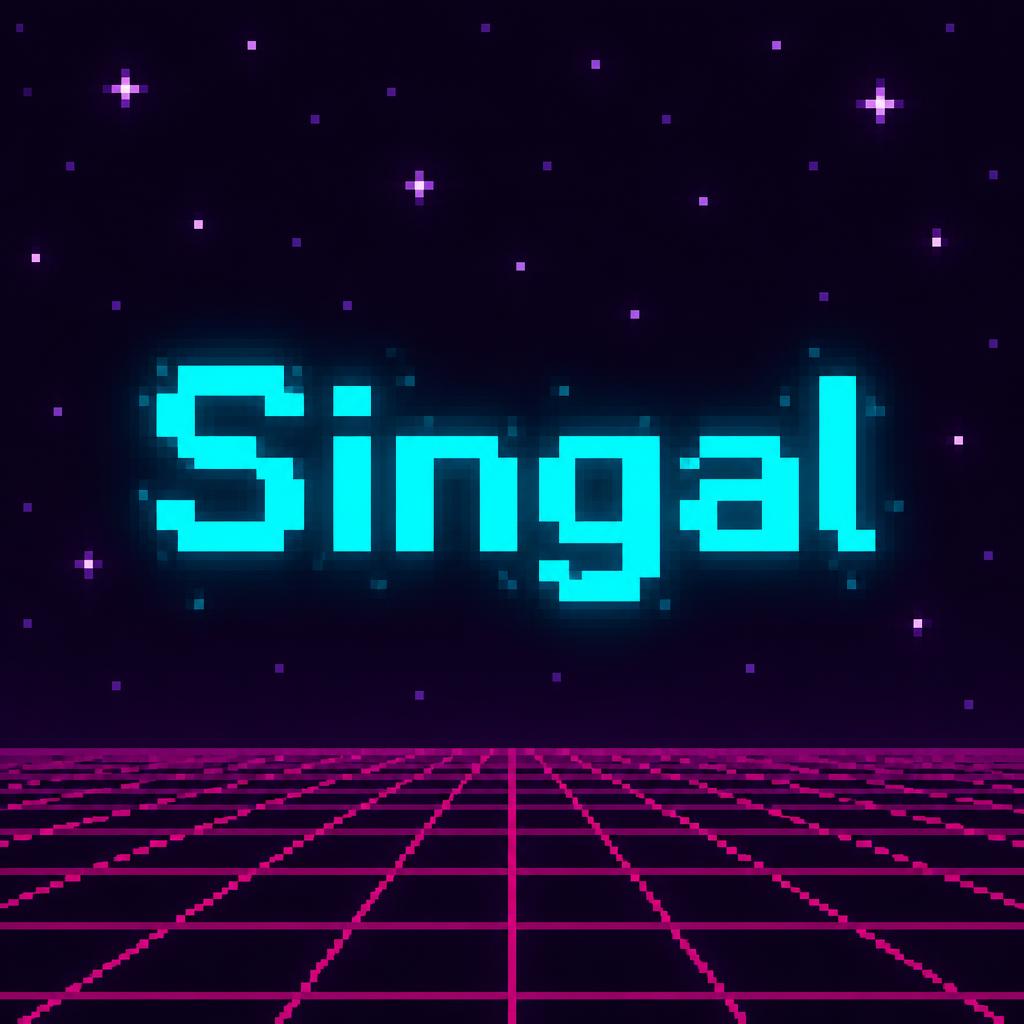
"Singal" — Pixel Art | AI Text Effect Generator
“Singal”
Herrick Lam
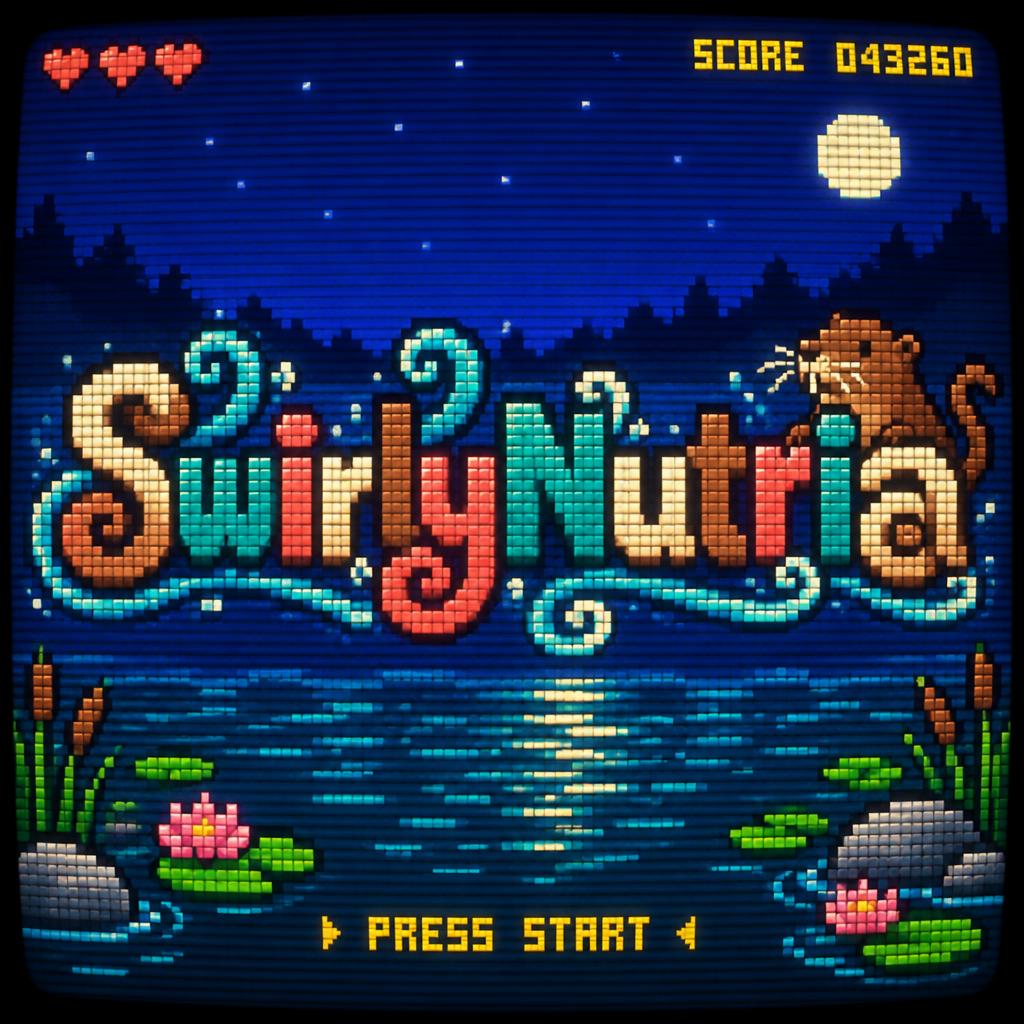
"SwirlyNutria" — Pixel Art | AI Text Effect Generator
“SwirlyNutria”
Pixel Art
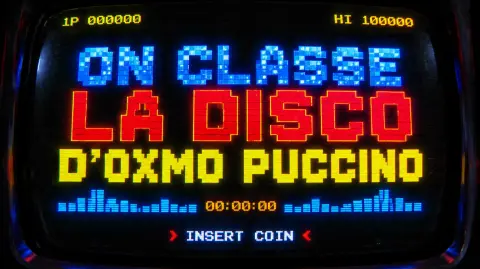
"ON CLASSE LA DISCO D'OXMO PUCCINO" — Pixel Art | AI Text Effect Generator
“ON CLASSE LA DISCO D'OXMO PUCCINO”
Pixel Art
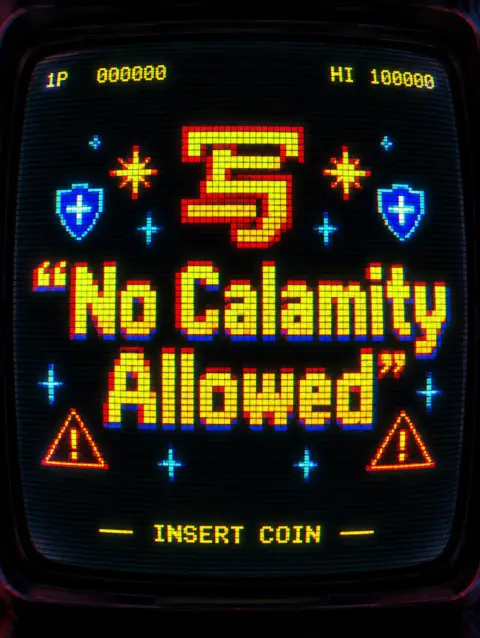
"写“No Calamity Allowed”" — Pixel Art | AI Text Effect Generator
“写“No Calamity Allowed””
Pixel Art
"انا عايز حد يساعدني في عالم هاردكور" — Pixel Art | AI Text Effect Generator
“انا عايز حد يساعدني في عالم هاردكور”
omar massry
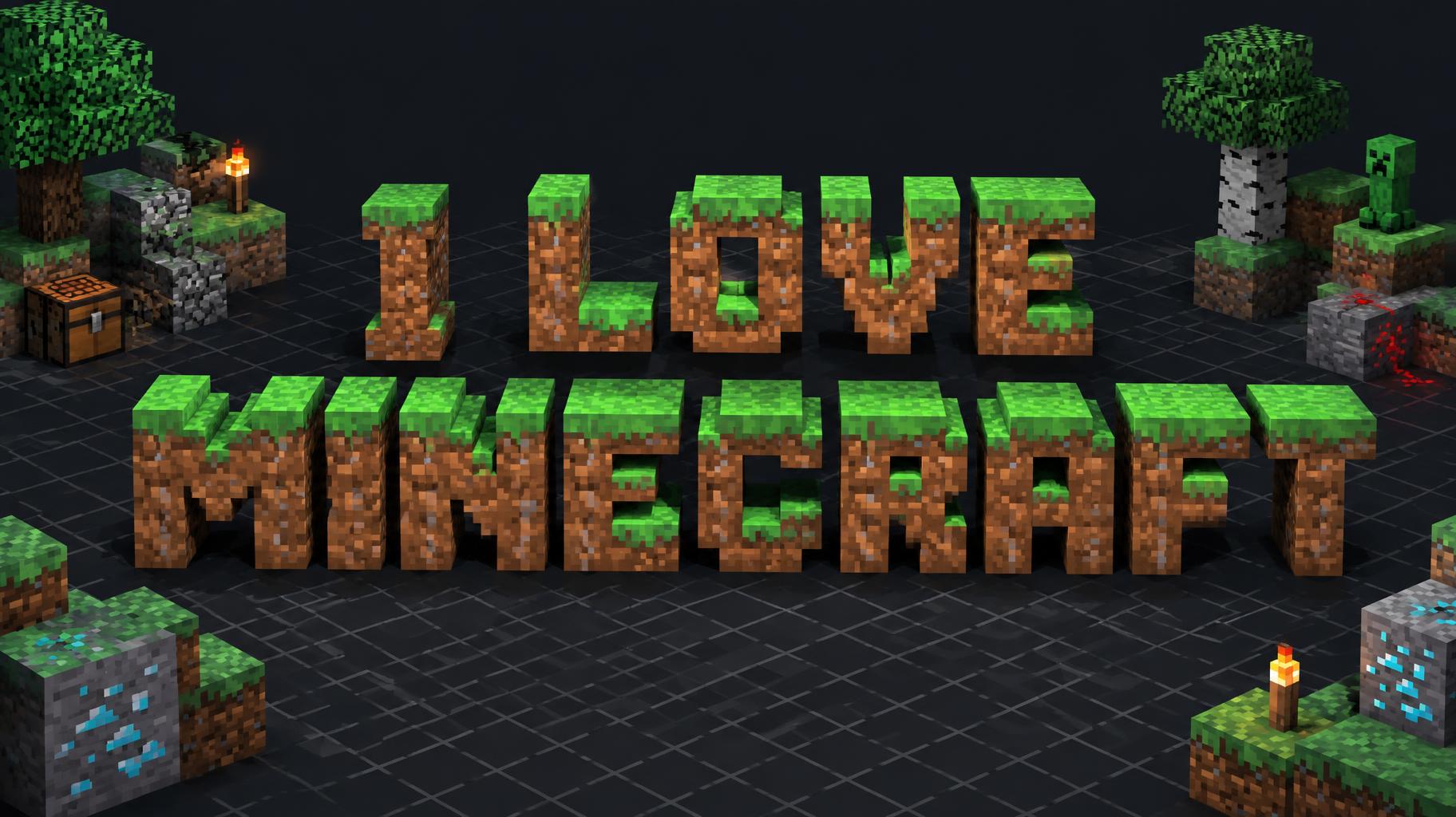
"I LOVE MINECRAFT" — Pixel Art | AI Text Effect Generator
“I LOVE MINECRAFT”
omar massry
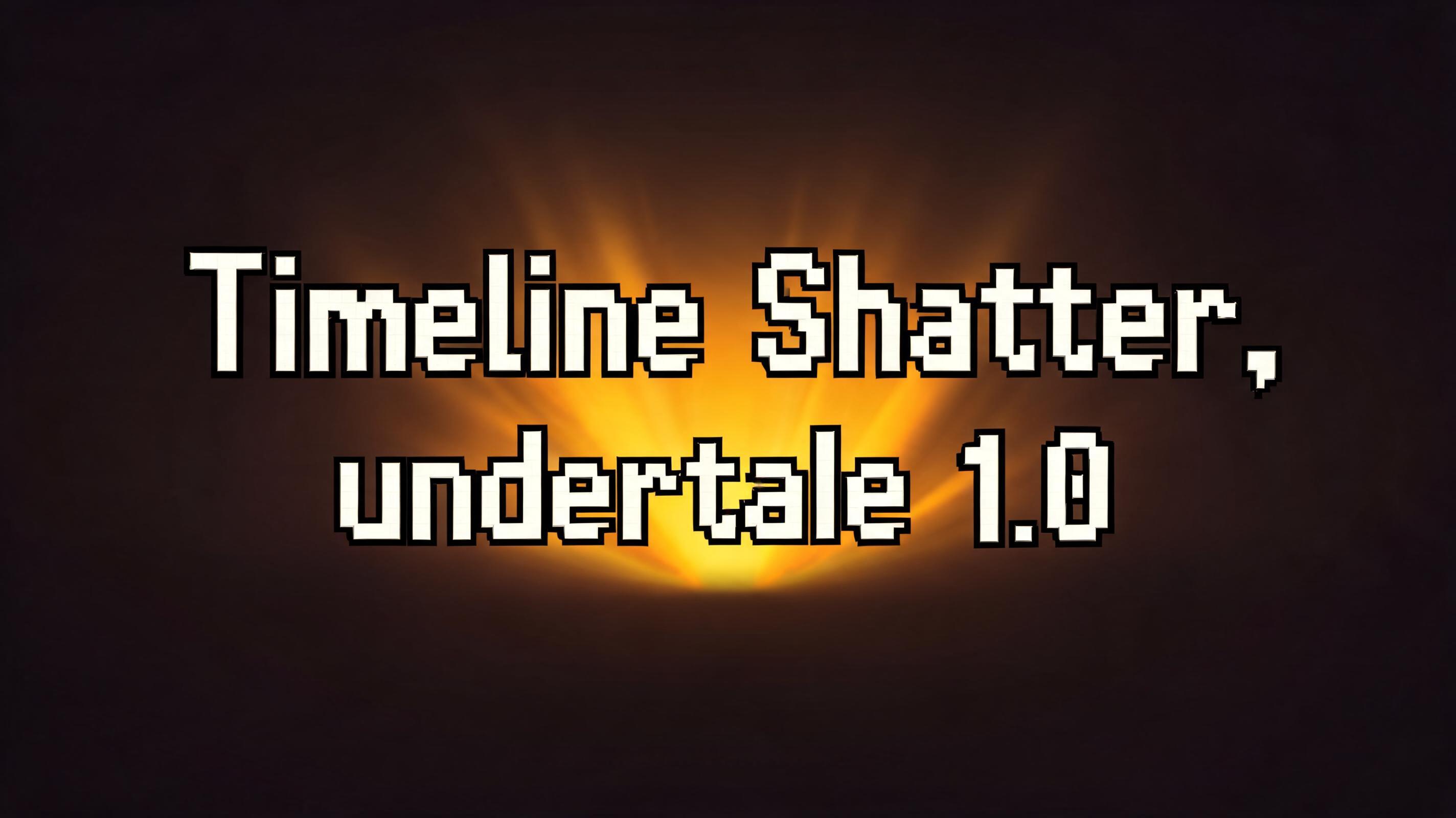
"Timeline Shatter, undertale 1.0" — Pixel Art | AI Text Effect Generator
“Timeline Shatter, undertale 1.0”
Тимур
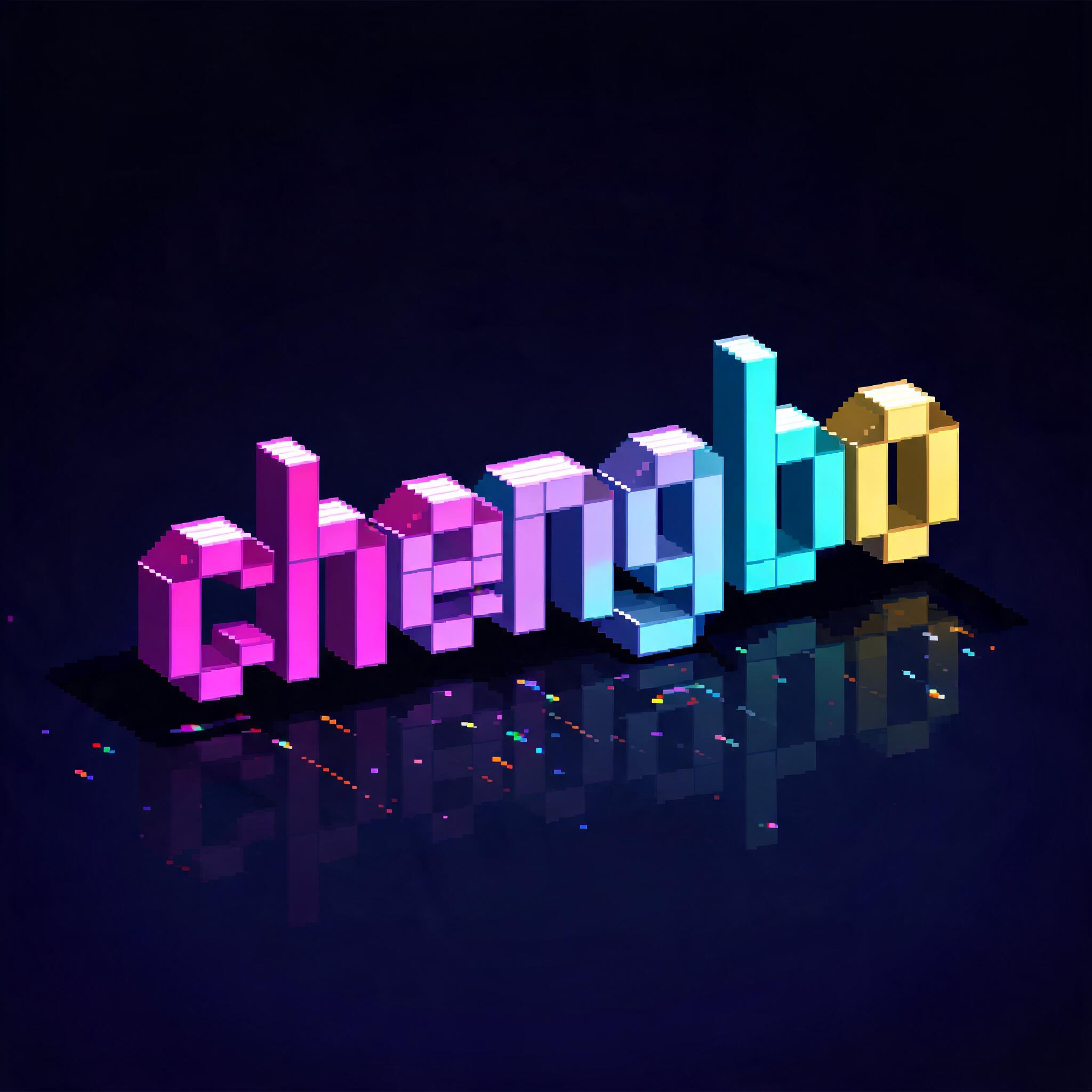
"chengbo" — Pixel Art | AI Text Effect Generator
“chengbo”
Pixel Art
"" — Pixel Art | AI Text Effect Generator
“”
MYRIAN DEL CARMEN SANCHEZ SANCHEZ
✦ More AI Text Effects

Similar Text Effect Styles

Try these styles and create your own AI-generated text effects.

Browse 138+ styles →
Viking
Explore style →
Viking981 images
MetallicCarvedAggressiveRugged
Movie & Film
Explore style →
Movie & Film9.2K images
EpicDramaticCinematicGold
Cyberpunk
Explore style →
Cyberpunk805 images
NeonCyberpunkDarkGlitch
Tech HUD
Explore style →
Tech HUD116 images
ScanlinesSci-fiPreciseTechnical
Neon Synthwave 3D
Explore style →
Neon Synthwave 3D110 images
3DNeonGlowSynthwave
Hologram
Explore style →
Hologram125 images
GlowTransparentScanlinesHologram

Looking for copy-paste fancy text? Try our free Font Generator Tools — cursive, gothic, bubble & 30+ styles.

✦ Use Cases

Perfect for These Projects

Pixel Art text effects are popular for creative projects where visual impact matters.

Indie Game Titles
Title screens, level labels, and UI elements for indie games, pixel art adventures, and retro-style gaming projects.
Retro Gaming Content
YouTube channel art, Twitch overlays, and gaming content thumbnails with authentic 8-bit and 16-bit pixel character.
Fan Art & Community
Minecraft fan art titles, Roblox-style graphics, and gaming community content with chunky pixel letterforms.
Gaming Merchandise
T-shirts, caps, and accessories for pixel art fans, retro gaming culture, and indie game developer brands.
Chiptune & Game Music
Album art and EP covers for chiptune, video game music, and 8-bit-inspired electronic music artists.
Social Media
Nostalgic social posts, profile graphics, and story overlays with retro pixel aesthetic that performs well in gaming communities.

What is the Pixel Art Font Style?

The Pixel Art font style is a distinctive AI-generated typography effect. Blocky 8-bit pixel capitals glowing amber-orange on a curved CRT arcade screen, with scanlines, phosphor bloom and a small INSERT COIN line.

Using FontVibe's AI pixel art generator you can create stunning text effects in seconds — no Photoshop, no font licensing, no design experience needed.

Explore the Pixel Art gallery for inspiration, or browse all 138+ AI text effect styles available on FontVibe.

Arcade›Gaming›Game UI›Game asset›Overlay›Sticker›YouTube thumbnail›80s›Retro gaming›Geeky›

How to Create Pixel Art Typography in FontVibe Studio

1. Enter your text — Any word, phrase, or brand name. Works best with short, punchy text.

2. Select Pixel Art — From the style library. Optionally describe a mood in the custom prompt.

3. Generate and download. Your Pixel Art font artwork is ready in seconds. PNG, JPG, or transparent PNG.

Looking for something different? Browse the full font style library for more AI typography options.

✦ FAQ

Pixel Art Text Effect — FAQ

A pixel art text generator creates retro 8-bit and 16-bit styled text effects as finished images. FontVibe AI renders your text with chunky pixel letterforms, arcade game color palettes, and video game screen aesthetics — no pixel art skills or software needed.
Type your text, select Pixel Art on FontVibe, and click Generate. The AI produces a free pixel art text effect in seconds. No sign-in required for your first tries, and all images are free for commercial use.
Yes. FontVibe Pixel Art style generates blocky, chunky letterforms that capture the visual character of Minecraft block lettering and Roblox-style pixel typography. While not using official game assets, the aesthetic matches closely for fan content and personal projects.
Pixel art text effects are ideal for retro gaming channel logos, indie game titles, 8-bit music artwork, Minecraft server branding, arcade-themed event posters, nostalgic merchandise, and any project celebrating pixel art culture.
FontVibe exports high-resolution JPG and PNG. PNG is recommended for pixel art to maintain sharp pixel edges without compression artifacts.
Yes. All images generated on FontVibe are 100% copyright-free and cleared for commercial use. Use your pixel art text on game projects, merchandise, social media, or client work with no licensing fees required.
✦ About This Style

The Story Behind Pixel Art

History, visual DNA, and cultural context — everything that makes this style what it is.

Constraint as Aesthetic

Pixel art was not a choice — it was a consequence. Early computer and video game hardware had severe limitations on the number of colors that could be displayed simultaneously and the resolution at which they could be rendered. Artists working for Atari, Nintendo, and Sega in the 1970s and 1980s were solving a technical problem: how do you represent a human face, a spaceship, or a dragon in 16×16 pixels using 4 colors?

The solutions they found — selective color contrast, implied detail through strategic pixel placement, the expressive potential of the limited grid — were genuinely inventive. Shigeru Miyamoto's team at Nintendo created Mario as a character defined by his constraints: the mustache and cap existed because fine facial detail was impossible at that resolution; the overalls because arm movement couldn't be shown separately from a body at 16 pixels wide.

When hardware limitations disappeared in the 1990s, pixel art became a deliberate choice rather than a forced one. The aesthetic carried the emotional memory of a generation's first encounters with interactive entertainment — the low-resolution sprites were not limitations to be overcome, they were the texture of a formative experience.

Sources: Wikipedia — Mario

The Visual DNA

🔲
Hard pixel grid— Every element aligns to a visible grid. No anti-aliasing, no sub-pixel rendering. The square is the irreducible unit — everything is built from it.
🎨
Severely limited color palettes— 4, 8, 16, or 32 colors. The constraint forces color choices to be structural rather than decorative — each color has to carry maximum information.
✨
Dithering as texture— When a palette cannot represent a gradient, alternating pixels of two colors simulate intermediate values. The dithering pattern becomes a visual texture in its own right — immediately recognizable as a specific technology's solution to a specific problem.
📺
Isometric perspective— Many pixel art compositions use a 2:1 isometric grid that creates the illusion of 3D space using 2D pixels. The specific angle became an aesthetic convention through games like Ultima and SimCity.
👾
Sprite-scale figure design— Characters reduced to their essential visual elements: enough pixels to read as human, as monstrous, as heroic, at game-screen size. The reduction is a design problem, not a limitation.

Did You Know?

🕹️

The original Donkey Kong arcade cabinet (1981) gave Mario his cap, mustache, and overalls because drawing hair animation and facial expressions was impossible at the available resolution. The character's entire visual identity was determined by technical constraints. Mario's mustache exists because pixel resolution in 1981 couldn't render a mouth. Source ↗

🎮

The Game Boy's 160×144 pixel display and 4-shade green palette was technically inferior to competitors when it launched in 1989. Together with the Game Boy Color it sold about 118.69 million units, helped by its low price, long battery life and Tetris, the pack-in game outside Japan. The hardware constraints created a visual aesthetic now inseparable from the memory of an era. Source ↗

🕹️

The original Macintosh's screen fonts — Chicago, Geneva and Monaco — were plotted pixel by pixel by Susan Kare, whom Apple hired in January 1983. She sketched icons on graph paper, then built them with pixel-editing tools from Bill Atkinson and Andy Hertzfeld; Chicago, her first font, ran the menus and dialogs of the 1984 Macintosh. Source ↗

✦ Open in Studio

Create Your Pixel Art Typography in Studio

Free to start. No design skills needed. Your artwork, your copyright.

Browse Gallery
✓ 0 free credits on sign-in✓ No credit card required✓ Commercial use included
Notifications
No notifications yet